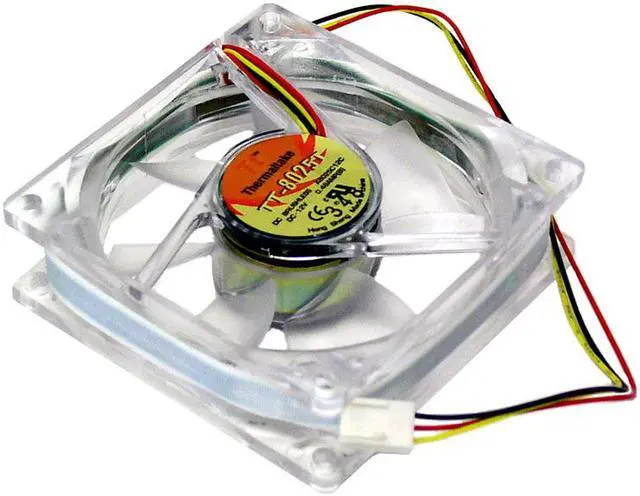
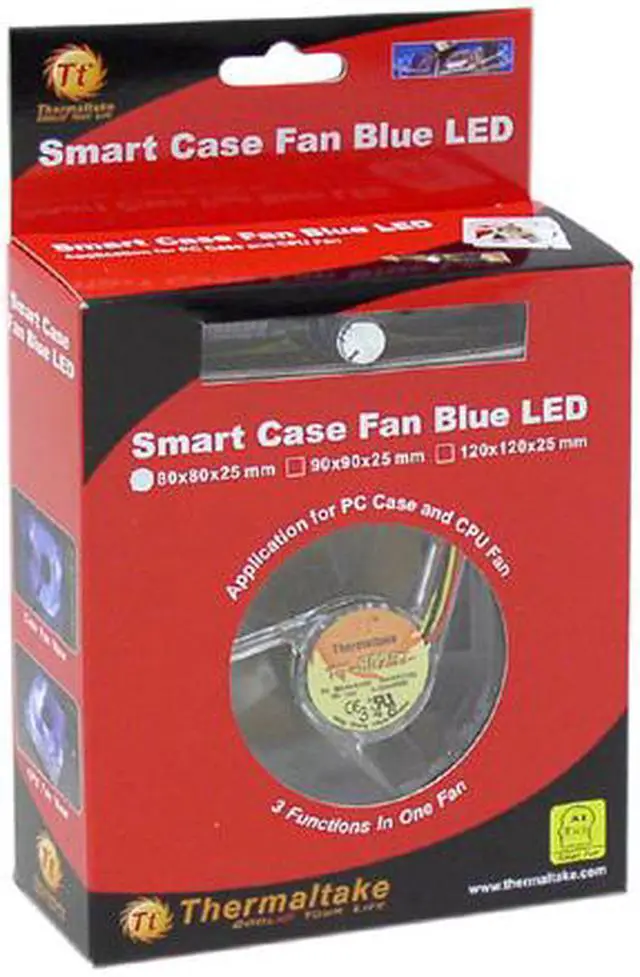
Add some color and powerful cooling to your desktop PC with the Thermaltake A2016 80mm blue LED case fan. Spinning at up to 4,800rpm, the fan can be used to pull cool air into your system or push hot air out. Either way, the result is a lower overall operating temperature with very little added noise.
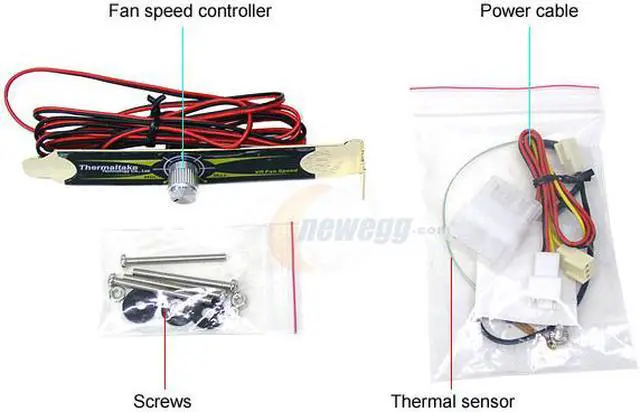
The fan's speed can be controlled three different ways. If connected to the motherboard through a standard 3-pin connection with the jumper on, it will spin at 4,800rpm. A temperature sensor can be added that’s linked to the fan's motor which will automatically control fan speed. When your system temperature is cooled to 20C, the fan spins at a slow 1,300rpm. If your PC should reach 55C, the fan speed will increase automatically to 4,800rpm. Finally, a knob control can be slid into a vacant expansion slot in your case, allowing you to manually adjust the speed with just a turn.
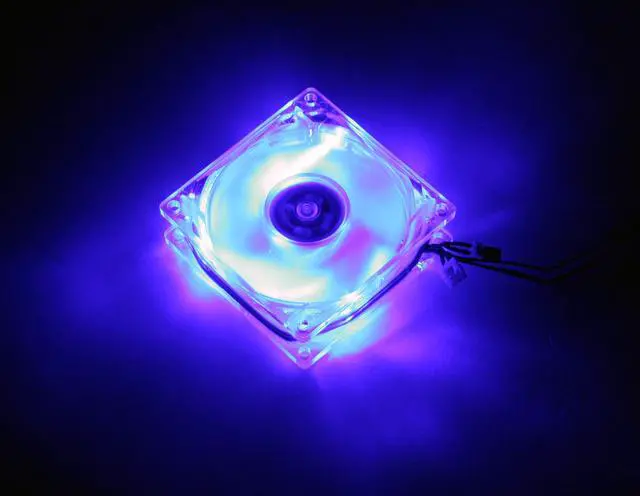
Three blue LEDs are built into the crystal-clear plastic frame of the fan adding a splash of color to your case's interior and is a perfect addition if you have a clear side panel. Simply install the fan, connect it to your motherboard's 3-pin or power supply's standard 4-pin connector via the 3-pin to 4-pin power connector and it's ready to go.
Add some color and powerful cooling to your desktop PC with the Thermaltake A2016 80mm blue LED case fan. Spinning at up to 4,800rpm, the fan can be used to pull cool air into your system or push hot air out. Either way, the result is a lower overall operating temperature with very little added noise.
The fan's speed can be controlled three different ways. If connected to the motherboard through a standard 3-pin connection with the jumper on, it will spin at 4,800rpm. A temperature sensor can be added that’s linked to the fan's motor which will automatically control fan speed. When your system temperature is cooled to 20C, the fan spins at a slow 1,300rpm. If your PC should reach 55C, the fan speed will increase automatically to 4,800rpm. Finally, a knob control can be slid into a vacant expansion slot in your case, allowing you to manually adjust the speed with just a turn.
Three blue LEDs are built into the crystal-clear plastic frame of the fan adding a splash of color to your case's interior and is a perfect addition if you have a clear side panel. Simply install the fan, connect it to your motherboard's 3-pin or power supply's standard 4-pin connector via the 3-pin to 4-pin power connector and it's ready to go.
 Adjustable Fan SpeedA bundled fan speed controller enables control of noise and fan speed for exceptional cooling and quietness.
 3 Blue Fan LEDsThree blue LEDs provide brilliant illumination while the fan is in operation for eye-catching fun.
 Dual Power ConnectorsThe Thermaltake A2016 comes with a 3-pin and a 4-pin power connector for excellent flexibility and compatibility.
 Temperature Control SensorThe smart temperature control sensor monitors temperatures for automatic fan speed adjustments.

 Holiday Shipping Details & Extended Holiday Returns



 Adjustable Fan SpeedA bundled fan speed controller enables control of noise and fan speed for exceptional cooling and quietness.
 3 Blue Fan LEDsThree blue LEDs provide brilliant illumination while the fan is in operation for eye-catching fun.
 Dual Power ConnectorsThe Thermaltake A2016 comes with a 3-pin and a 4-pin power connector for excellent flexibility and compatibility.
 Temperature Control SensorThe smart temperature control sensor monitors temperatures for automatic fan speed adjustments.