
Your Browsing History
 Holiday Shipping Details & Extended Holiday Returns



Any questions? Our AI beta will help you find out quickly.
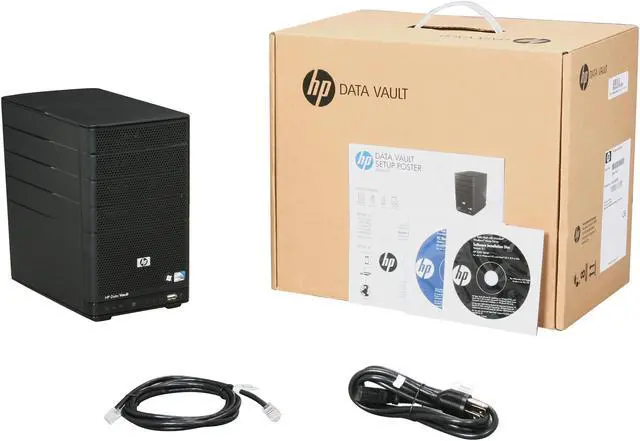
 Automated Daily Backups and Easy Computer RestoreSimply install the client software on any PC on your network, and the HP StorageWorks X300 Data Vault backs up the client every day without you having to manage the process. In case of a PC or Mac failure, getting your computer back up and running is simple and easy with included computer restore disc. Just insert the restore CD into the optical drive, restart the computer and select the image to restore.
 Protect Your Critical FilesThe HP Data Vault lets you choose which file folders are the most important. With the ease of a mouse click, you can tell the Data Vault to duplicate that folder to a second hard disk drive. If a hard disk drive was to fail, your data will still be safe on the second hard disk drive. To prevent against disasters like theft, fire & flood, you can choose to copy folders on the Data Vault to KeepVault online backup. KeepVault ensures reliable disaster recovery, copying files real time, to secure online servers.
 Restoring a FileUsers can browse Daily backups. Unlike other image backups, you can open any backup, select a single file or multiple files and copy them back to your computer. In addition, customers can integrate backups with an online backup service.
 User Access Control & User AuthenticationUsing the HP Data Vault management console you can set Read/Write, Read Only or No Access privileges for each user, to each shared folder. The HP Data Vault administrator also controls the remote access privilege for each user. Users must login and authenticate, with a password, to access the HP Data Vault shared folders or PC applications either locally or remotely.
 Local and Remote File SharingShare files on the local network easily via the Data Vault shared folders icon or through the HP Data Vault Control Panel. Create shared folders based on project, customer or whatever structure best suits your needs. The Data Vault also offers Remote File Sharing, providing for more efficient business collaboration. Securely access your Data Vault from any web browser via a custom web address that you create. You can also access and control PC's remotely using Windows 7, Windows Vista Business, Windows XP Pro and other operating systems.
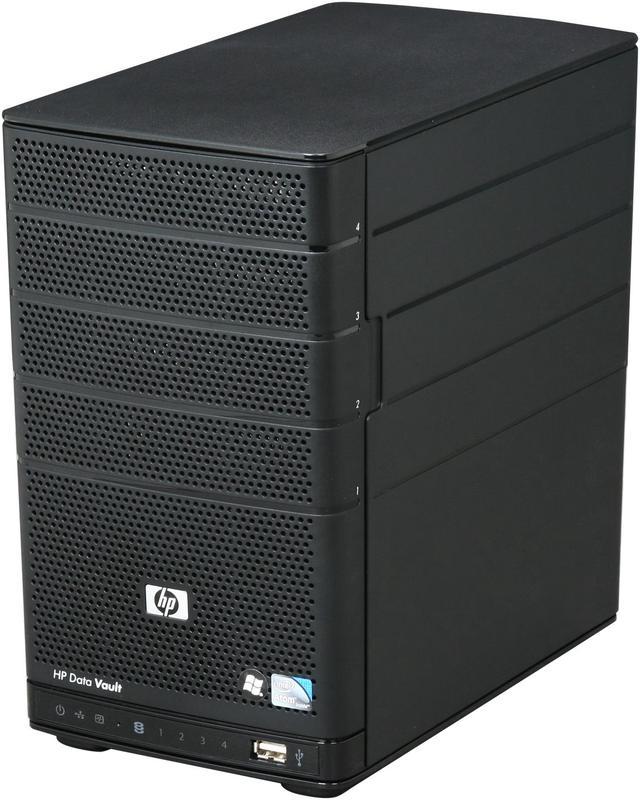
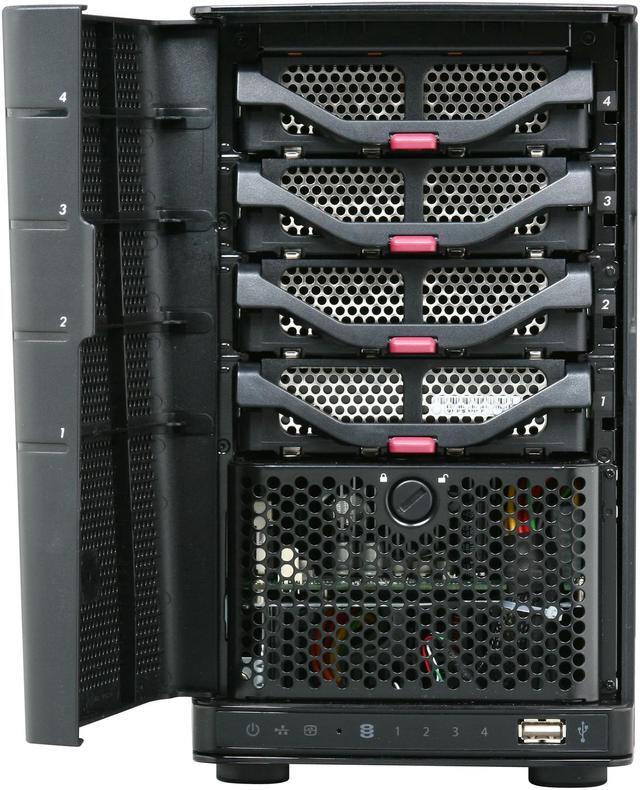
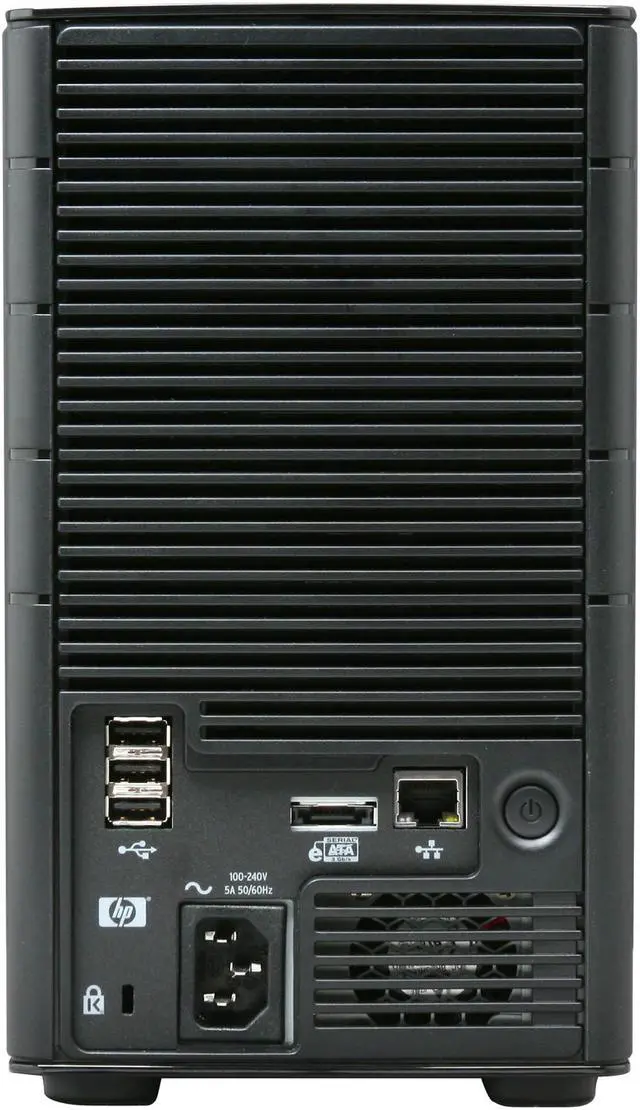
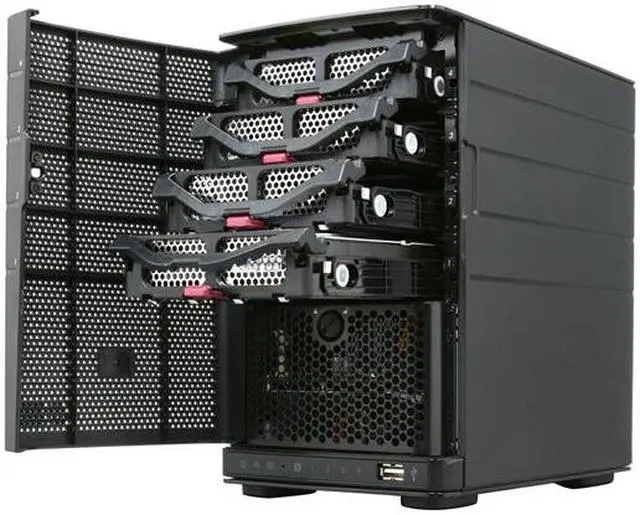
 Easily Add More StorageThe HP StorageWorks X300 Data Vault grows as your business grows with a total of 4 bays for internal storage expansion as well as USB and eSATA ports for additional external expansion (max 7 TB, 17 TB maximum with external storage options). The HP Data Vault supports hot swapping of hard disk drives which means you can add capacity without power down the device.