Skip to: |

Newegg.com - A great place to buy computers, computer parts, electronics, software, accessories, and DVDs online. With great prices, fast shipping, and top-rated customer service - once you know, you Newegg.

If you are reading this message, Please click this link to reload this page.(Do not use your browser's "Refresh" button). Please email us if you're running the latest version of your browser and you still see this message.

Newegg.com - Computer Parts, Laptops, Electronics, HDTVs, Digital Cameras and More!

  • | Wish List
  • Help
Fans & Heatsinks
Search

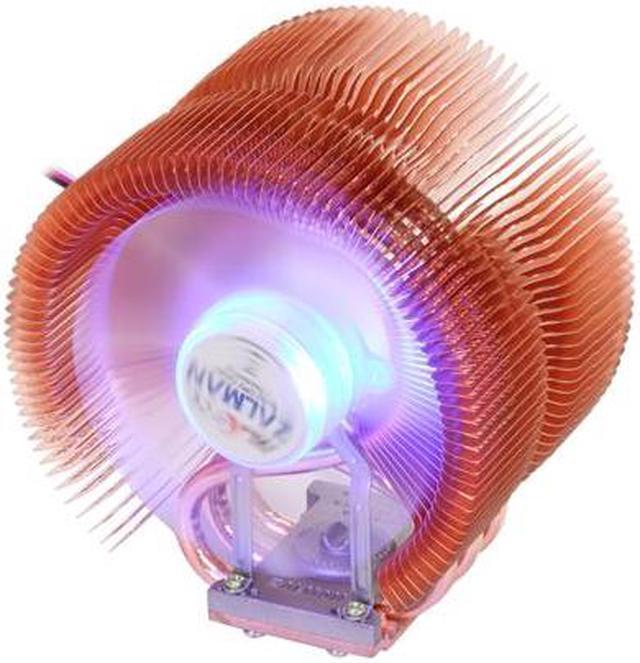
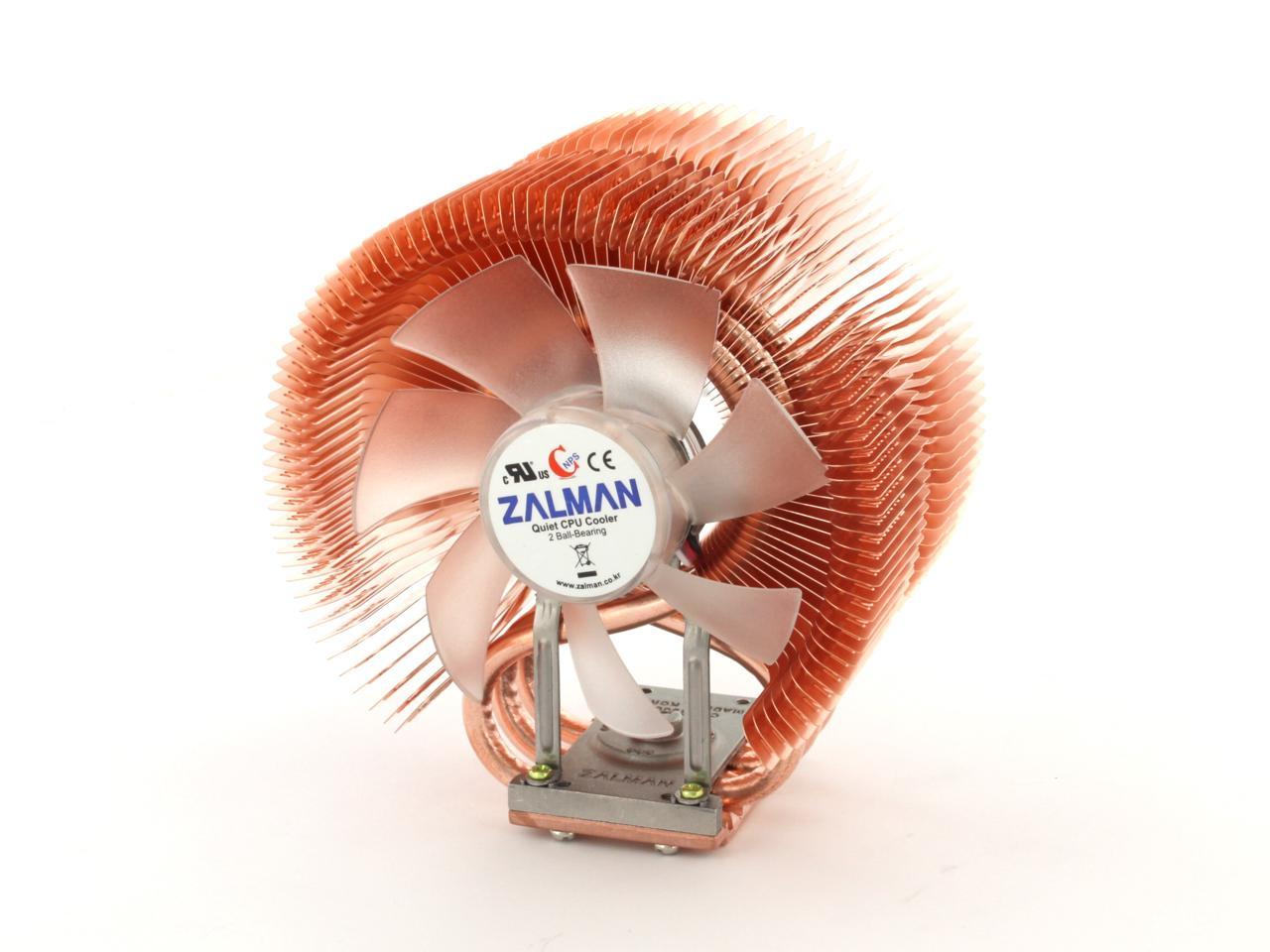
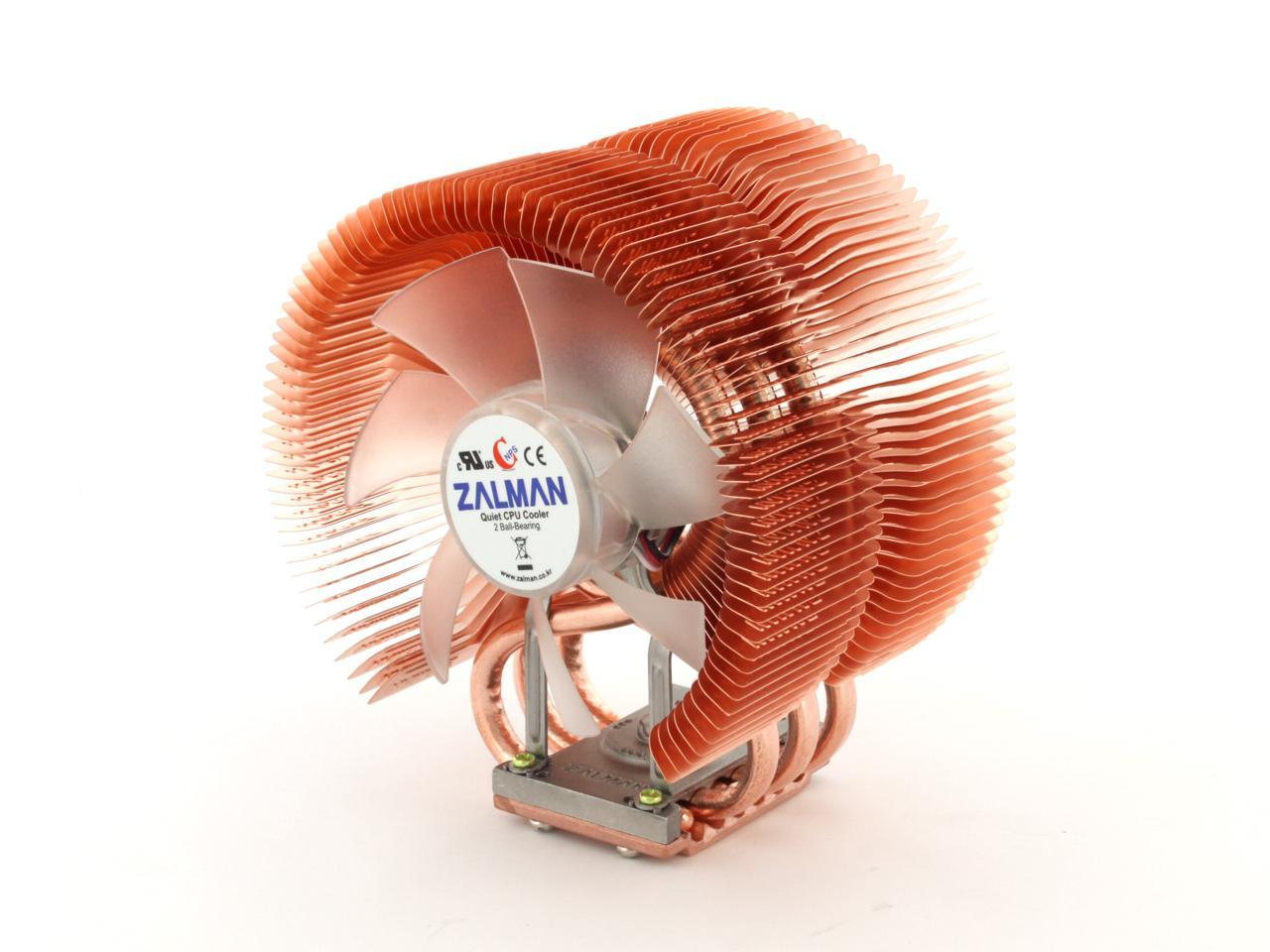
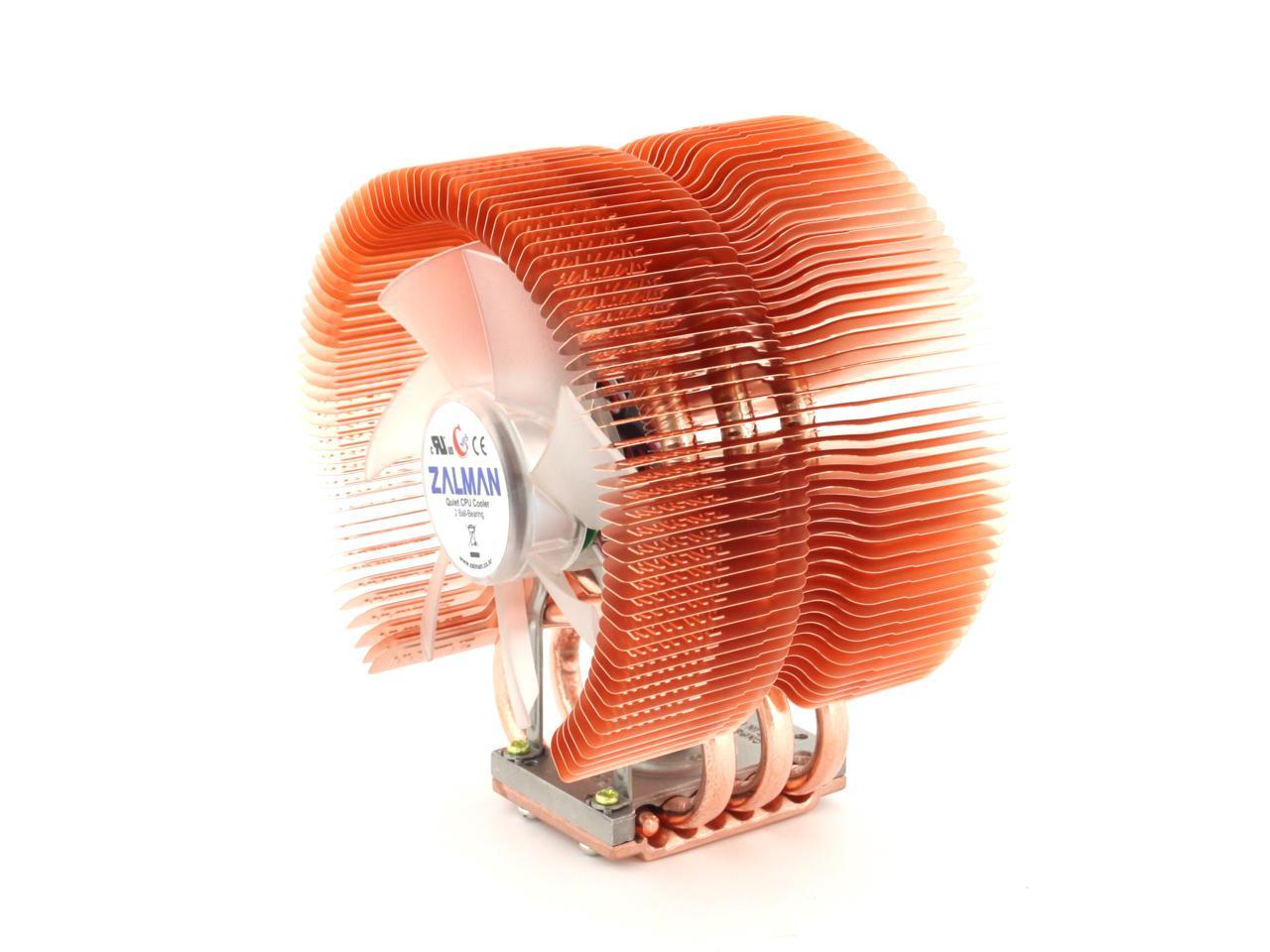
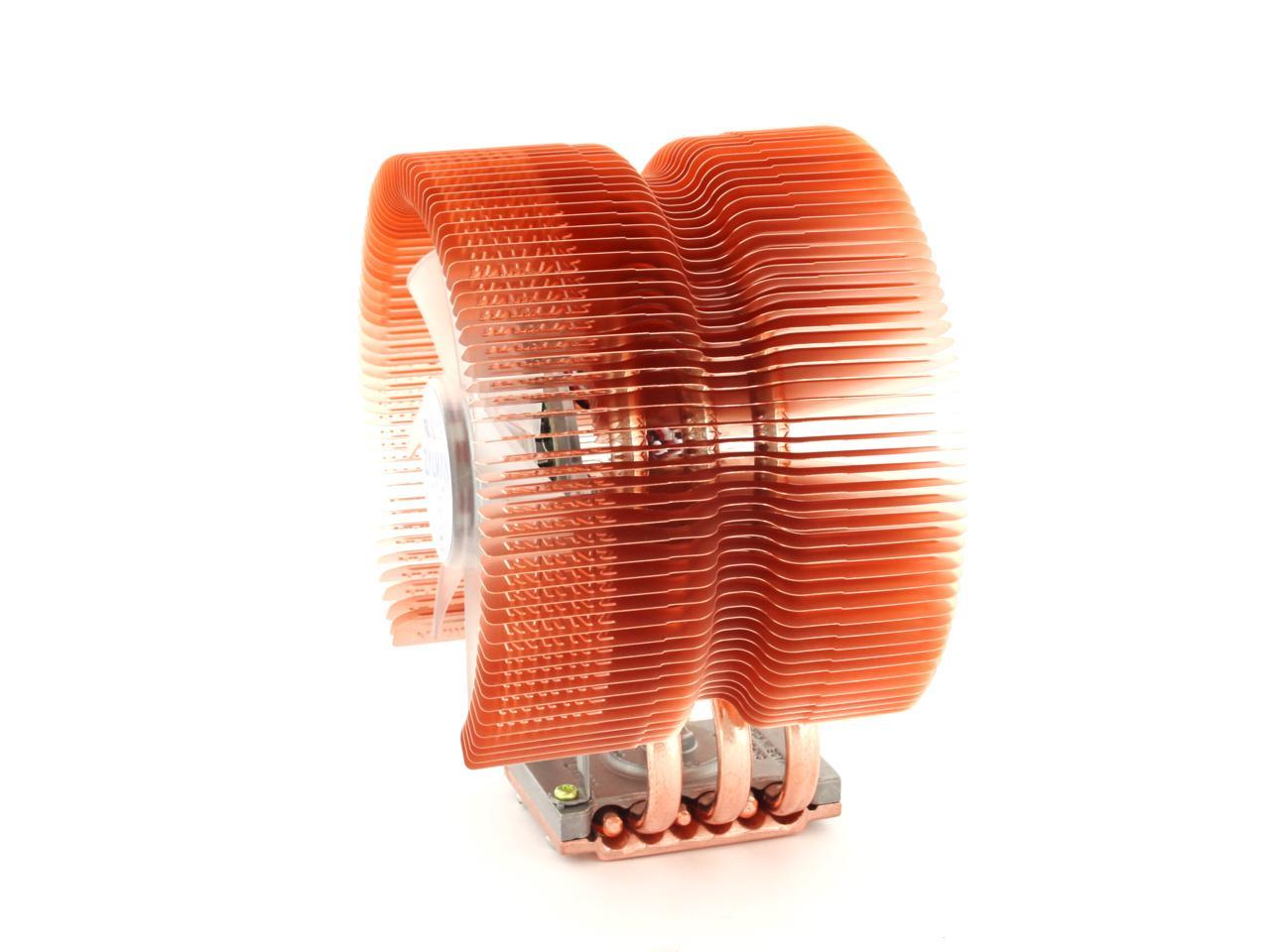
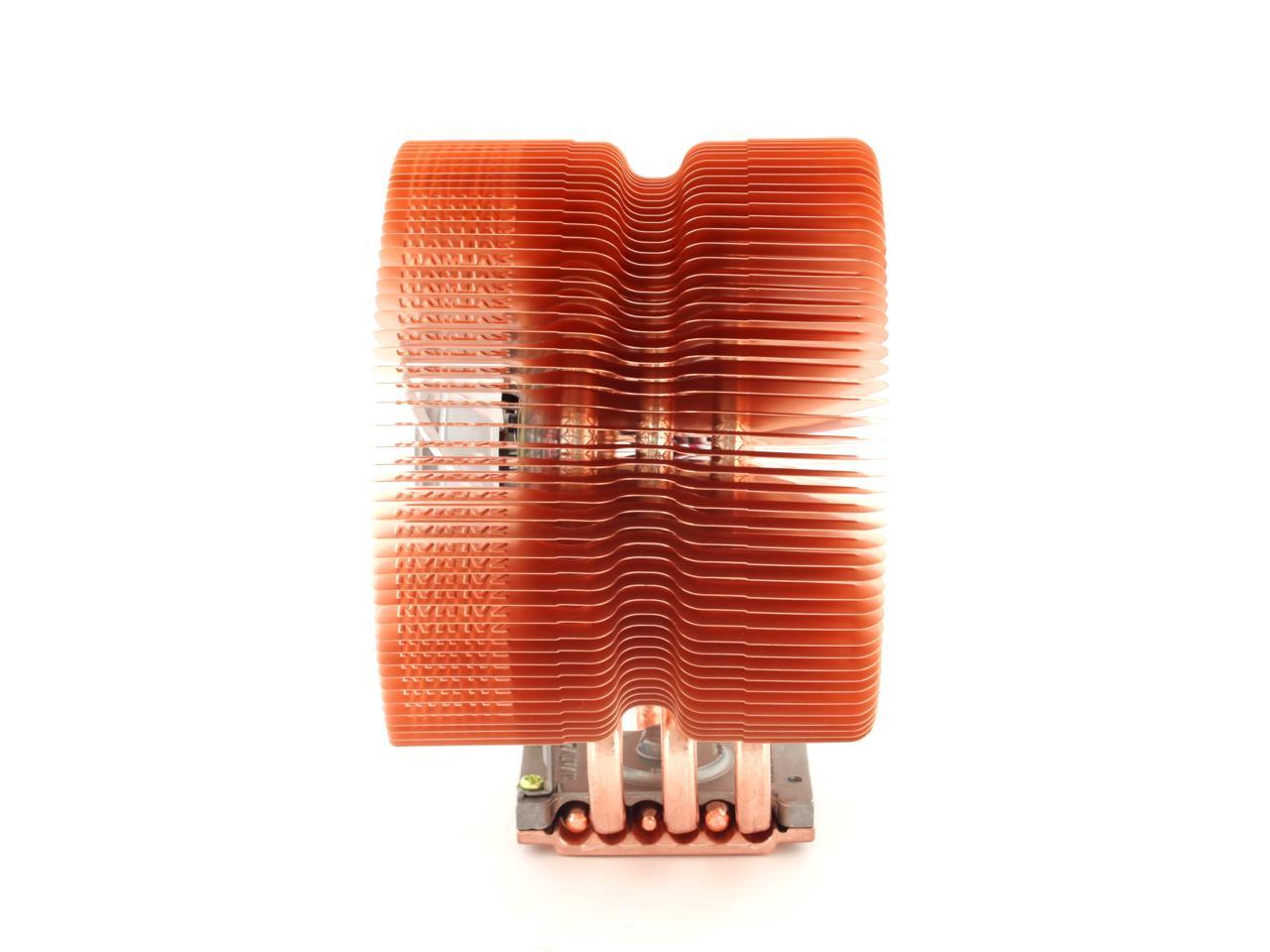
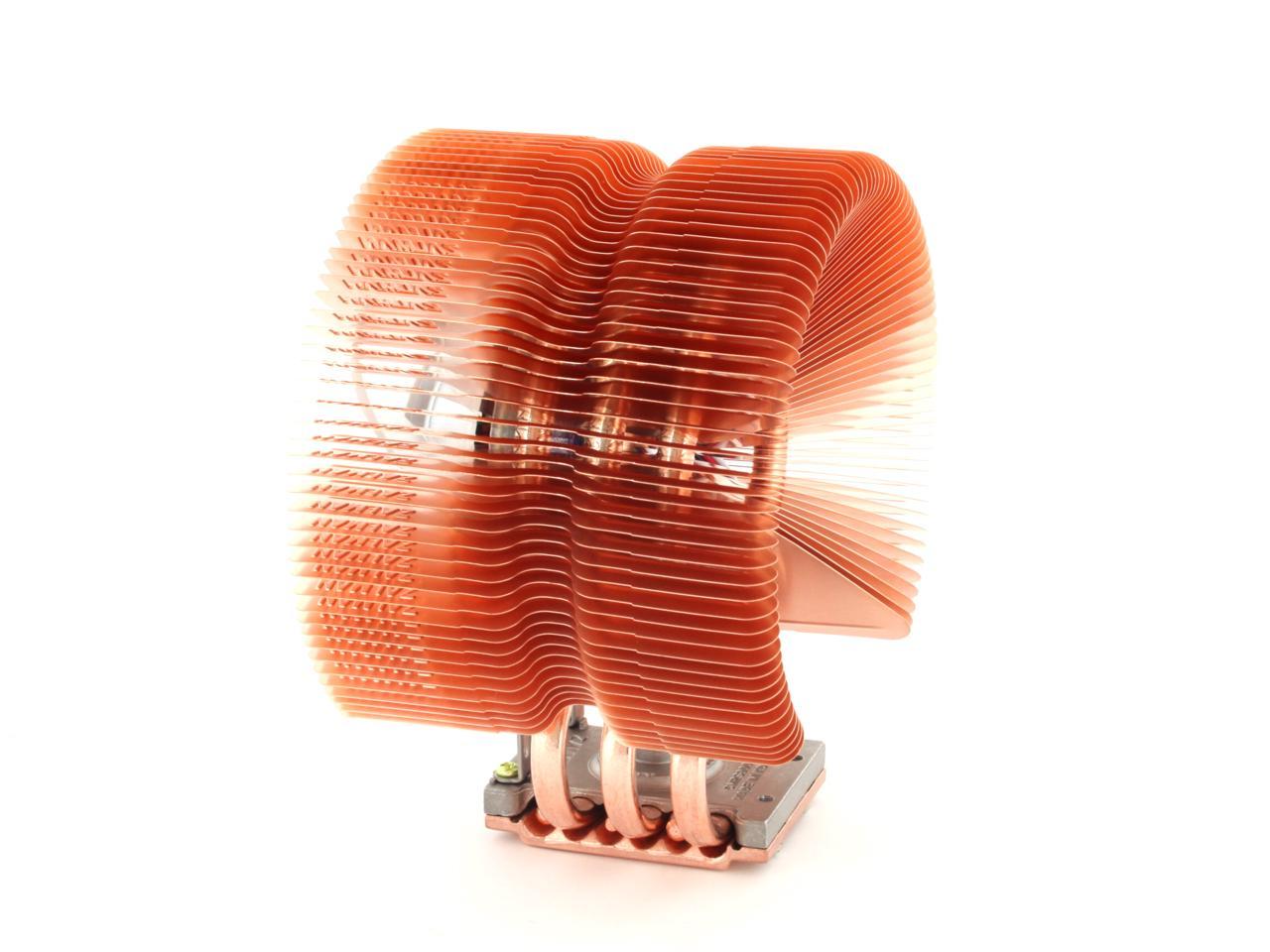
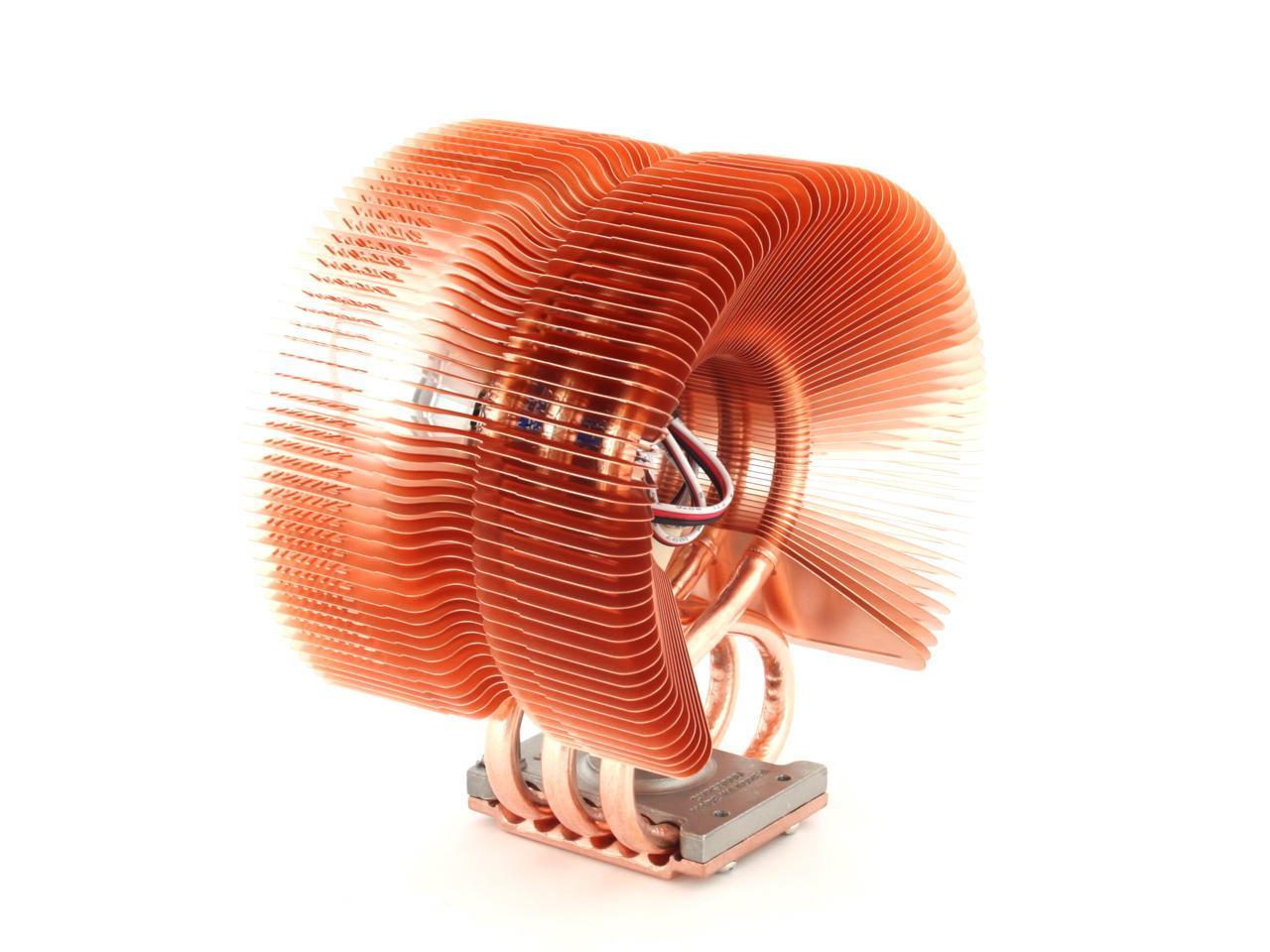
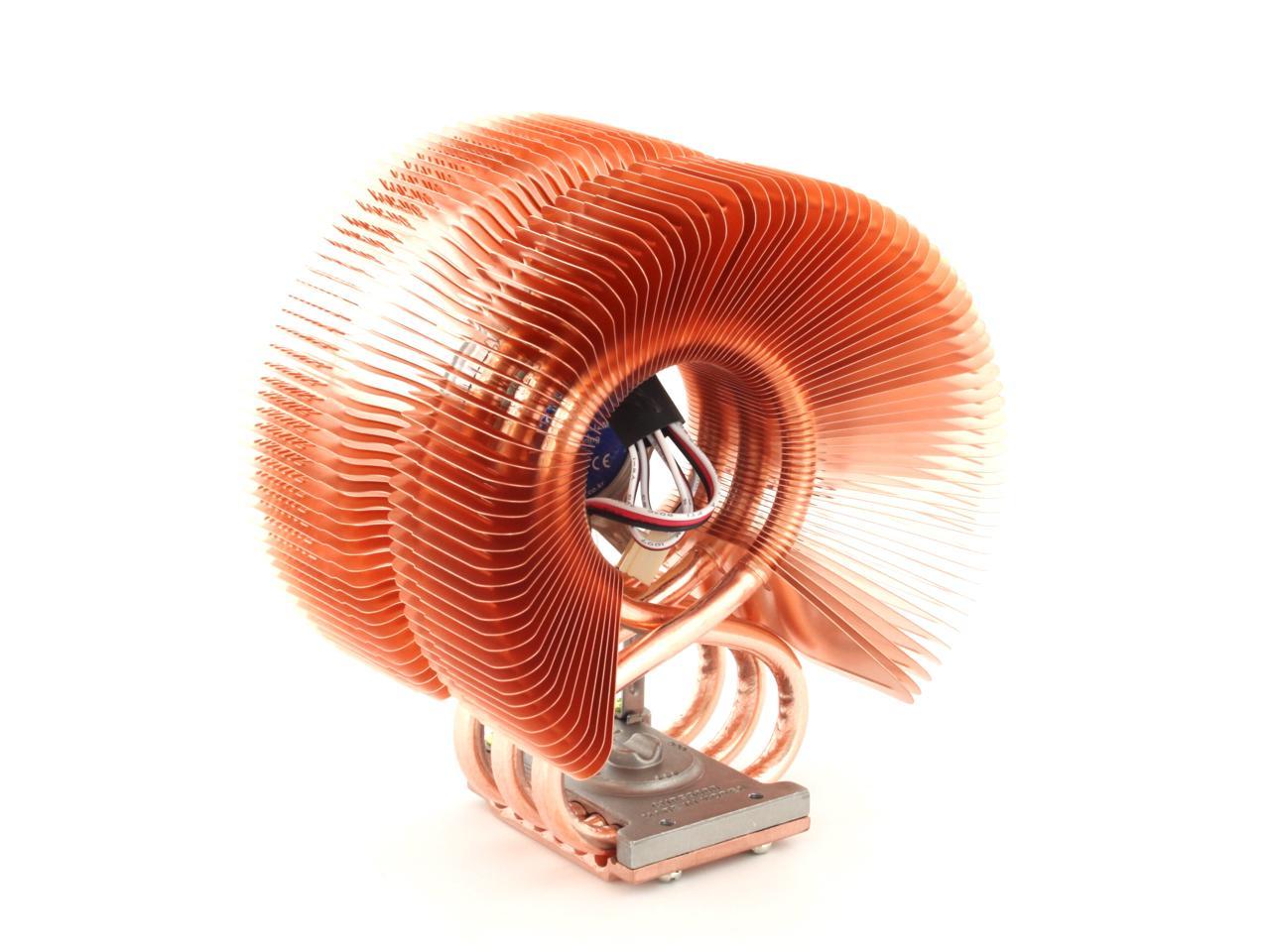
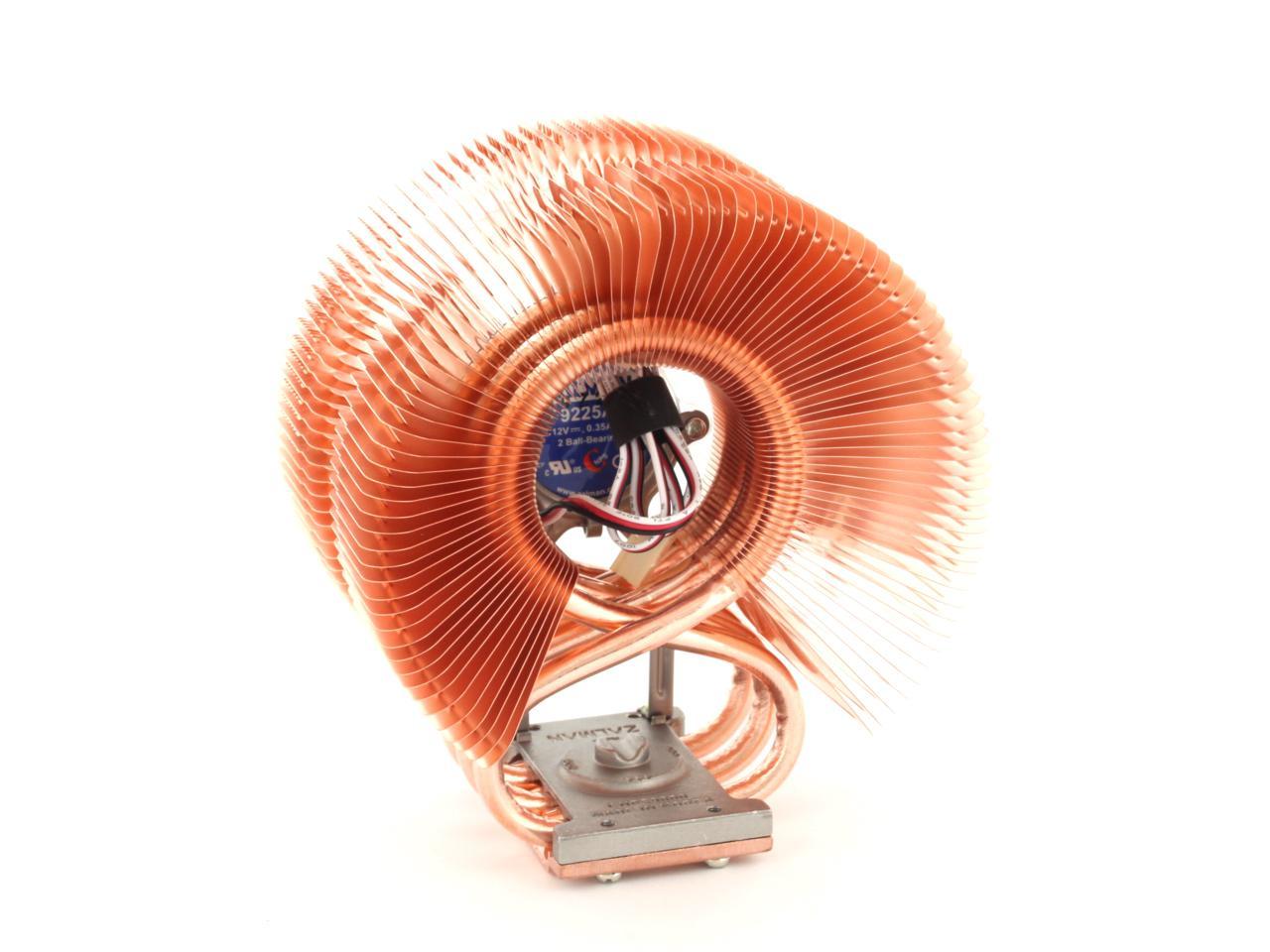
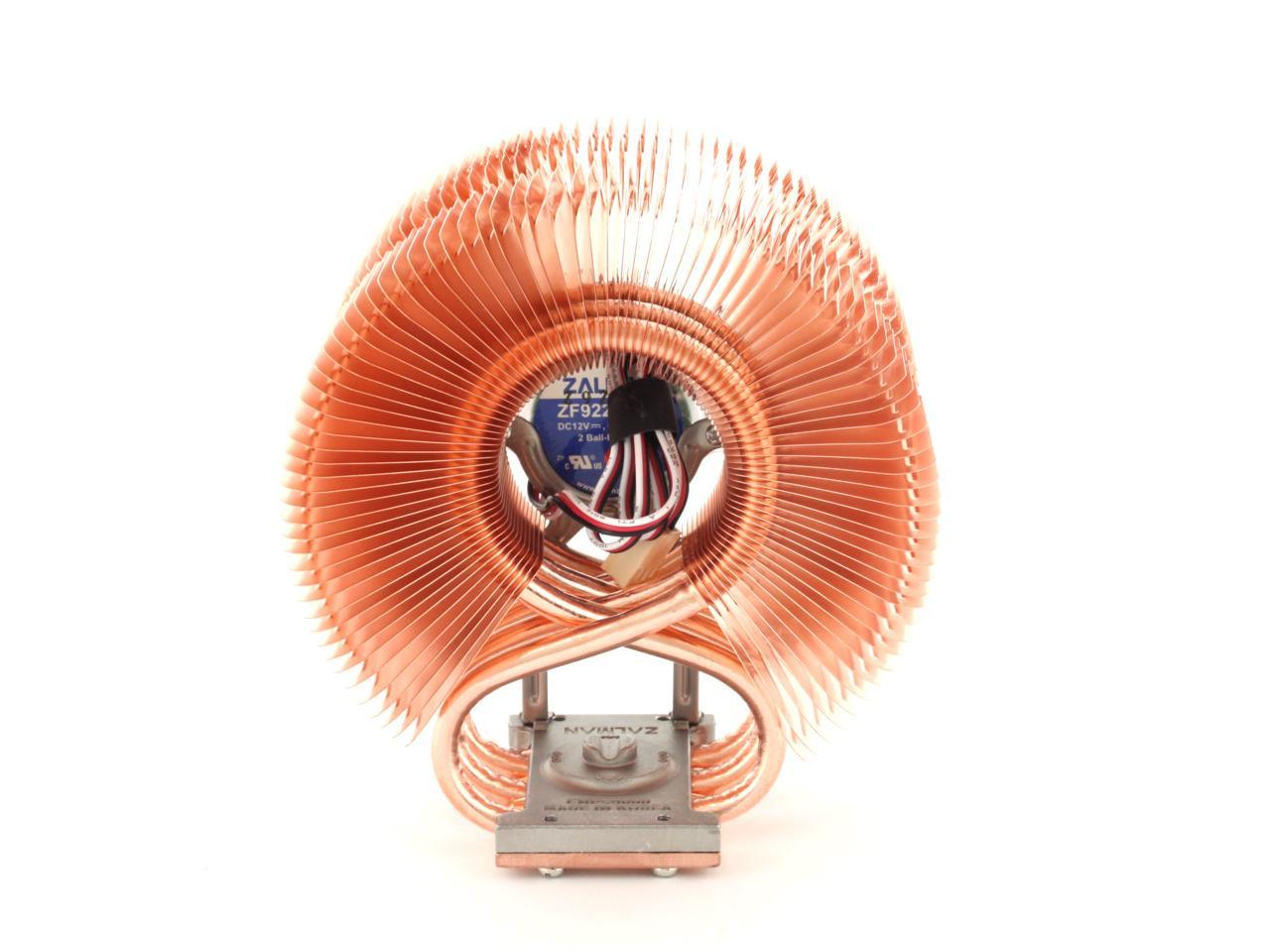
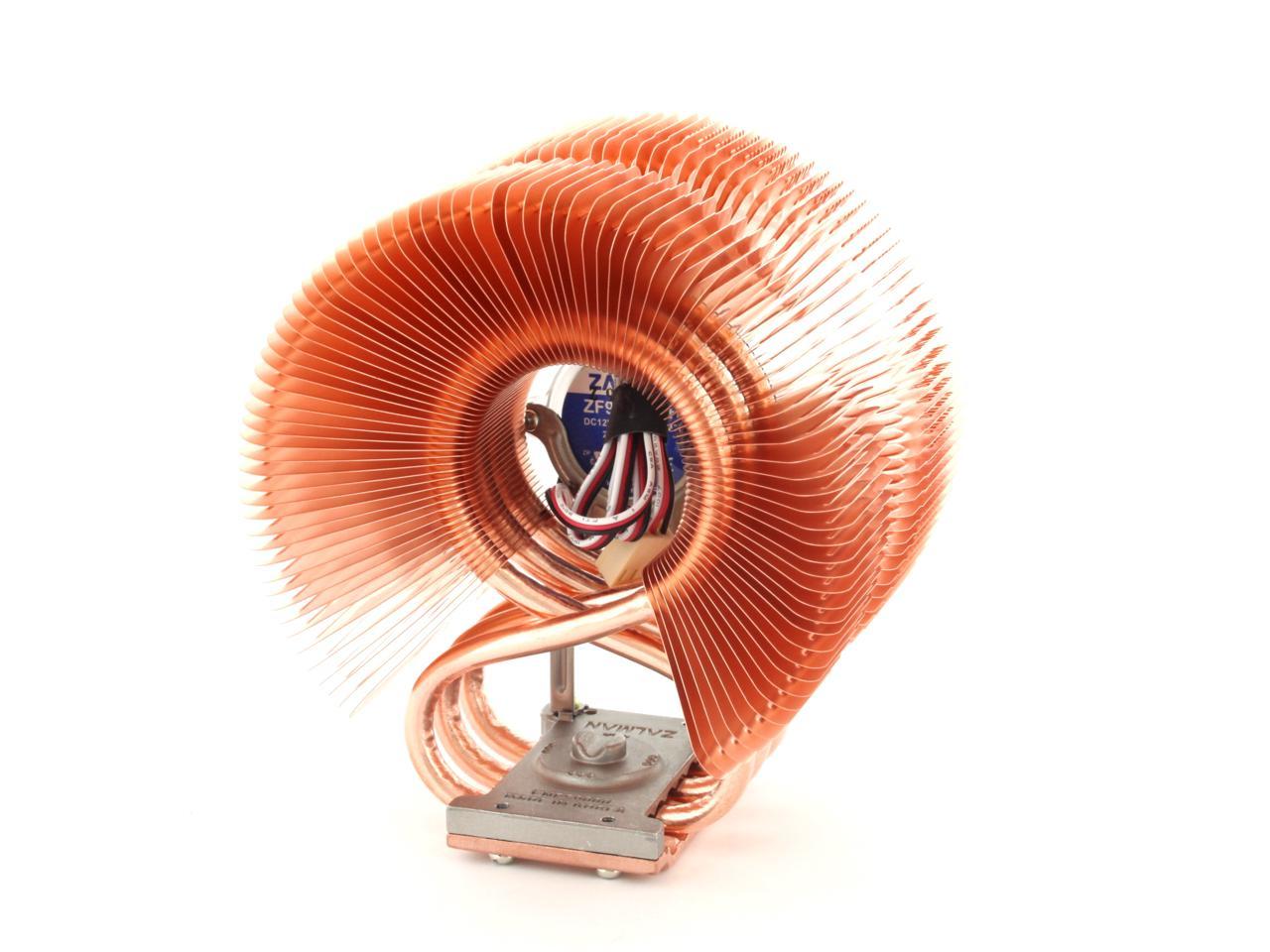
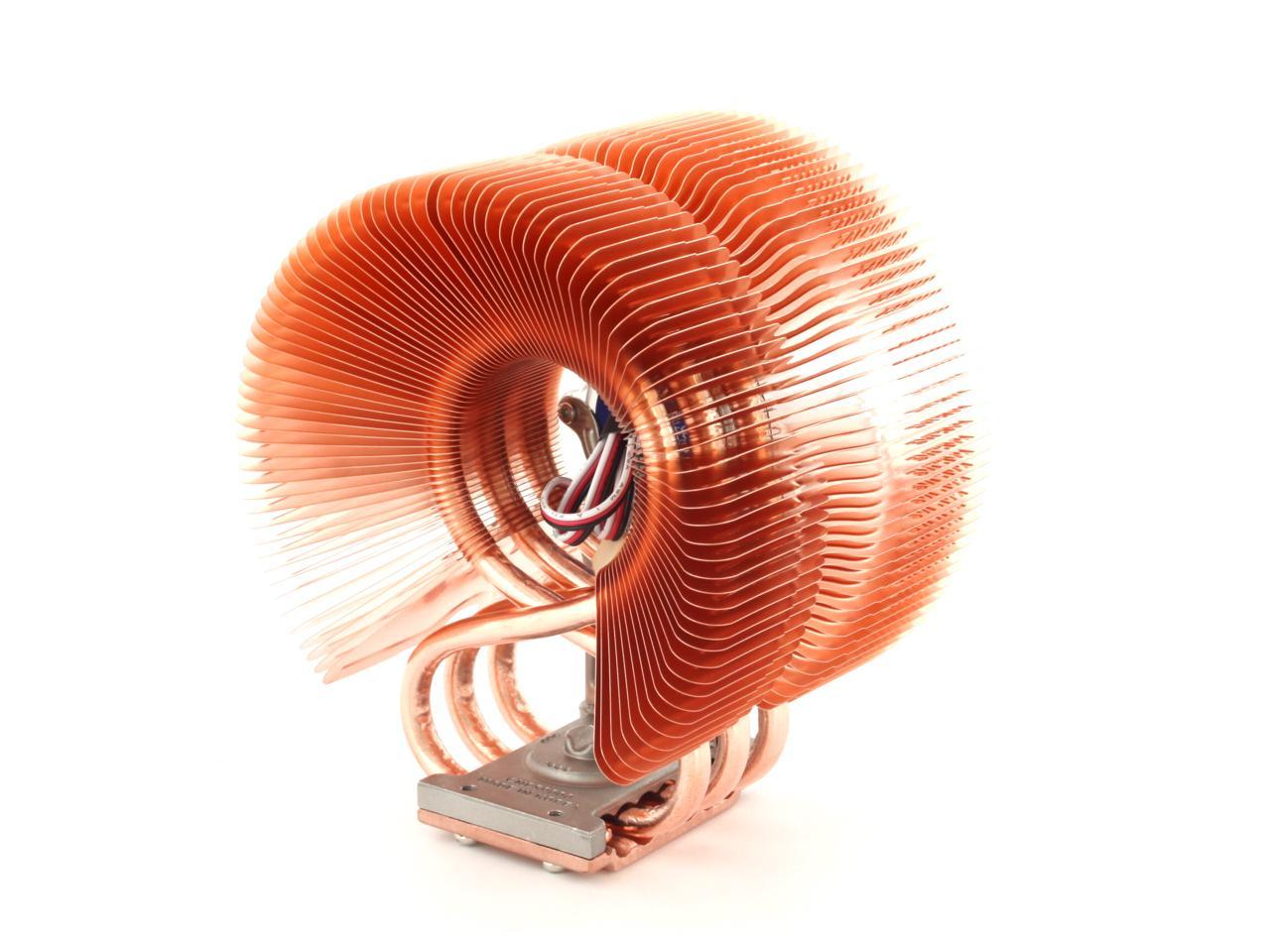
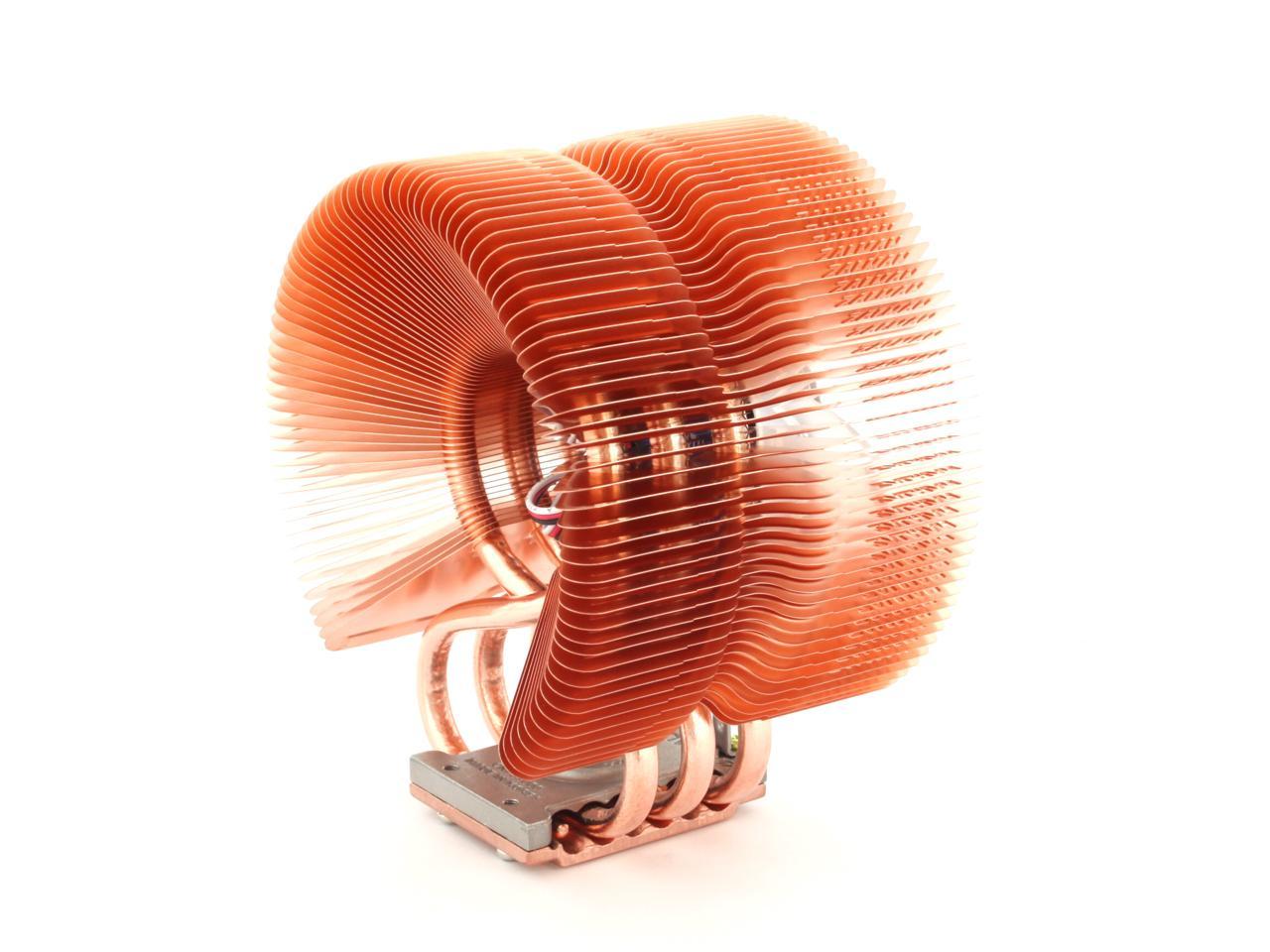
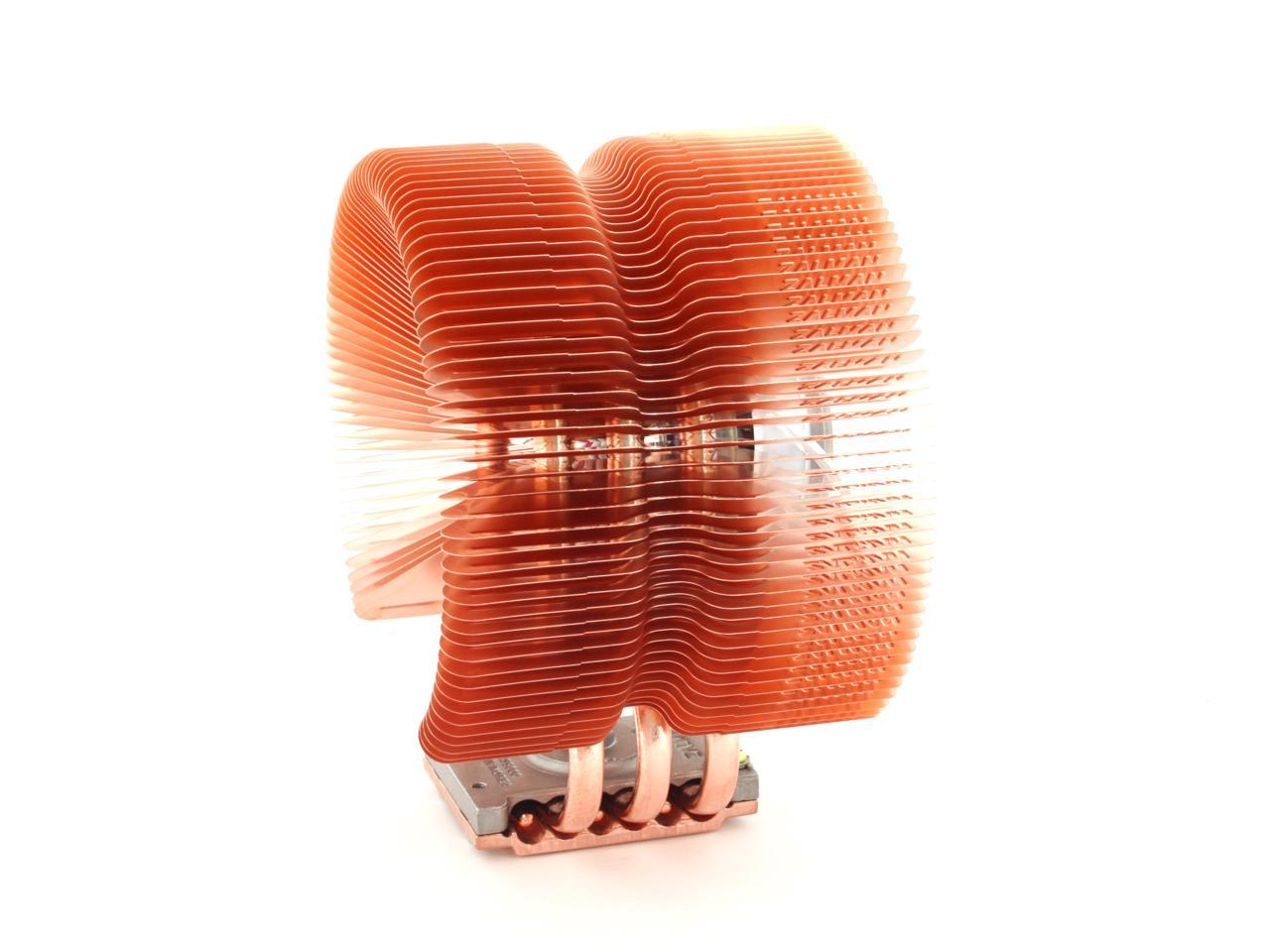
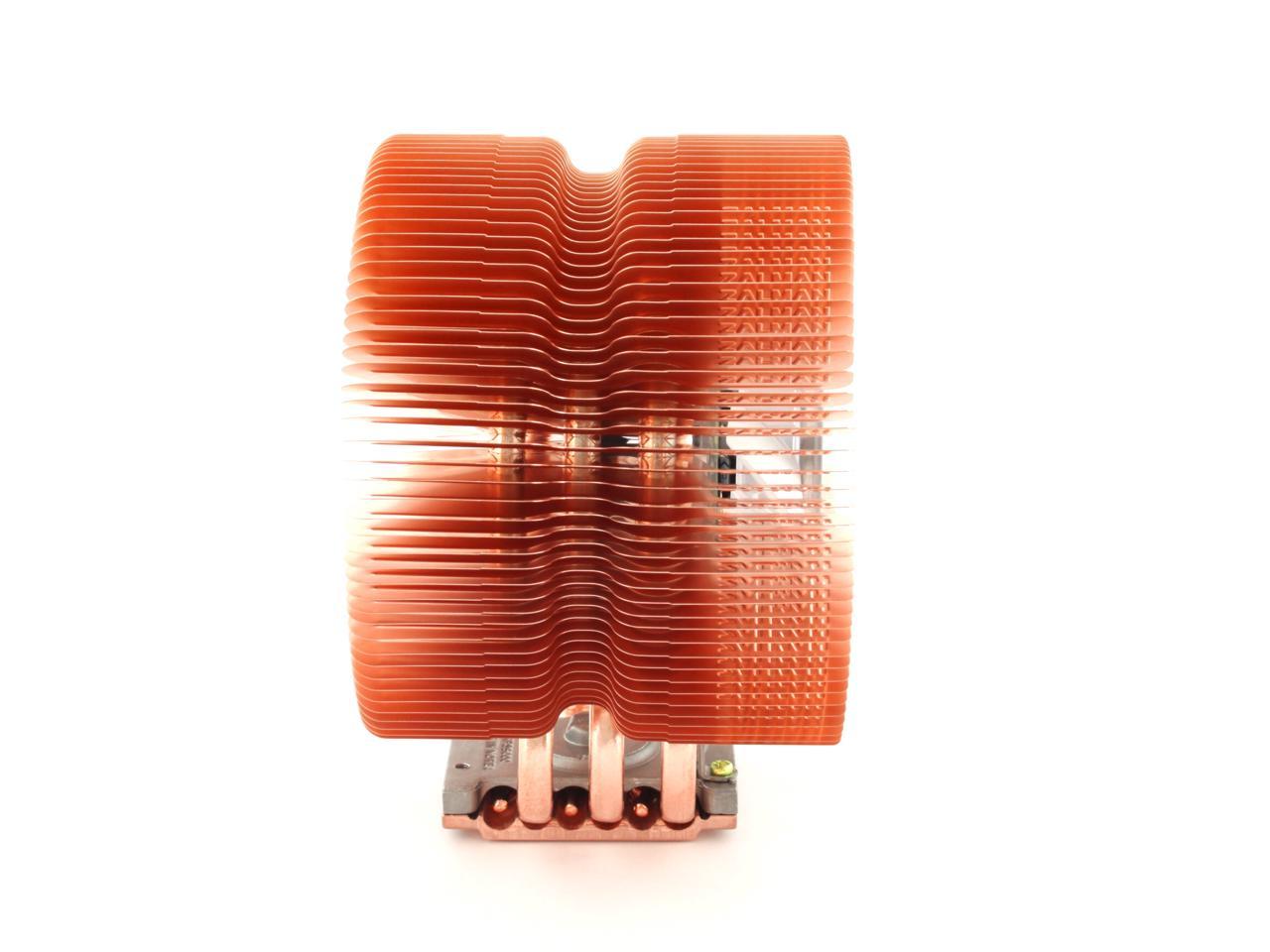
ZALMAN CNPS9500A-LED 92mm 2 Ball CPU Cooler

  • 1350 ±10% - 2600 ±10% RPM
  • 18.0 ±10% - 27.5 ±10% dBA
  • Pure Copper
  • Pin It
  • Email this page
ICON Loading...

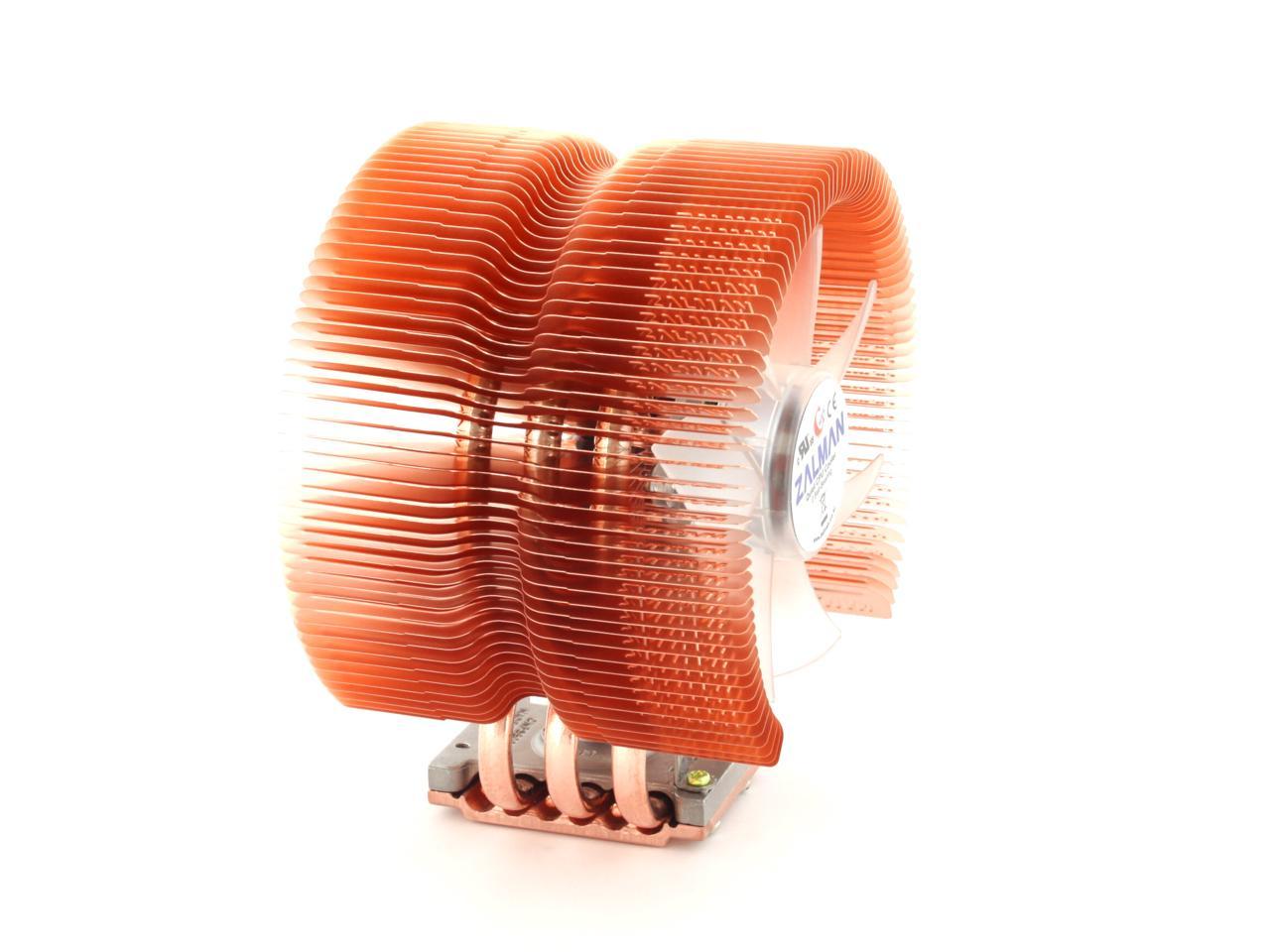
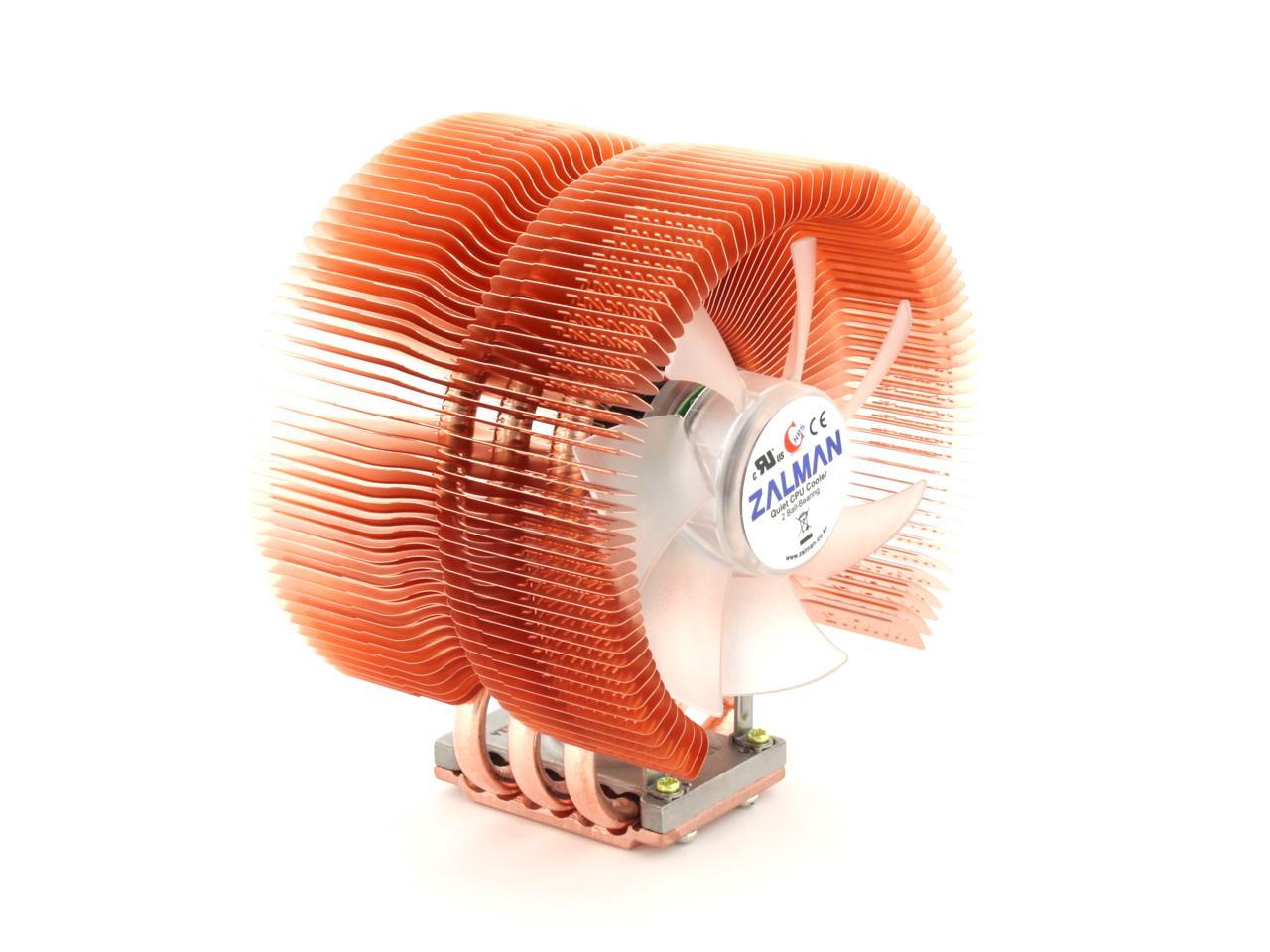
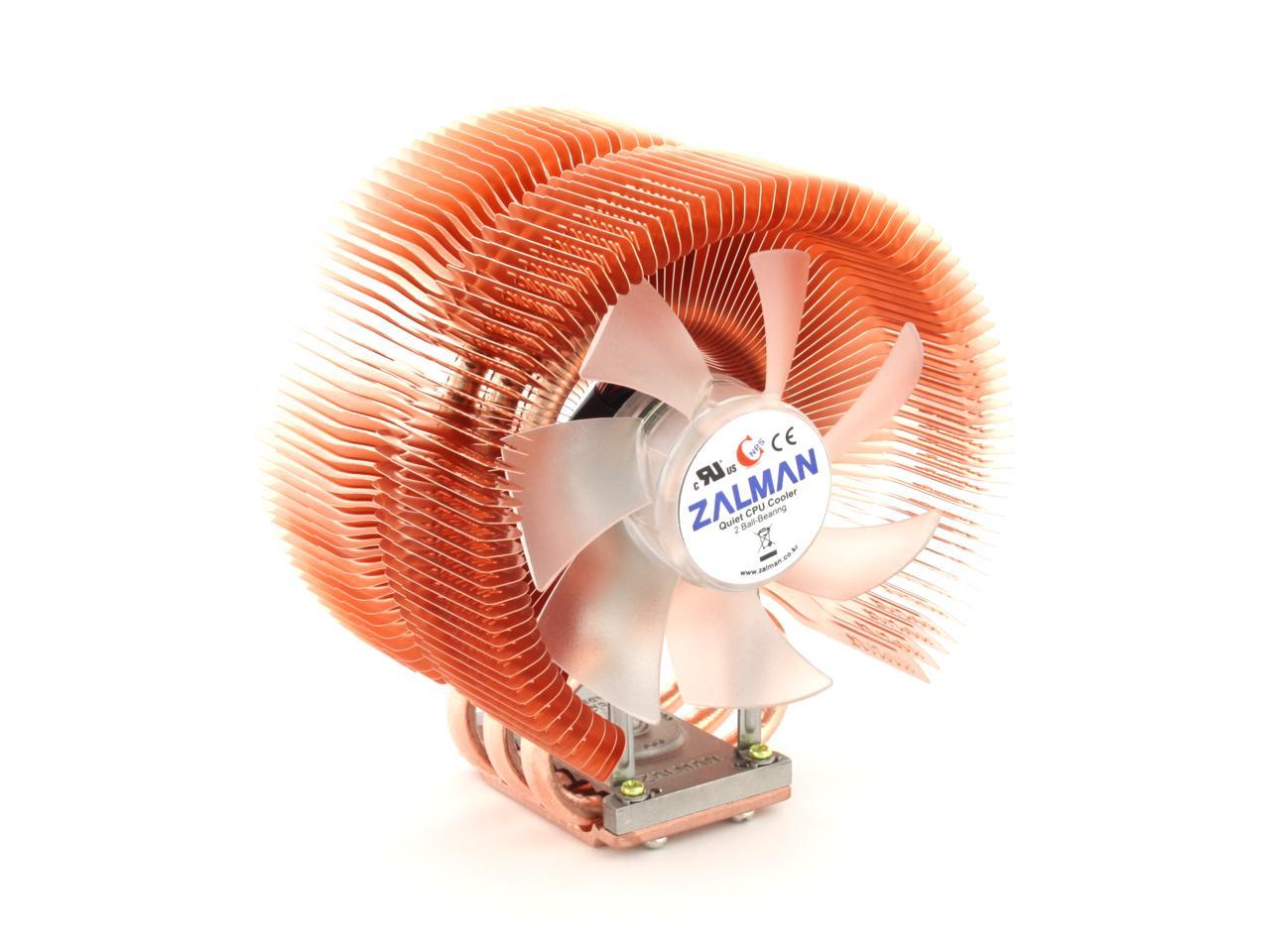
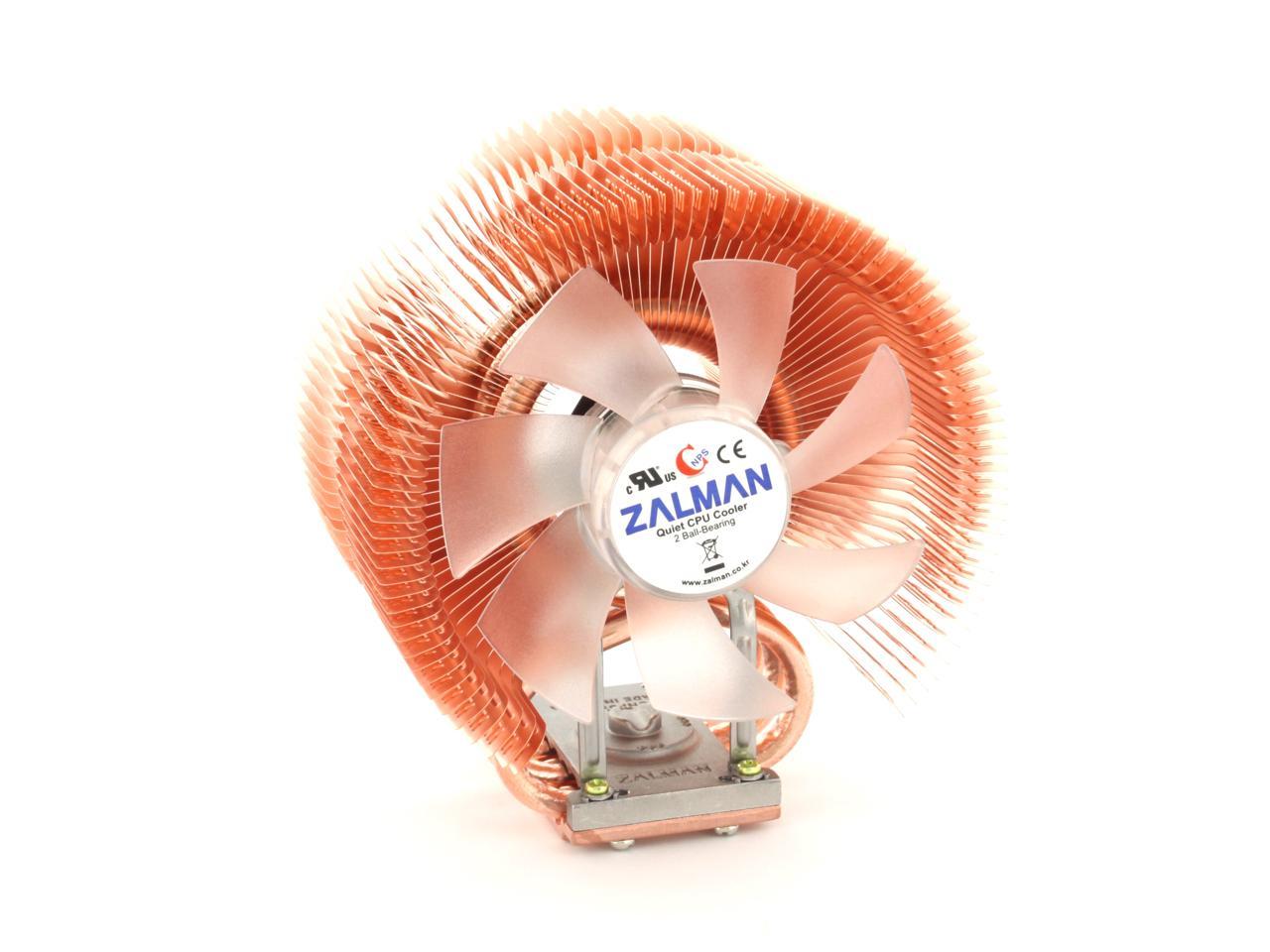
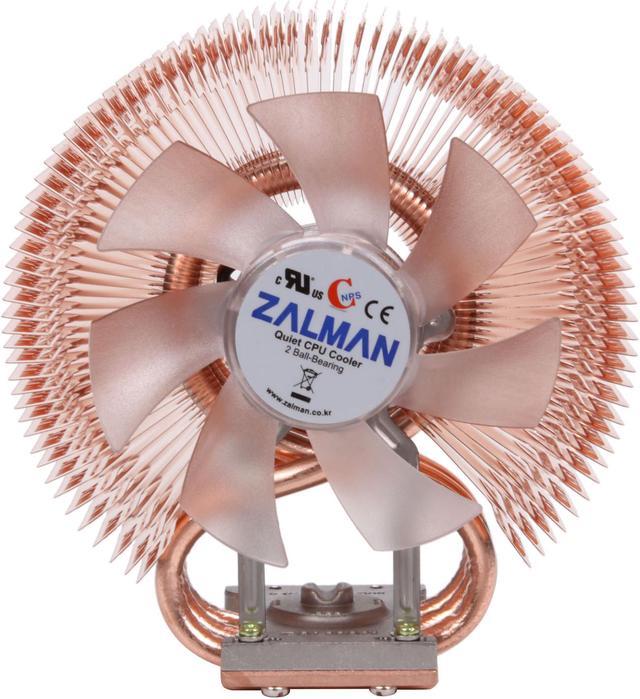
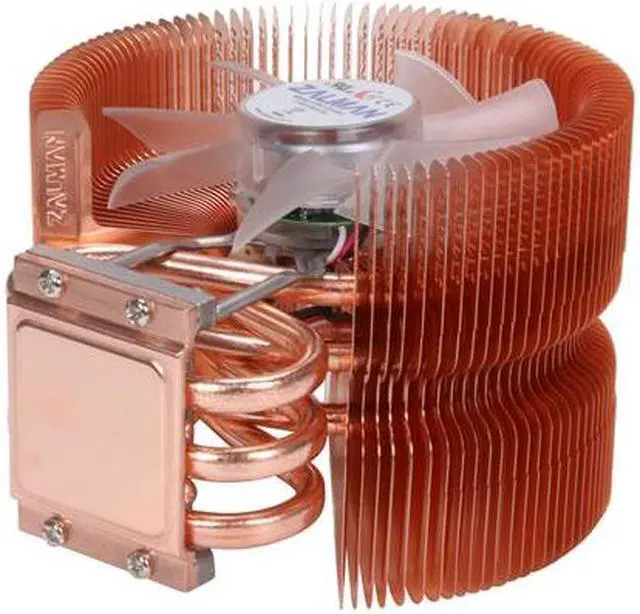
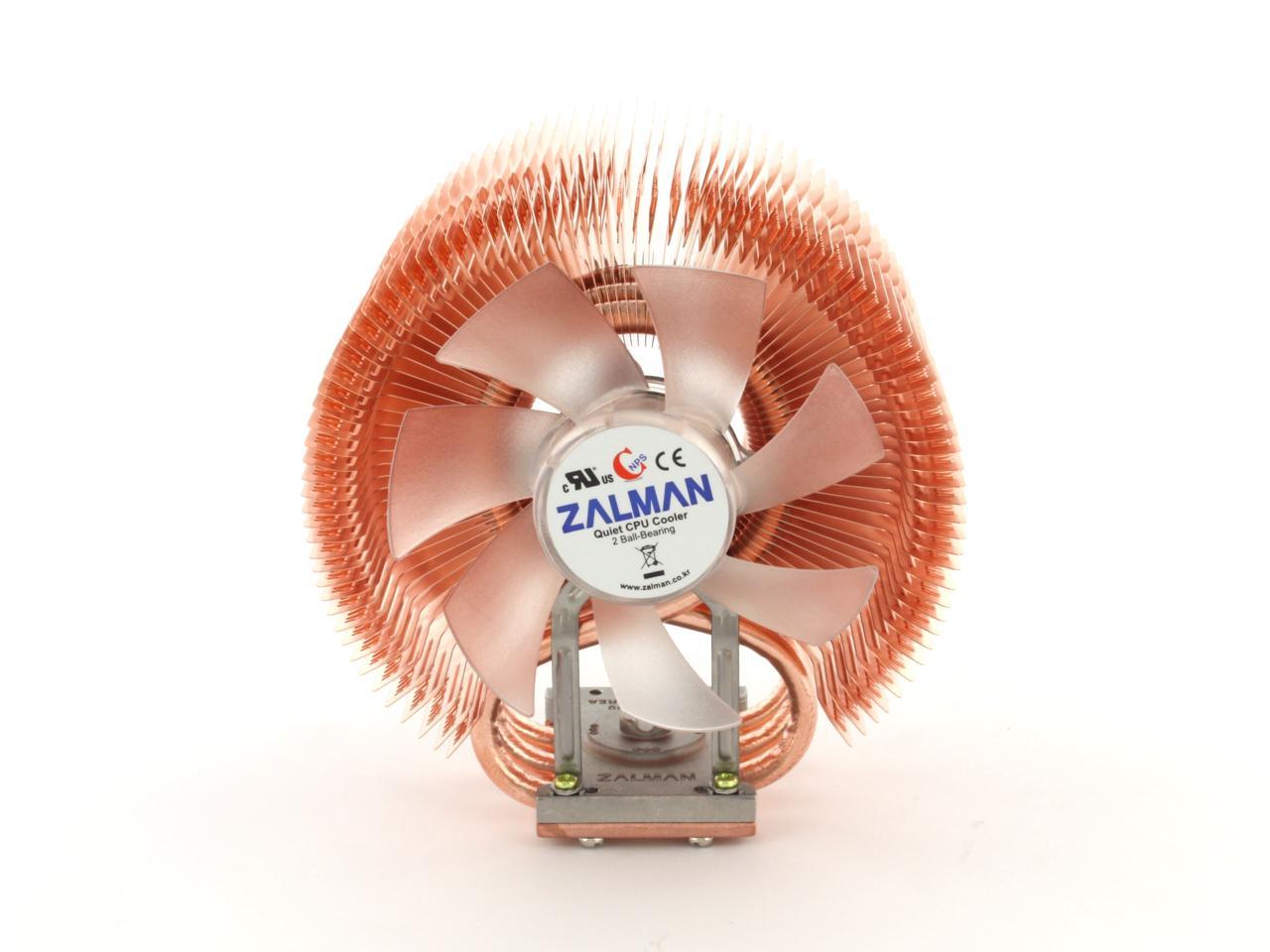
For the PC-enthusiast who wants a desktop that looks sizzling hot, yet stays remarkably cool, check out the Zalman CNP9500 LED CPU Cooler featuring a fan and heatsink! This hi-tech cooling device gives your PC mesmerizing appeal with its gleaming copper finish and an eye-catching indigo blue LED light.

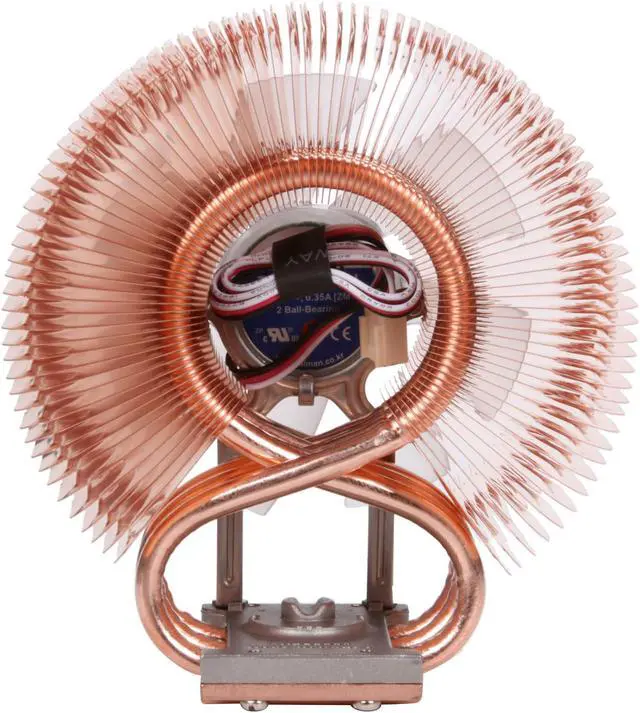
The copper heatsink saves space with an architecturally sound 3-pipe system that effortlessly whisks heat away with the help of the adjustable fan’s 92mm blades and 2 ball bearings. A FAN MATE 2 controller and cable are included with your durable Zalman CPU Cooler, allowing you to switch between an 18 dB/1350 RPM ‘Silent’ mode and a 27 dB/2600 RPM ‘Low Noise’ mode. For ultra-cool protection and aggressive styling, this device is the way to go.

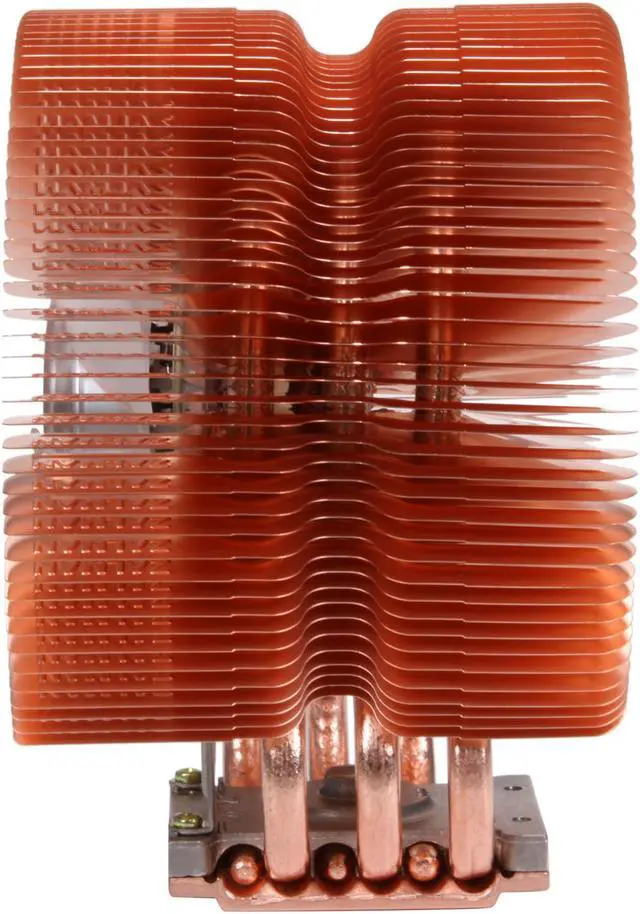
  • newegg Unique Heatpipe Design Three innovative and curved heatpipes provide a heat transfer capacity matching that of six heatpipe designs for maximum performance.
  • newegg Aerodynamically Optimized Heatsink Layout and Ultra-Slim Fins A 100% copper heatsink with an aerodynamically optimized "tunnel" design and 0.2mm ultra-slim fins maximize heatsink efficiency with minimal weight and smoother airflow for optimum cooling.
  • newegg Adjustable Fan Speed Controller The bundled adjustable fan speed controller (FAN MATE 2) enables manual fan speed adjustment ranging from 1,350rpm to 2600rpm and provides a silent mode and low-noise mode for an optimum balance between silence and performance.
  • newegg Blue LED Lighting The ultra-quiet 92mm fan features blue LEDs for eye-catching fun.
  • newegg Universal Socket Compatibility As an all-in-one solution for PC systems, the Zalman CNPS9500 LED features broad compatibility with all AMD socket AM3/AM2+/AM2/754/939/940 and Intel 775, 1155, and 1156 platforms.


Learn more about the Zalman Tech Co., Ltd CNPS9500A-LED

Model

Brand
ZALMAN
Model
CNPS9500A-LED

Spec

Type
Fan & Heatsinks
Fan Size
92mm
Compatibility
Intel: LGA 775 / LGA 1155* / LGA 1156*
AMD: Socket 754 / 939 / 940 / AM2 / AM2+ / AM3

Note: Customers that purchased coolers before the inclusion of support for socket 1155/1156, can purchase the separately sold ZM-CS5A or ZM-CS5B mounting kit for installation onto socket 1155/1156. The mounting kit ZM-CS4A can be purchased separately for installation onto socket 1366.
Bearing Type
2 Ball
RPM
1350 ±10% - 2600 ±10% RPM
Noise Level
18.0 ±10% - 27.5 ±10% dBA
Power Connector
3 Pin
LED
Blue
Heatsink Material
Pure Copper

Physical Spec

Heatsink Dimensions
85 x 112 x 125mm
Weight
530g

Package Contents

Package Contents
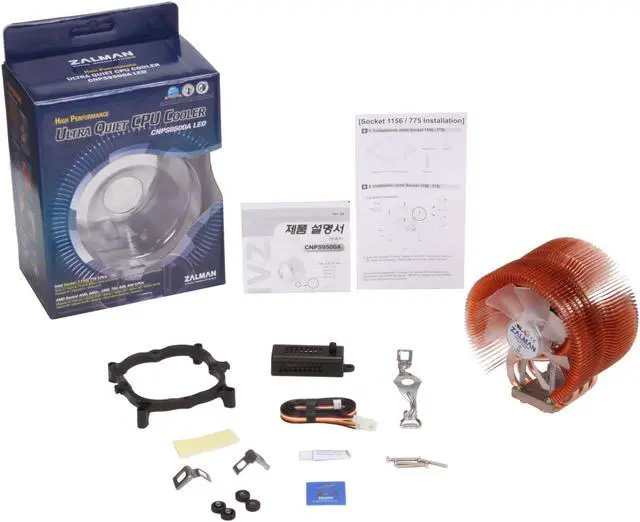
Cooling Fan with Heatsink
Fan Speed Controller
Clips
Bolts
Backplate

Manufacturer Warranty

Parts
1 year limited
Labor
1 year limited

Quick Info

Warranty

  • Limited Warranty period (parts): 1 year
  • Limited Warranty period (labor): 1 year


Customer Reviews of the Zalman Tech Co., Ltd CNPS9500A-LED

Do you own this product? Write a Review

Filter Results

Go
  • dr_eck
  • 5/24/2013 1:50:38 PM
  • Tech Level: High
  • Ownership: 1 month to 1 year
  • Verified Owner

1 out of 5 eggsFlawed Design

Pros: looks great

Cons: fan falls off bracket; fails to cool

Other Thoughts: This is a revision of my earlier review. A couple weeks after installation, I heard a clunk and discovered that the fan fell off the mounting bracket. As noted in other reviews, the idea of holding the retaining clip to the mounting bracket by screwing fine-pitch screws into plastic is just plain dumb. After the failure, I bent the clip so it wasn't pulling so hard on the screws and tried some larger diameter screws. They are holding so far. Now the only problem is that the CPU temperature is rising to 60 C, causing my programs to crash. This fan is headed for the trash.

Did you find this review helpful? Yes No

  • N/A
  • 5/22/2013 8:26:26 AM
  • Tech Level: High
  • Ownership: 1 day to 1 week
  • Verified Owner

3 out of 5 eggsMight be good for older processors

Pros: Great looks, love the all copper design and the style.

Cons: Mounted this to an FX-8350 on an AM3+ socket using an ASrock 970 Extreme3. The first problem is that the entire HSF unit can rotate on top of the CPU when using the retention clip supplied. Not good! I expected much better cooling performance with this unit, but I actually get better performance with the stock cooler. I have tried various TIM to see if that was the issue, but all resulted in the same poor performance. In the end, I think it was the combination of poor mounting hardware coupled with a processor that generates more heat than this cooler can handle under load.

Other Thoughts: This is obviously a popular cooler and many people have had success with it. For me, I think I had the wrong combination of harware for this to be of any use to me.

Did you find this review helpful? Yes No

  • mikalator
  • 5/21/2013 10:20:05 PM
  • Tech Level: Somewhat High
  • Ownership: 1 week to 1 month
  • Verified Owner

5 out of 5 eggsA Fantastic Cooler!

Pros: - Beautiful, and elegantly designed. Seems well manufactured.
- Copper construction.
- Amazing cooling! 15-18c reductions in CPU Temps over stock cooler, under load, at slowest fan speed.
- Clears RAM slots, and other components.
- Can be mounted in proper horizontal orientation on AM3+ board.

Cons: - A bit hard to install
- No PWM support. Somewhat mitigated by the fact the cooler is so good, it gets left on the lowest speed all the time.
- Poor manual/instructions.

Other Thoughts: Installed on AM3+ Asus board, with AMD 6300 CPU.

As mentioned, a bit fiddly to install on this smaller board, but clears all other components, and once in offers fantastic performance.

They obviously take great care in their design and manufacturing process, and it shows in the product performance.

Despite the Cons, this cooler works so well, and is so well designed and built, that I had to give it 5 eggs, anyway. Well done Zalman, would buy again.

Did you find this review helpful? Yes No

  • horas1
  • 5/14/2013 2:58:08 PM
  • Tech Level: High
  • Ownership: 1 month to 1 year
  • Verified Owner

5 out of 5 eggsnot the biggest but maybe the best

Pros: put in a 3570k Intel chip. With an MSI Thunderbolt add 16 1600 RAM, stir and you have a great set up except the stock heat sink runs in a hard game 150 F. Replace heat sink with this and the highest under the greatest possible load and a room temperature in the 80,s 113 F. It is very easy to install because it is smaller than the biggest model.
The amount of noise can be controlled at low which is most of the time not sure computer is on at high some fan noise but playing a game its not that it can't be heard,

Cons: none

Other Thoughts: You need huge heat sink to get great results, not so. This is not very big has a nice little lite. It is not that expensive for what you get at all in fact it is cheap for what you get. Much easier to install than years ago so don't panic.

Did you find this review helpful? Yes No

  • N/A
  • 5/8/2013 6:54:34 PM
  • Tech Level: High
  • Ownership: 1 month to 1 year
  • Verified Owner

5 out of 5 eggsRuns great!

Pros: quiet, cool, runs forever.

Cons: none so far

Did you find this review helpful? Yes No

  • Rayman
  • 5/6/2013 12:10:14 PM
  • Tech Level: Somewhat High
  • Ownership: 1 day to 1 week
  • Verified Owner

1 out of 5 eggsWaste of money

Pros: For 1155 socket - none

Cons: As another reviewer stated, the supplied screws that attach the retaining clip to the bracket are way too short. They're also tapered, so they simply will not grab enough threads to secure the clip adequately and the screws pops out from the clip tension. Tried for an hour to get the screws to go in. All I got were stripped screws, smeared thermal paste and a headache. This thing is getting RMA'd.

If you're looking for a cooling solution for your 1155, I suggest you look elsewhere.

Other Thoughts: Sure, people could go buy replacement screws, but they shouldn't have to. And the threads inside the bracket may get stripped as well after fighting with the inadequate supplied screws.

Manufacturer Response:

Dear valued customer,

We sincerely apologize for the issue. Please contact our customer service e-mail support.usa@zalmanusa.com or via toll free number 1-888-925-6266 for further assistance.

Thank you.

Best regards,

Zalman USA Customer Service

0 out of 1 people found this review helpful. Did you? Yes No

  • N/A
  • 5/1/2013 1:52:10 PM
  • Tech Level: Somewhat High
  • Ownership: 1 week to 1 month
  • Verified Owner

5 out of 5 eggsrunning cool

Pros: this cpu cooler is easy to install and definitely works. and the subtle blue glow of the fan inside the copper fins looks awesome and happens to match my blue and orange theme very well. id put it on any air cooled build. its a lot easier to clean than a stock style cooler too since the fins are all right there and exposed.

Cons: fins are sharp be careful!

Did you find this review helpful? Yes No

  • dr_eck
  • 4/27/2013 9:20:22 AM
  • Tech Level: Somewhat High
  • Ownership: 1 month to 1 year
  • Verified Owner

3 out of 5 eggsOK but not great

Pros: cools well; well built

Cons: not quiet without speed control

Other Thoughts: The kit includes a speed control, but I did not install it. I use my computer for heavy duty number crunching, so it can run for days at 100% load. To keep it cool at that load takes everything this cooler has, so I left off the speed control. In this configuration, the fan is rather noisy.

0 out of 1 people found this review helpful. Did you? Yes No

  • N/A
  • 4/26/2013 10:42:28 PM
  • Tech Level: Average
  • Ownership: less than 1 day
  • Verified Owner

1 out of 5 eggsAbsolute garbage

Pros: None

Cons: Intel 1155 - Mounting screws are too short. There is absolutely no way they will seat with the clip in place, and I'm not going to destroy my motherboard trying.

Manufacturer Response:

Dear valued customer,

We sincerely apologize for the issue. Please contact our customer service e-mail support.usa@zalmanusa.com or via toll free number 1-888-925-6266 for further assistance.

Thank you.

Best regards,

Zalman USA Customer Service

0 out of 1 people found this review helpful. Did you? Yes No

  • SVTVenom
  • 4/22/2013 7:24:44 AM
  • Tech Level: Average
  • Ownership: 1 day to 1 week
  • Verified Owner

4 out of 5 eggsGood CPU Cooler, Bad Hardware

Pros: It works as it should. My CPU idles at about 34-35C and has only touched 50C once under 100% load. I installed this cooler on to my new build from the start, so I don't have a temperature difference to report from the OEM cooler.

Cons: The mounting hardware, or at least part of it. The bracket that mounts to the motherboard is fine and screws on relatively easily. Once you apply some thermal paste and actually sit the heatsink on the CPU, there is a clip/bracket that you bolt down over the top of it to secure it in place.

It is either poor design or mine was faulty. The screws are very small and you can only get maybe 2 threads in. At that point, the other side of the bracket was a full 1/4" raised - so no way the other screw is going in. I had to bend the clip to a more straight position and still managed to strip one of the wells.

Luckily, I was able to use another orientation to utilize the other two clip holes. Bent clip aside, if the screws were another 1/8" long or so, I'd feel much better about it. I may actually go buy some for my own piece of mind since I don't want this thing to be hanging by the fan cable one day.

I'm only taking off 1 egg for this. If I had to actually go buy more screws, it would be 2 eggs off.

Other Thoughts: The side with the fan face should be facing away from the direction you want the airflow to be going. That isn't made clear in the instructions and saves you the time of figuring out which way the fan rotates, etc.

Did you find this review helpful? Yes No

ICON Loading...

Protect Your Investment!

    • (more options) read warranty details
Are you an E-Blast Insider? Subscribe Newegg e-Blast

Buzz

Great Cooling fan

5 out of 5 eggs
I had no trouble at all installing this fan. I started the computer up and used Asus's AI Probe to get the temps and ...
— Sir Vulcan 12/1/2005

absolutely amazing heatsink!!

5 out of 5 eggs
this cooler is Absolutely worth every PENNY!!! Cooled my X2 4400 from 52C (100% load) to MAX of 40C
Idle ...
— AMDpurist 9/19/2006


PayPal
Shop without retyping payment details. Secure shopping made faster.
Check out with PayPal.

Financing


LOADING... LOADING...
Shop by Region: United States | Canada | China
Follow us:   RSS Feeds Youtube
VeriSign Reliability Seal1This site protected by Trustwave's Trusted Commerce program Inc500
Policy & Agreement | Privacy Policy  © 2000-2013 Newegg Inc.  All rights reserved.
If the Adobe Reader does not appear when you click on a link for a PDF file, you can download Adobe Reader from the Adobe web site. nassau