here!
here!
I’m your shopping assistant for PC builds, upgrades, and everything tech.
Got questions? Ask away!
Start a conversation
here!
I’m your shopping assistant for PC builds, upgrades, and everything tech.
Got questions? Ask away!
Start a conversation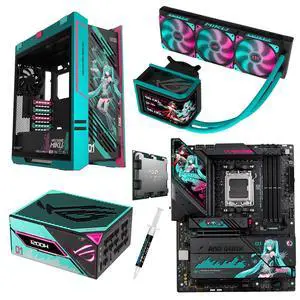

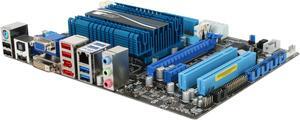
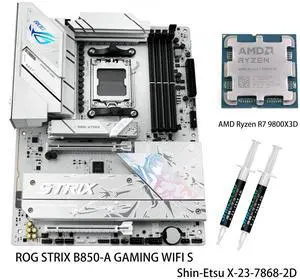
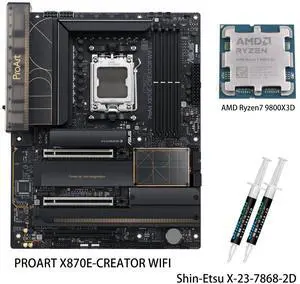
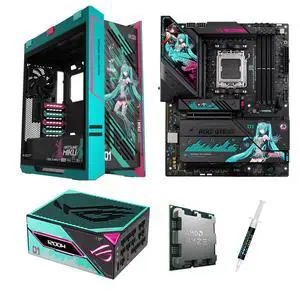
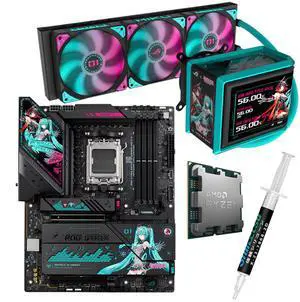
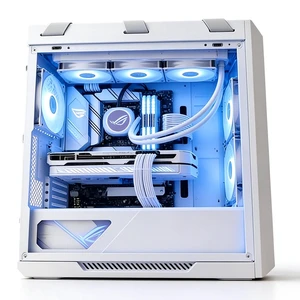
If you're looking to upgrade your laptop device or build a machine from the ground up, ASUS® embedded solutions are a few things that will help you achieve this. One of the key components necessary for efficient operation is the motherboard, which happens to be a vital piece in the personal computer device puzzle. The motherboard often helps to identify multiple parts used in the computing process. This is where an ASUS laptop motherboard can come in handy.
Choosing a gaming laptop motherboard with the right number of PCIe slots needed isn't as hard as some people often make it out to be. Whether you're going for an NVIDIA®, INTEL® or AMD based system, determine what processor socket you'll require, and that should determine the size of the motherboard. The use of ASUS embedded solutions is an excellent idea in many scenarios. The motherboard size will determine how many components and ports to use. There is a rough correlation between the case size and motherboard size. For instance, a tablet motherboard won't work on a gaming laptop, so factor in that there can be surprising discrepancies among different component sizes.
Laptop motherboards come in multiple sizes, which means you have a lot of flexibility. When it comes to a PC, if you think you might have a lot of room to work with, then you might want to consider full-size tower cases. A gaming laptop motherboard is usually smaller in size as compared to the motherboards used in full PC units. Furthermore, the motherboard's form factor is also what'll help determine how many other components it can comfortably support.
Some of the additional products you'll find will include dual-BIOS, better cooling hardware, on-board diagnostic display screens, high-performance internal power cables and more. A convenient feature for video editors and gamers is overclocking. The bottom line, if you want to overclock parts, then you'll need a heavy-duty motherboard. A quality Intel motherboard will handle the temperature and pressure of overclocking, which will help protect your components from permanent damage.
If you're not looking to break the bank on a high-end motherboard, then you can upgrade the performance of a basic one using certain accessories. Most computers need change, and that's why a majority of the motherboards available are upgradable. Even a tablet motherboard is upgradable using such accessories to enhance performance. Some motherboard accessories can help take a seemingly average motherboard to the next level, and a lot of people opt for this approach. As usual, a key decision is cost, as the more you spend on ASUS embedded solutions, the better the overall experience will be. With that said, you don't have to spend on features that won't help you in the long run.