• In Stock
  • Sold by Newegg
  • AI Ready
  • Make an Offer
  • New
Brands
Show More
Price
Show More
Series
Type
Show More
Rack Height
Show More
CPU Type
Show More
Operating System
Workload
MAX Processors
Installed Memory Size
Show More
Sold by
# of Processors Installed
Max Memory Capacity
Number of Memory Slots
Hard Drive (Installed)
HDD Interface
SSD (Installed)
Raid Level
Max HDD Capacity
All Top Brands
Availability
Condition
Discount
Useful Links
Customer Ratings

Shop by Servers

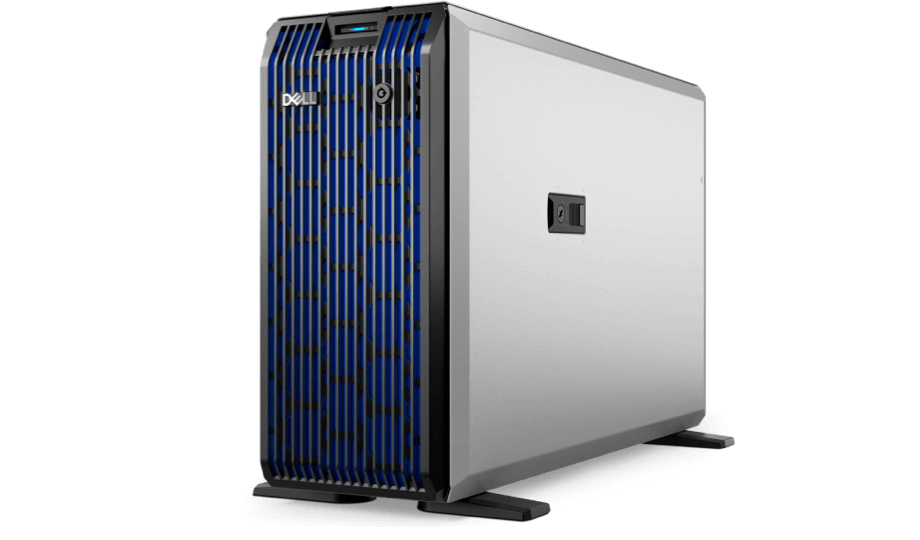
General Purpose Server
Edge Server
Workstation
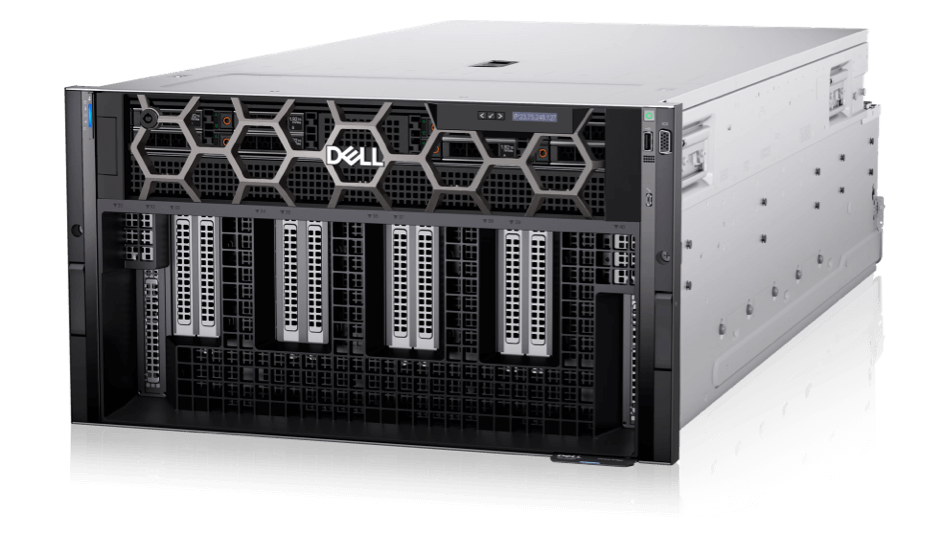
AI/ML/HPC Server
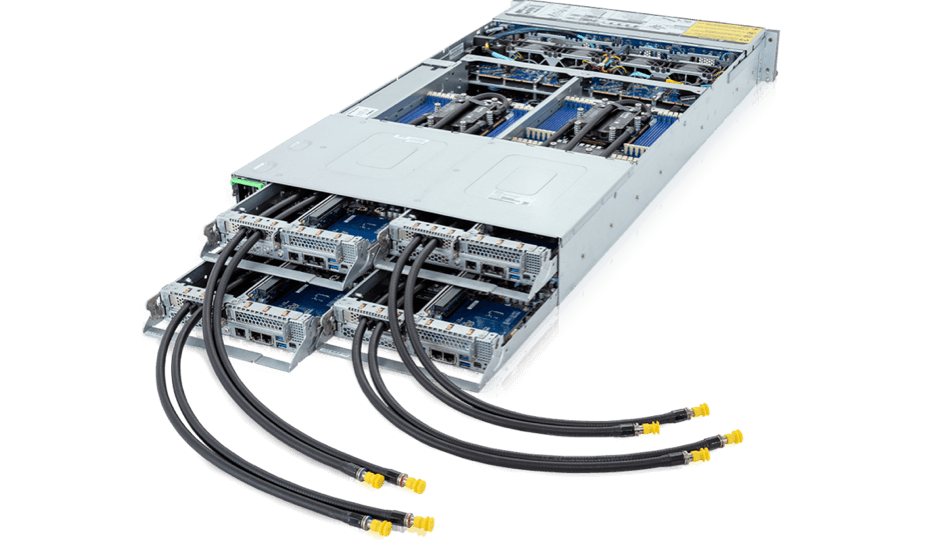
High Density Server
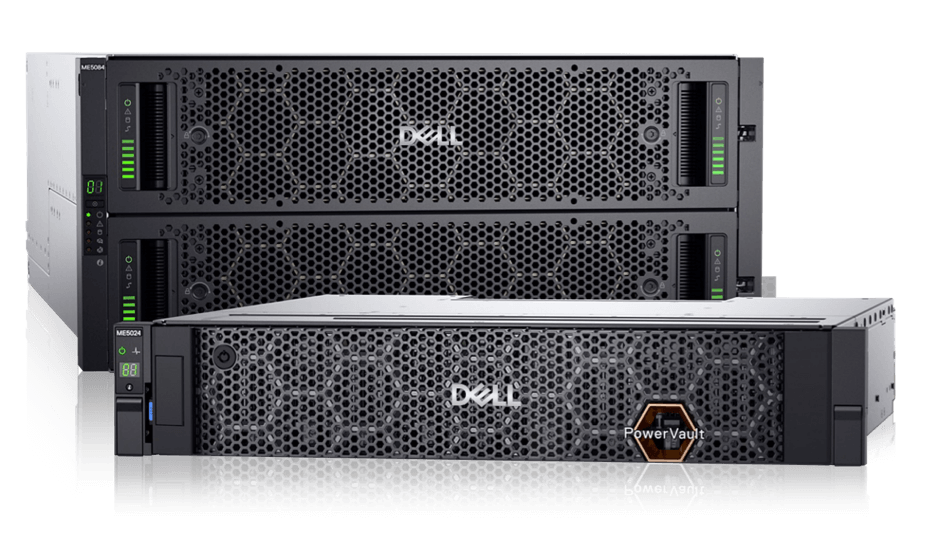
Storage Server

The commonest traditional mode combined with versatile performance

Scalable infrastructure with high density 1, 2 or 4 socket of CPU processors Availible for both Intel and AMD processors Ideal for common business applications,virtualization and cloud-native workloads.

Designed for continuous operation in extreme environments

Compact, ruggedized, customized depth rugged OEM-ready server with reverse mounting capabilities.Built for telecom, retail, marine and government applications.

Compact and quiet construction designed for small businesses and remote offices

Availible 1 or 2 socket CPU options to meet different needs like 3D rendering, CAD, and video editing, providing robust computing power and advanced graphics capabilities.

Specialized servers equipped with AI-optimized CPUs or GPUs, and designed for extensive AI model training and inference tasks.

Rapidly develop, train and deploy large machine learning models with high-performance application servers designed for HPC supercomputing and the largest data sets for AI.

Compact servers designed for maximize performance in limited space.

They offer high compute power in a small footprint, suitable for data centers with space and power constraints.

Servers specifically designed to store and manage data as affordable entry block storages.

Support large amounts of disks like SSD and NVME Best for small and medium sized businesses
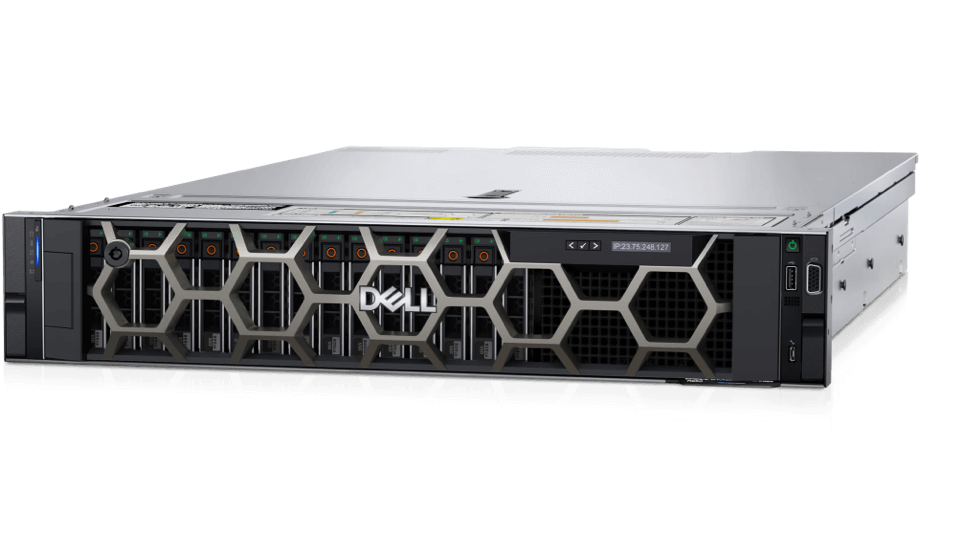
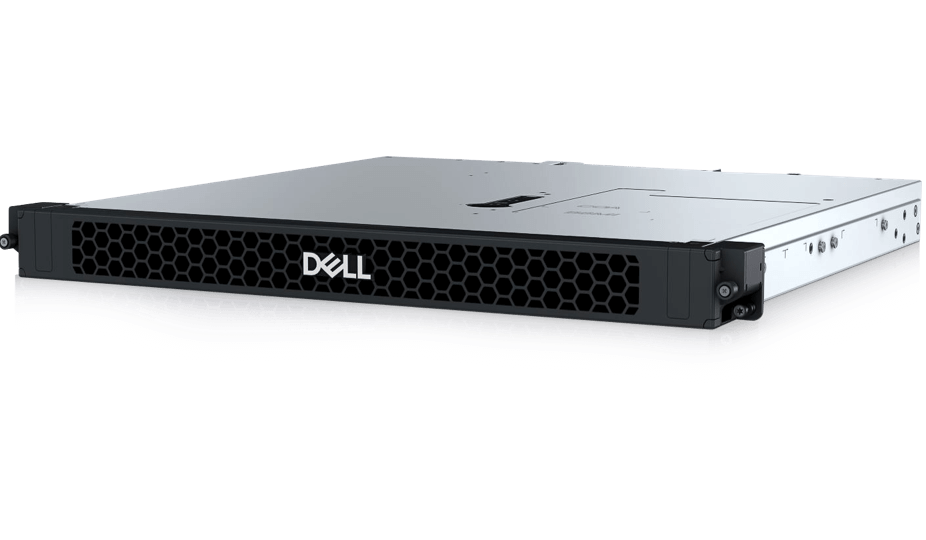
  • NVIDIA AI SUPERCOMPUTE
  • AMD 4005 EPYC
  • Stay ahead & transform your business today
  • ABS Workstations, Built for Real Work
  • Featured Brands

    See Deals from SupermicroSee Deals from HPSee Deals from LenovoSee Deals from IntelSee Deals from ASUS
Sort By:
View:
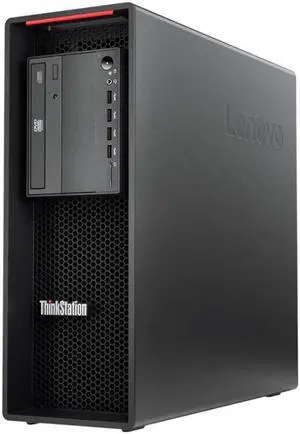
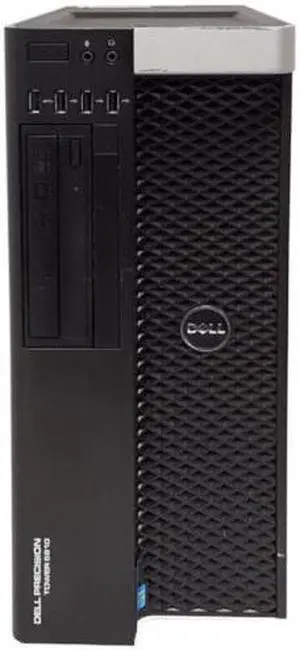
Dell Precision 3650 Tower Core i7-11700k 32GB RAM RTX 4000 1TB NVMe Win11 Pro for CAD, 3D Rendering & Engineering
Quick View
#1 Best Seller
in Server System
DELL
Dell Precision 3650 Tower Core i7-11700k 32GB RAM RTX 4000 1TB NVMe Win11 Pro for CAD, 3D Rendering & Engineering
  • Brand: DELL
  • Series: Precision
  • Part Number: 3650
  • Workload: Workstation
  • Model #: DSBT 105587
  •  
  • $1,062.93 –
  • Free Shipping
Dell Precision 3650 Tower Core i7-11700k 32GB RAM P2200 1TB NVMe Win11 Pro for CAD, Engineering & Design
Quick View
DELL
Dell Precision 3650 Tower Core i7-11700k 32GB RAM P2200 1TB NVMe Win11 Pro for CAD, Engineering & Design
  • Brand: DELL
  • Series: Precision
  • Part Number: 3650
  • Workload: Workstation
  • Model #: DSBT 105591
  •  
  • $967.93 –
  • Free Shipping
Dell Precision 3650 Tower Core i7-11700k 32GB RAM P1000 1TB NVMe Win11 Pro for CAD, Engineering & Design
Quick View
DELL
Dell Precision 3650 Tower Core i7-11700k 32GB RAM P1000 1TB NVMe Win11 Pro for CAD, Engineering & Design
  • Brand: DELL
  • Series: Precision
  • Part Number: 3650
  • Workload: Workstation
  • Model #: DSBT 105596
  •  
  • $906.93 –
  • Free Shipping
Dell Precision 3650 Tower Core i7-11700k 64GB RAM RTX 4000 1TB NVMe Win11 Pro for CAD, 3D Rendering & Engineering
Quick View
DELL
Dell Precision 3650 Tower Core i7-11700k 64GB RAM RTX 4000 1TB NVMe Win11 Pro for CAD, 3D Rendering & Engineering
  • Brand: DELL
  • Series: Precision
  • Part Number: 3650
  • Workload: Workstation
  • Model #: DSBT 105588
  •  
  • $1,310.91 –
  • Free Shipping
Dell Precision 3650 Tower Core i7-11700k 64GB RAM P2200 1TB NVMe Win11 Pro for CAD, Engineering & Design
Quick View
DELL
Dell Precision 3650 Tower Core i7-11700k 64GB RAM P2200 1TB NVMe Win11 Pro for CAD, Engineering & Design
  • Brand: DELL
  • Series: Precision
  • Part Number: 3650
  • Workload: Workstation
  • Model #: DSBT 105592
  •  
  • $1,215.91 –
  • Free Shipping
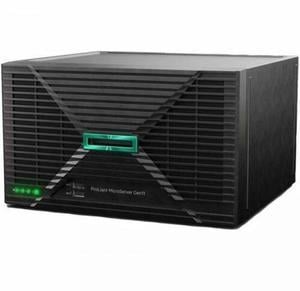
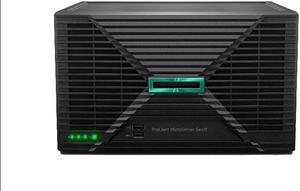
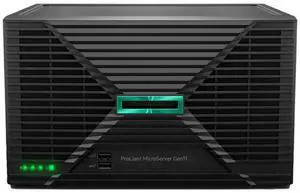
HPE ProLiant MicroServer Gen11 server with 1Intel® Xeon® E-2414 Processor, 16 GB (1x16 GB UDIMM) Single Rank Memory, dedicated iLO-M.2 port kit, Embedded Intel® VROC SATA for HPE ProLiant - P78521-005
Quick View
  •  
  • $2,255.00 –
  • Free Shipping
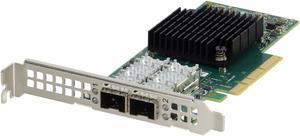
Dell Mellanox ConnectX-4 Lx CX4121C Dual 25GbE SFP28 FH (YGRX3) -CR
Quick View
  •  
  • $57.99 –
  • Free Shipping
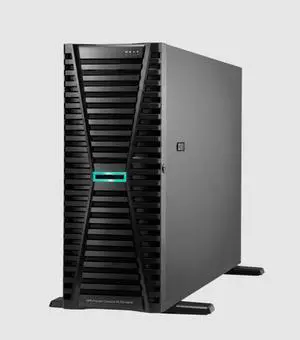
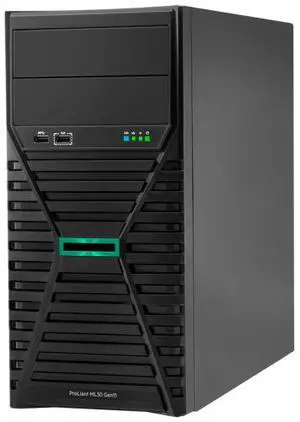
HPE ProLiant ML30 Gen11 6325P 3.5GHz 4-Core 1P 1x32GB 4LFF MR216i-p 1GbE 2x2TB SATA HDD 1x500W PS Tower Server
Quick View
HPE ProLiant ML30 Gen11 6325P 3.5GHz 4-Core 1P 1x32GB 4LFF MR216i-p 1GbE 2x2TB SATA HDD 1x500W PS Tower Server
  • Brand: HPE
  • Series: ProLiant ML30 G11
  • Workload: General Purpose Server
  • Type: Tower
  • Model #: P86770-005
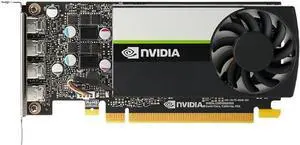
NVIDIA QUADRO T1000 4GB GDDR6 GPU
Quick View
NVIDIA
Refurbished NVIDIA QUADRO T1000 4GB GDDR6 GPU
  • Model #: NVIDIA QUADRO T1000 4GB-
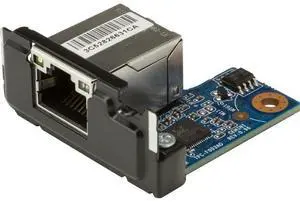
HP 2.5GbE LAN Flex Port Z2 Mini
Quick View
HP
HP 2.5GbE LAN Flex Port Z2 Mini
  • Brand: HP
  • Model #: 169K0AA
Dell Precision 3650 Tower Core i5-10500 32GB RAM P1000 1TB NVMe Win11 Pro for CAD, Engineering & Design
Quick View
DELL
Dell Precision 3650 Tower Core i5-10500 32GB RAM P1000 1TB NVMe Win11 Pro for CAD, Engineering & Design
  • Brand: DELL
  • Series: Precision
  • Part Number: 3650
  • Workload: Workstation
  • Model #: DSBT 105615
  •  
  • $801.43 –
  • Free Shipping
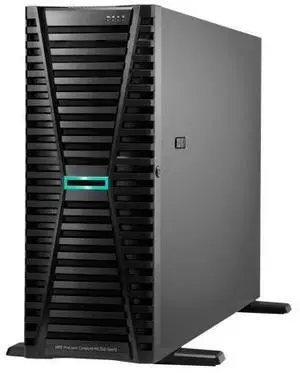
HPE ProLiant ML350 G12 Tower Server Intel Xeon 6 64 GB (2x32 GB, 6400 MT/s) HPE DDR5 Smart Memory No Hard Drive Hard Drive (Installed) P94890-005
Quick View
HPE ProLiant ML350 G12 Tower Server Intel Xeon 6 64 GB (2x32 GB, 6400 MT/s) HPE DDR5 Smart Memory No Hard Drive Hard Drive (Installed) P94890-005

OUT OF STOCK

  • Brand: HPE
  • Series: ProLiant ML350 G12
  • Workload: General Purpose Server
  • Type: Tower
  • Model #: P94890-005
Dell Precision 3650 Tower Core i7-11700k 16GB RAM P2200 1TB NVMe Win11 Pro for CAD, Engineering & Design
Quick View
DELL
Dell Precision 3650 Tower Core i7-11700k 16GB RAM P2200 1TB NVMe Win11 Pro for CAD, Engineering & Design
  • Brand: DELL
  • Series: Precision
  • Part Number: 3650
  • Workload: Workstation
  • Model #: DSBT 105590
  •  
  • $843.94 –
  • Free Shipping
Dell Precision 3650 Tower Core i7-11700k 16GB RAM P1000 1TB NVMe Win11 Pro for CAD, Engineering & Design
Quick View
DELL
Dell Precision 3650 Tower Core i7-11700k 16GB RAM P1000 1TB NVMe Win11 Pro for CAD, Engineering & Design
  • Brand: DELL
  • Series: Precision
  • Part Number: 3650
  • Workload: Workstation
  • Model #: DSBT 105594
  •  
  • $782.94 –
  • Free Shipping
Supermicro SYS-6048R-E1CR36N - 36 Bay 3.5" 4U Server - 2x Intel Xeon E5-2680 v4 2.4GHz 14 Core Processors, 64GB DDR4, 9361-8i, 36x 3.5" Trays, X540, IPMI 2.0, 2x 1280 Watt PSUs,
Quick View
Supermicro
Refurbished Supermicro SYS-6048R-E1CR36N - 36 Bay 3.5" 4U Server - 2x Intel Xeon E5-2680 v4 2.4GHz 14 Core Processors, 64GB DDR4, 9361-8i, 36x 3.5" Trays, X540, IPMI 2.0, 2x 1280 Watt PSUs,
  • Brand: SUPERMICRO
  • Series: CSE-847BE1C-R1K28LPB-X10DRi-T4+
  • Rack Height: 1U
  • Redundant Hot-swap Power: Yes
  • Model #: MK-SM-SYS-6048R-36B-LFF-V10
  •  
  • $959.00 –
  • Free Shipping
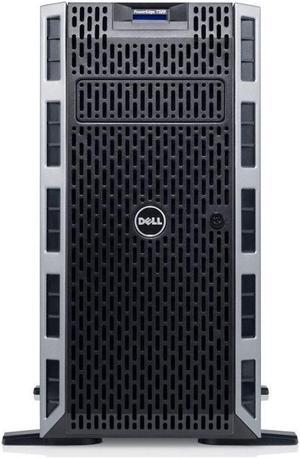
Dell PowerEdge T140 Mini Tower Server, Intel Xeon 3.3GHz CPU, 32GB DDR4 RAM, 8TB HDD Storage, RAID
Quick View
DELL
Refurbished Dell PowerEdge T140 Mini Tower Server, Intel Xeon 3.3GHz CPU, 32GB DDR4 RAM, 8TB HDD Storage, RAID
  • Brand: DELL
  • Series: PowerEdge T140
  • Type: Tower
  • CPU Type: Intel Xeon
  • Model #: 840104325872
Dell Precision 3650 Tower Core i7-11700k 64GB RAM P1000 1TB NVMe Win11 Pro for CAD, Engineering & Design
Quick View
DELL
Dell Precision 3650 Tower Core i7-11700k 64GB RAM P1000 1TB NVMe Win11 Pro for CAD, Engineering & Design
  • Brand: DELL
  • Series: Precision
  • Part Number: 3650
  • Workload: Workstation
  • Model #: DSBT 105595
  •  
  • $1,154.91 –
  • Free Shipping
Dell Precision 3650 Tower Core i7-11700k 128GB RAM P1000 1TB NVMe Win11 Pro for CAD, Engineering & Design
Quick View
DELL
Dell Precision 3650 Tower Core i7-11700k 128GB RAM P1000 1TB NVMe Win11 Pro for CAD, Engineering & Design
  • Brand: DELL
  • Series: Precision
  • Part Number: 3650
  • Workload: Workstation
  • Model #: DSBT 105597
  •  
  • $1,650.91 –
  • Free Shipping
HPE ProLiant DL20 Gen11 6325P 3.5GHz 4-Core / 1x32GB / 4SFF / 2x960GB SATA SSD / 2x500W PS Rack Server
Quick View
HPE ProLiant DL20 Gen11 6325P 3.5GHz 4-Core / 1x32GB / 4SFF / 2x960GB SATA SSD / 2x500W PS Rack Server
  • Brand: HPE
  • Series: ProLiant DL20 Gen11
  • Workload: General Purpose Server
  • Type: Rack
  • Model #: P83282-005
  • $5,885.99 - $5,889.99
HPE ProLiant DL380 G12 Rack Server Intel Xeon 6 64GB DDR5 P90005-005
Quick View
HPE ProLiant DL380 G12 Rack Server Intel Xeon 6 64GB DDR5 P90005-005
  • Brand: HPE
  • Series: ProLiant DL380 G12
  • Workload: General Purpose Server
  • Type: Rack
  • Model #: P90005-005
Dell PowerEdge R650xs - 10 Bay 2.5" 1U Server - 2x Intel Xeon Silver 4310 2.1GHz 12 Core Processors, 256GB DDR4, H745, 10x Trays, 57412, iDRAC9 Enterprise, 2x 1400 Watt PSUs, Bezel, Rails
Quick View
  •  
  • $7,993.00 –
  • Free Shipping
HPE ProLiant ML30 Gen11 6315P 2.8GHz 4-Core / 1x16G / 4LFF NHP / 2x1TB SATA HDD / 1GbE / 1x350W PS Tower Server
Quick View
HPE ProLiant ML30 Gen11 6315P 2.8GHz 4-Core / 1x16G / 4LFF NHP / 2x1TB SATA HDD / 1GbE / 1x350W PS Tower Server

OUT OF STOCK

  • Brand: HPE
  • Series: ProLiant ML30 G11
  • Workload: General Purpose Server
  • Type: Rack
  • Model #: P83315-005
HPE ProLiant DL320 Gen12 6505P 2.2GHz 12-Core 1P 1x64GB-R 8SFF MR408i-o BCM5719 1GbE 2x480GB SATA SSD 2x1000W PS Rack Server
Quick View
HPE ProLiant DL320 Gen12 6505P 2.2GHz 12-Core 1P 1x64GB-R 8SFF MR408i-o BCM5719 1GbE 2x480GB SATA SSD 2x1000W PS Rack Server
  • Brand: HPE
  • Series: ProLiant DL320 G12
  • Workload: General Purpose Server
  • Type: Rack
  • Model #: P87790-005
  •  
  • $9,925.00 –
  • Free Shipping
Dell PowerEdge R730xd 12LFF 2x Xeon E5-2650 v3 96GB RAM 12x 3TB HDD Server
Quick View
  •  
  • $2,472.00 –

High-Performance Server & Workstation Systems

Explore a range of customizable prebuilt and desktop server computers designed for business, IT professionals, and tech enthusiasts. Find server PCs and workstations that deliver reliable performance for data management, virtualization, and development needs.

How to Choose Server System

Key Features and Technologies to Consider in Server Systems

  • Processor Type and Core Count: Choose between powerful CPUs like Intel Xeon Scalable or AMD EPYC 4th Gen, designed for heavy multitasking and enterprise workloads.
  • Memory Capacity and ECC Support: Server systems often require error-correcting code (ECC) memory to maintain data integrity during critical operations.
  • Storage Options and Expandability: Look for multiple drive bays, support for SSDs and HDDs, and hot-swappable features depending on your redundancy and speed needs.
  • Form Factor: Consider if a Tower, Rack, Blade, Small Form Factor, or MicroServer suits your physical space and scalability requirements.
  • Networking Capabilities: High-speed Ethernet ports, fiber channel options, and adaptable network cards can be vital for data center and virtualization tasks.
  • Power Efficiency and Cooling: Efficient power supplies and cooling systems reduce operational costs and ensure reliability during sustained workloads.

Why the CPU Architecture Is Crucial for Server Performance

The central processing unit (CPU) forms the backbone of server systems, influencing everything from speed and multitasking to virtualization and data handling capabilities. The choice between Intel Xeon Scalable and AMD EPYC 4th Gen processors is especially pivotal, as these architectures provide cutting-edge multi-core performance tailored to enterprise-grade workloads.

The AMD EPYC series is praised for its higher core counts and memory bandwidth, making it excellent for dense virtualized environments and multi-threaded applications. Intel’s Xeon Scalable lineup offers advanced security features and robust single-thread performance, ideal for workloads sensitive to latency or legacy software compatibility. In servers, CPU cache size, thread count, and support for virtualization extensions can dramatically impact responsiveness and throughput under load.

Beyond raw power, these CPUs also support technologies like DDR5 memory and PCIe 5.0, ensuring future-proof scalability and rapid data transfer—crucial for modern data centers and mission-critical applications.

Advanced Server Use Cases for Developers and IT Professionals

Professional users often demand specialized server configurations to optimize software development, testing, or large-scale virtualization environments. For instance, Desktop servers provide a compelling blend of workstation power and server-grade reliability, suitable for home labs or edge deployments requiring rapid iteration and testing cycles.

Meanwhile, dense Blade servers enable modular expansion and high availability, a favored choice in enterprise data centers that need flexible compute resources on demand.

Developers and IT infrastructure managers also benefit from systems that support expanding RAM and multiple GPUs, helping to accelerate machine learning workflows or complex simulations. Leveraging these class-leading components ensures a robust foundation for demanding, mission-critical environments.

Performance and Setup Tips

  • Ensure proper cooling solutions are in place to maintain optimal operating temperatures and avoid thermal throttling.
  • Configure RAID arrays on your storage devices to balance speed, data redundancy, and fault tolerance according to your needs.
  • Update the server firmware and drivers to the latest versions to maximize compatibility and security.
  • Allocate ECC memory to minimize data integrity errors in critical applications.
  • Use virtualization-aware processors and enable hardware virtualization features in BIOS to optimize VM performance.
  • Network your server with high-speed Ethernet or fiber connections to reduce latency and improve data throughput.
  • Regularly monitor server workload and resource usage with management tools to preemptively address bottlenecks.
  • Plan for scalability by selecting servers with expandable RAM slots and additional PCIe lanes for future upgrades.

Newegg shopping tip: Before choosing a server system, focus on comparing processor capabilities, memory capacity, and storage options to ensure they meet your workload demands. Also, consider expandability and compatibility with your existing network infrastructure to avoid costly upgrades later.

Explore Server System & Related Categories

Desktop

Ideal for edge computing or lightweight virtualization, these desktops balance power and affordability with Intel Xeon or AMD EPYC CPU options.

Shop all products

Browse our full lineup featuring the latest Intel Xeon Scalable and AMD EPYC 4th Gen servers designed for scalable enterprise workloads.

Blade

High-density chassis packed with hot-swappable blades, perfect for data centers needing modular compute and shared networking infrastructure.

Getting Started with Server Systems

If you’re new to the world of server computers, it helps to think about what you need from your system before diving in. Servers differ from typical PCs by offering enhanced reliability, uptime, and scalability to handle multiple users, applications, or large datasets simultaneously. Whether you're setting up a Desktop server for your small office or exploring more specialized form factors, start by defining your workload and space constraints. From there, you can choose components that offer enough processing power and storage while remaining manageable.

Server Systems for Small and Medium Businesses

Small and medium-sized businesses (SMBs) often require reliable local storage and solid processing performance without the complexity of large data center equipment. Tower servers are a perfect fit here, offering room to grow with multiple drives, add-in cards, and strong CPUs like the latest Intel Xeon Scalable or AMD EPYC options. These systems can support file sharing, databases, and business software, giving you a balance of performance, expandability, and straightforward maintenance.

Enterprise-Grade Servers for Scalable Workloads

For enterprises running large-scale applications such as virtualization, cloud services, or extensive databases, servers engineered for dense compute power and scalability are essential. Shop all products to find rack-mounted or blade server systems that maximize computing density and network integration. These platforms allow for hot-swappable components and advanced management tools, letting IT teams scale operations efficiently while minimizing downtime and data loss risks.

Before You Buy

  • Confirm your primary use case and workload requirements to determine the best server form factor and specs.
  • Check CPU models—Intel Xeon Scalable and AMD EPYC 4th Gen processors deliver enterprise-grade performance and reliability.
  • Assess memory needs; ECC RAM is critical for preventing data corruption in server environments.
  • Consider expandability options like drive bays, PCIe slots, and network interface cards for future growth.
  • Verify physical space and power availability, especially for rack-mounted versus tower configurations.
  • Decide if you need hot-swappable components or remote management capabilities for minimized downtime.
  • Look into form factors—whether a compact MicroServer or a large Rack server best fits your environment.

Research more: When choosing a server system, consider your workload needs—whether that's storage capacity, processing power, or network speed. For a deeper dive into configurations and what suits different environments, check out Newegg Insider’s buying guides to make a more informed decision.

Last Updated: October 2026 | Newegg Server System Buying Guide


Server System FAQs:

How do enterprise-grade servers compare to tower servers in terms of performance and use case?

Enterprise-grade servers generally offer higher performance, scalability, and reliability for data centers, while tower servers are more cost-effective and suitable for small businesses or remote offices. Your choice depends on workload demands and budget.

Is it better to buy a server with pre-installed hardware components or build a custom configuration?

Pre-installed servers simplify setup and ensure component compatibility, which is great for quicker deployment. Custom builds let you tailor specifications precisely but require more technical knowledge and time to assemble.

What kind of processors do server systems typically use?

Server systems usually run on multi-core processors like Intel Xeon or AMD EPYC, designed for handling heavy workloads and multitasking efficiently.

How much RAM can a server system support?

The RAM capacity varies by model but servers often support anywhere from 32GB to several terabytes, depending on the motherboard and processor architecture.

How do I decide what processor power I need in a server system?

Think about the type of workloads you'll run—simple file storage won’t need as much CPU muscle as virtual machines or heavy databases. Start with a baseline processor and scale up based on whether your tasks require multitasking, virtualization, or high compute performance.

Is it better to invest more upfront in a server system or upgrade components later?

It usually pays off to buy a solid system that meets your needs now, especially in enterprise setups, since compatibility and downtime can become issues with later upgrades. However, if your budget is tight, pick a scalable server that lets you add RAM or storage as your demands grow.

How reliable are server systems for continuous 24/7 operation?

Most server systems are built to run nonstop and handle high workloads, but their reliability depends on quality components and proper cooling. Checking user reviews for reports on uptime and hardware failures can give you a clear picture of what to expect.

What common problems should I watch out for when reading server system reviews?

Look for mentions of overheating, noisy fans, and hard drive failures, as these are frequent concerns. Also, see if reviewers mention support and firmware updates, since those can make a big difference in long-term stability.

How do I start setting up my new server system for the first time?

Begin by connecting all necessary cables and peripherals, then power it on and access the BIOS or UEFI settings to configure your basic hardware preferences before installing your operating system.

What’s the best way to optimize a server system for continuous 24/7 operation?

Keep your firmware and software updated, ensure proper cooling and ventilation, and use reliable power sources like a UPS to prevent downtime or hardware damage.