here!
here!
I’m your shopping assistant for PC builds, upgrades, and everything tech.
Got questions? Ask away!
Start a conversation
here!
I’m your shopping assistant for PC builds, upgrades, and everything tech.
Got questions? Ask away!
Start a conversation









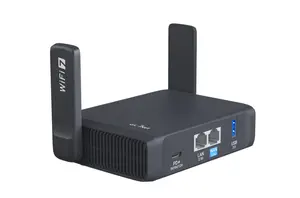
Experience a significant leap in portable networking with the Beryl 7 (GL-MT3600BE), a dual-band Wi-Fi 7 travel router with high-throughput VPN capabilities. From hotel rooms to work sites, Beryl 7 gives you fast, private, and flexible connectivity wherever life takes you.
Access to modern wireless standards is an issue for those who don’t follow technology so closely. From complex setups and interfaces to super high prices, there are many factors that might keep you away from hopping to the latest and greatest.
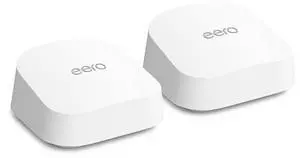
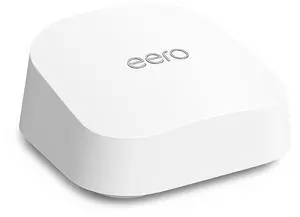
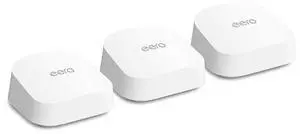
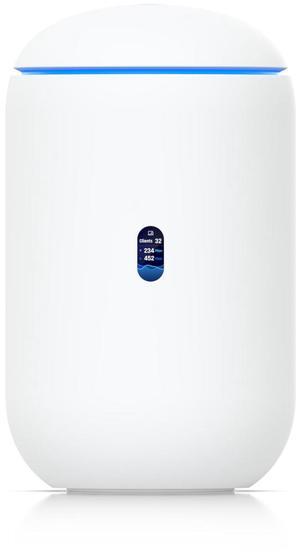
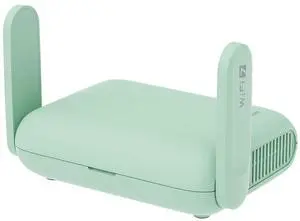
+ $10 off w/ promo code GTWF246, limited offer

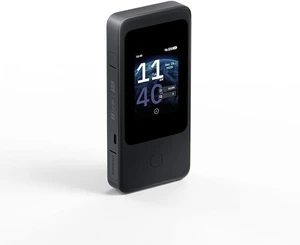
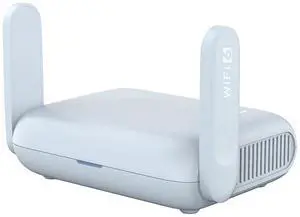
+ $5 off w/ promo code GTWF248, limited offer
+ $10 off w/ promo code GLCT89, limited offer
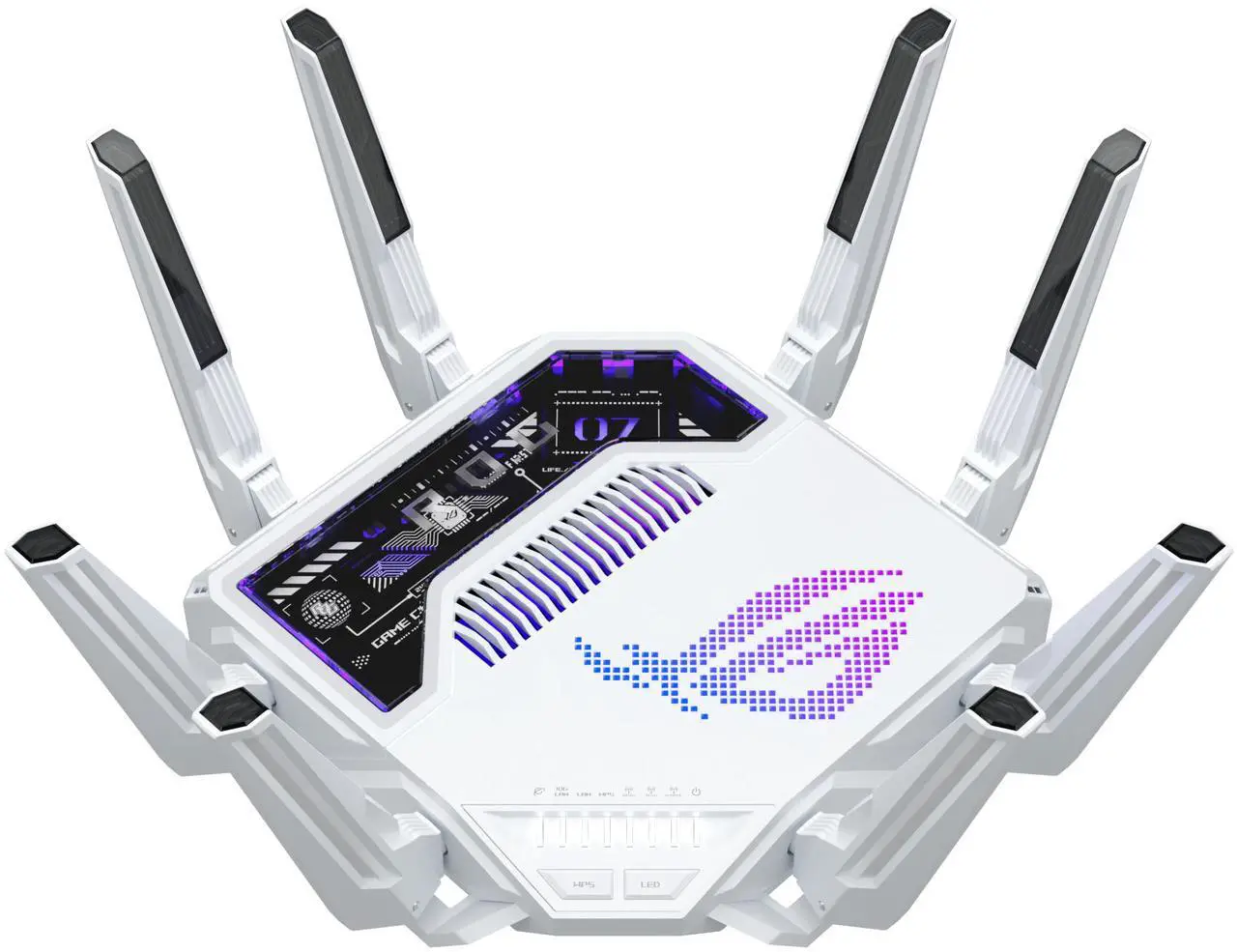
Whether you're covering a small apartment or a whole home, setting up a mesh system or adding Wi-Fi adapters, these considerations help you pick the best wireless solutions. At Newegg, you can shop leading brands like ASUS, TP-Link, MSI, and Netgear, along with other top names.
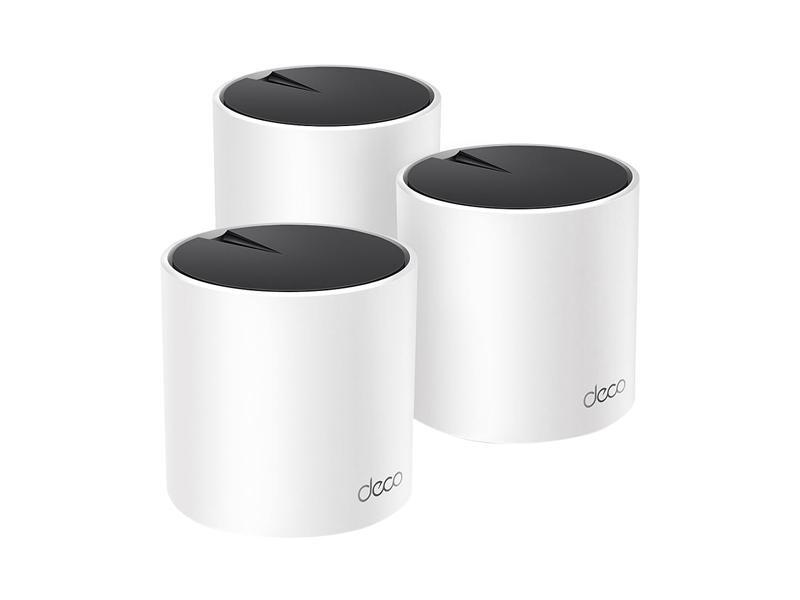
Browse Newegg’s Whole Home Mesh Wi-Fi systems if you're looking for wide, seamless coverage in multi-room environments. Otherwise, standalone dual- or tri-band routers from ASUS, TP-Link, or MSI may be enough for smaller spaces.
For higher throughput and lower latency, choose Wi-Fi 6, Wi-Fi 6E, or Wi-Fi 7 equipment—many mesh and router models in Newegg’s selection support these standards.
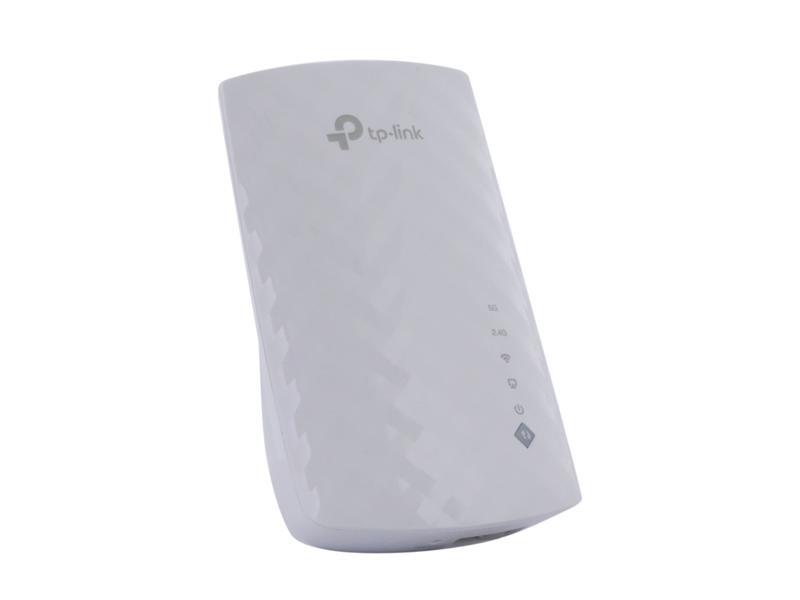
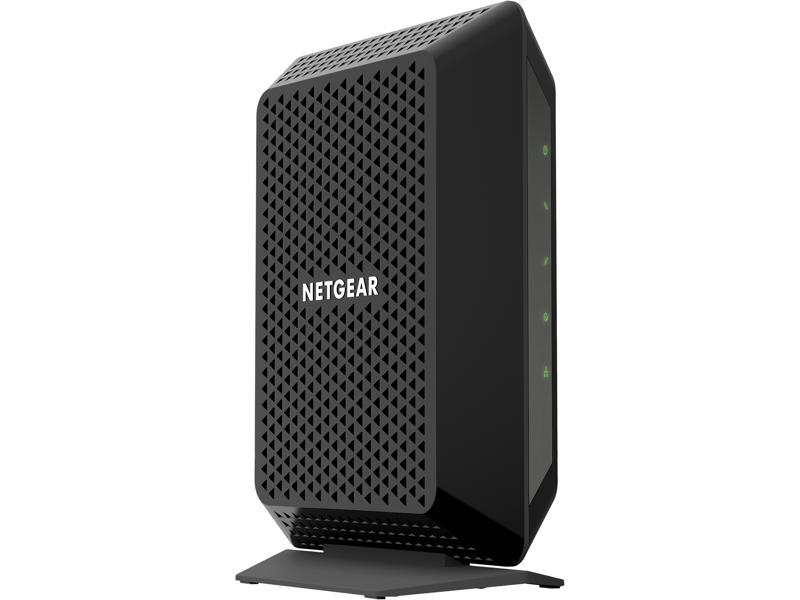
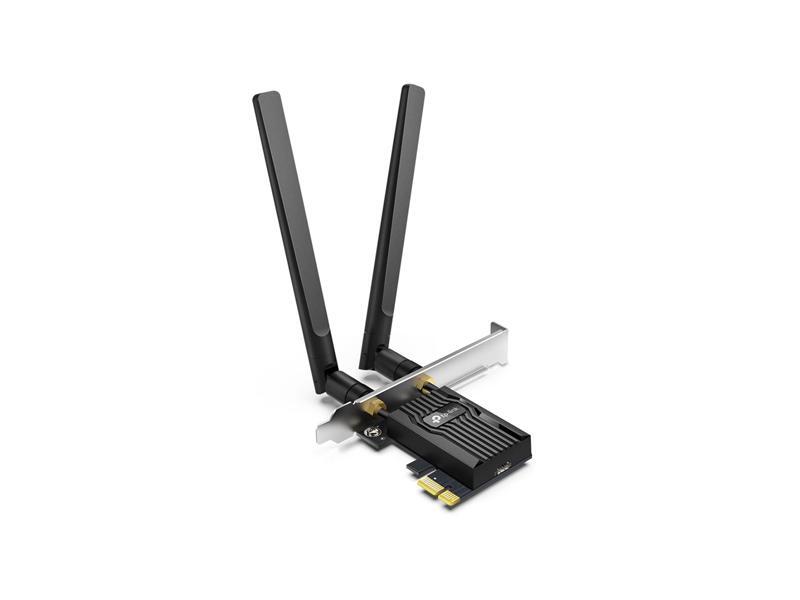
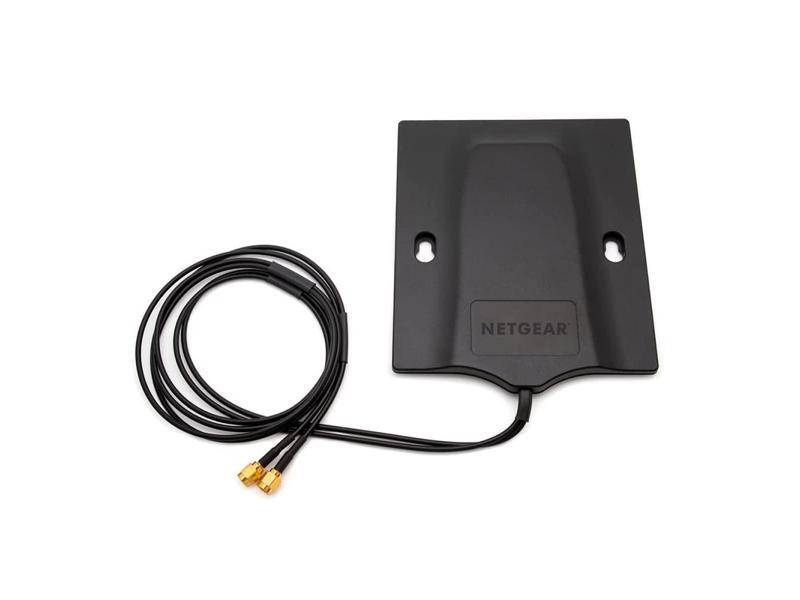
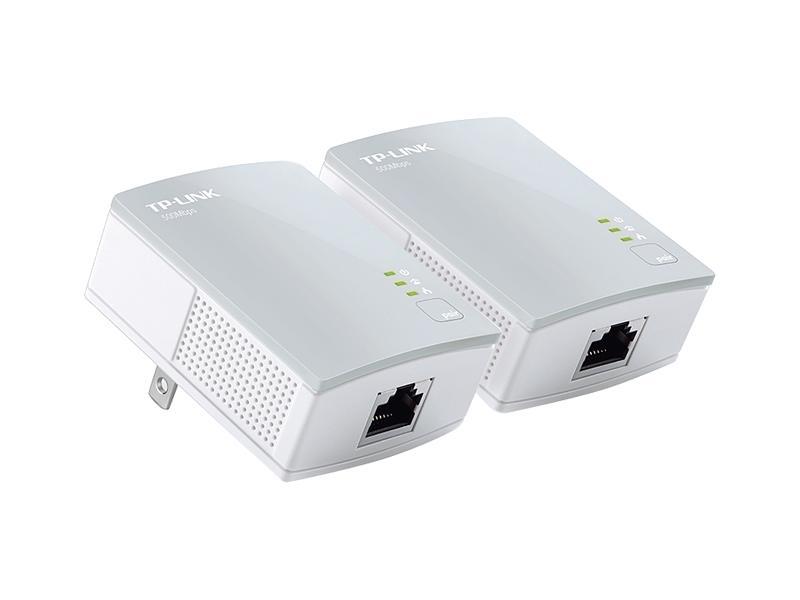
Improve connectivity for desktops or older devices with USB or PCIe wireless adapters or use high-gain directional network antennas for extended range, or add range extenders to eliminate dead zones in hard-to-reach areas.
For secure wireless access and guest segregation, consider solutions integrated with reliable firewall and network security devices, some of which support Wi-Fi VPN capabilities.
Deals & Event Sales: Visit Newegg’s Deals Event for discounts on ASUS, TP-Link, MSI routers, mesh systems, adapters, and security devices.
Q: Should I choose mesh over a router?
Mesh systems provide consistent coverage across large homes; standalone routers work well for smaller spaces.
Q: Are tri-band routers worth it?
Yes, when multiple high-traffic devices share the same network.
Q: Is Wi-Fi 6E necessary?
Only for accessing the 6?GHz band and achieving peak future-proof speeds.
Q: Can I mix adapters and router brands?
Yes, most follow universal standards—but always check compatibility with Wi-Fi protocols.
Q: How do I secure my wireless network?
Use WPA3, set a strong passphrase, and enable guest networks to separate visitors.
“ I've purchased and installed 3 of these - at my house, my in-laws house, and my brother's house. So far, they have been absolutely fantastic routers for the price. ”
TP-Link Archer BE550 Pro BE9300 Tri-Band WiFI 7 10G / 2.5G Router“ Set up was straight forward. I am using the BE-88U as the primary router with the two BE-92's as secondary mesh routers. There were no issues with the set up between the Primary and Mesh Routers. The directions were simple to follow. The routers have robust security options. The coverage in the house is now very good. The clients already in place connected automatically. I had 3 older (2019) ASUS routers serving in a mesh setup previously, which had coverage issues that had increased over time. The cable company had put the optical fiber modem at the far end of the house in a closet (obviously not ideal). ”
ASUS RT-BE88U Dual-band WiFi 7 AiMesh Extendable Performance Router, 4K-QAM, MLO, Dual 10G ports, SFP+, Four 2.5G ports, Four 1G ports, 34G WAN/LAN capacity, Subscription-free network security