




 here!
here!
I’m your shopping assistant for PC builds, upgrades, and everything tech.
Got questions? Ask away!
Start a conversation
here!
I’m your shopping assistant for PC builds, upgrades, and everything tech.
Got questions? Ask away!
Start a conversation
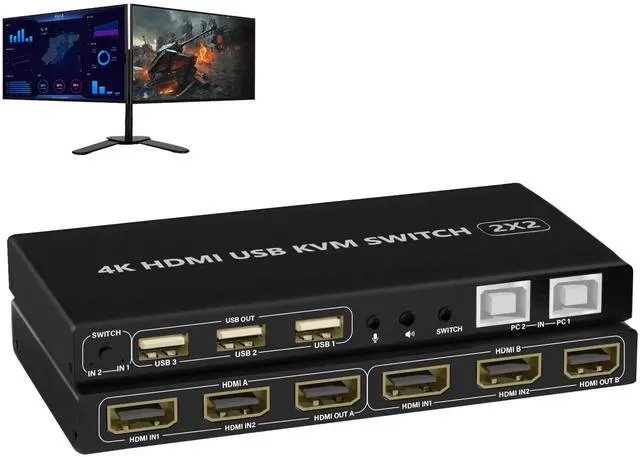




Any questions? Ask CelesteSM will help you find out quickly.
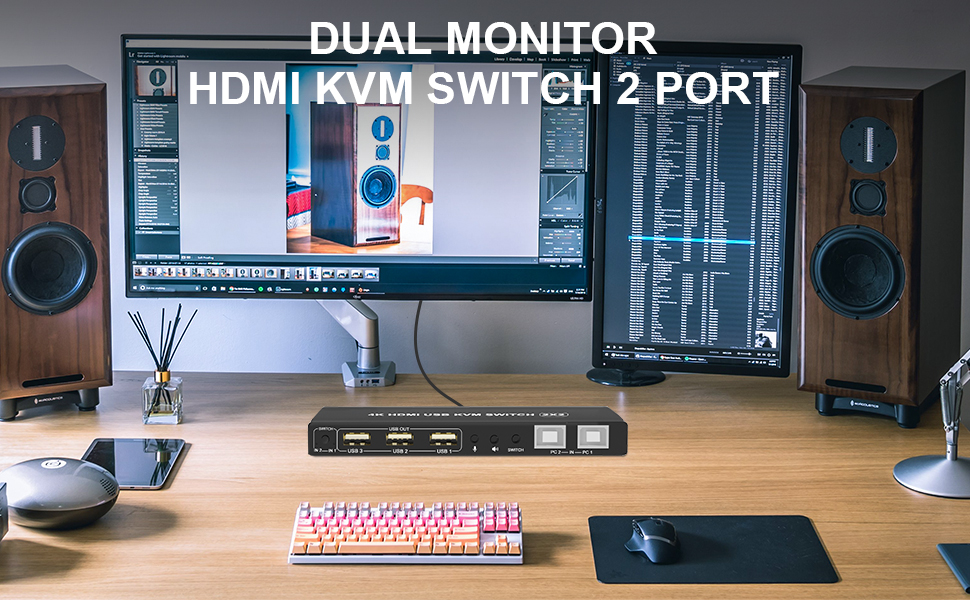
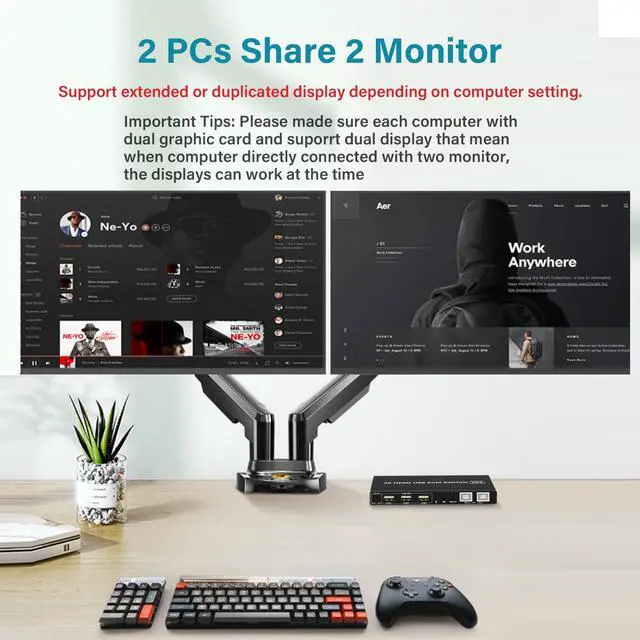
1. 2 computers share one set of keyboard, mouse and 2 monitors
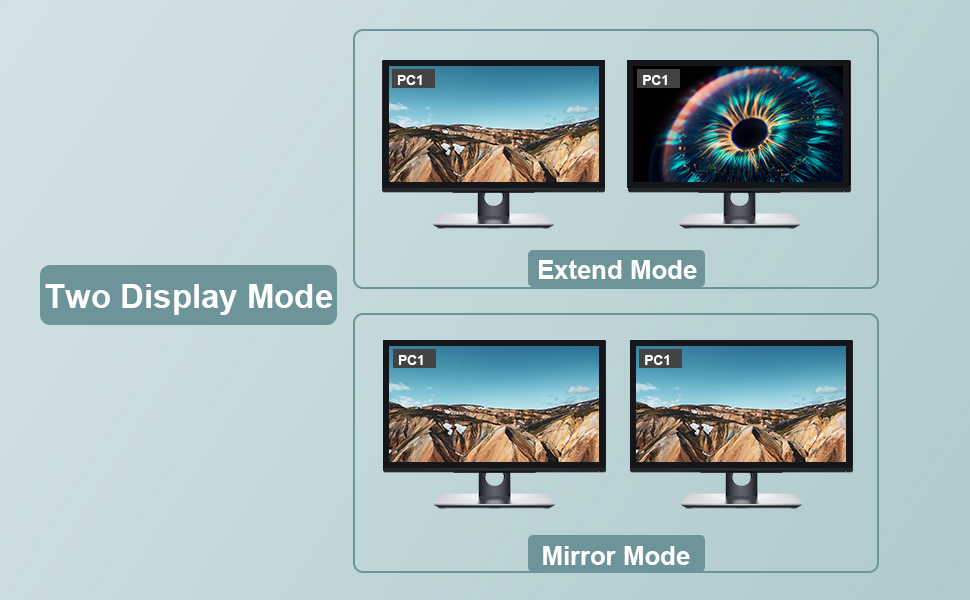
2. Dual monitors output support extended and mirrored display
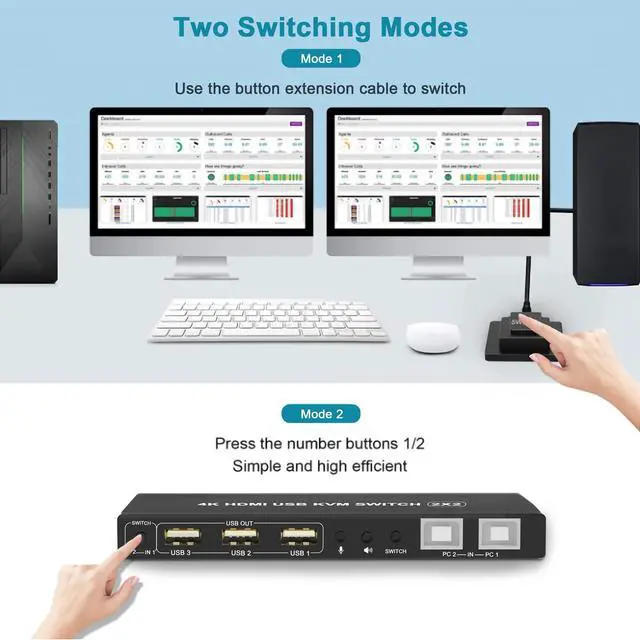
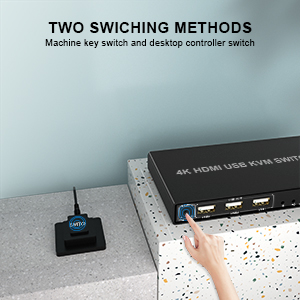
3. Switching modes: Button switch and wired remote
4. Support wired or wireless keyboard and mouse
5. Cross support most major OS including Windows, Linux, Mac
6. With extra USB 2.0 HUB and audio support.
7. Support max up resolution 4K@60Hz,downward compatible.
8. Support HDMI 2.0 standard, compatible with HDMI 1.4 standard.
9. Automatically adapt to EDID/HDCP
How to Get Keyboard and Mouse Work:
Make sure cable 1 is correctly connected, the end with USB, HDMI must be plugged into computer, the other end with only HDMI must be plugged into IN 1 port (not IN 2 port).
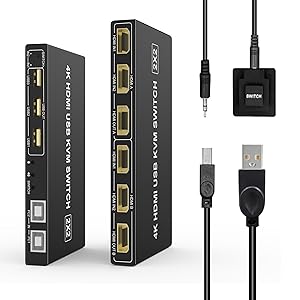
1) Connect the micro USB power cord for KVM power.
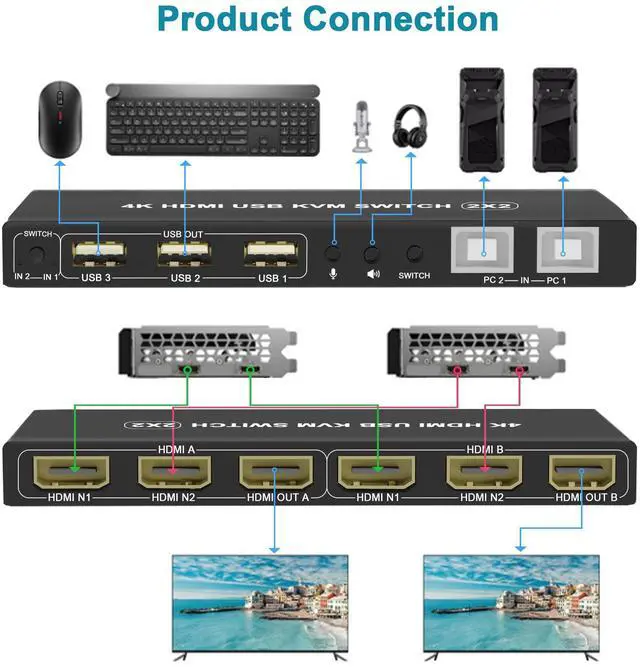
2) Connect 1 USB cable and 2 HDMI cables from each computer to the KVM.
3) Connect the HDMI port on the KVM to 2 monitors with 2 HDMI cables.
4) Connect the mouse and keyboard into the USB port on the KVM and turn on the power switch.
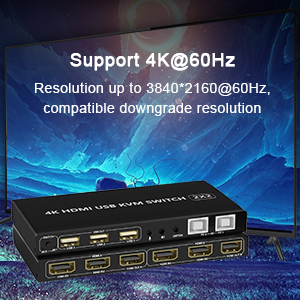
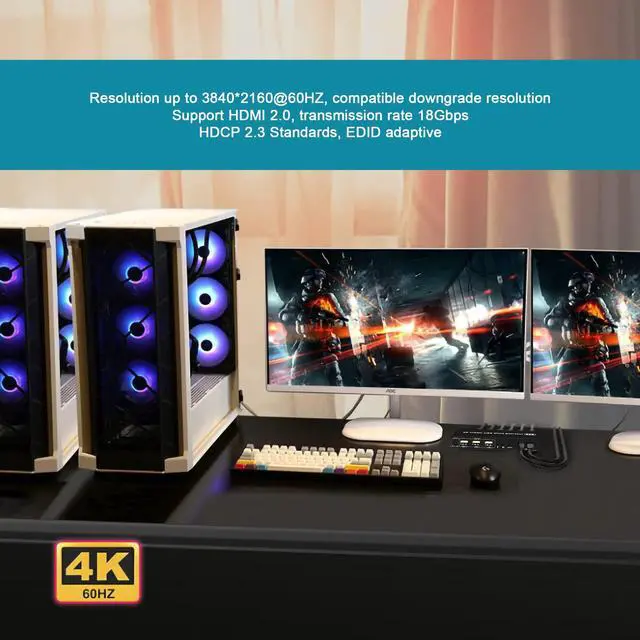
The Dual Monitor KVM Switch HDMI has a resolution of up to 3840*2160@60Hz on two displays at the same time. HDMI 2.0 supports HDCP, HDR, Dolby Vision. EDID simulation maintains correct display information.
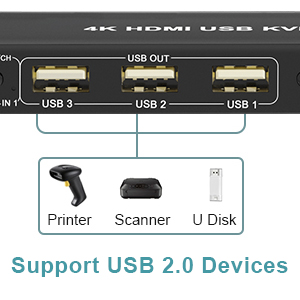
The Dual Monitor KVM has 3 USB 2.0 ports. 2 computers can share more USB 2.0 devices at the same time, such as printers, scanners, hard dish, webcam, etc. Meet more demands at work, no need to worry about connecting office equipment.
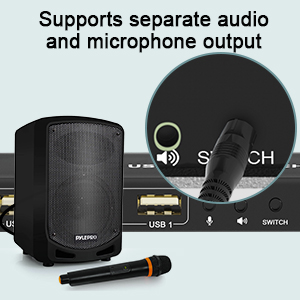
KVM Switch comes with a 3.5mm Audio Jack port with a DAC chip inside, which can be inserted into a 3-segment 3.5mm earpiece device, and a 3.5mm microphone interface, which can be inserted into a 3-segment microphone.
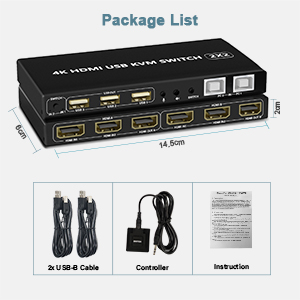
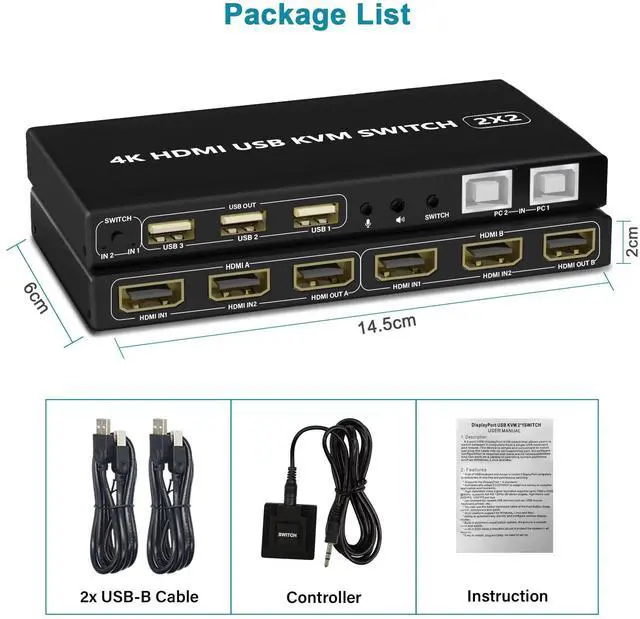
(1) 1x HDMI KVM dual monitor Switch
(2) 2x USB A-USB B Cables
(3) 1x Button extension cord
(4)1x Manual
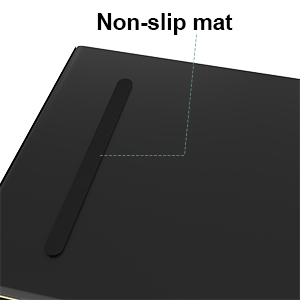
When you adjust the placement angle, it will be fixed under the table by itself, it will not slide around, you don't need to adjust it all the time.
1. 2 computers share one set of keyboard, mouse and 2 monitors
2. Dual monitors output support extended and mirrored display
3. Switching modes: Button switch and wired remote
4. Support wired or wireless keyboard and mouse
5. Cross support most major OS including Windows, Linux, Mac
6. With extra USB 2.0 HUB and audio support.
7. Support max up resolution 4K@60Hz,downward compatible.
8. Support HDMI 2.0 standard, compatible with HDMI 1.4 standard.
9. Automatically adapt to EDID/HDCP
How to Get Keyboard and Mouse Work:
Make sure cable 1 is correctly connected, the end with USB, HDMI must be plugged into computer, the other end with only HDMI must be plugged into IN 1 port (not IN 2 port).
1) Connect the micro USB power cord for KVM power.
2) Connect 1 USB cable and 2 HDMI cables from each computer to the KVM.
3) Connect the HDMI port on the KVM to 2 monitors with 2 HDMI cables.
4) Connect the mouse and keyboard into the USB port on the KVM and turn on the power switch.
The Dual Monitor KVM Switch HDMI has a resolution of up to 3840*2160@60Hz on two displays at the same time. HDMI 2.0 supports HDCP, HDR, Dolby Vision. EDID simulation maintains correct display information.
The Dual Monitor KVM has 3 USB 2.0 ports. 2 computers can share more USB 2.0 devices at the same time, such as printers, scanners, hard dish, webcam, etc. Meet more demands at work, no need to worry about connecting office equipment.
KVM Switch comes with a 3.5mm Audio Jack port with a DAC chip inside, which can be inserted into a 3-segment 3.5mm earpiece device, and a 3.5mm microphone interface, which can be inserted into a 3-segment microphone.
(1) 1x HDMI KVM dual monitor Switch
(2) 2x USB A-USB B Cables
(3) 1x Button extension cord
(4)1x Manual
When you adjust the placement angle, it will be fixed under the table by itself, it will not slide around, you don't need to adjust it all the time.
Dual Monitor 2 Port KVM Switch HDMI 4K@60Hz
1. 2 computers share one set of keyboard, mouse and 2 monitors
2. Dual monitors output support extended and mirrored display
3. Switching modes: Button switch and wired remote
4. Support wired or wireless keyboard and mouse
5. Cross support most major OS including Windows, Linux, Mac
6. With extra USB 2.0 HUB and audio support.
7. Support max up resolution 4K@60Hz,downward compatible.
8. Support HDMI 2.0 standard, compatible with HDMI 1.4 standard.
10.Automatically adapt to EDID/HDCP
How to Get Dual Monitor Display:
Each computer needs 2 video connections to correspondent IN 1 and IN 2 port on the KVM switch using Cable 1 and Cable 2 included.
Reliable adapters are needed but not included for DVI, VGA, DisplayPort (DP), USB Type C video outputs. Please be aware of the adapters needed for your setup before order.
Avoid using adapters on both monitor and computer side for a same video flow.
The dual monitor displays are from a same input source selected, it does not support computer 1 on monitor A, computer 2 on monitor B.
Connection steps:
1) Connect the micro USB power cord for KVM power.
2) Connect 1 USB cable and 2 HDMI cables from each computer to the KVM.
3) Connect the HDMI port on the KVM to 2 monitors with 2 HDMI cables.
4) Connect the mouse and keyboard into the USB port on the KVM and turn on the power switch.
How to Get Keyboard and Mouse Work:
Make sure cable 1 is correctly connected, the end with USB, HDMI must be plugged into computer, the other end with only HDMI must be plugged into IN 1 port (not IN 2 port).
What's in the Box:
(1) 1x HDMI KVM dual monitor Switch
(2) 2x USB A-B Cables
(3) 1x Button extension cord
(4)1x Manual
| Operation Mode | ON-OFF-ON |
| Contact Type | Normally Open |
| Connector Type | Plug In |
| Brand | Arkidyn Plus |
| Circuit Type | 2-way |
| Mounting Type | Plug-In Mount |
| Actuator Type | Toggle |
| Contact Material | Metal |
| International Protection Rating | IP54 |
| Number of Positions | 2 |
| Package Dimensions | 6.97 x 5.12 x 2.2 inches; 15.34 ounces |
| Item model number | KM202A-B-H |
| Date First Available | March 20, 2022 |
| Manufacturer | Arkidyn Plus |


