here!
here!
I’m your shopping assistant for PC builds, upgrades, and everything tech.
Got questions? Ask away!
Start a conversation
here!
I’m your shopping assistant for PC builds, upgrades, and everything tech.
Got questions? Ask away!
Start a conversation



Any questions? Ask CelesteSM will help you find out quickly.

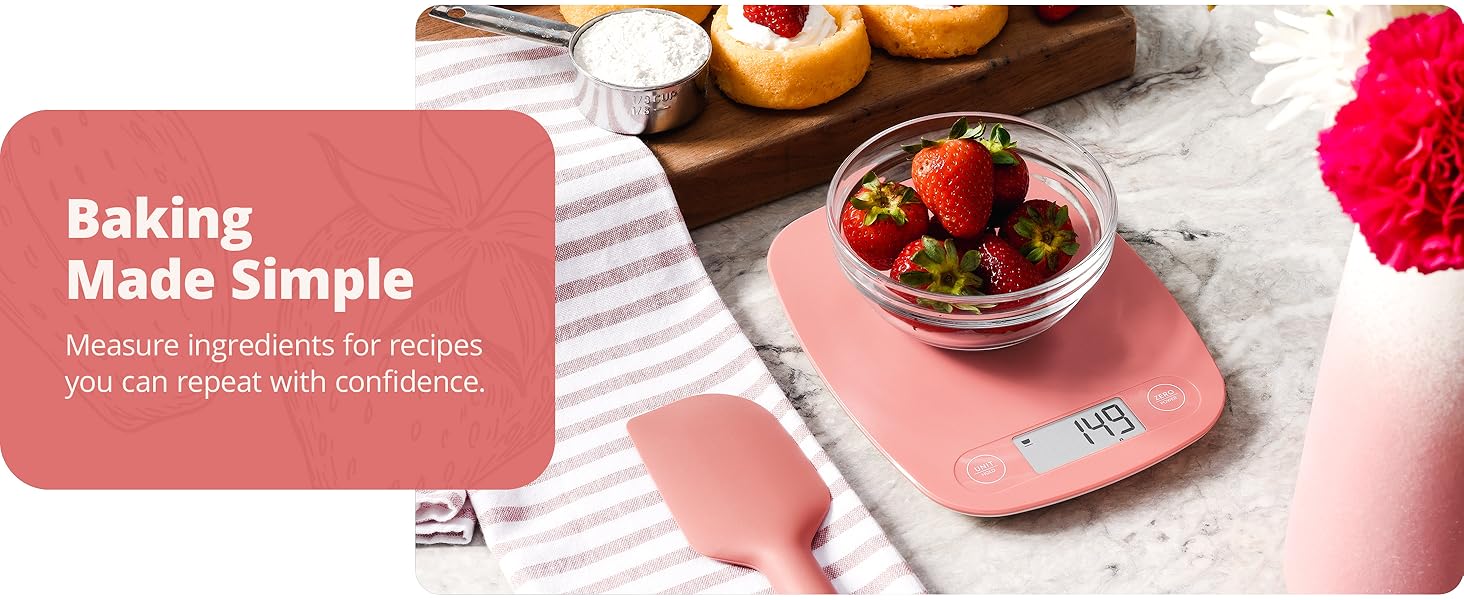
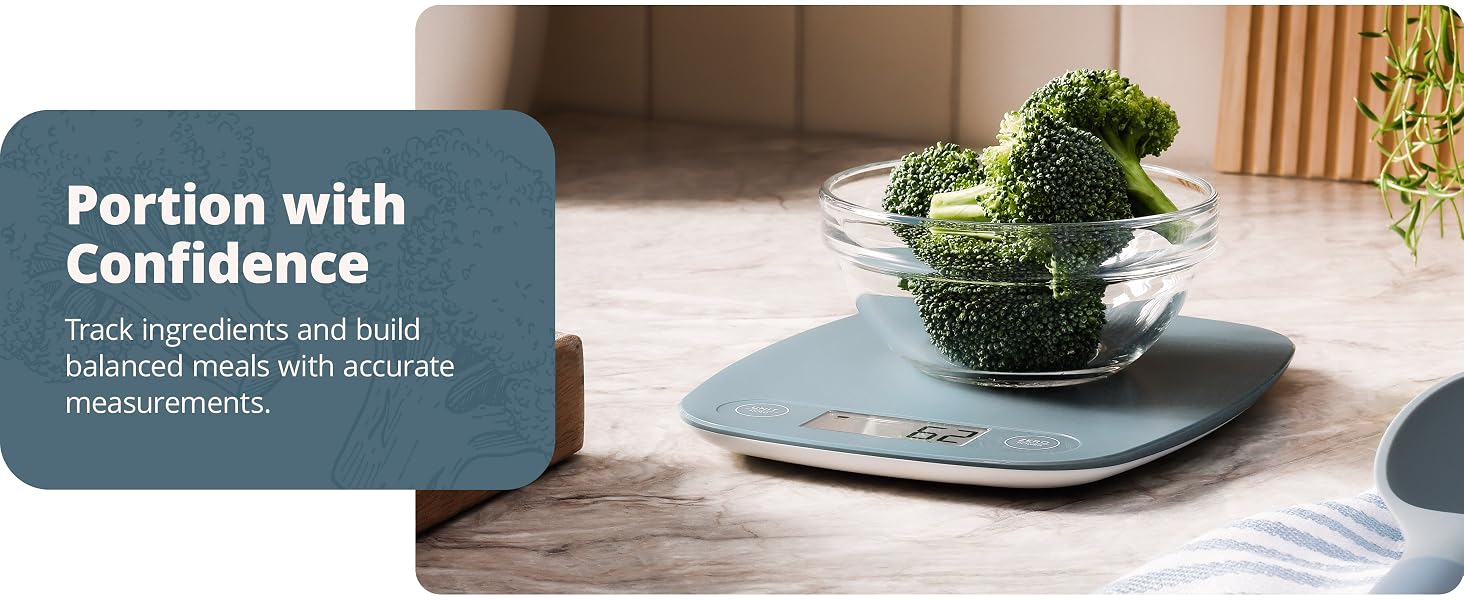
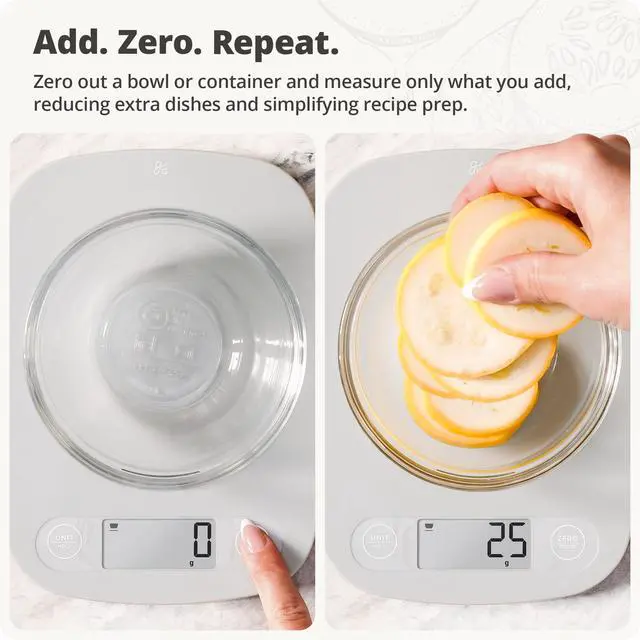
Place an empty bowl, container, or measuring cup on the weighing surface.

Press the ZERObutton once. The display will reset to 0, and the tare indicator will appear.
Add your first ingredient and measure exactly what goes into the bowl.

Press ZERO between additions to measure each ingredient separately as your recipe comes together.
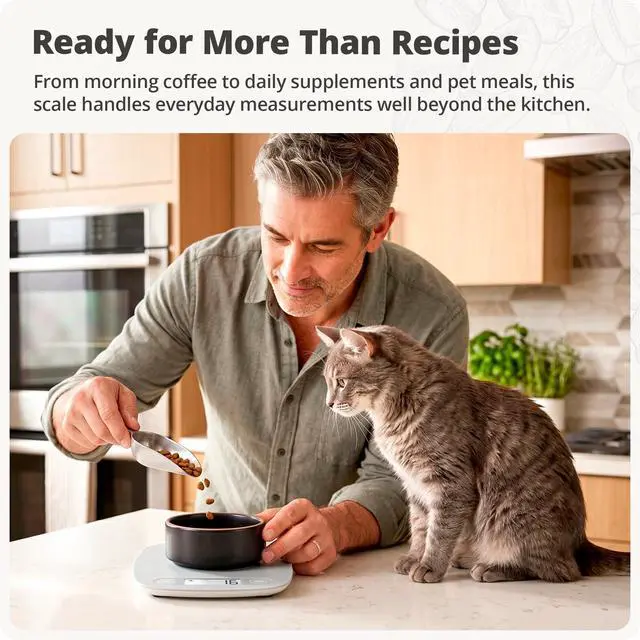
Some kitchen tools only come out for special occasions. This isn't one of them. From morning coffee to weeknight dinners and weekend baking projects, it's the kind of tool you'll find yourself reaching for again and again.
How do I change the unit of measure?
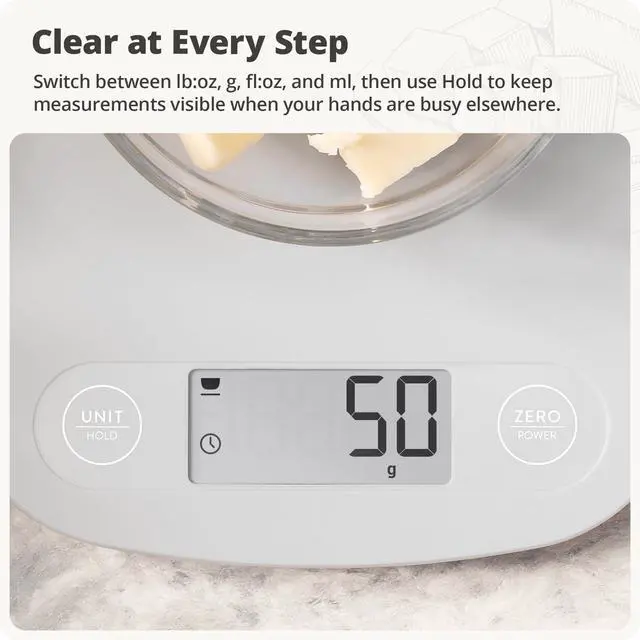
Press the UNIT button to switch between lb:oz, g, fl:oz, and ml.
What does the Hold function do?
Press HOLD to keep the display active for up to 5 minutes. A clock icon will appear to indicate the function is enabled.
How do I weigh ingredients in a bowl or container?
Place your bowl on the scale and press ZERO to reset the display to 0. Add ingredients directly to the bowl, then press ZERO again between additions to measure ingredients one at a time.
How do I clean the scale?
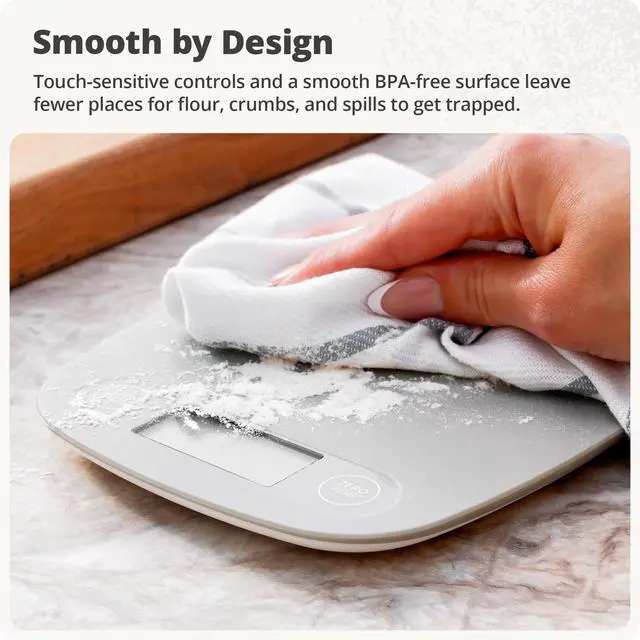
Wipe the surface with a slightly damp cloth. Do not immerse the scale in water or use abrasive cleaning products.
Is this scale covered?
Yes. This scale includes 5 years of product coverage and support from our St. Louis-based team.
 12” Cast Iron Skillet | 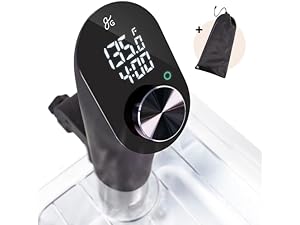 Sous Vide Cooker | 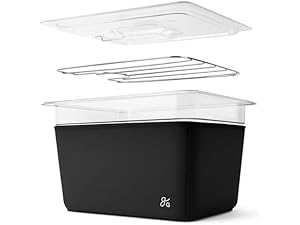 Kitchen Container |
|---|---|---|
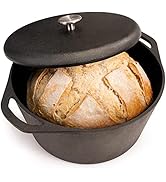
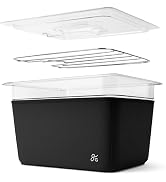
Naturally Seasoned Comes pre-seasoned with organic flaxseed oil that improves with use. | Fast, Precise Heating Reaches temperature in under 5 minutes with near-silent circulation. | Complete Sous Vide Kit Includes a lid, rack, and insulated sleeve, all designed to work together. |
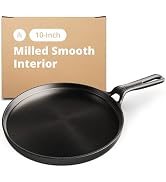
Milled Smooth Interior Machine-polished cast iron offers a smoother feel and greater control. | Easy to Use Adjust settings with a simple twist and press. | More Than Sous Vide Great for food storage, marinating, thawing, and proofing dough. |
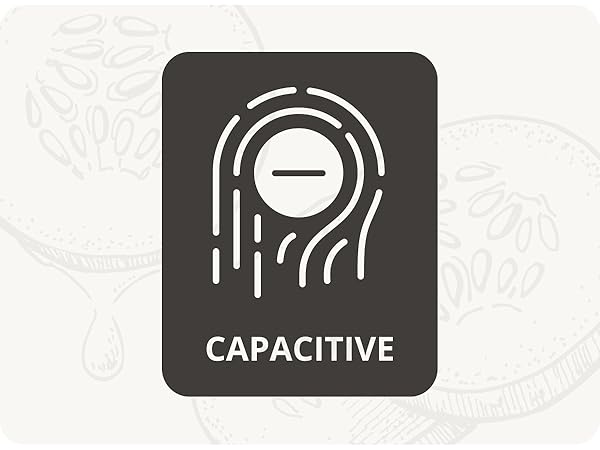
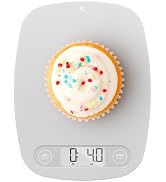
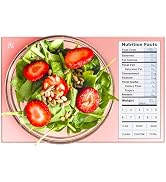
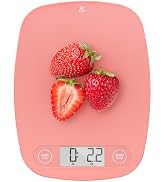
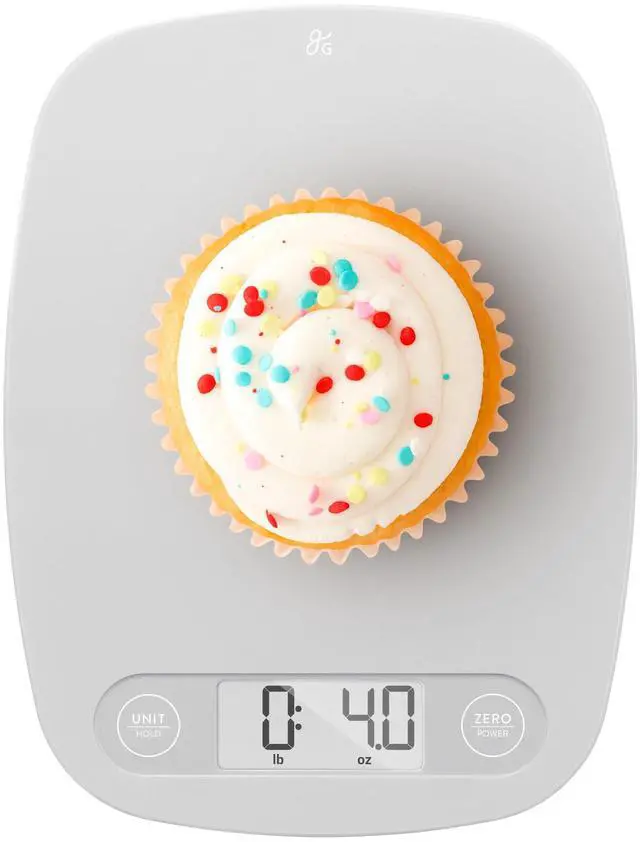
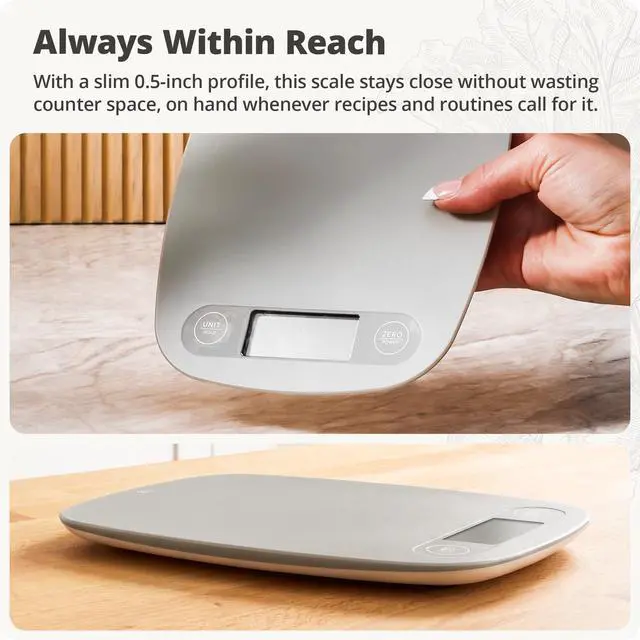
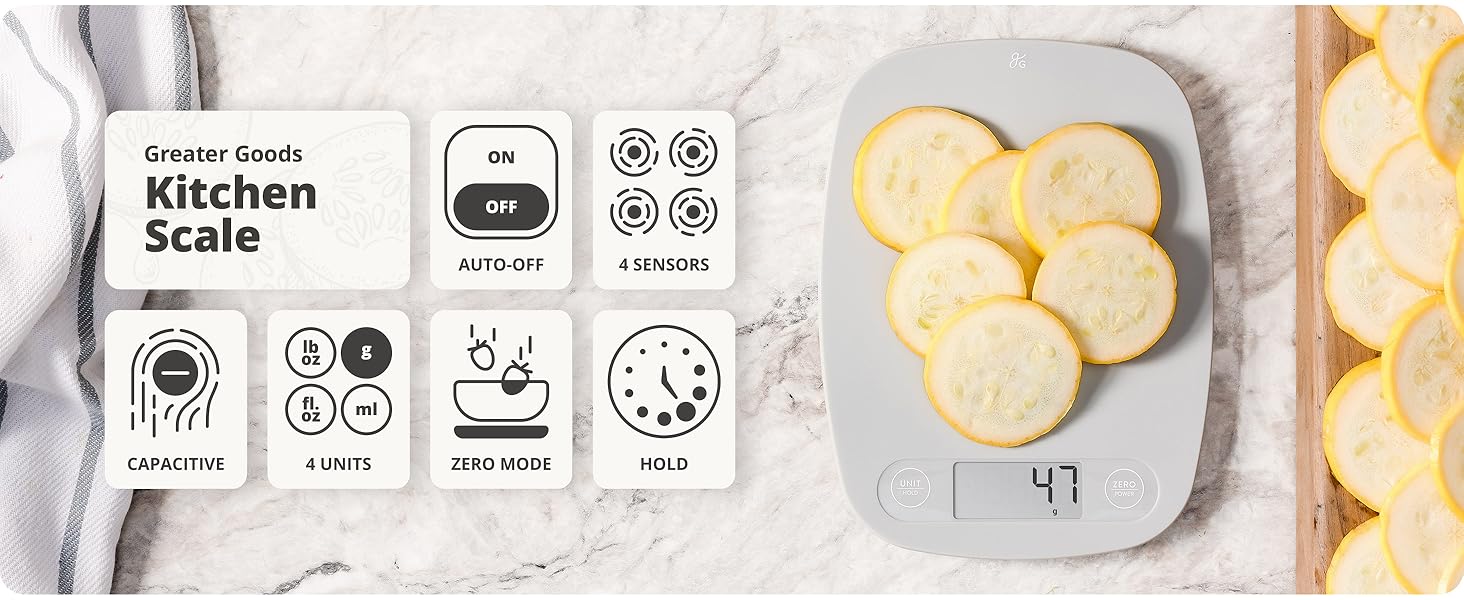
Touch-sensitive controls sit flush with the surface, creating a streamlined design that's easy to wipe clean.
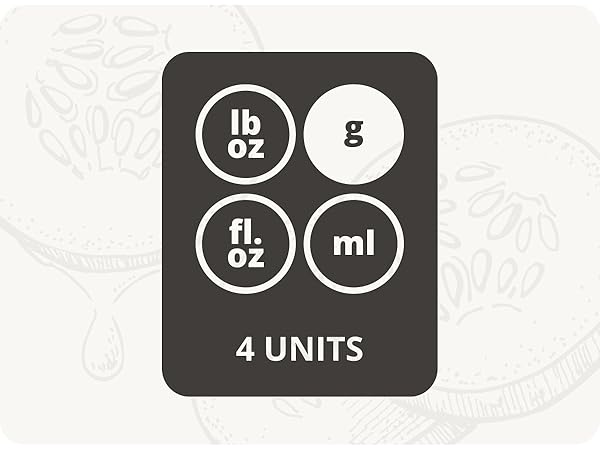
Switch between lb, g, fl, and ml with a single tap for recipes, meal prep, and everyday measuring.
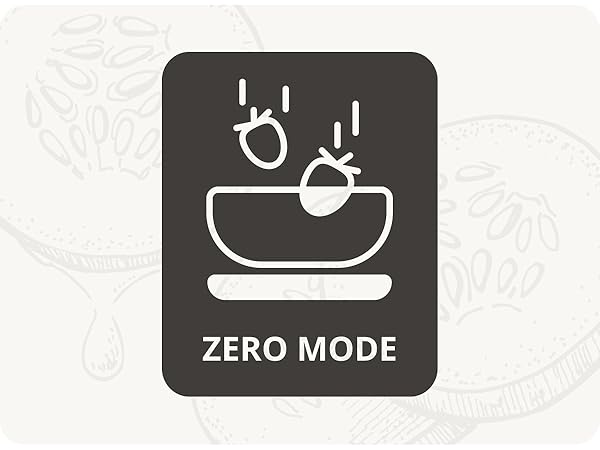
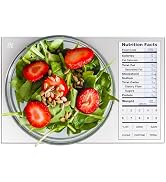
Reset the display to 0 at any time to remove the weight of a bowl or measure ingredients one at a time.
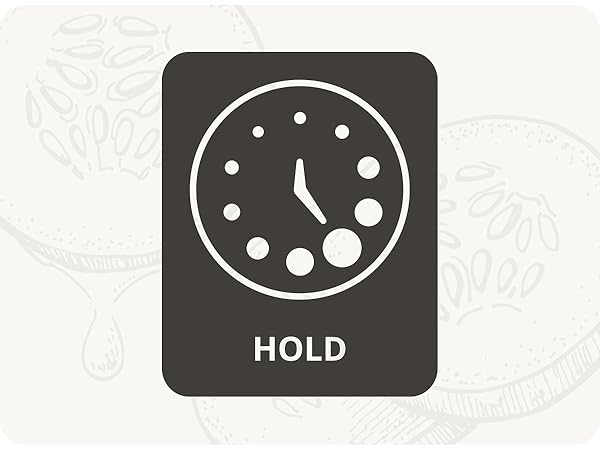
Press Hold to keep the display active for up to 5 minutes while you continue working through a recipe.
The scale turns off automatically after two minutes of inactivity to help conserve battery life.
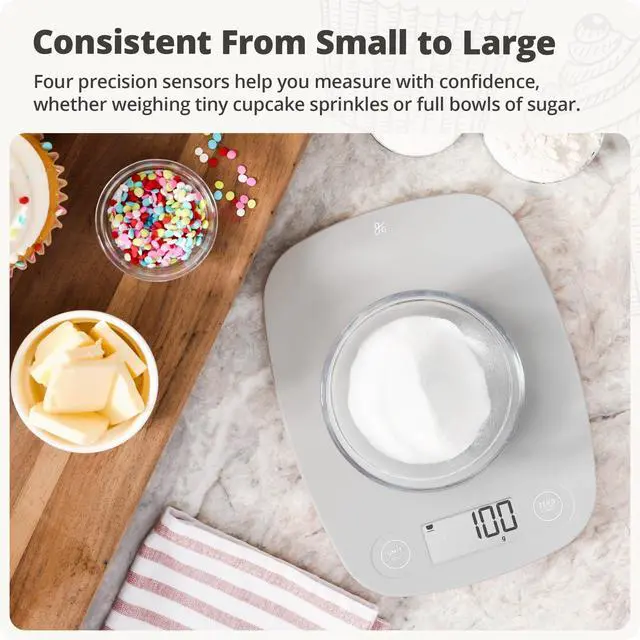
Four precision sensors work together to provide accurate measurements from 2g to 11lb (5kg).
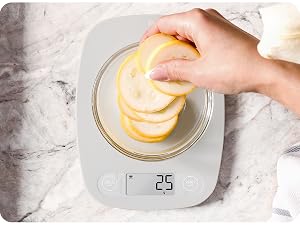
Place an empty bowl, container, or measuring cup on the weighing surface.
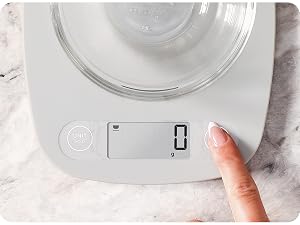
Press the ZERObutton once. The display will reset to 0, and the tare indicator will appear.

Add your first ingredient and measure exactly what goes into the bowl.
Press ZERO between additions to measure each ingredient separately as your recipe comes together.
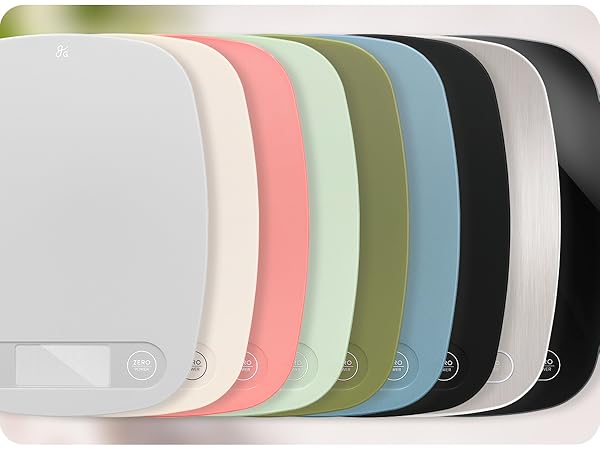
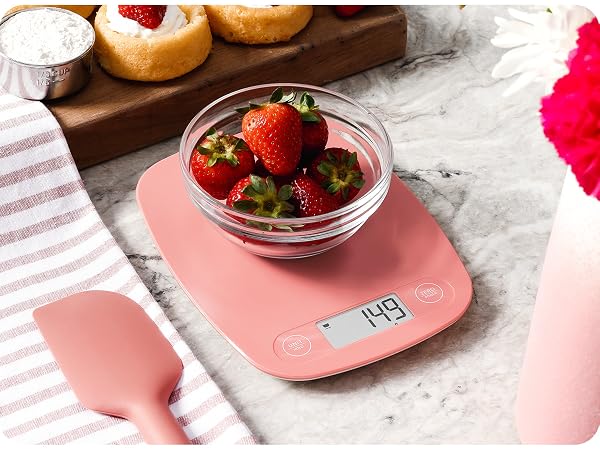
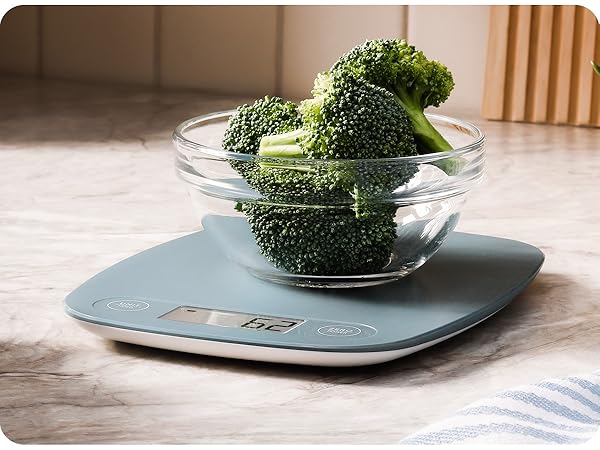
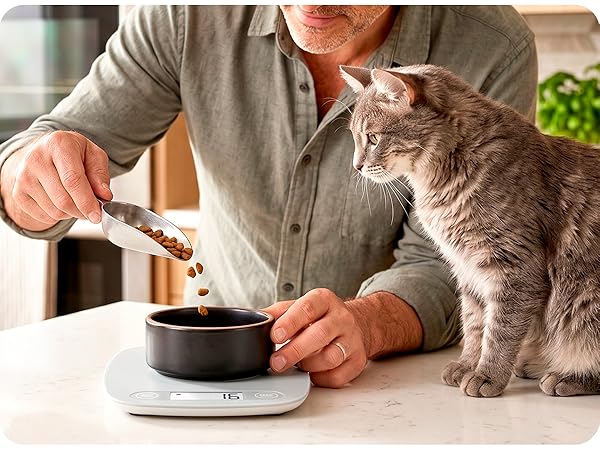
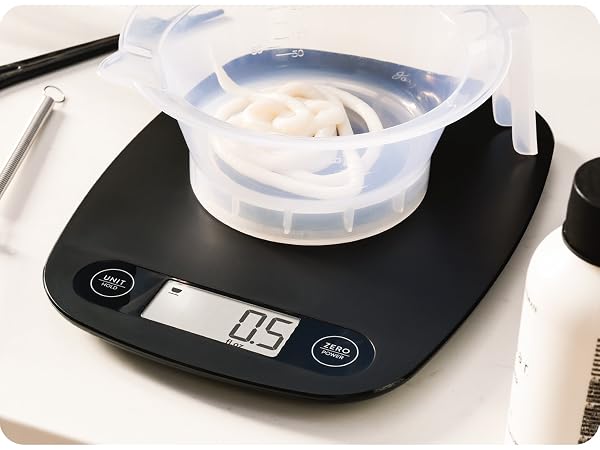
Some kitchen tools only come out for special occasions. This isn't one of them. From morning coffee to weeknight dinners and weekend baking projects, it's the kind of tool you'll find yourself reaching for again and again.
How do I change the unit of measure?
Press the UNIT button to switch between lb:oz, g, fl:oz, and ml.
What does the Hold function do?
Press HOLD to keep the display active for up to 5 minutes. A clock icon will appear to indicate the function is enabled.
How do I weigh ingredients in a bowl or container?
Place your bowl on the scale and press ZERO to reset the display to 0. Add ingredients directly to the bowl, then press ZERO again between additions to measure ingredients one at a time.
How do I clean the scale?
Wipe the surface with a slightly damp cloth. Do not immerse the scale in water or use abrasive cleaning products.
Is this scale covered?
Yes. This scale includes 5 years of product coverage and support from our St. Louis-based team.