




 here!
here!
I’m your shopping assistant for PC builds, upgrades, and everything tech.
Got questions? Ask away!
Start a conversation
here!
I’m your shopping assistant for PC builds, upgrades, and everything tech.
Got questions? Ask away!
Start a conversation

In Hard Drive / SSD Enclosures
Our most popular products, based on sales and updated frequently.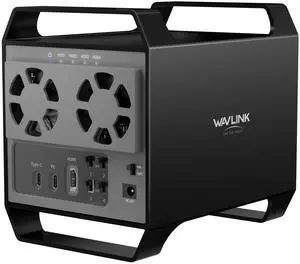
- Works well - Sturdy aluminum outer shell means the plastic components inside are protected - Simple 12-VDC external power supply

Very easy to use and very effective in operation. I was so impressed with it that I ordered another one.

Super easy to use. Cloned my old drive to new drive in a matter of 3 minutes via USB-C.
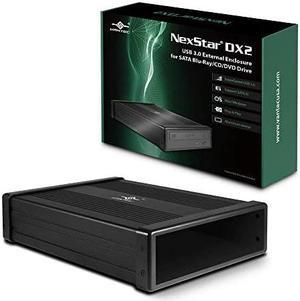
This external enclosure is sturdy and easy to put together. Highly recommend it!
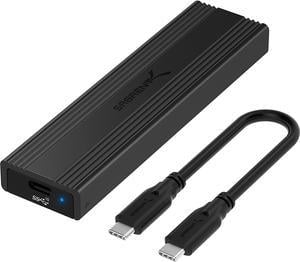
Cheap but excellent SSD enclosure
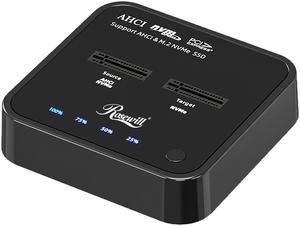
So easy to use
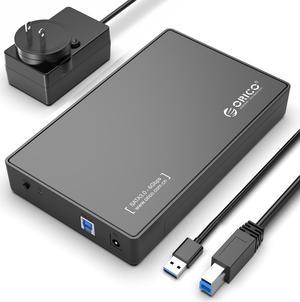
easy to set up build quality is decent no tools needed
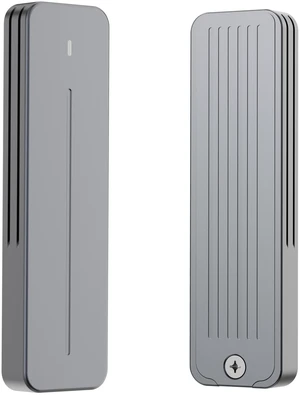
Simple to use, lots of options available for drive transfers
![ORICO 2.5 inch External Hard Drive Enclosure USB 3.0 to SATA III for 7mm and 9.5mm SATA HDD SSD Tool Free [UASP Supported] Black (25PW1-U3)](https://c1.neweggimages.com/productimage/nb300/A1DSS2603250CP12V62.jpg "ORICO 2.5 inch External Hard Drive Enclosure USB 3.0 to SATA III for 7mm and 9.5mm SATA HDD SSD Tool Free [UASP Supported] Black (25PW1-U3)")
Great for carrying 2.5 inch drives. Tested on Windows and Linux, gets advertised USB3 speeds.
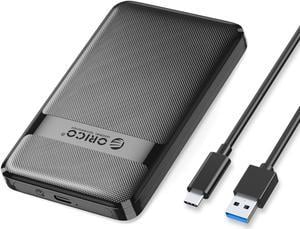
Very easy to assemble. Fast data transfer as described.
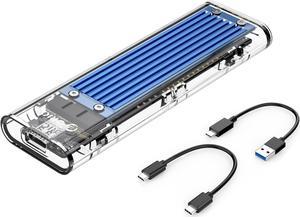
Easy installation with SAMSUNG 980 M.2 2280 1TB PCI-Express 3.0 x4, NVMe. My bad, the screw need to insert from the back (read the installation manual). Take less than a minute to put it together. Recognize by windows 10 right away, format with MBR since this is only 1TB. Did not do a read/write testing but definitely faster than hard drive. Ha! Ha! Wait to see the long term reliability.
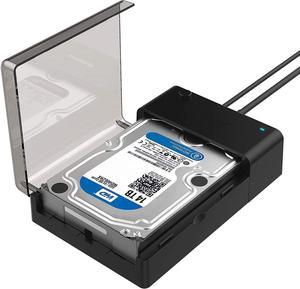
-Plug-n-Play straight out of the box -Simple and effective -Do everything Windows 10 allows - read, write or manipulate volumes -Power button (ability to power off before docking and undocking) -Hot Swap (works perfectly fine while powered on) -Windows immediately recognizes the drive -Docking Station sits at my workstation -HD is fully secured with lid closed, no concern of someone undocking the HD
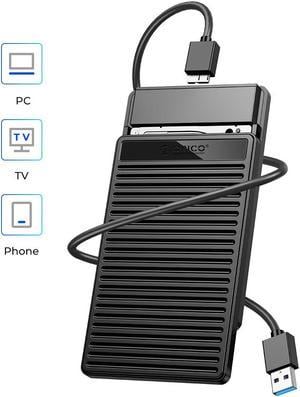
Easy to use simple plug and play and you can clone away!
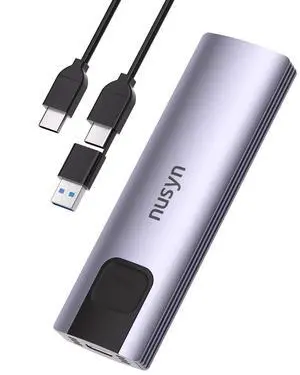
The cable is great to have both a USB-C and USB-A outputs. The plastic rotating foot is far more manageable than a tiny screw than can be lost.
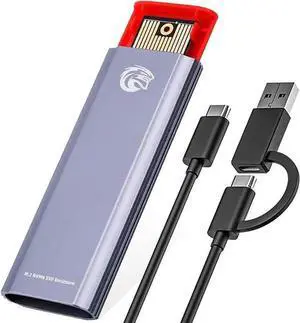
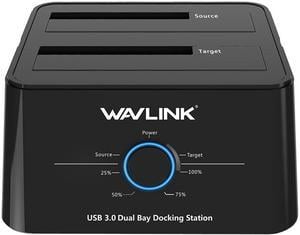
This is the easiest way to access data on additional drives! Archive all types of files. Video Data, Databases can be accessed very quickly without actually installing the drive internally to the case. USB 3.0 is fast and easily accessible on any system. Easily handles two 3TB drives at the same time. Also clones a ssd system drive!
![ORICO 2.5" Transparent USB 3.0 to SATA 3.0 External Hard Drive Disk Enclosure Box, USB 3.0 High-Speed Case for 2.5" HDD / SSD, Case Support UASP Protocol SATA III Tool Free [Upgrade Version]](https://c1.neweggimages.com/productimage/nb300/0VN-0003-000Z5-01.jpg "ORICO 2.5\" Transparent USB 3.0 to SATA 3.0 External Hard Drive Disk Enclosure Box, USB 3.0 High-Speed Case for 2.5\" HDD / SSD, Case Support UASP Protocol SATA III Tool Free [Upgrade Version]")
- Good for it's price - Reads easily - Gets the job done
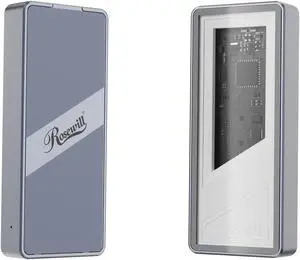
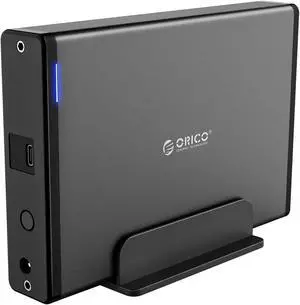
Looks nice - nondescript without needless lighting. Very nice aluminum shell with plastic end pieces. USB Type C ensures future connectivity, and allows for greater transfer speeds.
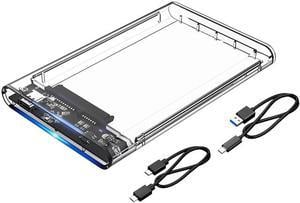
Plug and Play Fast enough to use for Steam library Comes with USB-A and USB-C cables


