here!
here!
I’m your shopping assistant for PC builds, upgrades, and everything tech.
Got questions? Ask away!
Start a conversation
here!
I’m your shopping assistant for PC builds, upgrades, and everything tech.
Got questions? Ask away!
Start a conversation

In Keyboard
Our most popular products, based on sales and updated frequently.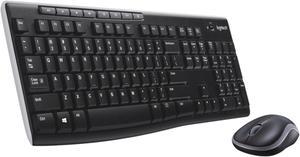
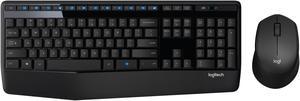
Does what it's supposed to do. Range is fine for me. I have 2: one on desk close to receiver and one in living room HTPC at a good distance and does not lose connection or such. It's lightweight, yet sturdy; like I said above, has a quality-feel to it and does NOT feel flimsy. Very satisfied with purchase, especially for price... The one in living room HTPC felt so good I got a 2nd one for desk bc I wanted wireless neatness on desk keyboard AND mouse...GREAT Combo instead of separate wireless keyboard and mouse....
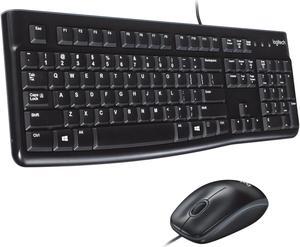
great price
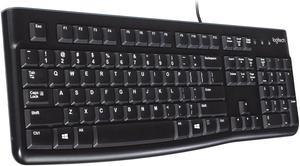
- Good keypress feel, not as shallow as a laptop, but not as deep as your run of the mill OEM keyboard - Feels solid - Very quiet for a desktop keyboard not designed as a "quiet keyboard" - No excess keys - Proper pageup/pagedown/home/end key orientation
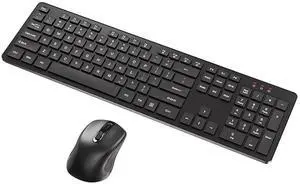
Worked out of the box,just remember to remove the plastic battery isolation strips and turn on the keyboard (duh.:>) ).
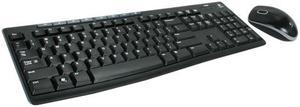
Nice Keyboard usefull keys at the top. Mouse is comfortable and accurate.
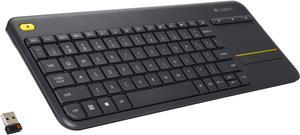
- worked flawlessly out of the box - good battery life - can even control bios/efi with this which is great because my last wireless keyboard would not work till the OS booted
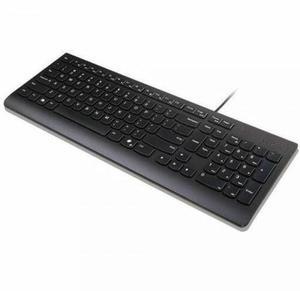
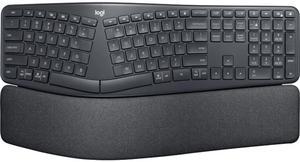
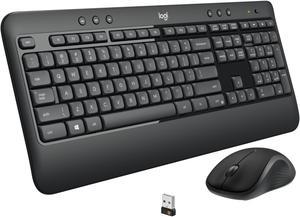
The best keyboard&mouse set I owned. Great design. Low profile. The plastic fills great Keyboard produce nice soft sound when typing Mouse has rubber coating from the sides and plastic for the buttons.
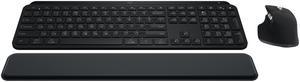
-plug and play -light weight -decent battery life
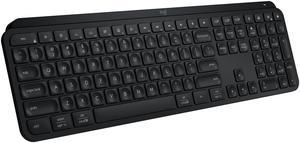
Easy to connect. Keys respond well
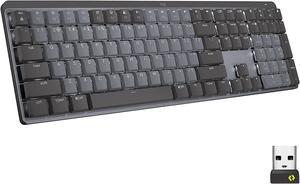
-Software is easy to use and useful. -Solid feel to the keyboard. -long battery life/easy to charge -neat extra controls.
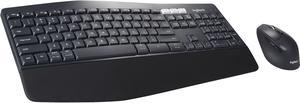
Everything!
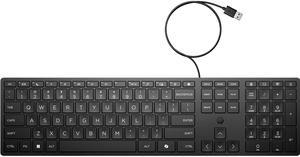
I just needed a cheap keyboard for testing a system without having to run my main keyboard from one room to another, This is exactly that. It is a cheap HP keyboard, it is not for gaming, it works fine for just regular typing. local thrift shops somehow have run out of keyboards, and every store near me thinks a basic keyboard should be $25-40
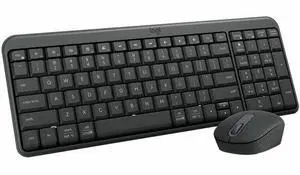
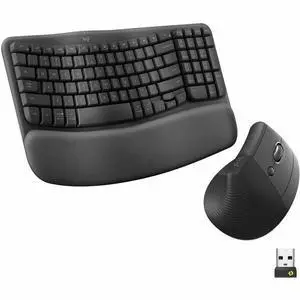
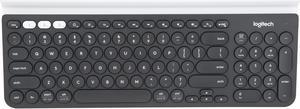
Love the key style and feel.Quiet keys.Solid build quality - feels sturdy like it will be around for a while (hope that's true)