





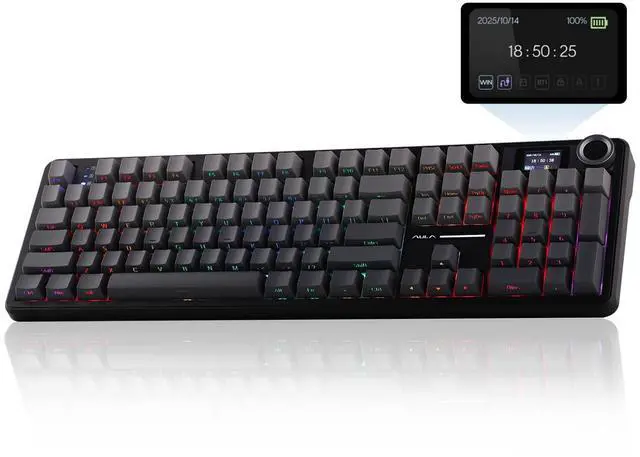
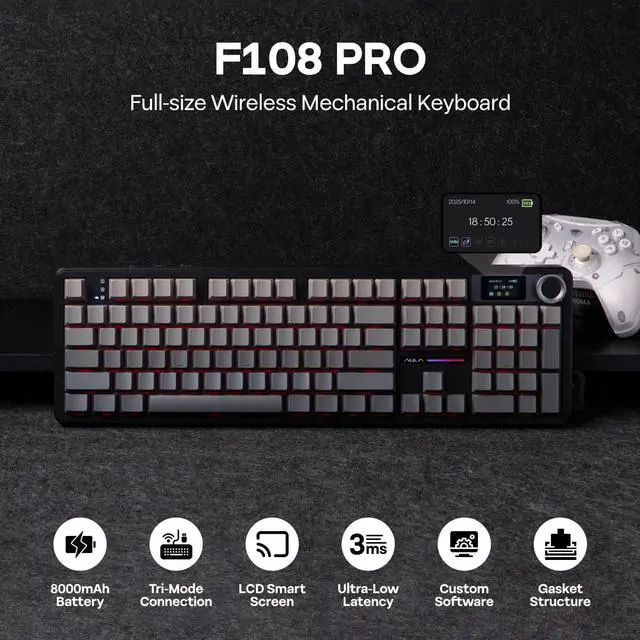


EPOMAKER X AULA F108 PRO Full Size Wireless Mechanical Keyboard with LCD Screen
F108 PRO Full Size Wireless Mechanical Keyboard
Merchant Video


360° Showcasing On Thocky Sound, RGB Backlit, Package & Size
-
Dynamic RGB & Single Color
Immersive Gaming Atmosphere
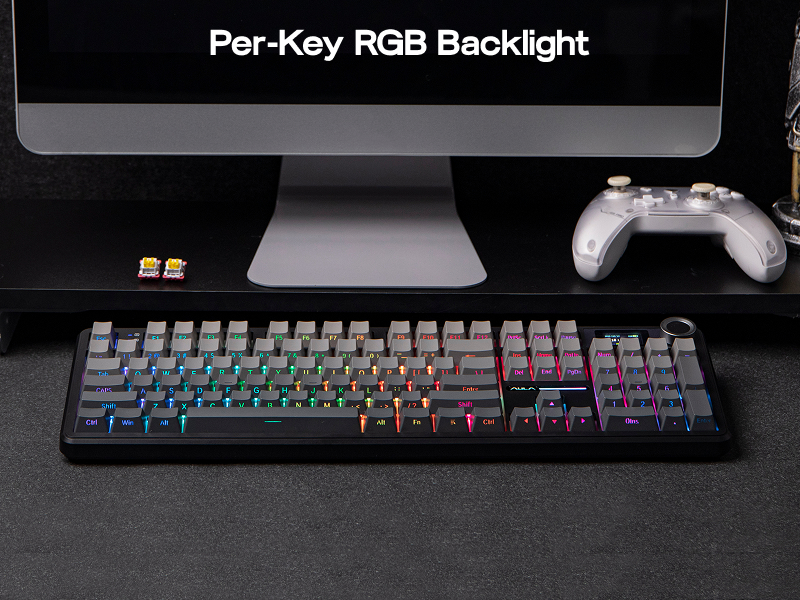
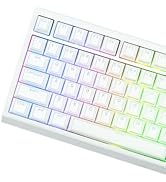
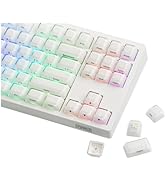
The RGB backlighting of the F108 PRO mechanical keyboard creates a mesmerizing and dynamic display. Colors flow and shift seamlessly across the keys, like a river of light. You can choose from a variety of lighting effects, such as breathing, cycling, and chasing, which add a sense of movement and energy to the keyboard.
- FN+\|= Change Light Effect (on/off/different effects)
- FN+Tab= Change Light Colors
- FN+????: Adjust Brightness/Speed
-
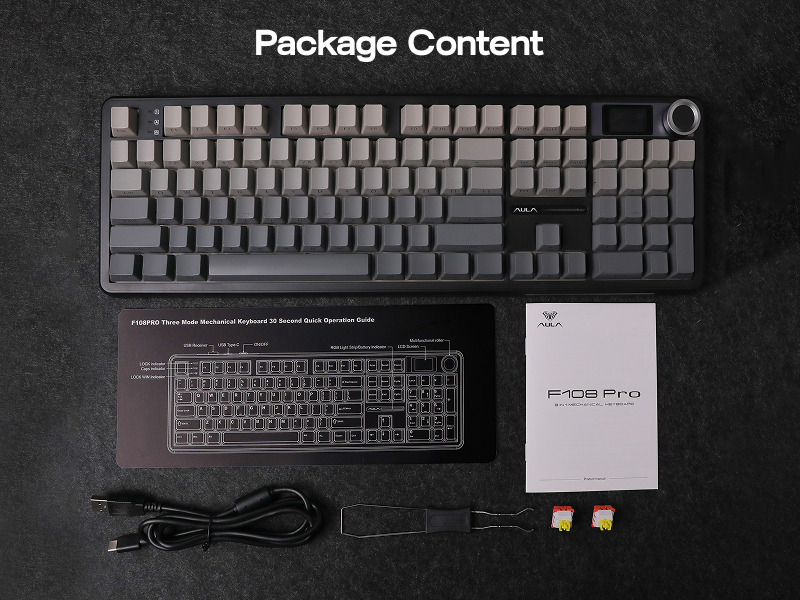
Length*Width=44.5*13.8cm. Weight=1.1kg
Package Content
What's in the package:
- 1* F108 PRO Mechanical Gaming Keyboard
- 1* 2-in-1 Switch & Keycap Puller. 1*Multilingual Manual (EN/DE/ES/FR/IT/JP/CN)
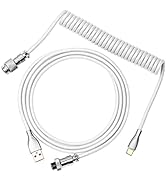
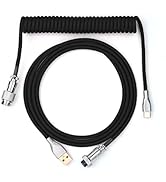
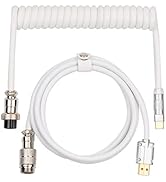
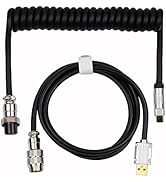
- 1*Detachable USB A to C Cable. 1*Wireless 2.4Ghz Receiver (stored on the keyboard)


-
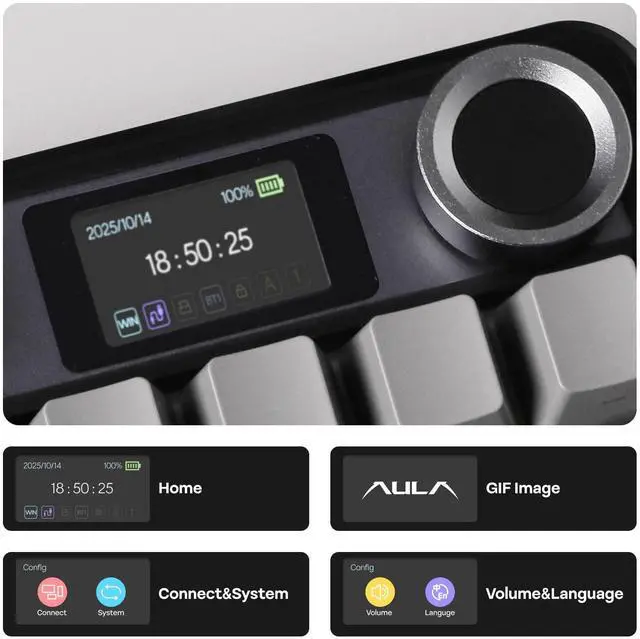
How to adjust the time, date, and upload GIF images on the screen?
You can find the download link for the driver on the "EPOMAKER" website. Adjust the time, date, and upload GIF images on the screen through the driver. Note: The F108 PRO driver currently only supports Windows systems.
-
Why does the keyboard backlight light up but the keys don't respond when I plug it in?
It's possible that the keyboard is not in the correct connection mode. You can press and hold the 'FN' key to check the connection system and OS of the keyboard. The symbols" ~`, 1, 2, 3, 4" correspond to "Wireless 2.4GHz, BT 1/2/3, and USB-C wired".
-
How to switch the keyboard operating system?
You can switch to the corresponding operating system using the key combinations "FN+Q/W/E/R". To check the current status, simply press and hold the "FN" key. The keys Q, W, E, and R correspond to Android, Windows, Mac, and iOS, respectively.
Mechanical Gaming Keyboard with Ten-key from EPOMAKER
TH99 |

TH108 V2 PRO |

TH108 PRO |

QK108 |

TH108 |
F99 |
Galaxy100 |
|
|---|---|---|---|---|---|---|---|
|
Customer Reviews
|
— | — | — | — | — | — | — |
|
Price
|
— | — | — | — | — | — | — |
|
Special Features
|
1800 Layout (9 function keys) | Full Size, 10000mAh&Screen | Full Size, 10000mAh | Full Size, VIA Software | Full Size, Quiet Keyboard | Low Latency (2ms-USB) | CNC Aluminum Shell |
|
Layout & Keys
|
96% ANSI US, 102 keys | 100% ANSI US, 104 keys | 100% ANSI US, 104 keys | 100% ANSI US, 104 keys | 100% ANSI US, 108 keys | 96% ANSI US, 99 keys | 96% ANSI US, 101 keys |
|
Keycap Material & Profile
|
PBT Plastic. Cherry Profile | PBT Plastic. Cherry Profile | PBT Plastic. Cherry Profile | PBT Plastic. Cherry Profile | PBT Plastic. Cherry Profile | PBT Plastic. Cherry Profile | PBT. Cherry/MDA Profile |
|
Knob Function
|
X | Volume & Screen Control | Volume & Screen Control | Volume Control | X | X | Volume & Programmable |
|
Screen
|
X | Interactive Screen | Interactive Screen | Interactive Screen | X | X | X |
|
Connectivity
|
BT/2.4Ghz/USB-C Wired | BT/2.4Ghz/USB-C Wired | BT/2.4Ghz/USB-C Wired | BT/2.4Ghz/USB-C Wired | BT/2.4Ghz/USB-C Wired | BT/2.4Ghz/USB-C Wired | BT/2.4Ghz/USB-C Wired |
|
Battery Capacity
|
8000mAh | 10000mAh | 10000mAh | 8000mAh | 8000mAh | 8000mAh | 8000mAh |
|
Custom Software
|
bit.ly/EpomakerUpgear | bit.ly/EpomakerUpgear | bit.ly/EpomakerUpgear | usevia.app/test | bit.ly/EpomakerUpgear | F99 Software (WIN only) | usevia.app/test |
|
Hot Swappable
|
3/5-pin Mechanical Switches | 3/5-pin Mechanical Switches | 3/5-pin Mechanical Switches | 3/5-pin Mechanical Switches | 3/5-pin Mechanical Switches | 3/5-pin Mechanical Switches | 3/5-pin Mechanical Switches |
|
Backlight
|
RGB (Keycap not Shine-Through) | RGB (Keycap Shine-Through) | RGB (Keycap not Shine-Through) | RGB (Keycap not Shine-Through) | RGB (Keycap not Shine-Through) | RGB (Keycap not Shine-Through) | RGB (Keycap not Shine-Through) |
|
Per-Key LEDs
|
South-Facing | South-Facing | South-Facing | South-Facing | South-Facing | North-Facing | South-Facing |
|
Size & Weight
|
41.8*15*4.2cm. 1.14kg | 44.7*14.1*4.4cm. 1.5kg | 44.5*14*4.2cm.1.2kg | 43.9*13.9*4.3cm. 1.18kg | 44.5*14*4.2cm.1.2kg | 39*14.7*3cm. 1.16kg | 40.5*13.78*3.23cm. 2kg |







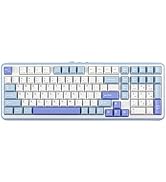
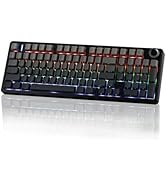
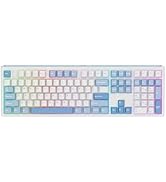
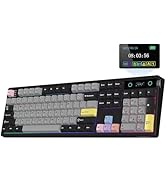
EPOMAKER X AULA F108 PRO Full Size Wireless Mechanical Keyboard with LCD Screen
F108 PRO Full Size Wireless Mechanical Keyboard
Merchant Video


360° Showcasing On Thocky Sound, RGB Backlit, Package & Size


Sound-Dampening & Lubed for Silky Acoustics
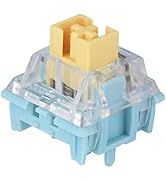
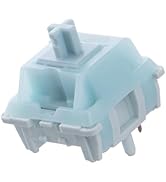
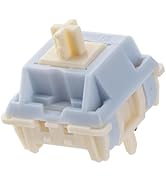
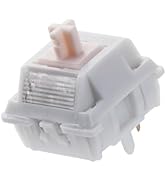
Pre-Lubed LEOBOG Reaper Switch
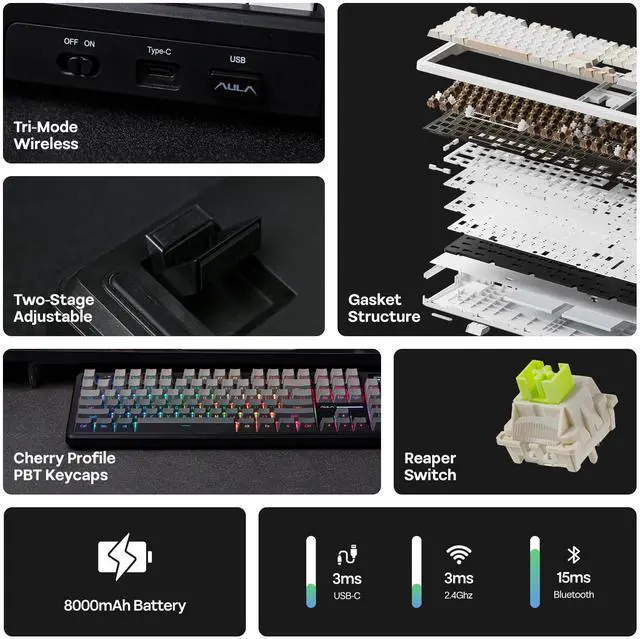
The F108 PRO features an integrated Gasket Structure, delivering a relatively quiet, creamy sound profile along with a soft and flexible typing feel. The plate-mount stabilizers and linear switches have been meticulously lubricated and fine-tuned, ensuring a smooth and tactile typing experience.
- LEOBOG Reaper Switch: 5-pin Mechanical Linear Switch
- Trigger Force: 45±3gf (55±3gf)
- Trigger & Total Travel: 1.8±0.3mm (3.6±0.3mm)
Dynamic RGB & Single Color
Immersive Gaming Atmosphere
The RGB backlighting of the F108 PRO mechanical keyboard creates a mesmerizing and dynamic display. Colors flow and shift seamlessly across the keys, like a river of light. You can choose from a variety of lighting effects, such as breathing, cycling, and chasing, which add a sense of movement and energy to the keyboard.
- FN+\|= Change Light Effect (on/off/different effects)
- FN+Tab= Change Light Colors
- FN+????: Adjust Brightness/Speed
Length*Width=44.5*13.8cm. Weight=1.1kg
Package Content
What's in the package:
- 1* F108 PRO Mechanical Gaming Keyboard
- 1* 2-in-1 Switch & Keycap Puller. 1*Multilingual Manual (EN/DE/ES/FR/IT/JP/CN)
- 1*Detachable USB A to C Cable. 1*Wireless 2.4Ghz Receiver (stored on the keyboard)


-
How to adjust the time, date, and upload GIF images on the screen?
You can find the download link for the driver on the "EPOMAKER" website. Adjust the time, date, and upload GIF images on the screen through the driver. Note: The F108 PRO driver currently only supports Windows systems.
-
Why does the keyboard backlight light up but the keys don't respond when I plug it in?
It's possible that the keyboard is not in the correct connection mode. You can press and hold the 'FN' key to check the connection system and OS of the keyboard. The symbols" ~`, 1, 2, 3, 4" correspond to "Wireless 2.4GHz, BT 1/2/3, and USB-C wired".
-
How to switch the keyboard operating system?
You can switch to the corresponding operating system using the key combinations "FN+Q/W/E/R". To check the current status, simply press and hold the "FN" key. The keys Q, W, E, and R correspond to Android, Windows, Mac, and iOS, respectively.
Mechanical Gaming Keyboard with Ten-key from EPOMAKER
|
TH99 |
TH108 V2 PRO |
TH108 PRO |
QK108 |
TH108 |
F99 |
Galaxy100 |
|---|---|---|---|---|---|---|
| Customer Reviews | ||||||
| — | — | — | — | — | — | — |
| Price | ||||||
| — | — | — | — | — | — | — |
| Special Features | ||||||
| 1800 Layout (9 function keys) | Full Size, 10000mAh&Screen | Full Size, 10000mAh | Full Size, VIA Software | Full Size, Quiet Keyboard | Low Latency (2ms-USB) | CNC Aluminum Shell |
| Layout & Keys | ||||||
| 96% ANSI US, 102 keys | 100% ANSI US, 104 keys | 100% ANSI US, 104 keys | 100% ANSI US, 104 keys | 100% ANSI US, 108 keys | 96% ANSI US, 99 keys | 96% ANSI US, 101 keys |
| Keycap Material & Profile | ||||||
| PBT Plastic. Cherry Profile | PBT Plastic. Cherry Profile | PBT Plastic. Cherry Profile | PBT Plastic. Cherry Profile | PBT Plastic. Cherry Profile | PBT Plastic. Cherry Profile | PBT. Cherry/MDA Profile |
| Knob Function | ||||||
| X | Volume & Screen Control | Volume & Screen Control | Volume Control | X | X | Volume & Programmable |
| Screen | ||||||
| X | Interactive Screen | Interactive Screen | Interactive Screen | X | X | X |
| Connectivity | ||||||
| BT/2.4Ghz/USB-C Wired | BT/2.4Ghz/USB-C Wired | BT/2.4Ghz/USB-C Wired | BT/2.4Ghz/USB-C Wired | BT/2.4Ghz/USB-C Wired | BT/2.4Ghz/USB-C Wired | BT/2.4Ghz/USB-C Wired |
| Battery Capacity | ||||||
| 8000mAh | 10000mAh | 10000mAh | 8000mAh | 8000mAh | 8000mAh | 8000mAh |
| Custom Software | ||||||
| bit.ly/EpomakerUpgear | bit.ly/EpomakerUpgear | bit.ly/EpomakerUpgear | usevia.app/test | bit.ly/EpomakerUpgear | F99 Software (WIN only) | usevia.app/test |
| Hot Swappable | ||||||
| 3/5-pin Mechanical Switches | 3/5-pin Mechanical Switches | 3/5-pin Mechanical Switches | 3/5-pin Mechanical Switches | 3/5-pin Mechanical Switches | 3/5-pin Mechanical Switches | 3/5-pin Mechanical Switches |
| Backlight | ||||||
| RGB (Keycap not Shine-Through) | RGB (Keycap Shine-Through) | RGB (Keycap not Shine-Through) | RGB (Keycap not Shine-Through) | RGB (Keycap not Shine-Through) | RGB (Keycap not Shine-Through) | RGB (Keycap not Shine-Through) |
| Per-Key LEDs | ||||||
| South-Facing | South-Facing | South-Facing | South-Facing | South-Facing | North-Facing | South-Facing |
| Size & Weight | ||||||
| 41.8*15*4.2cm. 1.14kg | 44.7*14.1*4.4cm. 1.5kg | 44.5*14*4.2cm.1.2kg | 43.9*13.9*4.3cm. 1.18kg | 44.5*14*4.2cm.1.2kg | 39*14.7*3cm. 1.16kg | 40.5*13.78*3.23cm. 2kg |
-
-
-
-
-
-
-
-
-

EPOMAKER New Release for 2026
-
EPOMAKER Gaming Keyboard
-
65% Layout Gaming Keyboard
-
75% Layout Gaming Keyboard
-
1800 Layout Gaming Keyboard
-
PC Gaming Mice
-
Numpad
-
Premium PBT Keycap Set
-
Keyboard Cable
-
Keyboard Switches
|
Brand |
EPOMAKER X AULA |
|---|---|
|
Model |
F108 PRO |
|
Layout |
Full Size 100% ANSI US Layout, QWERTY |
|
Number of Keys |
104 Keys |
|
Knob |
Yes, as screen control |
|
Screen |
1.14inch, LCD screen |
|
Battery |
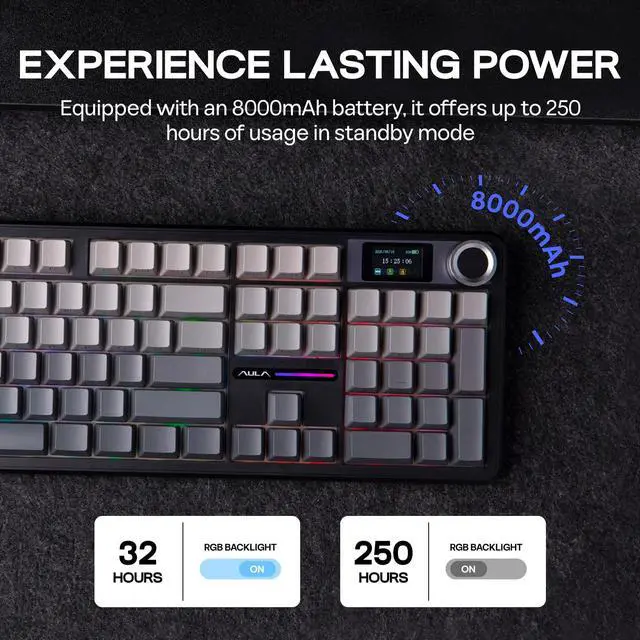
8000mAh |
|
Connectivity |
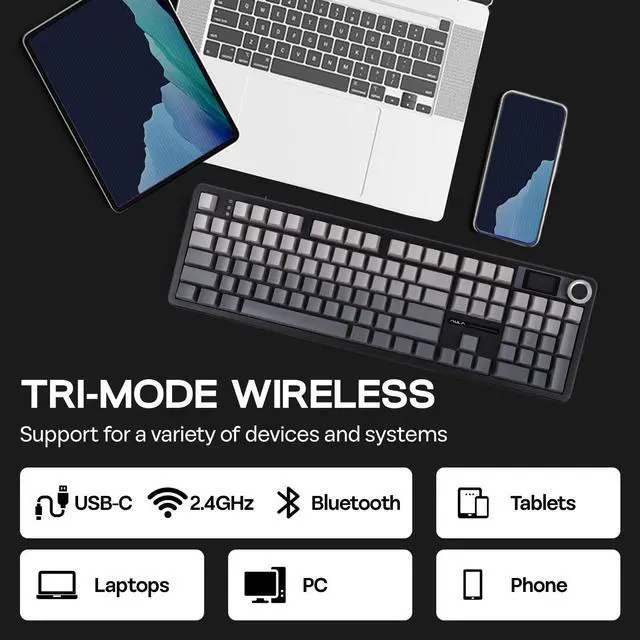
Cable Wired, 2.4GHz, Bluetooth 5.0 |
|
Compatibility |
Mac/WIN/Android |
|
Keyboard Weight |
1.2kg |
|
Keyboard Width and Length |
44.5*14.15cm. |
|
Keyboard Height |
4.3cm |
|
Case Material |
ABS Plastic |
|
Plate Material |
PC Plate |
|
Flex-Cut |
Partial Flex-Cut |
|
Stabilizers |
Plate-Mount Stabilizer |
|
Mounting Structure |
Gasket-Mount |
|
Sound Dampening |
PO Sandwich Foam, PO Switch Pad, PET Sound-Enhancement Pad, PO Bottom Foam and Bottom Silicone |
|
Keycaps Profile |
Cherry Profile |
|
Keycaps Material |
PBT Plastic |
|
Keycaps Manufacturing Technique |
Double-Shot |
|
Switch |
5-pin Pre-Lubed Mechanical Switch |
|
Hot swappable |
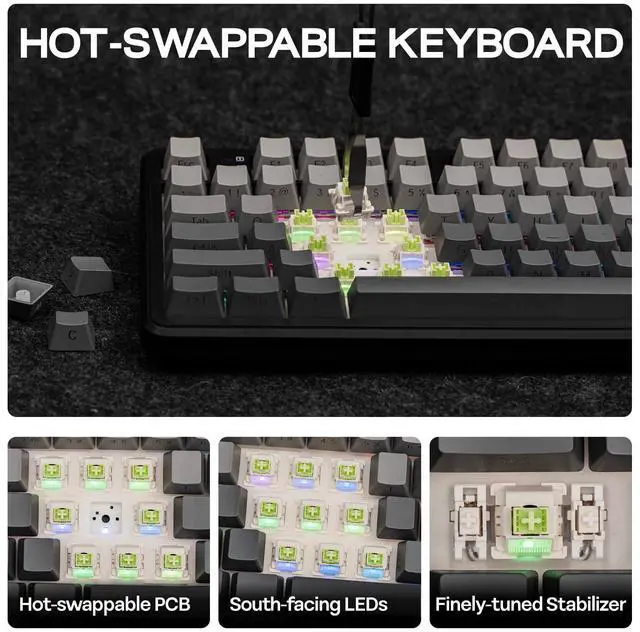
Yes, with 3/5-pin Mechanical Switches |
|
RGB |
South-facing, Per-Key RGB |
|
Polling Rate |
1000Hz (USB, 2.4Ghz), 125Hz (Bluetooth 5.0) |
|
Latency |
3ms in Wired Mode and 2.4Ghz Wireless Mode, 15ms latency in Bluetooth mode. |
|
Anti-Ghosting |
N-Key Rollover |