All CategoriesAll CategoriesAll Categories

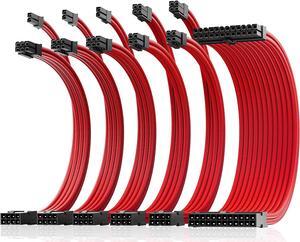

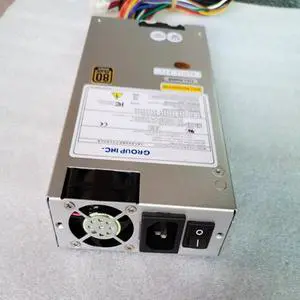
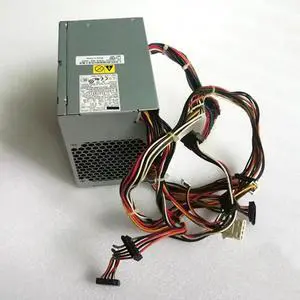
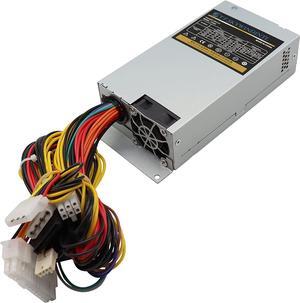
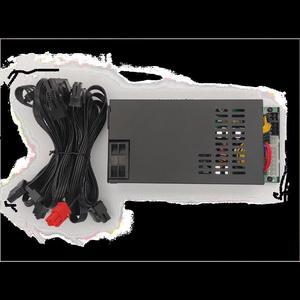
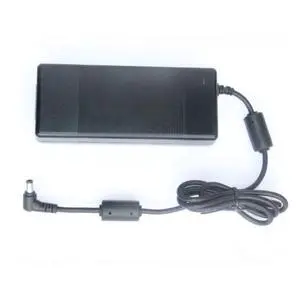
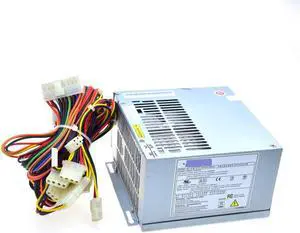
Internal PC power cables connect your computer's power supply unit with important components, such as the CPU or graphics card. They come with different connectors and wattages to fit all your computer components and make your device perform at its best.
PCI Express cables have the primary function of providing power to the graphics card. There are three different PCI Express connector types: x16, six-pin and eight-pin. PCI Express x16 connectors plug directly into the matching slot on your motherboard, with no need for cables or additional interfaces. They're common in entry-level graphics cards as they can provide a maximum of 75W. High-end graphics cards tend to require more wattage than that. PCI Express internal PC power cables with the six-pin connector can deliver up to 75W. A power-hungry graphics card can get 75W from the 16x connector and 75W from the six-pin cable, for a total of 150W. PCI Express cables with the eight-pin connector can provide up to 150W to satisfy the needs of high-end graphics cards. Some top-end video card models have both eight-pin and six-pin connectors, to draw power from multiple cables at the same time.
If you are getting graphics cards with PCI Express connectors and your power supply unit only supports Molex or SATA, use an adapter to solve the problem. There are Molex and SATA converters for both six-pin and eight-pin PCI Express connectors, as well as adapters from six-pin to eight-pin PCI Express. It is advisable to choose Molex adapters, as this older interface can provide more power. This way, your PC power supply cable will work even during overclocking.
ATX or P1 cables provide power to your motherboard. They use a 20-pin or 24-pin ATX-style connector. The 24-pin connector is backward compatible with the 20-pin one. Also, most 24-pin cables have a connector that can split into 20-pin and 4-pin. To make a 20-pin connector work with a 24-pin slot, you can purchase a separate ATX 4-pin cable.
EPS or P4 internal PC power cables deliver power directly to the CPU. They can have a four-pin connector or an eight-pin one. The four-pin connector is typically enough to meet the needs of the average user, while the eight-pin connector delivers extra power for overclockers and competitive gamers. Some eight-pin EPS connectors can split into two four-pin sections to ensure backward compatibility.
SATA cables serve two purposes: They connect a hard drive or optical power to the motherboard, and they provide power to it. They superseded the IDE cable, which requires a separate power supply cable. SATA PC power supply cables come with a compact seven-pin connector, and they support hot-swapping.