


 All CategoriesAll CategoriesAll Categories
Shipped by Newegg




Warranty Notice:
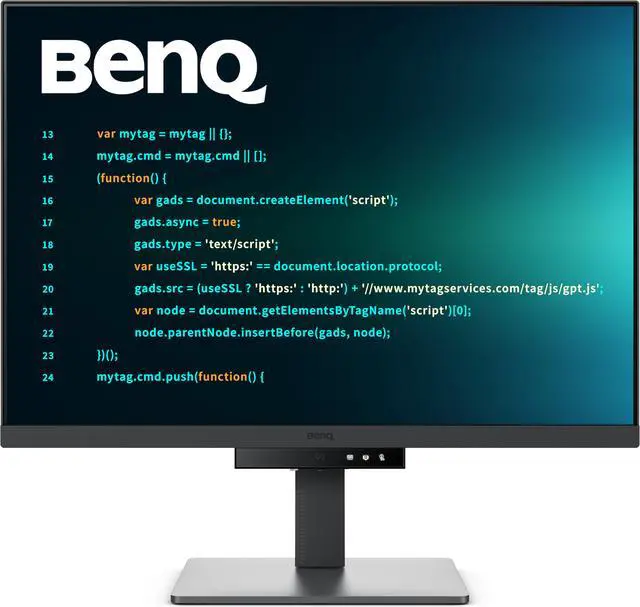
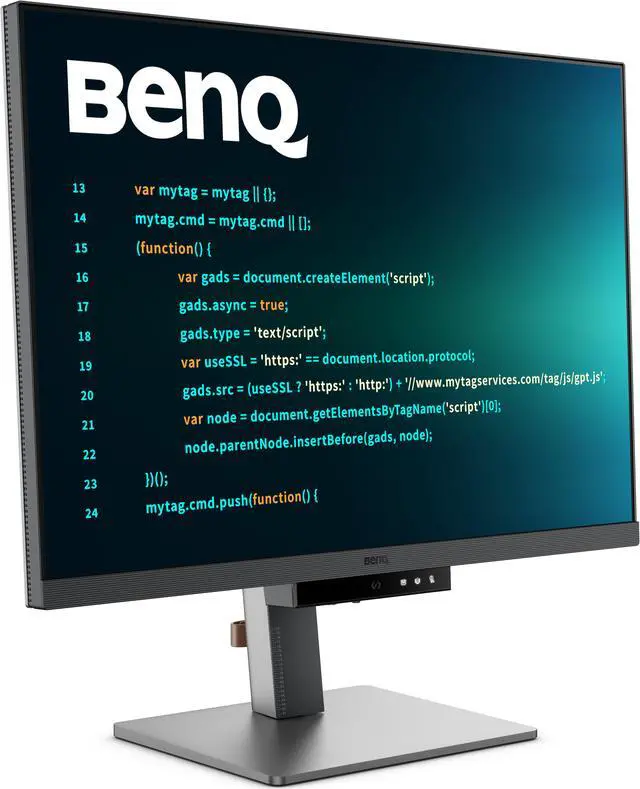
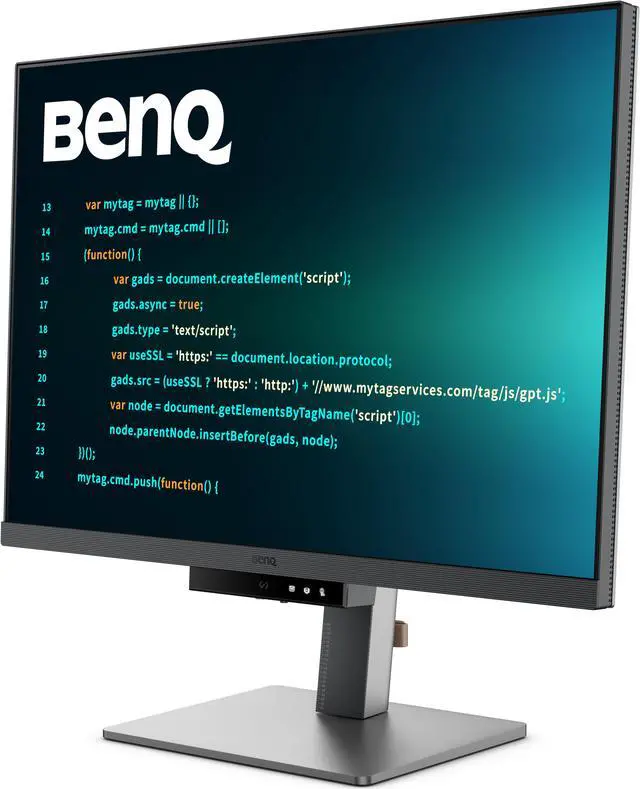
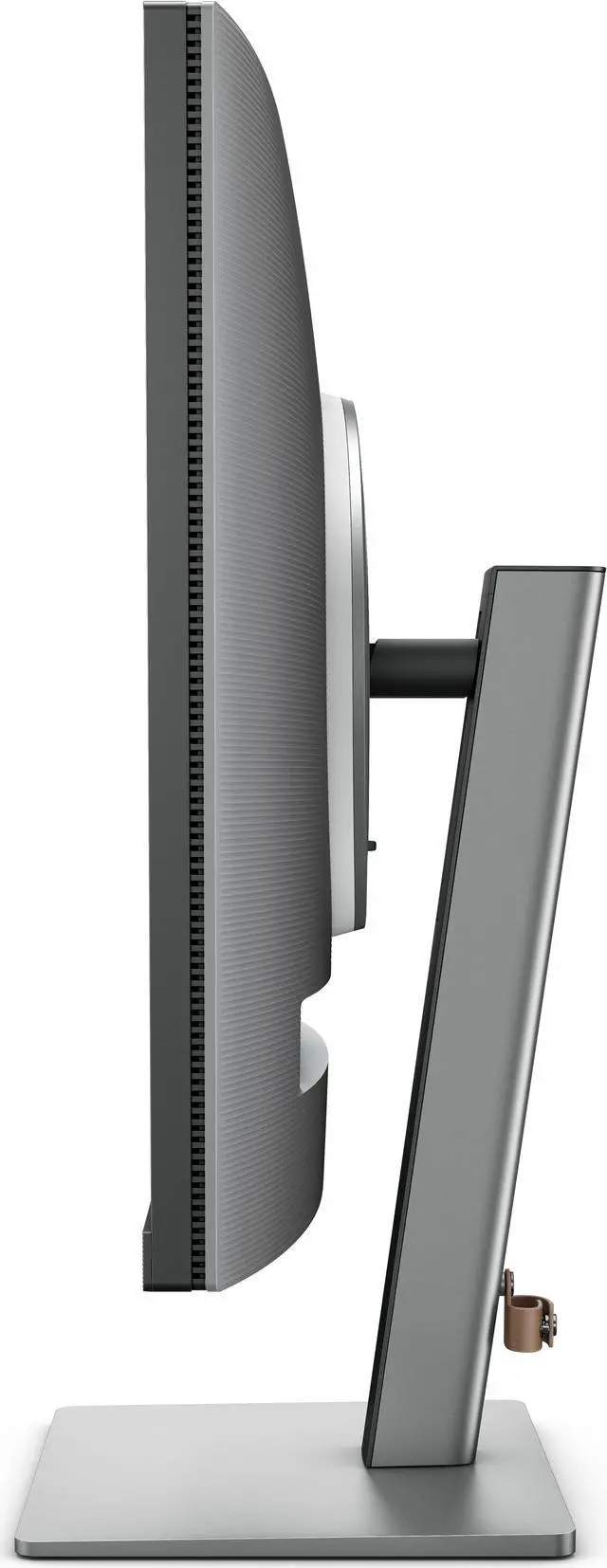
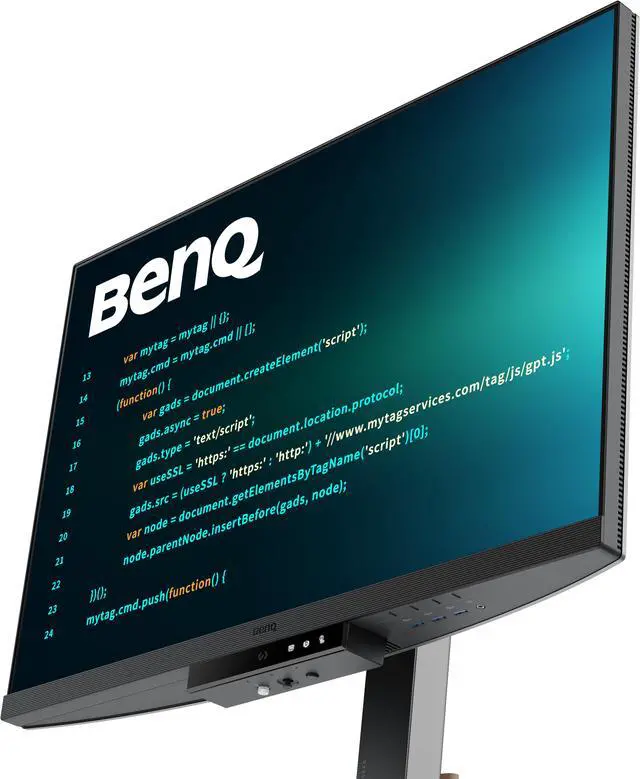
This product does not include manufacturer warranty when purchased or used outside of its designated sales region. By purchasing internationally, you acknowledge that warranty support from the manufacturer will not be available.The BenQ RD280U is a 28.2-inch 3840 × 2560 3:2 IPS programming monitor with a glare-reducing Fine-Coated Panel, coding modes, and eye-care features, making it well suited to developers who want more vertical workspace for reading and editing code.
| Attribute | Value |
|---|---|
| Best For | Programmers and business or desktop users seeking a 3:2 monitor for coding and general productivity |
| Panel And Resolution | 28.2-inch flat IPS LED panel with 3840 × 2560 resolution, 3:2 aspect ratio, anti-glare finish, 178° horizontal and vertical viewing angles, and 0.2 mm pixel pitch |
| Refresh Rate And Response | 60 Hz refresh rate, 5 ms GtG response time, and FreeSync adaptive sync |
| Image Quality And Eye Care | 1.07 billion colors, 1,200:1 contrast ratio, 350-nit typical brightness and 400-nit HDR peak brightness; supports HDR10 and DisplayHDR 400. Eye-care features include Brightness Intelligence Gen2, Flicker-free Technology, Low Blue Light Plus, Color Weakness, ePaper, Eye Reminder, and Night Hours Protection |
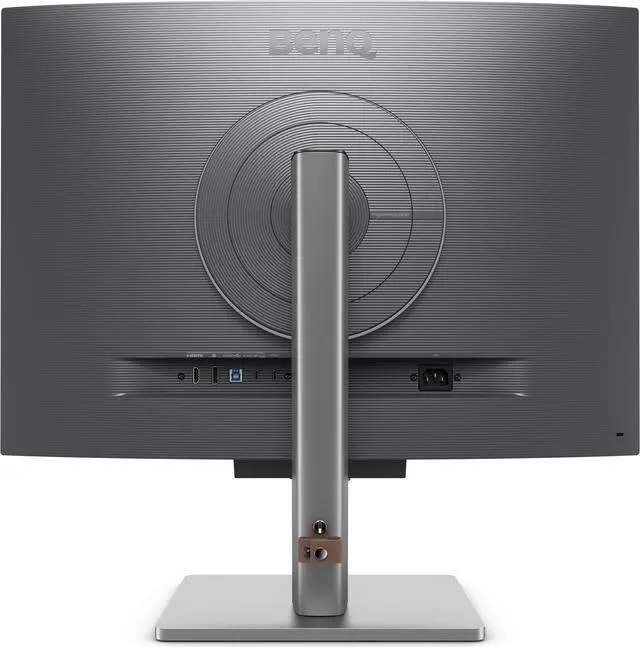
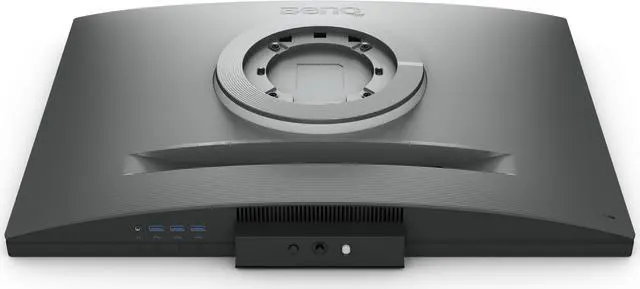
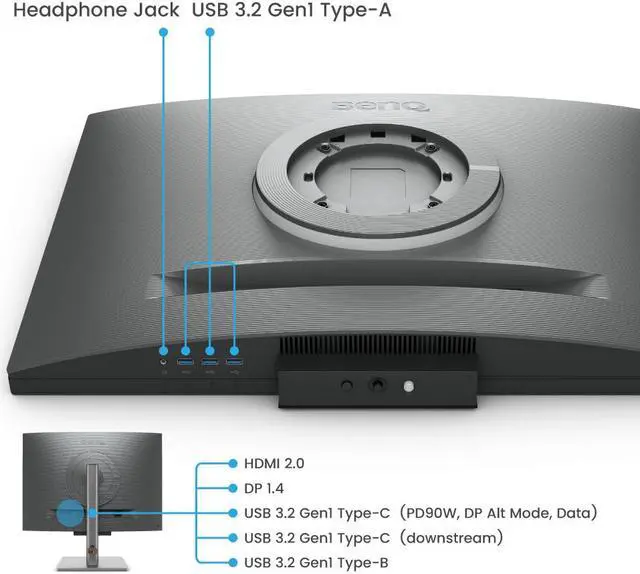
| Ports And Connectivity | 1 HDMI 2.0, 1 DisplayPort 1.4, and USB-C with 90 W Power Delivery, DisplayPort Alt Mode, and data; USB-C output supports MST daisy chaining. Also includes 1 USB-B upstream, 3 USB-A downstream ports with 4.5 W charging, 1 USB-C downstream port with 7.5 W charging, a headphone connection, and a KVM switch |
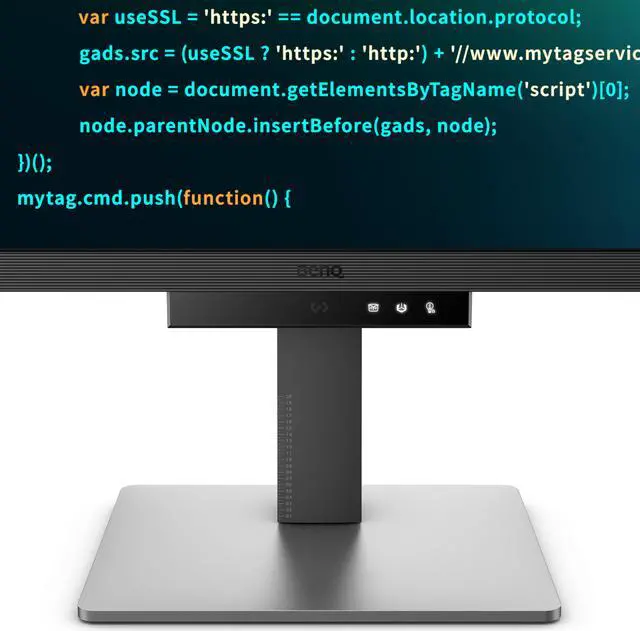
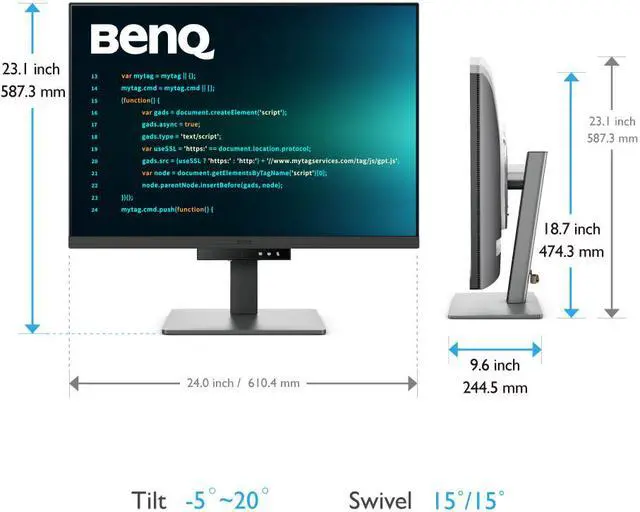
| Stand And Ergonomics | Height-adjustable stand with 110 mm travel, -5° to 20° tilt, and 15° swivel in either direction; supports 100 × 100 mm VESA mounting |
| Power | 100–240 VAC input; 34 W typical, 205 W maximum, and under 0.5 W in sleep mode |
| Dimensions And Weight | With stand: 18.70–23.10 × 24.00 × 9.60 inches and 23.00 lb; without stand: 16.80 × 24.00 × 3.40 inches and 16.50 lb |
| Model Identifiers | BenQ RD280U, Metallic Grey |
Q: BenQ RD280U or RD280UG for coding and smoother scrolling?
A: Choose the RD280U for its 28.2-inch, 3840 × 2560 3:2 display and 60Hz refresh rate. Choose the RD280UG if you want the same screen size and resolution with a 120Hz refresh rate for smoother scrolling and motion; both models include BenQ coding modes and 90W USB-C power delivery.
Q: BenQ RD280U or RD280UA for a coding desk?
A: Both have a 28.2-inch, 3840 × 2560 3:2 display, coding modes, and 90W USB-C power delivery. Choose the RD280U for its conventional monitor stand; choose the RD280UA if you want BenQ’s Ergo Arm stand and pivot adjustment for more flexible screen positioning.
Q: BenQ RD280U or RD320U for a larger coding workspace?
A: Choose the RD320U if you prefer a larger 31.5-inch, 16:9 screen. Choose the RD280U for its 28.2-inch, 3:2 format and 3840 × 2560 resolution, which provides a taller display area suited to viewing more vertical content. Both are BenQ programming monitors with Nano Matte panels and 90W USB-C power delivery.
Q: BenQ RD280U or RD240Q for a smaller coding monitor?
A: Choose the RD240Q for a smaller 23.8-inch screen with 2560 × 1600 resolution. Choose the RD280U for a larger 28.2-inch display with 3840 × 2560 resolution and a 3:2 aspect ratio. Both belong to BenQ’s programming-monitor lineup and include coding-focused display features.
Q: Is this monitor suitable for coding and everyday office work?
A: Yes. Its 28.2-inch 3840 × 2560 IPS display and 3:2 aspect ratio provide a tall workspace for code, documents, and spreadsheets. It is designed for productivity; its 60Hz refresh rate is less suited to users prioritizing high-refresh gaming.
Q: Can I connect and charge my laptop through USB-C?
A: Yes, the monitor’s USB-C input supports DisplayPort Alt Mode and up to 90W Power Delivery, so one compatible USB-C connection can carry video and charge a laptop. The computer’s USB-C port must support video output; charging-only or data-only ports will not display video.
Q: Can I use it for video meetings?
A: It can display video meetings and has built-in 2 × 2W speakers, but the supplied specifications do not list a built-in webcam or microphone. Plan to use a separate camera and microphone if your computer does not already provide them.
Q: Is it a good choice for gaming?
A: It can display games, but its 60Hz refresh rate is better suited to general use and productivity than to high-refresh-rate gaming. Consider that limitation if smooth motion in fast-paced games is a priority.
Q: Is the BenQ RD280U worth buying mainly for coding?
A: It may suit developers who value the 3:2 screen’s extra vertical workspace, sharp text, and anti-glare finish. Its 60Hz refresh rate and coding-focused design make it a less compelling choice if you want one monitor for varied uses or prioritize high-refresh gaming. Whether it is worth the price depends on how much you value those work features.
Q: Does the RD280U’s 3:2 screen help when coding?
A: It can: the taller 3840 × 2560 workspace gives more room for code and documentation vertically. A user review specifically valued that extra height. The benefit is most relevant if you prefer more vertical content over the wider layout of a typical 16:9 screen.
Q: Is the RD280U suitable for gaming, or is 60Hz a drawback?
A: Its 60Hz refresh rate is a trade-off for gaming, especially if you are accustomed to 120Hz or 144Hz. It can still serve occasional gaming alongside productivity work, but buyers who prioritize smoother motion should consider a higher-refresh monitor.
Q: Can the RD280U work well in a dual-monitor or portrait setup?
A: A user reported using it in landscape for code and documents, and in portrait as a side monitor with enough width to keep an editor and side panel readable. The fit depends on your layout and text scaling; a rotated 16:9 display may feel too narrow for the same arrangement.


