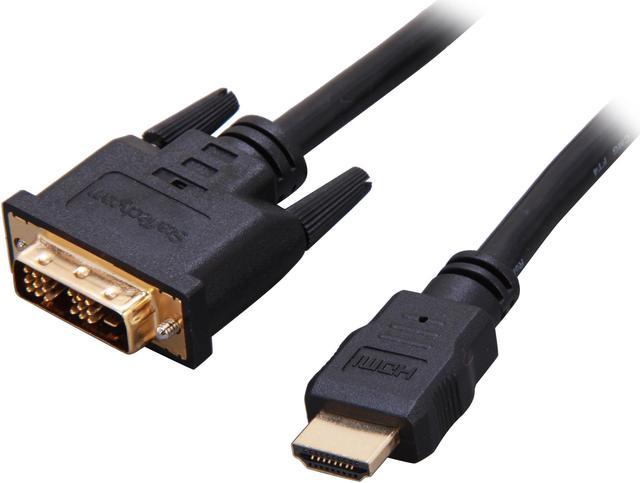
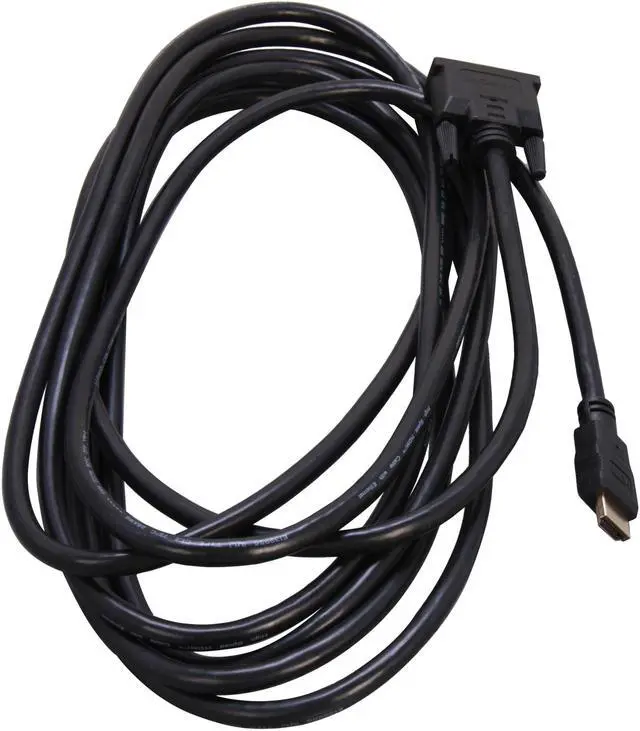
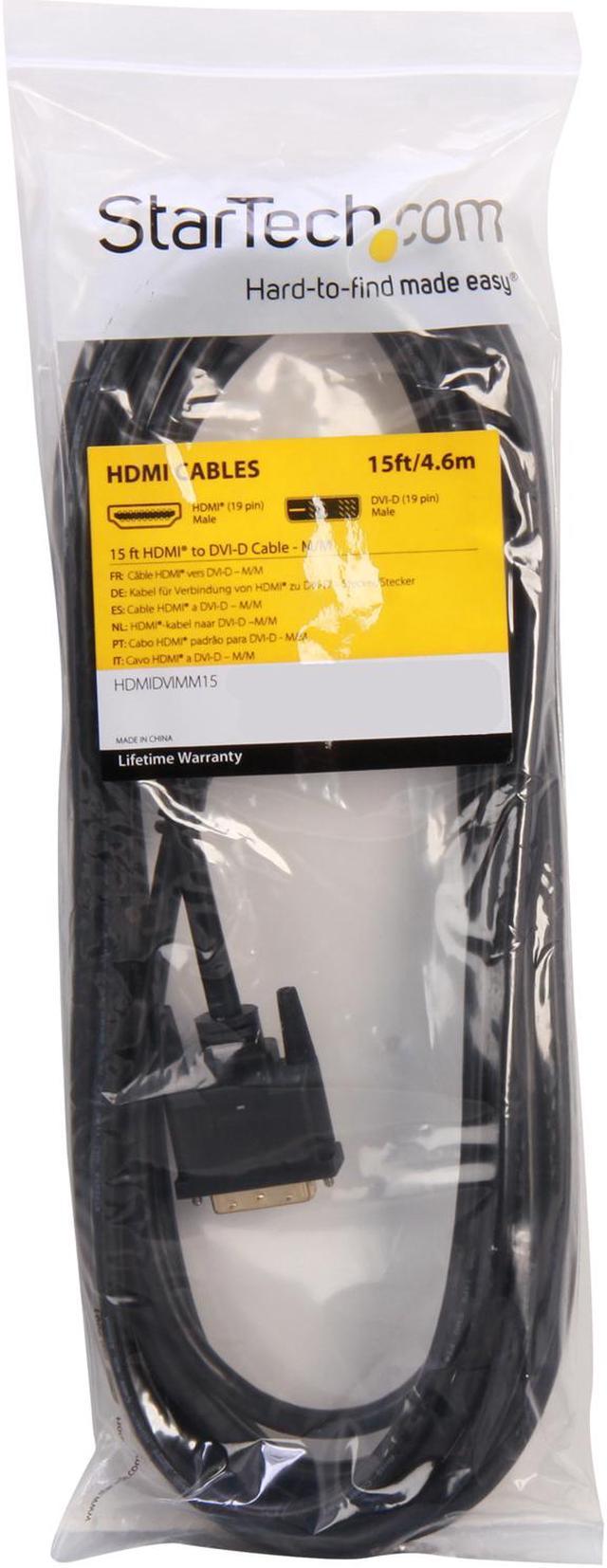
The StarTech.com HDMIDVIMM15 is a 15 ft. male-to-male cable with an HDMI connector on one end and a single-link DVI-D connector on the other, suited to users connecting HDMI video equipment and DVI-D displays across a longer distance.
Recommended For
- People connecting a computer’s HDMI output to an older monitor with a DVI-D input when they need a direct digital-video connection.
- Desktop users adding or reconnecting a secondary DVI-D display, provided the computer has an HDMI output and the display supports digital DVI.
- Users who need about 15 feet of reach between an HDMI source and a DVI-D display, such as routing a desktop connection across a desk or room.
- Console or media-device users connecting HDMI video to a DVI-D monitor who will listen through a separate audio output or headset.
Real-World Use Scenarios
- Connect an HDMI-equipped laptop to a DVI-D monitor for a desk setup or second screen; the cable carries the digital video signal, while the display’s supported resolution and refresh rate determine the picture you get.
- Connect an HDMI-output game console to a monitor with DVI-D when you want to use an existing display; expect video on the monitor, but arrange audio separately because DVI does not carry sound.
- Connect a laptop’s HDMI output to a DVI-D projector for a presentation; the 15-foot cable can help position the computer away from the projector, with video output depending on the devices’ compatibility.
- Connect a desktop computer’s DVI-D video output to an HDMI display in the reverse direction; the cable supports this bidirectional digital-video connection, allowing an older PC to use an HDMI-equipped screen.
- Connect an HDMI-equipped DVD player or set-top box to a DVI-D display in a legacy home-theater or signage setup; it can provide a video connection, but audio and device compatibility may require separate solutions.
Spec Summary
| Attribute | Value |
|---|
| Best For | Connecting HDMI-equipped laptops or other source devices to DVI-D monitors and projectors |
|---|
| Cable Type And Length | 15 ft. HDMI-to-DVI digital video cable |
|---|
| Connectors And Compatibility | Male-to-male cable with a 19-pin HDMI connector and a single-link DVI-D connector |
|---|
| Construction And Use | Round black cable for indoor or outdoor signal transfer; listed as high speed |
|---|
| Package Contents | One cable |
|---|
| Model Identifiers | StarTech.com HDMIDVIMM15 |
|---|



 All Categories
 Top Rated