


 All CategoriesAll CategoriesAll Categories
Shipped by Newegg

Make informed decisions with expert advice. Learn More




Warranty Notice:
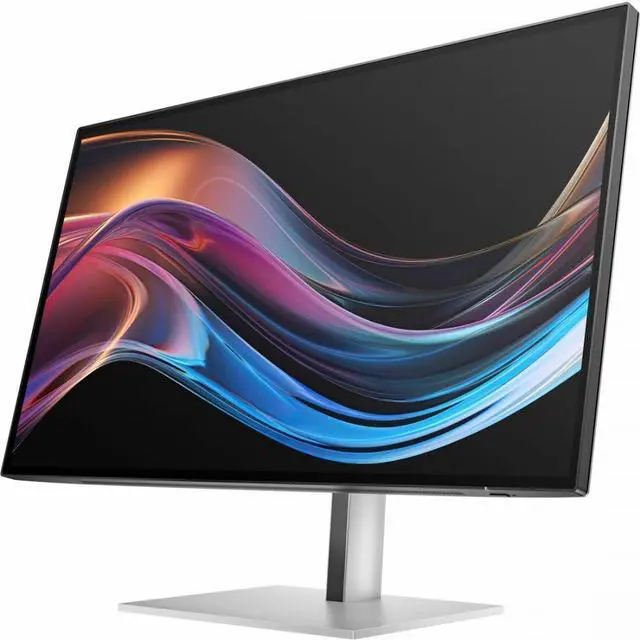
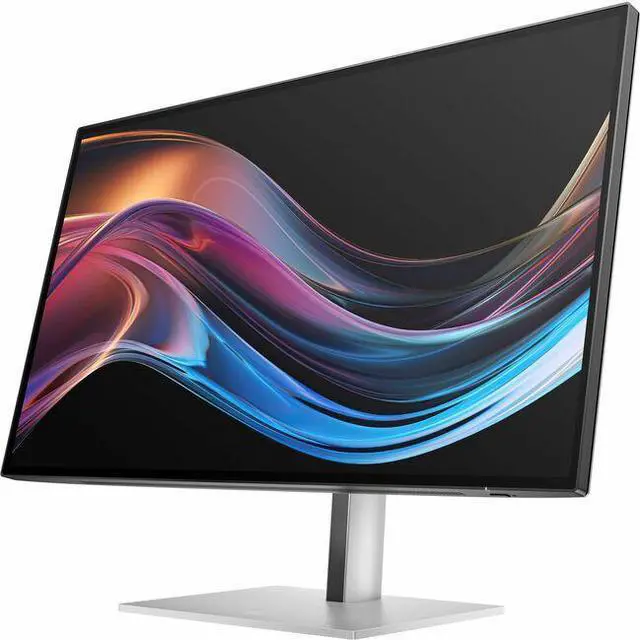
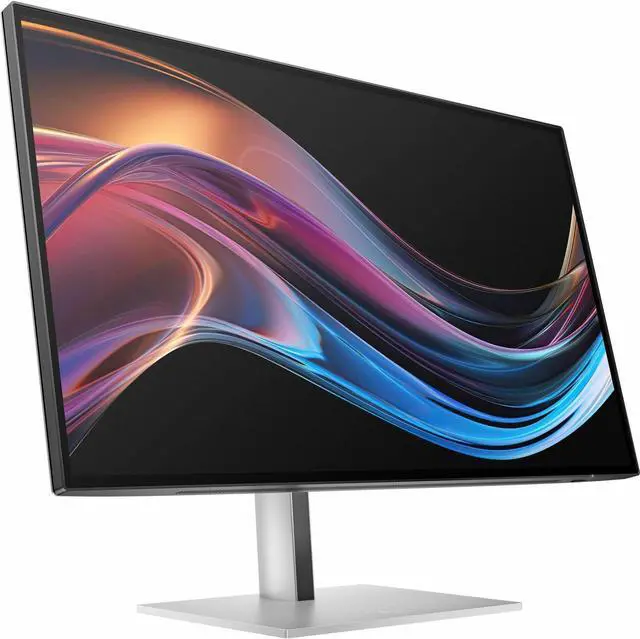
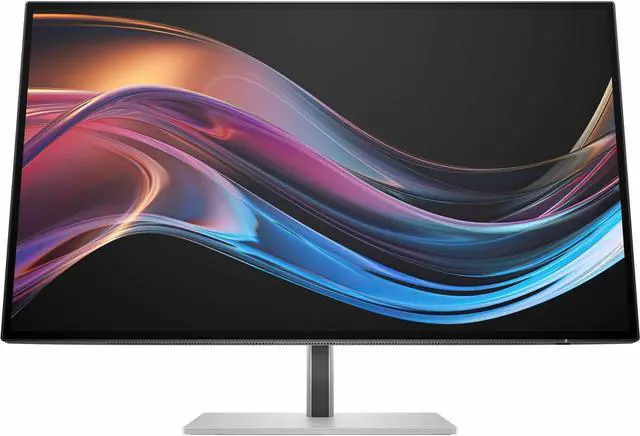
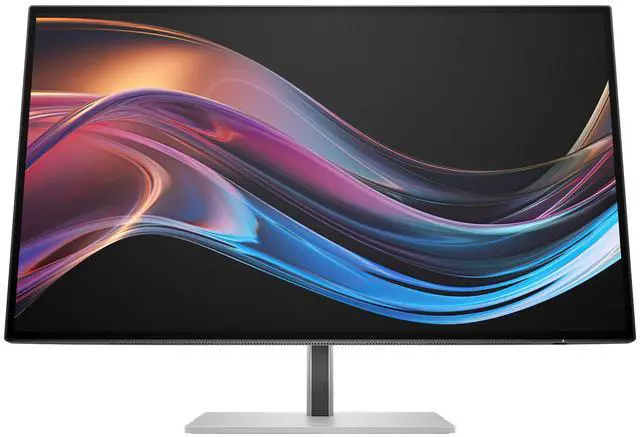
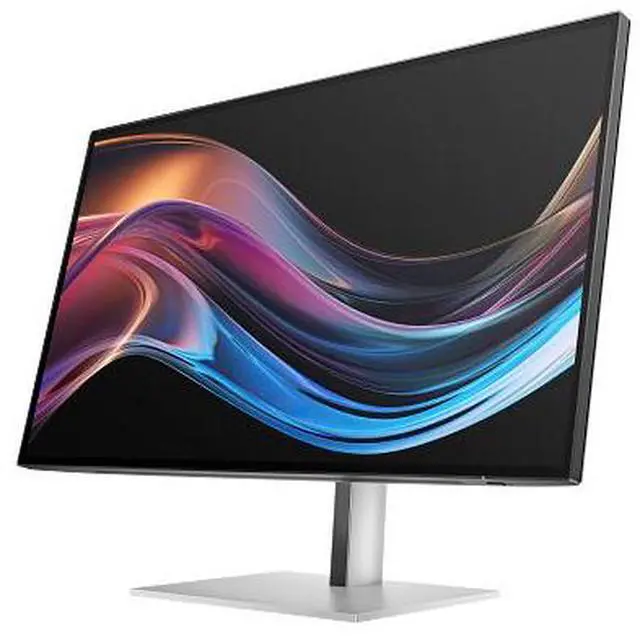
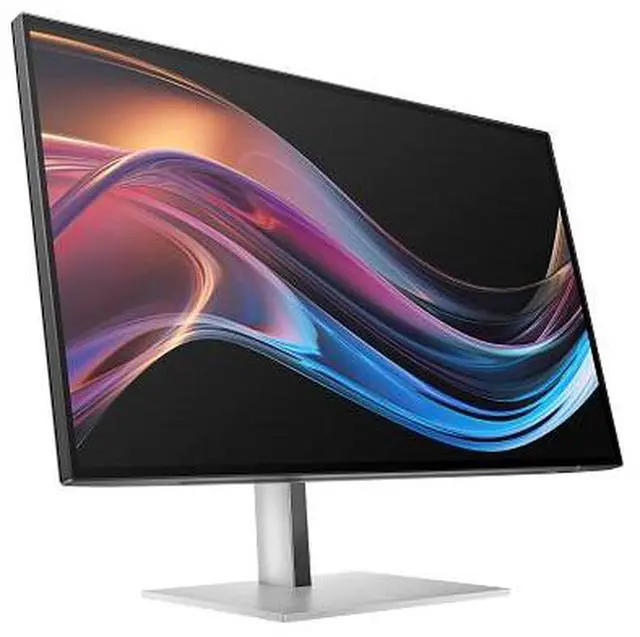
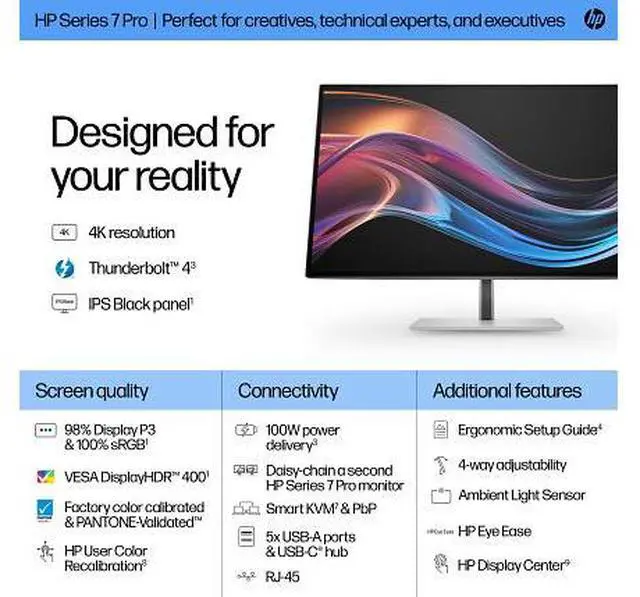
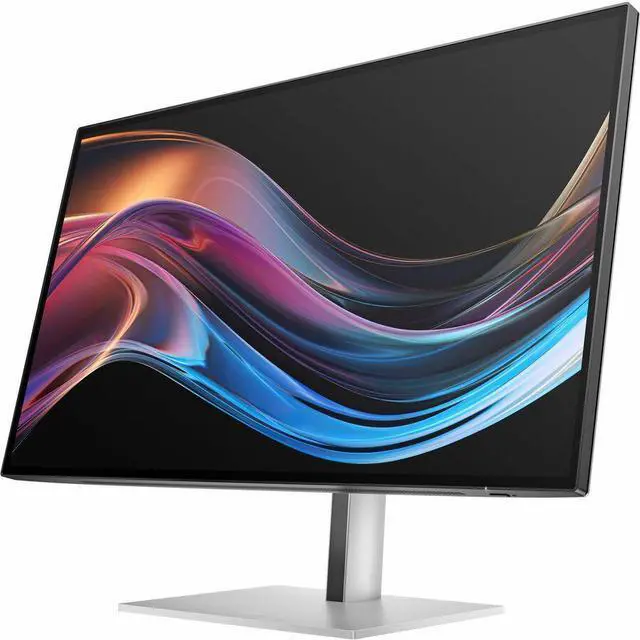
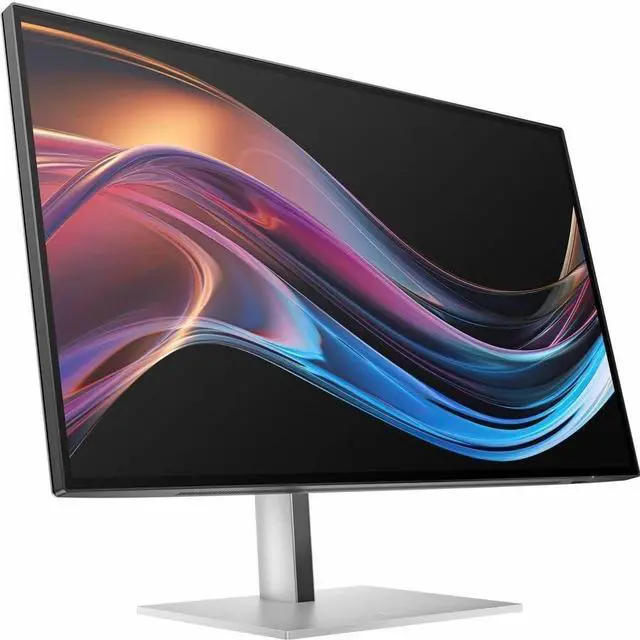
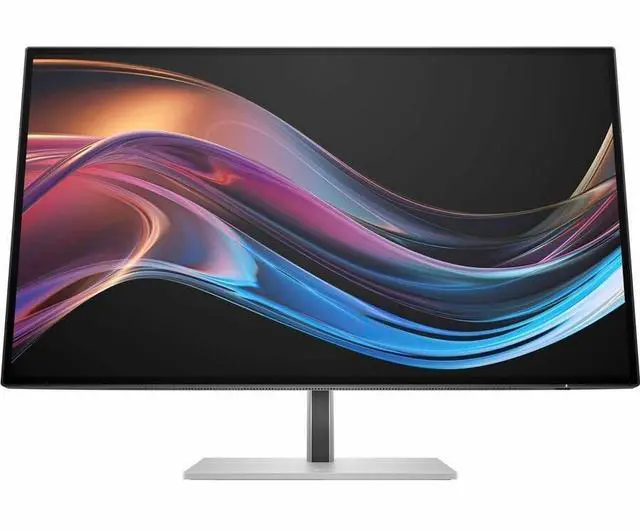
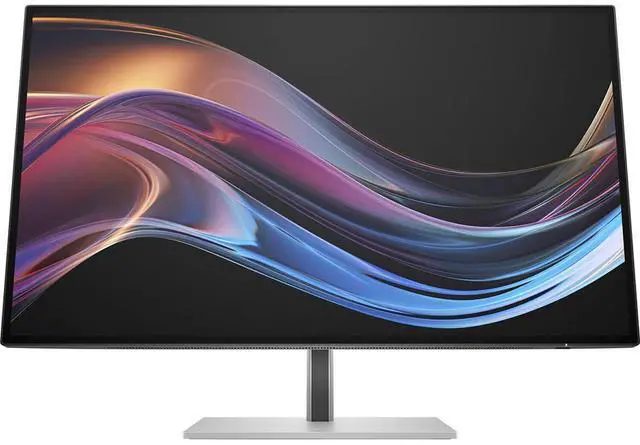
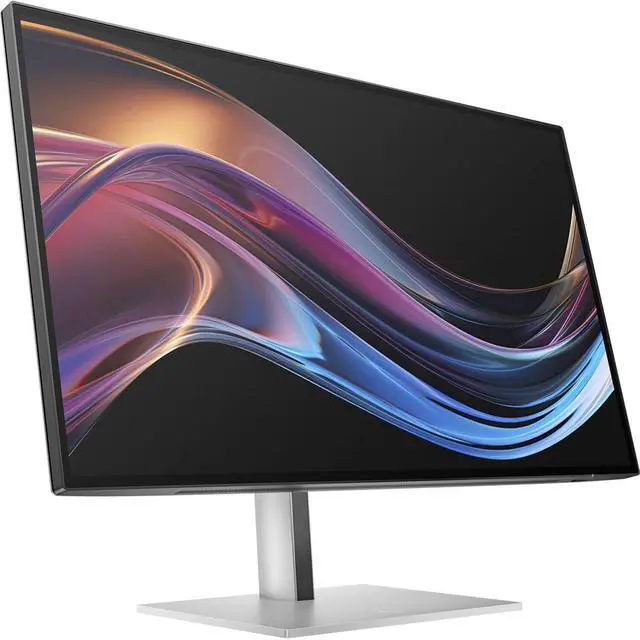
This product does not include manufacturer warranty when purchased or used outside of its designated sales region. By purchasing internationally, you acknowledge that warranty support from the manufacturer will not be available.The HP Series 7 Pro 727pk is a 27-inch 4K UHD IPS Black monitor with a 60 Hz refresh rate, DisplayHDR 400, and Thunderbolt 4 connectivity. It suits professionals who want a detailed desktop display and flexible connections for work, creative tasks, and compatible multi-display setups.
| Attribute | Value |
|---|---|
| Best For | Desktop workstations needing a 27-inch 4K display with HDMI, DisplayPort, USB-C, Thunderbolt, and Ethernet connectivity |
| Panel And Resolution | 27-inch IPS Black display with 3840 × 2160 4K UHD resolution, 16:9 aspect ratio, 60 Hz refresh rate, 400 cd/m² brightness, 2000:1 contrast ratio, 178° horizontal and vertical viewing angles, anti-glare finish, 98% sRGB gamut, and 16.7 million colors |
| Refresh Rate And Response | 60 Hz refresh rate and 5 ms response time |
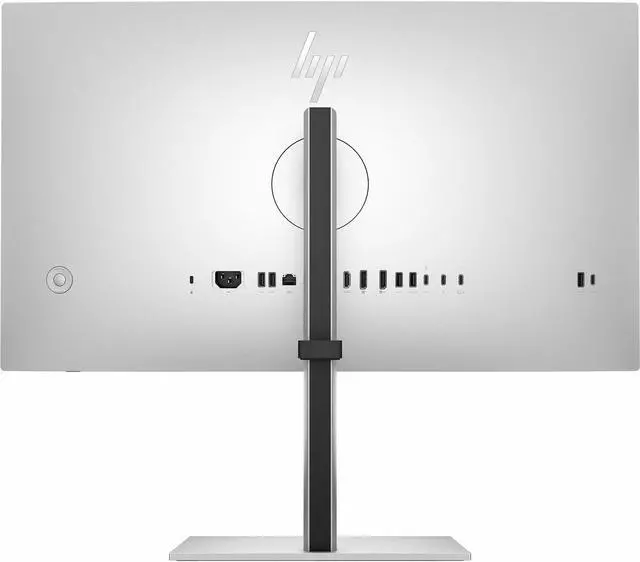
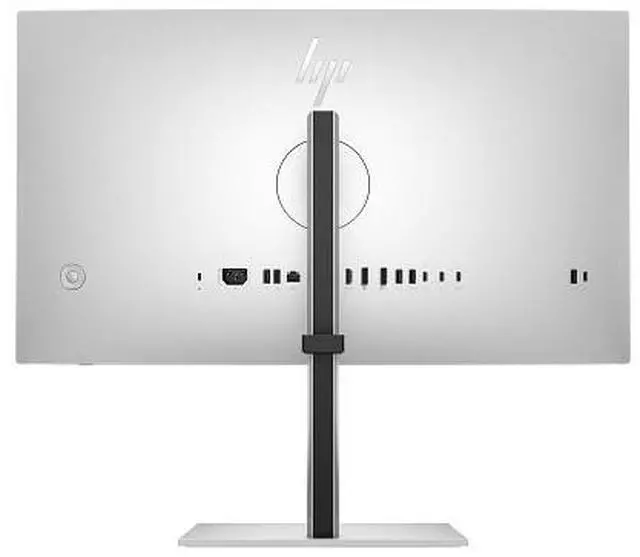
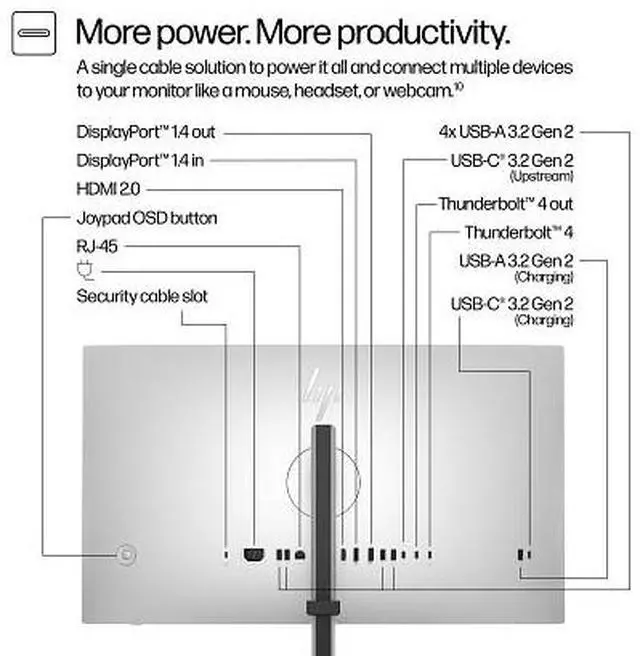
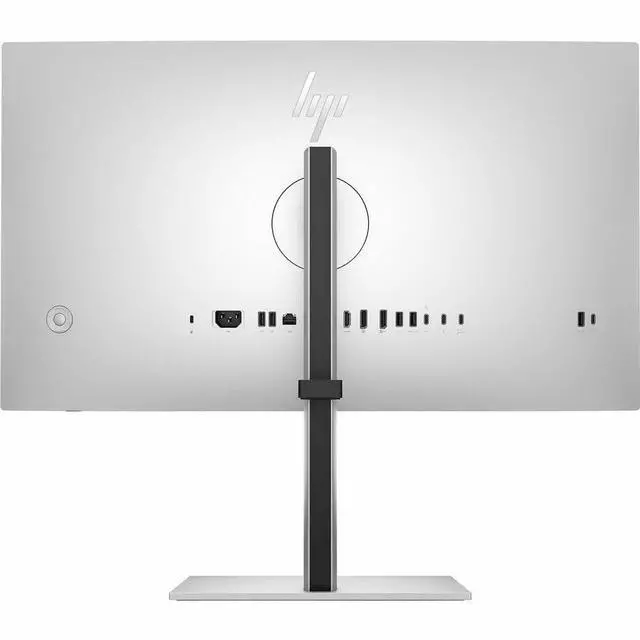
| Ports And Connectivity | 1 HDMI port, 1 Thunderbolt port, DisplayPort, USB, USB-C, and Ethernet connectivity; 6 USB ports total |
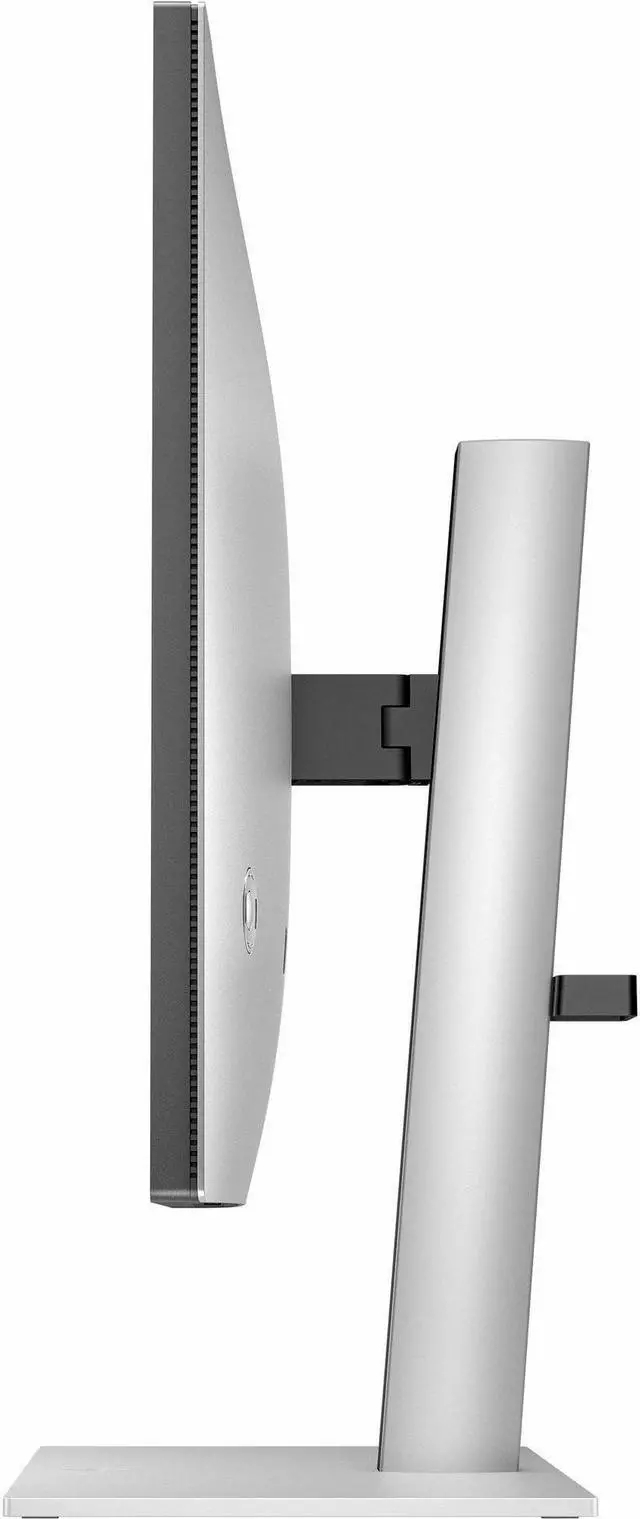
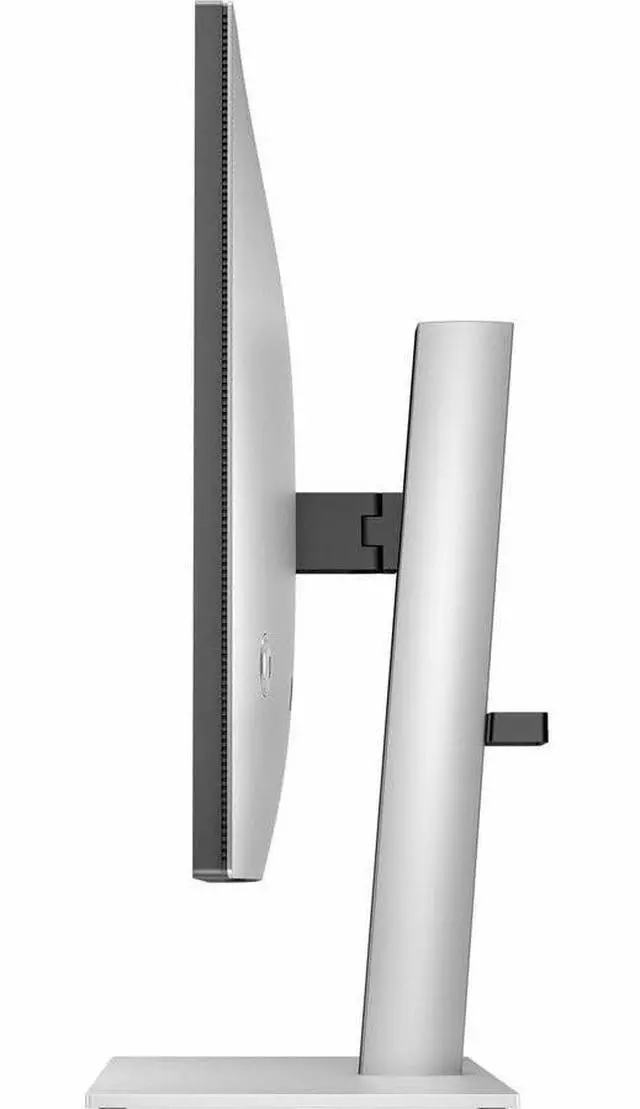
| Stand And Ergonomics | Height, tilt, and swivel adjustments; 100 × 100 mm VESA mounting compatibility; ambient light sensor and auto-brightness control |
| Audio And Power | No built-in speakers; internal power supply; listed power consumption of 215 W |
| Included Accessories | Thunderbolt, DisplayPort, HDMI, USB-C-to-USB-A, and AC power cables; VESA mount adapter, warranty card, quick setup poster, and color calibration report |
| Model Identifiers | HP Series 7 Pro 727pk; model/part number 8J9G2AA#ABA |
Q: HP 727pk vs 727pu: which should I choose for 4K work or smoother motion?
A: Choose the HP Series 7 Pro 727pk for 27-inch 4K UHD detail and 60 Hz, plus Thunderbolt 4 connectivity with up to 100 W laptop charging. Choose the 727pu for 27-inch QHD resolution with a refresh rate up to 120 Hz. Both offer IPS Black, DisplayHDR 400, and Thunderbolt 4, so the main decision is 4K detail versus a higher refresh rate.
Q: HP 727pk vs 727pq: is 4K or QHD 120 Hz the better fit?
A: The HP Series 7 Pro 727pk is the 27-inch 4K UHD option, with Thunderbolt 4 and up to 100 W laptop charging. The 727pq is a 27-inch QHD monitor with a refresh rate up to 120 Hz. Choose the 727pk for 4K detail and Thunderbolt 4 docking; choose the 727pq when QHD resolution and a higher refresh rate suit your setup.
Q: HP 727pk vs 732pk: should I get the 27-inch or 31.5-inch 4K monitor?
A: Both the HP Series 7 Pro 727pk and 732pk provide 4K UHD resolution at up to 60 Hz, IPS Black, and Thunderbolt 4. Choose the 727pk for a 27-inch display; choose the 732pk for a larger 31.5-inch screen while keeping 4K resolution and Thunderbolt 4 connectivity.
Q: Can I connect and charge my laptop with one cable?
A: Yes. The monitor’s Thunderbolt 4 port supports video, data, and up to 100 W USB Power Delivery, so it can connect to and charge a compatible laptop over one cable. The laptop must support video output and charging through its Thunderbolt or USB-C port.
Q: Is this monitor suitable for office work and video meetings?
A: It is suited to office work such as documents, spreadsheets, and multitasking, with a 27-inch 4K screen, USB hub, Ethernet, and Thunderbolt connectivity. It has no built-in camera or speakers, so plan to use a separate webcam and audio device for meetings.
Q: Does the monitor have built-in speakers?
A: No. This monitor does not have built-in speakers, so use audio from your computer, headphones, or separate speakers.
Q: Is it a good choice for high-refresh-rate gaming?
A: It supports 4K at up to 60 Hz, so it is better suited to work and general viewing than gaming where higher refresh rates are important. Its 5 ms response time does not change the 60 Hz refresh-rate limit.
Q: Is the HP 727pk a good choice for photo editing and other color-focused work?
A: It may suit photo-editing workflows: the Reddit discussion specifically considers it for Lightroom and mentions HP-confirmed hardware calibration. Its 27-inch 4K IPS Black panel supports a 2000:1 contrast ratio and DisplayHDR 400. Check that its calibration features and color coverage meet your own workflow; community reports are not independent test results.
Q: Can the HP 727pk replace a separate laptop docking station?
A: It can serve as a monitor and connection hub for a compatible laptop: it has Thunderbolt 4 with up to 100 W power delivery, USB ports, and Ethernet. Whether it replaces your dock depends on your laptop’s charging needs, supported display setup, and required peripherals.
Q: Is the HP 727pk a reasonable upgrade from an older 27-inch monitor?
A: It is a relevant upgrade to consider if you want 27-inch 4K resolution and Thunderbolt connectivity. A Reddit upgrade discussion lists the 727pk among 27-inch 4K alternatives, but whether it is worth the price depends on your budget and whether you need its docking features.
Q: Is the HP 727pk suitable if I also want to play games?
A: It can handle basic gaming, but its 60 Hz refresh rate makes it a poor fit if high refresh rates or competitive gaming are priorities. The Reddit discussion comparing it with other monitors also treats higher refresh rate as a reason to consider an alternative.


