


 All CategoriesAll CategoriesAll Categories
Shipped by Newegg

Make informed decisions with expert advice. Learn More




Warranty Notice:
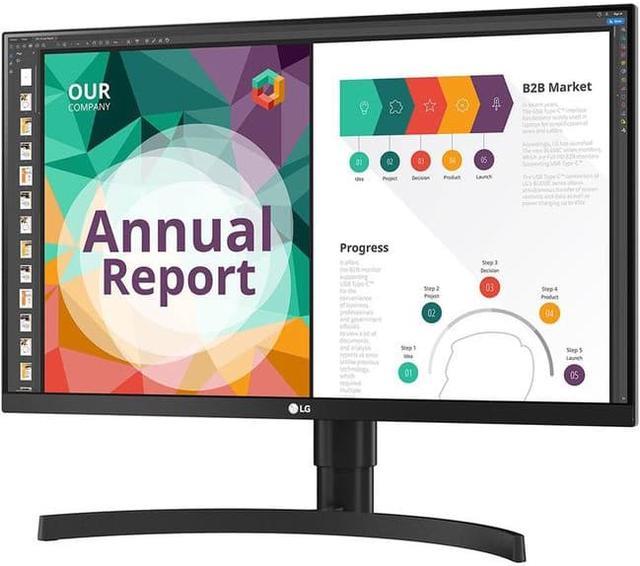
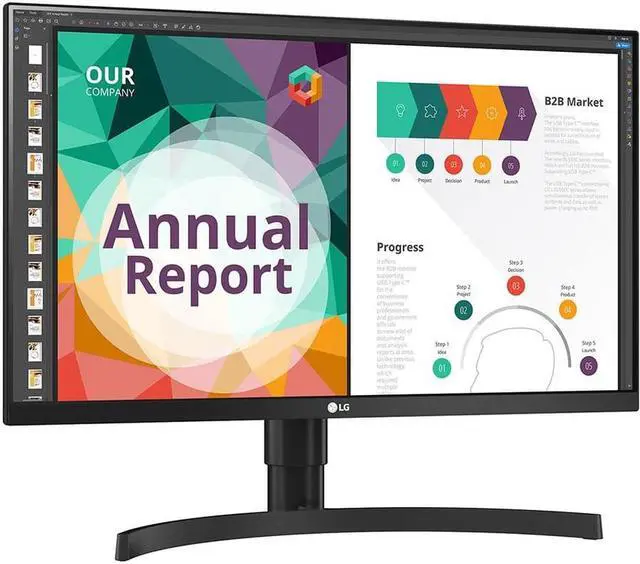
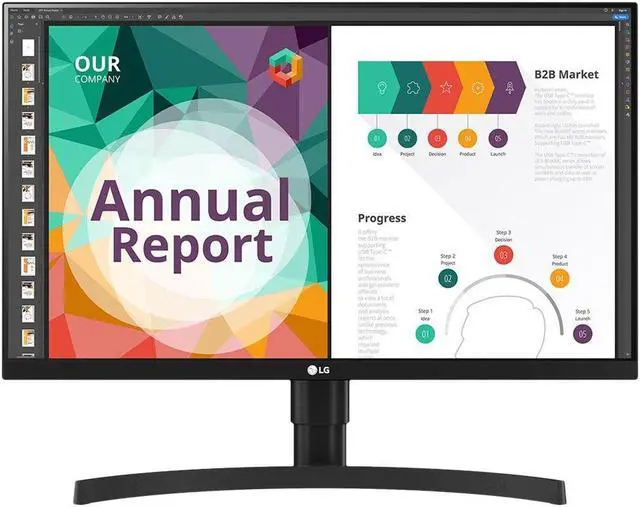
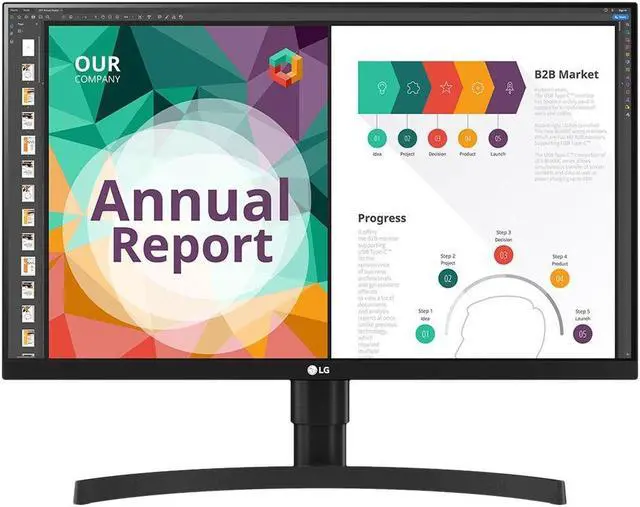
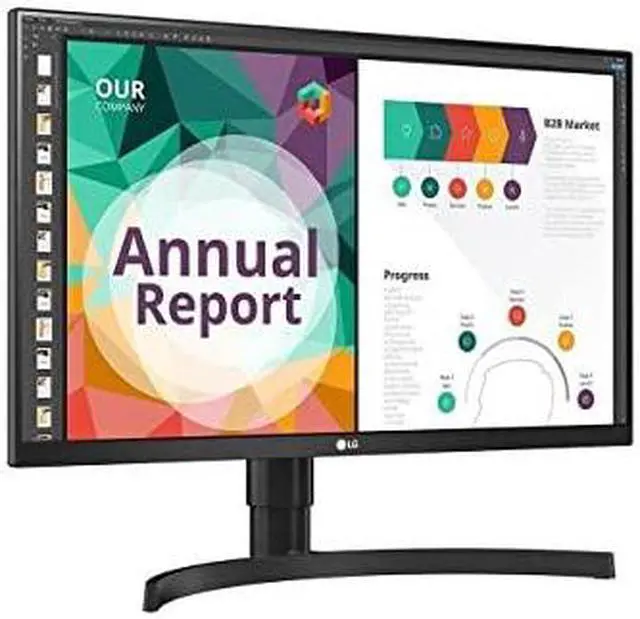
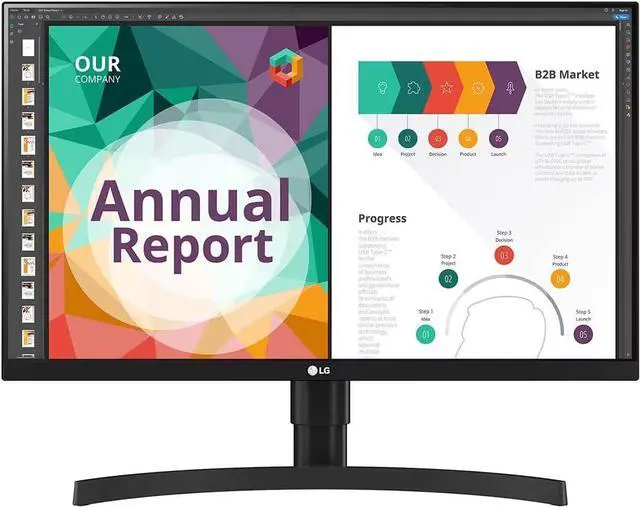
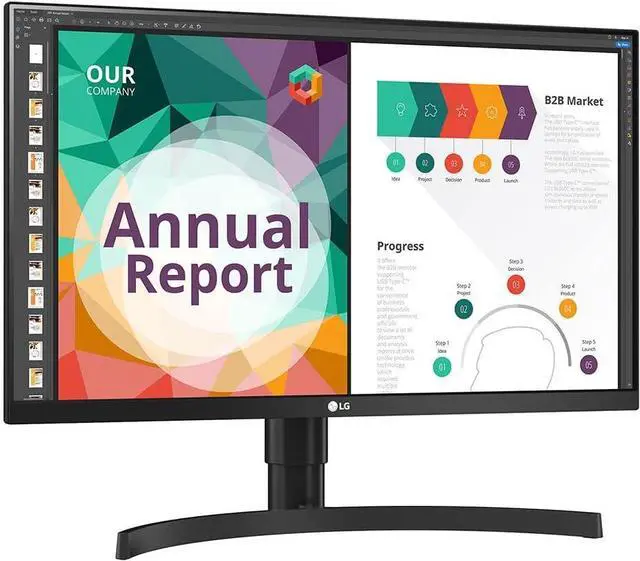
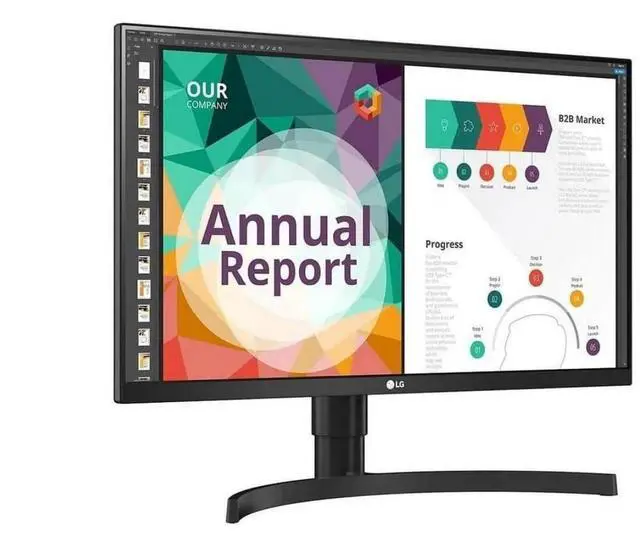
This product does not include manufacturer warranty when purchased or used outside of its designated sales region. By purchasing internationally, you acknowledge that warranty support from the manufacturer will not be available.The LG 27BN85UN-B is a 27-inch 4K UHD IPS monitor with 99% sRGB coverage, HDR10 and DisplayHDR 400 support, and an adjustable stand. It suits people who want a sharp desktop display for everyday work, media, and color-conscious creative tasks.
| Attribute | Value |
|---|---|
| Best For | Desktop use and gaming, with 4K resolution and FreeSync adaptive sync |
| Panel And Resolution | 27-inch flat IPS display with 3840 × 2160 (4K UHD) resolution, 16:9 aspect ratio, 0.1554 mm pixel pitch, 1.07 billion colors (10-bit, 8-bit + FRC), 99% sRGB gamut, 350 cd/m² brightness, 1,000:1 contrast ratio, 178° horizontal and vertical viewing angles, glossy finish, and HDR10 / DisplayHDR 400 support |
| Refresh Rate And Response | 60 Hz refresh rate, 5 ms response time, and AMD FreeSync adaptive sync |
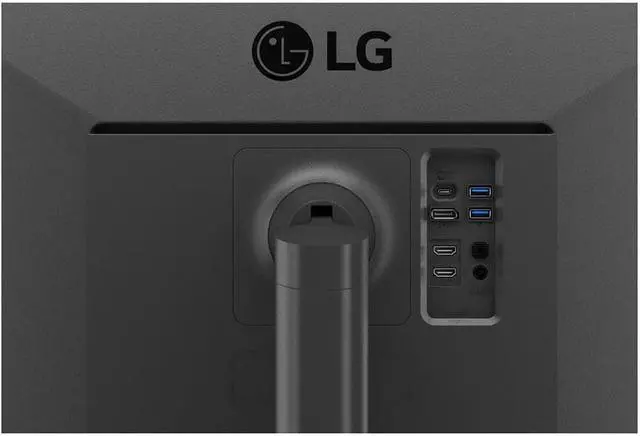
| Ports And Connectivity | 1 DisplayPort 1.4, 1 USB-C with DisplayPort Alternate Mode, 2 HDMI 2.0, and 2 USB 3.0 Type-A downstream ports |
| Audio Setup | Built-in speakers and headphone output |
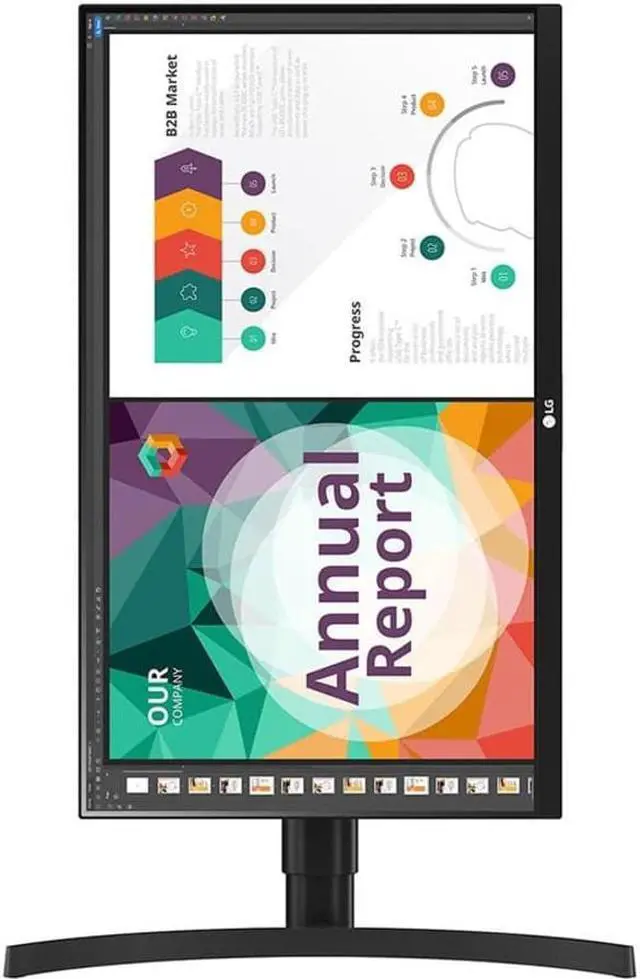
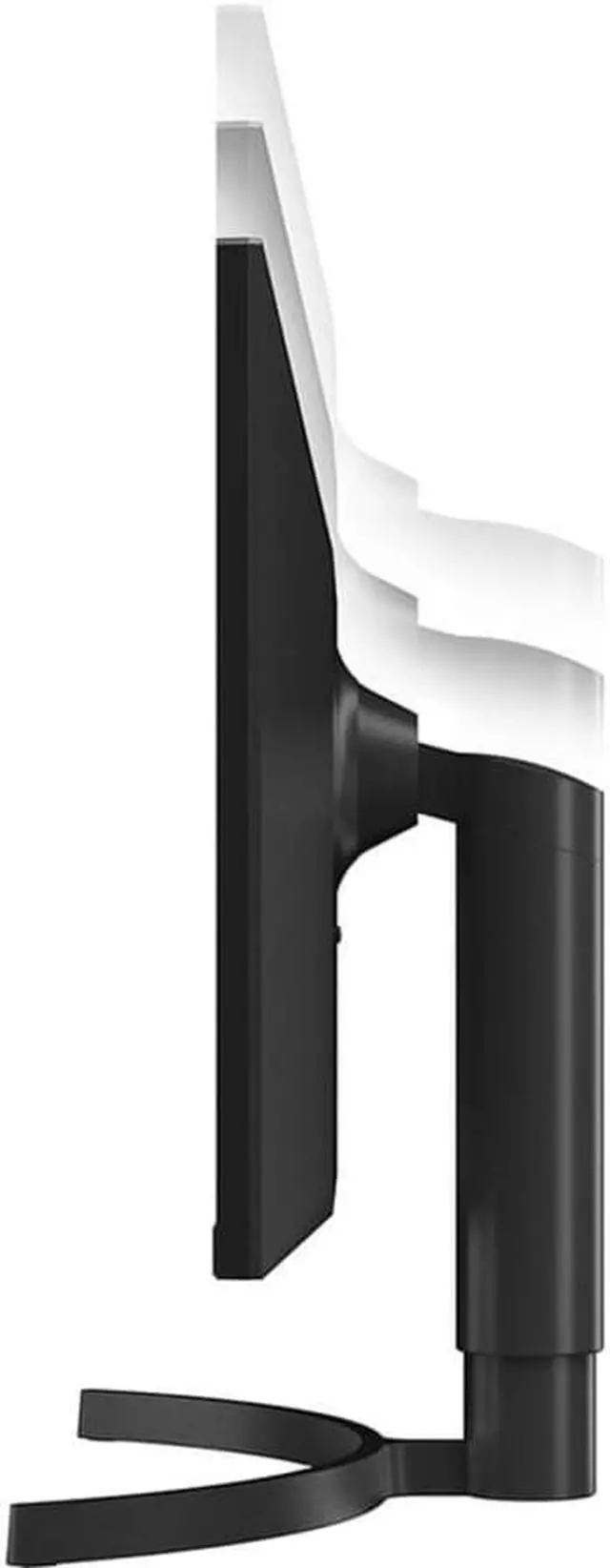
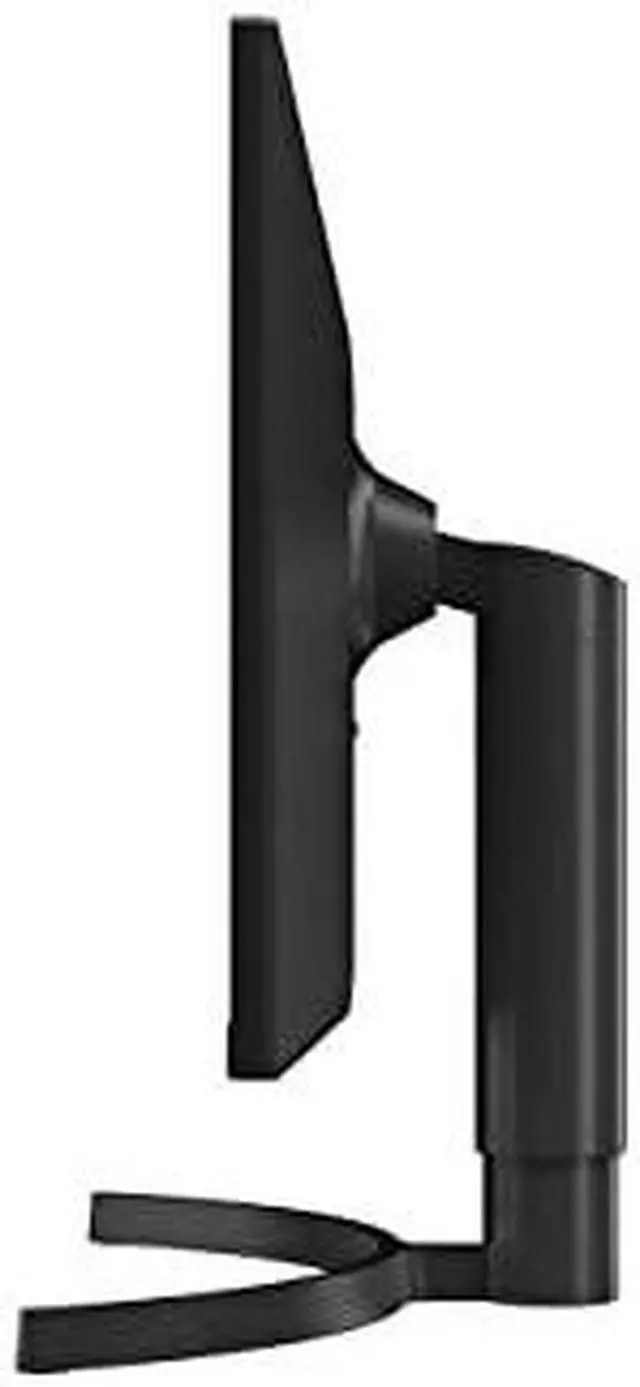
| Stand And Ergonomics | Stand adjusts for height, pivot, and tilt; VESA 100 × 100 mm mounting compatible |
| Power And Efficiency | 100–240 VAC, 50/60 Hz input; maximum power consumption 175 W, Energy Star power consumption 25.2 W, sleep-mode consumption under 0.5 W, and DC-off consumption under 0.3 W |
| Dimensions And Weight | 24.10 × 9.10 inches at the base, with height adjustable from 18.00 to 22.30 inches; 14.10 lb with stand and 10.60 lb without stand; without-stand dimensions are 14.30 × 24.10 × 1.80 inches |
| Model Identifiers | LG 27BN85UN-B |
Q: LG 27BN85UN-B vs. 27UN880-B: which is better for a laptop desk setup?
A: Choose the LG 27BN85UN-B if you want a 27-inch 4K IPS display, USB-C with up to 90W power delivery, built-in speakers, and a height-, pivot-, and tilt-adjustable stand. The 27UN880-B is another 27-inch 4K IPS option, with an Ergo stand designed for extended positioning such as swivel and reach adjustment.
Q: Should I get the LG 27BN85UN-B or 27UP850-W for 4K work?
A: Both are 27-inch 4K IPS monitors with DisplayHDR 400 and USB-C. The 27BN85UN-B is a strong fit for sRGB-focused work and a setup with built-in speakers, height/pivot/tilt adjustment, and up to 90W USB-C power delivery. The 27UP850-W is positioned with a DCI-P3 95% color gamut and up to 96W USB-C power delivery.
Q: LG 27BN85UN-B vs. 27UL550-W: which adds more laptop connectivity?
A: Choose the 27BN85UN-B for a laptop-centered setup: its USB-C connection supports video, data transfer, and up to 90W charging, and it includes USB-A ports and built-in speakers. The 27UL550-W is a 27-inch 4K IPS monitor with an adjustable stand, HDR10, and FreeSync; the 27BN85UN-B adds a more integrated USB-C workstation feature set.
Q: Can I connect a laptop to this monitor with USB-C?
A: Yes. Its USB-C port supports DisplayPort Alternate Mode for video, so a compatible laptop can connect through USB-C. The provided specifications do not state USB-C power delivery, so do not assume the monitor will charge the laptop.
Q: Is this monitor suitable for office work and video meetings?
A: It is suited to desk-based work such as documents and spreadsheets, with a 27-inch 4K IPS screen and height, tilt, and pivot adjustments. It has built-in speakers, but the listed specifications do not include a webcam; use a separate camera for video calls.
Q: Can the screen rotate to portrait orientation?
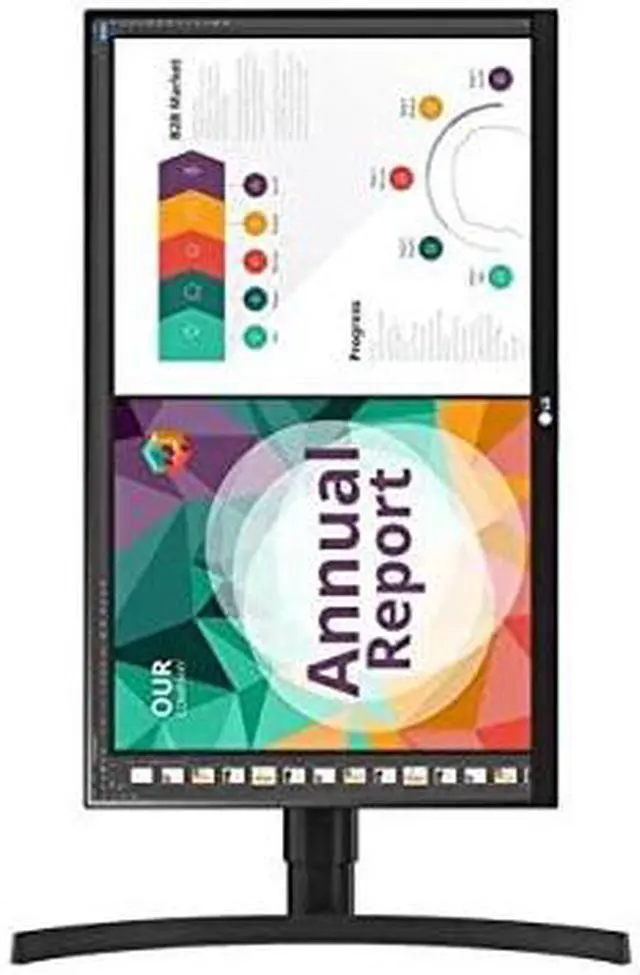
A: Yes. The included stand supports pivot adjustment, so you can rotate the screen for portrait viewing. It also supports height and tilt adjustment.
Q: Does it have built-in speakers?
A: Yes. Built-in speakers are listed in the product specifications, so external speakers are not required for basic audio. A headphone connection is also listed.
Q: Is 4K worth it on a 27-inch monitor for spreadsheets and office work?
A: It can be useful if you value fine text and detailed content: this monitor has a 3840 × 2160 resolution on a 27-inch IPS panel. A Reddit discussion raised whether 4K is necessary for spreadsheet work, so the choice depends on whether extra pixel detail matters to you; a lower-resolution or ultrawide screen may also suit your workflow.
Q: Is the 27BN85UN-B a good choice for semi-critical video work?
A: Its listed 99% sRGB coverage and 10-bit color output (8-bit + FRC) may suit general color-aware work, but the specifications alone do not establish professional color accuracy. One Reddit user reported display and skin-tone problems with a unit they purchased; that single account does not show how common the issue is. For color-critical work, verify calibration and buy with a suitable return option.
Q: Can USB-C connect a laptop and provide enough power to charge it?
A: The product information confirms USB-C DisplayPort video input, but does not state USB-C charging wattage. A Reddit comment discussing this model family compares USB-C power delivery between versions, so check the exact unit’s power-delivery specification before relying on it to charge a laptop.


