- Free 30-day Returns
- AUD$615.96 Shipping
AUD$2,080.10
GST-Inclusive Price
Add to PC build list
Ships from United States.
Sold by Newegg
Shipped by Newegg
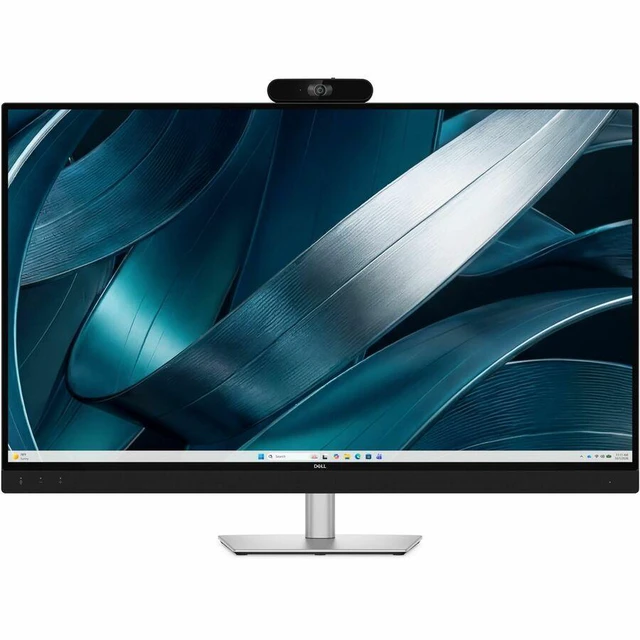
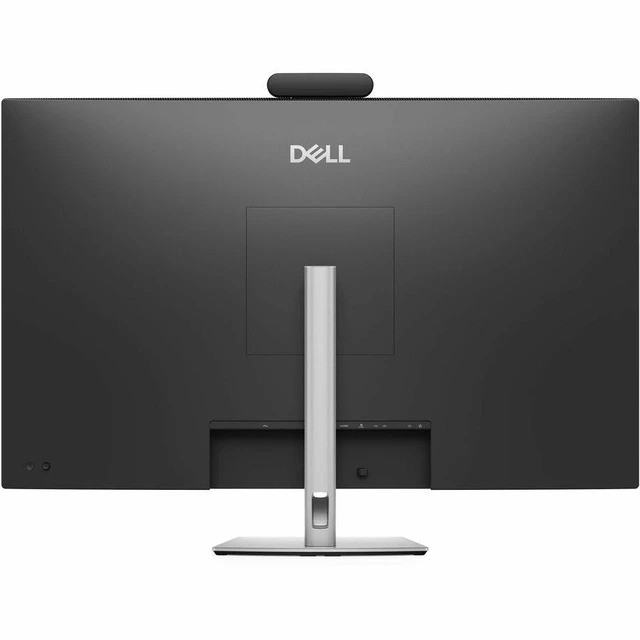
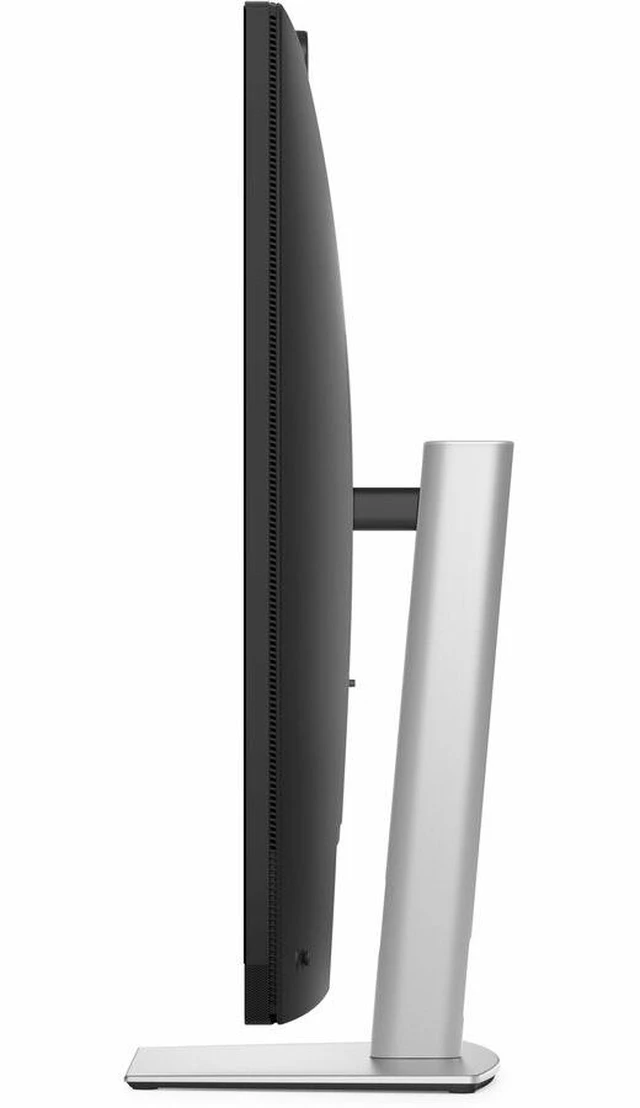
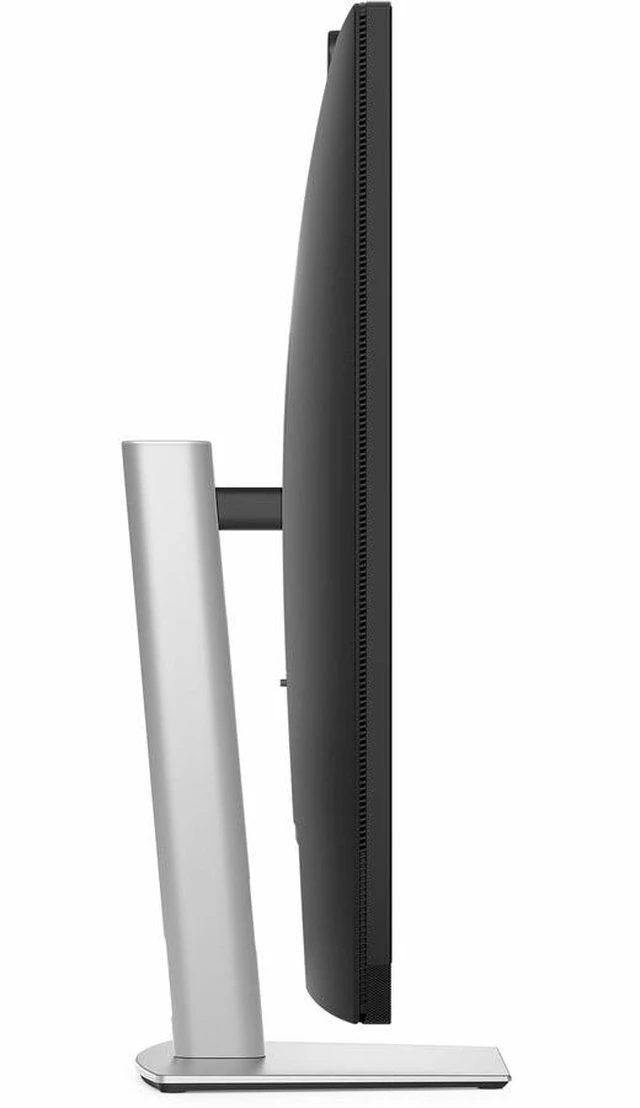
Dell Pro P 43 4K Huddle Conferencing Monitor - P4326QEB
- Shop Dell Pro 43-inch 4K large monitor for video conference, huddle room use with 8MP Sony STARVIS camera, AI noise cancellation, & USB-C.
+
+
Overview
Specs
Reviews
Experience nextgeneration group collaboration, optimized for effortless conferencing with a 43inch 4K monitor, integrated webcam, speakers, and microphone.
Warranty & Returns
Warranty, Returns, And Additional Information
Return Policies*
- Return for refund within: 30 days
- Returns are subject to restocking fees and return shipping fees. Please click here to learn more about restocking fees and return shipping fees.
- This item is covered by Newegg.com's International Order Return Policy.
- Read full return policy for details.
- *Subject to applicable law
Warranty Notice:
This product does not include manufacturer warranty when purchased or used outside of its designated sales region. By purchasing internationally, you acknowledge that warranty support from the manufacturer will not be available.
Manufacturer Contact Info
LOADING...
LOADING...
The Dell Pro P4326QEB is a 43-inch 4K huddle-conferencing monitor with an 8MP Sony STARVIS camera, AI noise cancellation, and USB-C, suited to teams equipping shared meeting rooms for video calls and collaboration.
Recommended For
- Small teams holding hybrid meetings in huddle rooms: the integrated camera, microphones, speakers, and 43-inch screen are designed to support group calls in spaces for up to six people.
- Shared-workspace teams that bring their own laptops to meetings: one USB-C connection handles display, data, audio, and up to 100W of laptop power, helping simplify device handoffs.
- IT teams equipping multiple small meeting rooms with a consistent Zoom Rooms setup: the monitor combines meeting hardware and is Zoom Rooms certified.
- Teams needing remote participants to see and hear people around a small meeting table: the built-in camera offers a 120-degree diagonal field of view, with group framing, beamforming microphones, and AI noise cancellation.
Real-World Use Scenarios
- In a huddle-room video meeting with up to six people, the group can gather around the display while the wide camera framing and built-in audio help include both in-room and remote participants.
- When someone brings a laptop to lead a meeting, they can connect over USB-C for the display, conferencing audio, data, and laptop charging, making it easier to start a meeting or hand over to another presenter.
- For recurring Zoom Rooms meetings in a small shared room, the integrated camera, microphones, speakers, and display provide a consolidated setup instead of requiring separate conferencing peripherals.
- During a group review of slides, spreadsheets, or plans, attendees can view the shared material together on the large 4K screen while discussing it in person or with remote colleagues.
- In a small meeting space with people shifting seats or joining late, automatic group framing is designed to adjust the camera view so participants remain in frame without someone having to reposition a separate webcam.
- For calls in a room with ordinary background sounds, the built-in microphones’ noise-cancellation feature is intended to reduce distractions in the audio sent to remote attendees.
Spec Summary
| Attribute | Value |
|---|---|
| Best For | Huddle-room video conferencing |
| Screen Size | 43-inch display |
Reference Q&A
Q: Dell P4326QEB vs. Dell UltraSharp U4323QE: which 43-inch 4K monitor is better for huddle-room meetings?
A: Choose the Dell Pro P4326QEB when the priority is a ready-to-use huddle-room conferencing setup: it combines a 43-inch 4K display with an 8MP camera, microphones, speakers, AI group framing, and up to 100W USB-C power delivery. Choose the Dell UltraSharp U4323QE when the priority is a large productivity display with multi-PC connectivity, KVM features, and a USB-C hub.
Q: Dell P4326QEB vs. Dell P3424WEB: should I choose the 43-inch or 34-inch conferencing monitor?
A: Choose the Dell P4326QEB for a 43-inch 4K display and integrated conferencing designed for huddle rooms of up to six people. Choose the Dell P3424WEB for a 34-inch curved WQHD ultrawide screen and integrated video conferencing in a more traditional desk-monitor format.
Q: Dell P4326QEB vs. Dell P2724DEB: which is the better fit for conference calls?
A: Choose the Dell P4326QEB for a shared huddle-room setup with a 43-inch 4K screen, 8MP camera, integrated microphones and speakers, and AI group framing. Choose the Dell P2724DEB for a 27-inch QHD video-conferencing monitor with an integrated webcam and USB-C connectivity for an individual workspace.
Q: Is the webcam built into the monitor?
A: Yes. The P4326QEB includes an 8MP Sony STARVIS webcam with a privacy shutter, so a separate webcam is not required for video calls.
Q: Can one USB-C cable connect and charge a laptop?
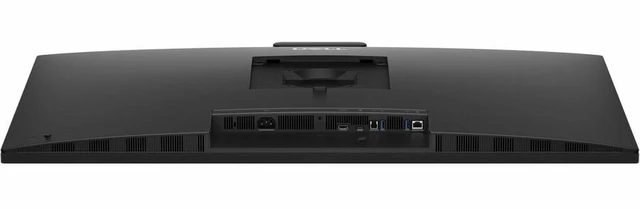
A: Yes, if the laptop supports video and data over USB-C. The monitor’s USB-C upstream port carries video and data and provides up to 100W of power; it also has a separate power cord.
Q: Is this monitor suitable for meetings in a small conference room?
A: It is designed for huddle spaces and small meeting rooms. The 43-inch 4K screen, wide-angle camera, built-in microphones, speakers, and AI group framing support shared video meetings. Check that the room has enough space for a large display.
Q: Is it practical to move between work locations?
A: It is better suited to a fixed desk or meeting room than to travel. The display is 43 inches and weighs about 39 pounds with its stand and cables, so it is not a portable work monitor.