


 All CategoriesAll CategoriesAll Categories
Shipped by Newegg
 Top Rated




Warranty Notice:
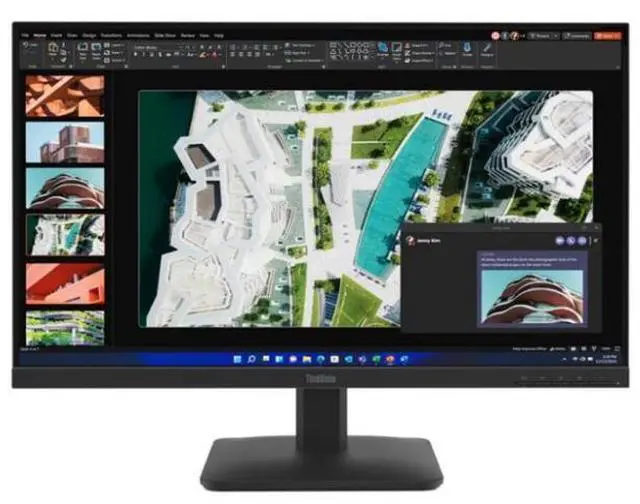
This product does not include manufacturer warranty when purchased or used outside of its designated sales region. By purchasing internationally, you acknowledge that warranty support from the manufacturer will not be available.The Lenovo ThinkVision S27-4e is a 27-inch Full HD IPS monitor with a 100Hz refresh rate, suited to office work, web browsing, and everyday media use where smoother motion than a standard 60Hz display is useful.
| Attribute | Value |
|---|---|
| Best For | Everyday desk productivity and media viewing, with Full HD resolution and HDMI/VGA connectivity |
| Panel And Resolution | 27-inch LCD display with 1920 × 1080 Full HD resolution and a 16:9 aspect ratio |
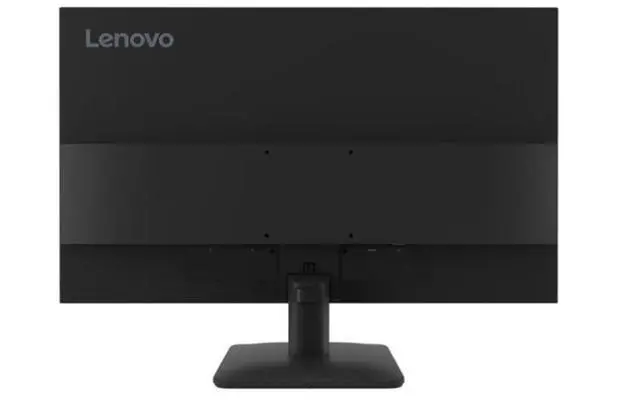
| Ports And Connectivity | HDMI and VGA inputs for connecting compatible devices |
| Physical Specifications | Raven Black; listed dimensions are 27.1 × 21.2 × 4.5 inches and item weight is 13.85 pounds |
| Model Identifiers | Lenovo, model 64BEKAT1UZ |
Q: ThinkVision S27-4e or S27i-30 for a 27-inch office monitor?
A: Choose the ThinkVision S27-4e when you want a 27-inch Full HD, 100Hz IPS display with both HDMI and VGA connections. The S27i-30 has the same screen size, resolution, refresh rate, and 99% sRGB coverage, with two HDMI inputs and a 3.5mm audio-out port for setups that use those connections.
Q: ThinkVision S27-4e or E27-40 for everyday work?
A: The S27-4e suits a straightforward 27-inch Full HD setup that uses HDMI or VGA and needs a tilt-adjustable stand. The ThinkVision E27-40 keeps the 100Hz Full HD IPS format and adds DisplayPort, built-in speakers, and a stand with lift, tilt, pivot, and swivel adjustments.
Q: Should I choose the S27-4e or upgrade to Lenovo’s L27q-4A?
A: Choose the S27-4e for a 27-inch Full HD, 100Hz display with HDMI and VGA connectivity. The Lenovo L27q-4A is a QHD option at 2560 × 1440 with up to 100Hz, HDR10, and built-in speakers, making it a fit for buyers who prioritize higher resolution and those added features.
Q: Is this monitor suitable for everyday office work and video meetings?
A: Yes. Its 27-inch Full HD IPS screen, anti-glare surface, and low-blue-light and flicker-free features suit everyday office tasks. It has no built-in camera, microphone, or speakers, so video meetings require those on your computer or separate accessories.
Q: Can I use it as an external monitor for my laptop?
A: Yes, if your laptop has an HDMI or VGA video output. The monitor has HDMI 1.4 and VGA inputs, and an HDMI cable is included. A laptop with only USB-C or DisplayPort output may need a compatible adapter.
Q: Does it have built-in speakers for calls or video?
A: No. The ThinkVision S27-4e has no built-in speakers, camera, or microphone. Use your computer’s audio and video hardware or connect separate accessories for calls.
Q: Is it good for gaming?
A: It can suit casual gaming: the monitor supports up to 100Hz and lists a 4ms response time in Extreme mode. Its Full HD resolution and listed connectivity are aimed at straightforward display use; the provided specifications do not list gaming-focused features such as variable refresh rate.
Q: Can it be mounted on a monitor arm, and does the stand adjust for height?
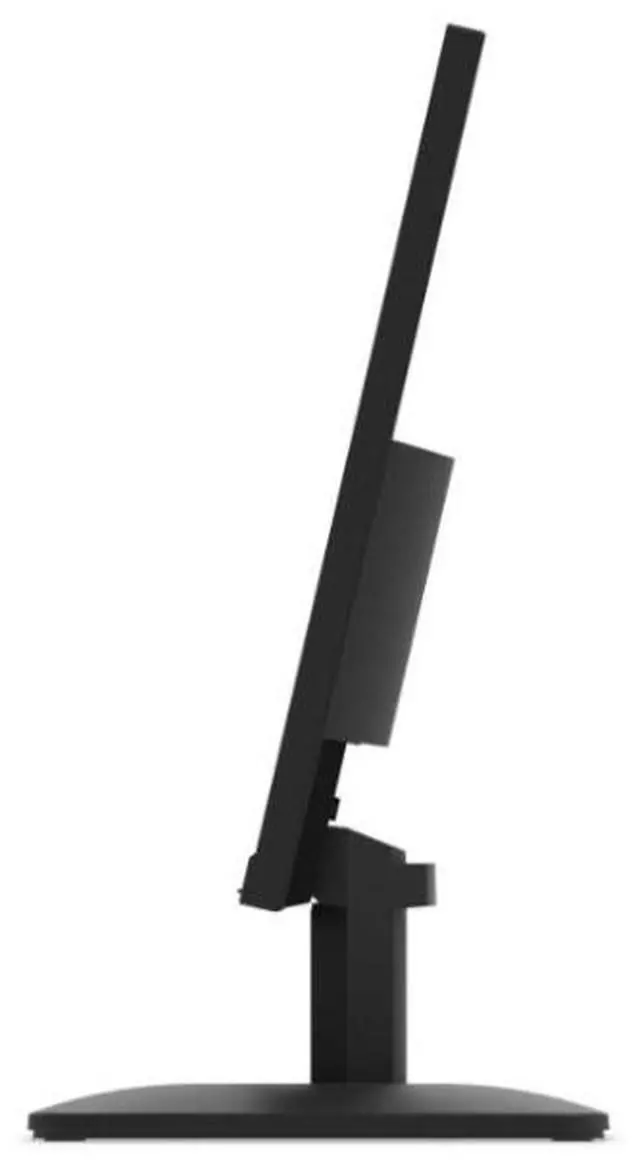
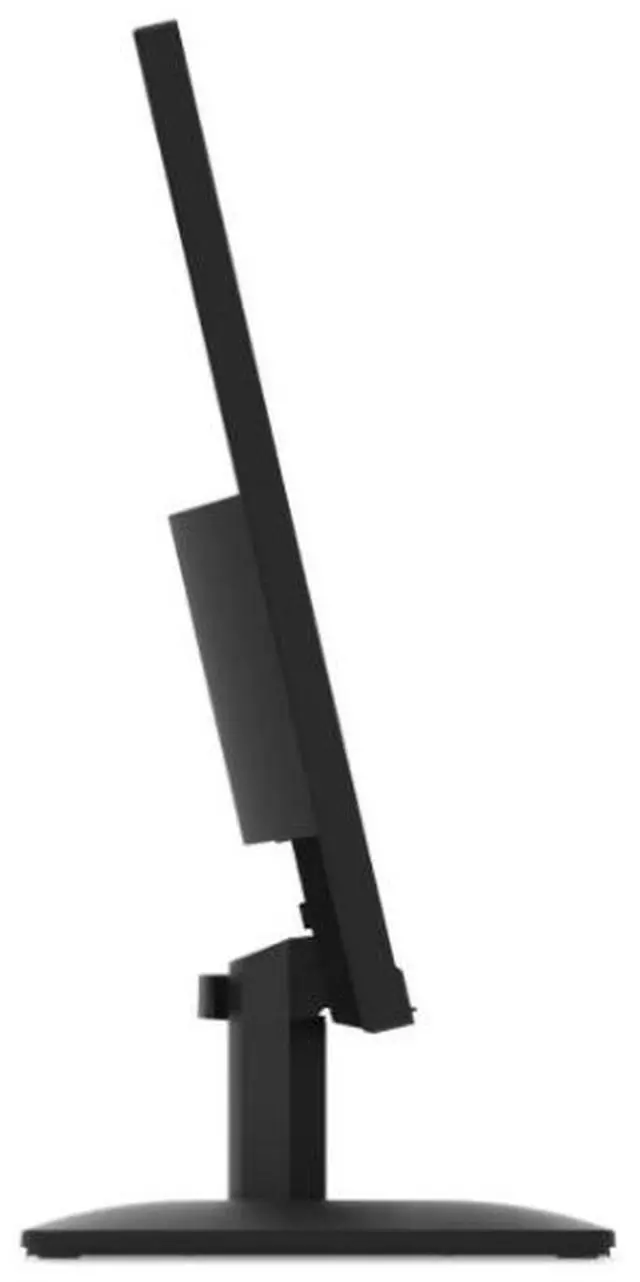
A: It supports VESA 100 × 100 mm mounting, so it can be used with a compatible arm or mount. The included stand tilts but does not adjust for height, swivel, or pivot.