


 All CategoriesAll CategoriesAll Categories

Make informed decisions with expert advice. Learn More





Warranty Notice:
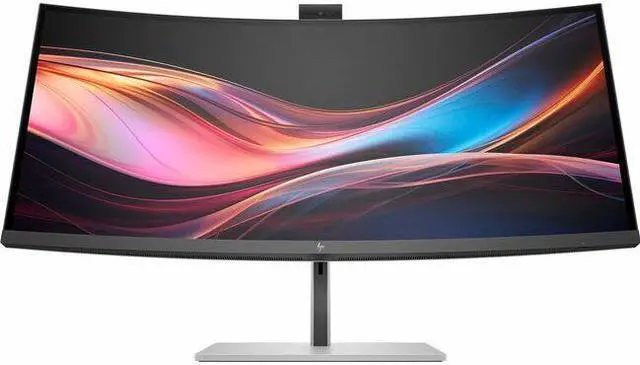
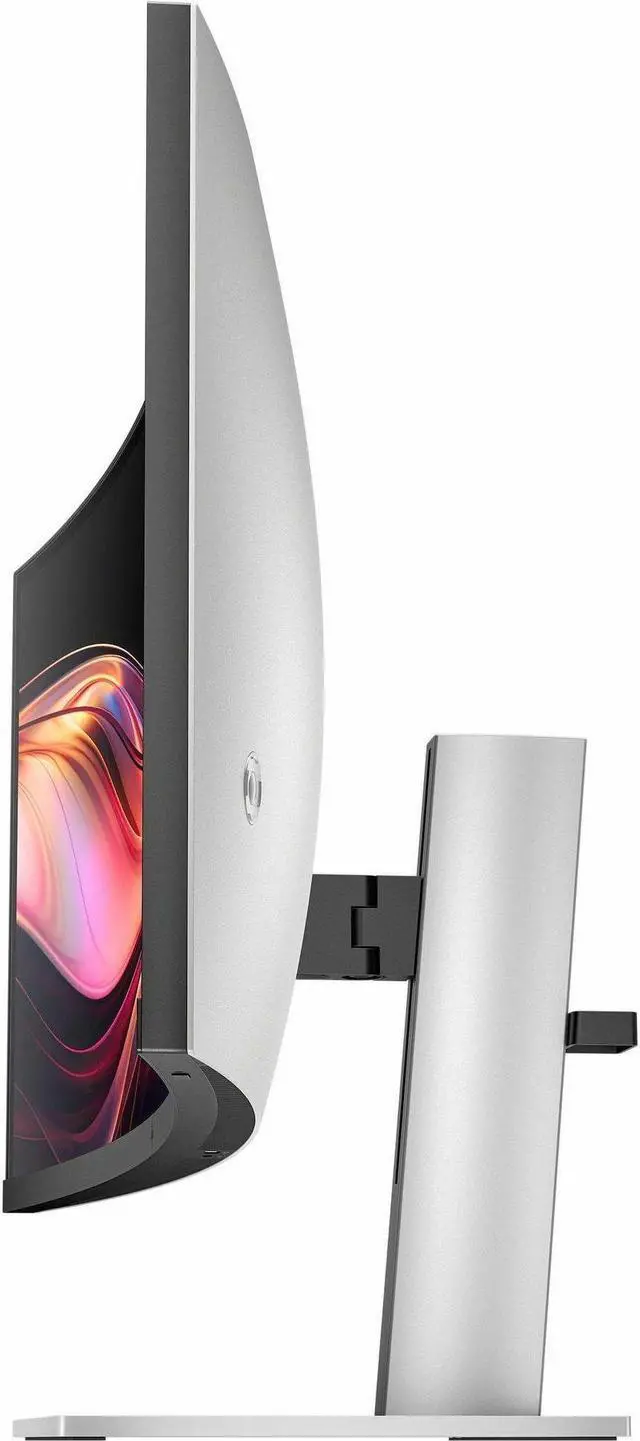
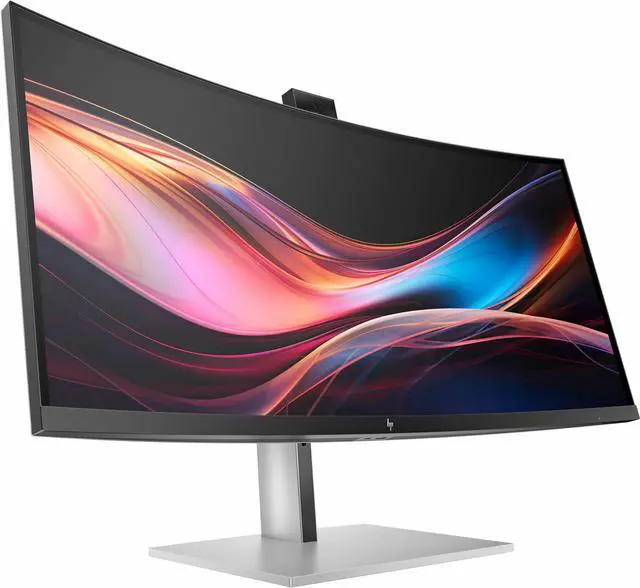
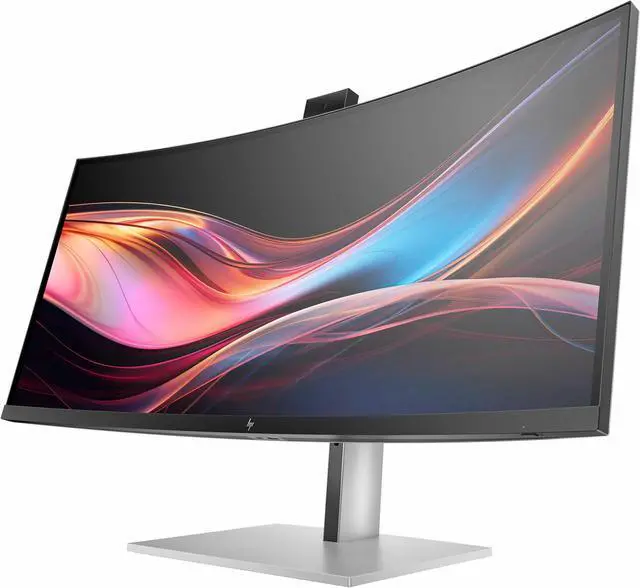
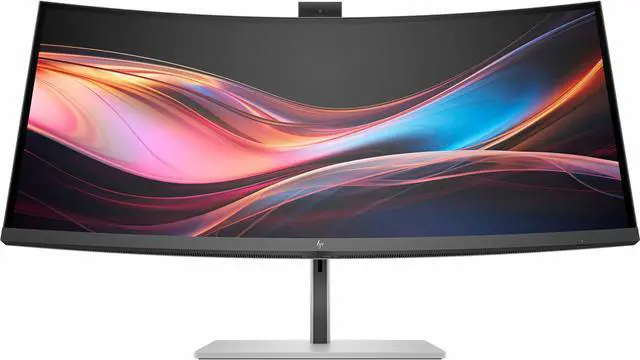
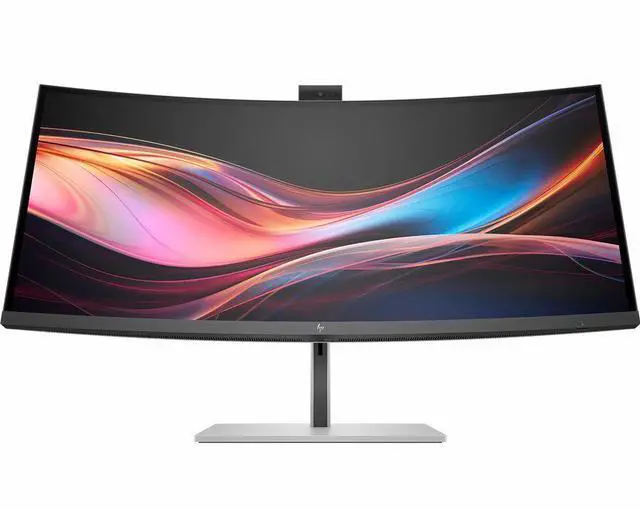
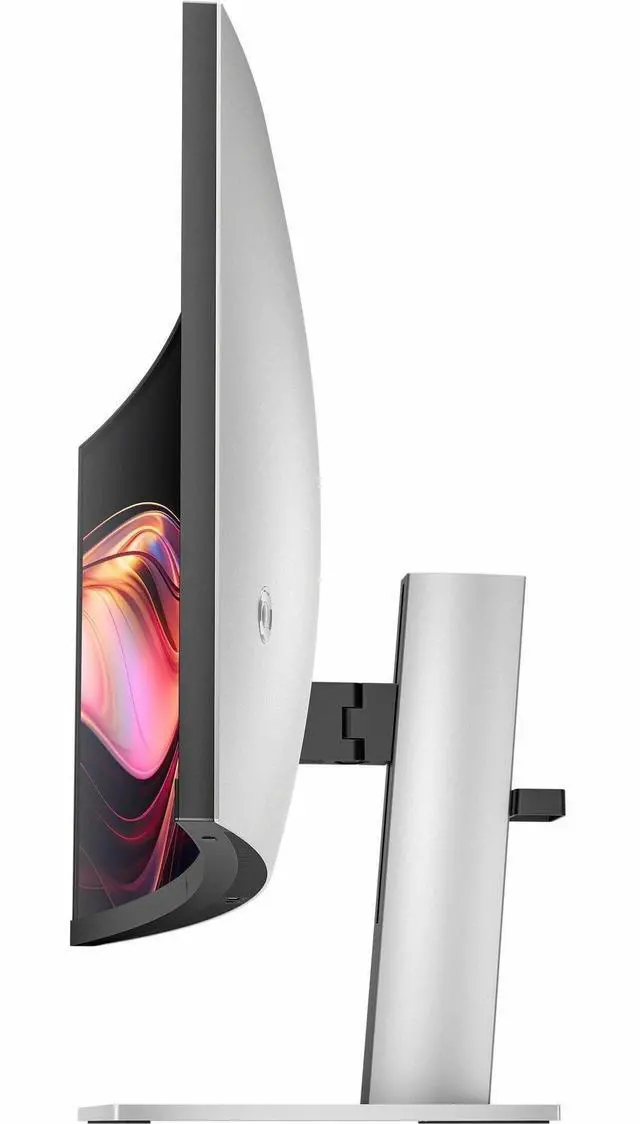
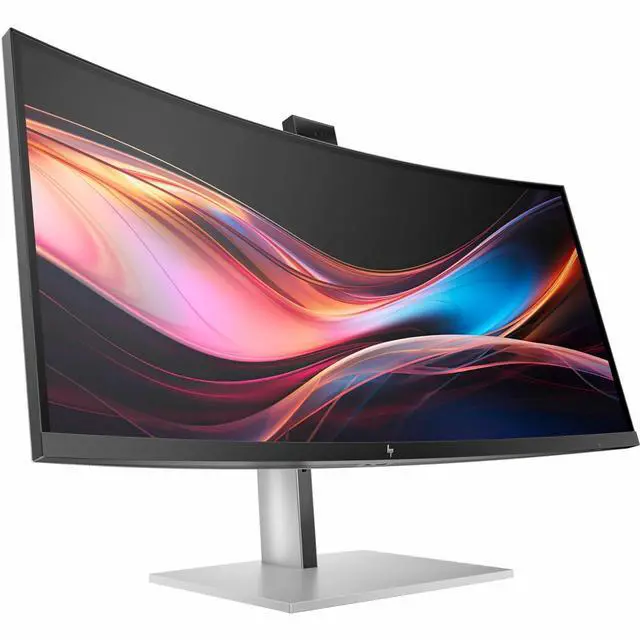
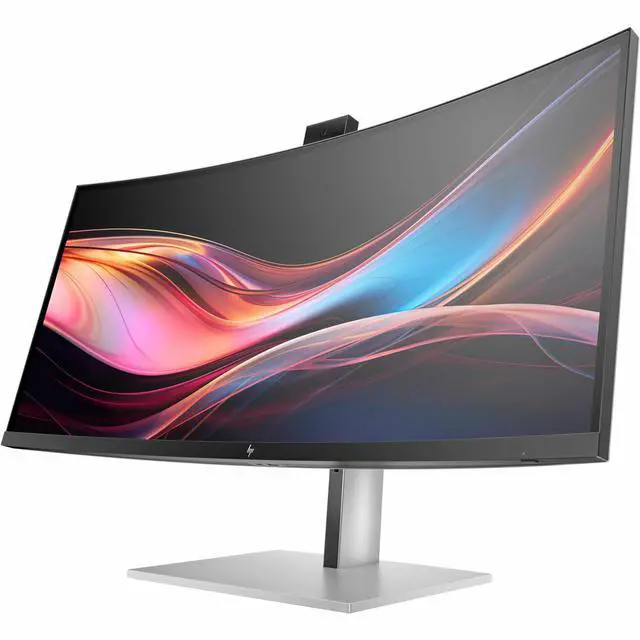
This product does not include manufacturer warranty when purchased or used outside of its designated sales region. By purchasing internationally, you acknowledge that warranty support from the manufacturer will not be available.The HP 734pm is a 34-inch curved ultrawide monitor with a 3440 × 1440 IPS Black display, built-in webcam, speakers, USB hub, and KVM switch, making it suitable for professionals who want a wide workspace and video-conferencing features in one display.
| Attribute | Value |
|---|---|
| Best For | Home and office conferencing on a curved ultrawide display |
| Panel And Resolution | 34-inch curved IPS Black LED display with a 3440 × 1440 resolution, 21:9 aspect ratio, matte finish, 100% sRGB gamut, 178° viewing angle, 2000:1 contrast ratio, 0.23 pixel pitch, HDR400, and listed brightness of 1370.4 lm |
| Refresh Rate And Response | 120 Hz refresh rate, 5 ms response time, and FreeSync Premium adaptive sync |
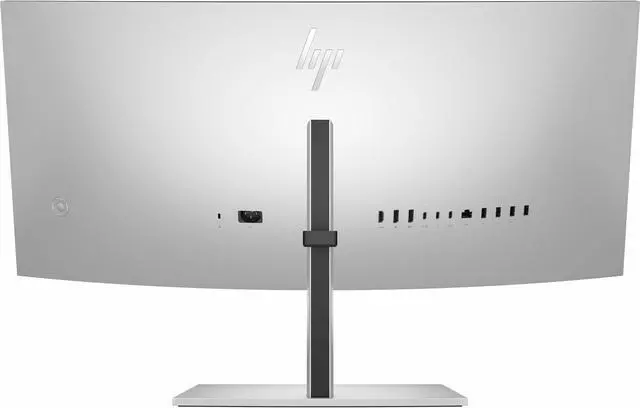
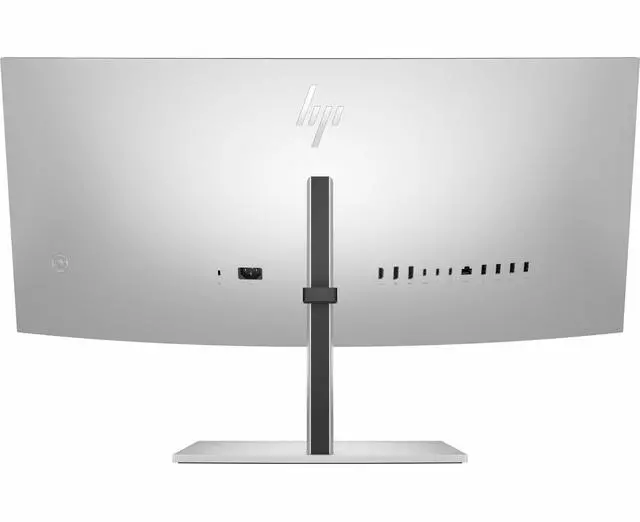
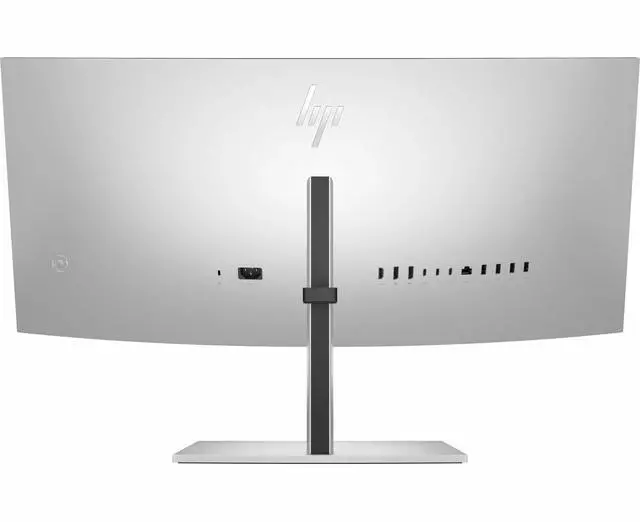
| Ports And Connectivity | Connectivity includes HDMI, DisplayPort, USB, USB Type-C, Thunderbolt, and Ethernet; 1 HDMI port, 1 Thunderbolt port, and 6 USB ports, including 1 USB 3.0 port |
| Mounting And Physical Dimensions | 100 × 100 mounting pattern; listed dimensions are 37.5 inches deep, 19 inches wide, and 9 inches high; item weight is 38.3 pounds |
| Model Identifiers | HP; model 8K157UT#ABA |
Q: HP 734pm vs HP 738pu: which should I choose?
A: Choose the HP 734pm for a 34-inch ultrawide conferencing setup with a built-in 5MP webcam and 120Hz refresh rate. Choose the HP 738pu if you prefer a larger 37.5-inch screen and its higher 3840 × 1600 WQHD+ resolution for additional workspace.
Q: HP 734pm vs HP 527pm: which is the better fit for a home office?
A: Choose the HP 734pm for a 34-inch curved 21:9 display with 3440 × 1440 resolution, giving you a wider workspace for side-by-side windows. Choose the HP 527pm for a 27-inch flat 16:9 QHD display with a built-in 5MP webcam and USB-C connectivity.
Q: HP 734pm vs HP Z34c G3: which is better for a multi-device workstation?
A: Choose the HP 734pm if you want a 34-inch 3440 × 1440 ultrawide with a 120Hz refresh rate and Thunderbolt 4 connectivity. The HP Z34c G3 is another 34-inch 3440 × 1440 curved HP display, suited to a workstation centered on USB-C connectivity, a built-in webcam, and integrated KVM.
Q: Is this monitor suitable for office work and multitasking?
A: Yes. Its 34-inch, 21:9 screen with 3440 × 1440 resolution provides room to view documents, spreadsheets, and other apps side by side. The IPS Black panel and built-in speakers also support everyday desk use.
Q: Can I use the built-in camera and microphone for video meetings?
A: Yes. The monitor has an integrated 5 MP HDR camera and dual microphones, so it can support video meetings without a separate webcam or microphone. The connected computer and meeting app still need to recognize those devices.
Q: Can it connect to a laptop and share a keyboard and mouse between two computers?
A: Yes, it has a KVM switch and USB-C/Thunderbolt connectivity. A compatible laptop can connect by USB-C or Thunderbolt for video, data, and power; the Thunderbolt 4 connection supports up to 100 W power delivery, while another USB-C connection supports up to 65 W. Check your computer’s port and charging needs, and connect each computer appropriately for KVM use.
Q: Is it suitable for gaming as well as work?
A: It can be used for both: the listed specifications include FreeSync Premium and a 5 ms response time, alongside an ultrawide 3440 × 1440 screen. The provided specifications do not state the refresh rate, so check that detail before buying if high-refresh gaming is important to you.
Q: Is the HP 734pm a good fit for switching between a work laptop and a desktop?
A: It is designed for that kind of setup: the product includes a USB hub and KVM switch, and its 34-inch, 21:9, 3440 × 1440 display provides a wide workspace. One Reddit owner reports that switching also moves the connected USB peripherals, so it may not suit setups that need the webcam, network port, or other USB devices assigned independently.
Q: Can the HP 734pm’s KVM and webcam work with Linux?
A: One Reddit owner reports using the monitor’s controls or the Linux command-line utility ddcutil to switch inputs, and says the webcam worked in Linux without additional software. The same owner needed a firmware update to get USB switching working reliably, so Linux users should allow for setup and troubleshooting.
Q: Is the HP 734pm suitable for both office work and gaming?
A: It can serve both uses, but the discussion around this model often centers on work and conferencing. The listed 5 ms response time and FreeSync Premium support gaming features; buyers focused on fast competitive play should compare it with monitors designed specifically for gaming.
Q: Can the built-in webcam, microphone, and speakers replace separate meeting equipment?
A: Reddit feedback is more favorable about the webcam than the audio: one owner described the camera as sharp and the microphone as adequate, but found the speakers weak and recommended separate speakers for better sound. Treat those comments as individual user experience rather than a guarantee of performance.


