
Your Browsing History
AUD$150.70
GST-Inclusive Price
Ships from Hong Kong.
Most customers receive within 10-17 days.


Meet Your Seller

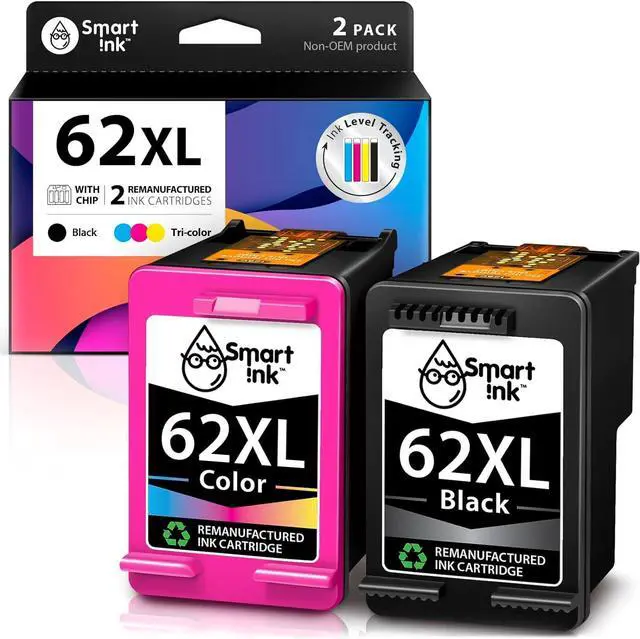
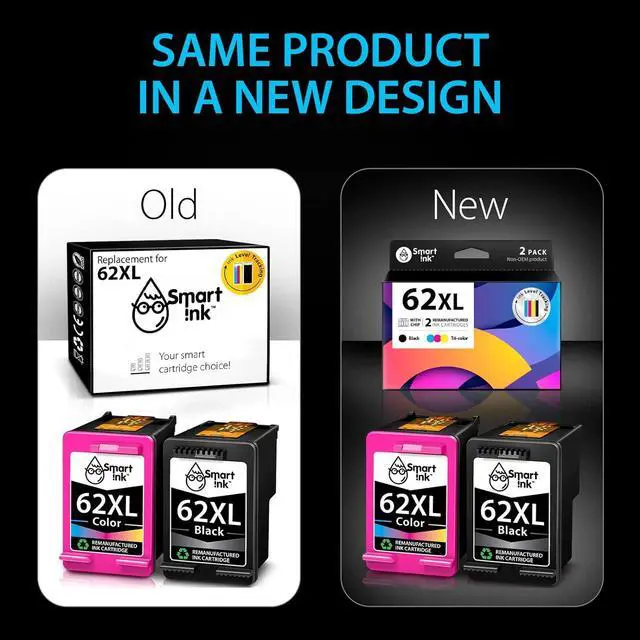
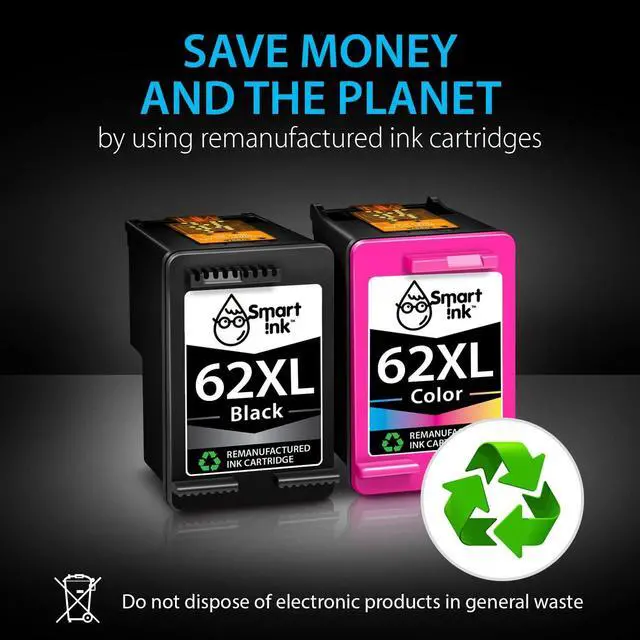




Smart Ink Remanufactured Ink Cartridge Replacement 62XL 62 XL (Black & Tricolor 2 Combo Pack) to use with Envy 7640 5660 7645 5540 5643 5661 5664 5663 5640 5642 OfficeJet 5740 5746 5745 8040
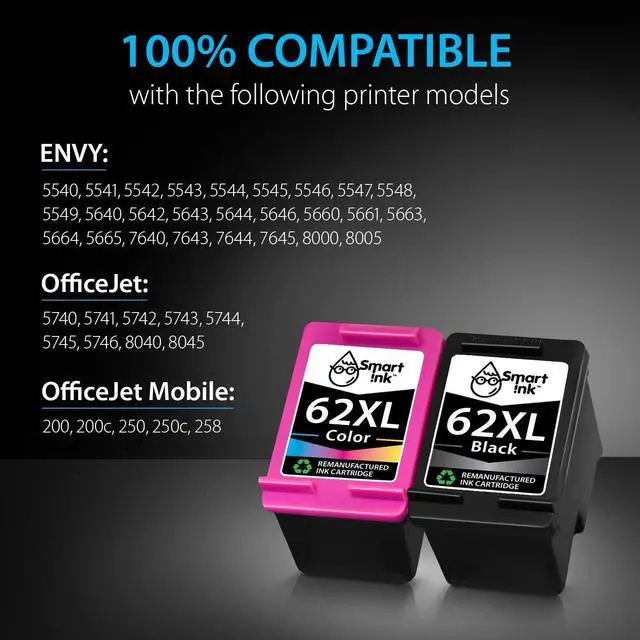
- Compatible with HP OfficeJet Mobile 200 200c 250 250c 258 OfficeJet 5740 5741 5742 5743 5744 5745 5746 8040 8045 ENVY 5540 5541 5542 5543 5544 5545 5546 5547 5548 5549 5640 5642 5643 5644 5646 5660 5661 5663 5664 5665 7640 7643 7644 7645 8000 8005
- Package Contents: 1 x Black 62 XL, 1 x Tricolor 62 XL (2 cartridges in total)
- Print More with XL: Up to 650 pages per XL Black, 440 pages per XL tri-color (page yield at 5% page coverage)
- Excellent Print Quality: Smart Ink 62XL ink cartridges are remanufactured from OEM products, professionally cleaned, refilled, and tested to provide you with the same print quality as the original ink cartridges
- Cover All Your Needs: You can use 62XL ink cartridges for HP printers for business, school, or around the house
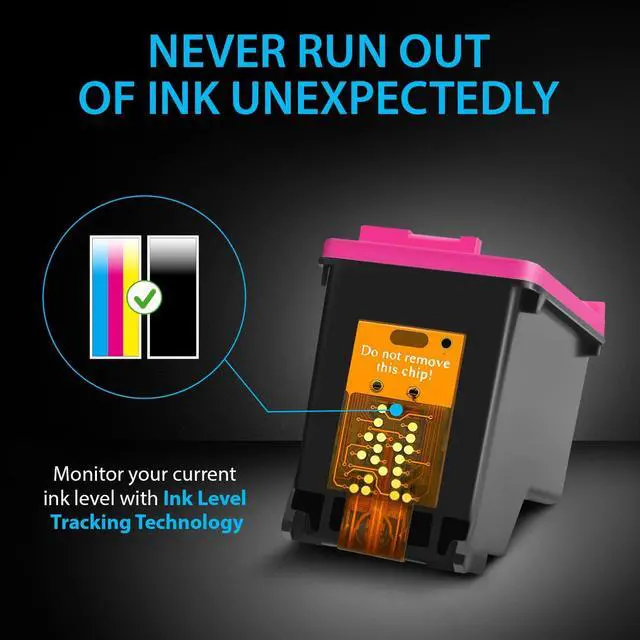
- Ink Level Tracking Technology: Smart Ink cartridges are equipped with smart chip that allows you to monitor current ink level and order a replacement pack in time
- Easy to Install and Use: All compatible printers instantly
+
+
Overview
Specs
Reviews
Previous page
Next page At Smart Ink, we strictly control the printer's firmware updates to provide you the most up-to-date version of the chip. That's why your printer will always work with our cartridges, no matter what firmware version you have.
1 x Black 62XL
1 x Tri-Color 62XL
1 x Easy-to-understand instruction
2 x Gloves
Black: up to 650* pages
Tri-Color: up to 440* pages
Type of ink: Dye-based ink
* at 5% coverage
ENVY 5540 5541 5542 5543 5544 5545 5546 5547 5548 5549 5640 5642 5643 5644 5646 5660 5661 5663 5664 5665 7640 7643 7644 7645 8000 8005
OfficeJet 5740 5741 5742 5743 5744 5745 5746 8040 8045
OfficeJet Mobile 200 200c 250 250c 258
Remove plastic protective cap from cartridge
Pull pink tab to remove protective tape
Place cartridge into the corresponding slot and push firmly until it locks in place
Do not touch the chip or the ink nozzles
Next page of related Sponsored Products Your Smart Cartridge Choice! Shop All STEP 1: STEP 2: STEP 3: ATTENTION: Feedback Website (Online) Store (Offline)
Next page At Smart Ink, we strictly control the printer's firmware updates to provide you the most up-to-date version of the chip. That's why your printer will always work with our cartridges, no matter what firmware version you have.
1 x Black 62XL
1 x Tri-Color 62XL
1 x Easy-to-understand instruction
2 x Gloves
Black: up to 650* pages
Tri-Color: up to 440* pages
Type of ink: Dye-based ink
* at 5% coverage
ENVY 5540 5541 5542 5543 5544 5545 5546 5547 5548 5549 5640 5642 5643 5644 5646 5660 5661 5663 5664 5665 7640 7643 7644 7645 8000 8005
OfficeJet 5740 5741 5742 5743 5744 5745 5746 8040 8045
OfficeJet Mobile 200 200c 250 250c 258
Remove plastic protective cap from cartridge
Pull pink tab to remove protective tape
Place cartridge into the corresponding slot and push firmly until it locks in place
Do not touch the chip or the ink nozzles
Next page of related Sponsored Products Your Smart Cartridge Choice! Shop All STEP 1: STEP 2: STEP 3: ATTENTION: Feedback Website (Online) Store (Offline)
Warranty & Returns
Warranty, Returns, And Additional Information
Return Policies*
- Return for refund within: 30 days
- Return for replacement within: non-replaceable
- This item is covered by pigpig tech Return Policy
- *Subject to applicable law
Warranty Notice:
This product does not include manufacturer warranty when purchased or used outside of its designated sales region. By purchasing internationally, you acknowledge that warranty support from the manufacturer will not be available.
Manufacturer Contact Info
- For a directory of all our manufacturers, please click below.
- Manufacturers Directory
LOADING...