


 All CategoriesAll CategoriesAll Categories
Shipped by Newegg





Warranty Notice:
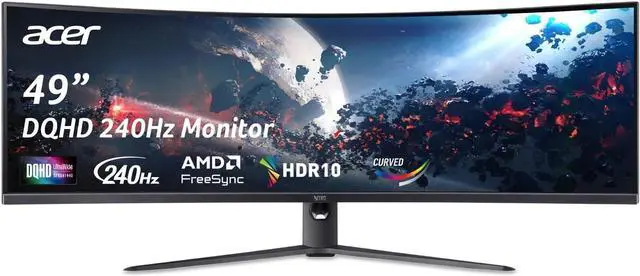
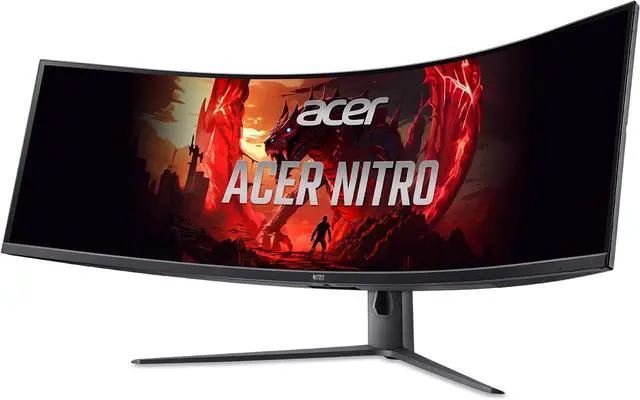
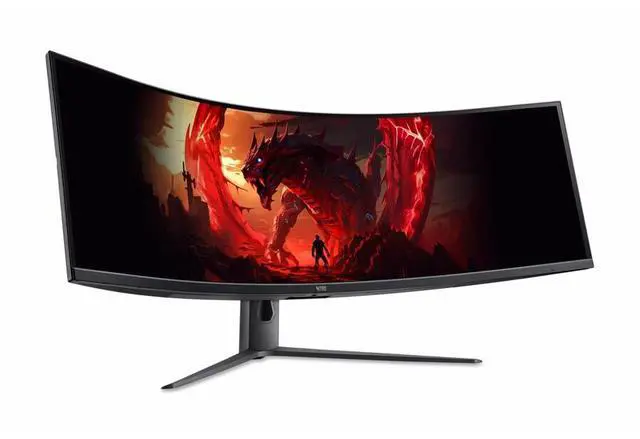
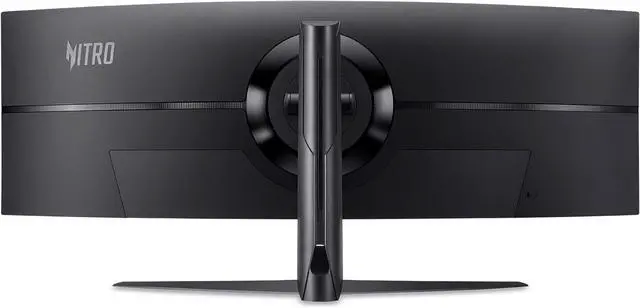
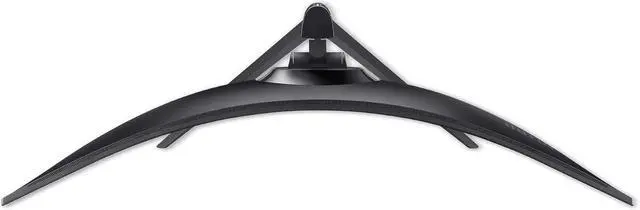
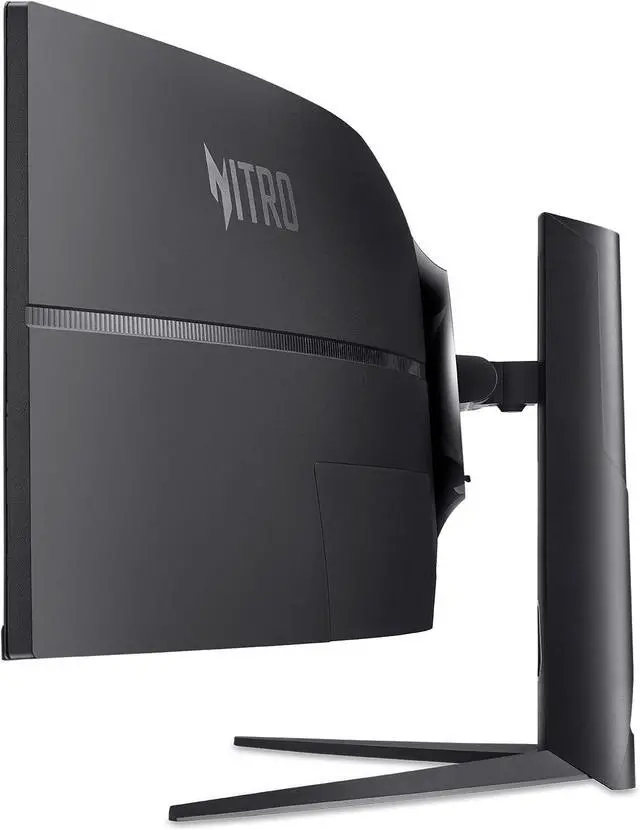
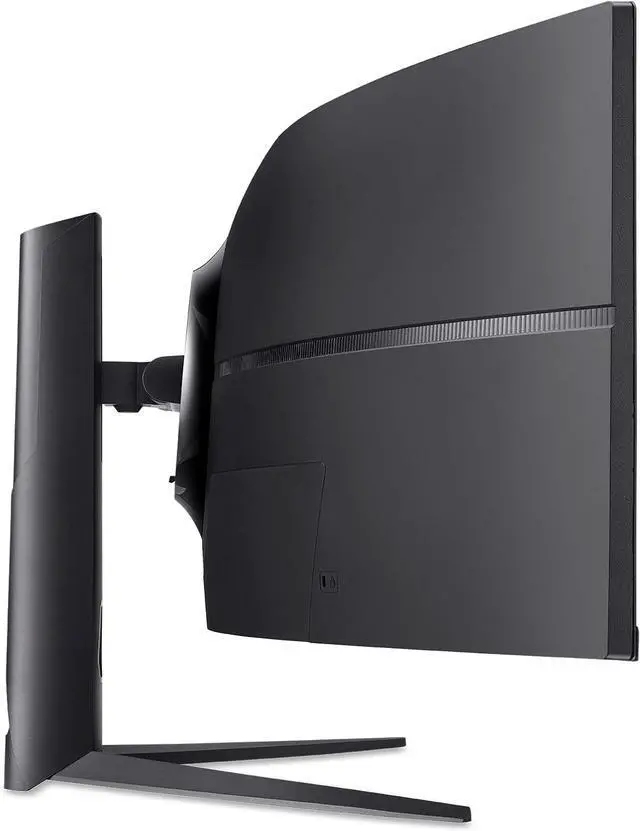
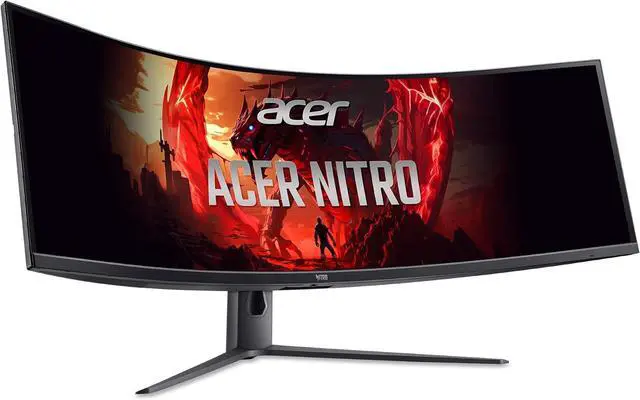
This product does not include manufacturer warranty when purchased or used outside of its designated sales region. By purchasing internationally, you acknowledge that warranty support from the manufacturer will not be available.The Acer Nitro EI491CUR W3 is a 49-inch curved Dual QHD gaming monitor with a 32:9, 5120 × 1440 display, 144Hz refresh rate, 1ms VRB, and AMD FreeSync Premium Pro, suited to gamers seeking an expansive, smooth screen for play.
| Attribute | Value |
|---|---|
| Best For | Gaming, desktop, and business setups needing a 49-inch, 32:9 ultrawide display |
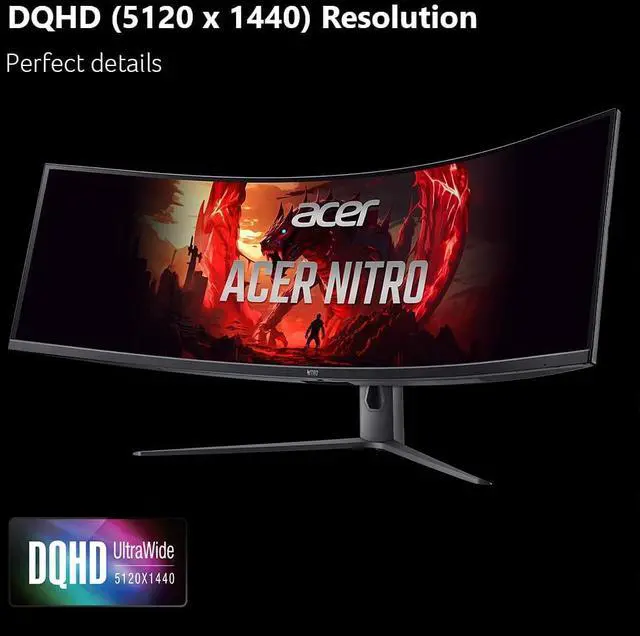
| Panel And Resolution | 49-inch curved LCD with a VA panel, matte finish, and 5120 × 1440 native resolution in a 32:9 aspect ratio |
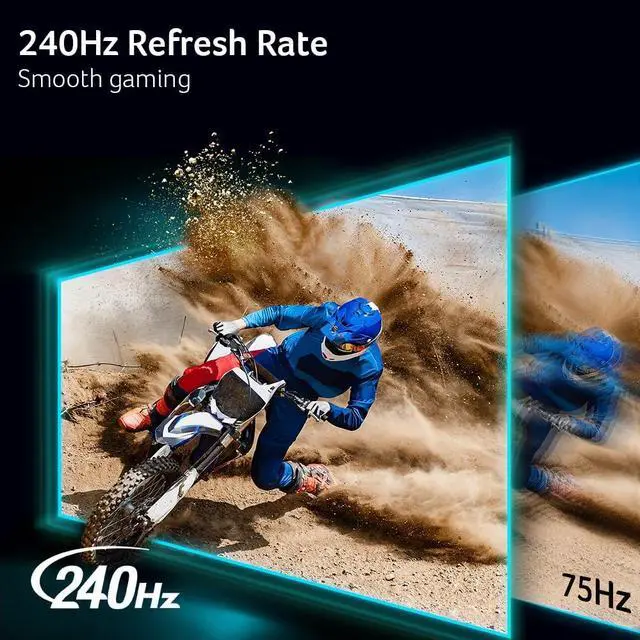
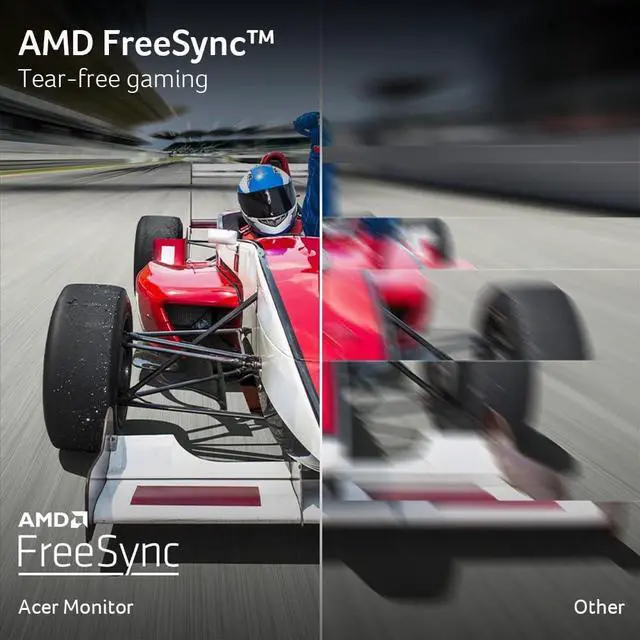
| Refresh Rate And Response | 240 Hz refresh rate, 3 ms response time, and FreeSync adaptive sync |
| Ports And Connectivity | Two HDMI ports and DisplayPort connectivity, with headphone connectivity also listed; no Thunderbolt, USB 2.0, or USB 3.0 ports |
| Audio And Controls | Headphone connectivity and button-based controls |
| Stand And Ergonomics | Stand supports tilt and height adjustment; compatible with a 100 × 100 mm VESA mount and a listed screen weight limit of 20.9 pounds |
| Image Characteristics | Listed brightness of 1027.8 and contrast ratio of 100,000,000:1 |
| Physical Dimensions And Weight | 45.3 inches wide, 15.6 inches high, and 22.5 inches deep; weighs 36 pounds |
| Included Components | Display, stand, power cord, and DisplayPort cable |
| Model Identifiers | Acer Nitro EI; model EI491CUR W3biiphx |
Q: Acer Nitro EI491CUR W3 vs. Acer EI491CR: which gives more screen detail?
A: The EI491CUR W3 is the higher-resolution choice: it has a 5120 × 1440 Dual QHD panel, compared with the EI491CR’s 3840 × 1080 resolution. Choose the W3 for more vertical and total pixel detail across a 49-inch, 32:9 workspace; both models offer a wide curved gaming display.
Q: Acer Nitro EI491CUR W3 or two 27-inch QHD monitors—which gives a single-screen setup?
A: The EI491CUR W3 puts the screen area of two 27-inch QHD monitors into one curved 49-inch display with a 32:9 aspect ratio. It is the straightforward choice for a single-display setup that combines gaming and wide desktop workspace; it also supports picture-by-picture and picture-in-picture viewing.
Q: Acer Nitro EI491CUR W3 vs. the earlier Acer EI491CUR: what changes?
A: Both are 49-inch, 32:9 Acer monitors with 5120 × 1440 resolution. The earlier EI491CUR lists 120Hz over DisplayPort and up to 144Hz when overclocked; the W3 listing specifies 144Hz and includes USB-C connectivity. Choose the W3 if those listed refresh-rate and connection options fit your setup.
Q: Is this monitor suitable for both gaming and office work?
A: Yes. Its 5120 × 1440 resolution provides a wide desktop for multitasking, while the 144Hz refresh rate, 1ms VRB response time, and FreeSync Premium Pro support gaming. It is best suited to a desk setup; check that your computer can drive the resolution and refresh rate you want.
Q: Can I show two connected devices on the screen at the same time?
A: Yes. The monitor supports Picture-by-Picture and Picture-in-Picture, so it can display content from multiple sources simultaneously. You will need to connect the devices to the monitor’s available inputs.
Q: Will the USB-C connection charge my laptop?
A: The product information specifies USB-C for video and data but does not specify USB Power Delivery or a charging wattage. Do not assume it will charge your laptop; plan to use the laptop’s power adapter unless the monitor’s full specifications confirm otherwise.
Q: Can I use this monitor with a game console?
A: The monitor has HDMI inputs, but the product information does not specify support for every console’s output modes. Console compatibility and whether the picture fills the 32:9 screen depend on the console’s supported resolutions and aspect ratios; check those details before buying.
Q: Can this 49-inch monitor replace two monitors for work?
A: It provides the workspace of two 27-inch QHD displays and supports Picture-by-Picture and Picture-in-Picture. One EI491CUR user said screen sharing and switching among work apps was less convenient than with separate monitors, so it suits wide multitasking but may not fully replace a dual-monitor workflow for everyone.
Q: Will my laptop or dock support the monitor’s full resolution and refresh rate?
A: Not necessarily. The computer’s graphics hardware, port, and dock or adapter all matter. An EI491CUR user reported trouble getting the monitor’s native resolution through an older system, while another discussion notes that connection type affected the available refresh rate. Check that your setup supports 5120 × 1440 at the refresh rate you want; the supplied product data does not specify USB-C charging or refresh-rate limits.
Q: Will the 49-inch screen look sharp enough at a normal desk distance?
A: One EI491CUR W3 owner reported noticing individual pixels at a reasonable viewing distance. That is a single user’s experience, not a general finding; if fine text or high pixel density is a priority, consider checking the display in person or comparing it with a smaller 4K monitor.


