


 All CategoriesAll CategoriesAll Categories
Shipped by Newegg

Make informed decisions with expert advice. Learn More

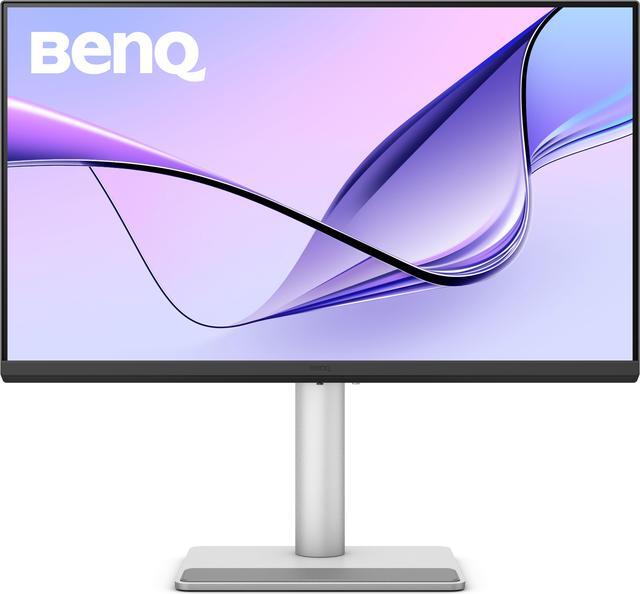
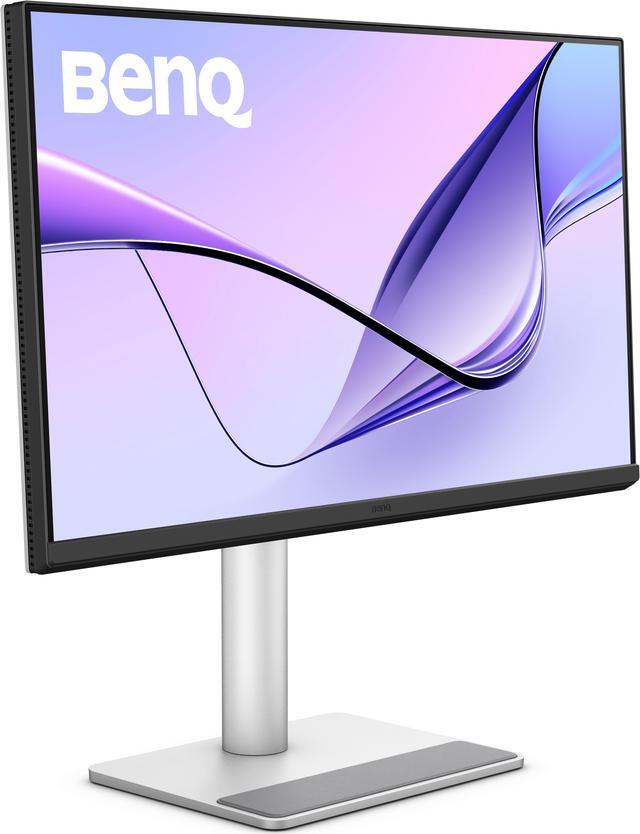
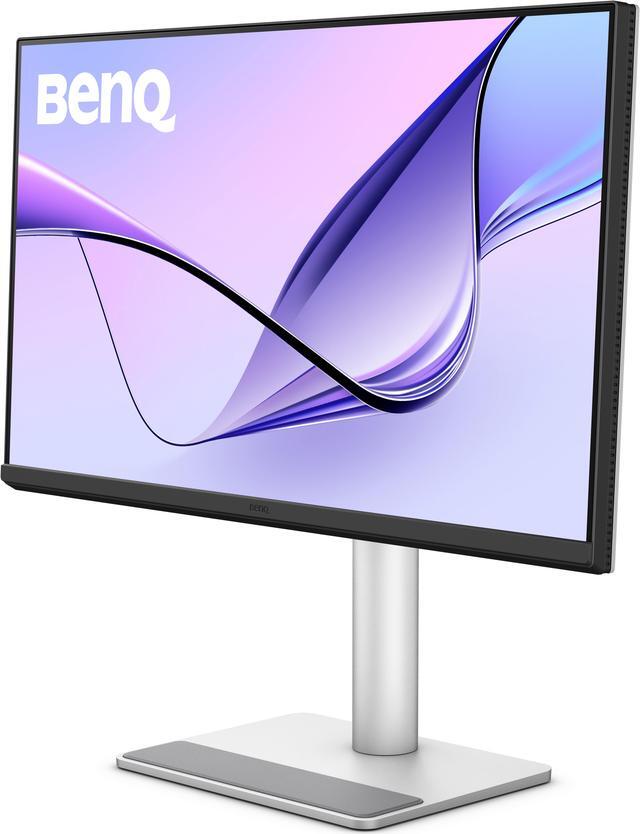
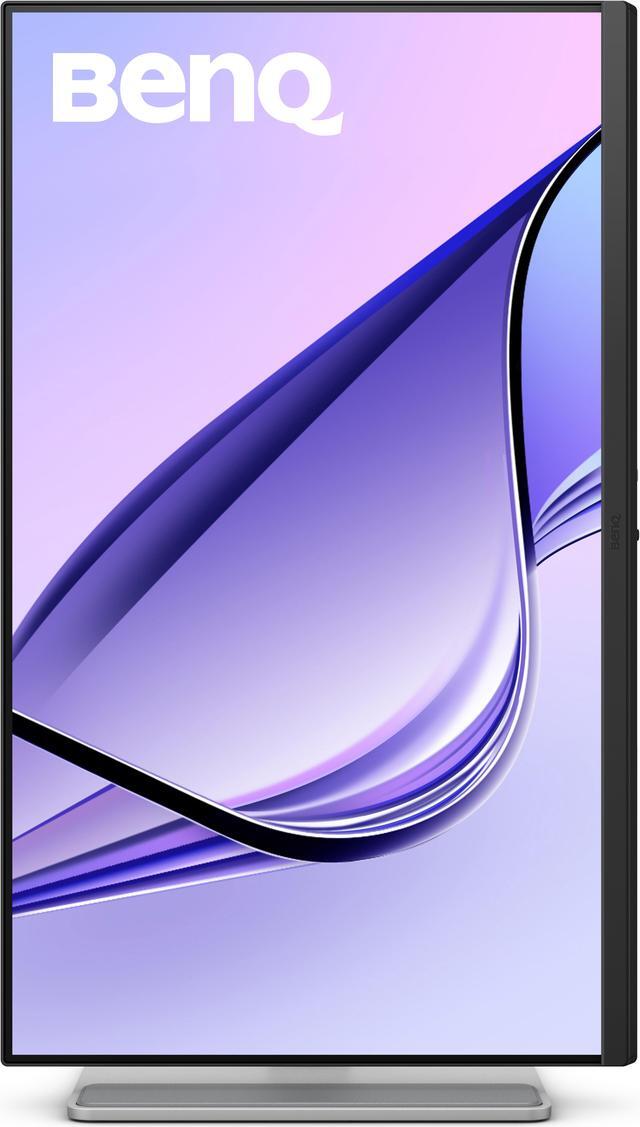
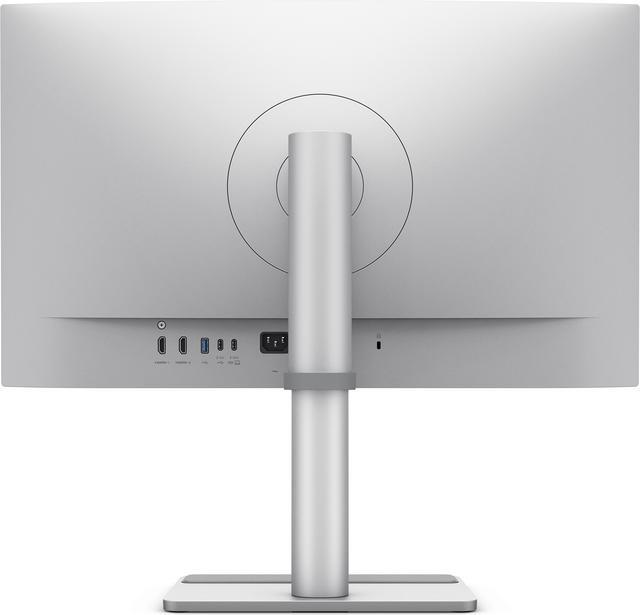
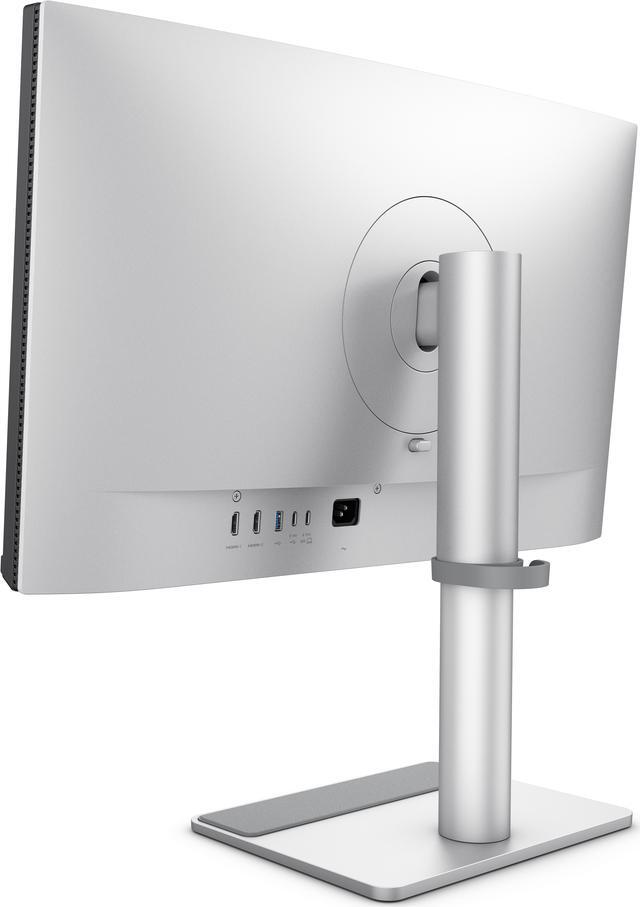
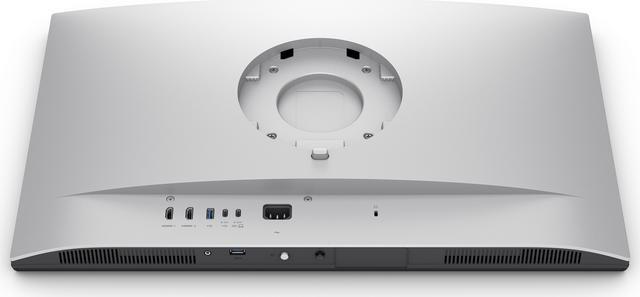


| Brand | BenQ |
|---|---|
| Model | MA270U |
| Cabinet Color | Silver |
| Screen Size | 27" |
|---|---|
| Glare Screen | Anti-glare |
| Widescreen | Yes |
| Resolution | 3840 x 2160 (4K) |
| Refresh Rate | 60Hz |
| Viewing Angle | 178° (H) / 178° (V) |
| Display Colors | 1.07 Billion |
| Brightness | 400 cd/m2 |
| Contrast Ratio | 1,200:1 |
| Aspect Ratio | 16:9 |
| Response Time | 5 ms |
| Panel | IPS |
| Color Gamut | 99% sRGB, 95% P3 |
| HDR Standard | HDR10 |
| VESA Certified DisplayHDR | DisplayHDR 400 |
| Curved Surface Screen | Flat Panel |
| Video Ports | 2 x HDMI 2.0 |
|---|---|
| USB Ports | 2 x USB 3.2 Gen 1, 5 Gbps, power charging 7.5W 1 x USB 3.2 Gen 1, 5 Gbps, power charging 15W |
| Power Supply | 100 - 240 VAC, 50/60Hz |
|---|---|
| Power Consumption | Power Consumption (normal): 40W Power Consumption (max): 220W Power Consumption (sleep mode): <0.5W Power Delivery(USB C / Thunderbolt ): 90W |
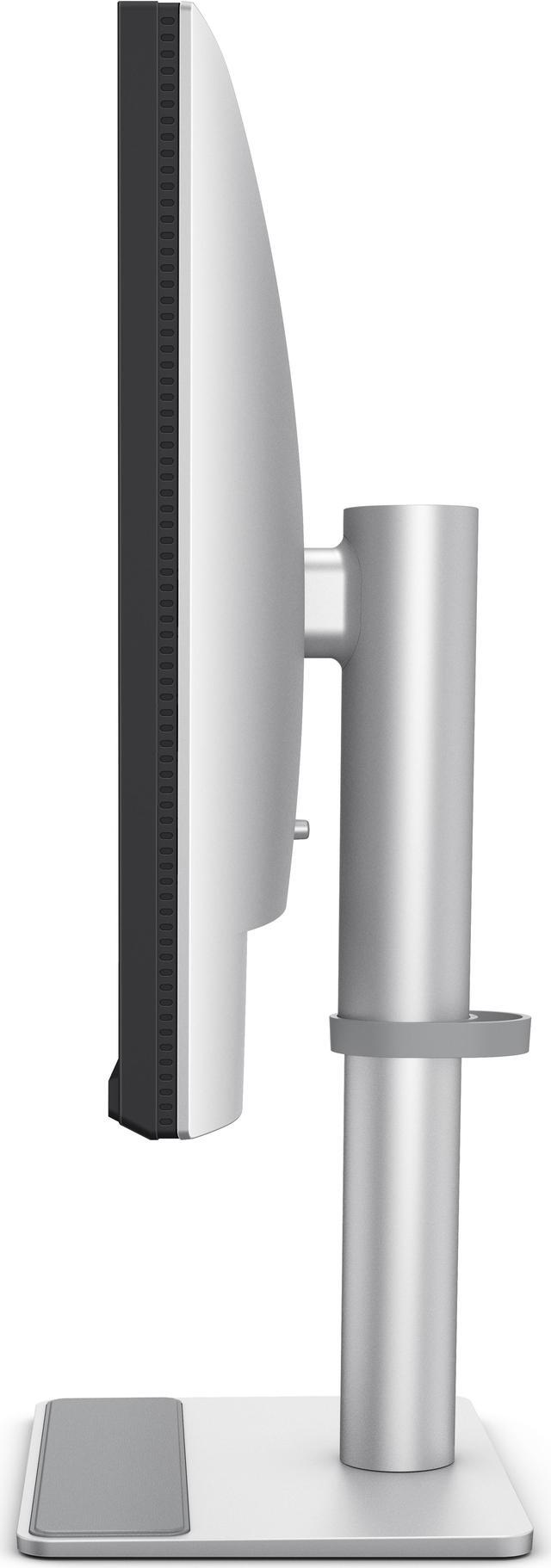
| Stand Adjustments | Tilt (down/up): -5° - 20° Swivel (left/right): 15°/ 15° Pivot: 90° Height Adjustment Stand: 115 mm |
|---|---|
| Built-in Speakers | Yes |
| VESA Compatibility - Mountable | 100 x 100mm |
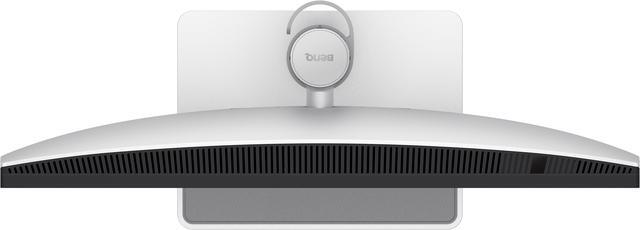
| Dimensions | 22.1"-17.5" x 24.2" x 8.7" with stand 14.5" x 24.2" x 3.3" without stand |
|---|---|
| Weight | 18.08 lbs. with stand 11.33 lbs. without stand |
| First Listed on Newegg | November 05, 2024 |
|---|
Warranty Notice:
This product does not include manufacturer warranty when purchased or used outside of its designated sales region. By purchasing internationally, you acknowledge that warranty support from the manufacturer will not be available.The BenQ MA270U is a 27-inch 4K IPS monitor designed for MacBook Pro and MacBook Air users, with Mac color tuning, 95% P3 coverage, and USB-C connectivity with up to 90W power delivery. It suits Mac users who want a sharp, color-rich workspace and integrated laptop controls.
| Attribute | Value |
|---|---|
| Best For | MacBook Pro/Air users seeking a 27-inch 4K display with USB-C power delivery and P3 color coverage |
| Panel And Resolution | 27-inch flat IPS LED panel with 3840 × 2160 (4K) resolution, 16:9 aspect ratio, anti-glare matte finish, and 178° horizontal and vertical viewing angles |
| Refresh Rate And Response | 60Hz refresh rate with a 5 ms response time |
| Image Quality And Color | 400 cd/m² brightness, 1,200:1 contrast ratio, 1.07 billion display colors, 99% sRGB and 95% P3 color gamut, HDR10, and VESA DisplayHDR 400 |
| Ports And Connectivity | 2 HDMI 2.0 inputs and 3 USB 3.2 Gen 1 ports at 5 Gbps, including USB charging outputs rated at 7.5W and 15W; USB-C connectivity supports up to 90W Power Delivery |
| Stand And Mounting | Height adjusts by 115 mm; stand tilts from -5° to 20°, swivels 15° left and right, and pivots 90°; supports 100 × 100 mm VESA mounting |
| Audio | Built-in speakers |
| Power | 100–240 VAC, 50/60Hz input; power consumption is 40W typical, 220W maximum, and under 0.5W in sleep mode |
| Physical Specifications | Silver cabinet; 22.1–17.5 × 24.2 × 8.7 inches with stand and 14.5 × 24.2 × 3.3 inches without stand; weighs 18.08 lb with stand and 11.33 lb without stand |
| Model Identifiers | BenQ MA270U |
Q: BenQ MA270U or MA270UP: which should I choose?
A: Choose the MA270U for its Nano Matte screen, or the MA270UP for a glossy screen. BenQ positions the MA270UP as the glossy-finish option in the same 27-inch 4K Mac-focused series, so the choice mainly comes down to which screen finish you prefer.
Q: BenQ MA270U or MA320U for a MacBook desk setup?
A: Choose the MA270U for a 27-inch 4K display; choose the MA320U for a larger 31.5-inch 4K screen. Both are Mac-focused 60Hz monitors with 90W USB-C power delivery, while the MA320U has higher rated brightness at 550 nits versus 400 nits for the MA270U.
Q: BenQ MA270U or MA270S for sharper Mac display detail?
A: Choose the MA270S if you want 27-inch 5K resolution and Thunderbolt 4 with up to 96W power delivery. Choose the MA270U for a 27-inch 4K Nano Matte display with 90W USB-C power delivery. The MA270S’s 5K resolution provides higher pixel density for detailed images and text.
Q: Can I connect a MacBook with one USB-C cable and charge it at the same time?
A: Yes. With a compatible MacBook and USB-C cable, the MA270U can connect the display and provide up to 90W of power through USB-C. Whether 90W is enough to charge your MacBook at its usual rate depends on that model’s power needs.
Q: Is this monitor suitable for everyday office work and video calls?
A: It is suited to desk-based work such as documents, spreadsheets, and browsing, with a 27-inch 4K IPS screen, anti-glare finish, adjustable stand, and USB hub. It has built-in speakers, but no webcam is listed, so video calls require a separate camera.
Q: Can I adjust the monitor’s height and position?
A: Yes. The included stand adjusts by up to 115 mm in height and supports tilt, swivel, and 90-degree pivot, so the screen can be positioned for different desk setups or rotated to portrait orientation.
Q: Is it a good choice for fast-paced gaming?
A: It can handle general gaming, but its 60Hz refresh rate makes it less suited to fast-paced or competitive play where a higher refresh rate is a priority.
Q: Is the MA270U a good choice for Mac work and reading text?
A: It may suit Mac office, coding, and reading tasks: it is a 27-inch 4K IPS display, and one Mac user reported clear text at scaled resolutions. That is an individual report, not a guarantee; the monitor is 60Hz and 4K rather than 5K.
Q: Can the MA270U replace an Apple Studio Display for a Mac setup?
A: It is a 27-inch 4K Mac-oriented alternative, with P3 color, USB-C connectivity, and Mac keyboard brightness and volume controls. It is not identical to a Studio Display, so compare resolution and features as well as price; the provided specifications list 4K at 60Hz.
Q: Does the MA270U work well as a one-cable MacBook monitor?
A: Its USB-C connection can carry video and provide up to 90W of power delivery, so it can connect to and charge a compatible MacBook over one cable. A Reddit user also reported using it with a MacBook Air and controlling brightness and volume from the Mac keyboard.
Q: Are there reports of the MA270U failing to wake with a MacBook?
A: Yes. Some Reddit users report that the screen sometimes stays black after their Mac wakes, requiring a reconnect or settings change. These are individual reports and do not establish how common the issue is; consider your tolerance for possible troubleshooting.


