


 All CategoriesAll CategoriesAll Categories
Shipped by Newegg


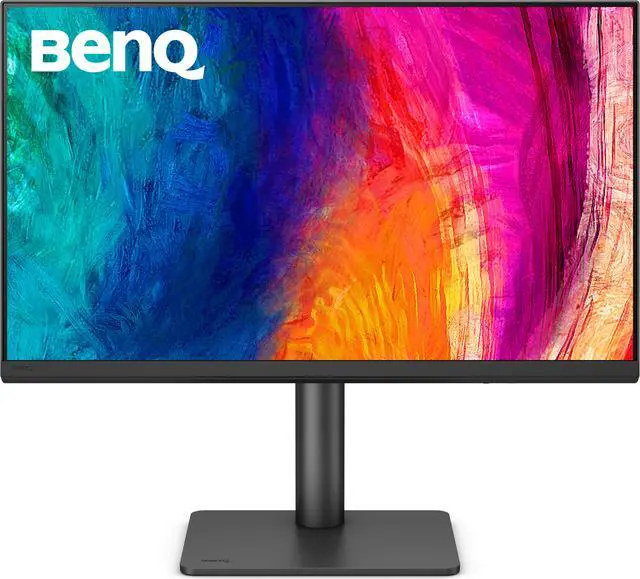
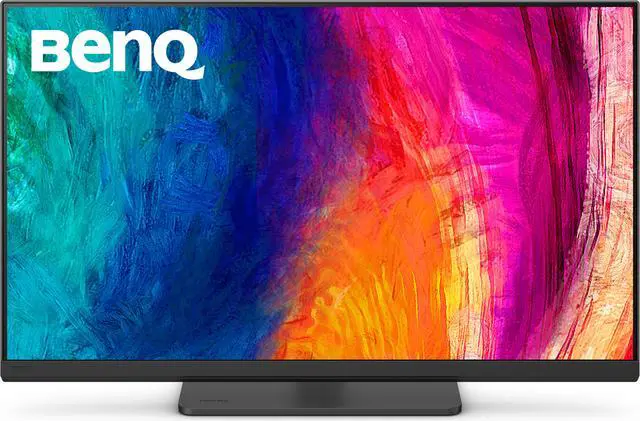
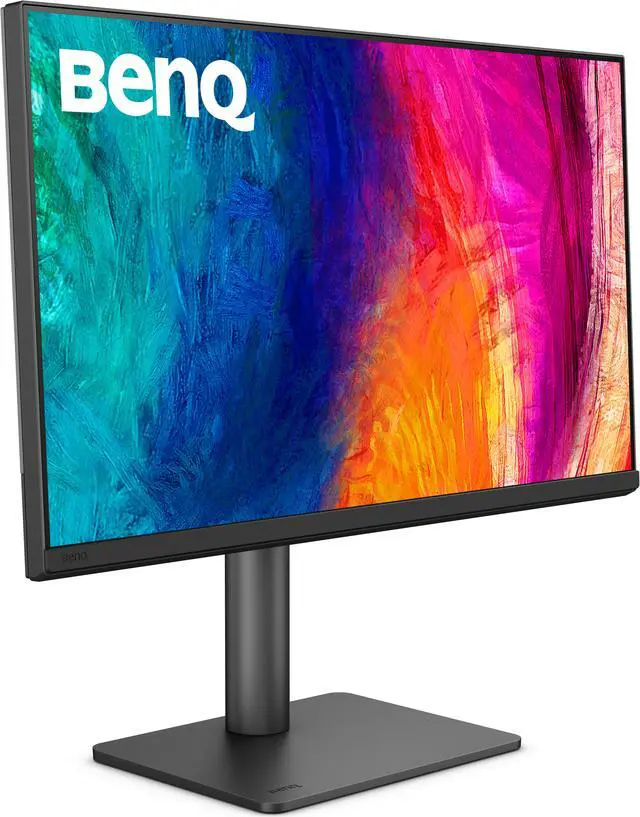
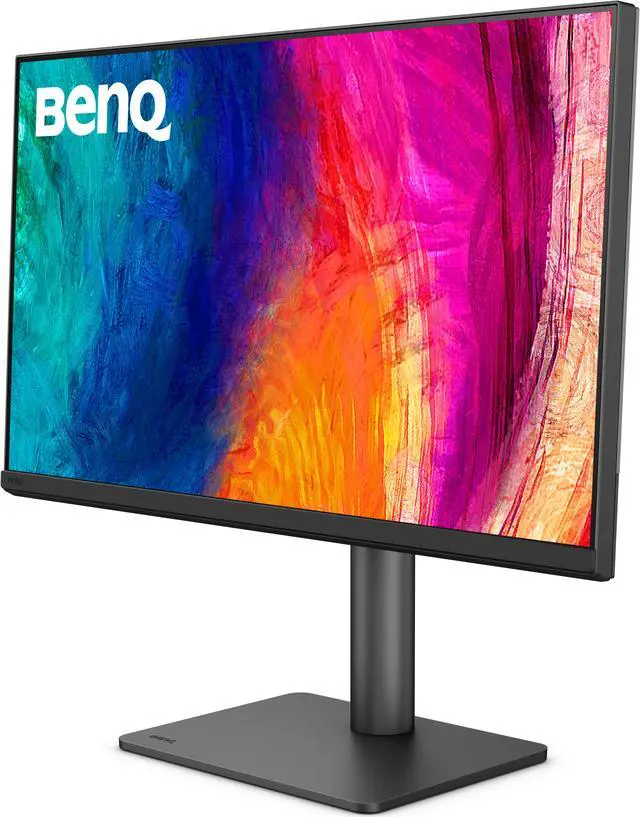


| Brand | BenQ |
|---|---|
| Model | PD2706QN |
| Cabinet Color | Black |
| Screen Size | 27" |
|---|---|
| Glare Screen | Anti-glare |
| Widescreen | Yes |
| Resolution | 2560 x 1440 (2K) |
| Refresh Rate | 100Hz |
| Viewing Angle | 178° (H) / 178° (V) |
| Display Colors | 16.7 Million |
| Brightness | 350 cd/m2 |
| Contrast Ratio | 1,000:1 |
| Aspect Ratio | 16:9 |
| Response Time | 5 ms |
| Panel | IPS |
| Color Gamut | 100% sRGB, 100% Rec.709, 95% P3 |
| HDR Standard | HDR10 |
| Curved Surface Screen | Flat Panel |
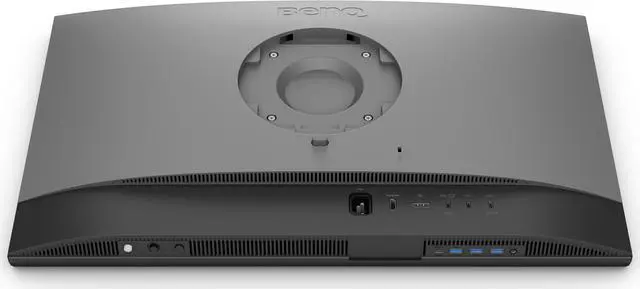
| Video Ports | 1 x DisplayPort 1.4 / 1 x HDMI 2.0 / 1 x USB-C (DP Alternative) |
|---|---|
| USB Ports | 1 x USB-C All-in-One Connection 2 x USB Type-A Downstream (USB 3.2 Gen 1, 5 Gbps, power charging 4.5W) 1 x USB Type-A Downstream (USB 3.2 Gen 1, 5 Gbps, power charging 7.5W) 1 x USB Type-C Downstream (USB 3.2 Gen 1, 5 Gbps, power charging 7.5W) |
| Power Supply | 100 - 240 VAC, 50/60Hz |
|---|---|
| Power Consumption | Power Consumption (normal): 29W Power Consumption (max): 200W Power Consumption (sleep mode): < 0.5W Power Delivery(USB C / Thunderbolt): 90W |
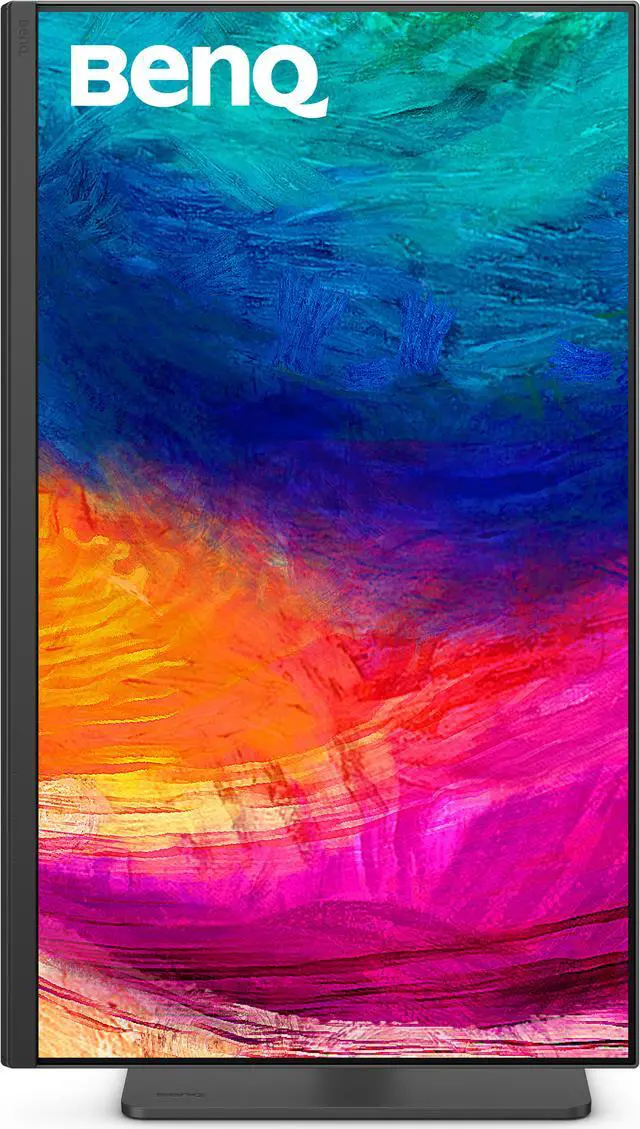
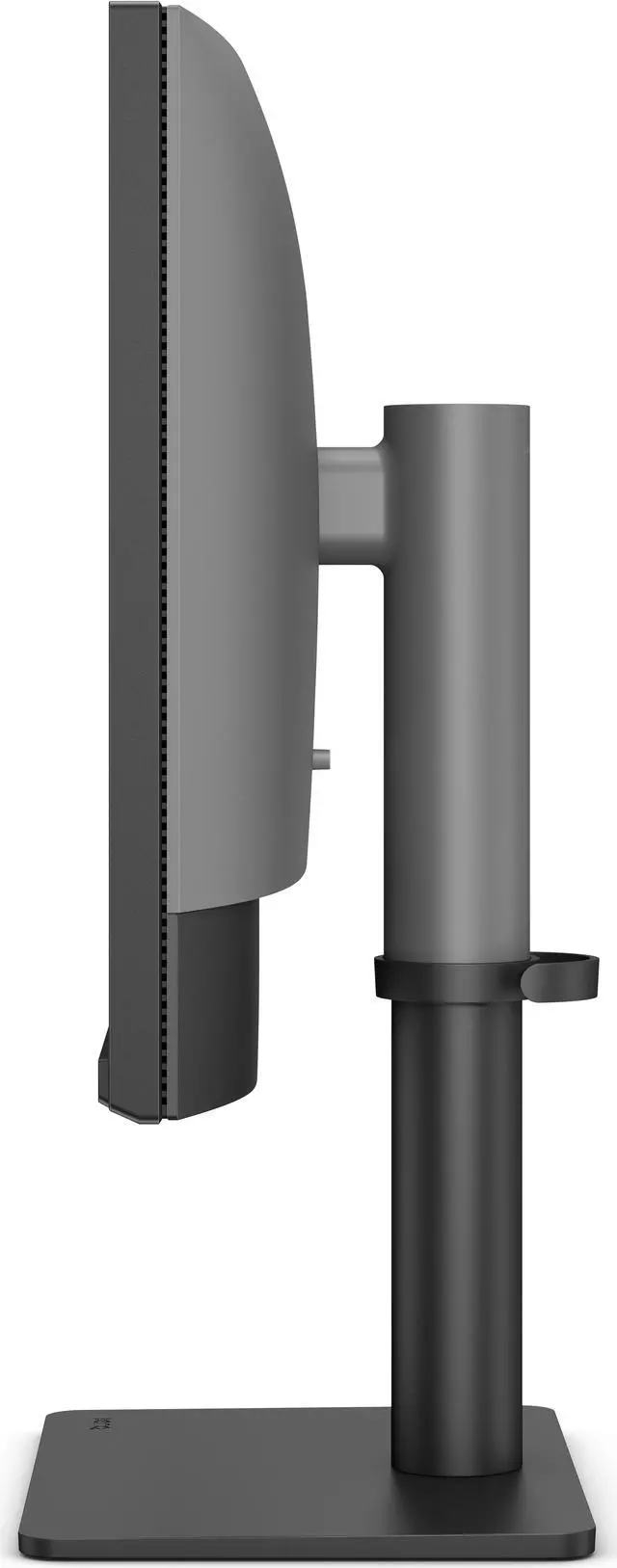
| Stand Adjustments | Tilt (down/up): -5° - 20° Swivel (left/right): 15°/ 15° Pivot: 90° Height Adjustment Stand: 115 mm |
|---|---|
| Built-in Speakers | Yes |
| VESA Compatibility - Mountable | 100 x 100mm |
| Dimensions | 17"-21.4" x 24.2" x 8.7" with Base 14.5" x 24.2" x 3.2" without Base |
|---|---|
| Weight | 20.5 lbs. with Base 14.2 lbs. without Base |
| First Listed on Newegg | January 07, 2025 |
|---|
Warranty Notice:
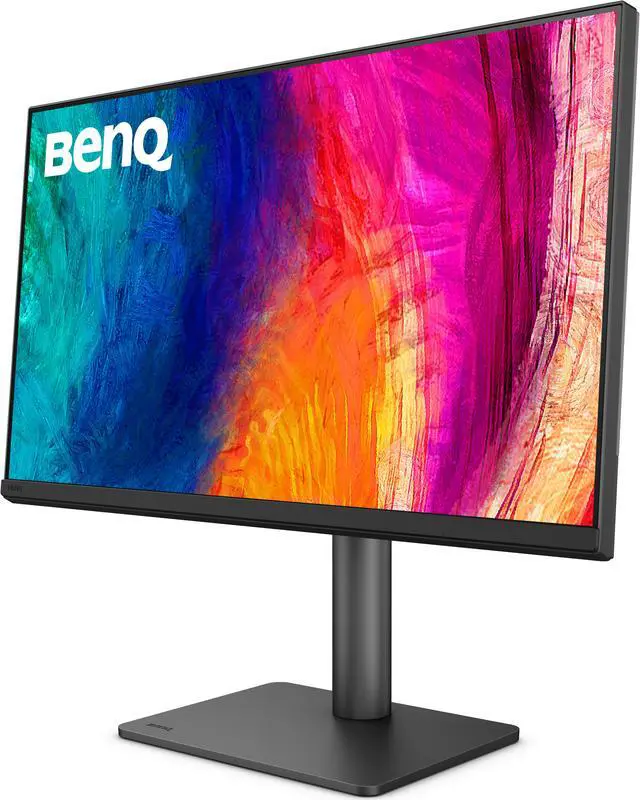
This product does not include manufacturer warranty when purchased or used outside of its designated sales region. By purchasing internationally, you acknowledge that warranty support from the manufacturer will not be available.The BenQ PD2706QN is a 27-inch QHD IPS monitor for designers and other color-focused creators, with 95% P3, full sRGB and Rec.709 coverage, and factory-calibrated average Delta E of 2.
| Attribute | Value |
|---|---|
| Best For | Design and color-focused desktop work, with QHD resolution, an IPS panel, wide-gamut color coverage, and an adjustable stand |
| Panel And Resolution | 27-inch flat IPS display with 2560 × 1440 resolution, 16:9 aspect ratio, 178° horizontal and vertical viewing angles, anti-glare finish, and 16.7 million colors |
| Color And Picture | 100% sRGB, 100% Rec.709, and 95% P3 color gamut, with 350 cd/m² brightness, 1,000:1 contrast ratio, and HDR10 support |
| Refresh Rate And Response | 100Hz refresh rate with a 5 ms response time |
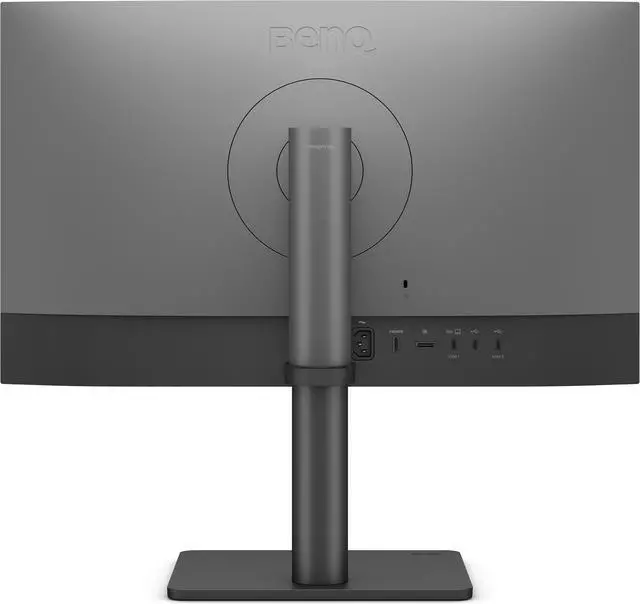
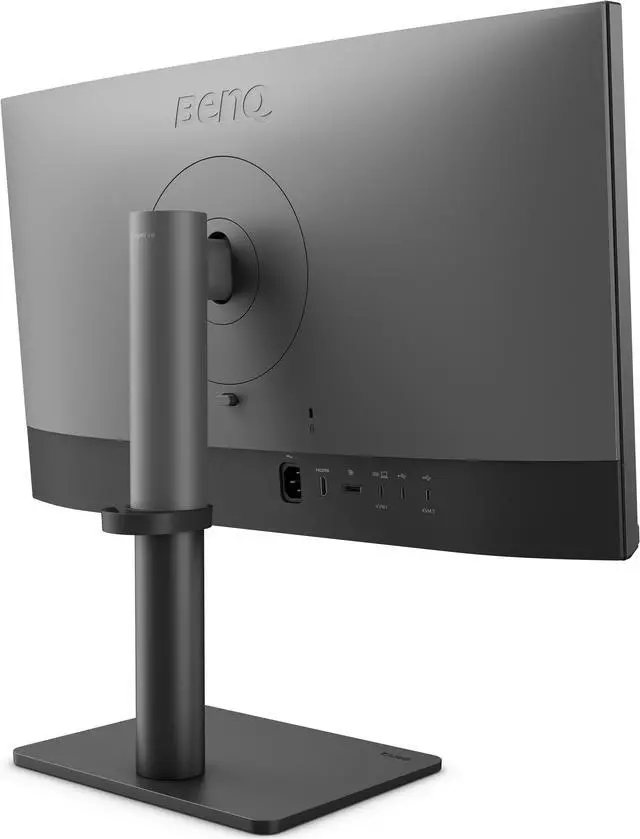
| Ports And Connectivity | DisplayPort 1.4, HDMI 2.0, USB-C with DisplayPort Alt Mode and 90W power delivery, two USB-A downstream ports with 4.5W charging, one USB-A downstream port with 7.5W charging, and one USB-C downstream port with 7.5W charging |
| Stand And Ergonomics | Adjustable height up to 115 mm, tilt from -5° to 20°, swivel 15° left or right, and 90° pivot |
| Mounting And Dimensions | VESA 100 × 100 mm compatible; measures 17–21.4 × 24.2 × 8.7 inches with base and 14.5 × 24.2 × 3.2 inches without base |
| Audio | Built-in speakers |
| Power | 100–240 VAC, 50/60Hz power input; 29W typical consumption, 200W maximum, and under 0.5W in sleep mode |
| Model Identifiers | BenQ PD2706QN |
Q: BenQ PD2706QN vs PD2705Q: which is better for a MacBook design setup?
A: Choose the PD2706QN if you want a 27-inch QHD designer monitor with 100Hz refresh, 95% P3 coverage, and 90W USB-C charging. The PD2705Q is also QHD and offers 100% sRGB/Rec.709 coverage, with 60Hz refresh and 65W USB-C charging. Both include creator-focused color modes and USB-C connectivity.
Q: BenQ PD2706QN vs PD2706U: should I choose QHD at 100Hz or 4K?
A: Choose the PD2706QN for QHD resolution, 100Hz refresh, and a 90W USB-C connection. Choose the PD2706U when 4K detail for design work and 4K media is the priority; it also provides 90W USB-C charging and 95% P3 coverage, with a 60Hz refresh rate. Both are 27-inch BenQ creative monitors.
Q: BenQ PD2706QN vs PD2725U: which should I pick for a 27-inch creative workstation?
A: Choose the PD2706QN for 100Hz QHD, 95% P3 coverage, and 90W USB-C laptop charging. Choose the PD2725U if 4K resolution and Thunderbolt 3 connectivity, including a downstream Thunderbolt port for daisy-chaining, fit your workstation better. The PD2725U is 60Hz and provides 65W power delivery.
Q: Is the PD2706QN suitable for photo, video, or graphic-design work?
A: It is a good fit for design work that targets sRGB, Rec.709, or P3: the 27-inch IPS panel covers 100% sRGB/Rec.709 and 95% P3, with factory color calibration averaging Delta E 2. It is QHD rather than 4K, so consider whether that resolution meets your detail and workspace needs.
Q: Can I connect and charge my laptop with one USB-C cable?
A: Yes, its USB-C connection carries video and data and provides up to 90W of charging, so a compatible laptop can use one cable for display, connected USB devices, and power. Check that the laptop’s USB-C port supports video output and that 90W meets its charging needs.
Q: Can the screen rotate into portrait mode, and can I adjust its height?
A: Yes. The stand supports 90-degree pivot, 115 mm of height adjustment, tilt, and swivel, making portrait orientation and desk-position adjustments possible. It also supports a 100 × 100 mm VESA mount.
Q: Is this a practical monitor to take on work trips?
A: It is better suited to a fixed desk than frequent travel. The display is 27 inches and weighs 20.5 lb with its stand; the supplied information does not list a built-in battery or portable stand.
Q: Is the PD2706QN a good fit for Mac work that mixes coding or reading with photo and video editing?
A: It can suit this mix if 27-inch QHD resolution is enough for your workspace: the monitor offers 100% sRGB/Rec.709, 95% P3, and USB-C charging up to 90W. Reddit discussions raise text clarity and macOS scaling as considerations, so check that the resolution looks comfortable with your Mac and apps before buying.
Q: Should I choose the PD2706QN or a 27-inch 4K monitor?
A: Choose the PD2706QN if its QHD resolution and color-focused features meet your needs; choose 4K if finer detail or more workspace is a priority. Reddit comparison discussions specifically weigh the BenQ’s color features and 90W USB-C against the higher resolution available on alternatives.
Q: Are there user-reported flickering or text-clarity issues to consider?
A: Some Reddit owners report flickering in Photoshop or text smearing on particular Mac setups; other reports describe clear text and no flicker. These are individual experiences, not evidence that every unit has the issue. If you are sensitive to display artifacts, test your own computer and apps during the return period.


