


 All CategoriesAll CategoriesAll Categories
Shipped by Newegg

Make informed decisions with expert advice. Learn More

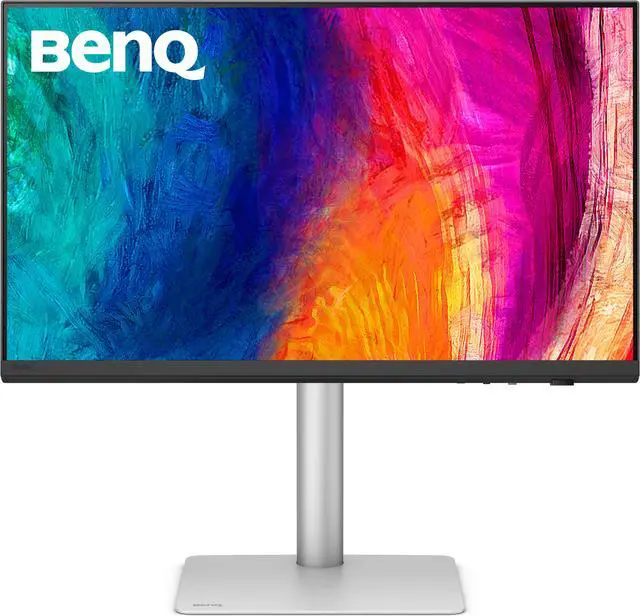
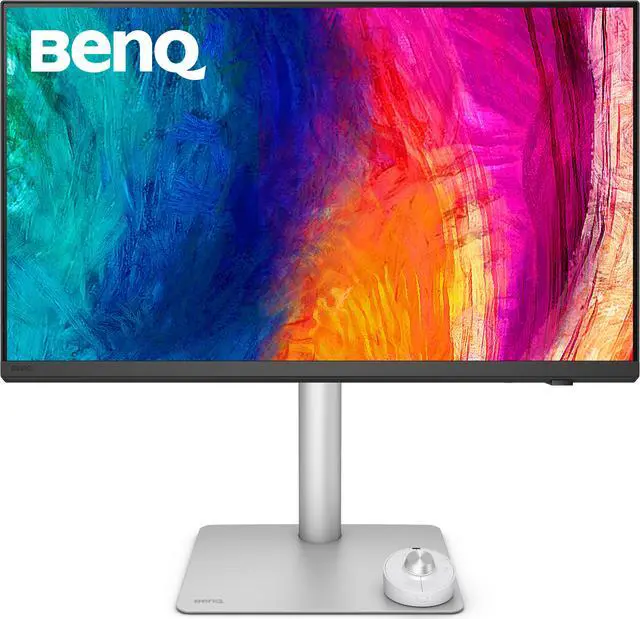
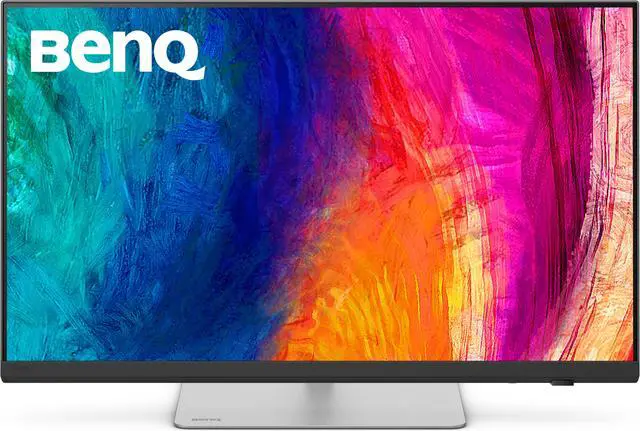
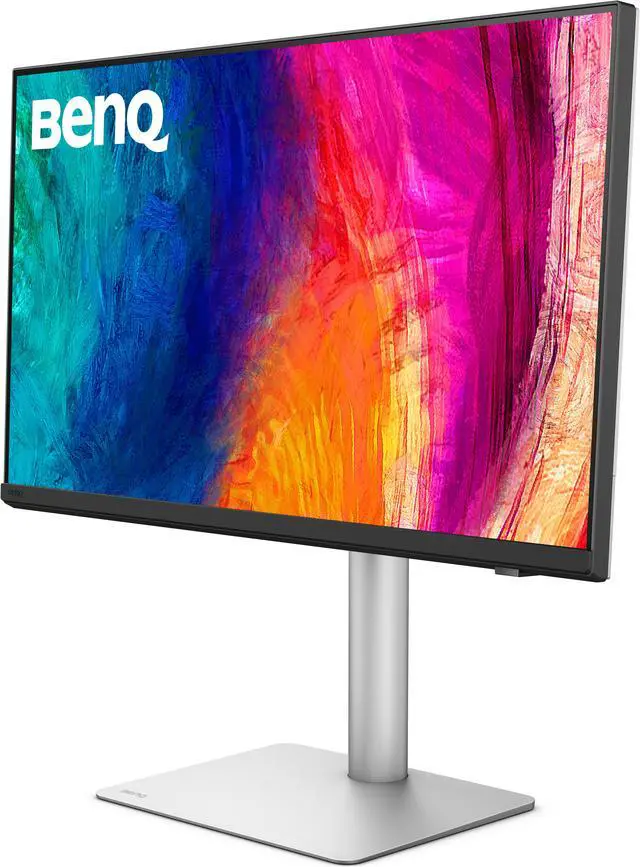


| Brand | BenQ |
|---|---|
| Model | PD2730S |
| Cabinet Color | Black |
| Screen Size | 27" |
|---|---|
| Widescreen | Yes |
| Resolution | 5120 x 2880 (5K) |
| Refresh Rate | 60Hz |
| Viewing Angle | 178° (H) / 178° (V) |
| Display Colors | 1.07 Billion |
| Brightness | 400 cd/m2 |
| Contrast Ratio | 2000:1 |
| Aspect Ratio | 16:9 |
| Response Time | 5 ms |
| Panel | IPS |
| Color Gamut | 100% sRGB, 100% Rec.709, 98% P3 |
| HDR Standard | HDR10 |
| VESA Certified DisplayHDR | DisplayHDR 400 |
| Curved Surface Screen | Flat Panel |
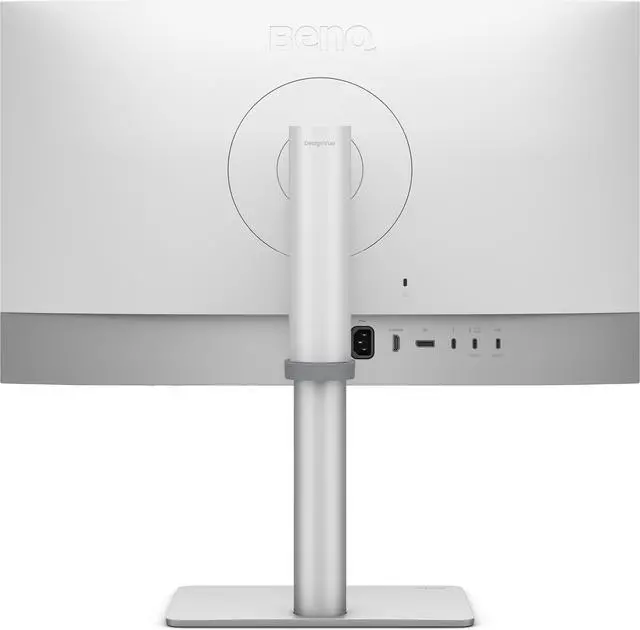
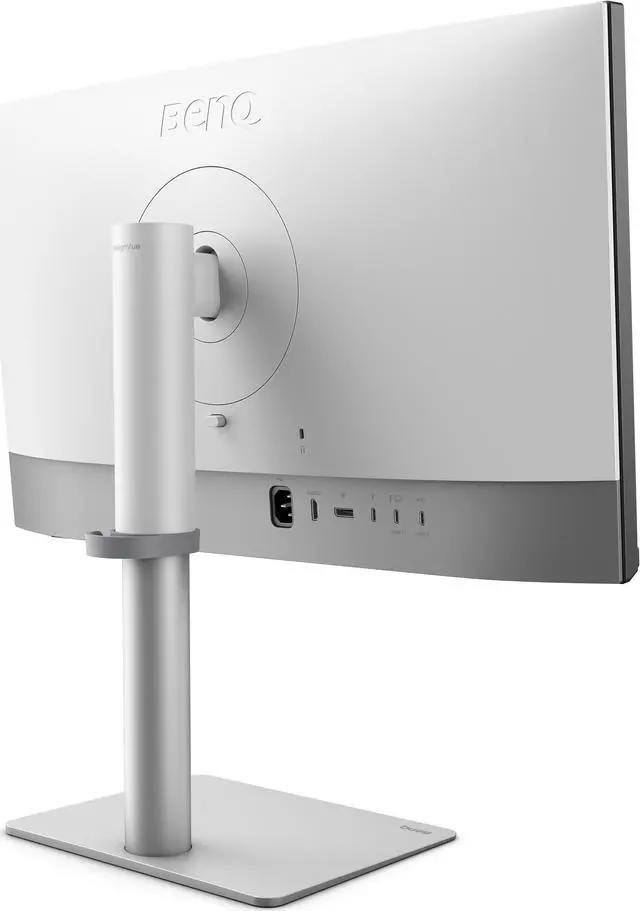
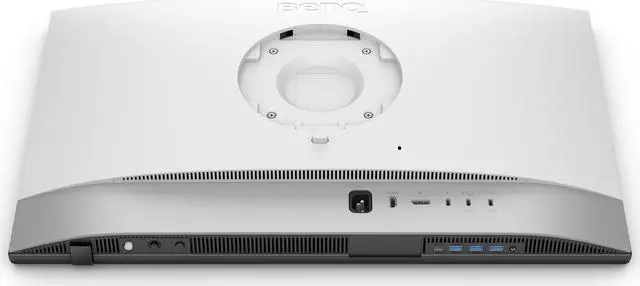
| Video Ports | 1 x DisplayPort 1.4 / 1 x HDMI 2.1 / 1 x Thunderbolt 4 |
|---|---|
| USB Ports | 1 x USB Type-C Upstream (USB 3.2 Gen 2, 10 Gbps, Data only) 2 x USB Type-A Downstream (USB 3.2 Gen 2, 10 Gbps, power charging 4.5W) 1 x USB Type-A Downstream (USB 3.2 Gen 2, 10 Gbps, power charging 7.5W) 1 x USB Type-C Downstream (USB 3.2 Gen 2, 10 Gbps, power charging 7.5W) |
| Power Supply | 100 - 240 VAC, 50/60Hz |
|---|---|
| Power Consumption | Power Consumption (normal): 40 W Power Consumption (max): 230 W Power Consumption (sleep mode): < 0.5 W |
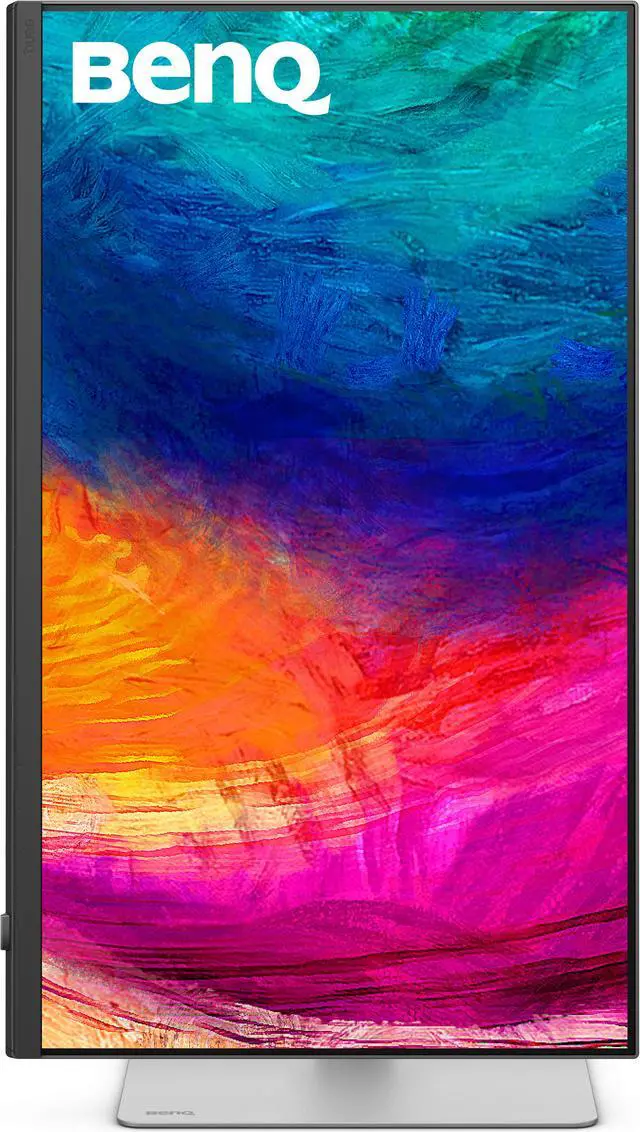
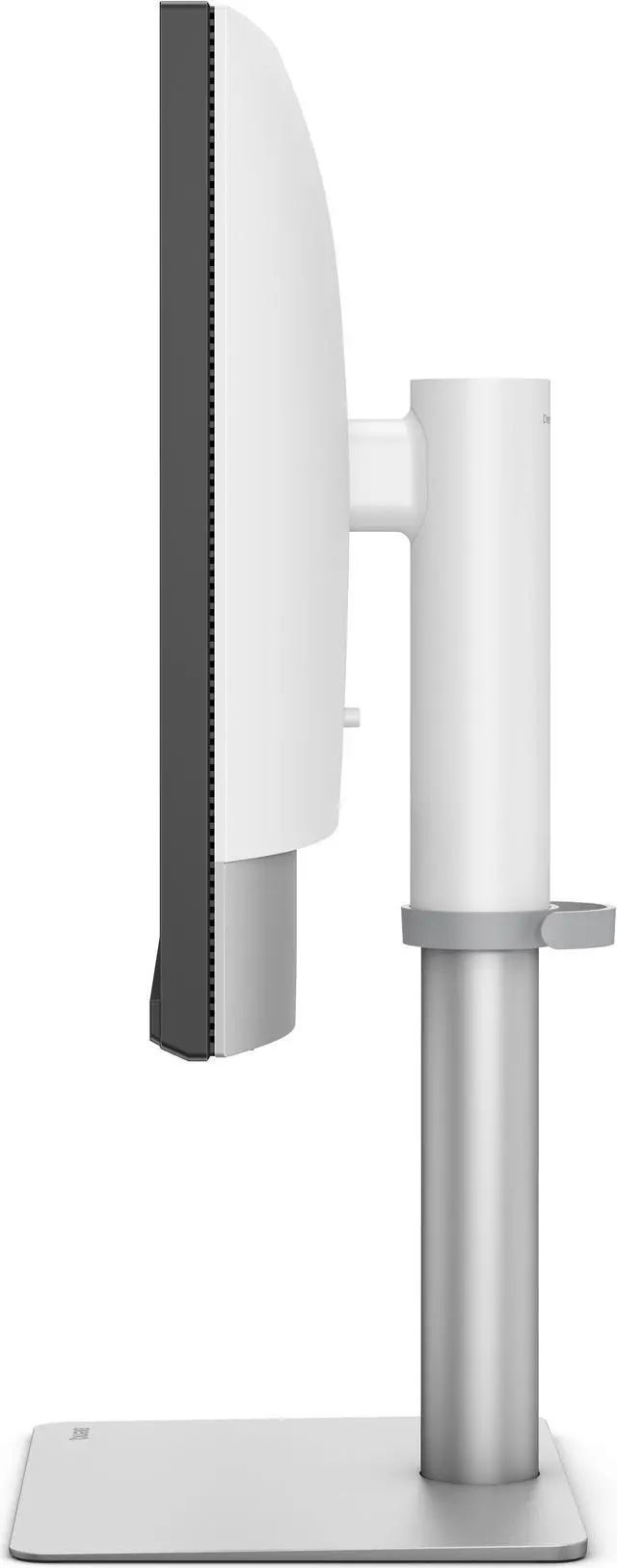
| Stand Adjustments | Tilt (down/up): -5° - 20° Swivel (left/right): 30°/30° Pivot: 90° Height Adjustment Stand: 150 mm |
|---|---|
| Built-in Speakers | Yes |
| VESA Compatibility - Mountable | 100 x 100mm |
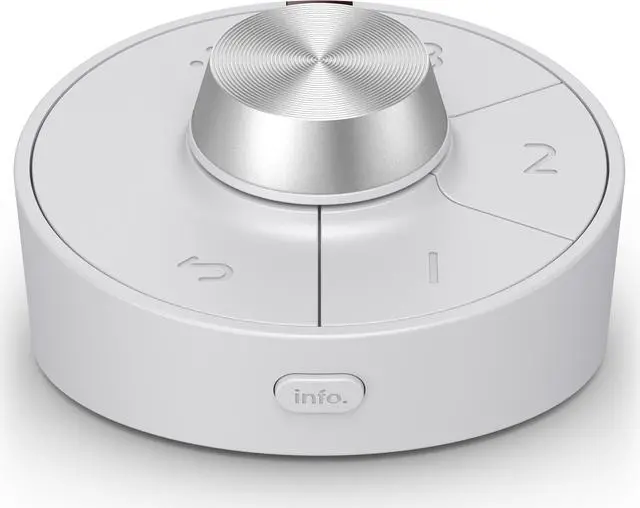
| Features | Video Format Support Factory Calibration Report Delta E(avg)<=2 Animation mode Darkroom mode CAD/CAM mode KVM Switch DualView Auto Pivot Uniformity Technology Hotkey Puck G3 PIP/PBP ICCsync |
|---|
| Dimensions | 16.83"-22.74" x 24.17" x 9.53" with stand 14.5" x 24.2" x 3" without stand |
|---|---|
| Weight | 18.12 lbs. with stand 12.3 lbs. without stand |
| First Listed on Newegg | January 07, 2025 |
|---|
Warranty Notice:
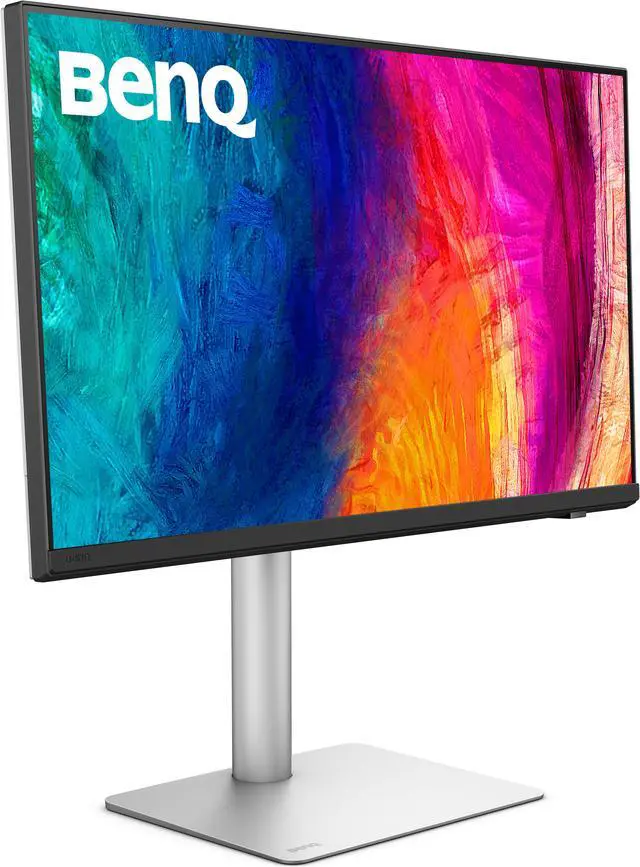
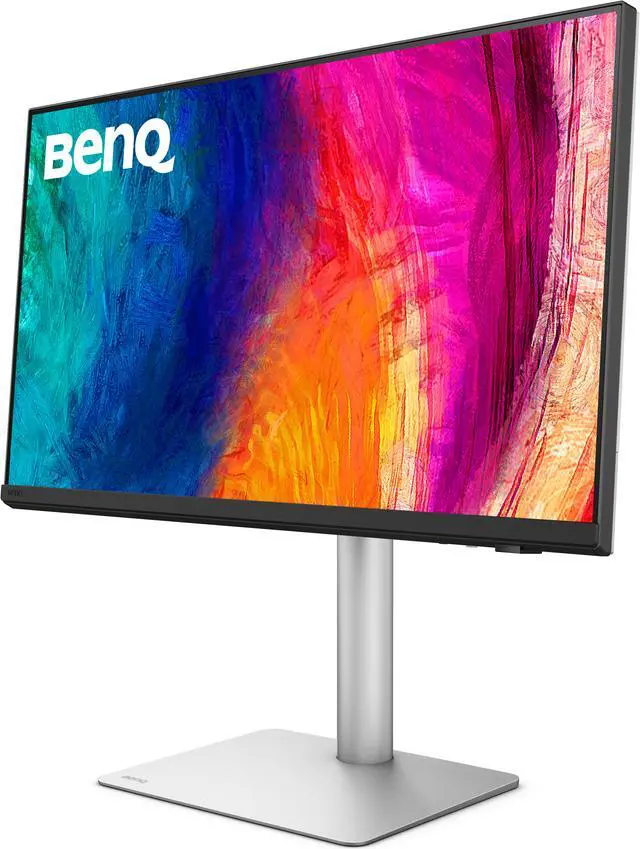
This product does not include manufacturer warranty when purchased or used outside of its designated sales region. By purchasing internationally, you acknowledge that warranty support from the manufacturer will not be available.The BenQ PD2730S is a 27-inch 5K IPS monitor for designers, VFX artists, and other creative professionals who need detailed images and color-focused workflows, with 218 PPI, 98% P3 coverage, and a factory calibration report.
| Attribute | Value |
|---|---|
| Best For | Color-focused design, animation, and visual-content workflows that benefit from a 5K workspace, wide P3 color gamut, and KVM control between systems |
| Panel And Resolution | 27-inch flat IPS panel with 5120 × 2880 (5K) resolution, 16:9 aspect ratio, matte finish, and 178° horizontal and vertical viewing angles |
| Color And HDR | 1.07 billion colors, 100% sRGB, 100% Rec.709, 98% P3, 400 cd/m² brightness, 2000:1 contrast, HDR10, and DisplayHDR 400 |
| Refresh Rate And Response | 60Hz refresh rate and 5 ms response time |
| Ports And Connectivity | DisplayPort 1.4, HDMI 2.1, and Thunderbolt 4; USB-C upstream and downstream plus USB-A downstream ports, all USB 3.2 Gen 2 at 10 Gbps |
| Power And Workflow Features | Thunderbolt 4 supports up to 90W power delivery; built-in KVM and daisy-chain support, with DualView, PIP/PBP, ICCsync, Auto Pivot, Uniformity Technology, and Hotkey Puck G3 |
| Stand And Mounting | Stand adjusts 150 mm in height, tilts −5° to 20°, swivels 30° left and right, and pivots 90°; supports 100 × 100 mm VESA mounting |
| Power Consumption | 100–240 VAC, 50/60Hz; 40 W typical, 230 W maximum, and less than 0.5 W in sleep mode |
| Audio | Built-in speakers |
| Physical Design | Black cabinet; 18.12 lb with stand and 12.3 lb without stand |
| Included Components | Monitor, stand, HDMI cable, DisplayPort cable, and power cable |
| Model Identifiers | BenQ PD2730S |
Q: BenQ PD2730S or PD3225U for creative work?
A: Choose the PD2730S for a 27-inch 5K workspace with finer pixel density (218 PPI) and Thunderbolt 4. Choose the PD3225U for a larger 31.5-inch 4K canvas; both are specified with 98% P3 coverage and a 2000:1 contrast ratio.
Q: Is the BenQ PD2730S a meaningful upgrade from the PD2725U?
A: The PD2730S is the upgrade for users who want sharper detail and newer connectivity: it has 5K resolution at 218 PPI, 98% P3 coverage, and Thunderbolt 4 with 90W power delivery. The 27-inch PD2725U provides 4K at 163 PPI, 95% P3 coverage, and Thunderbolt 3 with 65W power delivery.
Q: Should I choose the BenQ PD2730S or a 27-inch 4K BenQ designer monitor?
A: Choose the PD2730S when 5K detail, 218 PPI, and its 98% P3 coverage suit your creative workflow. For a 27-inch BenQ 4K option such as the PD2725U, you get 163 PPI and 95% P3 coverage; it remains a capable choice for 4K design work.
Q: Is the BenQ PD2730S suitable for creative work and everyday office use?
A: Yes. Its 27-inch 5K IPS display, 98% P3 coverage, factory calibration, and height-, tilt-, swivel-, and pivot-adjustable stand suit color-focused design, animation, and video workflows as well as text, spreadsheets, and general office work. Its 60Hz refresh rate is aimed at productivity and visual work rather than high-refresh gaming.
Q: Can I connect a MacBook to the monitor with one cable and charge it?
A: Yes, if the MacBook supports video over Thunderbolt or USB-C and you use a compatible cable. The monitor’s Thunderbolt 4 connection supports video, data transfer up to 40Gbps, and up to 90W of power delivery to the connected computer. Confirm that your MacBook supports the resolution and display setup you plan to use.
Q: Can I use one keyboard and mouse with two computers?
A: Yes. The built-in KVM switch is designed to control two connected systems with one keyboard and mouse; the Hotkey Puck can be used to switch between them. The monitor also supports daisy chaining, but the connected computers and displays must support the required connections and display modes.
Q: Is the BenQ PD2730S a good choice for gaming?
A: It can display games, but its 60Hz refresh rate and 5ms response time make it better suited to design work and general use than to high-refresh-rate or competitive gaming. Its 5K resolution may also require a capable computer to run games at the monitor’s native resolution.
Q: Is the BenQ PD2730S a good Apple Studio Display alternative for a Mac?
A: It is worth comparing if you want a 27-inch 5K display with Thunderbolt 4, up to 90W laptop charging, a KVM switch, and a matte panel. The PD2730S runs at 60Hz and has 400 cd/m² specified brightness. Whether it is the better choice depends on which features and panel finish you prefer; Reddit and YouTube discussions raise this comparison but do not establish a universal winner.
Q: Should I choose its 5K resolution over a 4K 120Hz monitor for Mac work?
A: Choose the PD2730S if 27-inch 5K detail and a design-focused feature set matter more than motion smoothness. It is a 60Hz monitor, so scrolling will not be as smooth as on a 120Hz alternative. Reddit comparisons report that the perceived sharpness difference between 5K and scaled 4K varies by user and setup.
Q: Is the matte screen a good fit for text-heavy work and bright rooms?
A: The matte coating is intended to diffuse reflections, but its look is subjective: Reddit users have reported visible coating grain and found brightness less satisfying in daylight, while others describe the display positively. Consider it if reflection control is a priority, but compare it in person if you are sensitive to screen texture or need a very bright image.


