


 All CategoriesAll CategoriesAll Categories
Shipped by Newegg


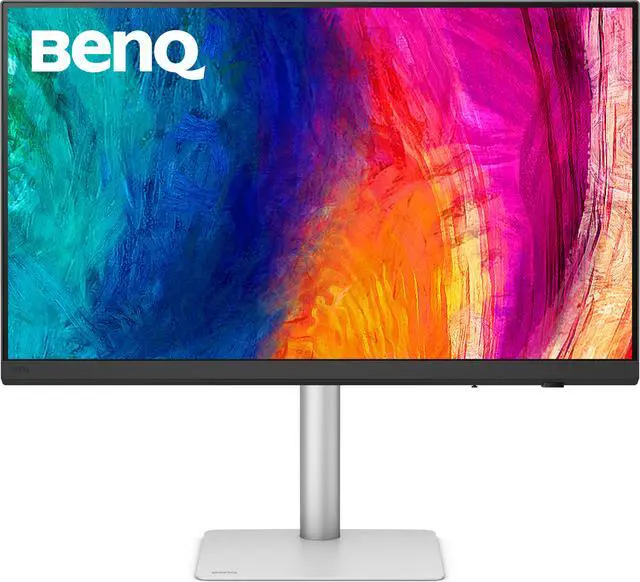
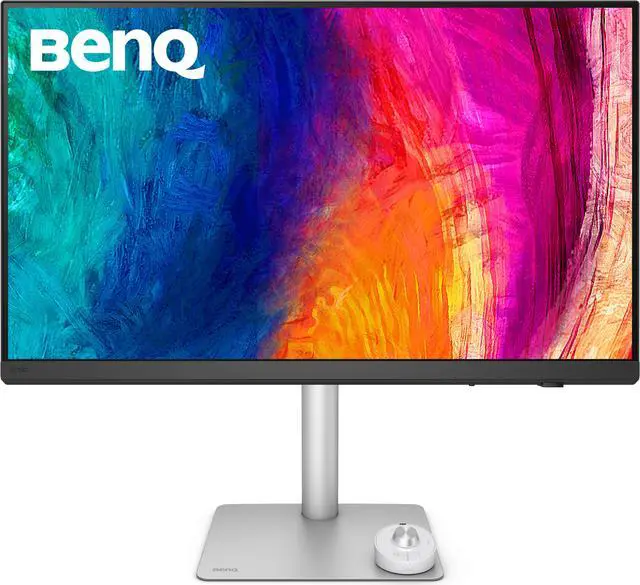
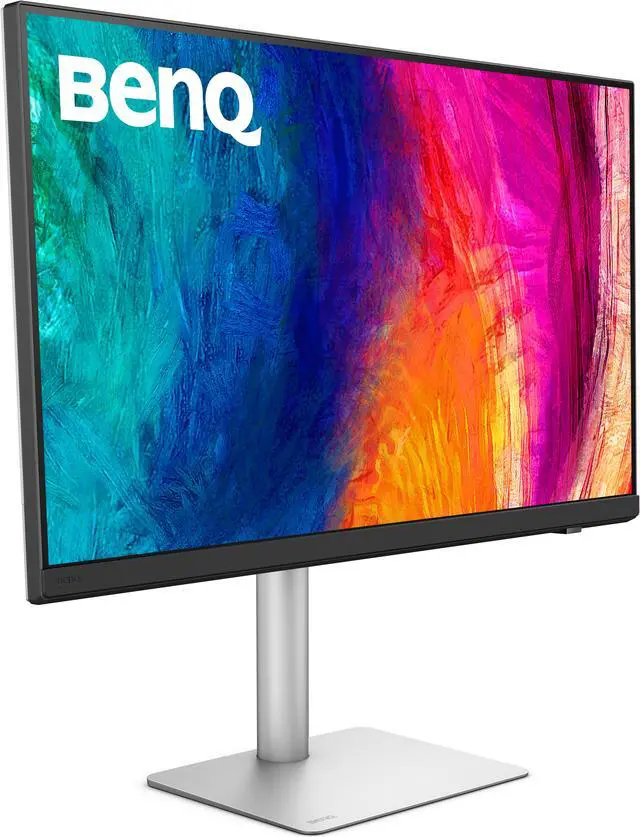
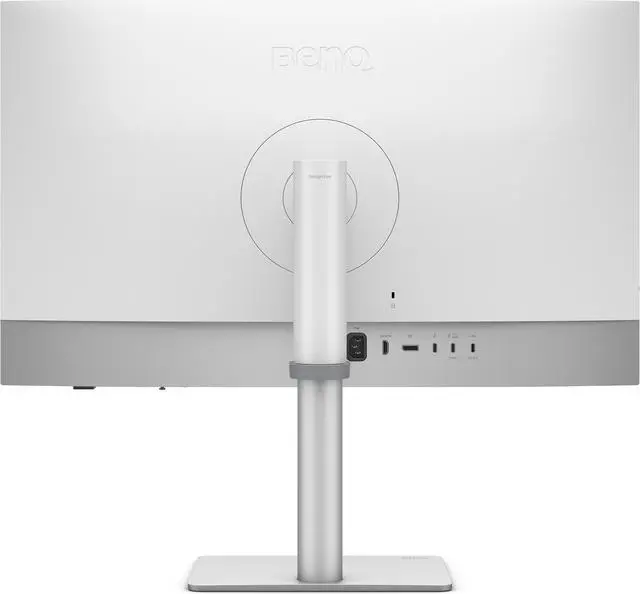
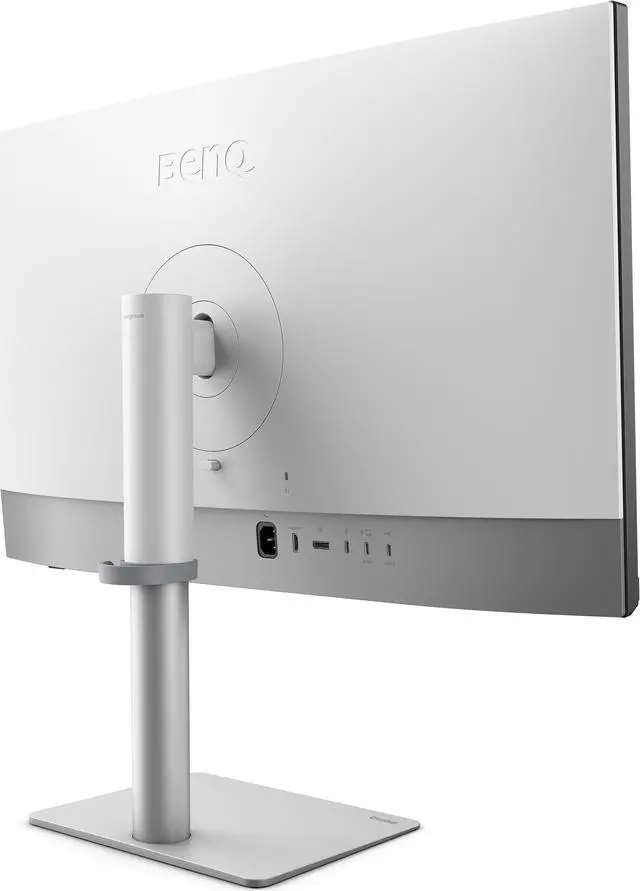
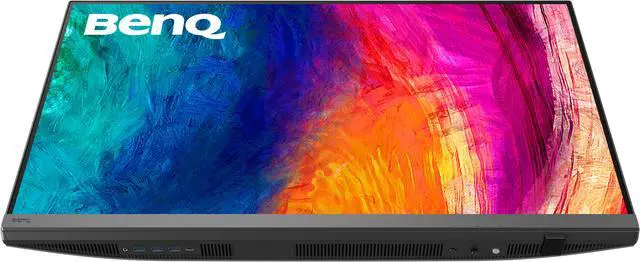
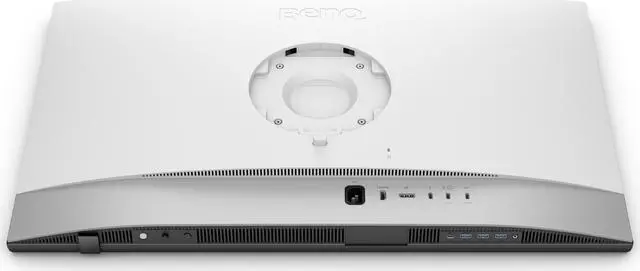
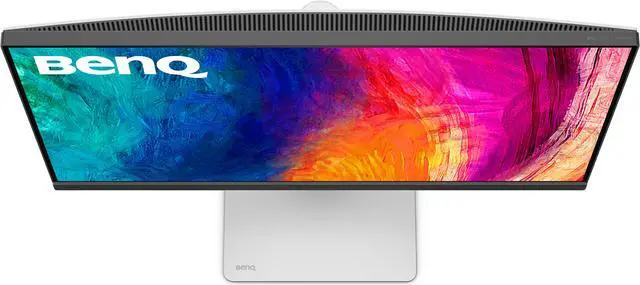
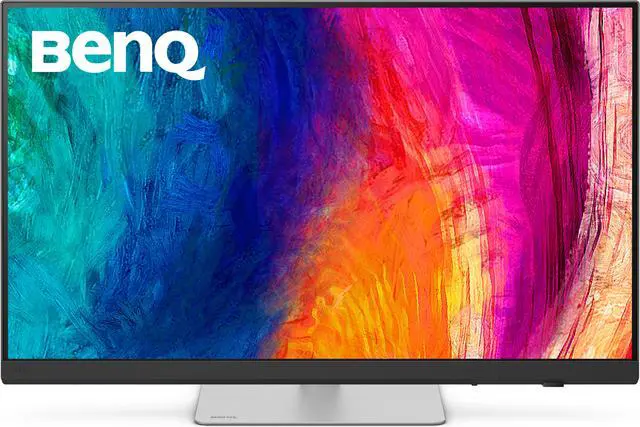
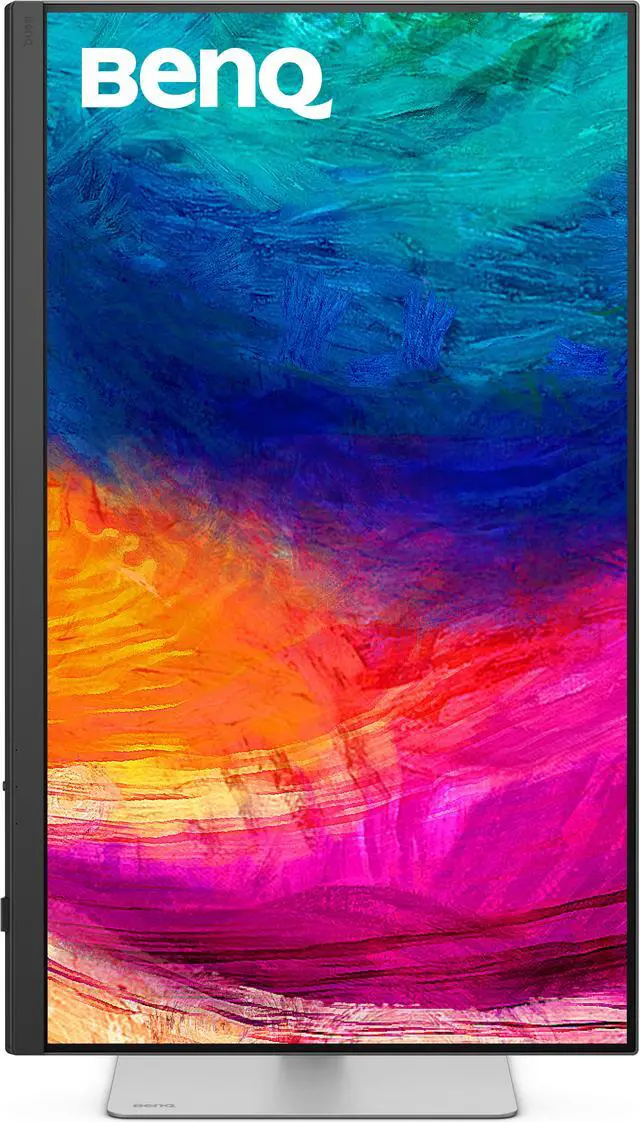
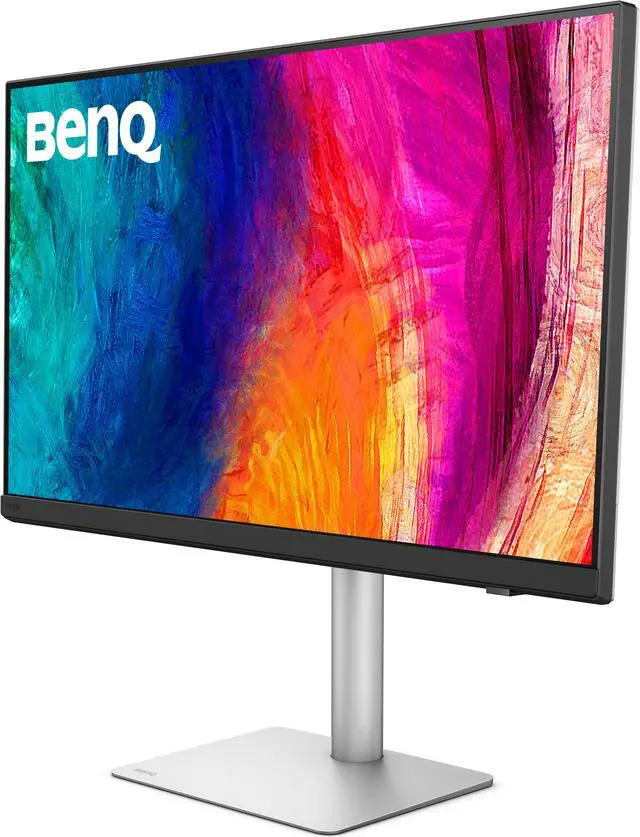
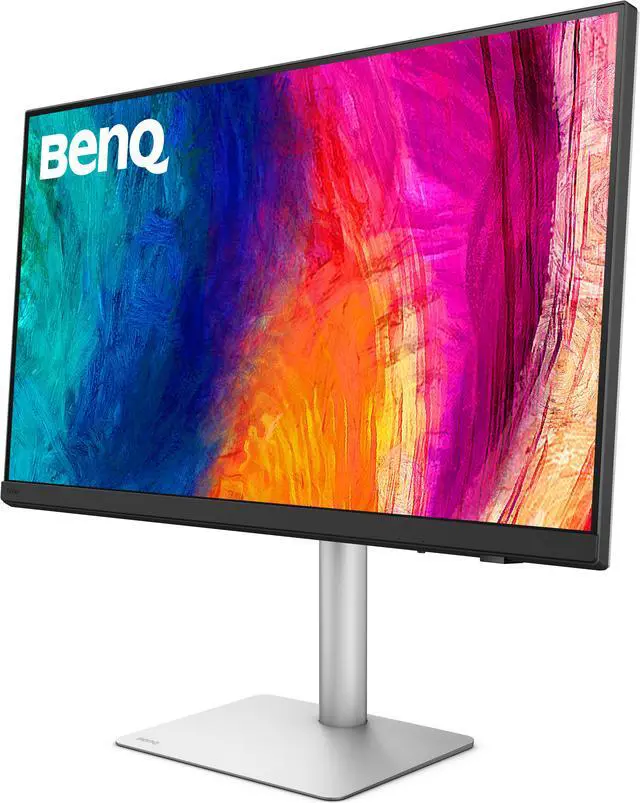
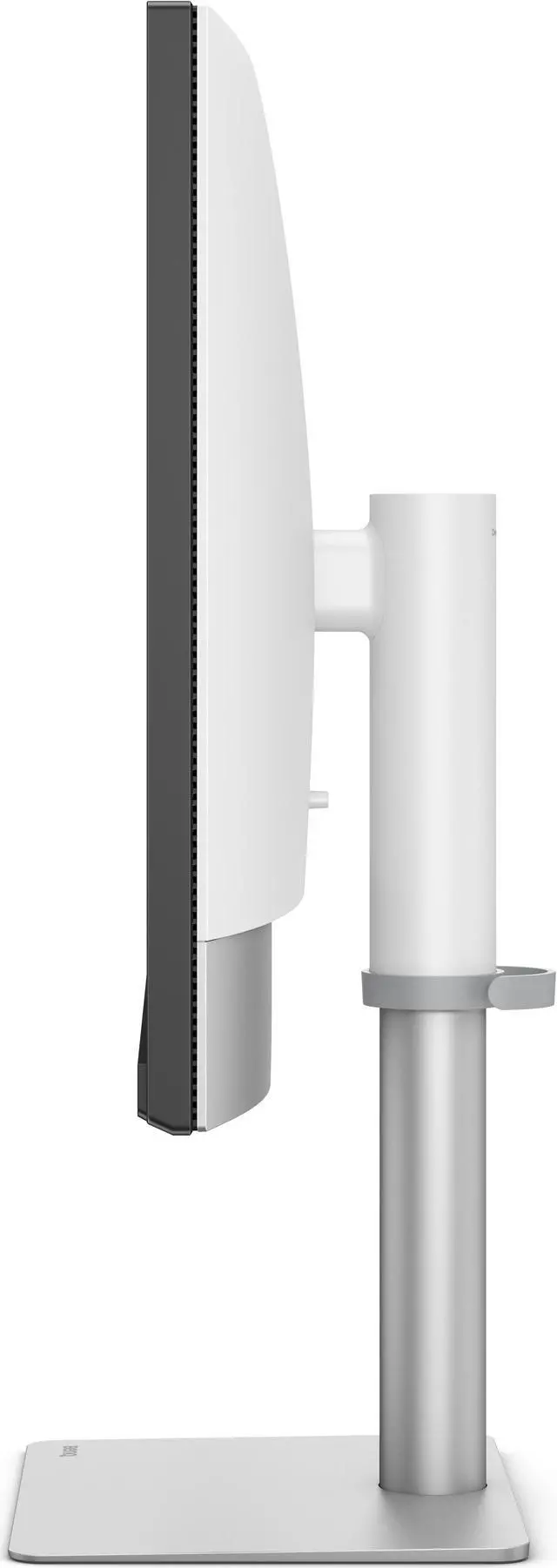


| Brand | BenQ |
|---|---|
| Model | PD3226G |
| Cabinet Color | Black |
| Screen Size | 27" |
|---|---|
| Glare Screen | Anti-glare |
| Widescreen | Yes |
| Resolution | 2560 x 1440 (2K) |
| Refresh Rate | 100Hz |
| Viewing Angle | 178° (H) / 178° (V) |
| Display Colors | 16.7 Million |
| Brightness | 350 cd/m2 |
| Contrast Ratio | 1,000:1 |
| Aspect Ratio | 16:9 |
| Response Time | 5 ms |
| Panel | IPS |
| Color Gamut | 100% sRGB, 100% Rec.709, 95% P3 |
| HDR Standard | HDR10 |
| Curved Surface Screen | Flat Panel |
| Video Ports | 1 x DisplayPort 1.4 / 1 x HDMI 2.0 / 1 x USB-C (DP Alternative) |
|---|---|
| USB Ports | 1 x USB-C All-in-One Connection 2 x USB Type-A Downstream (USB 3.2 Gen 1, 5 Gbps, power charging 4.5W) 1 x USB Type-A Downstream (USB 3.2 Gen 1, 5 Gbps, power charging 7.5W) 1 x USB Type-C Downstream (USB 3.2 Gen 1, 5 Gbps, power charging 7.5W) |
| Headphone | Yes |
| Power Supply | 100 - 240 VAC, 50/60Hz |
|---|---|
| Power Consumption | Power Consumption (normal): 29W Power Consumption (max): 200W Power Consumption (sleep mode): < 0.5W Power Delivery(USB C / Thunderbolt): 90W |
| Stand Adjustments | Tilt (down/up): -5° - 20° Swivel (left/right): 15°/ 15° Pivot: 90° Height Adjustment Stand: 115 mm |
|---|---|
| Built-in Speakers | Yes |
| VESA Compatibility - Mountable | 100 x 100mm |
| Dimensions | 17"-21.4" x 24.2" x 8.7" with Base 14.5" x 24.2" x 3.2" without Base |
|---|---|
| Weight | 20.5 lbs. with Base 14.2 lbs. without Base |
| First Listed on Newegg | January 07, 2025 |
|---|
Warranty Notice:
This product does not include manufacturer warranty when purchased or used outside of its designated sales region. By purchasing internationally, you acknowledge that warranty support from the manufacturer will not be available.The BenQ PD3226G is a 32-inch 4K 144Hz IPS designer monitor with factory-calibrated color, 95% P3 and 100% sRGB coverage, making it a strong fit for creative professionals who need detailed visuals and smooth motion for design, video, or animation work.
| Attribute | Value |
|---|---|
| Best For | Designers and color-focused work that benefits from an IPS display, wide color gamut, and adjustable positioning |
| Panel And Resolution | 27-inch flat IPS panel with 2560 × 1440 resolution and a 16:9 aspect ratio |
| Refresh Rate And Response | 100Hz refresh rate with a 5ms response time |
| Color And Picture Quality | 100% sRGB and Rec.709, 95% P3, 16.7 million colors, 350 cd/m² brightness, 1,000:1 contrast, 178° horizontal and vertical viewing angles, and HDR10 |
| Ports And Connectivity | DisplayPort 1.4, HDMI 2.0, and USB-C with DisplayPort Alternate Mode; USB-C all-in-one connection, USB-A and USB-C downstream ports, and headphone output |
| Power And USB-C Charging | USB-C power delivery up to 90W; 100–240 VAC, 50/60Hz input; power consumption is 29W typical, 200W maximum, and under 0.5W in sleep mode |
| Stand And Ergonomics | Height-adjustable by 115mm, with -5° to 20° tilt, 15° swivel in either direction, and 90° pivot |
| Finish And Mounting | Anti-glare, matte reflection-free nano-matte screen; VESA 100 × 100mm mounting support |
| Audio | Built-in speakers and headphone output |
| Dimensions And Weight | 20.5 lb with stand or 14.2 lb without stand; dimensions are 17–21.4 × 24.2 × 8.7 inches with stand and 14.5 × 24.2 × 3.2 inches without stand |
| Model Identifiers | BenQ PD3226G |
Q: BenQ PD3226G vs. PD3225U: which should I choose for design and motion work?
A: Choose the BenQ PD3226G if you want a 32-inch 4K design monitor with a 144Hz refresh rate for smoother motion, interface work, and drawing-tablet use. Choose the PD3225U if its IPS Black panel and 98% P3 coverage better match your color-managed design priorities. Both are 32-inch 4K creative monitors with factory color calibration; the PD3226G adds Thunderbolt 4 with up to 90W power delivery.
Q: Should I get the BenQ PD3226G or the PD3205U for a 32-inch 4K design setup?
A: Choose the PD3226G for a 144Hz refresh rate, 95% P3 coverage, and Thunderbolt 4 connectivity with up to 90W power delivery. Choose the PD3205U for 4K design work centered on sRGB and Rec.709 color spaces; it offers 99% coverage of both and USB-C power delivery up to 90W. Both models have 31.5-inch IPS panels and factory calibration.
Q: Is the BenQ PD3226G or PD2725U a better fit for my desk?
A: Choose the PD2725U for a more compact 27-inch 4K creative display with 95% P3 coverage and Thunderbolt 3. Choose the PD3226G for a larger 31.5-inch 4K canvas, 144Hz refresh rate, and Thunderbolt 4 with up to 90W power delivery. Both offer 4K resolution and color modes for creative work.
Q: Do the listed specifications for this monitor match?
A: The listing details conflict: its title and description identify the PD3226G as a 32-inch 4K 144Hz monitor, while its specification table says 27-inch, 2560 × 1440, and 100Hz. BenQ’s product page identifies the PD3226G as 32-inch, 4K, and 144Hz. Confirm the specifications with the seller before buying.
Q: Is this monitor suitable for design and everyday work?
A: It appears suited to color-focused design and general desk work: the supplied product details list an IPS panel, 95% P3 and 100% sRGB/Rec.709 coverage, factory calibration, and software calibration. The 4K resolution and 32-inch size in the product title may also suit multitasking, but verify these specifications because the listing’s specification table conflicts with the title.
Q: Can I connect and charge a laptop with one cable?
A: The product details describe Thunderbolt 4 with up to 90W power delivery, so a compatible laptop may receive video, data, and power through one Thunderbolt connection. The laptop must support video and charging over that port, and the cable and laptop’s power needs can affect the setup.
Q: Can I use one keyboard and mouse with two computers?
A: Yes. The supplied product details list a built-in KVM, which is designed to let you control two connected systems with one keyboard and mouse. Check the connection and setup requirements for both computers before relying on the feature.
Q: Is the PD3226G a good fit for design work and occasional gaming?
A: It may suit that mix: its product information combines designer-focused color features with a 144Hz refresh rate. A Reddit buyer discussion specifically considers it for a mostly design, partly gaming setup. It is a less obvious fit if gaming performance or contrast is your main priority.
Q: What are the main trade-offs to consider before buying it?
A: The discussion highlights price and contrast as potential drawbacks. The PD3226G is an IPS monitor, so consider whether its color and refresh-rate features matter more to you than stronger contrast or black levels. Community comments reflect individual opinions, not a guarantee of every unit’s performance.
Q: Is it worth paying extra for programming and everyday productivity?
A: It depends on whether you will use its higher refresh rate, color features, Thunderbolt connection, and KVM. If your work is mainly coding and documents, those creator-focused features may be more than you need; a Reddit programming discussion also considers less creator-focused alternatives.
Q: Can it simplify a MacBook-and-desktop setup?
A: It can help reduce cable and peripheral switching: the product information lists Thunderbolt 4, up to 90W power delivery, and a built-in KVM. A Reddit owner describes using it with a MacBook and a gaming desktop, but confirm that your computers and cable setup support the display connections and features you need.


