


 All CategoriesAll CategoriesAll Categories
Shipped by Newegg




Warranty Notice:
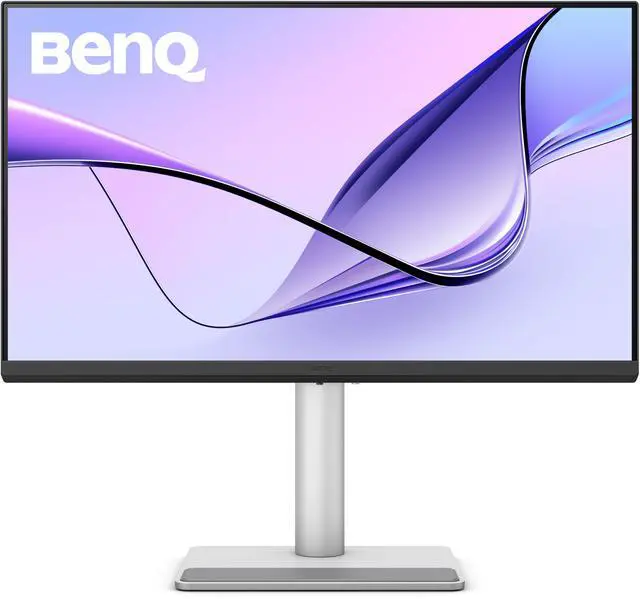
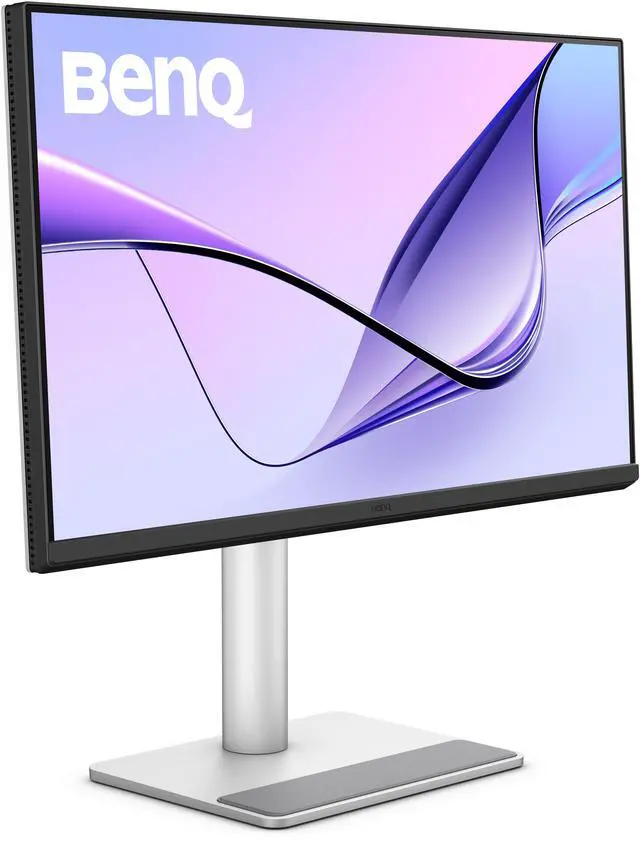
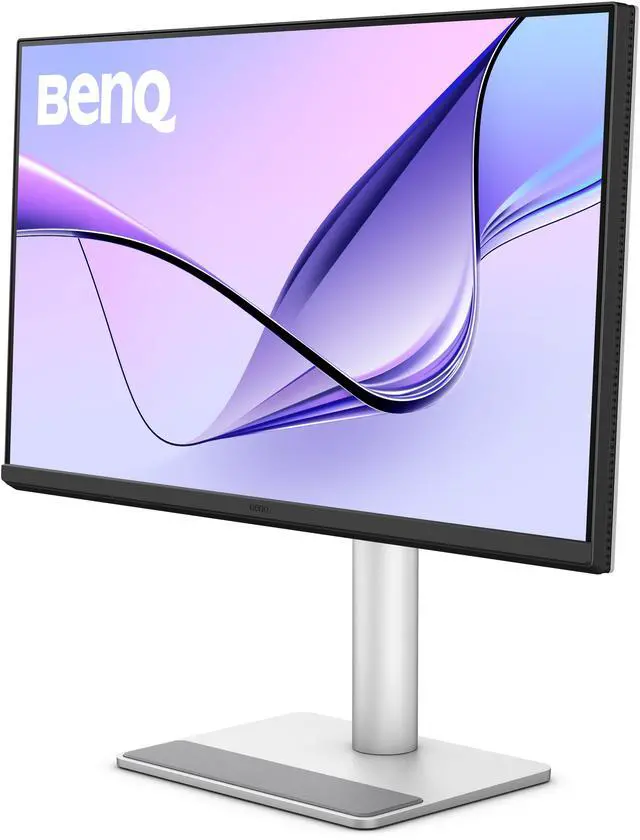
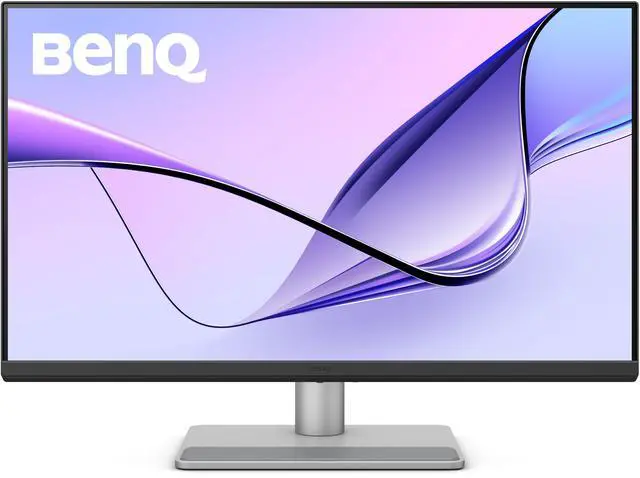
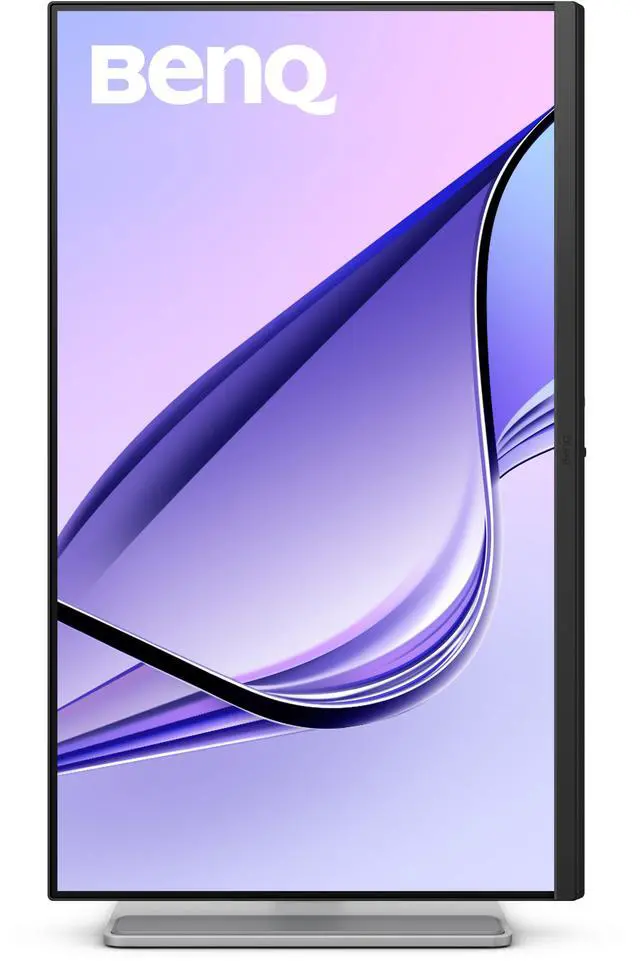
This product does not include manufacturer warranty when purchased or used outside of its designated sales region. By purchasing internationally, you acknowledge that warranty support from the manufacturer will not be available.The BenQ MA270UP is a 27-inch 4K IPS monitor designed for MacBook Pro and Air users who want a color-tuned external display, with 95% P3 color coverage, USB-C connectivity with up to 90W power delivery, and brightness and volume controls from a MacBook keyboard.
| Attribute | Value |
|---|---|
| Best For | MacBook Pro and MacBook Air users seeking a 27-inch 4K display with USB-C connectivity and power delivery |
| Panel And Resolution | 27-inch flat IPS LED display with 3840 × 2160 (4K) resolution and a 16:9 aspect ratio |
| Refresh Rate And Response | 60 Hz refresh rate with 5 ms GtG response time |
| Color And HDR | 95% P3 and 99% sRGB color gamut, 1.07 billion display colors, 450 cd/m² brightness, 1,200:1 contrast ratio, 178° horizontal and vertical viewing angles, HDR10, and DisplayHDR 400 |
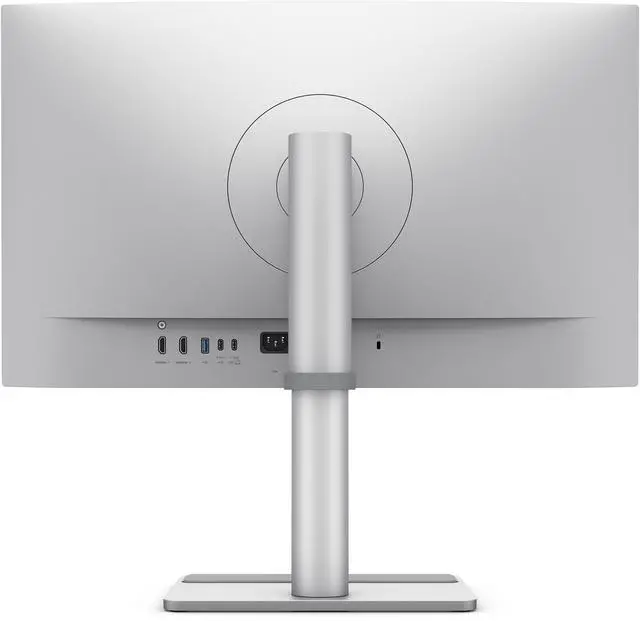
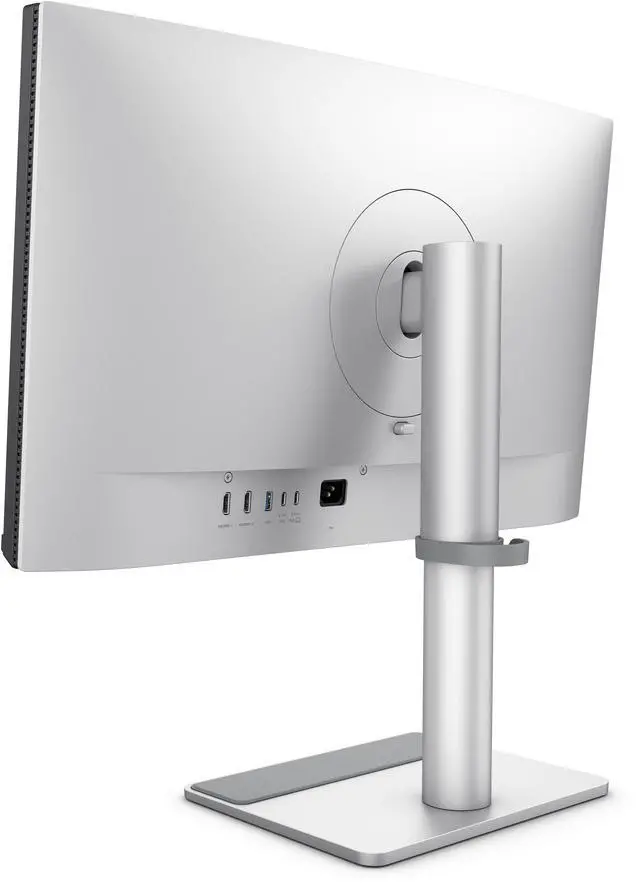
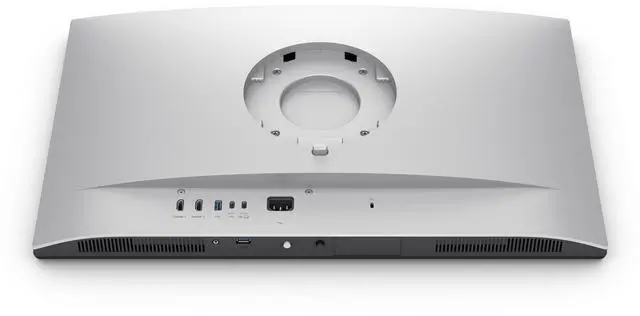
| Ports And Connectivity | USB-C video input with 90W Power Delivery, 2 HDMI 2.0 ports, and 3 USB 3.2 Gen 1 Type-A ports |
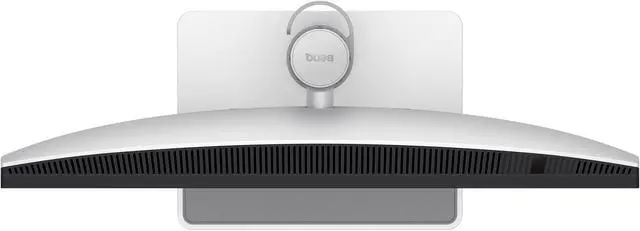
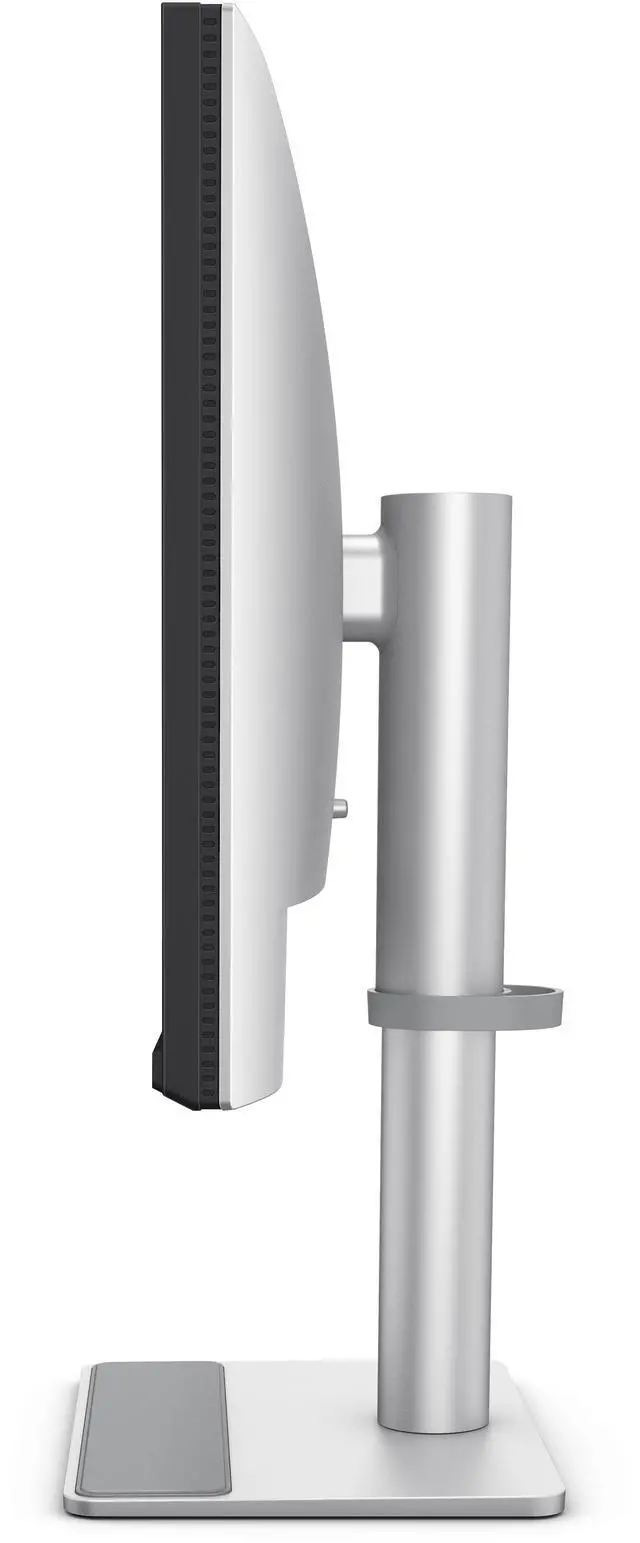
| Stand And Mounting | Tilt from -5° to 20°, swivel 15° left or right, 90° pivot, 115 mm height adjustment, and 100 × 100 mm VESA mounting; desk-mount compatible |
| Audio And Webcam | Built-in stereo speakers rated at 2 × 3 W; no built-in webcam |
| Power And Efficiency | 100–240 VAC, 50/60 Hz power supply; 40 W typical, 220 W maximum, and under 0.5 W in sleep mode |
| Size And Weight | 18.08 lb |
| Model Identifiers | BenQ MA270UP |
Q: BenQ MA270UP vs MA270U: which should I choose?
A: Choose the MA270UP for a glossy Nano Gloss screen; choose the MA270U for a matte Nano Matte screen. Both are 27-inch 4K Mac-focused monitors with BenQ Mac color tuning, so the main deciding factor is the screen finish you prefer.
Q: BenQ MA270UP vs MA270S: is 5K worth choosing?
A: Choose the MA270UP for a 27-inch 4K display with 90W USB-C power delivery. Choose the MA270S when 27-inch 5K resolution and higher pixel density are priorities; it also adds Thunderbolt 4 connectivity and supports up to 96W laptop charging.
Q: BenQ MA270UP vs MA320UP: which is better for a larger workspace?
A: Choose the MA270UP for a 27-inch 4K glossy display and 90W USB-C charging. Choose the MA320UP if you want a larger 31.5-inch-class 4K glossy screen; both belong to BenQ’s Mac-focused MA series and offer Mac color tuning.
Q: BenQ MA270UP vs MA320UG: which fits a larger, smoother Mac setup?
A: Choose the MA270UP for a 27-inch 4K glossy display with 90W USB-C power delivery. Choose the MA320UG for a 32-inch-class 4K screen with a 120Hz refresh rate and Thunderbolt 4 connectivity.
Q: Can I connect a MacBook and charge it through one USB-C cable?
A: Yes. The MA270UP supports USB-C video and up to 90W power delivery, so a compatible MacBook can send video and receive power through one cable. The MacBook’s USB-C port and the cable must support video; charging performance depends on the laptop’s power needs.
Q: Is this monitor suitable for office work and creative tasks?
A: It is well suited to desk-based office work and color-focused creative tasks. The 27-inch 4K IPS display provides workspace for multiple windows, and its listed 95% P3 gamut and Mac color tuning support color-conscious Mac workflows. Its 60Hz refresh rate is aimed at general productivity rather than high-refresh gaming.
Q: Does it have a webcam and microphone for video meetings?
A: No. The MA270UP has no built-in webcam. Plan to use a separate webcam and microphone or your computer’s audio and camera equipment; the monitor does have built-in 2 × 3W speakers.
Q: Can I adjust the stand’s height and angle?
A: Yes. The included stand adjusts up to 115 mm in height, tilts, swivels, and pivots 90 degrees. It also supports 100 × 100 mm VESA mounting.
Q: Is the MA270UP’s 27-inch 4K resolution clear enough for Mac text, or should I choose 5K?
A: The MA270UP is a 27-inch 4K monitor, while 5K provides higher pixel density at the same screen size. In Reddit discussions, one Mac user reported being satisfied with the MA270UP’s text clarity, while other comments note that 5K is sharper. Choose 5K if matching a MacBook’s text sharpness is a top priority; 4K may suit users comfortable with some difference.
Q: Is the MA270UP suitable for gaming?
A: It can handle light or casual gaming, but its 60Hz refresh rate is a trade-off for games where higher refresh rates matter. Reddit discussion describes it as intended more for office work and media than gaming.
Q: Is the MA270UP a good everyday monitor for a MacBook?
A: It is suited to MacBook users who want a 27-inch 4K display, Mac color-matching features, and USB-C connection with up to 90W power delivery. Reddit users discussing daily work report positive experiences with text and color, but these are individual impressions rather than controlled tests.


