- Free 30-day Returns
- AUD$281.85 Shipping
AUD$803.00
GST-Inclusive Price
Add to PC build list
Ships from United States.
Sold by Newegg
Shipped by Newegg
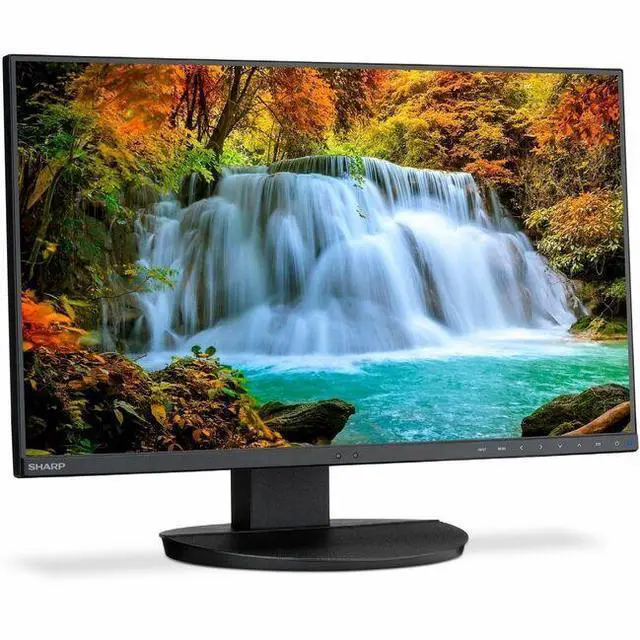
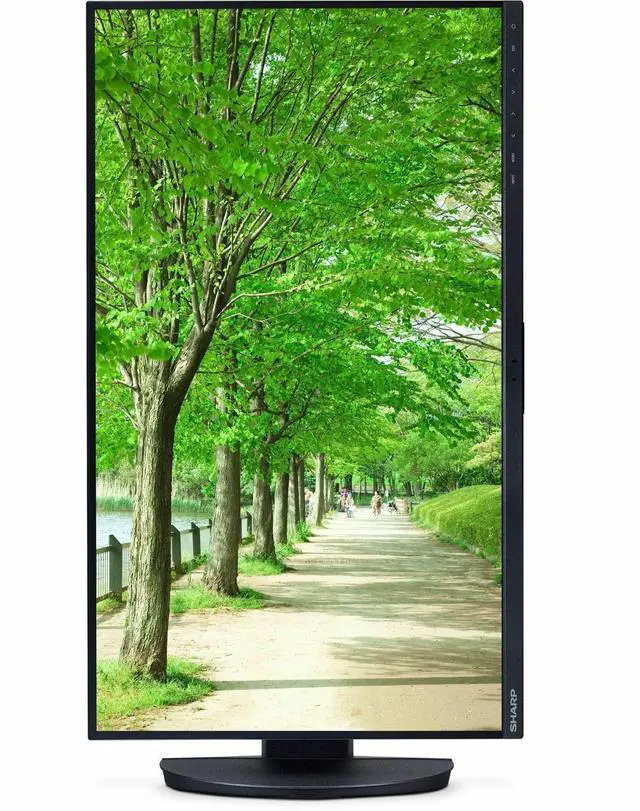
Sharp MultiSync DD-EA242F 24" Class Full HD LED Monitor - 16:9 - 23.8" Viewable - IPS - LED Backlight - 1920 x 1080 - 16.7 Million Colors - 250 Nit - 6 ms - 75 Hz Refresh Rate - Speakers - DD-EA242F
- FHD (1920x1080) Resolution
- IPS screen technology allows for optimal viewing angle
- Brightness 250 cd/m2
- Full connectivity, including DisplayPort, HDMI, USB-C and VGA inputs
- Supports multi-monitor configurations with DisplayPort output for video passthrough
- USB-C input delivers 65W of power as well as video and USB over one cable
- USB Hub (2 Up / 3 Down)
- Integrated speakers (stereo 1W + 1W)
- Touch-sensitive OSD® controls are integrated into the bezel
- Human and ambient light sensors automatically detect your work conditions to determine the proper display brightness, thereby conserving power
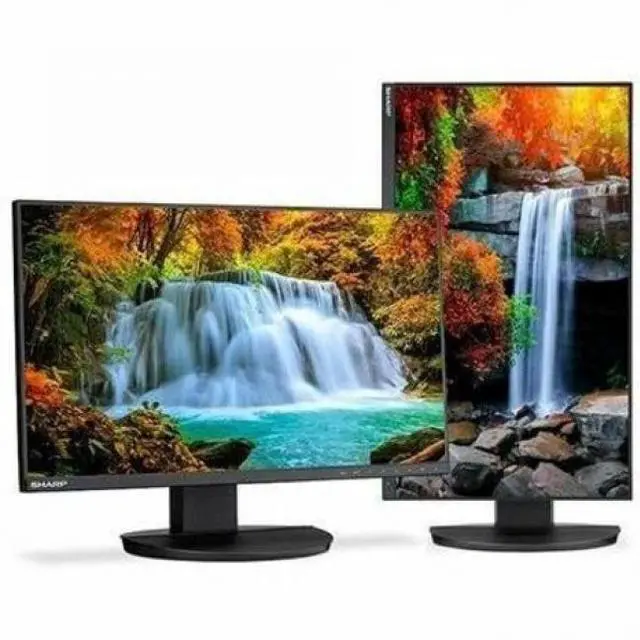
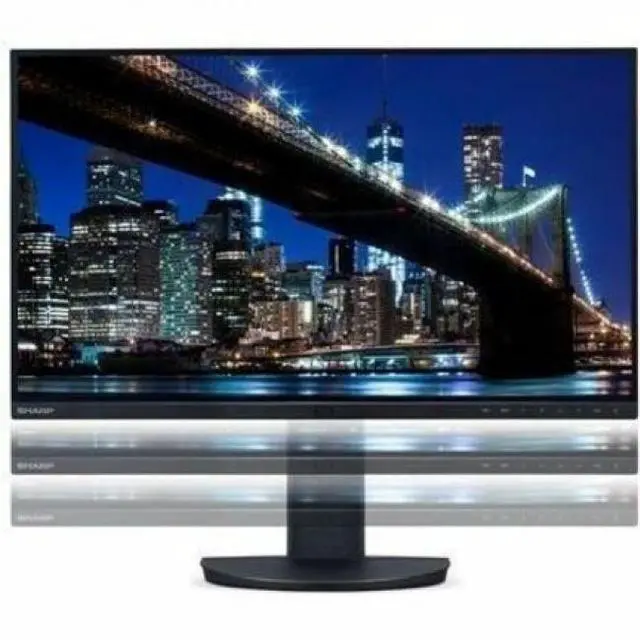
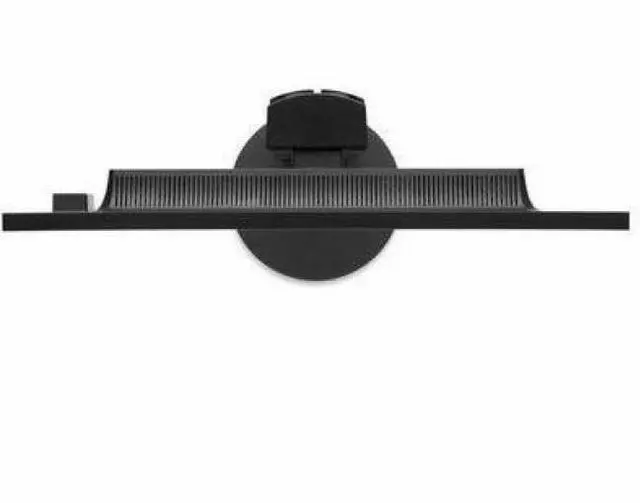
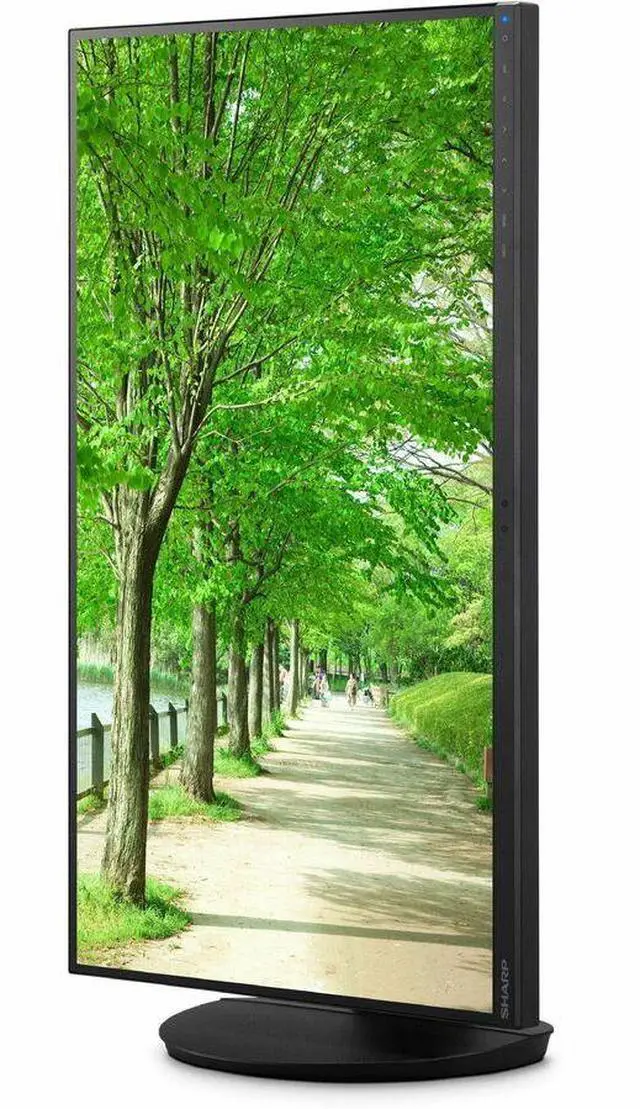
- Height-adjust stand, pivot, tilt and swivel capabilities
- ENERGY STAR 8.0 and TCO 9.0
- ECO Mode™ allows you to manually adjust the display's brightness to your liking, saving power and reducing your energy costs
+
+
Overview
Specs
Reviews
The 24" Class ( 23.8" diagonal) Sharp MultiSync (r) EA242F is a Full HD ultra-narrow bezel IPS desktop monitor ideal for demanding commercial environments. Designed with professional color and image quality standards, this 16:9 widescreen model features IPS panel technology with wide viewing angles (178° horizontal/vertical) and ergonomic adjustability. The LED backlighting of the EA242F allows for a slimmer profile, lighter weight and increased power savings compared to previous generation models. Smart sensing technology automatically detects your work conditions to determine the proper display brightness with ambient light and human sensors. Full-featured connectivity including HDMI, DisplayPort, USB-C, VGA and 3-port USB 3.1 hub connects users to the latest peripherals and future-proofs your investment.
With DisplayPort ouput the EA242F is ideal for multiple monitor configurations and includes ControlSync (tm) technology which allows users to control up to six EA242F displays in a multi-monitor c
Warranty & Returns
Warranty, Returns, And Additional Information
Return Policies*
- Return for refund within: 30 days
- Returns are subject to restocking fees and return shipping fees. Please click here to learn more about restocking fees and return shipping fees.
- This item is covered by Newegg.com's International Order Return Policy.
- Read full return policy for details.
- *Subject to applicable law
Warranty Notice:
This product does not include manufacturer warranty when purchased or used outside of its designated sales region. By purchasing internationally, you acknowledge that warranty support from the manufacturer will not be available.
Manufacturer Contact Info
- Manufacturer Website
- Support Phone: 1-800-237-4277
- Support Website
- View other products from Sharp
LOADING...
The Sharp MultiSync DD-EA242F is a 23.8-inch Full HD IPS desktop monitor with a 75 Hz refresh rate, built-in speakers, and an adjustable stand, suited to everyday office work, study, and home use.
Recommended For
- Laptop-first office workers who want one USB-C cable for display, USB hub access, and up to 65W charging at a fixed desk.
- Office teams building two-screen workstations who want to connect another compatible display through DisplayPort output for a tidier setup.
- People who regularly read long documents, code, or review web pages and want a desk monitor that can rotate into portrait orientation and adjust for seated viewing.
- Workplaces connecting a mix of newer computers and older office equipment, since the monitor provides USB-C, DisplayPort, HDMI, and VGA inputs.
Real-World Use Scenarios
- At a home or office desk, a user connects a compatible laptop over USB-C for video, USB data, and up to 65W of charging, reducing the number of cables and the need for a separate dock for basic peripherals.
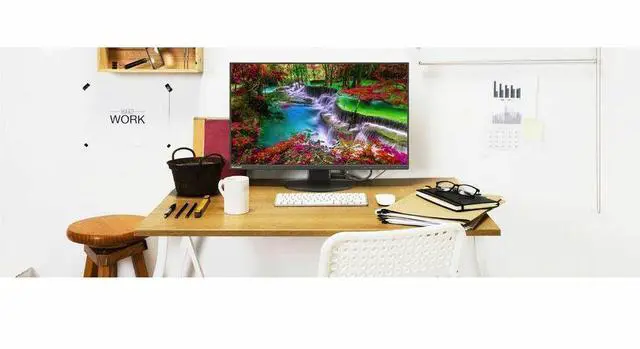
- For everyday office tasks such as writing documents, browsing, and working in spreadsheets, the Full HD IPS display provides a standard-size desktop workspace that can be adjusted to suit the user’s seating position.
- In a workstation that needs a second screen, a user can connect another compatible monitor through DisplayPort-out to extend the desktop, helping keep documents, reference material, or communication apps visible alongside the main task.
- When reading long documents, reviewing code, or keeping chat and email visible, the user can rotate the monitor to portrait orientation; this gives vertically oriented content more screen height without requiring a larger display.
- In a shared or changing workspace, the ambient-light and human sensors can adjust display behavior to the room and user presence, reducing the need to change settings manually throughout the day.
Spec Summary
| Attribute | Value |
|---|---|
| Best For | Desktop productivity setups needing a 23.8-inch Full HD IPS display with HDMI, DisplayPort, VGA, and USB-C connectivity |
| Panel And Resolution | 23.8-inch widescreen IPS LED display with 1920 × 1080 Full HD resolution, 16:9 aspect ratio, 16.7 million colors, 178-degree viewing angle, 1000:1 contrast ratio, 73% NTSC color gamut, and 0.28 mm pixel pitch; LED backlit |
| Refresh Rate And Response | 75 Hz refresh rate with 6 ms response time |
| Ports And Connectivity | HDMI, DisplayPort, VGA, and USB-C inputs, with one HDMI port and a USB hub offering three USB 3.0 ports |
| Physical Design And Mounting | Black rectangular monitor measuring 26.97 × 16.54 × 8.03 inches (W × H × D), with 100 × 100 mounting support |
| Model Identifiers | Sharp MultiSync DD-EA242F |
Reference Q&A
Q: Sharp DD-EA242F vs. DD-EA242W: which gives me more screen space for office work?
A: Choose the DD-EA242W if you want a taller 16:10 workspace: it has a 24.1-inch WUXGA (1920 × 1200) display and 300-nit brightness. Choose the DD-EA242F for a 23.8-inch Full HD (1920 × 1080), 16:9 screen with 65W USB-C power delivery and DisplayPort daisy-chaining.
Q: Sharp DD-EA242F vs. DD-EA272F: should I choose 24 or 27 inches?
A: Choose the DD-EA242F for a 23.8-inch Full HD display suited to a more compact desk setup. Choose the DD-EA272F for a larger 27-inch Full HD screen. Both models include USB-C with 65W power delivery, according to Sharp’s EA Series specifications.
Q: Sharp DD-EA242F vs. DD-EA241F: which is more convenient for a USB-C laptop setup?
A: The DD-EA242F is the more direct fit for a USB-C laptop workflow: its USB-C connection carries video, data, and up to 65W of power, and it supports DisplayPort daisy-chaining. The DD-EA241F is another 23.8-inch Full HD EA Series option for a desktop setup using its listed video connections, including HDMI, DisplayPort, and VGA.
Q: Is this monitor suitable for office work and video meetings?
A: Yes. Its 23.8-inch Full HD IPS screen, adjustable stand, USB hub, and 65W USB-C power delivery suit everyday desk work and laptop-based meetings. It has built-in stereo speakers, but the listed specifications do not include a webcam.
Q: Can one USB-C cable connect and charge a laptop?
A: Yes, if the laptop’s USB-C port supports video output and the required data functions. The monitor’s USB-C connection carries video and USB data and provides up to 65W of power; check whether that is enough for your laptop’s charging needs.
Q: Can I use it in a dual-monitor setup?
A: Yes. Its DisplayPort output supports video passthrough for a multi-monitor setup. Check that your computer and the connected display support the required daisy-chain configuration.
Q: Is the stand adjustable for a comfortable desk setup?
A: Yes. The stand supports height adjustment, tilt, swivel, and pivot, so you can change the screen position and rotate it to portrait orientation. The IPS panel supports wide viewing angles.
Q: Is it a good choice for gaming?
A: It can handle casual gaming, but its 75 Hz refresh rate and 6 ms response time are better suited to everyday use than to high-refresh-rate or competitive gaming.