• AUD$309.10
  • GST-Inclusive Price
  • Free 30-day Returns
  • AUD$259.91 Shipping
Add to PC build list 
Ships from United States.
Sold by Newegg

Shipped by Newegg

Add to Wish List(Found on 1 wish list)
Shop it at NeweggBusiness.
Get Educated

Make informed decisions with expert advice. Learn More
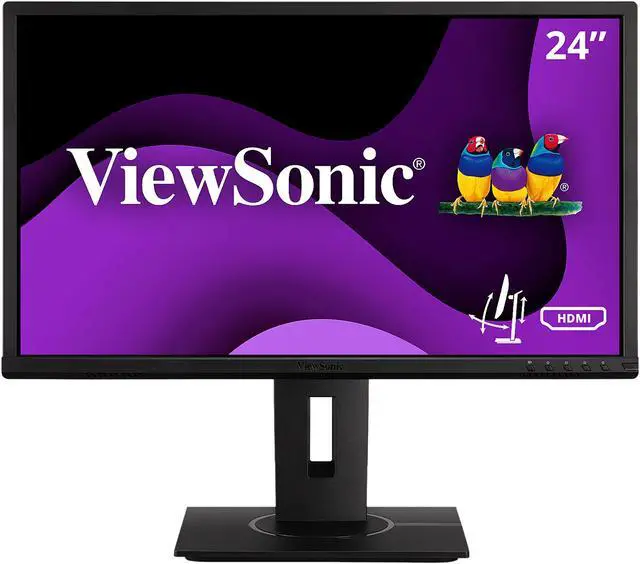
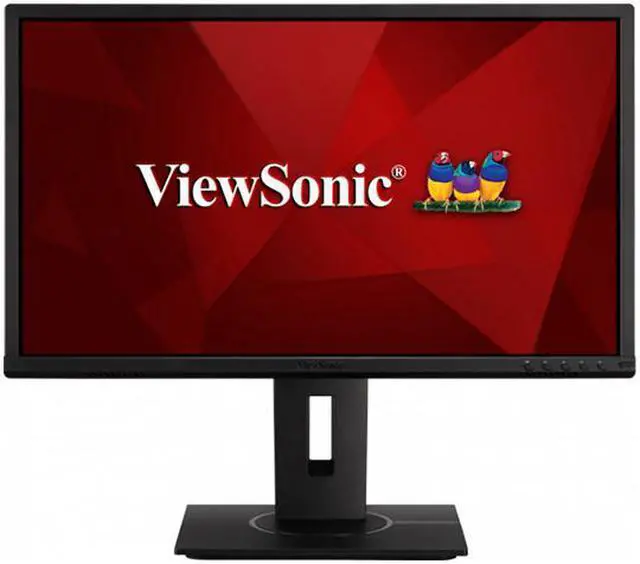
ViewSonic VG2440 24 Inch IPS 1080p Ergonomic Computer Monitor with Integrate vDisplyManager HDMI DisplayPort VGA USB Inputs for Home and Office

  • QUALITY SCREEN TIME: From big data to beautiful presentations, this 24 inch monitor delivers Full HD (1920x1080p) viewing for any task
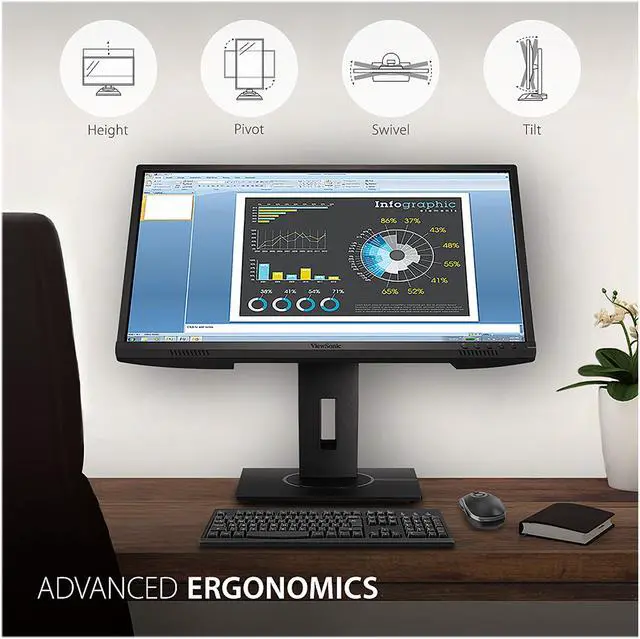
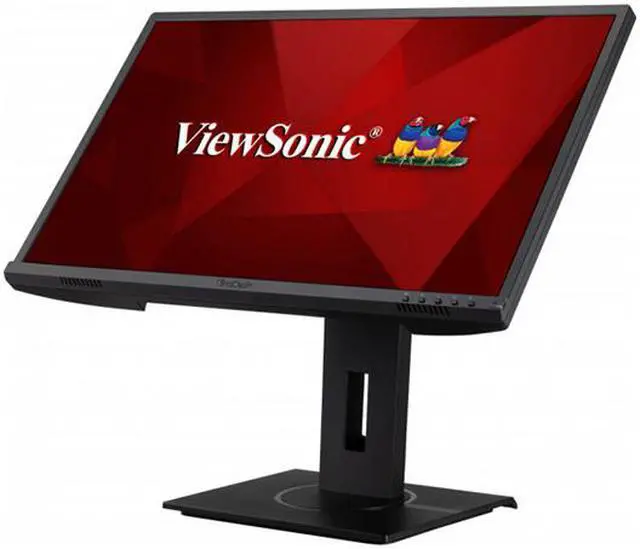
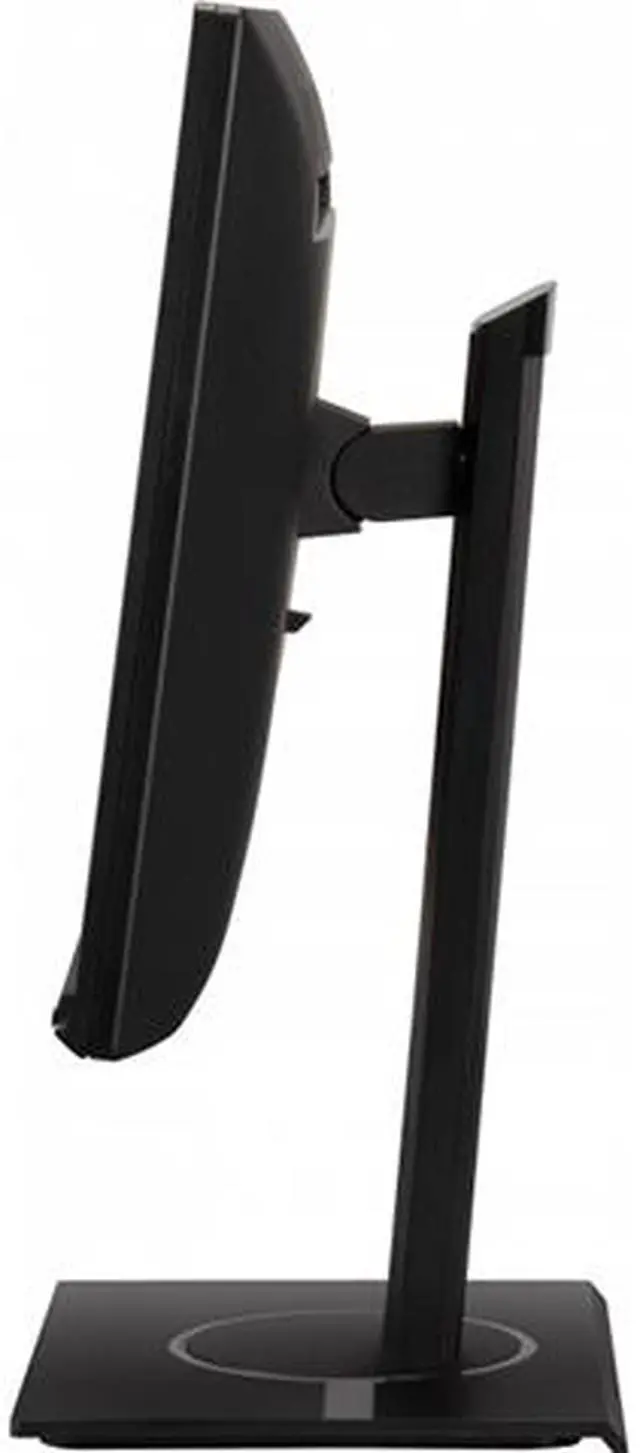
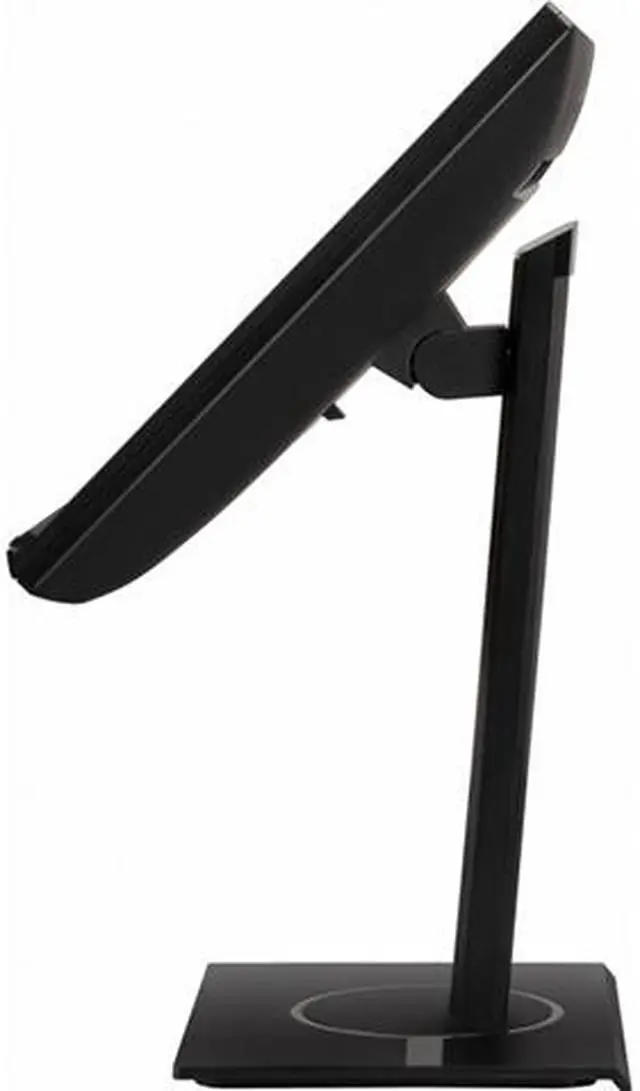
  • PRODUCTIVITY & COMFORT: Advanced ergonomics (tilt, swivel, rotate and height) help boost productivity with all-day comfort
  • AMAZING AT ANY ANGLE: A slim bezel IPS panel ensures stunning views no matter your vantage point
  • ENHANCED VIEWING COMFORT: Flicker-Free technology and Blue Light Filter for all-day comfort
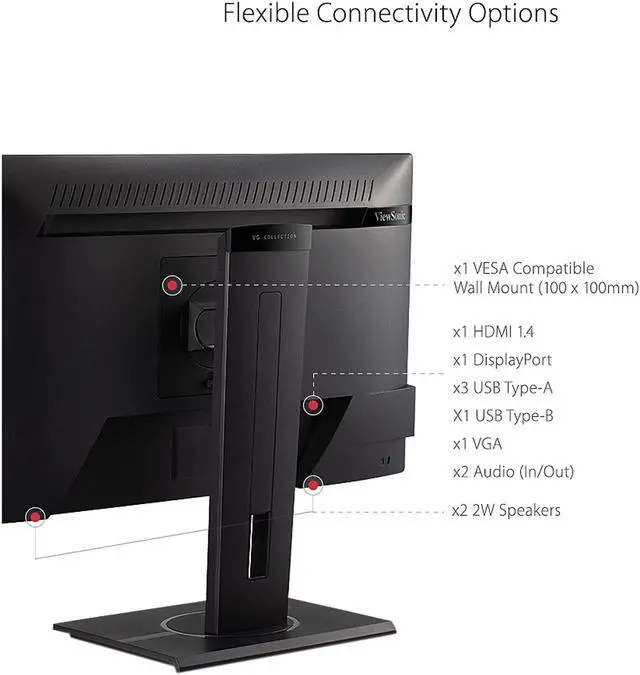
  • FLEXIBLE CONNECTIVITY: The VG2440 supports laptops, PCs, Windows, Android, and Mac OS with HDMI, DisplayPort, USB, and VGA inputs
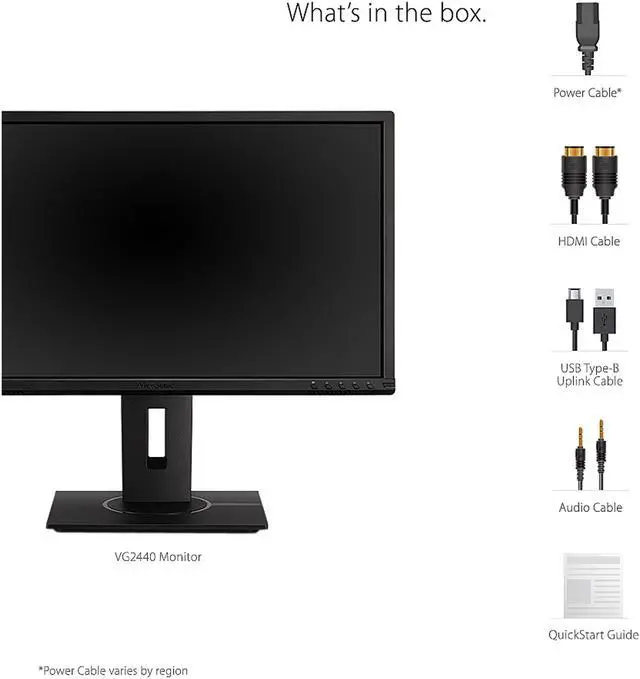
  • INCLUDED IN THE BOX: LCD Monitor, Power Cable, HDMI Cable, USB Type B Uplink Cable, 3.5mm Audio Cable and a Quick Start Guide
+
+
Overview
Specs
Reviews (2)
The ViewSonic VG2440 is a 24 ( 23.6 viewable) Full HD monitor that includes a full-range of connectivity and ergonomic functionality ideal for your workstation at the office and at home. With SuperClear MVA panel technology for wide-angle viewing, and an 8-bit panel with the ability to reproduce 16.7M colors, this monitor delivers incredibly sharp images. Integrated with HDMI, DisplayPort, VGA and 3 USB ports, the VG2440 allows flexible connection to PC systems, laptops and other peripheral devices and accessories. ViewSonics exclusive vDisplayManager software provides intuitive presets that deliver optimized screen performance in different applications.

In addition, Flicker-Free and Blue Light Filter technology help to eliminate eye strain from extended viewing periods....

Warranty & Returns

Warranty, Returns, And Additional Information

Return Policies*

  • Return for refund within: 30 days
  • Returns are subject to restocking fees and return shipping fees. Please click here to learn more about restocking fees and return shipping fees.
  • This item is covered by Newegg.com's International Order Return Policy.
  • Read full return policy for details.
  • *Subject to applicable law
  • Warranty Notice:

    This product does not include manufacturer warranty when purchased or used outside of its designated sales region. By purchasing internationally, you acknowledge that warranty support from the manufacturer will not be available.
LOADING...
LOADING...

The ViewSonic VG2440 is a 24-inch Full HD monitor for home and office users who want an adjustable screen for everyday work, with height, tilt, swivel, and pivot adjustments plus flicker-free and blue-light-filter features.

Recommended For

  • Home-office and office workers who spend long sessions on documents, email, and spreadsheets and want to adjust screen height, tilt, swivel, or pivot to suit their desk setup.
  • Desk-based users connecting a mix of newer and older computers who need HDMI, DisplayPort, or VGA, plus a built-in USB hub for peripherals.
  • People who want a straightforward 24-inch Full HD screen for everyday work and occasional video or entertainment, without needing a high-refresh display.
  • Users who rotate a monitor for reading long documents or code and want a stand that supports portrait orientation as well as height adjustment.

Real-World Use Scenarios

  • For everyday office work such as writing documents, checking email, and updating spreadsheets, the VG2440 provides a Full HD desktop workspace suited to routine business tasks.
  • In a home-office setup, users can raise, tilt, swivel, or rotate the screen to better match their desk and seating position during a workday.
  • For a desk shared by a laptop and desktop PC, HDMI, DisplayPort, and VGA inputs make it easier to connect different generations of computers; users can select the active input when switching devices.
  • When a computer is connected to the monitor’s USB upstream port, the built-in USB hub can keep compatible desk accessories such as a keyboard or mouse connected at the display instead of directly to the computer.
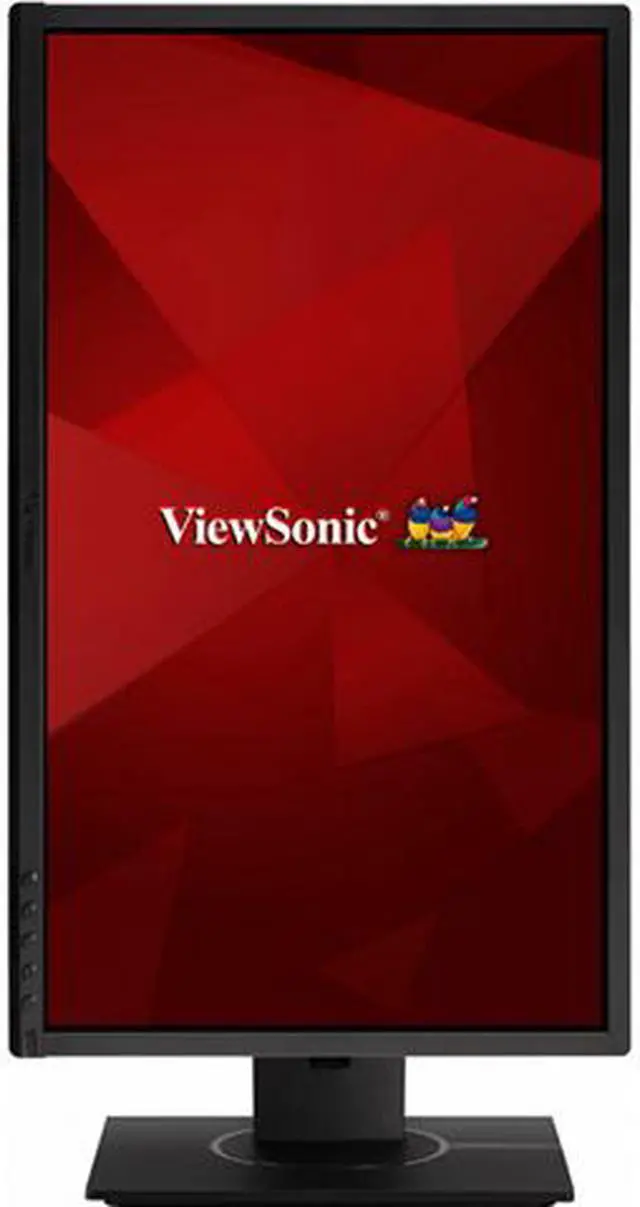
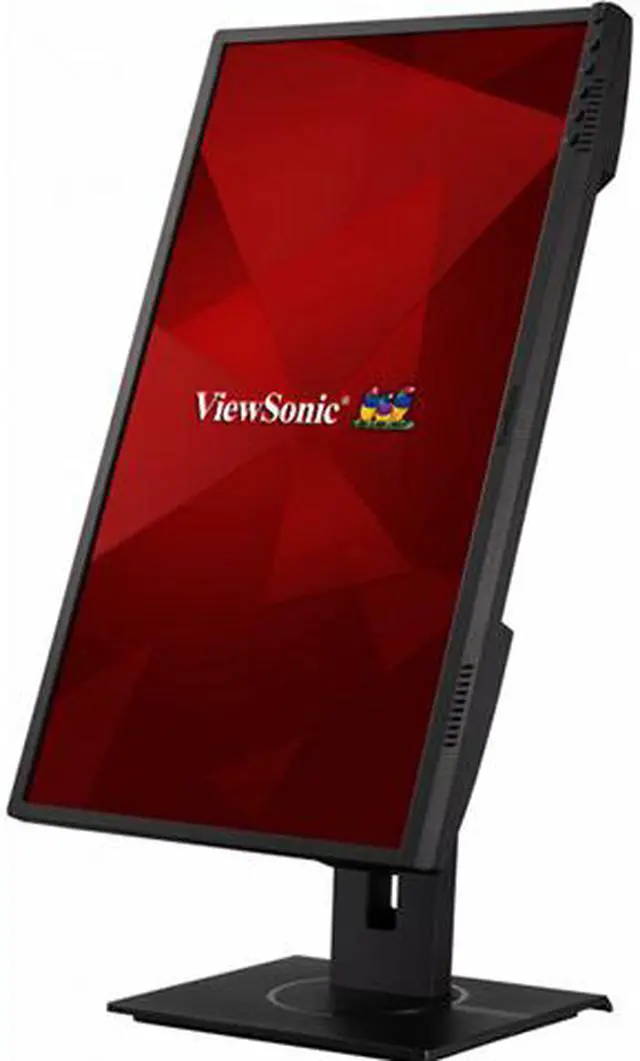
  • For reading long documents or viewing code, users can pivot the monitor into portrait orientation, giving vertically oriented content more screen height without scrolling as often.
  • In a two-monitor office setup, the slim bezels can make the screens sit closer together visually, while the adjustable stand helps align their height and angle.

Spec Summary

AttributeValue
Best ForDesktop work and home or office productivity, with a Full HD screen and adjustable stand for everyday viewing
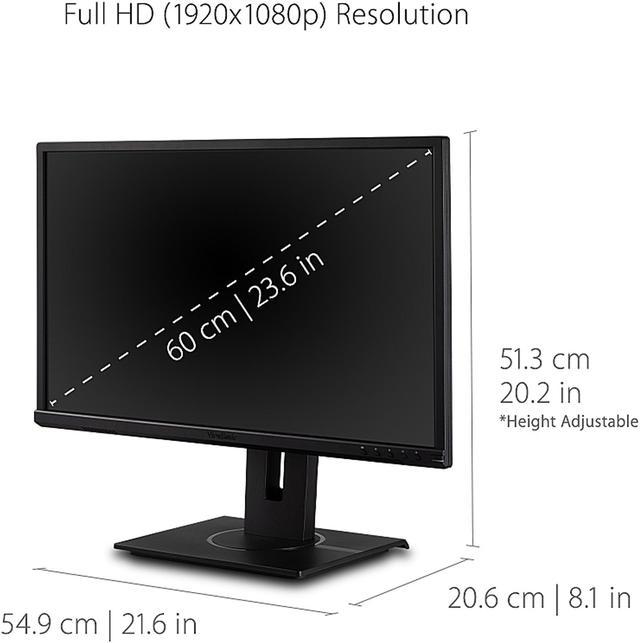
Panel And Resolution24-inch flat VA LCD with LED backlight, 1920 × 1080 Full HD resolution, 16:9 aspect ratio, 16.7 million colors, 178° horizontal and vertical viewing angles, and matte anti-glare finish
Refresh Rate And Response60 Hz refresh rate with a 5 ms response time
Ports And Connectivity1 HDMI and 1 DisplayPort, plus VGA (D-Sub), four USB 3.2 Type-A downstream ports, one USB Type-B upstream port, and an audio connector
Stand And ErgonomicsHeight adjustment up to 130 mm, 120° swivel, -5° to 40° tilt, and 90° pivot in either direction; compatible with 100 × 100 mm VESA mounting
Audio And WebcamBuilt-in speakers; no built-in webcam
Power100–240 VAC, 50/60 Hz power supply; 16.5 W power consumption
Physical DetailsBlack cabinet; item weight 5.8 kg
In The BoxPower cable, HDMI cable, USB Type-A-to-Type-B uplink cable, audio cable, and quick start guide
Model IdentifiersViewSonic VG2440; model number VS18464

Reference Q&A

Q: ViewSonic VG2440 or VG2408A for a home-office setup?

A: Choose the VG2440 for a standard 60Hz office display with VGA, HDMI, and DisplayPort connections and a stated 3,000:1 static contrast ratio. Choose the VG2408A if you prefer an IPS panel and a 100Hz refresh rate; both models offer Full HD resolution and an adjustable ergonomic stand.

Q: Should I get the VG2440 or the VG2456 for a laptop desk?

A: The VG2440 is a fit for a conventional monitor setup using HDMI, DisplayPort, or VGA. The VG2456 is the docking-focused option: it adds USB-C with up to 60W charging, Ethernet, and DisplayPort daisy-chaining while keeping a 24-inch Full HD display and ergonomic stand.

Q: VG2440 or VG2456a for a USB-C workstation?

A: Choose the VG2440 for a straightforward office display connected through HDMI, DisplayPort, or VGA. Choose the VG2456a when a USB-C docking setup is a priority: it combines a 24-inch Full HD display with up to 90W USB-C power delivery, Ethernet, and daisy-chain support.

Q: Does the VG2440 have a built-in webcam for video meetings?

A: No. The VG2440 has no built-in webcam, so you’ll need to connect a separate camera for video calls. It does include built-in speakers for audio.

Q: Is the VG2440 suitable for everyday home-office work and meetings?

A: Yes. Its 24-inch Full HD screen, adjustable stand, and built-in speakers suit document work, browsing, and meeting audio. It has no webcam, so video meetings require a separate camera; its 60Hz refresh rate is aimed at everyday work rather than high-refresh gaming.

Q: Can the VG2440 be raised, tilted, and rotated for portrait use?

A: Yes. Its stand supports height adjustment, tilt, swivel, and 90-degree pivot to portrait orientation, which can help position the screen for different desks and document layouts.

Q: Can I connect USB accessories through the monitor?

A: Yes. The VG2440 has a USB hub for compatible peripherals. Connect the included USB Type-B uplink cable from the monitor to the computer to enable the hub; the monitor does not offer USB-C docking.