


 All CategoriesAll CategoriesAll Categories
Shipped by Newegg
 Hot Seller

Make informed decisions with expert advice. Learn More




Warranty Notice:
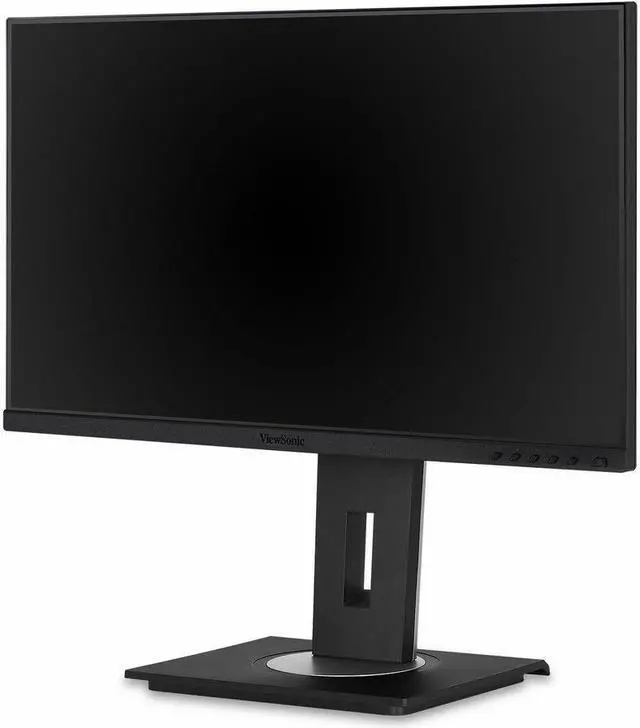
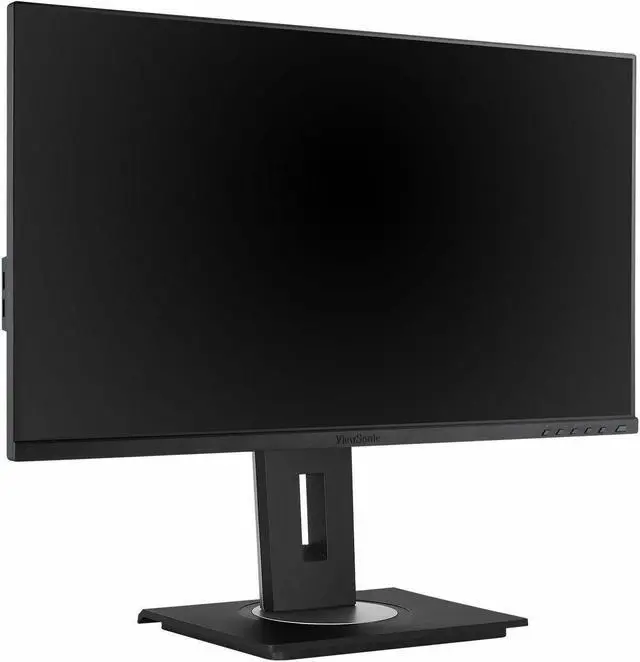
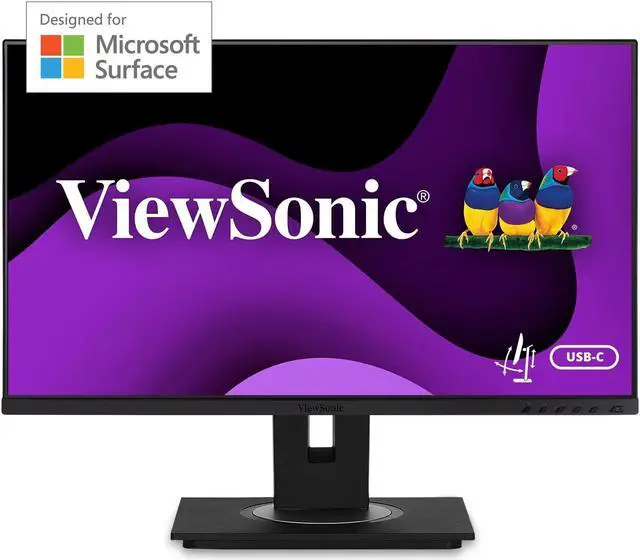
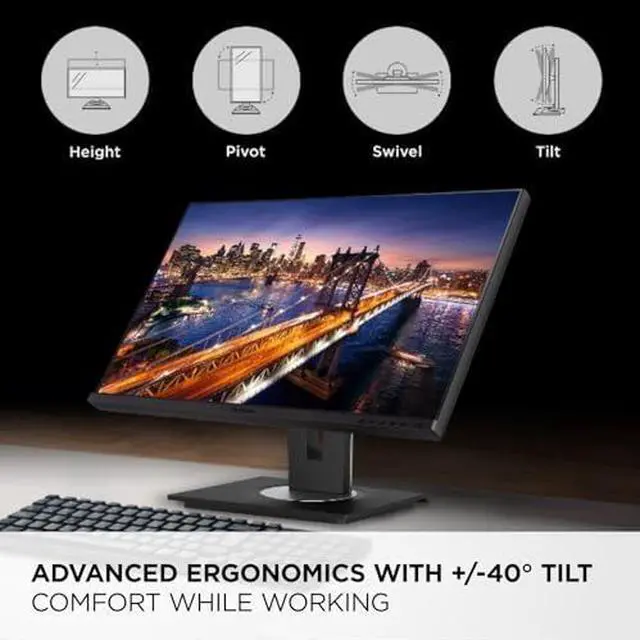
This product does not include manufacturer warranty when purchased or used outside of its designated sales region. By purchasing internationally, you acknowledge that warranty support from the manufacturer will not be available.The ViewSonic VG245 is a 23.8-inch Full HD IPS monitor with a height-, tilt-, swivel- and pivot-adjustable stand, making it a practical choice for home and office users who want flexible positioning for everyday work.
| Attribute | Value |
|---|---|
| Best For | Business and desktop use, with compatibility for desktops, laptops, cameras, and gaming consoles |
| Panel And Resolution | 23.8-inch flat IPS/WLED LCD with 1920 × 1080 Full HD resolution, 16:9 aspect ratio, 178° horizontal and vertical viewing angles, 250 cd/m² brightness, 1000:1 static contrast, anti-glare matte finish, 0.276 mm pixel pitch, and 72% NTSC color gamut |
| Refresh Rate And Response | 60 Hz refresh rate and 5 ms response time |
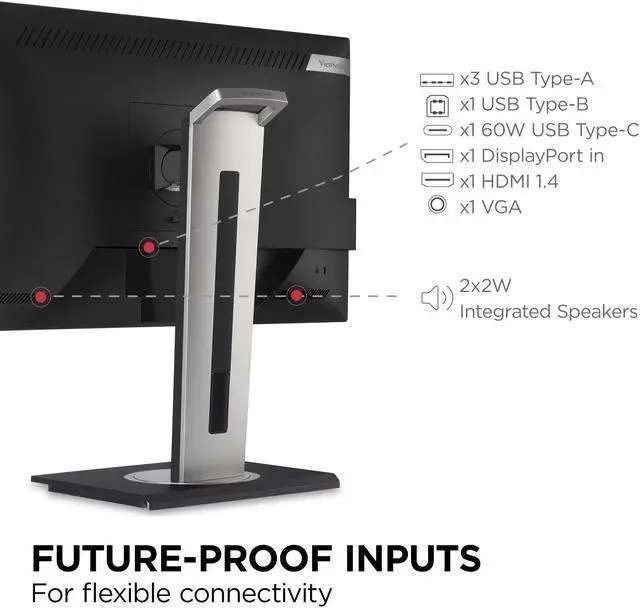
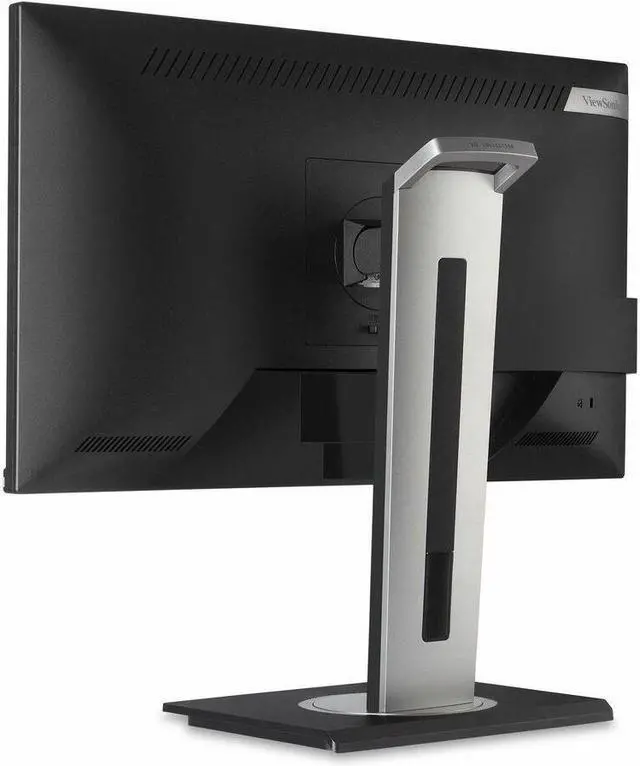
| Ports And Connectivity | Inputs include 1 HDMI 1.4, 1 DisplayPort, and 1 VGA; USB connectivity includes 3 USB-A, 1 USB-B, and 1 USB-C. No DVI or Thunderbolt ports |
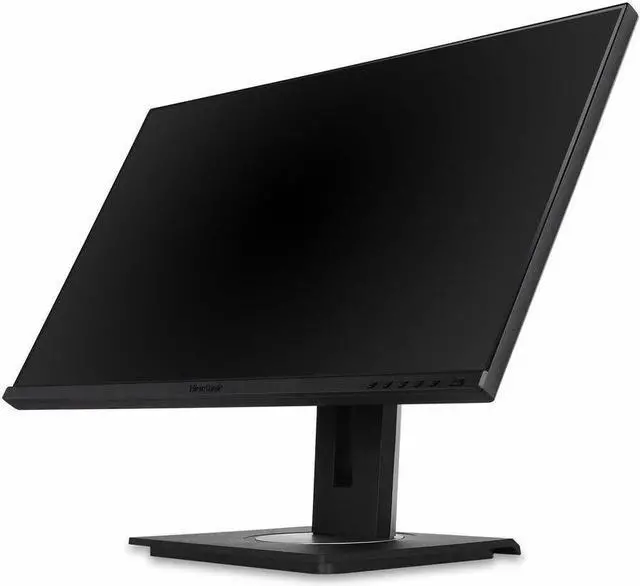
| Stand And Mounting | Stand supports height adjustment, tilt, swivel, and pivot; also supports 100 × 100 mm VESA mounting |
| Image Comfort And Design | Flicker-free display with blue-light filter; frameless design and black finish |
| Audio | Built-in stereo speakers rated at 2 × 2 W |
| Power And Energy Use | 100–240 VAC, 50/60 Hz input; power consumption is 19.3 W typical, up to 45.1 W, 13.4 W in Eco Mode (Conserve), 15.9 W in Eco Mode (optimized), and 0.3 W on standby |
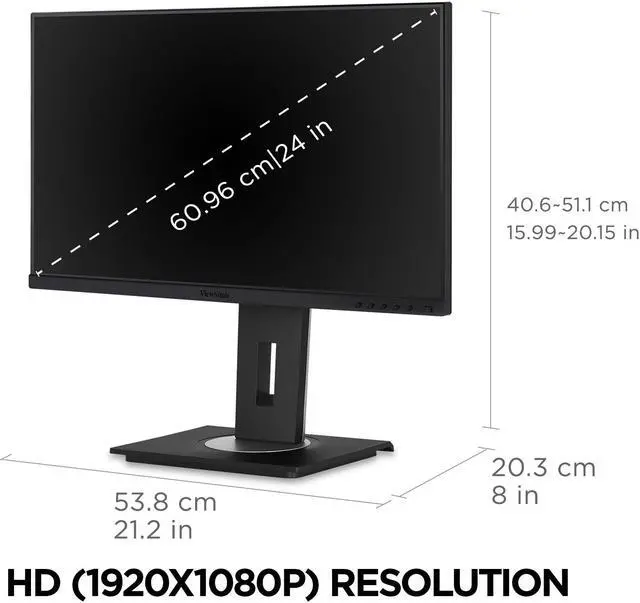
| Dimensions And Weight | With stand: 21.2 × 15.99–20.15 × 8 inches and 13.7 lb; without stand: 21.2 × 12.6 × 2 inches and 8.8 lb |
| Controls And On-Screen Menu | Physical controls include six keys; on-screen menu provides input selection, audio and color adjustment, ViewMode, image adjustment, and setup options |
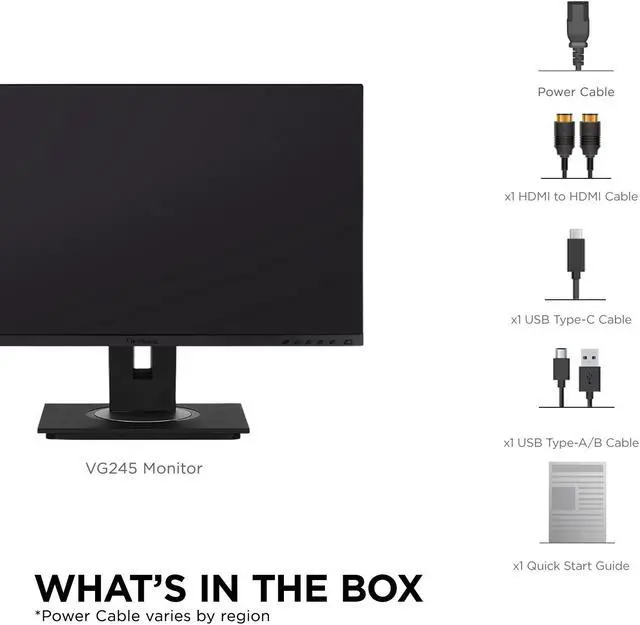
| Included Accessories | Power cable, HDMI-to-HDMI cable, USB Type-C cable, and USB Type-A/B cable |
| Operating Environment | Operating temperature: 32–104°F (0–40°C); humidity: 20–90% |
| Model Identifiers | ViewSonic VG245; model number VS17528 |
Q: ViewSonic VG245 or VG2456: which is better for a Surface laptop?
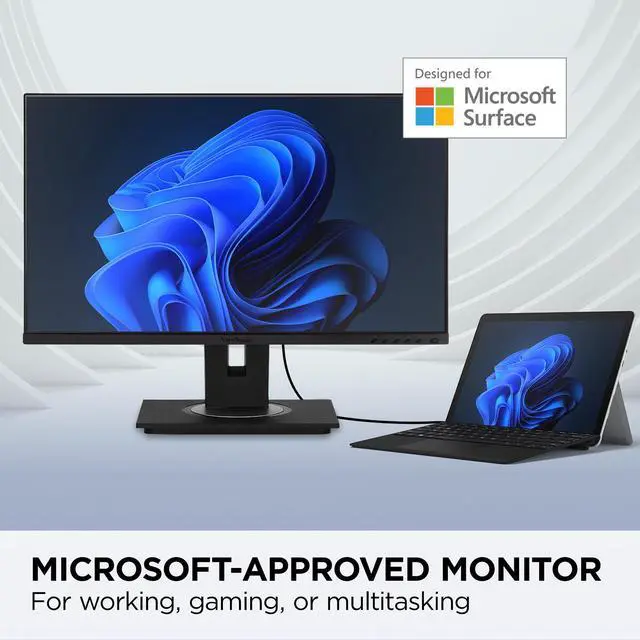
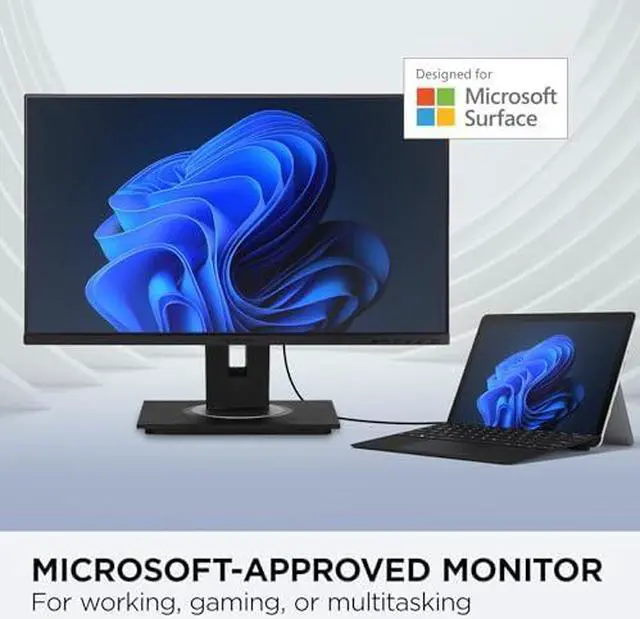
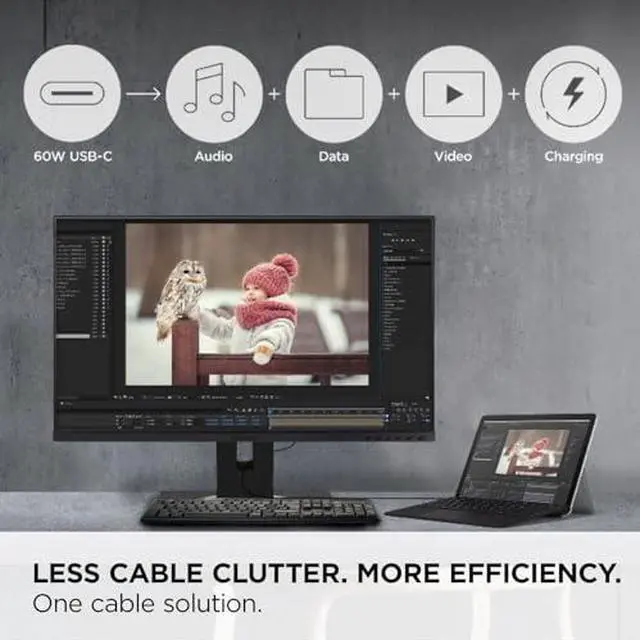
A: Choose the VG245 for a Microsoft Surface-focused setup: ViewSonic identifies it as Designed for Surface, and its USB-C connection supports video, audio, data, and up to 60W charging. The VG2456 is a 24-inch Full HD option with 60W USB-C, plus Ethernet and DisplayPort-out daisy chaining for a docking-style workspace.
Q: Should I get the ViewSonic VG245 or VG2455-2K for a sharper 24-inch display?
A: Choose the VG245 when Full HD resolution and ViewSonic’s Designed for Surface positioning match your setup. The VG2455-2K is the higher-resolution option, with a 2560 × 1440 IPS display, 100Hz refresh rate, and 60W USB-C charging.
Q: ViewSonic VG245 or VG2455: which should I choose for office work?
A: Choose the VG245 if Microsoft Surface validation is a priority; it is a 24-inch Full HD IPS monitor with ergonomic adjustments and 60W USB-C charging. The VG2455 is another 24-inch Full HD IPS option with USB-C and an ergonomic stand, positioned for general office use.
Q: Is the VG245 or VG2456a a better fit for a laptop that needs more USB-C charging?
A: The VG245 provides up to 60W USB-C charging and is designed for Surface devices. The VG2456a provides up to 90W charging and adds Ethernet and DisplayPort-out daisy chaining, making it the higher-power docking option. Choose the VG245 when its Surface-focused design and 60W charging meet your setup needs.
Q: Can I connect a laptop with one USB-C cable and charge it at the same time?
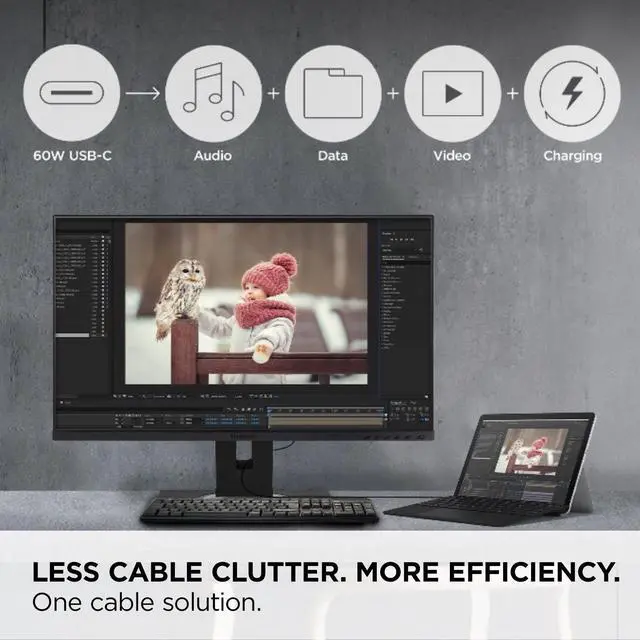
A: Yes, the VG245 supports USB-C video, data, and up to 60W laptop charging through one cable. Your laptop’s USB-C port must support video output and charging; laptops that need more than 60W may still require their own charger.
Q: Is this monitor suitable for office work and video meetings?
A: Yes. Its 23.8-inch 1080p IPS screen, adjustable stand, and USB-C, HDMI, DisplayPort, and VGA connections suit everyday office tasks. It has built-in 2W speakers but no webcam, so video meetings require a separate camera or one built into the connected computer.
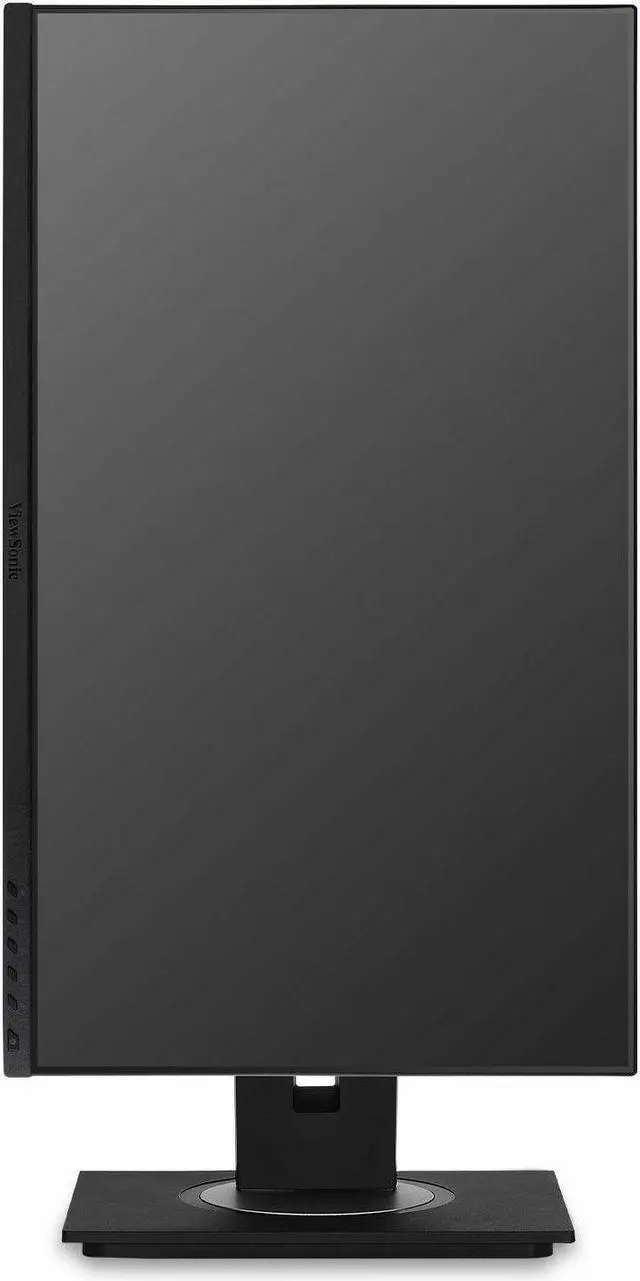
Q: Can I rotate the screen vertically for portrait use?
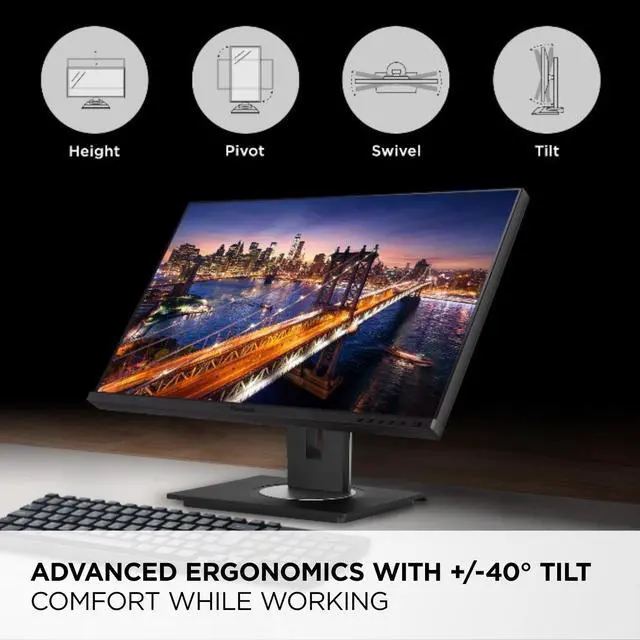
A: Yes. The stand supports pivot, as well as height, swivel, and tilt adjustments, so the screen can be turned to portrait orientation. The monitor also supports 100 × 100 mm VESA mounting.
Q: Does it have a built-in webcam for video calls?
A: No. The VG245 does not have a built-in webcam. Use a separate USB webcam or the camera on your connected laptop for video calls.


