All CategoriesAll CategoriesAll Categories
Shipped by Newegg
 Hot Seller

Make informed decisions with expert advice. Learn More




Warranty Notice:
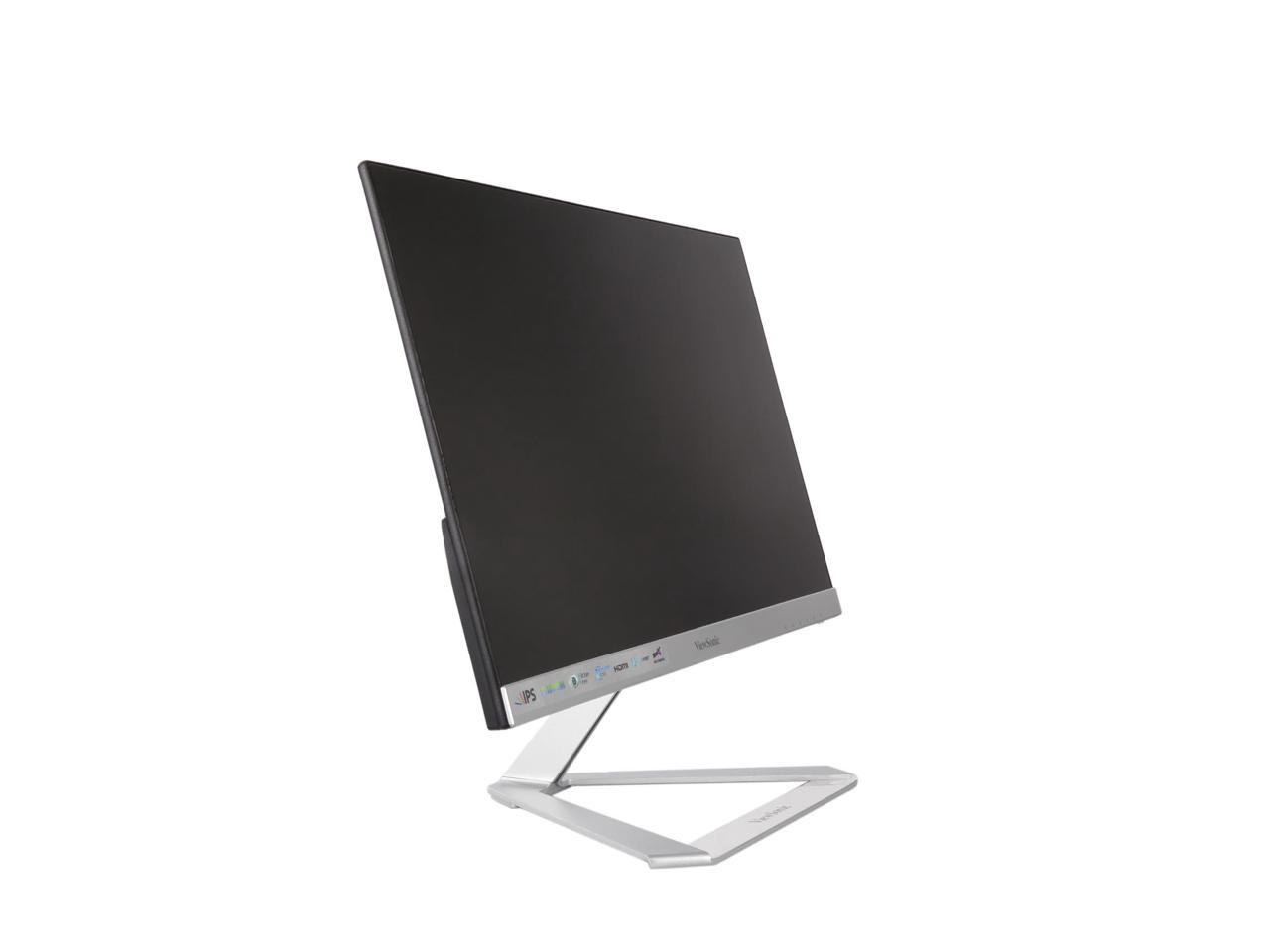
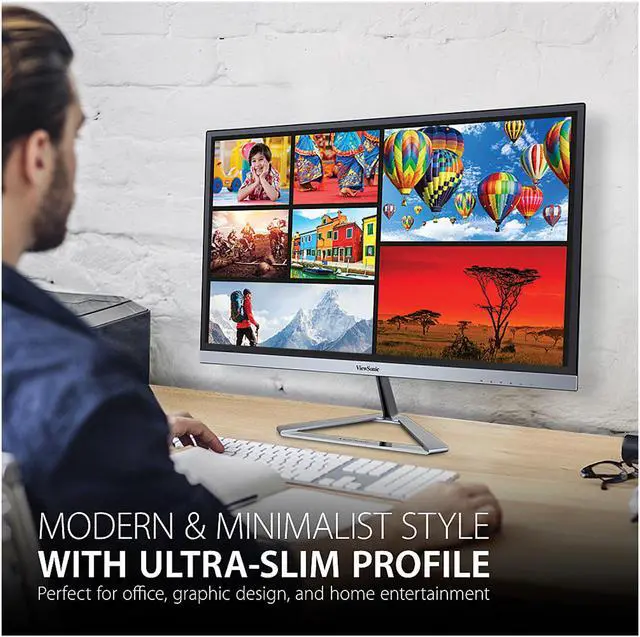
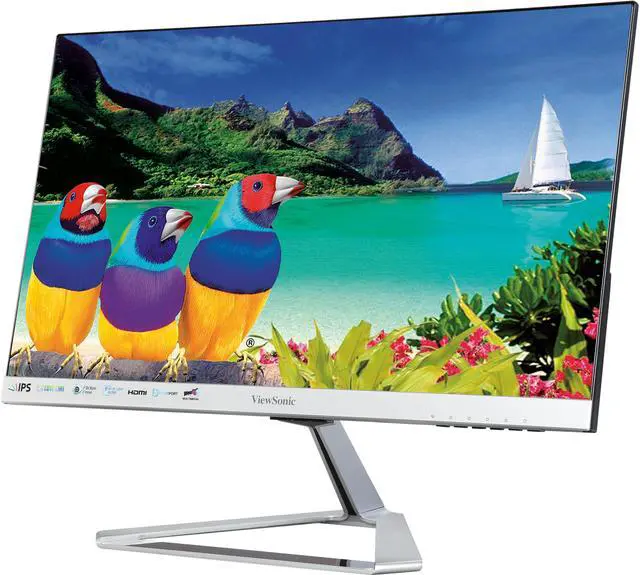
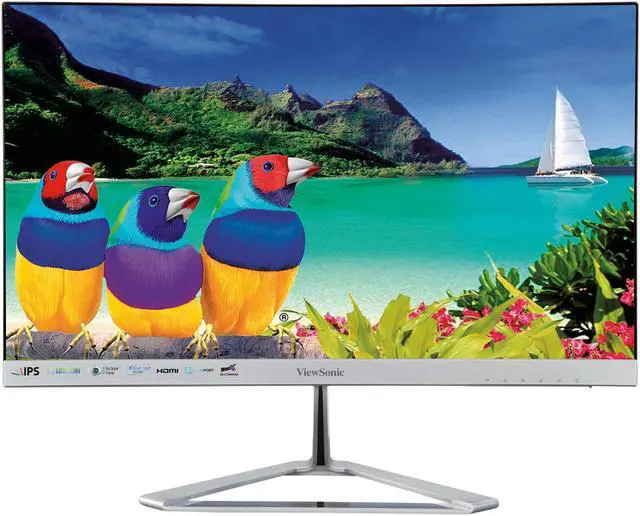
This product does not include manufacturer warranty when purchased or used outside of its designated sales region. By purchasing internationally, you acknowledge that warranty support from the manufacturer will not be available.The ViewSonic VX2276-SMHD is a 22-inch Full HD IPS monitor with a slim frameless design, suited to home office, study, and everyday computing where clear 1080p visuals and wide viewing angles matter.
| Attribute | Value |
|---|---|
| Best For | Personal, desktop, and business use with a desktop computer or laptop |
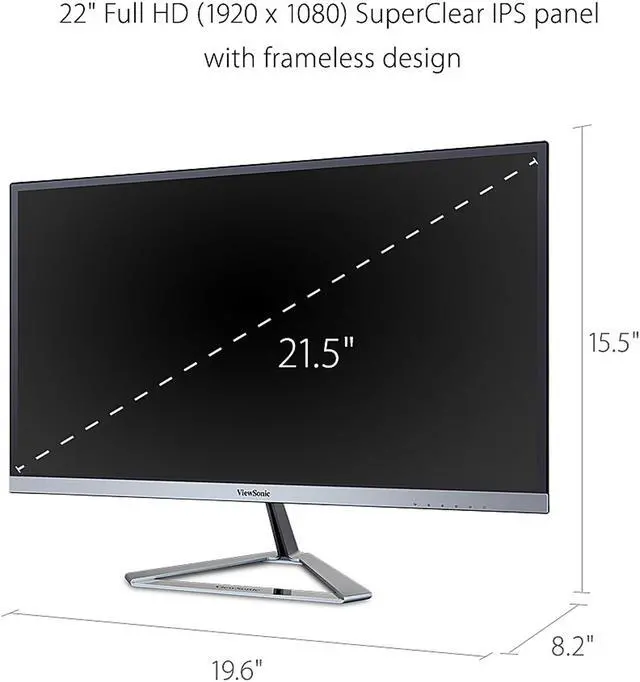
| Panel And Resolution | 22-inch flat IPS display with 1920 × 1080 Full HD resolution, 16:9 aspect ratio, 178° horizontal and vertical viewing angles, 250 cd/m² brightness, 1,000:1 contrast ratio, and 16.7 million colors (6-bit + FRC); matte finish with 72% CIE 1976 color gamut |
| Refresh Rate And Response | 60 Hz refresh rate and 7 ms response time, with FreeSync adaptive sync |
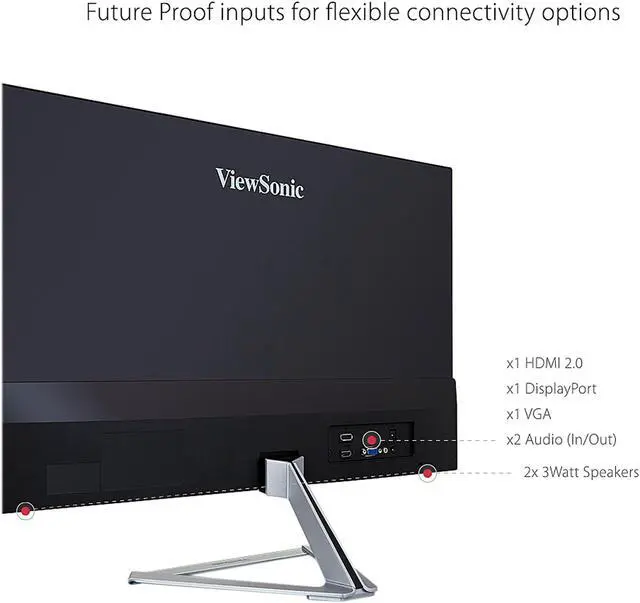
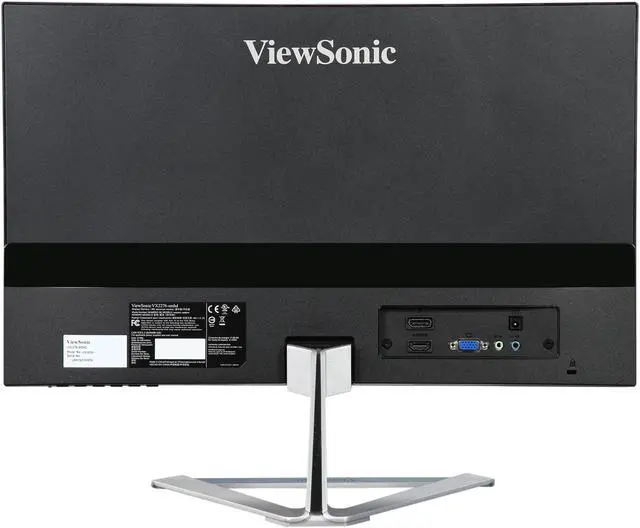
| Ports And Connectivity | One HDMI, one DisplayPort, and one VGA (D-Sub) input; no DVI, Thunderbolt, or USB ports |
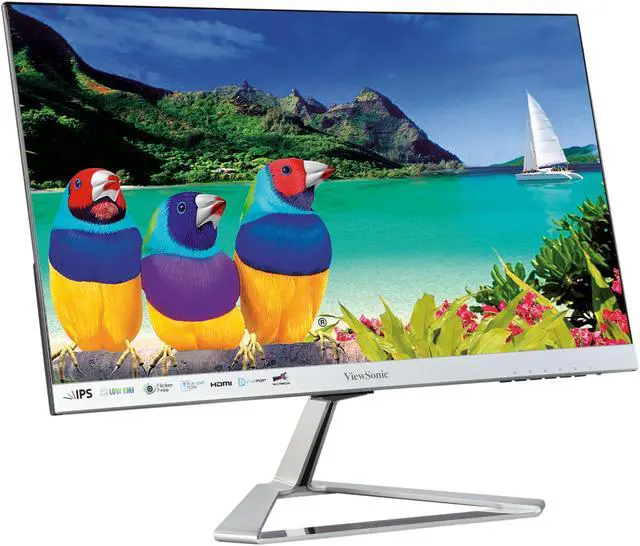
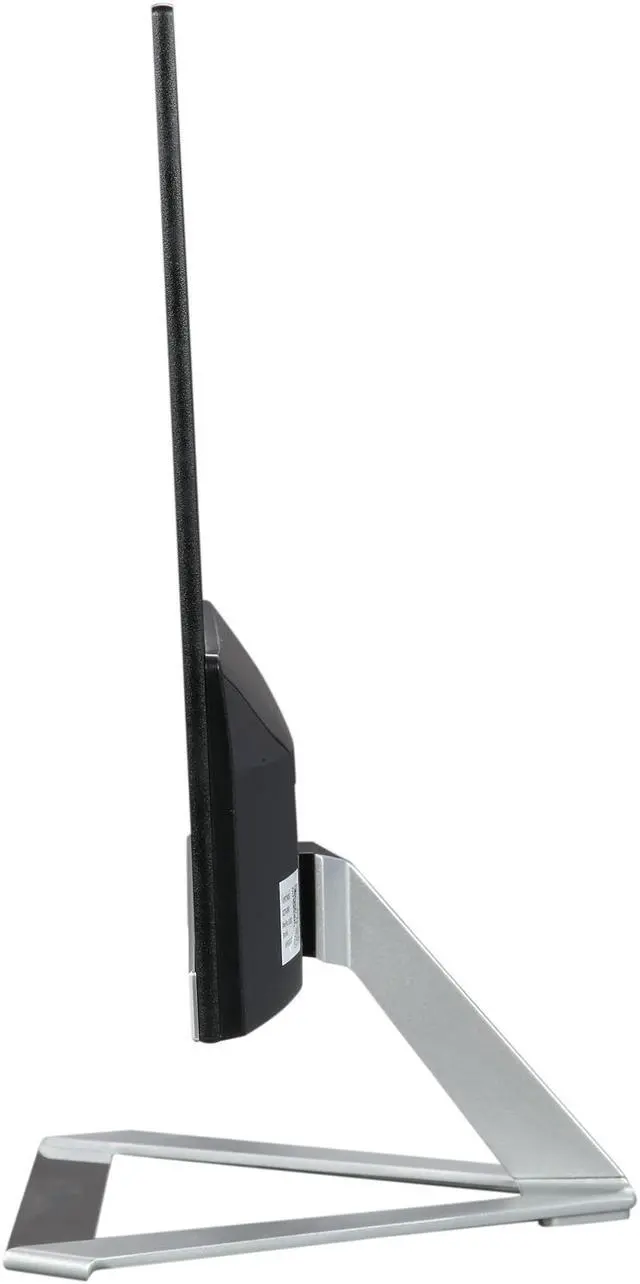
| Stand And Ergonomics | Tilt adjustment from -5° to 15°; desk-mounted and not VESA-mount compatible |
| Audio | Two built-in 3 W speakers |
| Design And Features | Black cabinet with a slim, frameless design, anti-glare screen, 3H surface hardness, and SuperClear IPS image enhancement |
| Dimensions And Weight | 19.60 × 15.46 × 8.23 inches with stand; 19.60 × 11.87 × 1.31 inches without stand; 5.40 lb with stand and 4.40 lb without stand |
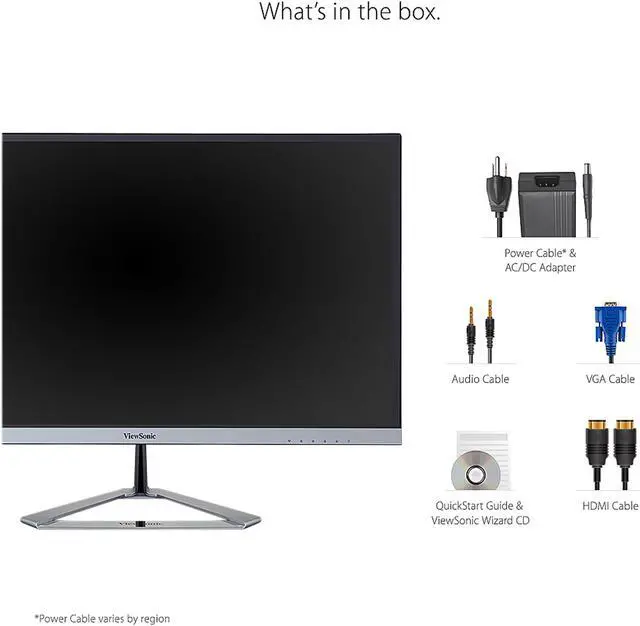
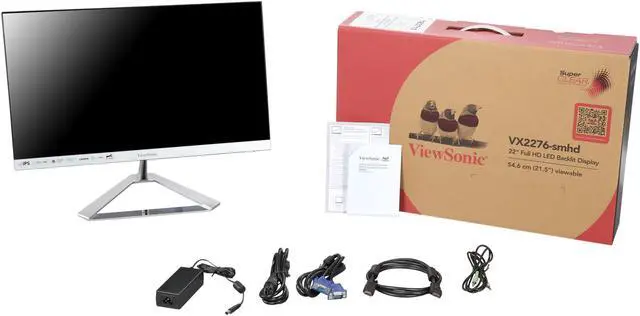
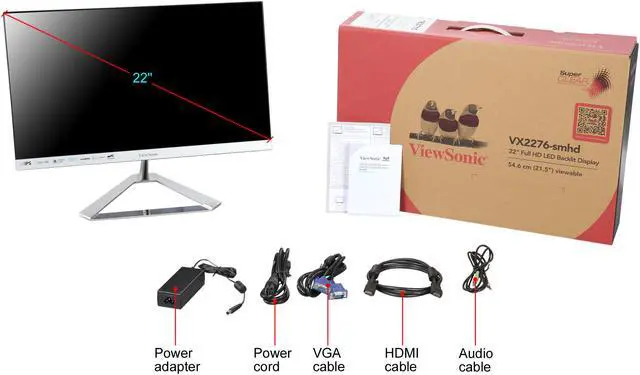
| Included Accessories | Power cable, AC/DC adapter, audio cable, VGA cable, HDMI cable, Quick Start Guide, and ViewSonic Wizard CD |
| Model Identifiers | ViewSonic VX2276-SMHD; model number VS16381 |
Q: ViewSonic VX2276-SMHD vs VA2256-MHD: which should I choose for a 22-inch desk monitor?
A: Choose the VX2276-SMHD if you prioritize its slim frameless design, built-in stereo speakers, and HDMI, DisplayPort, and VGA connectivity. The VA2256-MHD is a 22-inch Full HD IPS alternative positioned for productivity, with a 75Hz refresh rate and FreeSync. Both offer an IPS panel and Full HD resolution.
Q: ViewSonic VX2276-SMHD vs VG2248: which is better for an adjustable office setup?
A: The VX2276-SMHD suits a desk where slim, frameless styling and integrated speakers are priorities. The VG2248 keeps the same 22-inch Full HD IPS format and adds an ergonomic stand with height, swivel, pivot, and tilt adjustments, plus USB connectivity—useful when workspace positioning and device connections are priorities.
Q: ViewSonic VX2276-SMHD vs VX2476-SMHD-3: is the 24-inch model a worthwhile upgrade?
A: Choose the VX2276-SMHD for a more compact 21.5-inch-viewable Full HD IPS display. The VX2476-SMHD-3 is the larger-screen option, with a 23.8-inch viewable area and a 100Hz refresh rate; it suits buyers who want more screen area and smoother on-screen motion while keeping Full HD resolution and IPS technology.
Q: Is this monitor suitable for everyday office work and video meetings?
A: Yes. Its 22-inch, 1920 × 1080 IPS display is suited to everyday documents, browsing, and office tasks. It has built-in speakers but no webcam, so video meetings require a separate camera and a connected computer.
Q: Can I connect this monitor to a laptop or Mac?
A: Yes, if the computer has an HDMI, DisplayPort, or VGA video output. If it uses a different port, you may need a compatible adapter. The monitor supports resolutions up to 1920 × 1080.
Q: Can I mount this monitor on a VESA arm or wall mount?
A: No. The provided product information says this model is not VESA compatible. It includes a stand with tilt adjustment from -5° to 15°.
Q: Is this monitor suitable for gaming?
A: It can handle casual gaming, but its listed 60Hz refresh rate and 7 ms response time make it a less suitable choice for high-refresh-rate gaming. Choose it primarily for general-purpose use rather than competitive play.
Q: Are the built-in speakers enough for meetings and everyday audio?
A: The monitor has two built-in 3-watt speakers for basic audio. For louder or more substantial sound, use separate speakers or headphones; the monitor also has an audio output.
Q: Is the VX2276-SMHD suitable for casual gaming?
A: It can suit casual gaming: a YouTube review tests it with a PlayStation 4 and game footage. The supplied specifications list a 60Hz refresh rate and 7ms response time, so it is not the best fit if you want high-refresh-rate gaming.
Q: Can I use its built-in speakers with an HDMI-connected device?
A: The monitor has built-in speakers, and a Reddit user asked about getting audio from an HDMI-connected cable box. That discussion did not establish a universal fix; check the source device’s audio output and the monitor’s audio settings if sound is missing.
Q: Does the stand offer much positioning adjustment?
A: The stand tilts from −5° to 15° but does not provide height or swivel adjustment, according to the supplied specifications. A YouTube review also examines the stand and tilt, so choose another setup if you need broader ergonomic adjustment.