• In Stock
  • Sold by Newegg
Brands
Show More
Speed
Show More
Connectors
Show More
Interface
Wake On LAN
Sold by
All Top Brands
Availability
Useful Links
Customer Ratings
Sort By:
View:
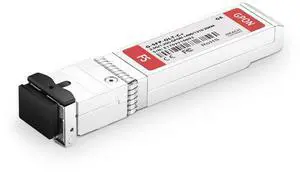
GPON OLT SFP, 1490TX/1310RX, Class C+, 20km, Generic, DFB
1.5W
2.5G/1.25G
SMF
Quick View
  •  
  • ¥52,715 –
  • Free Shipping
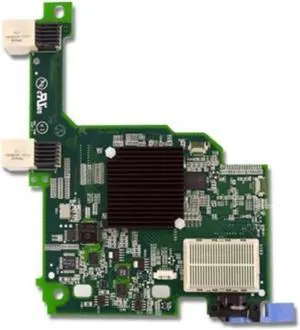
EMULEX VIRTUAL FABRIC ADAPTER  ADVANCED FOR IBM BLADECENTER
Quick View
  •  
  • ¥28,942 –
  • Free Shipping
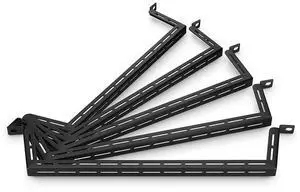
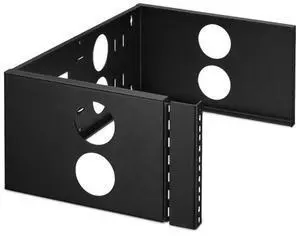
4U Hinged Wall Mount Rack Bracket, 500mm, SPCC
44.09lbs
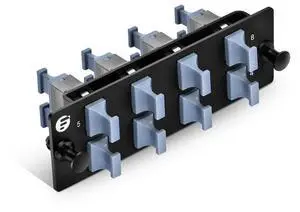
19'' Patch Panel
Quick View
  •  
  • ¥48,884 –
  • Free Shipping
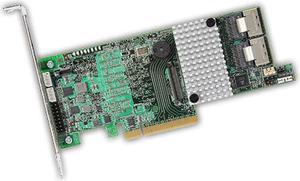
MegaRAID SAS 9266-8i Storage Controller LSI00295
Quick View
  •  
  • ¥18,811 –
  • Free Shipping
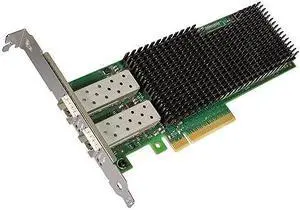
Xxv710-Da2 Pcie 25Gb 2-Port Sfp28
Quick View
Xxv710-Da2 Pcie 25Gb 2-Port Sfp28
  • Model #: walmart-meeto-661
  •  
  • ¥55,207 –
  • Free Shipping
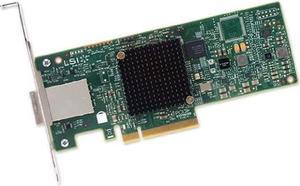
LSI Logic SAS 9300-8e SGL LSI00343
Quick View
  •  
  • ¥18,044 –
  • Free Shipping
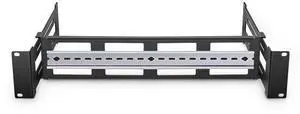
Adjustable DIN Rail Bracket for EIA 19" Mount, 2RU, Black, SPCC
Saves Space
Easy Installation
Quick View
  •  
  • ¥49,459 –
  • Free Shipping
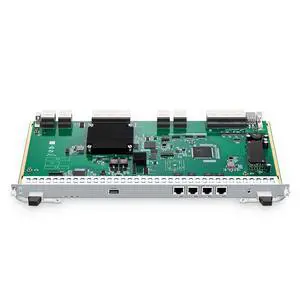
NXU, Network Management Cross Card for MS8100-CH5U Chassis, FCP MS
USB/RJ45/TF Card
Quick View
  •  
  • ¥602,763 –
  • Free Shipping
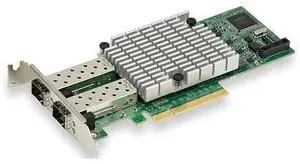
AOC-S25G-I2S Standard Low Profile 2-Port 25GbE SFP28 Network Adapter - XXV710 Chipset, PCI-E 3.0 X8
Quick View
  •  
  • ¥145,523 –
  • Free Shipping
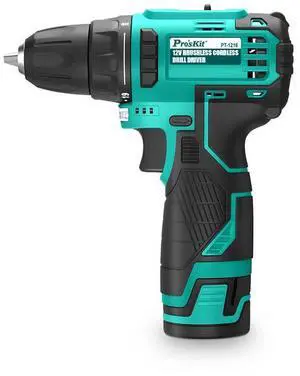
Pro's Kit 12V Brushless Cordless Drill Driver PT-1216A, Drilling & Screwdriving
19+1 Torque
Quick View
  •  
  • ¥62,484 –
  • Free Shipping
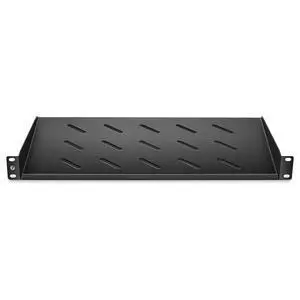
1U 19'' Vented Cantilever Fixed Shelf, 9"(250mm) Deep, SGCC
EIA 19" Racks/Cabinets
Quick View
  •  
  • ¥43,520 –
  • Free Shipping
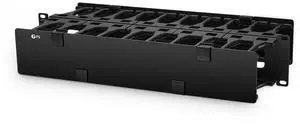
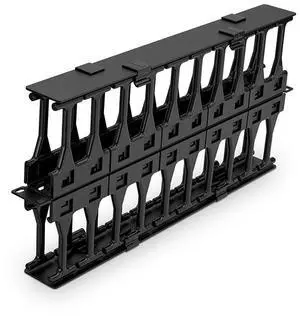
Horizontal Dual Sided Steel Manager, 2RU, Finger Duct, Steel
9.1" Depth
EIA 19" Rack/Cabinet
Quick View
  •  
  • ¥62,484 –
  • Free Shipping
PCI 2 PORT RS-422/485 Adapter Card
Quick View
  •  
  • ¥15,199 –
  • Free Shipping
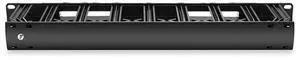
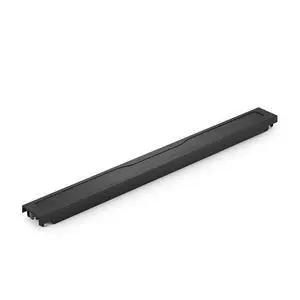
Horizontal Single Sided Cable
 Manager, 1RU, Finger Duct, ABS
6.4" Depth
EIA 19" Rack/Cabinet
Quick View
  •  
  • ¥45,052 –
  • Free Shipping
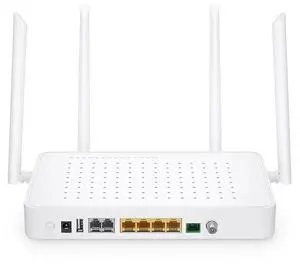
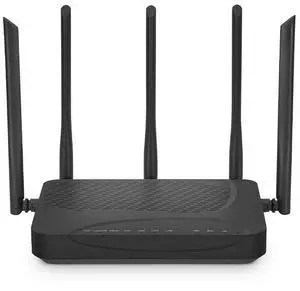
ONU1910-4G-W, XPON HGU ONU, with 1x PON, 4x GE, WiFi 4/5/6, WiFi 6
TR069
OMCI
AmpCon-PON
Quick View
  •  
  • ¥52,811 –
  • Free Shipping
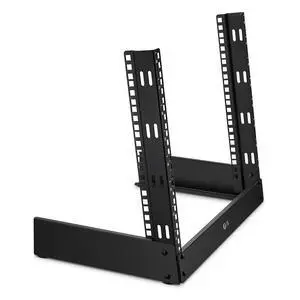
8U Free-Standing Desktop Rack, 503mm, SPCC
110.23lbs
19'' Equipment/Patch Panel/Shelf
Quick View
  •  
  • ¥56,738 –
  • Free Shipping
SP630, USB/Bluetooth Speakerphone, Daisy Chain
Meetings of up to 8 People
Quick View
  •  
  • ¥68,039 –
  • Free Shipping
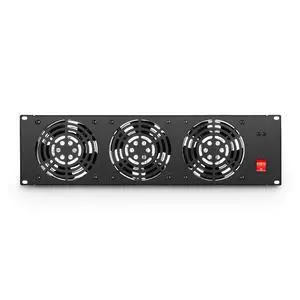
3U Fan Panel, 3 Fans, with Power Switch, 110V, 160 CFM
56.9dB(A)
Increase Ventilation
Quick View
  •  
  • ¥63,633 –
  • Free Shipping
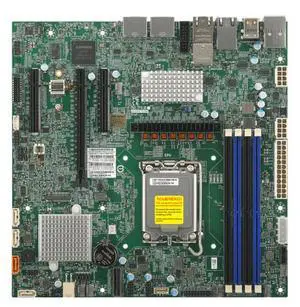
X14SAZ-TLN4F Motherboard - Embedded,uATX,ARL-S,UP, PCH W880,Quad LAN
Quick View
  • Network Interface Cards

Network Interface Cards and Adapters

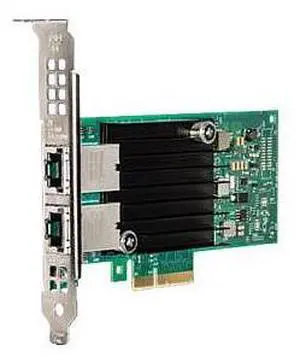
A network interface card (NIC) provides a physical connection to a network. It allows your computer to "talk" to the network and the network to communicate with your computer. Each computer that is attached to a network requires a network interface card or chip. They help computers communicate with servers and other computers on the network.

Usually, these fit into expansion slots of CPUs, unless they're pre-installed or integrated into the motherboard. Some are external and attach to computers through serial or parallel ports. NICs for laptops are usually external. An interface card takes data from a PC, converts it into data "frames" that are broadcast onto the network, and sends it to another interface card. That card receives the frames, converts them into data, and sends it to that PC.

What to Look for in Network Interface Cards

When you are looking to build a LAN or upgrade or replace it, the NIC should be one of the first things you consider. You need to think about compatibility with operating systems, ease of installation, and price, especially for large company installations where you'll need many cards. NIC cards are usually Ethernet adapters. Others support other protocols such as ATM.

One other consideration before purchasing network interface cards is the speed that they support. For example, you may want an interface card that supports 10 Mbps traditional, or fast Ethernet, and on up to 10/20Gbps! You should also know the type of ports you are connecting them to and the standards your systems support. PCI, PCI-x and PCI-e or USB are all common iterfaces, and whether or not they'll work on your system depends on what sort of Network Interface Card your system supports.