


 All CategoriesAll CategoriesAll Categories

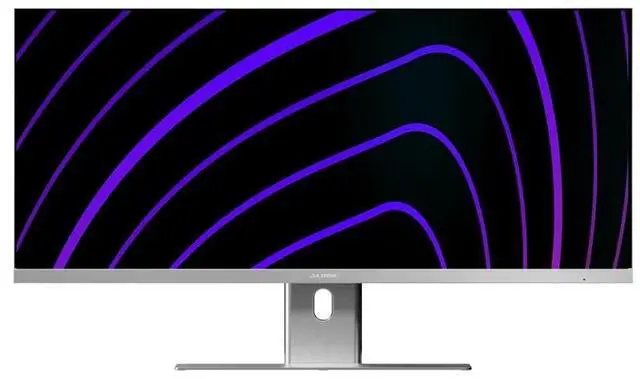
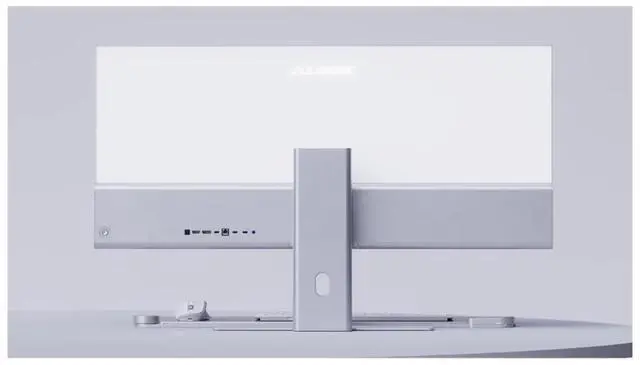
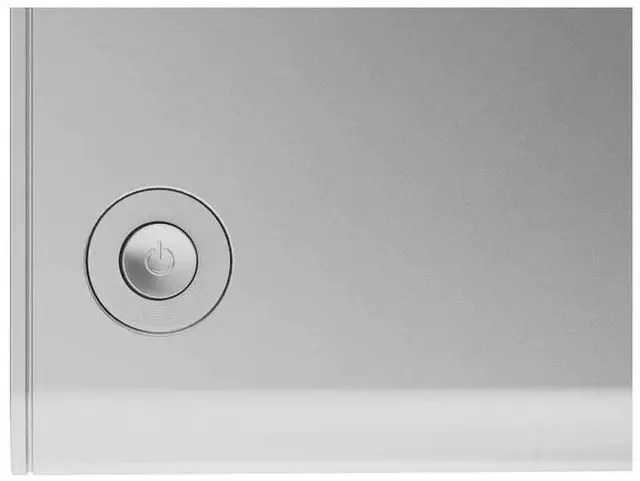
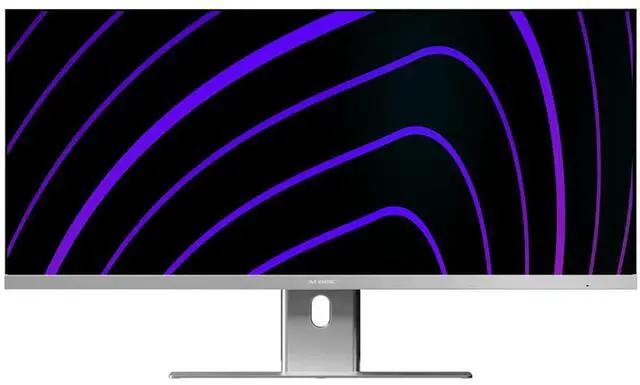
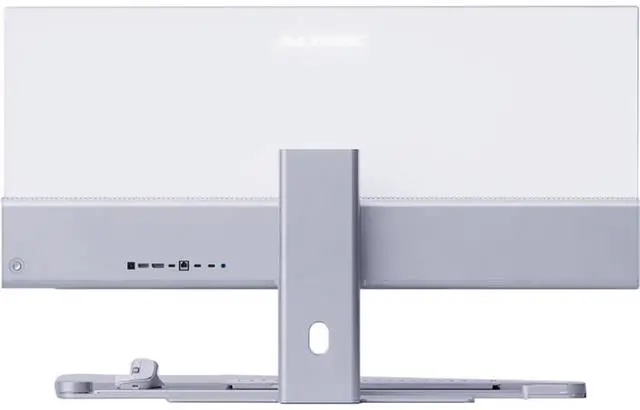
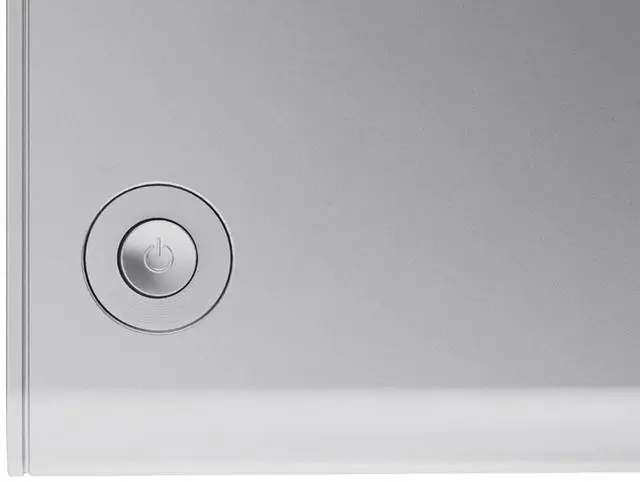
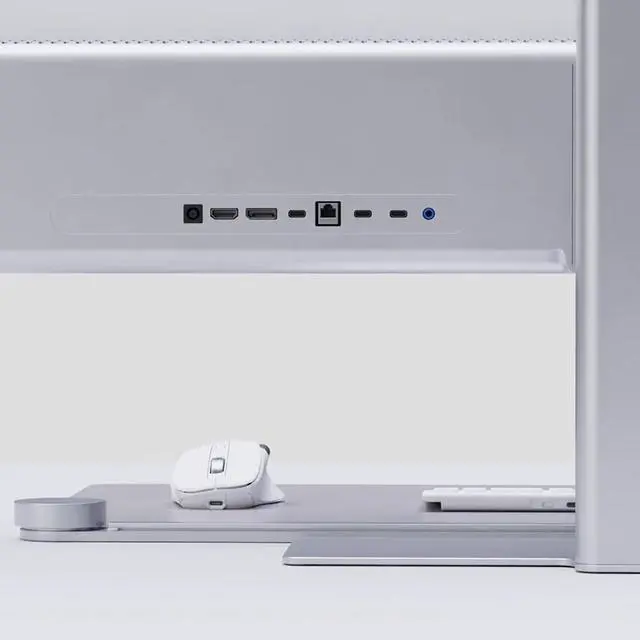
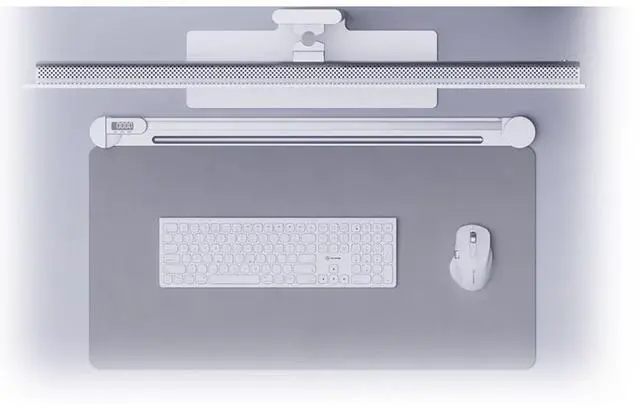


| Model: | 40C2KPD |
| Display Format: | UWQHD |
| Display Technology: | IPS |
| Flat / Curved: | Flat |
| Max Resolution: | 3440 x 1440 |
| Display Diagonal Size: | 40 Inch |
| Display / Response Time: | 14 Ms |
| Display / Refresh Rate: | 100 Hz |
| Image Contrast Ratio: | 1200:1 |
| Brightness: | 400 nits |
| Viewing Angle: | 178/178 |
| Image Aspect Ratio: | 21:9 |
| Screen Type: | Matte; Anti-glare |
| Picture Enhancements: | None |
| Network Connectivity: | None |
| Audio Output: | Yes |
| Speakers: | 2 x 3W |
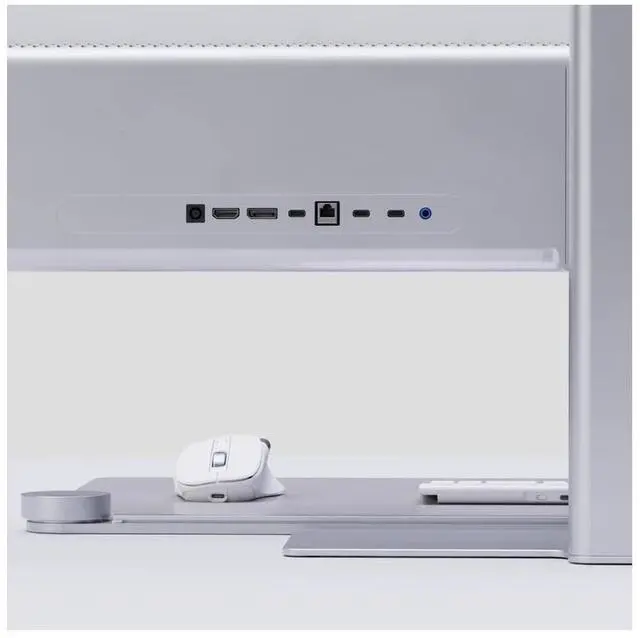
| Interfaces: | 1x USB-C (Connection for Video (DP Alt Mode required), 90W Laptop Charging and Data) 1x HDMI 2.0, 1x DisplayPort 1.4, 2x (USB 2.0, 5W Charging, For Accessories), 1x Ethernet, 1x 3.5mm Audio, 1x Kensington Security Slot |
| Video Interfaces: | DisplayPort; HDMI |
| HDMI Ports Qty: | 1 |
| DisplayPort Qty: | 1 |
| Power / Voltage Required: | AC 100-240V~, 50/60Hz |
| Color: | Silver |
| VESA Mount Compatible: | 100 mm |
| Width: | 941 Mm |
| Depth: | 419 Mm |
| Height: | 41 Mm |
| Weight: | 7.4 Kg |
| Service & Support Type: | 2 Years Warranty |
| Features: | Spectacular. Ultrawide. Laptop Charging. Edge is the perfect centrepiece for your workspace at home or in the office - With apps snapped to the left and right, Edge delivers all the benefits of a dual monitor setup without the hassle of juggling windows |
| Brightness: | 400 nits |
| Display Diagonal Size: | 40 Inch |
| Flat / Curved: | Flat |
| Image Aspect Ratio: | 21:9 |
| Picture Enhancements: | None |
| Screen Type: | Matte; Anti-glare |
| Power / Voltage Required: | AC 100-240V~, 50/60Hz |
Warranty Notice:
This product does not include manufacturer warranty when purchased or used outside of its designated sales region. By purchasing internationally, you acknowledge that warranty support from the manufacturer will not be available.The Alogic Edge 40C2KPD is a 40-inch ultrawide WQHD monitor with a 3440 × 1440 resolution and 21:9 aspect ratio, suited to professionals and home-office users who want room for multiple apps on one screen.
| Attribute | Value |
|---|---|
| Best For | Large-format ultrawide desktop use, including multitasking across side-by-side windows |
| Panel And Resolution | 40-inch LCD with a matte finish, 3440 × 1440 UWQHD resolution, 21:9 aspect ratio, 400-nit brightness, 1,200:1 contrast ratio, and 178° horizontal and vertical viewing angles |
| Refresh Rate And Response | 100 Hz refresh rate, 14 ms response time, and FreeSync adaptive sync |
| Ports And Connectivity | USB-C with DisplayPort Alt Mode for video, up to 90 W laptop charging, and data; HDMI 2.0; DisplayPort 1.4; two USB 2.0 accessory ports with 5 W charging; Ethernet; and 3.5 mm audio |
| Stand And Ergonomics | Swivel adjustment and 100 × 100 mm VESA mounting compatibility |
| Audio | Built-in speakers and a 3.5 mm audio connection |
| Included Components | Monitor, stand, HDMI cable, DisplayPort cable, and power cable |
| Color | Silver |
| Physical Specifications | 36.4 lb item weight; 37 inches wide, 27 inches high, and 9.6 inches deep |
| Model Identifiers | Alogic Edge 40C2KPD |
Q: ALOGIC Edge 40-inch QHD vs. Edge 40-inch 5K: which should I choose?
A: Choose the Edge 40-inch QHD (40C2KPD) for a 40-inch, 3440 × 1440 ultrawide at 100Hz. Choose the Edge 40-inch 5K (40C5KPD) when finer detail and more desktop workspace are priorities: it keeps the 40-inch size and 100Hz refresh rate while increasing resolution to 5120 × 2160 and pixel density to 139 PPI.
Q: Should I get the ALOGIC Edge 40-inch QHD or the 34-inch Edge QHD?
A: Choose the 40-inch Edge if you want a larger physical workspace for arranging windows side by side; both models have 3440 × 1440 resolution and a 100Hz refresh rate. Choose the 34-inch Edge if you prefer a more compact screen with higher pixel density: ALOGIC lists 110 PPI for the 34-inch model and 94 PPI for the 40-inch model.
Q: Is the ALOGIC Edge 40-inch QHD a worthwhile upgrade from the 34-inch Edge?
A: It is a size-focused upgrade: the Edge 40-inch gives you a larger viewing area while keeping the 34-inch model’s 3440 × 1440 resolution, 100Hz refresh rate, ultrawide format and USB-C docking with up to 90W laptop charging. The 34-inch model has higher pixel density, so choose between more physical screen area and a more compact, denser display.
Q: Is this monitor suitable for office work and multitasking?
A: Yes. Its 40-inch, 21:9 screen and 3440 × 1440 resolution provide room for multiple windows side by side, making it suited to office tasks such as working with documents, spreadsheets, and meetings. It is a desktop monitor, not a portable work device.
Q: Can I connect and charge a laptop with one USB-C cable?
A: Yes, if the laptop’s USB-C port supports DisplayPort Alt Mode and USB Power Delivery. The monitor’s USB-C connection supports video and up to 90W laptop charging; whether 90W is enough depends on the laptop. It also has HDMI and DisplayPort connections.
Q: Can this monitor be mounted on a monitor arm?
A: Yes. It supports a 100 × 100 mm VESA mount. Check that the arm supports the monitor’s weight and size before installing it.
Q: Is it a good choice for gaming?
A: It can suit casual gaming: the monitor has a 100Hz refresh rate and a 3440 × 1440 ultrawide resolution. Its listed response time is 14 ms, so buyers focused on fast competitive gaming should review that trade-off and confirm whether the monitor supports the gaming features they need.
Q: Is the Alogic Edge 40-inch monitor worth buying for Mac work?
A: It may suit Mac work if you want a wide workspace and USB-C video, data, and up to 90W laptop charging. This 40C2KPD model is 3440 × 1440, not 5K2K. Reddit discussions describe a different 5K2K Edge variant, so they do not establish how this exact model performs or whether it is worth its price.
Q: Is the Alogic Edge sharp enough for Mac text and scaling?
A: If your priority is the pixel density of a true 5K display, this model’s 3440 × 1440 resolution is a different, lower-resolution format; it should not be treated as a 5K monitor. The Reddit discussion raises text clarity and macOS scaling concerns, but it concerns an Edge 5K2K variant, so it does not directly review this 40C2KPD.
Q: Is this a good alternative to an Apple Studio Display?
A: They are different kinds of displays: the 40C2KPD is a 40-inch, 21:9 ultrawide with 3440 × 1440 resolution and USB-C laptop charging. Consider it if a wide workspace and built-in connectivity are priorities; do not choose it expecting the same display format or resolution as a 5K-class screen. Reddit users raised this comparison while discussing a different 5K2K Edge variant.

