- Free 30-day Returns
- ¥35,558 Shipping
¥306,849
Consumption Sales Tax-Inclusive Price
Add to PC build list
Ships from United States.
Sold by Newegg
Shipped by Newegg
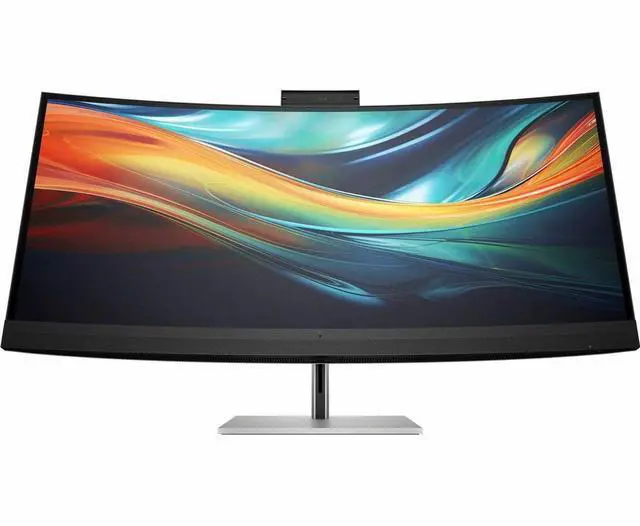
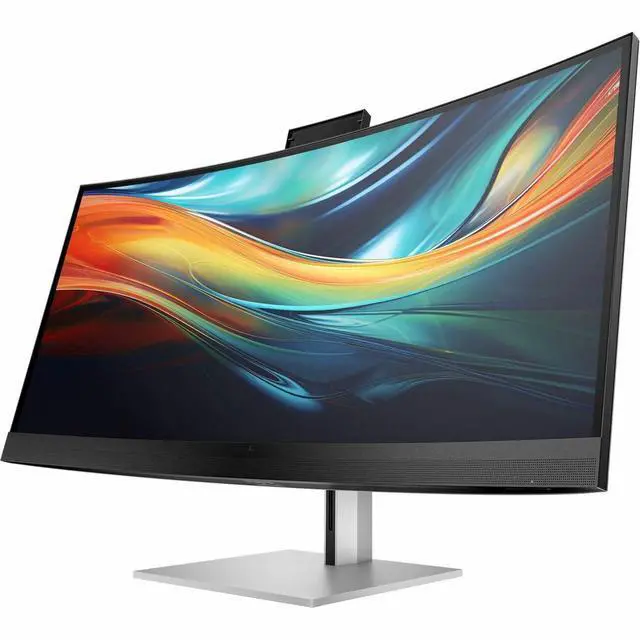
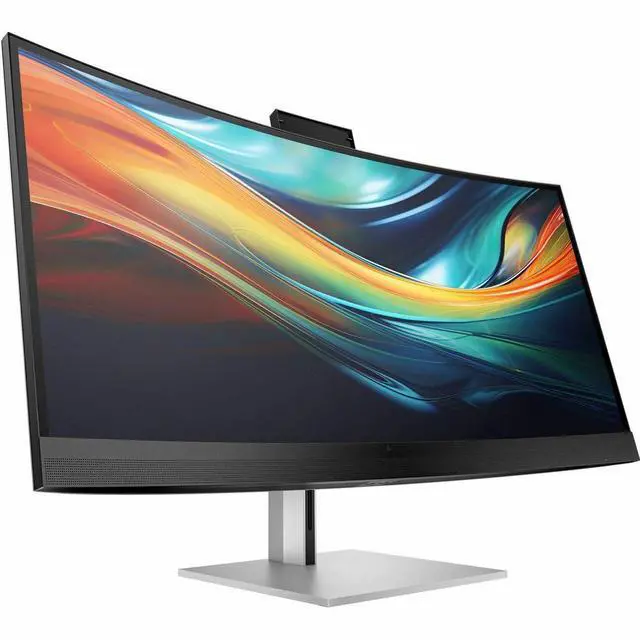
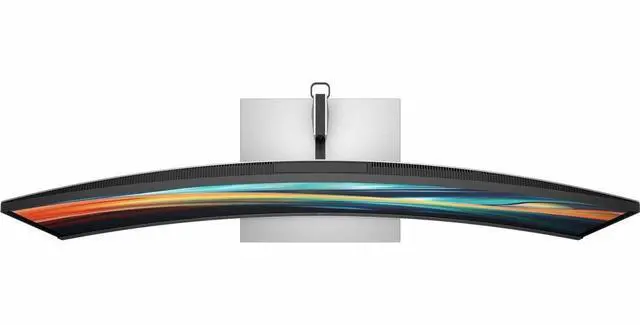
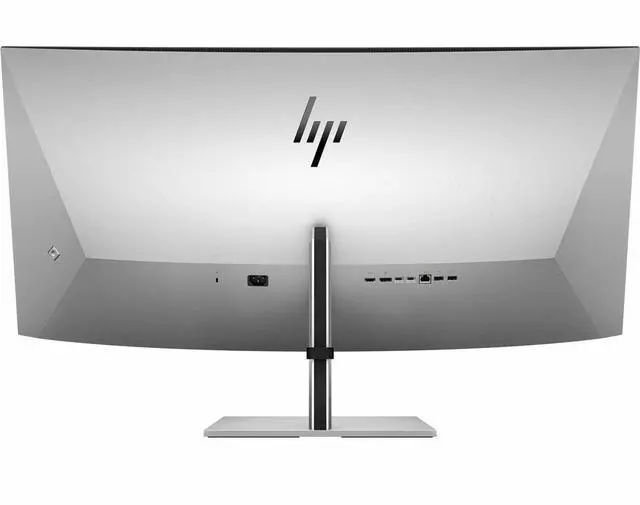
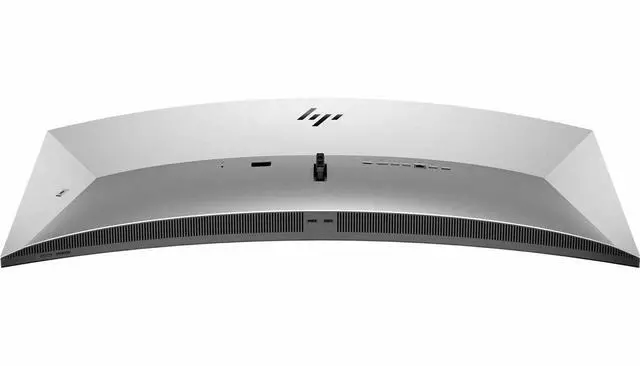
HP Series 7 Pro 39.7 inch 5K2K Conferencing Monitor-740pm - 39.7" WUHD (5120 x 2160) - 8Y2R2AA#ABA
- 39.7"
- IPS UHD
- 60Hz
- 1000:1
- Series 7 Pro 39.7 inch 5K2K Conferencing Monitor-740pm
- Thunderbolt Cable
- DisplayPort Cable
- HDMI Cable
- Warranty Card
- Quick Setup Poster
- AC Power Cord
- Color Calibration Report
- VESA Mount Adapter
+
+
Overview
Specs
Reviews
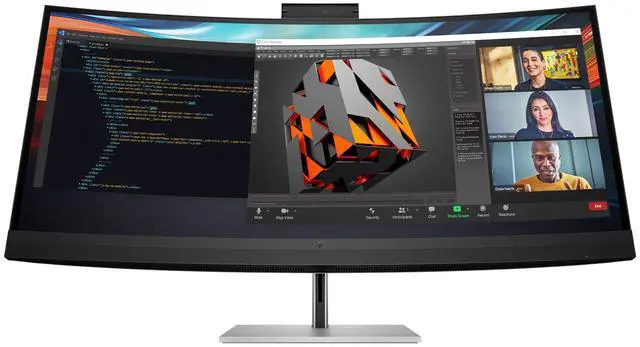
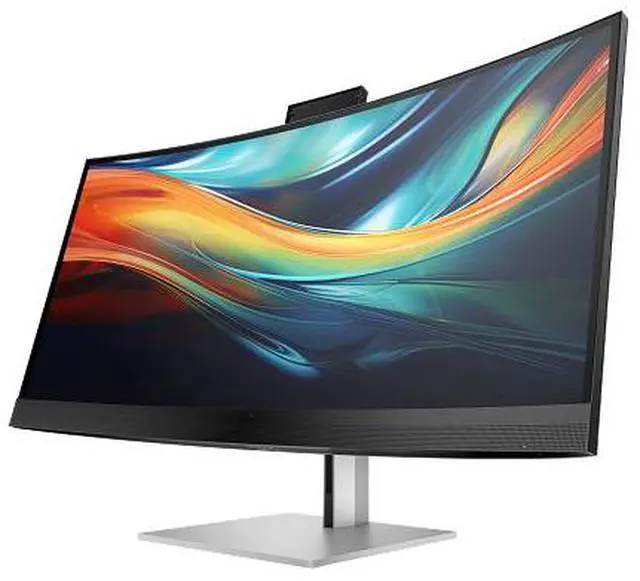
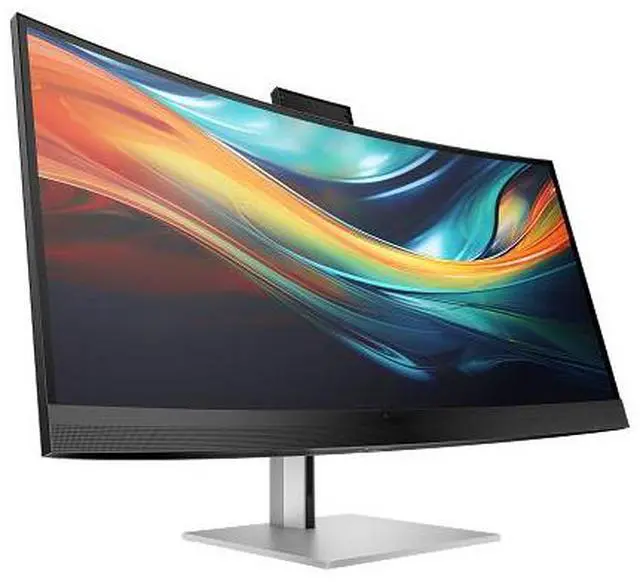
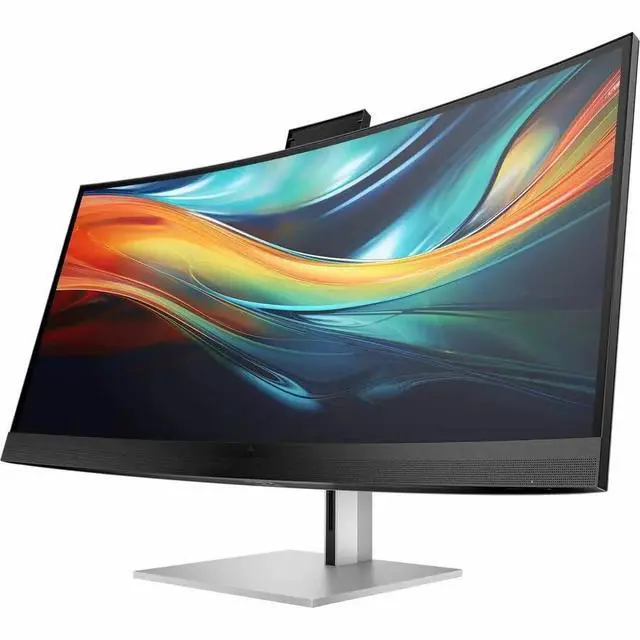
OverviewSee and do more by immersing yourself in the brilliant, expansive views of the HP Series 7 Pro 39.7" 5K2K Conferencing Monitor. Experience extraordinary, true-to-life color and see all of your projects at once, in stunning detail, on an ultrawide curved display with 5K2K resolution. Look and sound like you do in real life on conference calls with an integrated 4K webcam, noise cancelling mics and high fidelity speakers. Docking monitorWhat's in the box? Monitor; Thunderbolt cable; DisplayPort cable; HDMI cable; Warranty card; Quick Setup Poster; AC power cord; Color calibration report; VESA mount adapterDisclaimers All performance specifications represent the typical specifications provided by HP's component manufacturers; actual performance may vary either higher or lower.
Number of colors available through A-FRC technology. HP Device Bridge 2.0 works with two computers and is compatible with Windows 10 and higher and MacOS M1 platforms. DeviceBridge functionality requires installation of the DeviceBridge app, available for download from the HP support website. Recycled plastic is expressed as a percentage of the total weight plastic. Post-consumer recycled is based on the definition set in the EPEAT criteria. HP paper and fiber based packaging for PCs, displays, home and office print, and supplies is reported by suppliers as recycled or certified, with a minimum of 97% by volume verified by HP.
Packaging is the box that comes with the product and all paper-based materials inside the box. Packaging for personal systems accessories and spare parts is not included. EPEAT registered where applicable, tier levels may vary by country. See www. epeat. net for registration status and tier levels by country. Based on internal testing of HP Series 7 Pro and HP Series 5 Pro monitors with USB Type-C® or HDMI connections to devices on macOS and Windows, March 2024 and September 2024. Requires USB Type-C® or HDMI connectivity. Some features may not be supported.
Warranty & Returns
Warranty, Returns, And Additional Information
Return Policies*
- Return for refund within: 30 days
- Returns are subject to restocking fees and return shipping fees. Please click here to learn more about restocking fees and return shipping fees.
- This item is covered by Newegg.com's International Order Return Policy.
- Read full return policy for details.
- *Subject to applicable law
Warranty Notice:
This product does not include manufacturer warranty when purchased or used outside of its designated sales region. By purchasing internationally, you acknowledge that warranty support from the manufacturer will not be available.
Manufacturer Contact Info
- Manufacturer Website
- Support Phone: 1-800-474-6836
- Support Website
- View other products from HP
LOADING...
LOADING...
The HP Series 7 Pro 740pm is a 39.7-inch ultrawide conferencing monitor with 5120 × 2160 resolution, an IPS panel, and 98% Display P3 coverage, suited to professionals who want a large, detailed workspace for multitasking and color-conscious work.
Recommended For
- People who routinely work across several large windows—such as spreadsheets, documents, research tabs, and video timelines—and want one wide, high-resolution desktop instead of frequently switching between apps.
- Hybrid workers who spend much of the day in video meetings and want an integrated webcam, microphones, speakers, and a pop-up camera privacy cover rather than a separate conferencing setup.
- Professionals who switch between two computers at one desk and want to share the display, keyboard, and mouse through HP Device Bridge 2.0 and the monitor’s Thunderbolt connections.
- Visual-content and design teams who value a factory-calibrated, wide-gamut screen for reviewing color-sensitive work and detailed visual data, especially in a fixed desktop workspace.
Real-World Use Scenarios
- When working across documents, spreadsheets, and browser research, users can arrange several windows side by side and spend less time switching between apps or scrolling through wide files.
- For a laptop-based home or office setup, users can connect over Thunderbolt and use the monitor’s camera, microphones, speakers, and USB ports to reduce the number of separate desk devices; users who need stronger audio can still use external speakers or a headset.
- During video calls, users can keep meeting software and shared documents visible together while using the built-in webcam and noise-canceling microphones, without setting up a separate camera and mic.
- When editing video or reviewing large visual projects, users can keep a wider timeline or working file visible alongside other app windows, with factory-calibrated color intended to support color-aware work.
- For users alternating between a work computer and a personal computer, HP Device Bridge can show both devices side by side or switch to one full-screen view, and lets users share files or data using one keyboard and mouse.
Spec Summary
| Attribute | Value |
|---|---|
| Best For | Desktop conferencing and wide-format productivity, with an integrated webcam and curved 5K2K display |
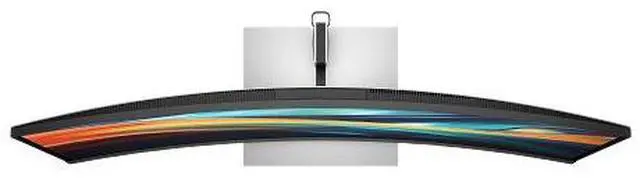
| Panel And Resolution | 39.7-inch curved IPS LED display with a 5120 × 2160 5K2K UHD resolution, 21:9 aspect ratio, 300 cd/m² brightness, 1000:1 contrast, 178° horizontal and vertical viewing angles, and 98% Display P3 / 100% sRGB color coverage |
| Refresh Rate And Response | 60Hz refresh rate, 5ms response time, and G-Sync Compatible adaptive sync |
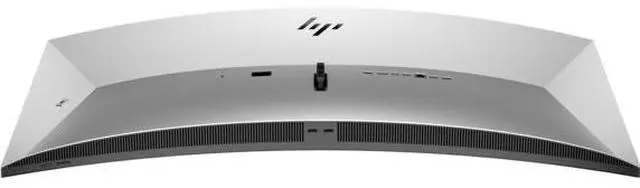
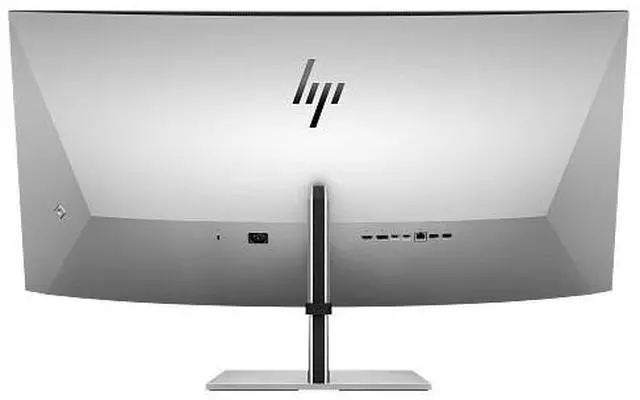
| Ports And Connectivity | 2 Thunderbolt ports, 1 HDMI port, 4 USB ports, DisplayPort, and Ethernet connectivity |
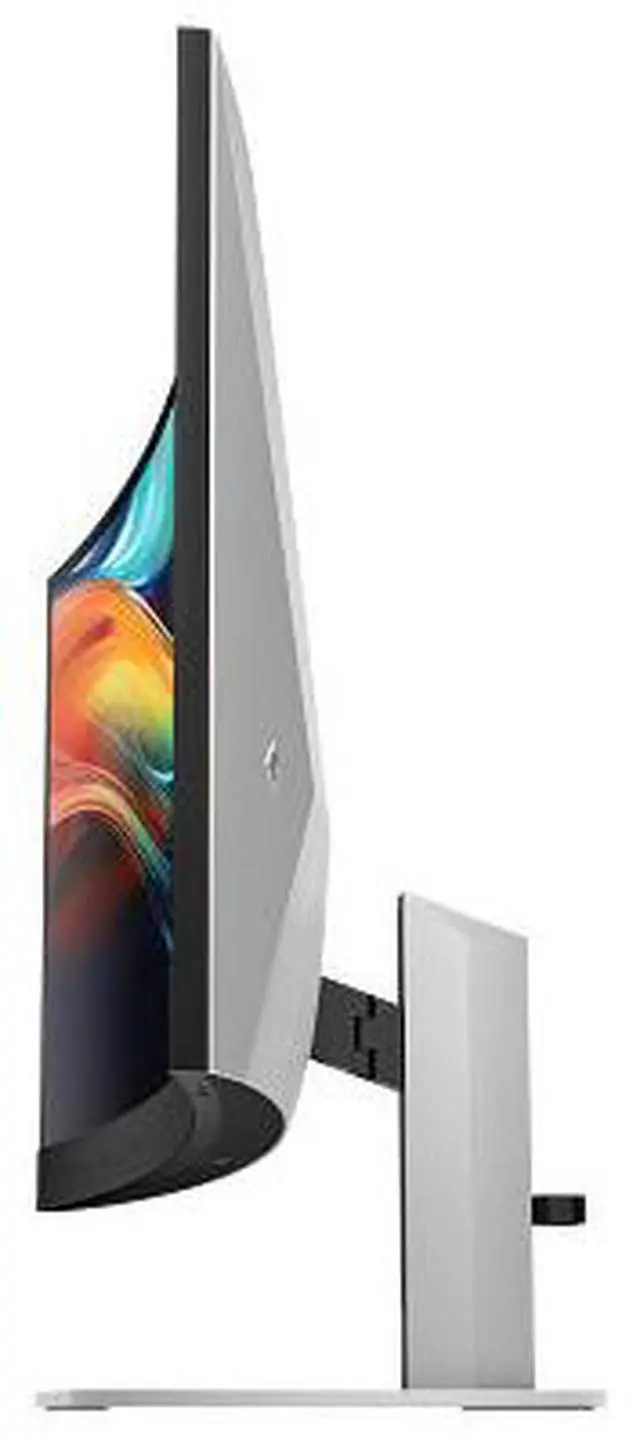
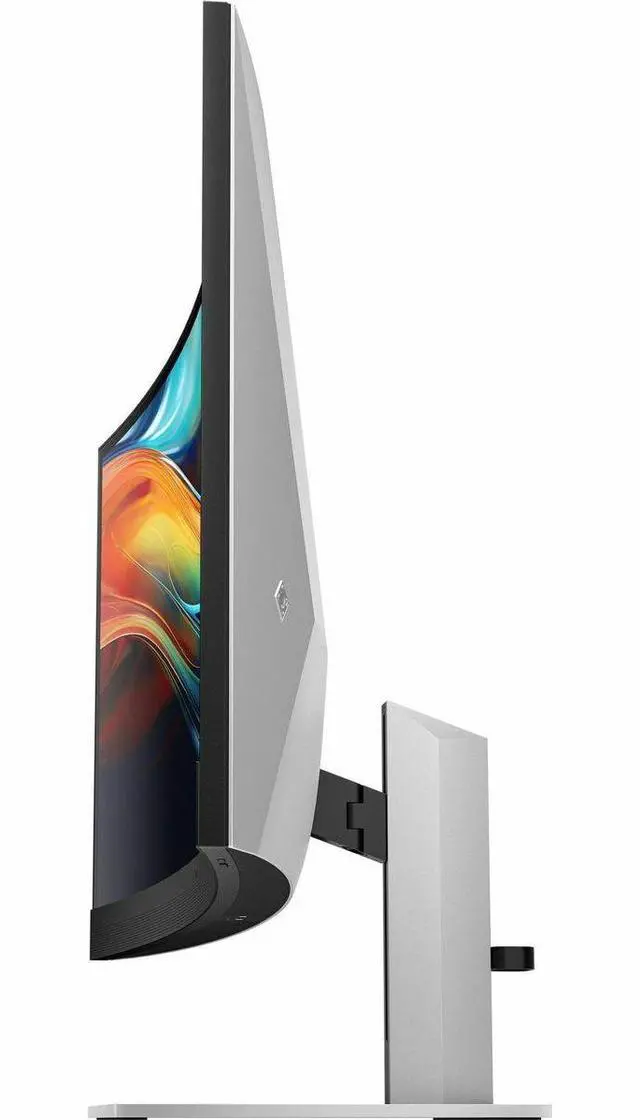
| Stand And Ergonomics | Height, swivel, and tilt adjustment; 100 × 100mm VESA mounting compatibility and removable stand |
| Webcam And Audio | Built-in webcam |
| Power | 72W power consumption |
| Dimensions And Weight | 37.3 × 17.6 × 5.6 inches; 31.3 lb |
| Model Identifiers | HP Series 7 Pro 740pm; model/part number 8Y2R2AA#ABA |
Reference Q&A
Q: HP 740pm vs 734pm: which is better for a large, detailed workspace?
A: Choose the HP Series 7 Pro 740pm for its 39.7-inch 5120 × 2160 display, which provides more screen area and resolution for viewing multiple windows or detailed work. The 34-inch 734pm has a 3440 × 1440 display and a maximum 120Hz refresh rate, making it the better fit if higher refresh is a priority.
Q: HP 740pm vs 738pu: which HP ultrawide has the higher resolution?
A: The HP 740pm has the higher-resolution display: 5120 × 2160 compared with 3840 × 1600 on the 37.5-inch 738pu. Choose the 740pm for a 5K2K screen and integrated conferencing tools; choose the 738pu for a WQHD+ ultrawide with Thunderbolt 4 connectivity and docking features.
Q: HP 740pm vs 727pm: should I choose the 39.7-inch ultrawide or the 27-inch 4K monitor?
A: Choose the HP 740pm for a larger 21:9 workspace with 5120 × 2160 resolution, an integrated 4K webcam, microphones, and speakers. The HP 727pm pairs a 27-inch 16:9 4K screen with a 5MP HDR webcam, making it the more compact conferencing-monitor option.
Q: Is this monitor suitable for office work and video meetings?
A: Yes. Its 39.7-inch 5120 × 2160 screen provides room for multiple work windows, and it has an integrated 4K webcam, microphones, and speakers for video calls. It is best suited to a fixed desk with enough space for its 37.3-inch width.
Q: Can I connect a laptop with one cable?
A: The monitor has two Thunderbolt 3 USB-C ports that support video, data, and up to 100 W power delivery per port. A compatible laptop can use one Thunderbolt cable for display and connectivity; confirm that the laptop supports Thunderbolt or USB-C video output and that the available charging power meets its needs. The monitor itself also requires AC power.
Q: Will it work with a Mac?
A: Yes. HP states that the monitor works with Mac and PC devices. For a Mac laptop, check that its ports and graphics support the monitor’s 5120 × 2160 resolution at 60 Hz; HP Device Bridge 2.0 compatibility is specifically noted for macOS M1 platforms.
Q: How much desk space does it need?
A: Plan for a wide, sturdy desk: the monitor is 37.3 inches wide and weighs 31.3 pounds. Check the available space and stand clearance before buying; it supports a 100 × 100 mm VESA mount if you prefer a compatible monitor arm.
Q: Is the HP 740pm a good fit for programming and office work?
A: It may suit desk-based work that benefits from a large 5K2K workspace: Reddit users considered it for programming, multitasking, and document work. Its 39.7-inch IPS screen is 5120 × 2160 at 60Hz, so it is better matched to productivity priorities than to users seeking a high-refresh display.
Q: Can the built-in webcam and speakers replace separate meeting gear?
A: Reddit owner comments suggest not to assume they will: reports describe the webcam as passable or unimpressive and the speakers as too quiet for some users, who preferred a separate soundbar. If camera or audio quality is important, plan to check them in your setup or keep external devices as an option.
Q: What is the main trade-off versus a high-refresh monitor?
A: The 740pm is a 60Hz monitor. In a Reddit comparison of 40-inch 5K2K options, the HP was weighed against a 180Hz alternative, with refresh rate a key difference. Choose the HP when its large 5K2K workspace and work-focused use fit your needs; consider a higher-refresh model if smoother motion or gaming is a priority.