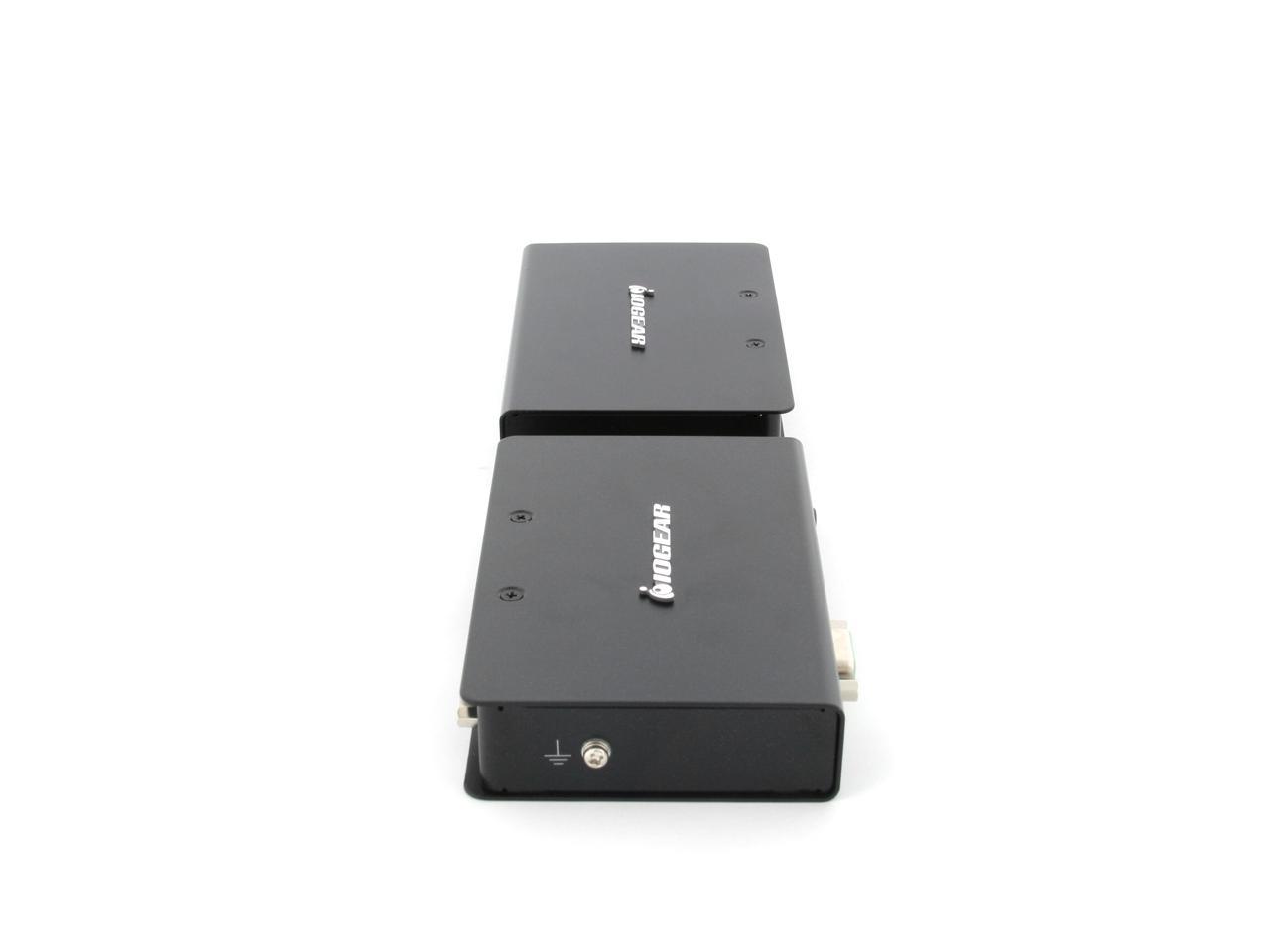
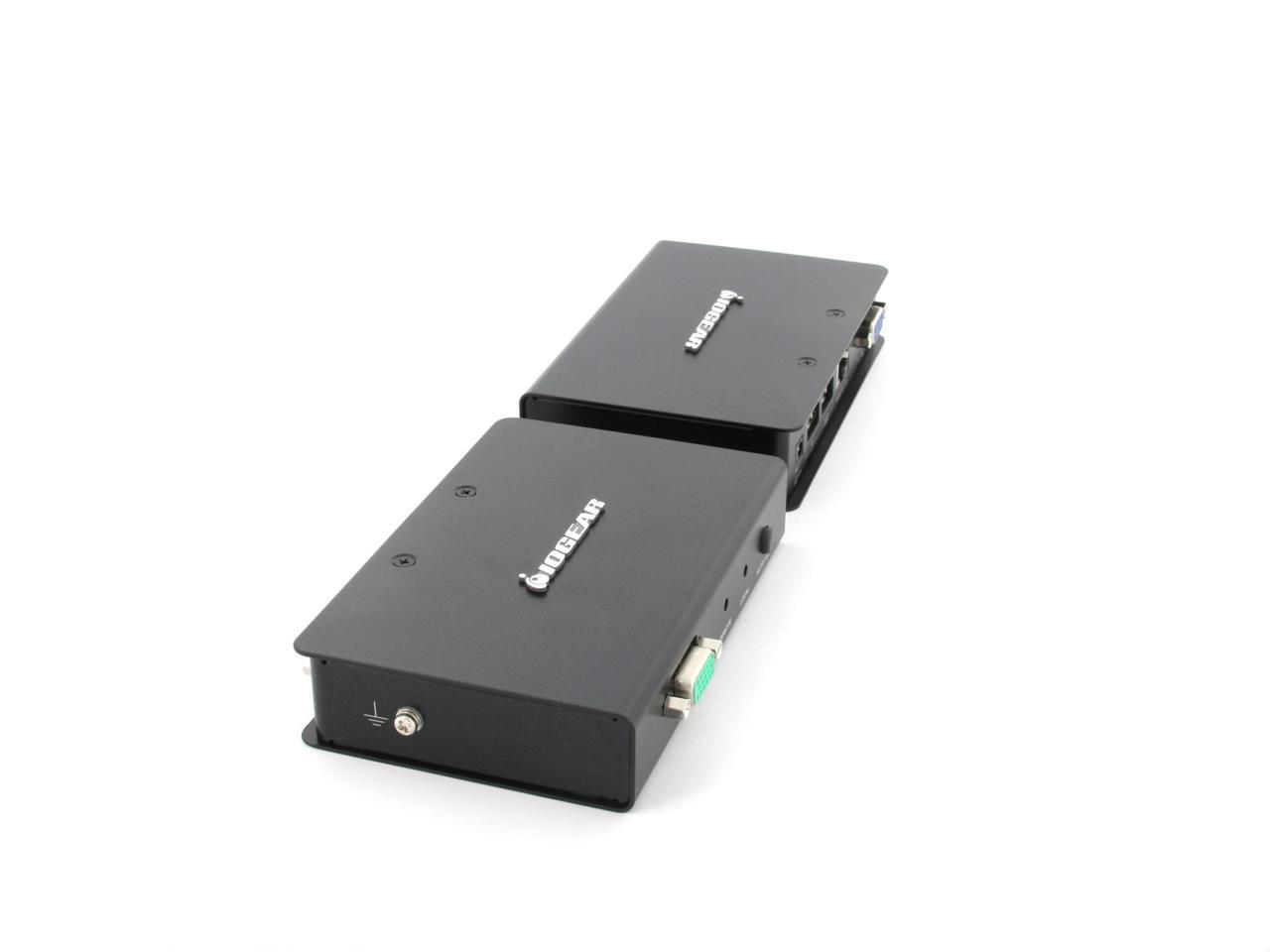
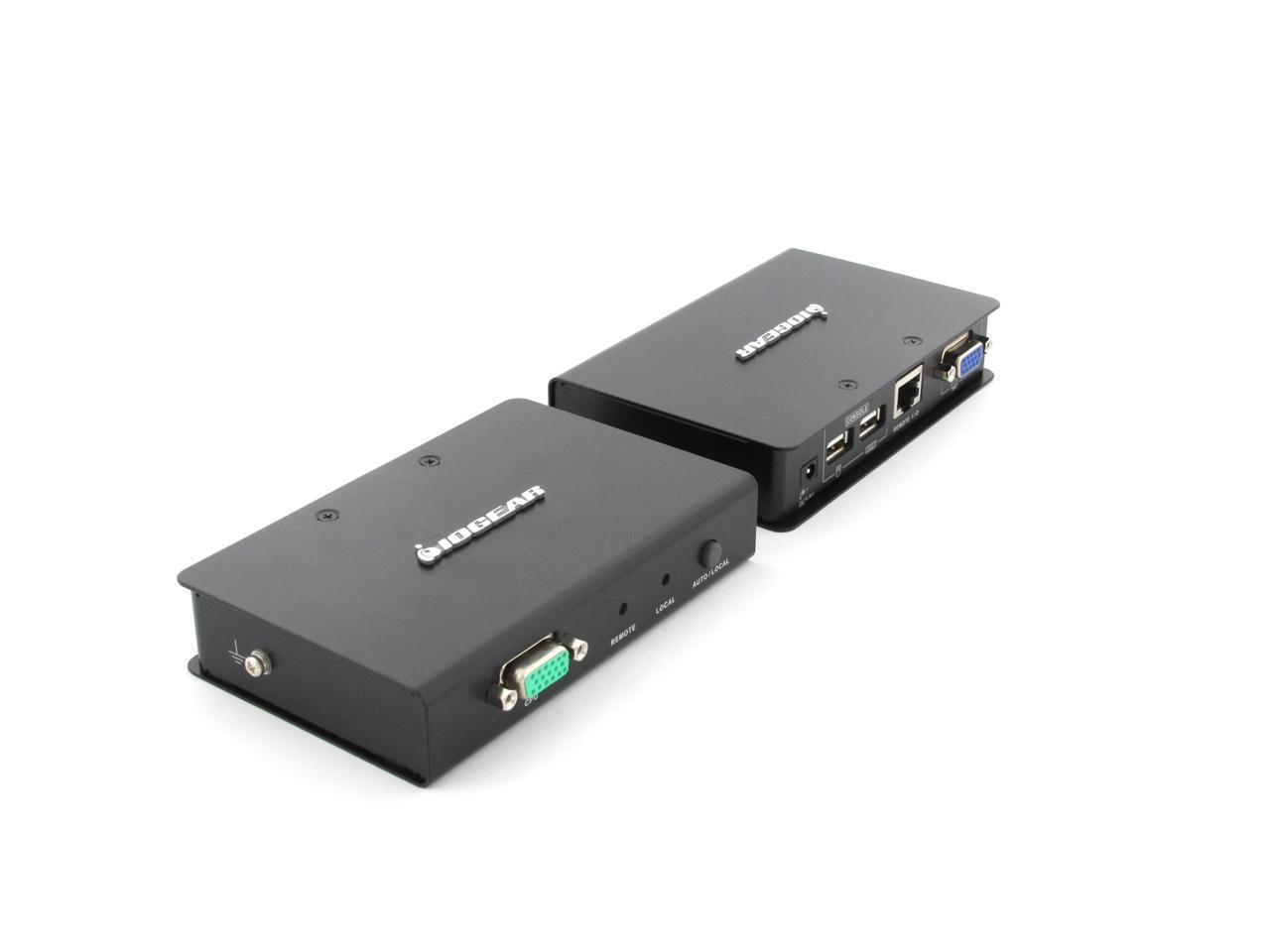
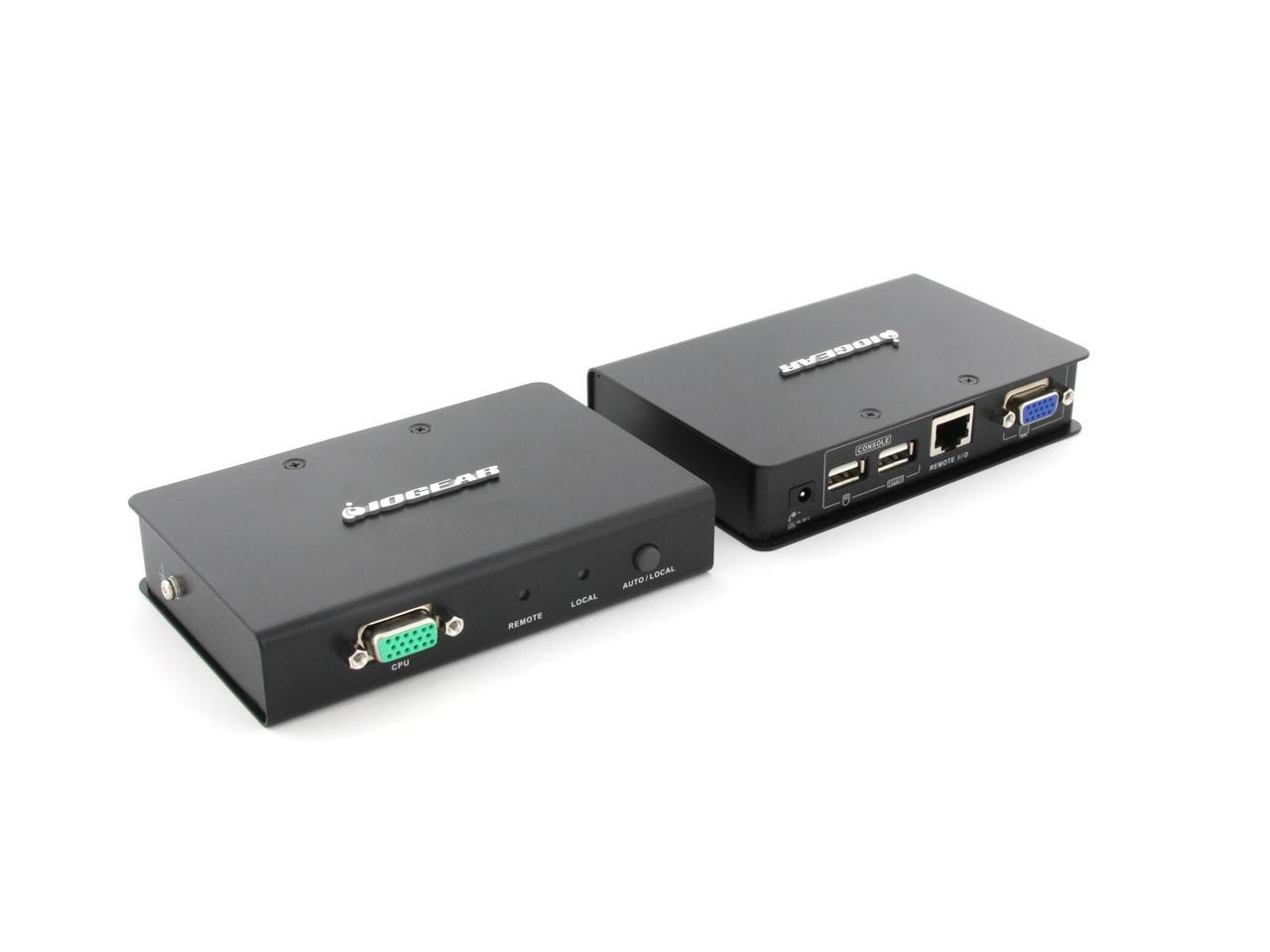
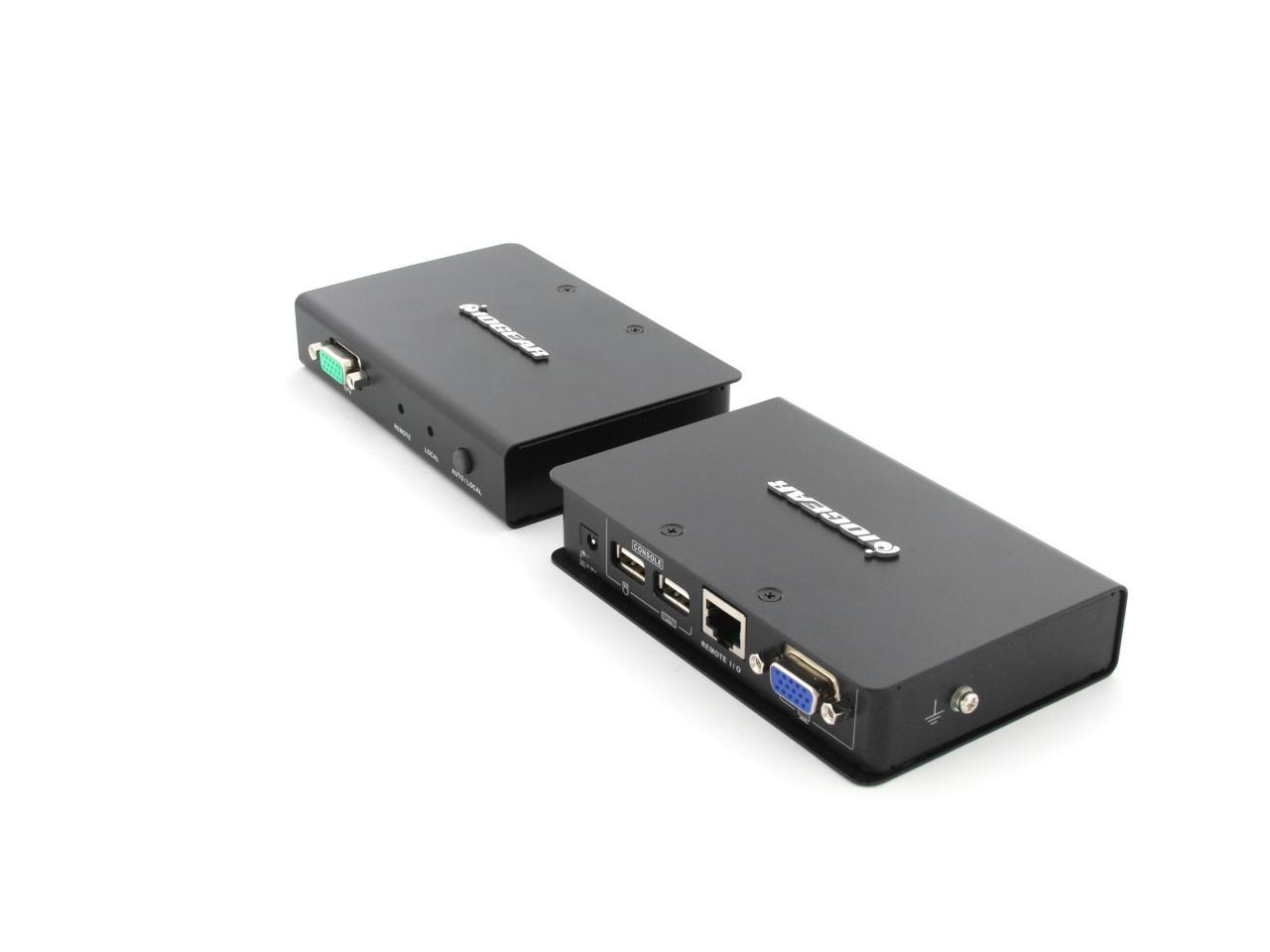
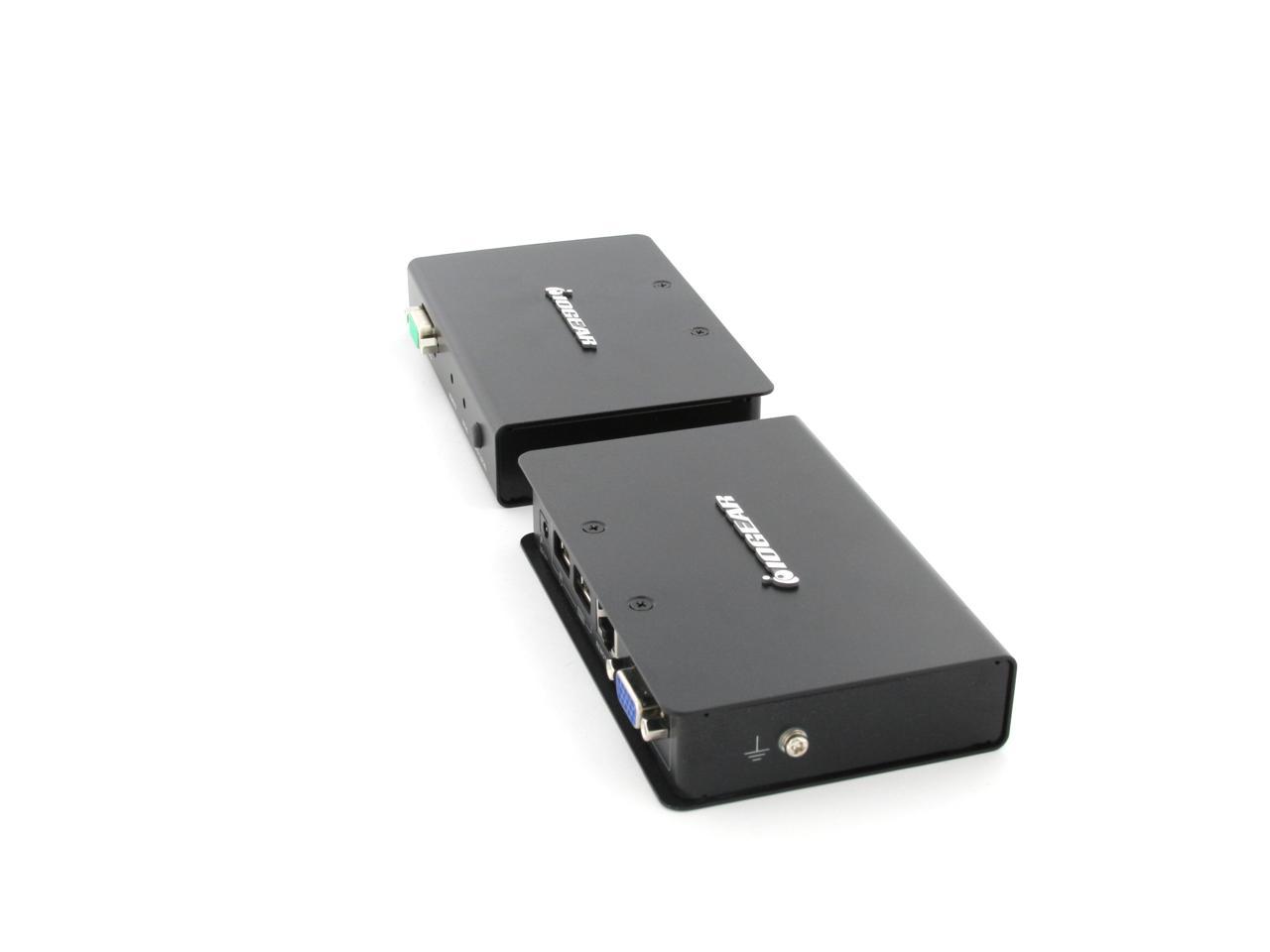
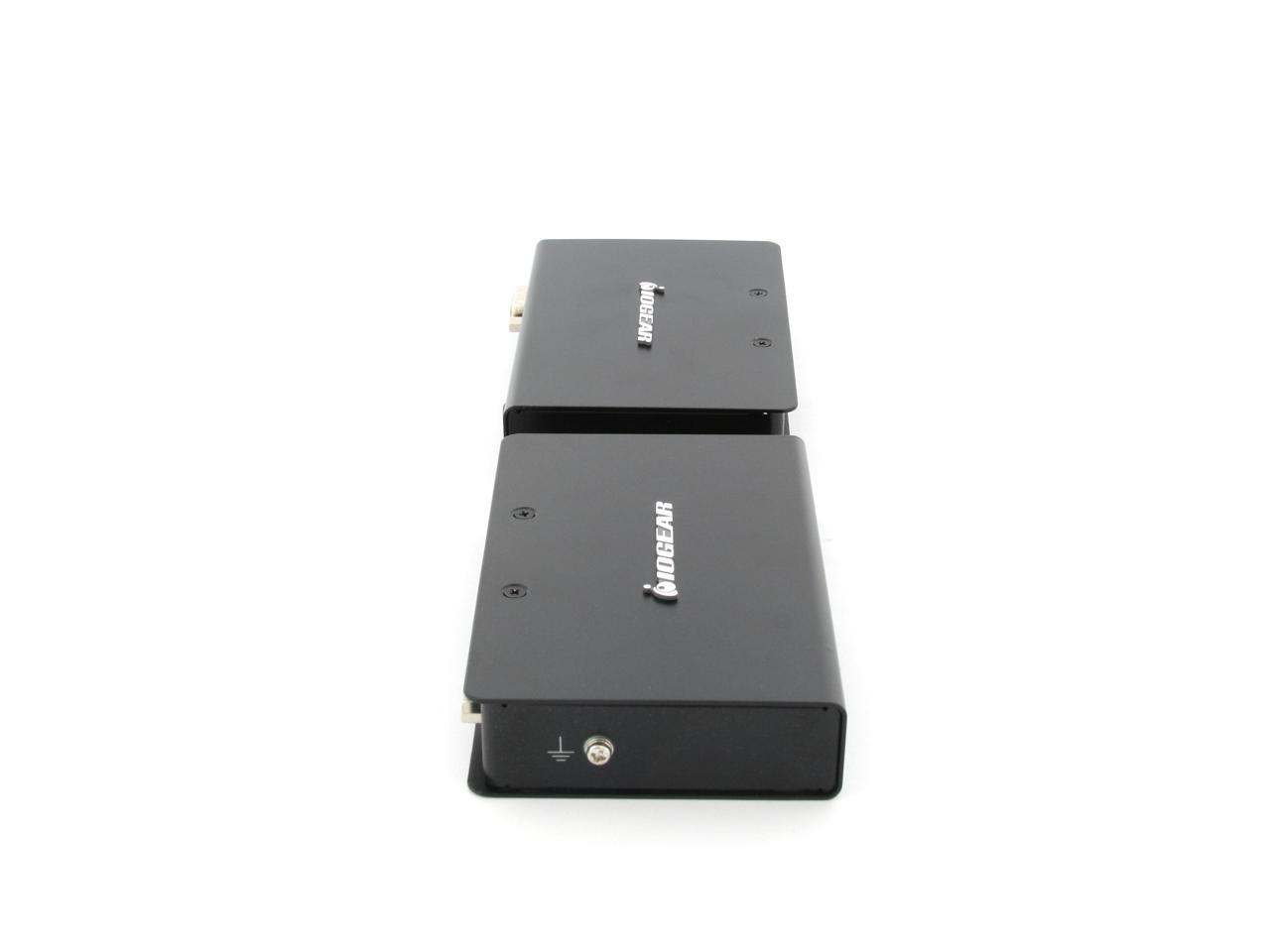
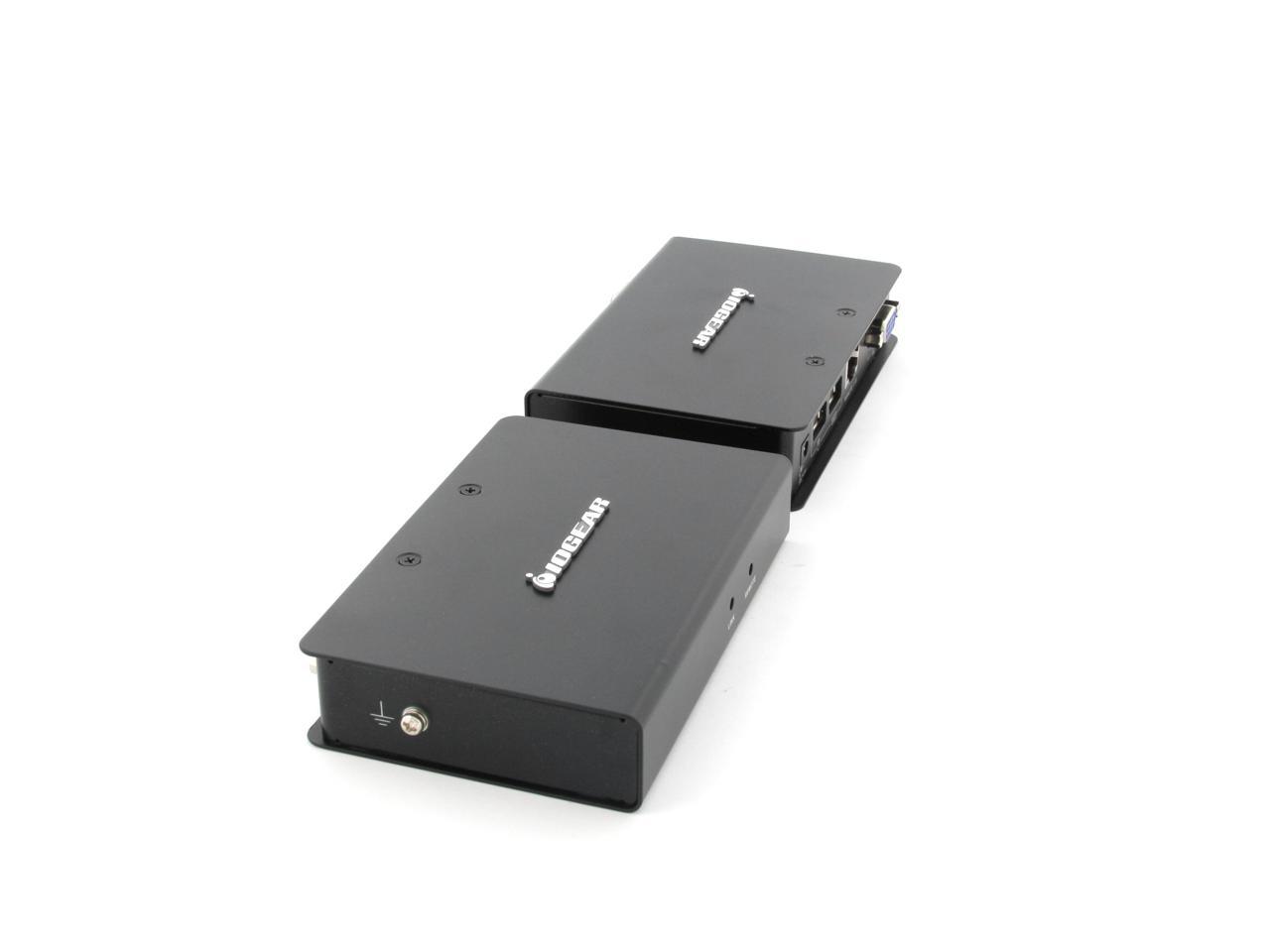
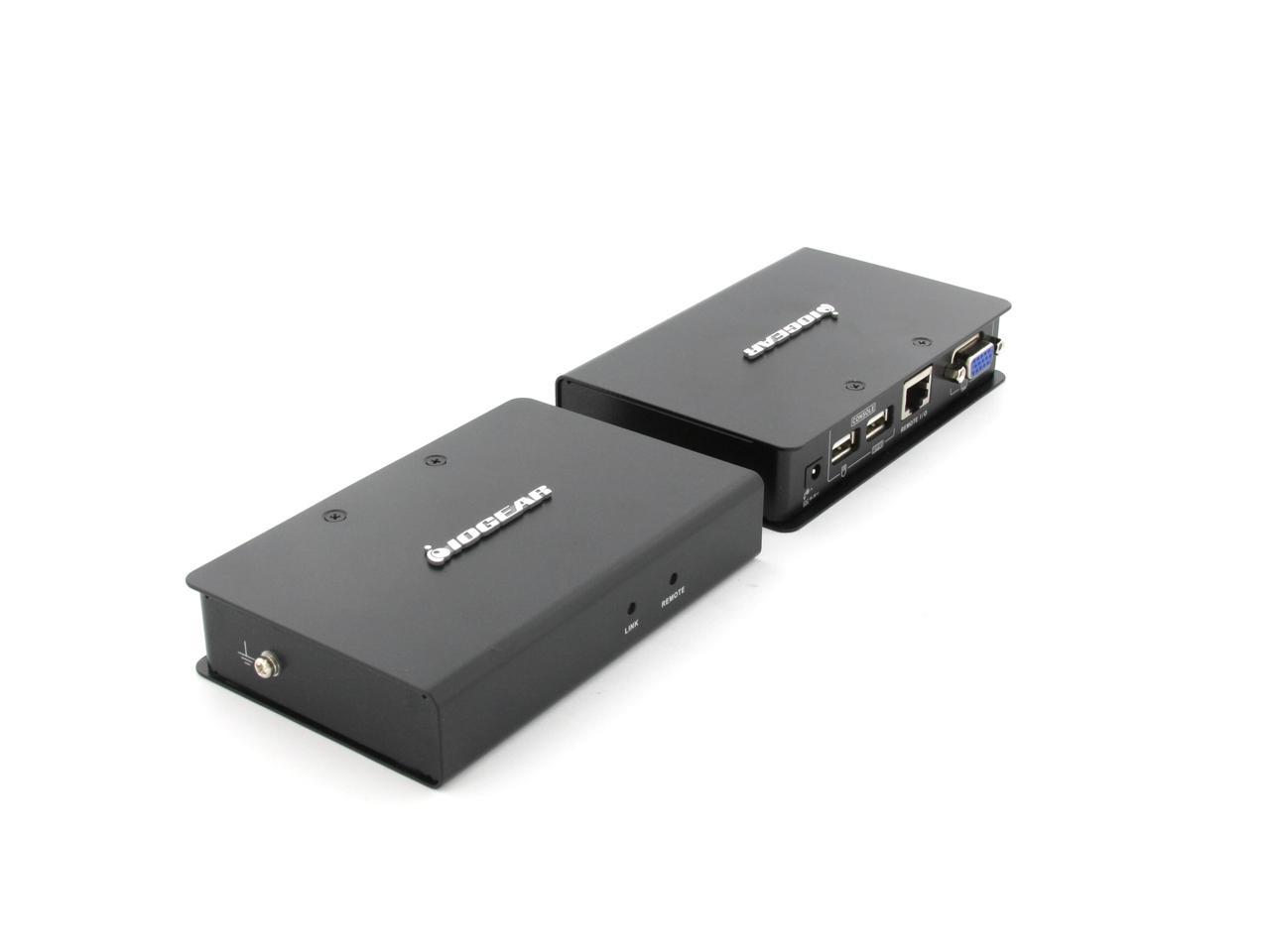
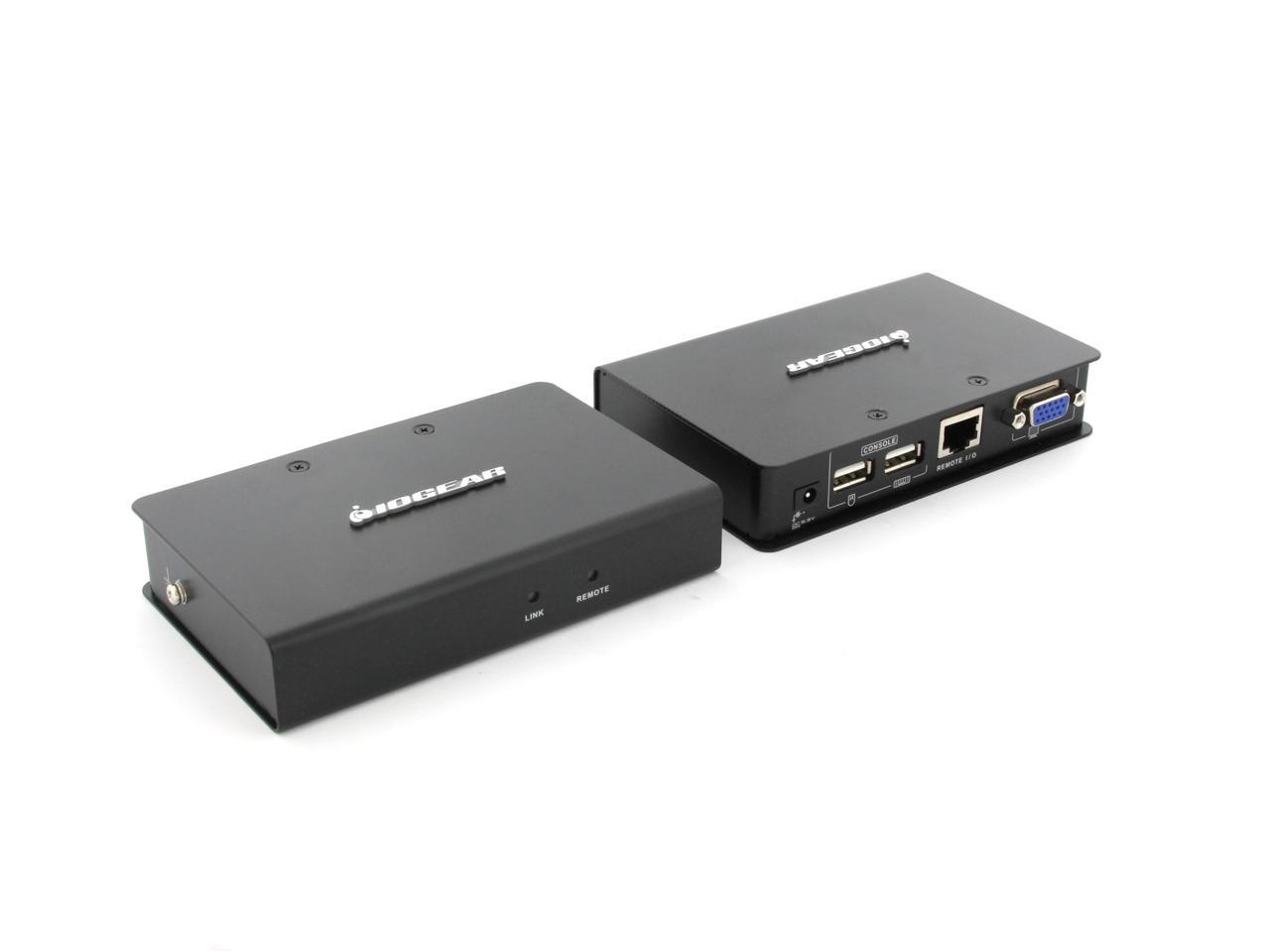
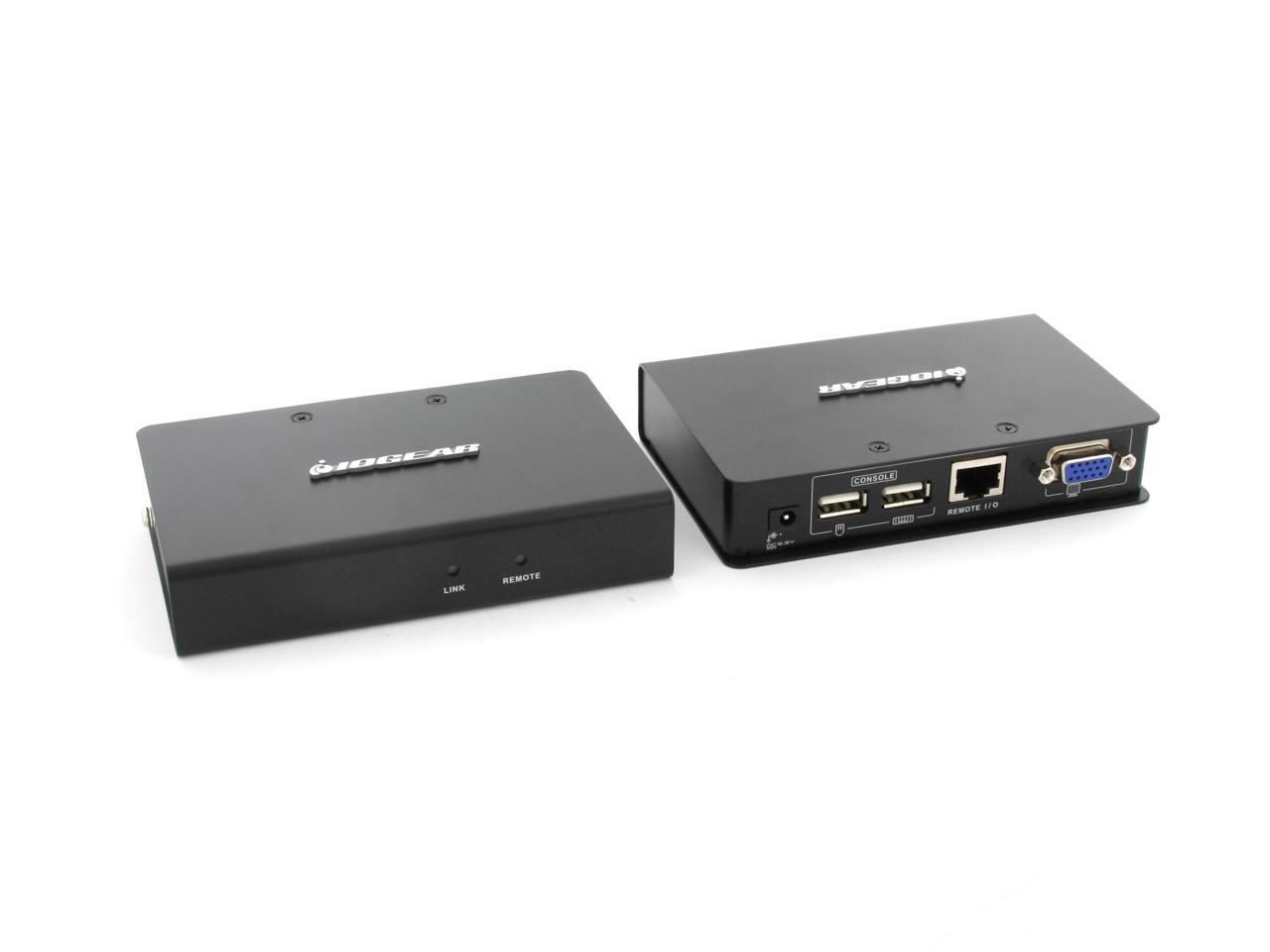
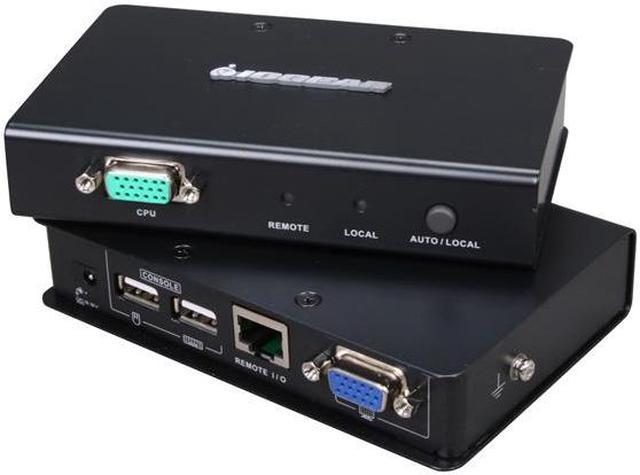
IOGEAR GCE500U USB VGA KVM Console Extender
- 1 Port Computer Connections
- Video Resolution Up to 1920 x 1200 @ 60Hz
Overview
Specs
Reviews (2)
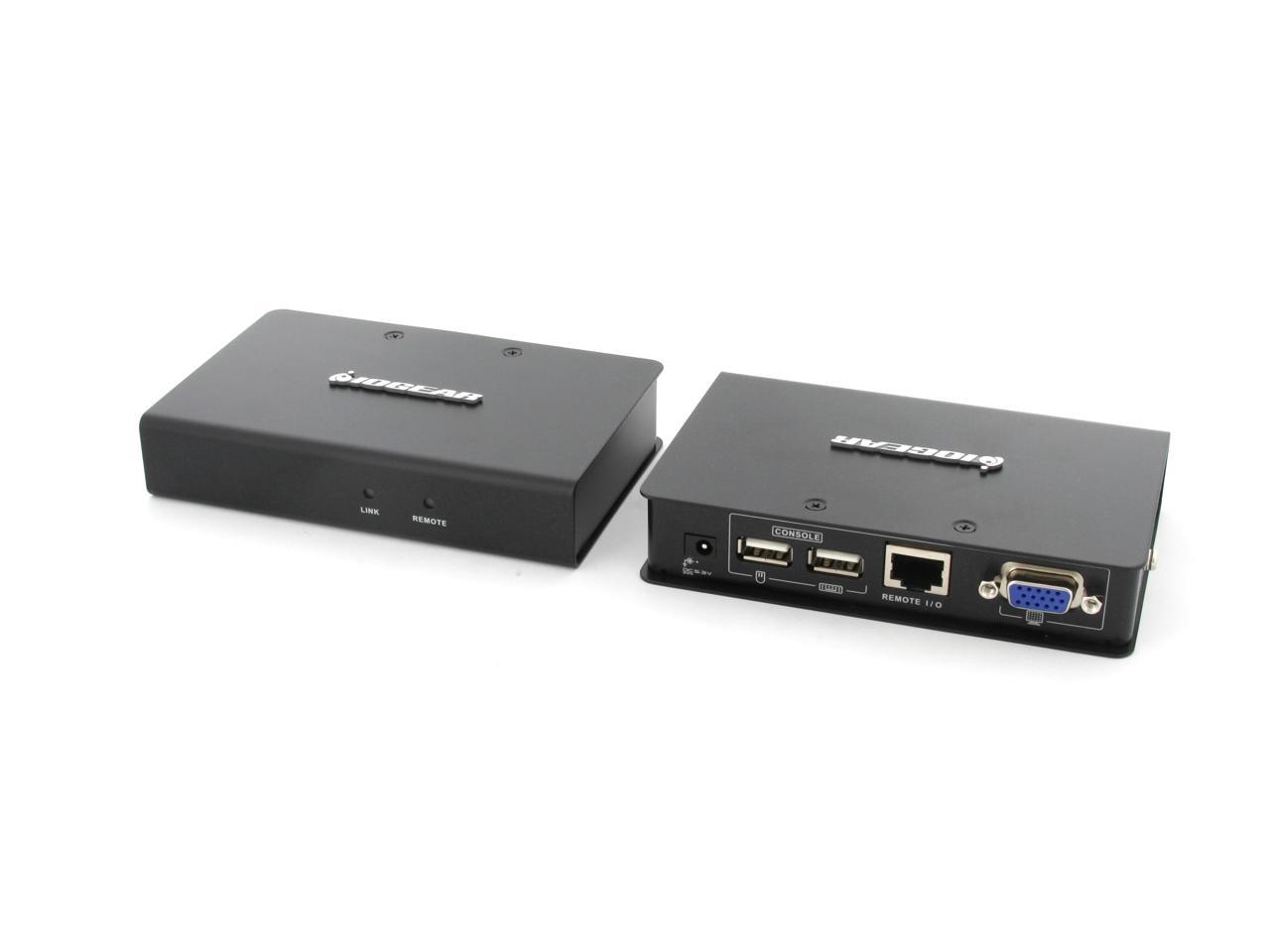
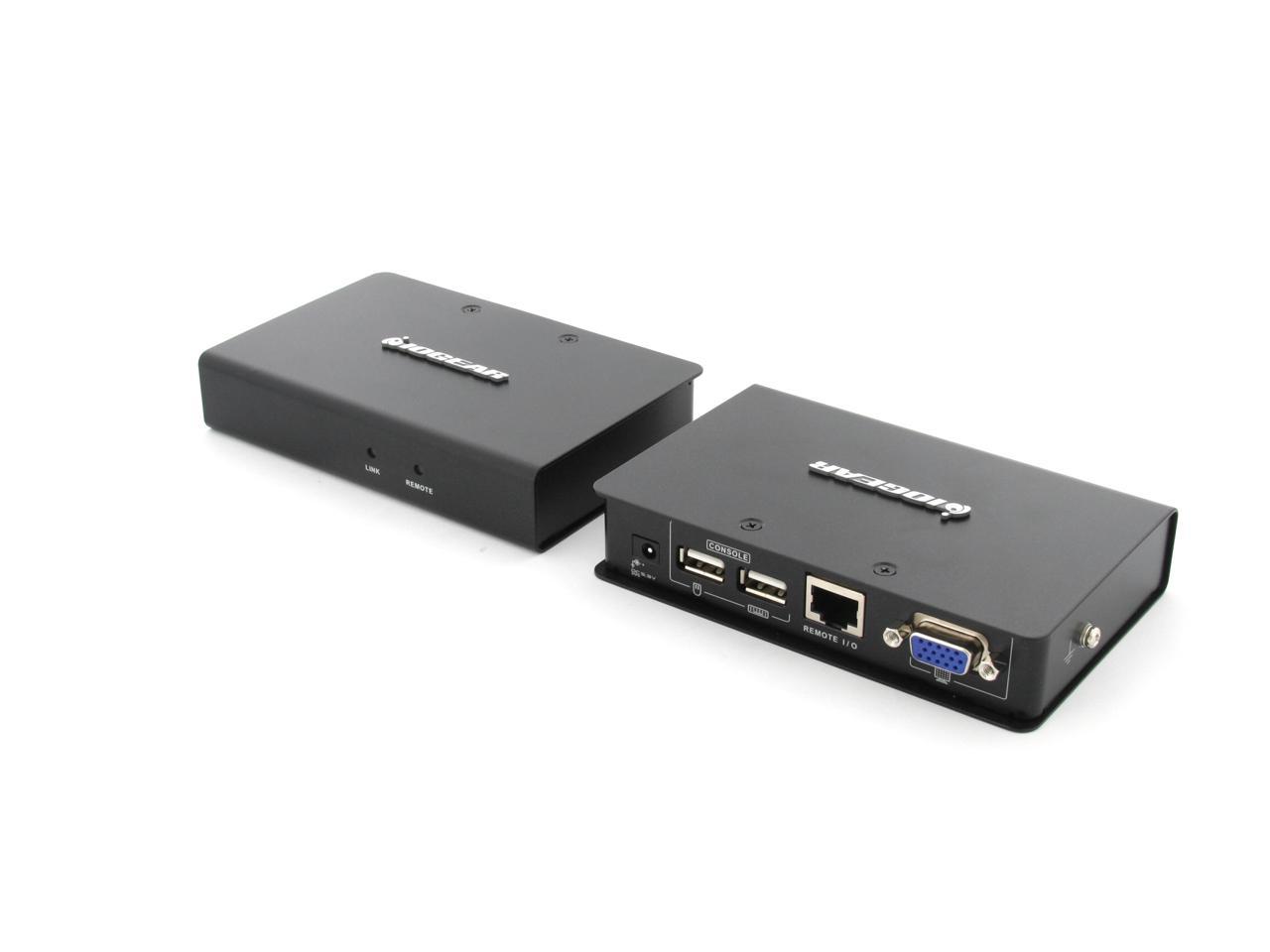
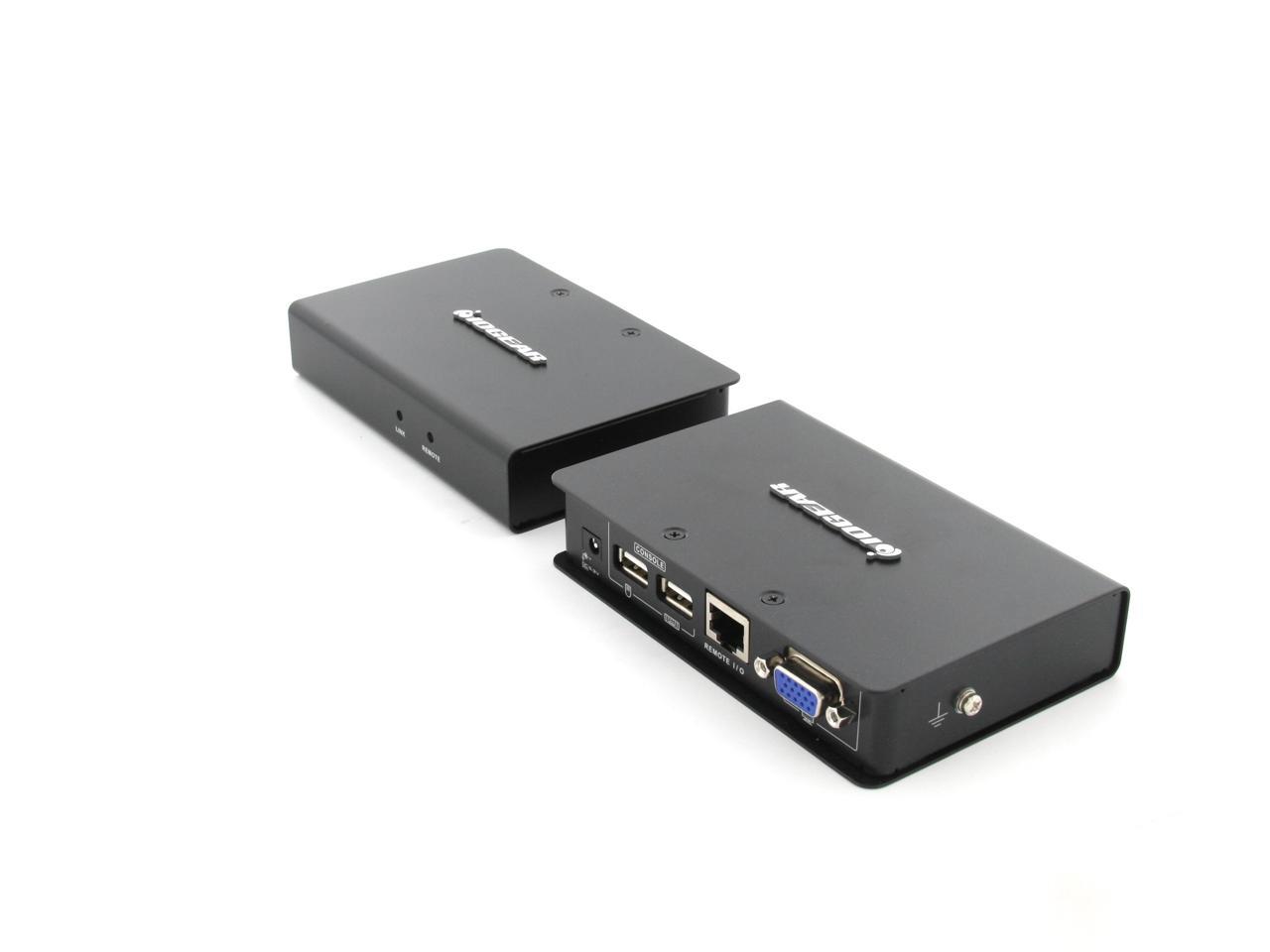
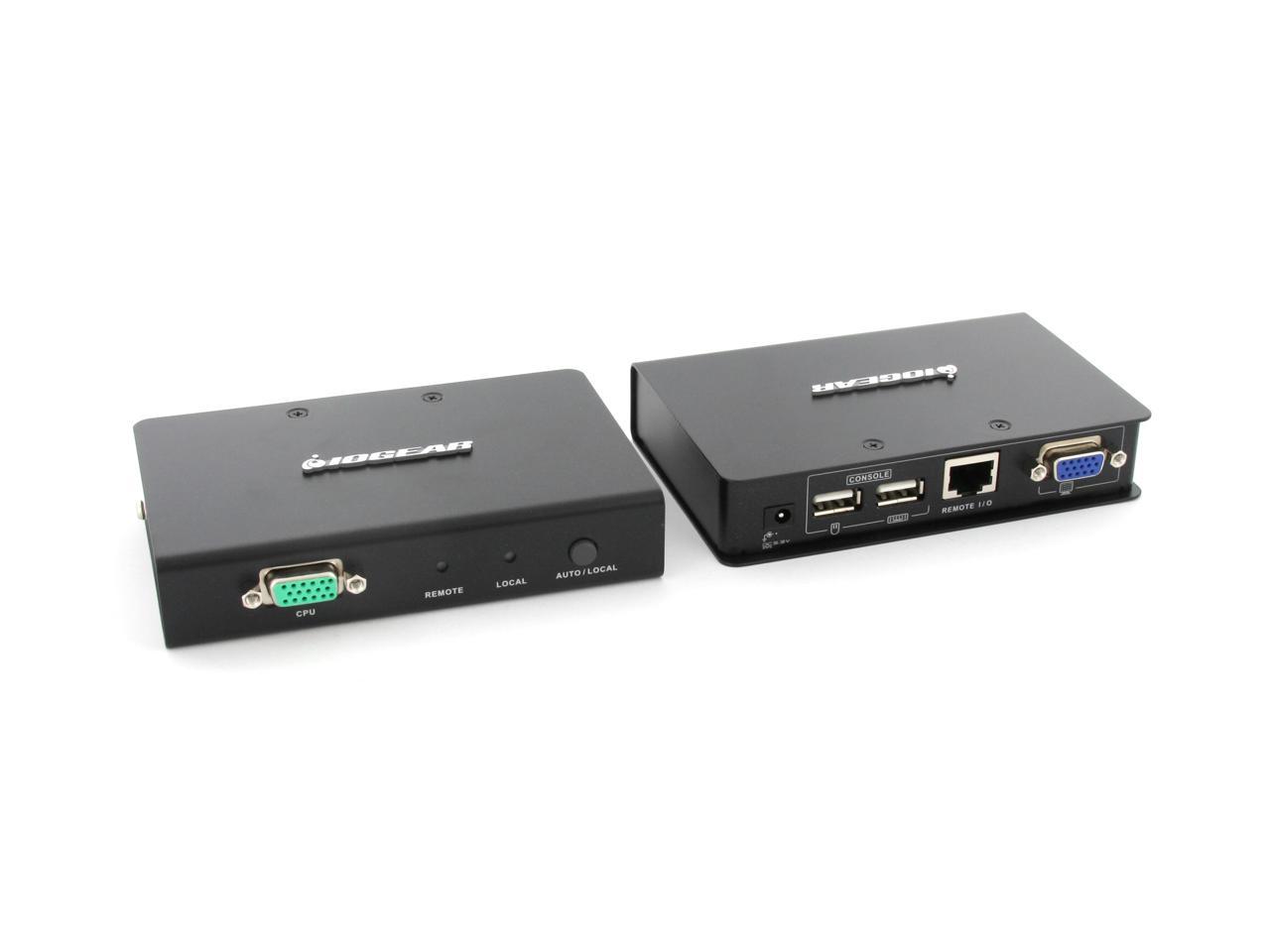
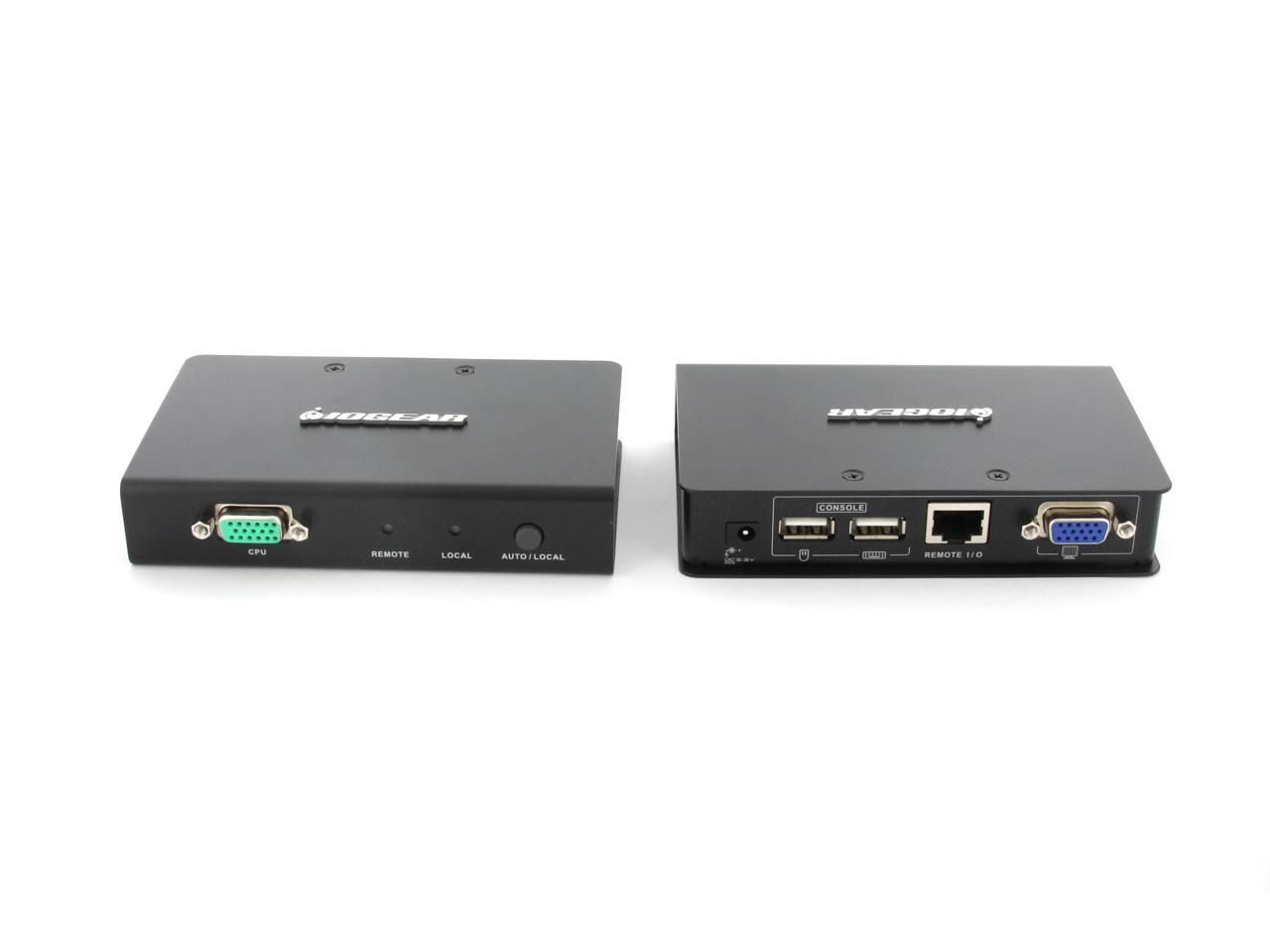
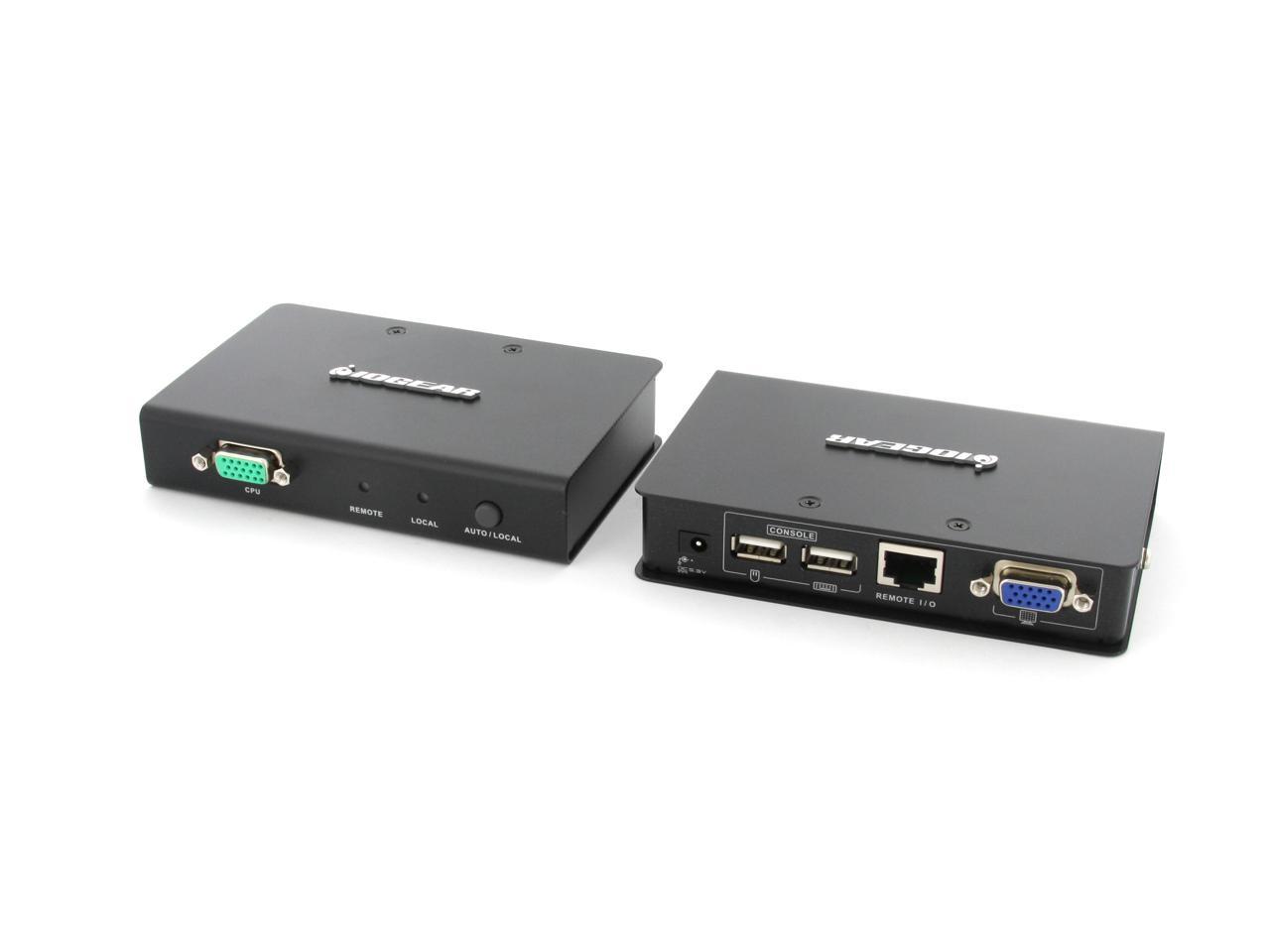
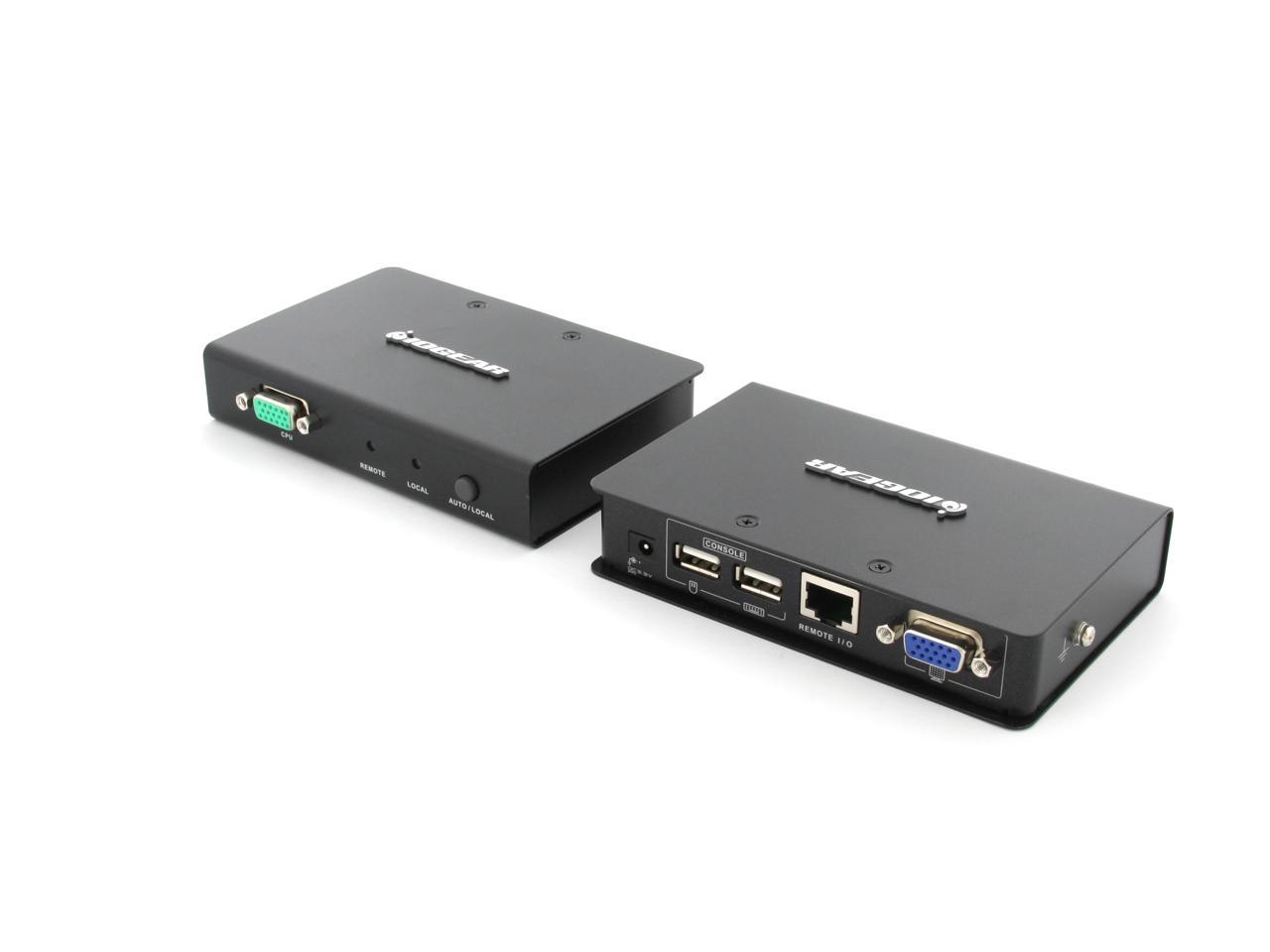
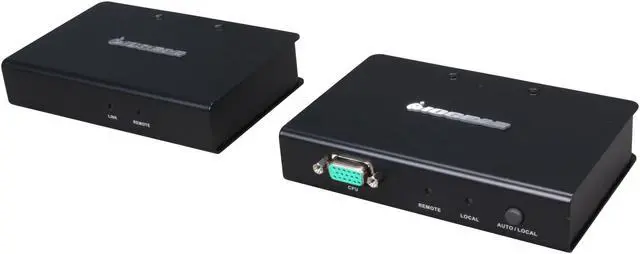
USB KVM Console Extender USB, VGA over Cat 5 cable The IOGEAR USB VGA KVM Console Extender allows access to a PC with USB or USB KVM switch from a remote USB VGA console (VGA monitor, USB keyboard, and USB mouse) via CAT5e/6 cable up to 500 feet away.
Warranty & Returns
Warranty, Returns, And Additional Information
Return Policies*
- Return for refund within: 30 days
- Returns are subject to restocking fees and return shipping fees. Please click here to learn more about restocking fees and return shipping fees.
- This item is covered by Newegg.com's International Order Return Policy.
- Read full return policy for details.
- *Subject to applicable law
Warranty Notice:
This product does not include manufacturer warranty when purchased or used outside of its designated sales region. By purchasing internationally, you acknowledge that warranty support from the manufacturer will not be available.
Manufacturer Contact Info
- Manufacturer Product Page
- Manufacturer Website
- Support Phone: 1-866-946-4327
- Support Email: support@iogear.com
- Support Website
- View other products from IOGEAR
LOADING...
The IOGEAR GCE500U is a one-computer USB/VGA KVM console extender for people who need to operate a compatible PC from a remote location, carrying monitor, keyboard, and mouse connections over CAT5e cable for up to 500 feet. Resolution varies by distance, reaching 1920 × 1200 at 100 feet and 1280 × 1024 at 500 feet.
Recommended For
- IT staff who need to operate a VGA-and-USB computer or KVM system from a desk outside the server room, using a dedicated CAT5e/6 cable run.
- Operators of legacy PCs or equipment with VGA output who need keyboard-and-mouse access at a remote workstation rather than a modern HDMI or DisplayPort connection.
- Installers setting up a fixed control-room or equipment-room console, where a point-to-point CAT5e/6 run can carry VGA video and USB keyboard/mouse signals between locations.
- Users who want to switch control between local and remote consoles with a button, rather than rely on software or a network-based remote-access setup.
Real-World Use Scenarios
- When a rack-mounted server needs hands-on troubleshooting, an IT technician can use a VGA monitor, USB keyboard, and mouse from a nearby desk instead of working at the rack; the connection runs over CAT5e/6 cable.
- For a computer in a separate equipment room, an operator can work from a remote console without moving the computer; this is a direct extender connection, not access over a computer network.
- When a computer is already connected to a KVM switch, the extender can carry that switch’s VGA and USB console connection to a more convenient location, letting staff operate the system from there.
- In a room where both a local and remote console are installed, staff can use the extender’s operating modes to choose where control is available; only one console has access at a time in Auto mode.
- For longer cable runs, such as reaching a console across a facility, users should expect to use a lower video resolution at the maximum distance; the product lists up to 1280 × 1024 at 60 Hz for a 500-foot run.
Spec Summary
| Attribute | Value |
|---|---|
| Best For | Extending a single computer’s VGA monitor and USB keyboard-and-mouse connection to a local or remote console over CAT5e |
| Computer And Console Connections | One computer connection via 1 × SPHD-17; console connections include 1 × HDB-15 VGA monitor port and 2 × USB Type-A ports for keyboard and mouse |
| Extension Range And Video | Connects local and remote units over CAT5e cable up to 500 ft; supports up to 1920 × 1200 at 60 Hz to 100 ft, 1600 × 1200 at 60 Hz to 330 ft, and 1280 × 1024 at 60 Hz to 500 ft |
| Control And Operation | Push-button selection between local and remote consoles; dual-console operation lets you control the system from either location, with plug-and-play operation and no driver installation required |
| Signal And Protection Features | Automatic Signal Compensation; local monitor supports DDC, DDC2, and DDC2B; includes USB over-current detection and prevention, 8 kV ESD protection, and 2 kV surge protection |
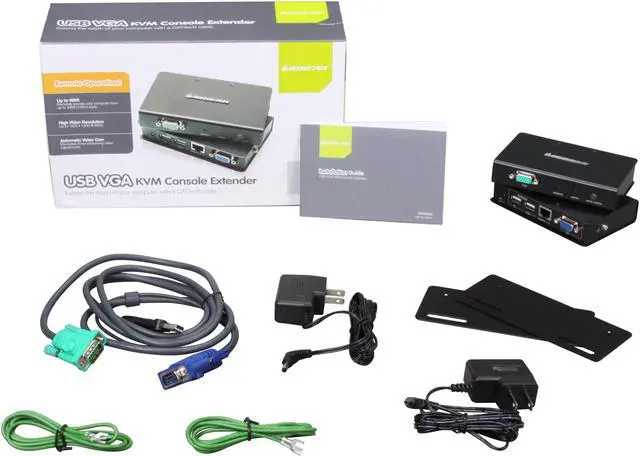
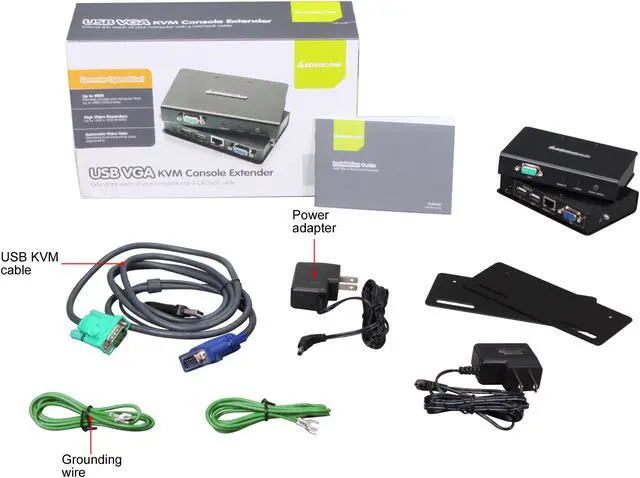
| Power | DC power connection; package includes 2 power adapters |
| Mounting And Dimensions | Rack mountable; 5 × 1 × 3.375 in; 1.41 lb |
| Operating Environment | 0–80% RH, non-condensing; rated temperature range 32–100 °F |
| Model Identifiers | IOGEAR GCE500U |