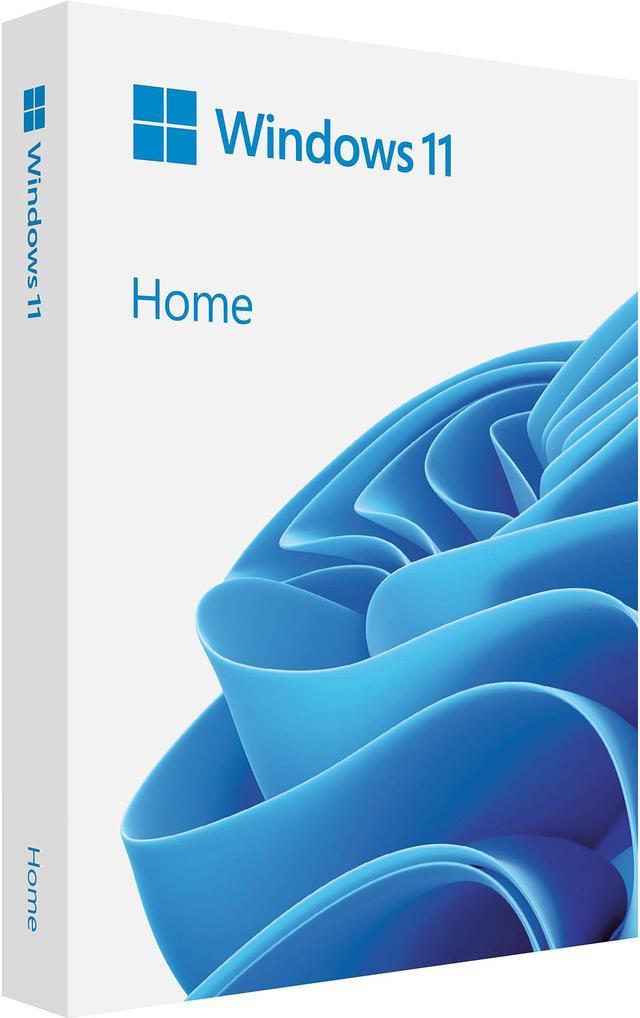
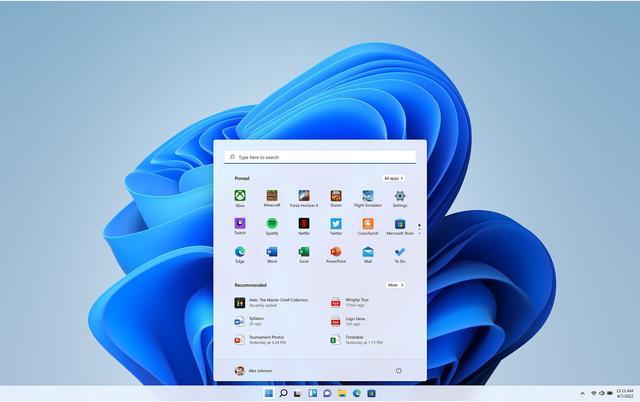
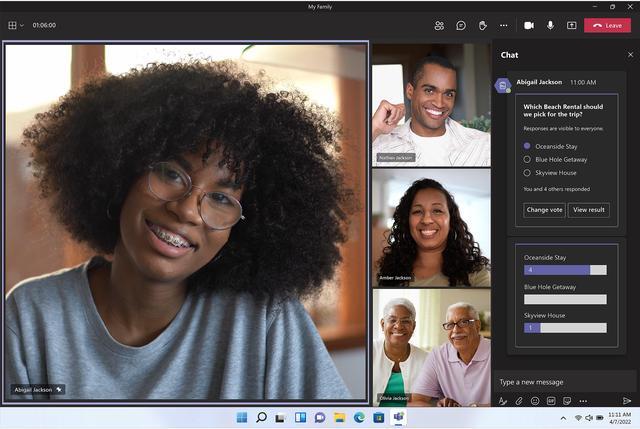
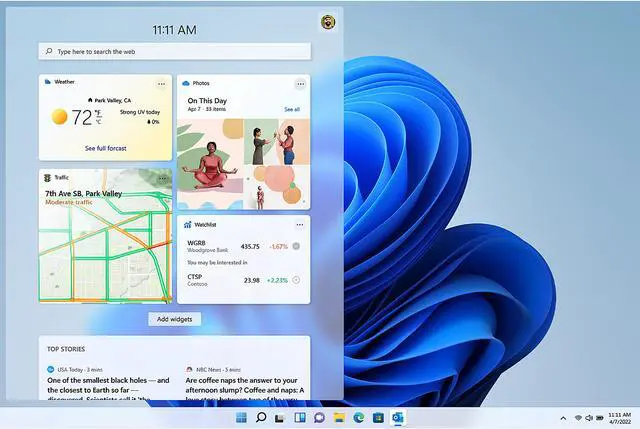
Microsoft Windows 11 Home (USB) is a 64-bit retail operating system for people setting up a Windows PC for everyday tasks, multitasking, communication, and gaming with DirectX 12 Ultimate.
Recommended For
- PC gamers who want a Windows platform for PC game libraries and features such as Auto HDR on compatible hardware and displays; DirectStorage benefits require supported games and hardware.
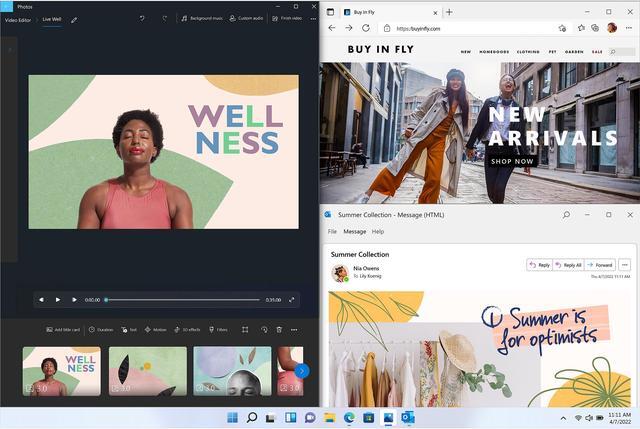
- Home or hybrid workers who regularly keep several apps visible—such as a video call, browser, and document—and want to arrange them with Snap layouts.
- People installing or refreshing a compatible personal PC for everyday tasks such as web browsing, streaming, and using common Windows applications, without needing business-only Windows features.
- Families setting up a shared household PC who want built-in parental controls and account-based screen-time and purchase limits.
Real-World Use Scenarios
- When working with several apps at once—such as a browser, document, and video call—users can arrange windows with Snap layouts to see more of their work on screen and switch between tasks more easily.
- When setting up a compatible new PC or reinstalling Windows, the USB edition can be used to start a Windows installation; users should back up files first because a clean install can erase data.
- For everyday PC gaming, users can install and play supported Windows games and use Xbox Game Bar for controls such as audio and performance monitoring; frame rates and advanced graphics depend on the PC hardware and each game.
- When separating activities such as schoolwork, personal browsing, or a side project, users can create multiple desktops and keep different app and window arrangements for each, making it easier to switch workspaces.
- For routine personal PC use, such as downloading apps and browsing, Windows Security provides a place to manage built-in protections; sign-in options such as Windows Hello require compatible hardware.
Spec Summary
| Attribute | Value |
|---|
| Best For | Users seeking the 64-bit Windows 11 Home operating system |
|---|
| Operating System And Architecture | Windows 11 Home, 64-bit |
|---|
| Packaging | Retail |
|---|
| Model Identifiers | Microsoft model HAJ-00108 |
|---|



 All Categories