


 All CategoriesAll CategoriesAll Categories
Shipped by Newegg


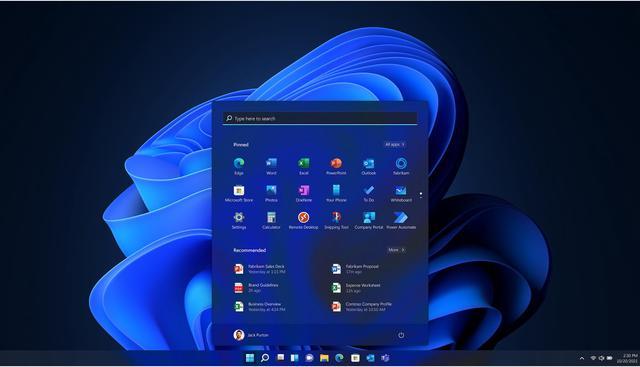
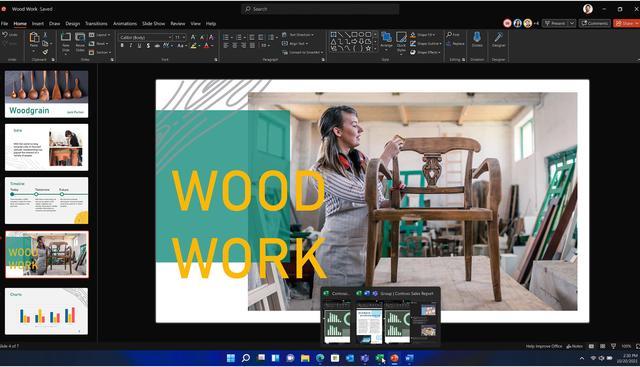
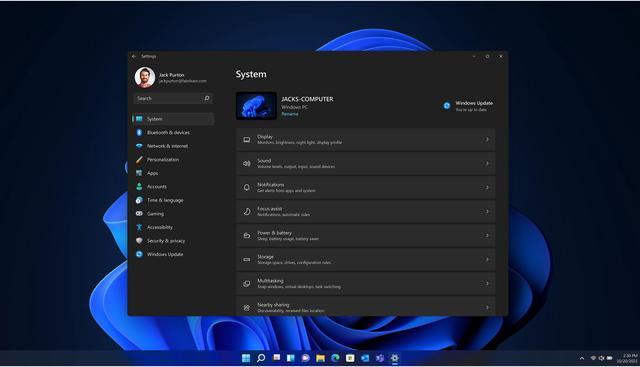
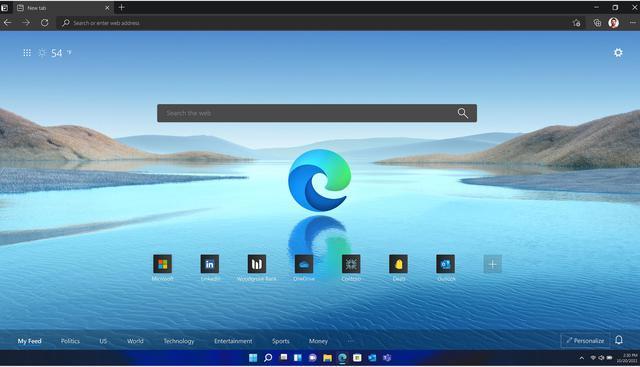


Microsoft Windows 11 Pro 64-bit OEM is a DVD-based operating system for people setting up a new compatible PC who want Pro features for productivity, app compatibility, cloud management, and Zero Trust-ready security; the OEM license is tied to the first PC and does not include Microsoft support.
| Attribute | Value |
|---|---|
| Best For | Preinstalling Windows 11 Pro on a new PC under the OEM System Builder license |
| Operating System And Edition | Windows 11 Pro, 64-bit |
| Installation Requirements | Compatible 64-bit processor at 1 GHz or faster with 2 or more cores, 4 GB RAM, 64 GB or larger storage, UEFI firmware with Secure Boot capability, TPM 2.0, DirectX 12-compatible graphics with a WDDM 2.0 driver, and a 720p display larger than 9 inches with 8 bits per color channel; internet access is needed for updates and some features, and a Microsoft account is required for some features |
| OEM License And Support | For preinstallation on a new personal computer for resale; cannot be transferred after installation, and the assembler is responsible for end-user support |
| Included Media | OEM software supplied on DVD |
| Model Identifiers | FQC-10529 |
Q: Windows 11 Pro vs Home: which should I install on a new PC?
A: Choose Windows 11 Pro if you need Pro features such as BitLocker Drive Encryption, Remote Desktop hosting, or joining a work domain or Microsoft Entra ID. For everyday personal use without those needs, Windows 11 Home is generally sufficient; this Pro edition is more useful when its added security or business-management features are part of your setup.
Q: Should I buy this Windows 11 Pro OEM DVD or the Retail version?
A: Choose this OEM version if you are installing Windows on a new PC and are comfortable with the listing’s terms: the license cannot be transferred to another computer, and support is provided by the system builder rather than Microsoft. Choose Retail if Microsoft-provided support or the flexibility to transfer the license matters to you.
Q: Should I buy Windows 11 Pro now or start with Home and upgrade later?
A: Buy this Pro edition when you already know the new PC needs Pro features, such as work-domain access or BitLocker management. If you do not need those features yet, you can start with an activated Windows 11 Home installation and upgrade it to Pro later using a Pro license; that later change requires an additional purchase.
Q: Can I transfer this Windows license to another computer later?
A: No. This is an OEM license, which cannot be transferred to another computer once installed. Choose it only if you are comfortable keeping it with the PC it is installed on.
Q: Is this OEM DVD suitable for a PC that already has Windows installed?
A: This OEM license is specified for installation on a new PC with no prior version of Windows installed. If the computer already has Windows, this product may not fit the stated licensing terms.
Q: What does my PC need to install Windows 11 Pro?
A: The PC needs a compatible 64-bit processor with at least 2 cores at 1 GHz, 4 GB of RAM, 64 GB of storage, UEFI firmware with Secure Boot capability, TPM 2.0, DirectX 12-compatible graphics, and a 720p display larger than 9 inches. Check these requirements before buying.
Q: Does this product include a full installation DVD, and do I need a disc drive?
A: The package includes a DVD. Installation from this disc requires a DVD-compatible optical drive; the product information does not specify an alternate installation method in the package.
Q: Does Microsoft provide support with this OEM version?
A: No. The product information says OEM does not include support from Microsoft; the system assembler is responsible for end-user support. The listing directs buyers seeking Microsoft-provided support to a full packaged Retail version.
Q: Can I transfer this OEM license to another PC later?
A: No. The product information says this OEM license cannot be transferred after installation. A Reddit discussion about a Windows 11 Pro OEM DVD key likewise describes OEM licenses as tied to the first computer; choose Retail if transferability matters.
Q: Do I need a DVD drive to install it?
A: The package includes a DVD, so you need a DVD drive to install from the included disc. In a PC-build discussion listing this Windows 11 Pro DVD OEM product, a commenter recommends skipping Windows on DVD—so check that the disc format works for your setup before buying.
Q: Can a Windows 11 Pro key activate Windows 10 Pro?
A: A Reddit discussion about a Windows 11 Pro OEM DVD key says Windows 10 and 11 share licensing, suggesting cross-version activation may work. The product is specified as Windows 11 Pro, so treat that as community guidance rather than a guarantee for this exact product.