


 All CategoriesAll CategoriesAll Categories
Shipped by Newegg
 Top Rated

Make informed decisions with expert advice. Learn More




Warranty Notice:
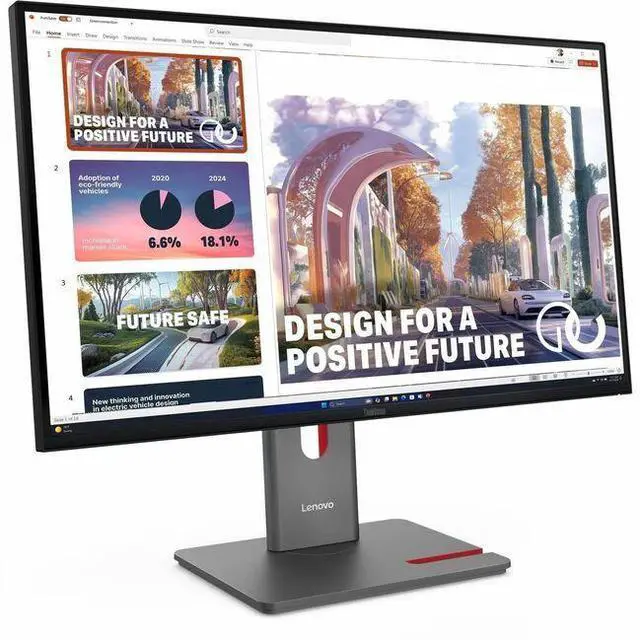
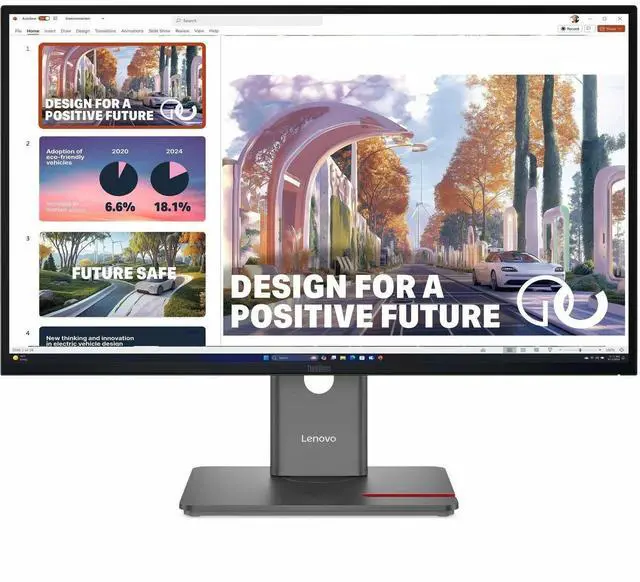
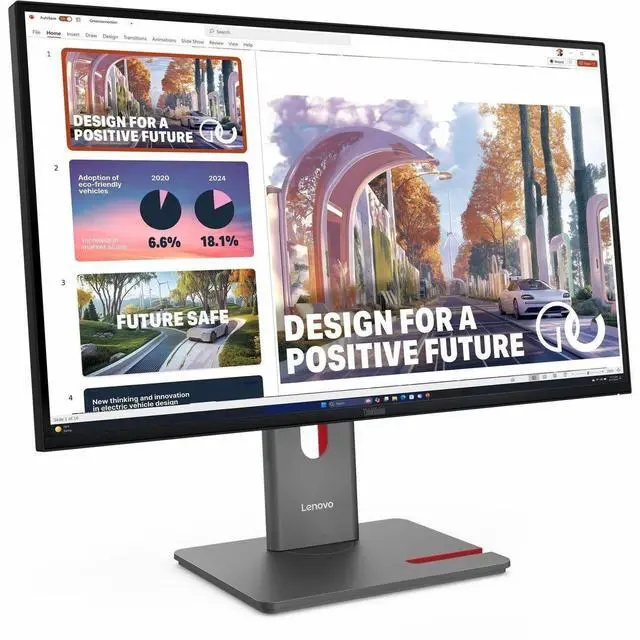
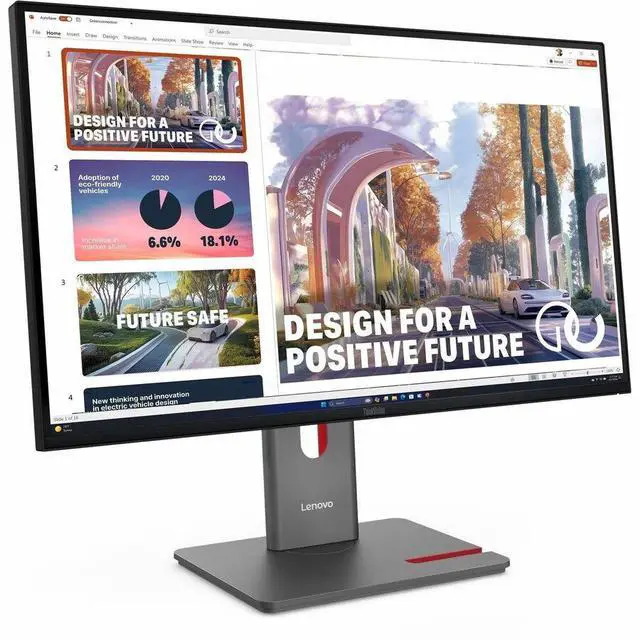
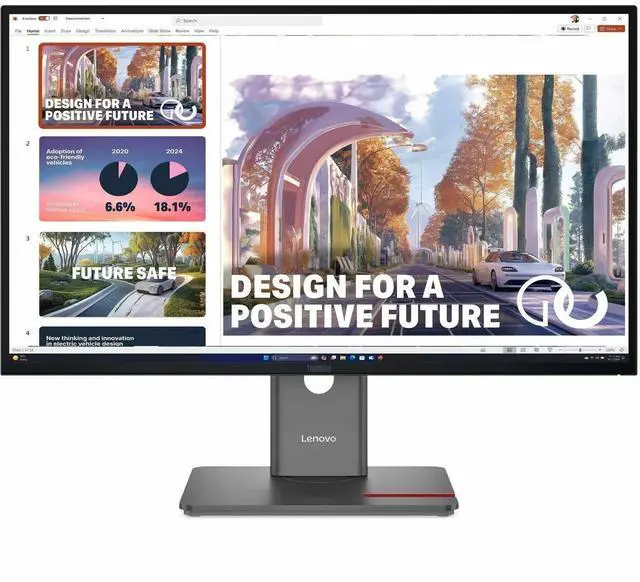
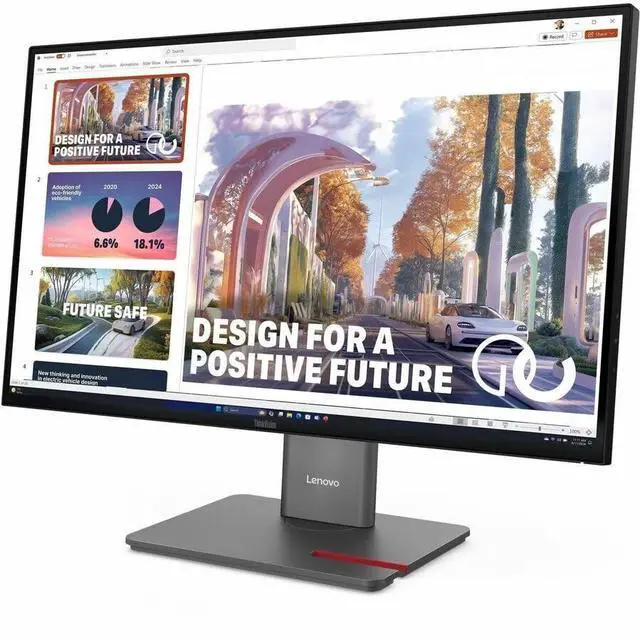
This product does not include manufacturer warranty when purchased or used outside of its designated sales region. By purchasing internationally, you acknowledge that warranty support from the manufacturer will not be available.The Lenovo ThinkVision P27QD-40 is a 27-inch QHD IPS monitor with a 120Hz refresh rate and USB-C connectivity, suited to professionals who want a sharp, smooth display for everyday work and multitasking.
| Attribute | Value |
|---|---|
| Best For | Desktop use with QHD viewing, a 120 Hz refresh rate, and USB-C, DisplayPort, and HDMI connectivity |
| Panel And Resolution | 27-inch LED display with IPS technology, 2560 × 1440 QHD resolution, 16:9 aspect ratio, 178° viewing angle, 1,500:1 contrast ratio, matte finish, and 98% sRGB color gamut; supports 1.07 billion colors |
| Refresh Rate And Response | 120 Hz refresh rate, 4 ms response time, and G-Sync adaptive sync |
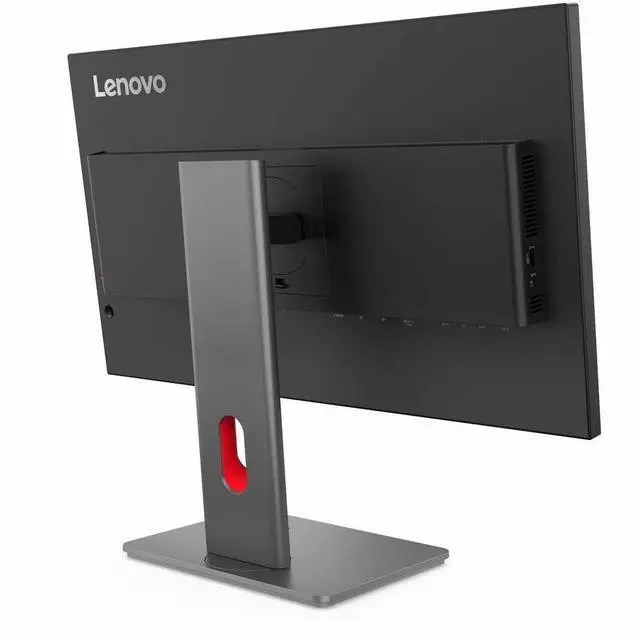
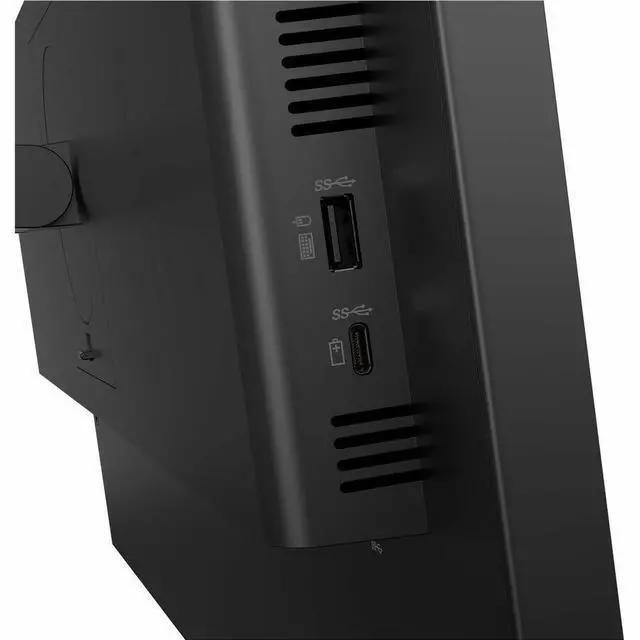
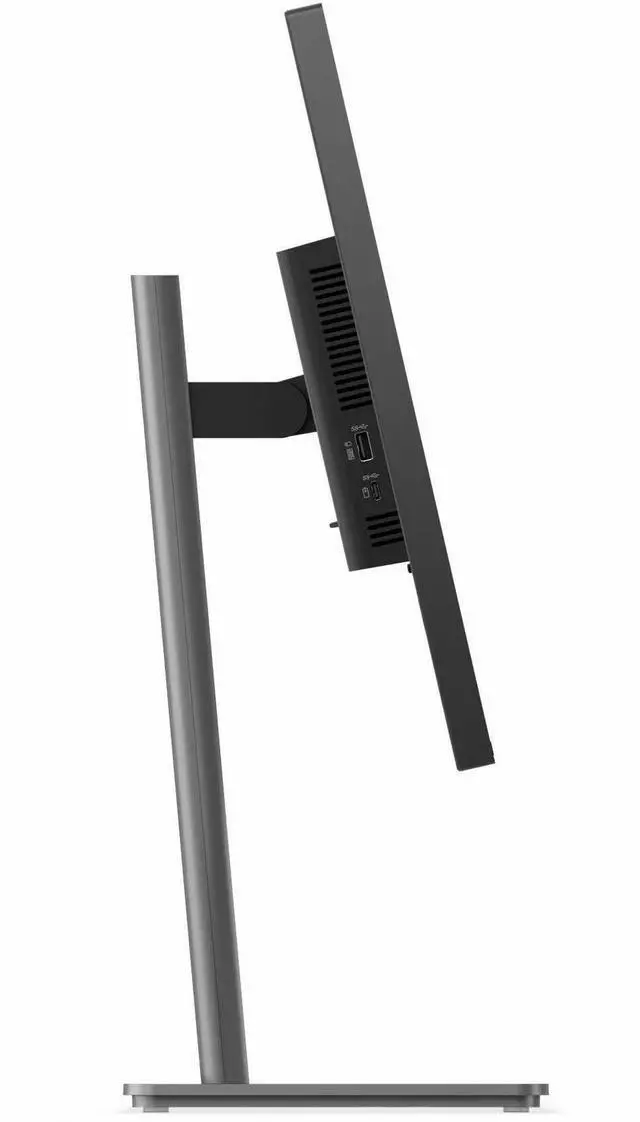
| Ports And Connectivity | HDMI, USB, USB-C, DisplayPort, and Ethernet connectivity; 1 HDMI port and no Thunderbolt ports |
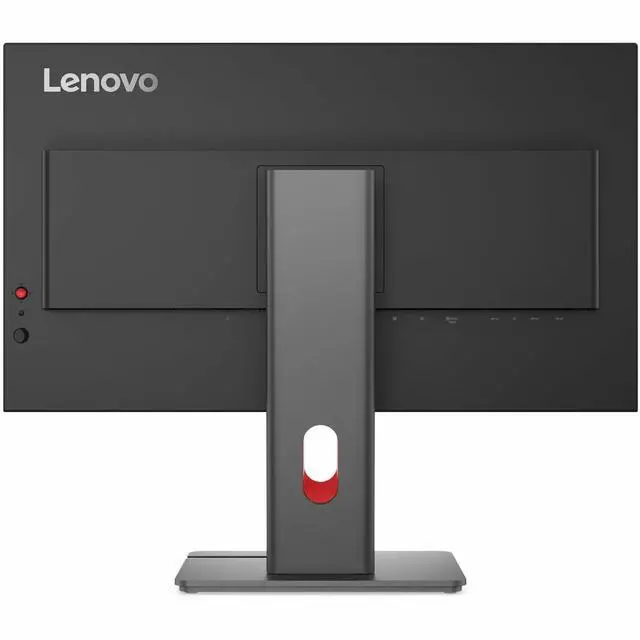
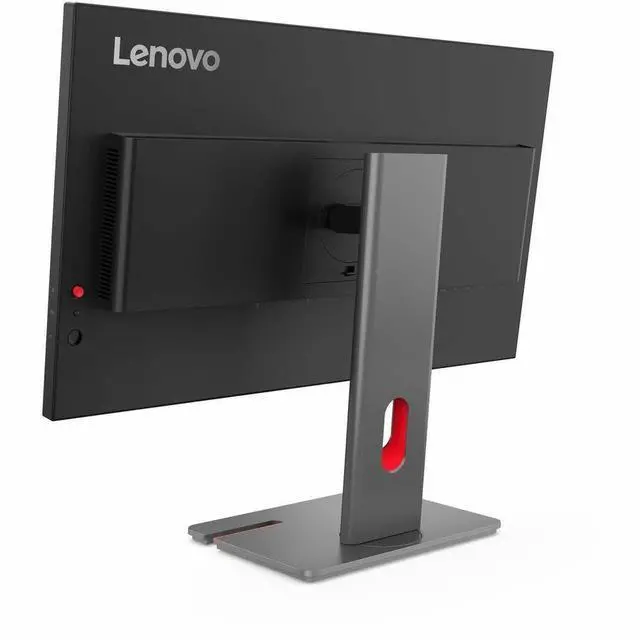
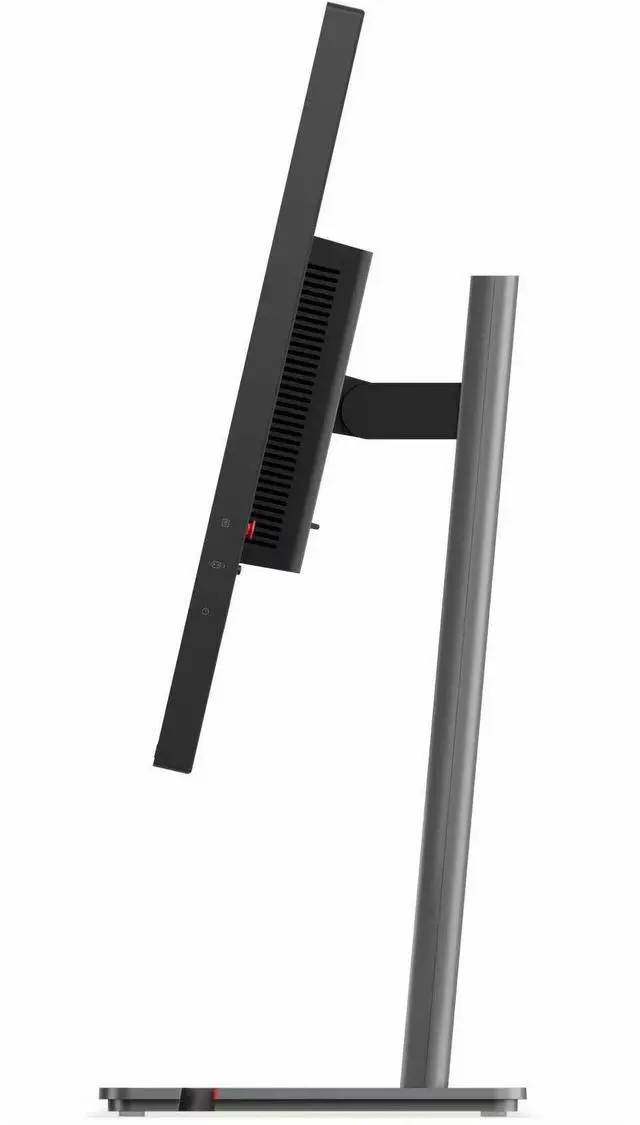
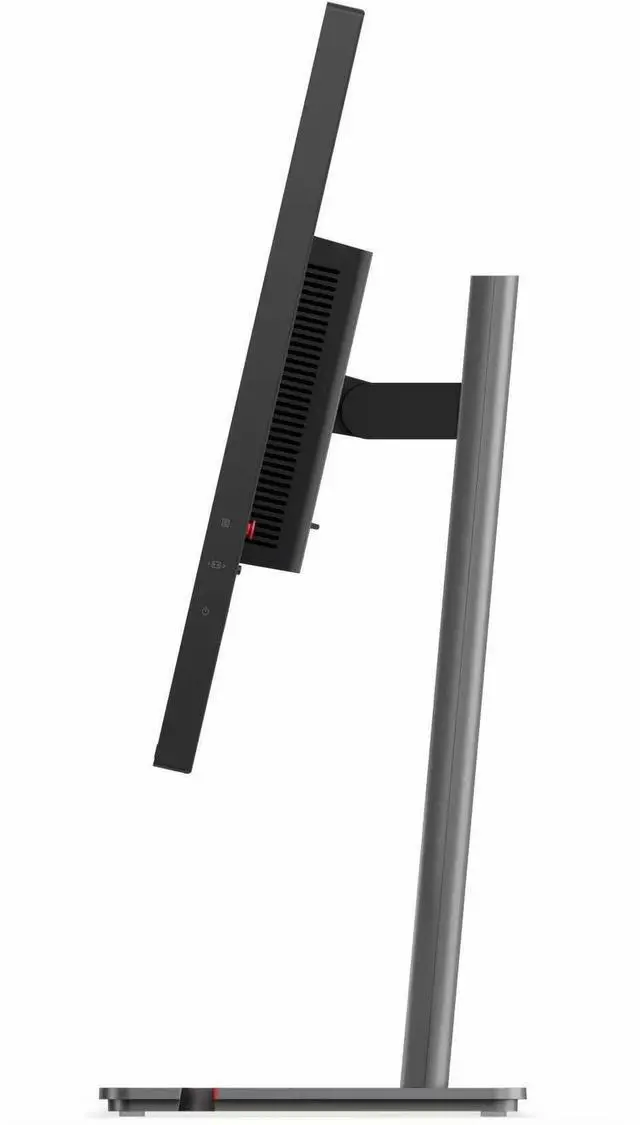
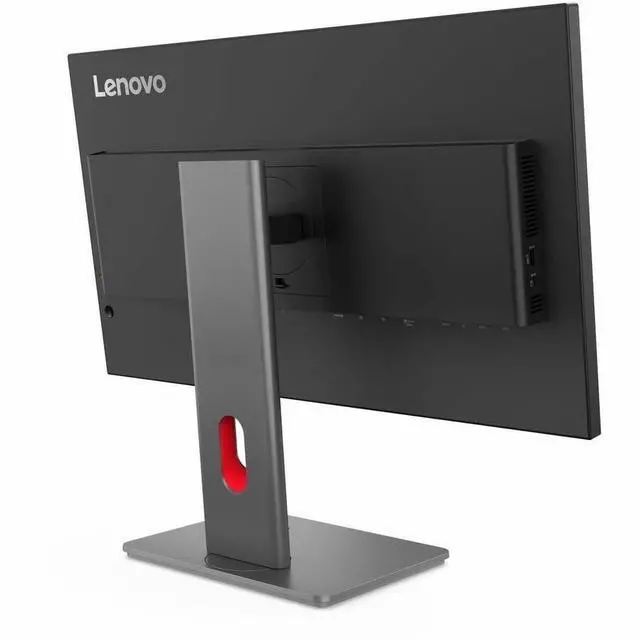
| Stand And Ergonomics | Stand supports swivel, height, and tilt adjustment; 100 × 100 mm VESA mounting pattern |
| Included Components | Includes stand, DP 1.4 cable, USB-C-to-USB-C Gen 2 cable, USB-B-to-USB-A Gen 1 cable, power cable, ThinkVision VoIP Stack MC60 monitor webcam, quick setup guide, and factory calibration report |
| Power And Appearance | 15.5 W power consumption; Raven Black finish |
| Model Identifiers | Lenovo ThinkVision P27QD-40; catalog model and part number 64B3GAR2UZ |
Q: ThinkVision P27QD-40 vs P27Q-40: which is better for a USB-C laptop setup?
A: Choose the ThinkVision P27QD-40 if you want one USB-C connection for display, data, and up to 140W laptop power, plus 2.5GbE Ethernet. The P27Q-40 shares the 27-inch QHD IPS panel and 24–120Hz variable refresh range, making it a fit when those display features are the priority.
Q: Should I choose the P27QD-40 or the older ThinkVision P27h-30?
A: Choose the P27QD-40 for a newer QHD workstation display with a 24–120Hz variable refresh range, up to 140W USB-C power delivery, and 2.5GbE Ethernet. The P27h-30 is also a 27-inch QHD IPS USB-C docking monitor, with up to 100W power delivery and a 60Hz refresh rate.
Q: P27QD-40 vs P27UD-40: should I get QHD or 4K?
A: Choose the P27UD-40 if 4K detail is your priority: its 27-inch IPS panel has a 3840 × 2160 resolution and a 24–120Hz refresh range. Choose the P27QD-40 for QHD resolution with USB-C power delivery up to 140W and 2.5GbE Ethernet.
Q: Is this monitor suitable for everyday office work and multitasking?
A: Yes. Its 27-inch QHD IPS display provides 2560 × 1440 resolution, and the height-, tilt-, swivel-, and pivot-adjustable stand supports flexible desk positioning. USB-C is available, but the provided specifications do not state its power-delivery capability.
Q: Can USB-C connect a laptop to the monitor and charge it at the same time?
A: The monitor has a USB-C port, but the provided specifications do not confirm video-over-USB-C support or power-delivery wattage. Check the full port specifications before relying on it to replace a separate laptop charger.
Q: Does the monitor have built-in speakers?
A: Built-in speakers are not specified in the provided product information, so their presence cannot be confirmed. Plan to use separate speakers or headphones unless the full specifications confirm otherwise.
Q: Can I adjust the monitor for a standing or portrait-oriented setup?
A: Yes. The listed stand adjustments include height, tilt, swivel, and pivot, allowing you to change the screen position and rotate it for portrait orientation.
Q: Can the P27QD-40 power a laptop that normally uses a 150W adapter?
A: A Reddit post identifies the monitor’s USB-C power delivery as 140W, below the laptop’s 150W adapter rating. That does not by itself establish whether a particular laptop will charge adequately, especially under heavy use; check the laptop’s USB-C charging requirements. The Reddit thread did not confirm compatibility for the laptop discussed.
Q: Is the P27QD-40 a good fit for office work and casual gaming?
A: It may suit someone prioritizing a work-oriented setup that can also handle casual gaming: the provided specs list a 27-inch QHD IPS panel with a 120Hz refresh rate. A Reddit buyer was comparing it for office work and casual gaming alongside features such as KVM and daisy chaining, but the discussion does not provide a detailed performance review of this model.
Q: Are there reported Linux or USB-hub issues with the P27QD-40?
A: One Reddit owner reported that the monitor worked well with Windows but that daisy chaining was unreliable with Linux and NVIDIA graphics, and that some high-bandwidth USB devices had hub issues. This is a single user report, not enough to establish a general compatibility problem; Linux users relying on daisy chaining or the USB hub may want to verify their setup before buying.


