


 All CategoriesAll CategoriesAll Categories
Shipped by Newegg
 Top Rated

Make informed decisions with expert advice. Learn More



Warranty Notice:
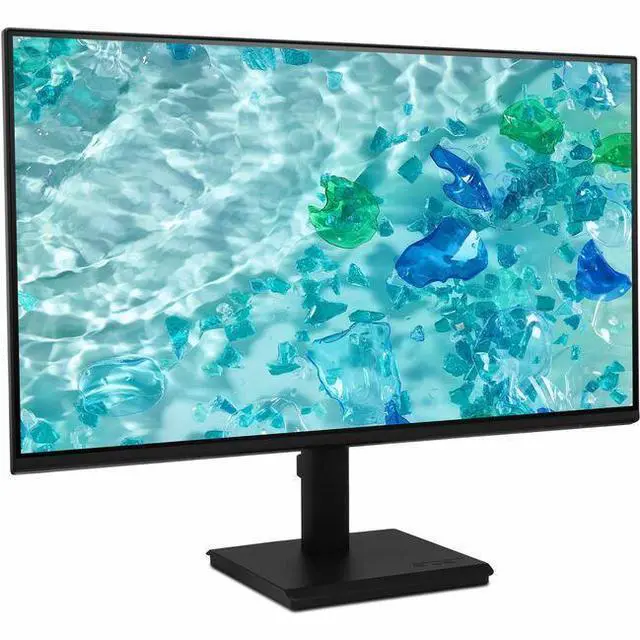
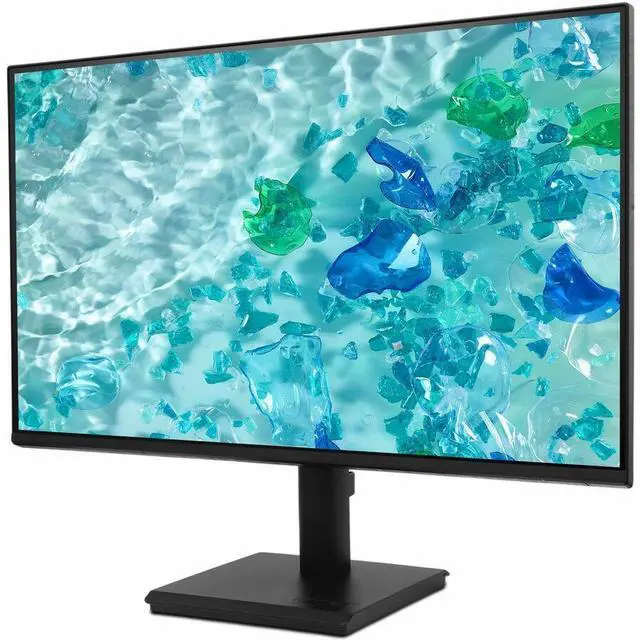
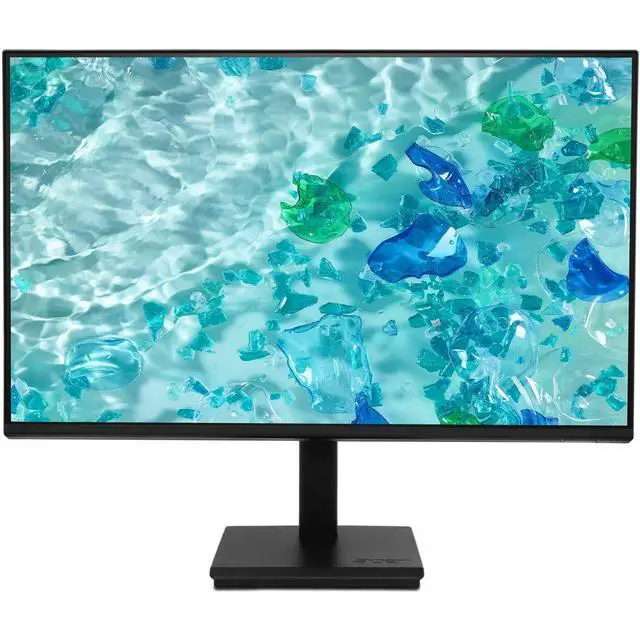
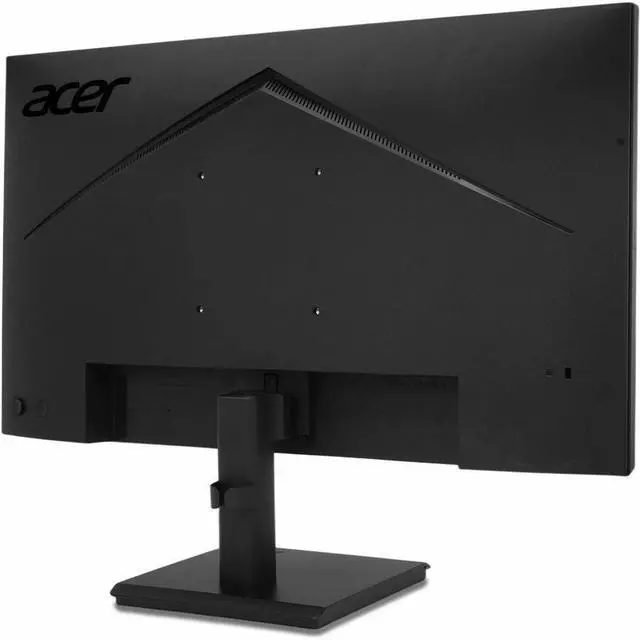
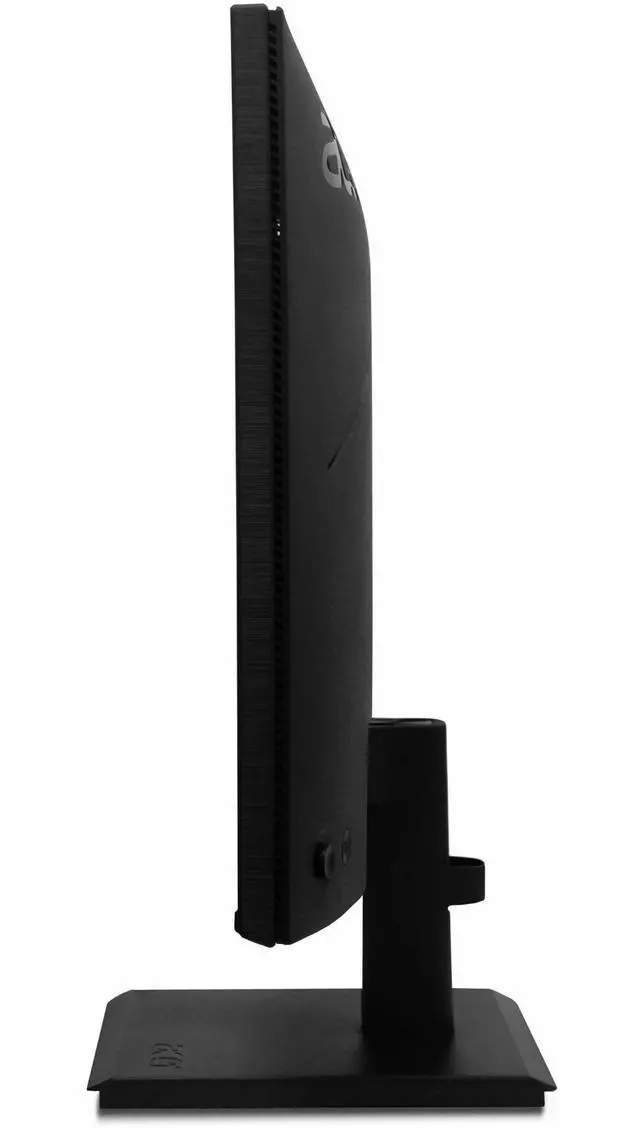
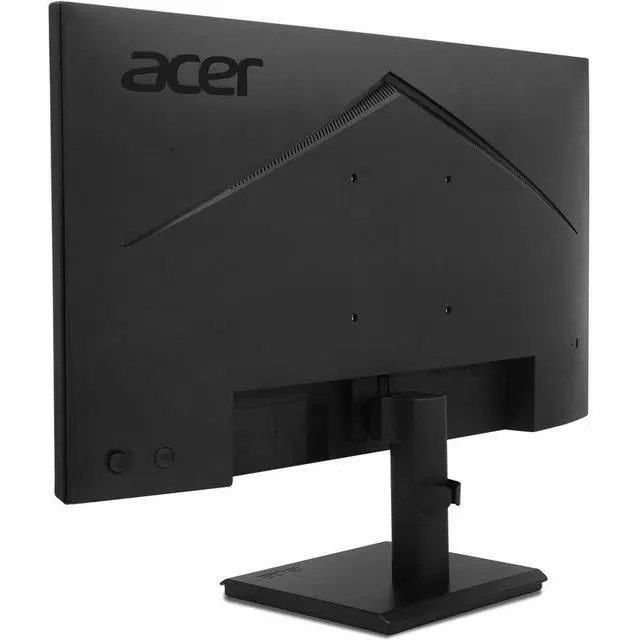
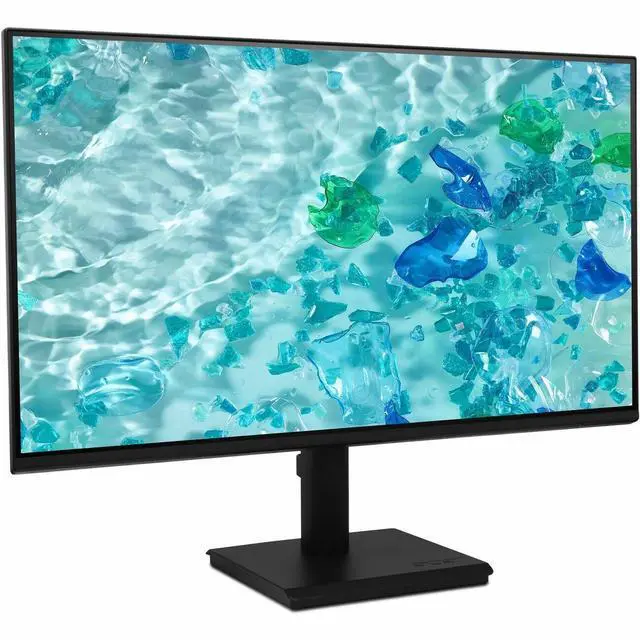
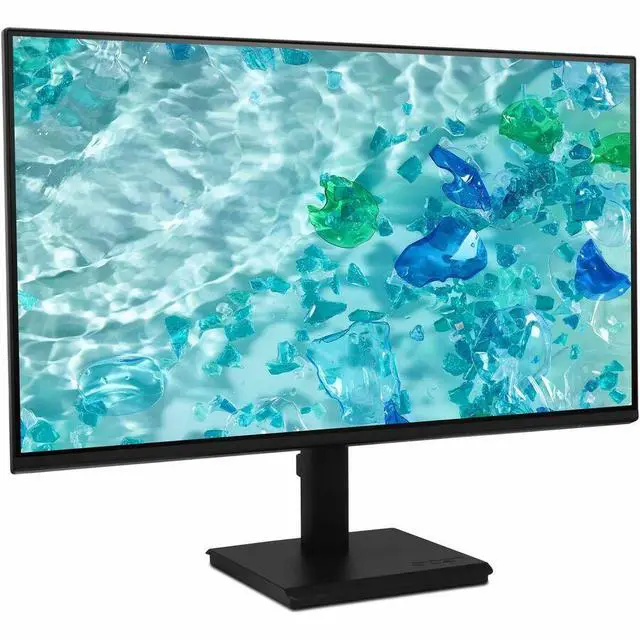
This product does not include manufacturer warranty when purchased or used outside of its designated sales region. By purchasing internationally, you acknowledge that warranty support from the manufacturer will not be available.The Acer Vero V277 G is a 27-inch Full HD IPS LCD monitor with USB-C, HDMI, and DisplayPort, suited to home and office users who want a large everyday screen with flexible wired connections and built-in speakers.
| Attribute | Value |
|---|---|
| Best For | A 27-inch 1080p monitor setup with HDMI, DisplayPort, and USB-C connectivity |
| Panel And Resolution | 27-inch LCD with 1920 × 1080 resolution, a 16:9 aspect ratio, and an anti-glare screen finish |
| Brightness And Contrast | 856.5 lm brightness and a 100000000:1 contrast ratio |
| Refresh Rate And Response | 60 Hz refresh rate with a 4 ms response time |
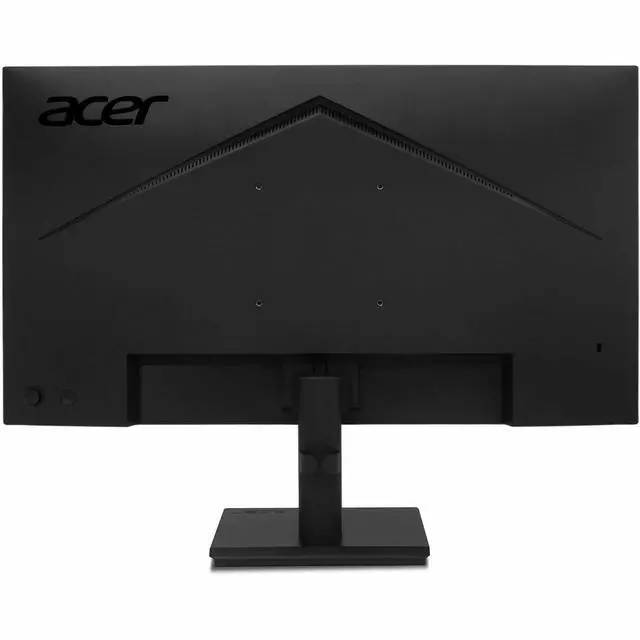
| Ports And Connectivity | HDMI, DisplayPort, USB, USB-C, and AUX connectivity; includes one HDMI port |
| Included Accessories | Includes a power cord, USB-C cable, and HDMI cable |
| Model Identifiers | Acer Vero V277 G; model UM.HV7AA.G10 |
Q: Acer Vero V277 G vs. Vero V277U E: which should I choose?
A: Choose the Vero V277 G listed here for a 27-inch Full HD display with USB Type-C connectivity. Choose the Vero V277U E if you prefer its 27-inch WQHD resolution (2560 × 1440) and 100 Hz refresh rate for a higher-detail desktop workspace.
Q: Acer Vero V277 G vs. Vero B277 G: which is better for a desk setup?
A: Both are 27-inch Full HD Acer Vero monitors. Choose the Vero V277 G listing if USB Type-C connectivity is central to your setup; choose the Vero B277 G when height and swivel adjustment or its USB hub better match your desk needs.
Q: Acer Vero V277 G USB-C model vs. the standard V277 G: what’s the difference?
A: The Vero V277 G model listed here is the USB Type-C configuration, with HDMI and DisplayPort also listed by Acer. The standard V277 G configuration includes VGA alongside HDMI, making it a useful option when VGA connectivity is part of the setup.
Q: Can I connect a laptop to this monitor over USB-C, and will it charge the laptop?
A: USB-C is listed as an input, but the available product specifications do not confirm laptop charging or power delivery. For USB-C video, the laptop’s USB-C port must support display output. HDMI and DisplayPort are also listed.
Q: Is this monitor suitable for everyday office work and video meetings?
A: It is a practical option for everyday desk work such as documents, browsing, and spreadsheets: it has a 27-inch Full HD display and built-in speakers. A webcam and microphone are not listed, so use your laptop’s or add separate meeting equipment if needed.
Q: Can I use the monitor’s built-in speakers for calls and videos?
A: Yes. Built-in speakers are listed, so the monitor can provide audio without separate speakers. The available specifications do not state speaker power or sound quality, so external speakers or headphones may suit listeners who need fuller or louder sound.
Q: Does it have a built-in webcam for video calls?
A: A webcam is not listed in the product information. Plan to use your laptop’s webcam or connect a separate webcam if you need video calling.

