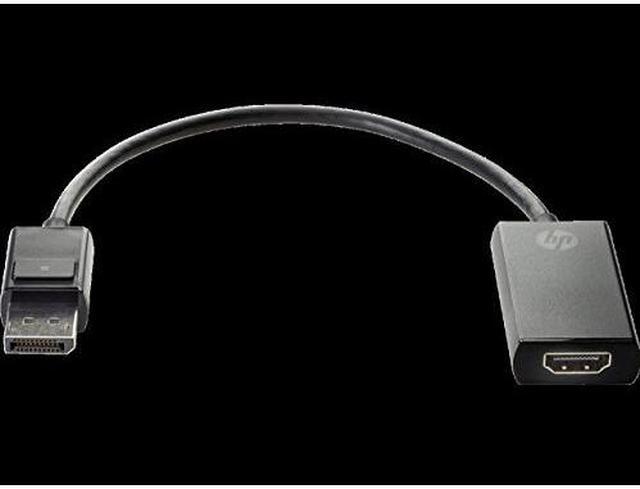
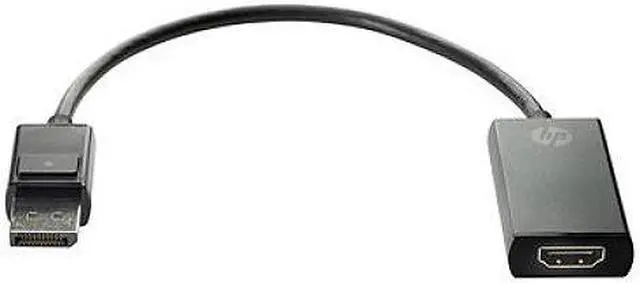
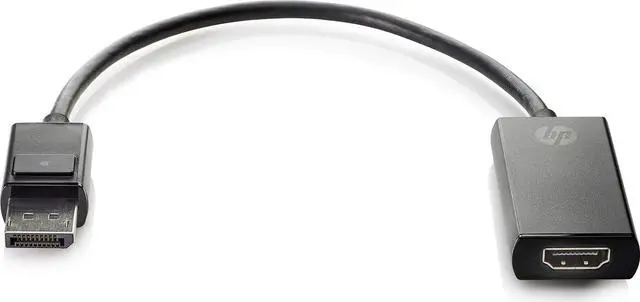
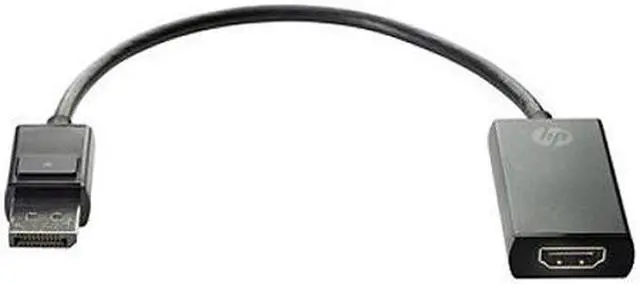
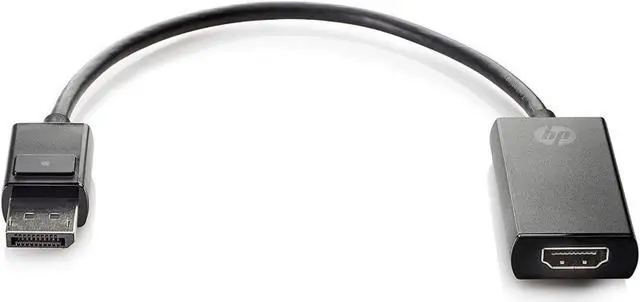
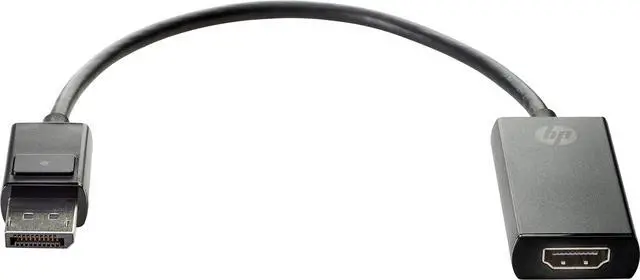
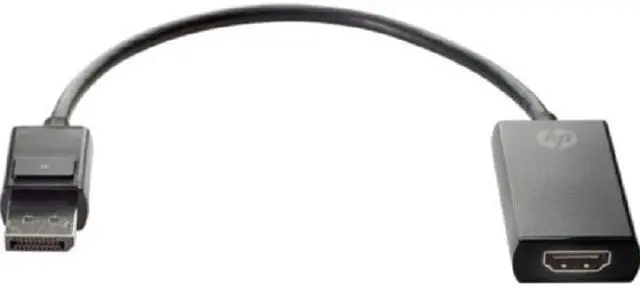
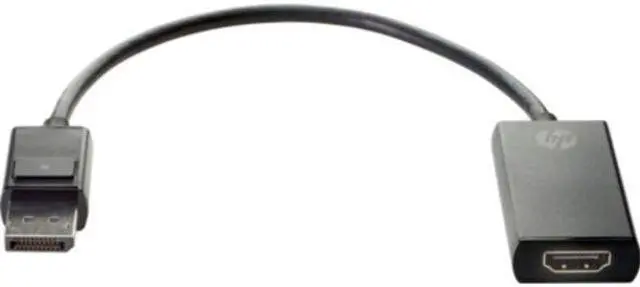
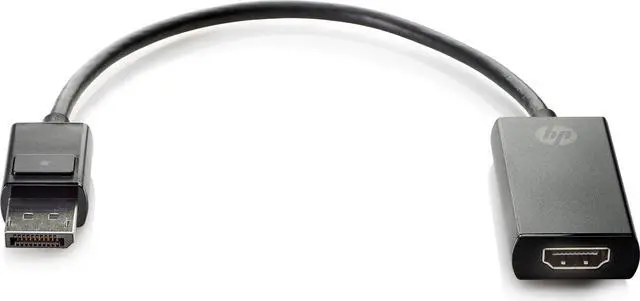
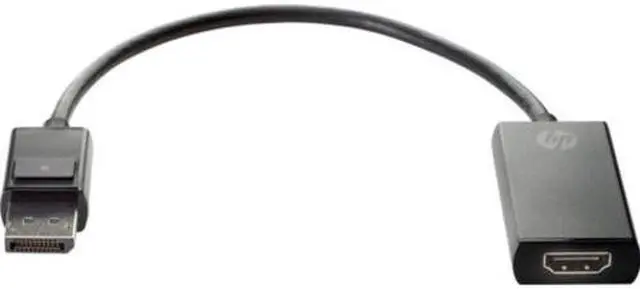
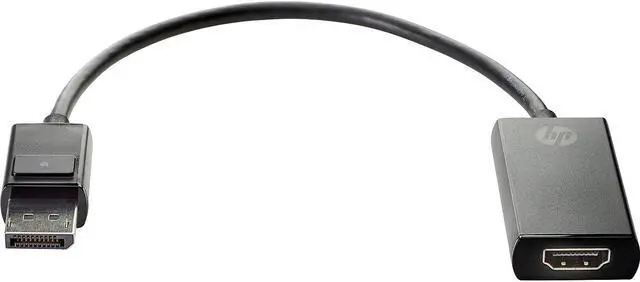
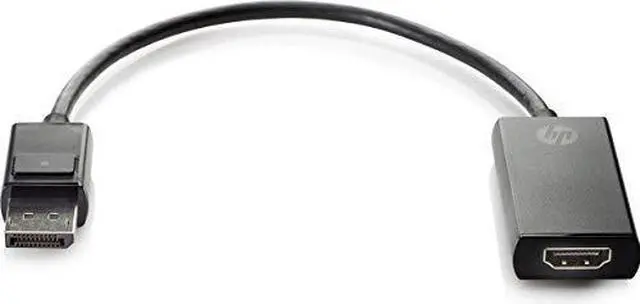
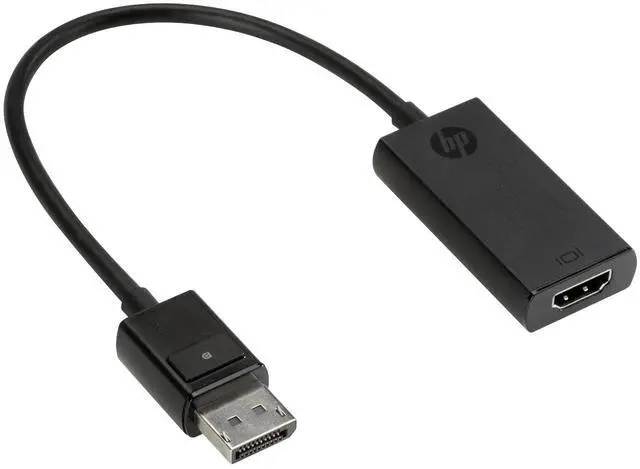
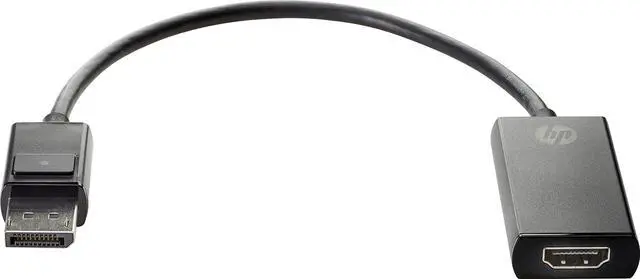
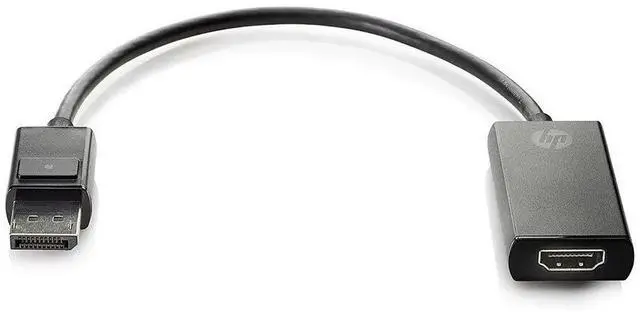
The HP 2JA63AA is a DisplayPort-to-HDMI True 4K adapter for connecting a DisplayPort-equipped computer or graphics card to an HDMI monitor, making it suitable for users who need an HDMI display connection with 4K support.
Recommended For
- HP desktop or workstation users who have a DisplayPort output but need to connect an HDMI monitor; this is the adapter’s stated purpose.
- Office users adding an HDMI monitor to a DisplayPort-equipped docking station; a CDW customer reports using it for a second Full HD monitor.
- People connecting an HP desktop to a 4K HDMI display or TV for desktop use or streaming, provided the computer, display, and HDMI cable support the desired resolution and refresh rate.
- Users with limited desk space behind a tower who want a compact adapter between the computer’s DisplayPort and a separate HDMI cable; one CDW reviewer noted the flexible connection let them position the PC farther back.
Real-World Use Scenarios
- When a desktop has an available DisplayPort output but a monitor has only HDMI, use the adapter to connect them; the monitor can serve as the computer’s display, subject to compatible settings and equipment.
- If the computer’s HDMI port is already in use, connect an HDMI monitor through a free DisplayPort to add another screen; the computer’s display settings determine whether it extends or mirrors the desktop.
- To use a large HDMI television as a computer display, connect the computer’s DisplayPort output to the TV; users report this setup for PC viewing and streaming, with the actual resolution depending on the connected equipment.
- For a presentation or home setup, connect a DisplayPort-equipped computer to an HDMI projector; it can function as an external or second display when the projector and computer support the selected display mode.
- When connecting a computer to an HDMI AV receiver or TV, the adapter can carry the display signal through the HDMI connection; audio playback depends on the computer, adapter path, receiver, and display settings.
Spec Summary
| Attribute | Value |
|---|
| Best For | Connecting a DisplayPort source to an HDMI display, including the listed HP desktop and all-in-one systems |
|---|
| Video Connectivity | DisplayPort-to-HDMI adapter with two connectors; described as True 4K |
|---|
| Compatibility | Compatible with the listed HP ProDesk, ProOne, EliteDesk, EliteOne, Elite Slice, Collaboration PC, and RP5 systems |
|---|
| Physical Specifications | Black finish; 11.90-inch length |
|---|
| Model Identifiers | HP 2JA63AA |
|---|



 All Categories