• ¥19,191
  • Consumption Sales Tax-Inclusive Price
Ships from Hong Kong.
Most customers receive within 10-17 days.
Shop it at NeweggBusiness.

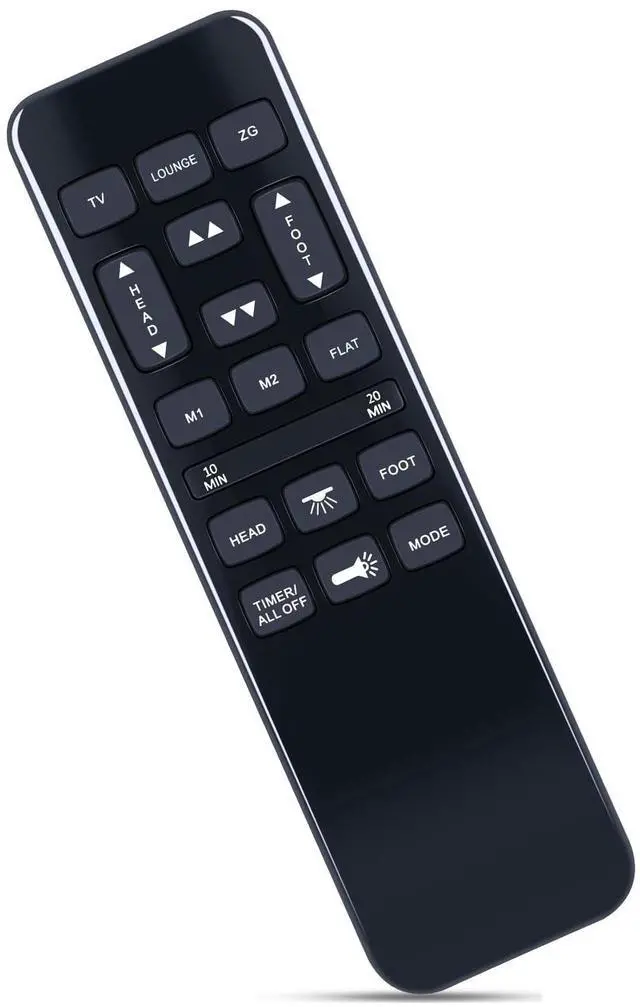
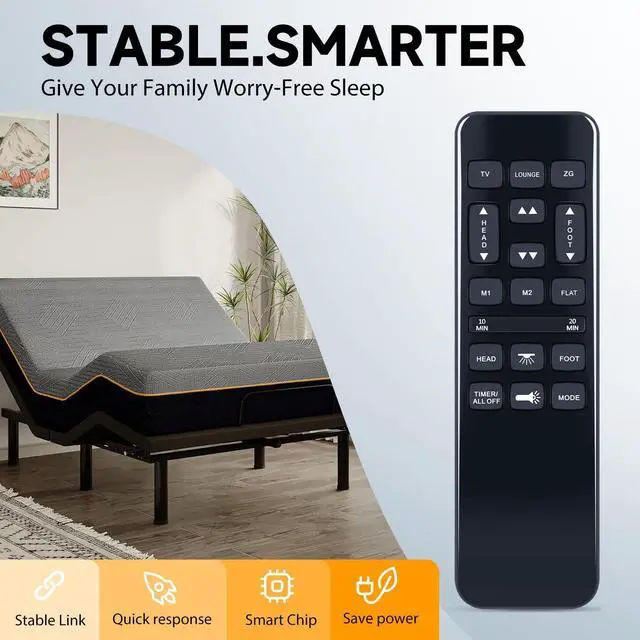
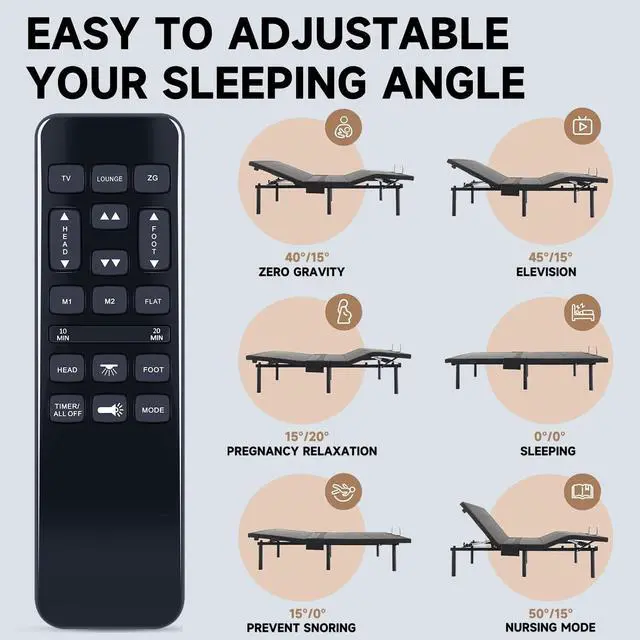
ZWP HJH55 Replacement Remote Control for Mattress Firm 600/3000 Series NU203CB Adjustable Bed Base, for Best Choice Products, BCP Adjustable Bed Frame SKY8064 SKY8065 SKY5671 SKY5679

  • Compatible with models HJH92S HJH55 SKY5671 SKY5671 SKY8064 SKY5671 SKY5679 (not include the battery)
  • PAIRING Method 1: Step 1) Press and hold the [HEAD UP] and [FOOT UP] buttons on the remote at the same time for 10 seconds; Step 2) Push the button on the side of thecontrol box underneath the bed where is indicates reset coding (usually it isthe button indicated by the word "Learn" or "Reset Coding".Do not press and hold the side button, just press and release. Step 3) Once you hear beeps that willindicate that the remote is synced.
  • PAIRING Method 2: Step 1) Press and hold the [HEAD DOWN] and [FOOT UP] buttons on the remote at the same time for 10 seconds; Step 2) Push the button on the side of thecontrol box underneath the bed where is indicates reset coding (usually it isthe button indicated by the word "Learn" or "Reset Coding".Do not press and hold the side button, just press and release. Step 3) Once you hear beeps that willindicate that the remote is synced.
  • PAIRING Met
+
+
Overview
Specs
Reviews
PAIRING Method 1: Step 1) Press and hold the [HEAD UP] and [FOOT UP] buttons on the remote at the same time for 10 seconds; Step 2) Push the button on the side of thecontrol box underneath the bed where is indicates reset coding (usually it isthe button indicated by the word "Learn" or "Reset Coding". Do not press and hold the side button, just press and release. Step 3) Once you hear beeps that willindicate that the remote is synced.
PAIRING Method 2: Step 1) Press and hold the [HEAD DOWN] and [FOOT UP] buttons on the remote at the same time for 10 seconds; Step 2) Push the button on the side of thecontrol box underneath the bed where is indicates reset coding (usually it isthe button indicated by the word "Learn" or "Reset Coding". Do not press and hold the side button, just press and release. Step 3) Once you hear beeps that willindicate that the remote is synced.
PAIRING Method 3: Step 1) Press and hold the [HEAD UP] and [FOOT DOWN] buttons on the remote at the same time for 10 seconds; Step 2) Push the button on the side of thecontrol box underneath the bed where is indicates reset coding (usually it isthe button indicated by the word "Learn" or "Reset Coding". Do not press and hold the side button, just press and release. Step 3) Once you hear beeps that willindicate that the remote is synced.

Warranty & Returns

Warranty, Returns, And Additional Information

Return Policies*

  • Return for refund within: 30 days
  • Return for replacement within: non-replaceable
  • This item is covered by SuZhouLiYuanLiXinBaiHuo Return Policy
  • *Subject to applicable law
  • Warranty Notice:

    This product does not include manufacturer warranty when purchased or used outside of its designated sales region. By purchasing internationally, you acknowledge that warranty support from the manufacturer will not be available.

Manufacturer Contact Info

LOADING...