¥37,468
Consumption Sales Tax-Inclusive Price
Ships from Hong Kong.
Most customers receive within 7-9 days.
Sold by Zienroylein
Shipped by Zienroylein
Meet Your Seller
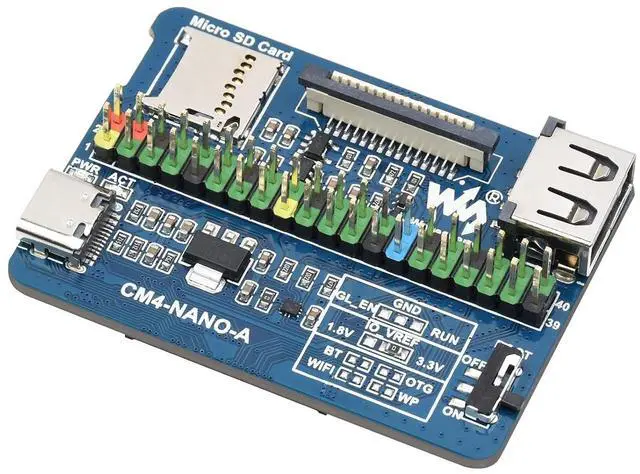
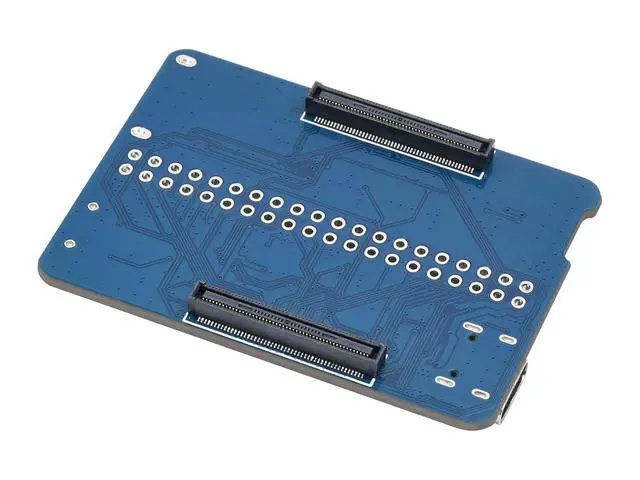
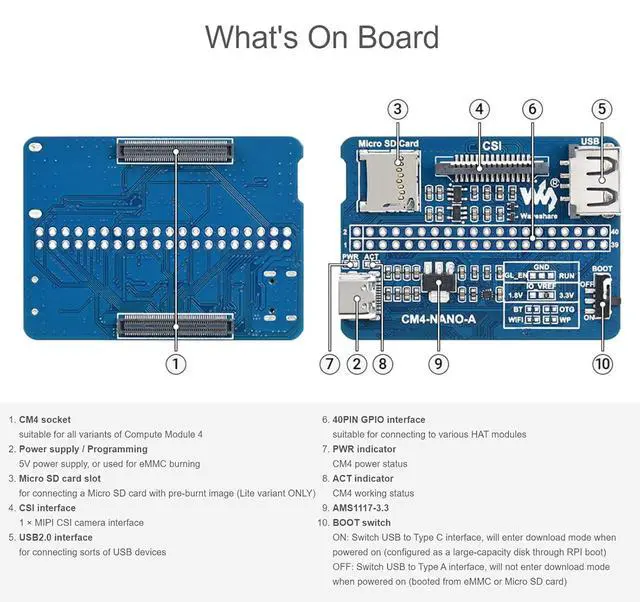
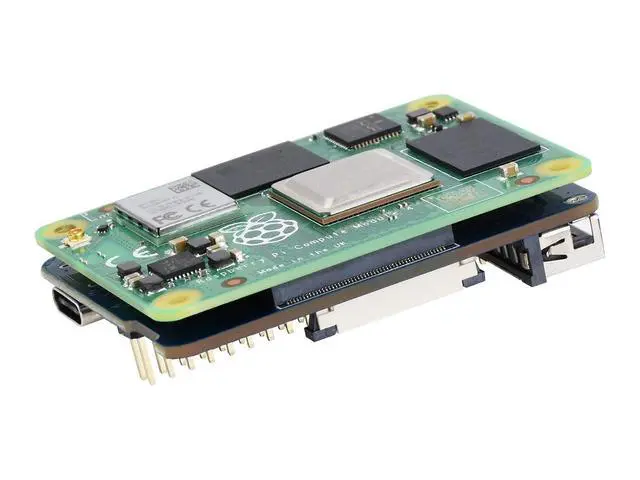
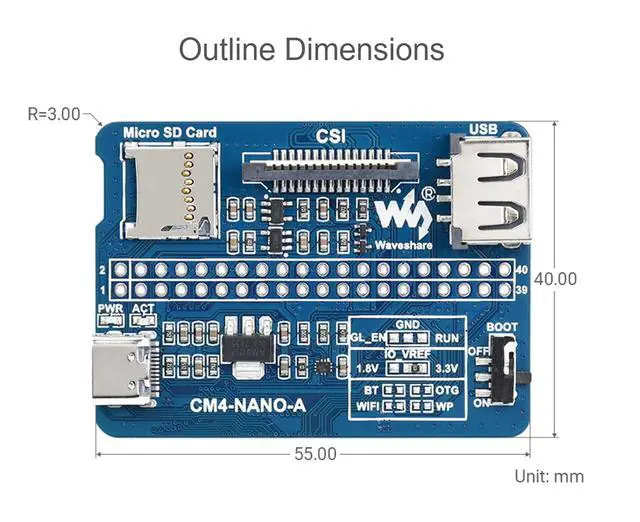
Nano Base Board (A) for Raspberry Pi Compute Module 4, Same Size as CM4, with 1× Raspberry Pi 40PIN GPIO, 1× USB 2.0 Type A, 1× MIPI CSI-2 Port, 5V/ 2.5A USB Type C Power Supply Interface
- Nano Base Board (A) for Compute Module 4 Lite/eMMC, suitable for evaluating the Raspberry Pi CM4 or being integrated into end products; Same size as the CM4, standard CM4 socket, with multiple peripheral interfaces, suitable for narrow application environment; USB Type C interface can be used as a power supply or as a USB SLAVE interface to burn the image, in order to ensure the normal power supply of CM4, please do not connect other devices when using the Type C interface to burn the image; USB2.0 is disabled by default, if you want to open it, you need to add the line dtoverlay=dwc2,dr_mode=host to the config.txt file; DO NOT plug and unplug any device other than USB while it is powered on
+
+
Overview
Specs
Reviews
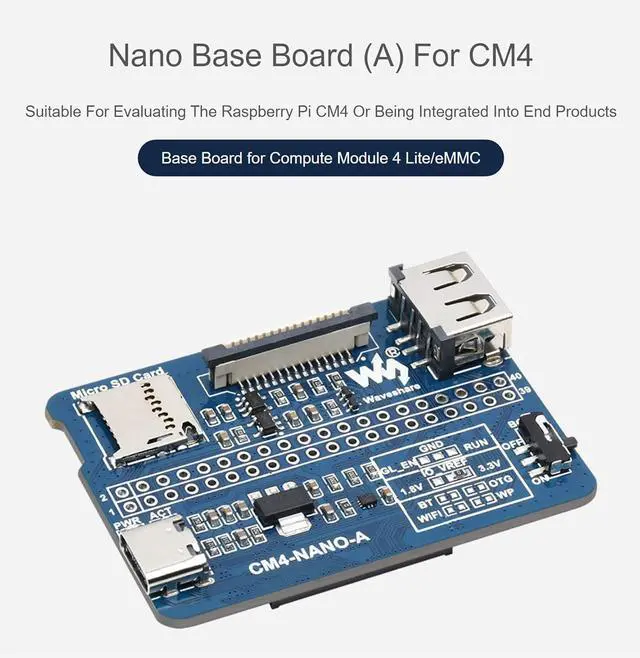
Nano Base Board (A) for Compute Module 4 Lite/eMMC, suitable for evaluating the Raspberry Pi CM4 or being integrated into end products
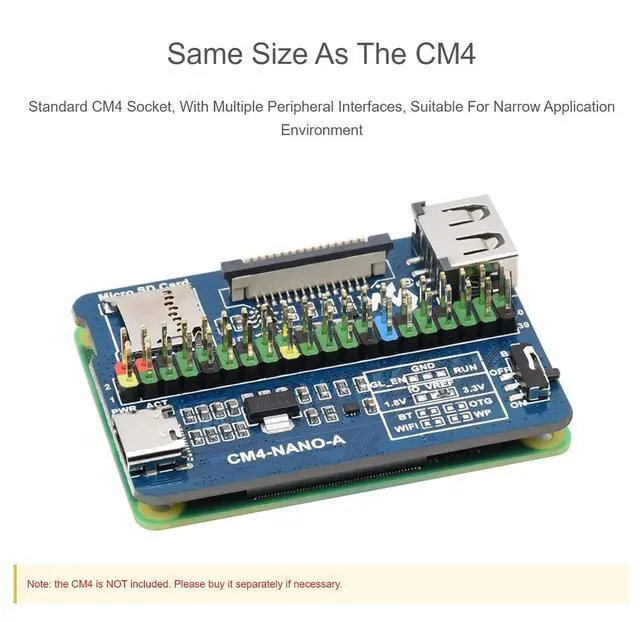
Same size as the CM4, standard CM4 socket, with multiple peripheral interfaces, suitable for narrow application environment
USB Type C interface can be used as a power supply or as a USB SLAVE interface to burn the image, in order to ensure the normal power supply of CM4, please do not connect other devices when using the Type C interface to burn the image
USB 2.0 is disabled by default, if you want to open it, you need to add the line dtoverlay=dwc2, dr_mode=host to the config. txt file
DO NOT plug and unplug any device other than USB while it is powered on

Same size as the CM4, standard CM4 socket, with multiple peripheral interfaces, suitable for narrow application environment
USB Type C interface can be used as a power supply or as a USB SLAVE interface to burn the image, in order to ensure the normal power supply of CM4, please do not connect other devices when using the Type C interface to burn the image
USB 2.0 is disabled by default, if you want to open it, you need to add the line dtoverlay=dwc2, dr_mode=host to the config. txt file
DO NOT plug and unplug any device other than USB while it is powered on
Warranty & Returns
Warranty, Returns, And Additional Information
Return Policies*
- Return for refund within: 30 days
- Return for replacement within: non-replaceable
- This item is covered by Zienroylein Return Policy
- *Subject to applicable law
Warranty Notice:
This product does not include manufacturer warranty when purchased or used outside of its designated sales region. By purchasing internationally, you acknowledge that warranty support from the manufacturer will not be available.
Manufacturer Contact Info
- For a directory of all our manufacturers, please click below.
- Manufacturers Directory
LOADING...