


 All CategoriesAll CategoriesAll Categories
Shipped by Newegg
 Top Rated



Warranty Notice:
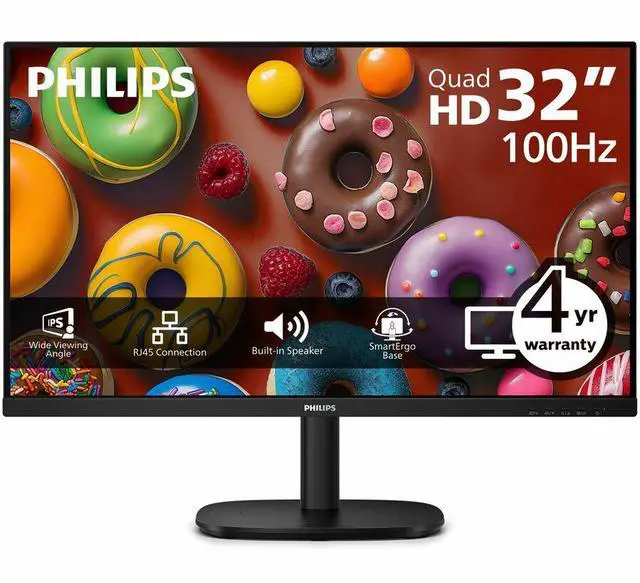
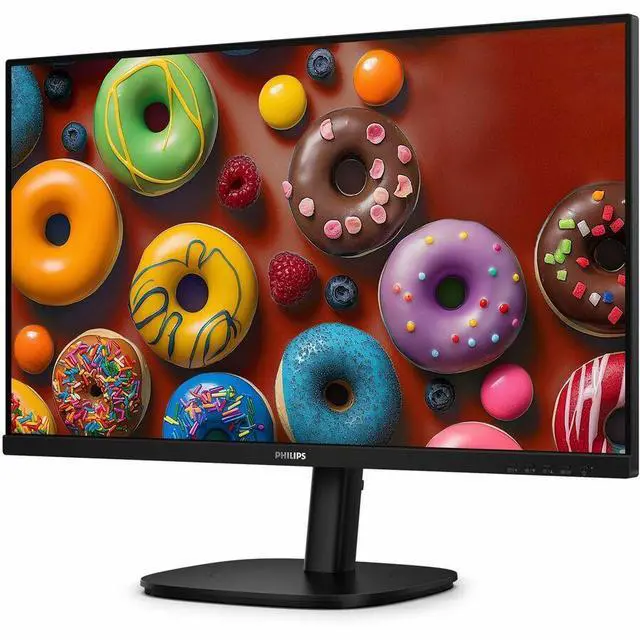
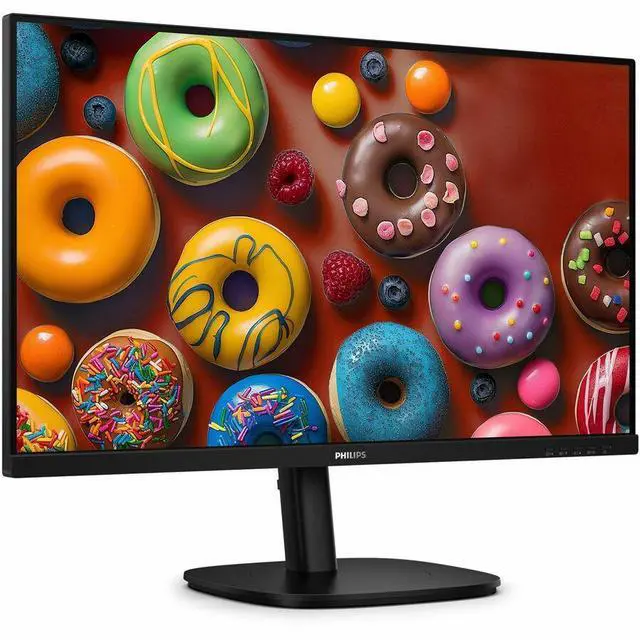
This product does not include manufacturer warranty when purchased or used outside of its designated sales region. By purchasing internationally, you acknowledge that warranty support from the manufacturer will not be available.The Philips 32B2U3601 is a 31.5-inch-viewable WQHD IPS monitor with a 100 Hz refresh rate, Adaptive Sync, and HDMI, DisplayPort, and USB-C connectivity. It suits home-office users and general-purpose PC setups that need a spacious, adjustable screen for work and everyday entertainment.
| Attribute | Value |
|---|---|
| Best For | Large-screen desktop work and multitasking, with QHD resolution, an IPS panel, a USB hub, and an adjustable stand |
| Panel And Resolution | 31.5-inch viewable WQHD (2560 × 1440) IPS display with a 16:9 aspect ratio, WLED backlight, 1.07 billion colors, and 350-nit brightness |
| Refresh Rate And Response | 100 Hz refresh rate, 4 ms response time, and Adaptive Sync |
| Ports And Connectivity | HDMI, DisplayPort, and USB Type-C video connections, plus a USB hub |
| Stand And Ergonomics | Stand adjusts for swivel, height, pivot, and tilt |
| Audio And Camera | Built-in speakers; no built-in webcam |
| Mounting And Design | VESA mountable with a black cabinet |
| Model Identifiers | Philips 32B2U3601; part number 32B2U3601 |
Q: Philips 32B2U3601 or 32B1U3900 for a 32-inch work monitor?
A: Choose the Philips 32B1U3900 if 4K detail is the priority: it has a 31.5-inch 3840 × 2160 display. Choose the Philips 32B2U3601 for QHD resolution with a 100 Hz refresh rate and an IPS panel. Both models include USB-C docking with up to 90 W power delivery, so the choice mainly comes down to resolution and refresh rate.
Q: Should I choose the Philips 32B2U3601 or the 27B2U3601?
A: Choose the 32B2U3601 for a larger 31.5-inch QHD workspace; choose the 27B2U3601 for a more compact 27-inch QHD display. Both are Philips IPS business monitors with USB-C docking, ergonomic stands and built-in speakers. Philips lists refresh rates of up to 100 Hz for the 32-inch model and 120 Hz for the 27-inch model.
Q: Which Philips monitor is better for a one-cable laptop desk setup: the 32B2U3601 or 32B1U3900?
A: Both support USB-C docking with up to 90 W power delivery, USB peripherals and Ethernet. The 32B2U3601 pairs that setup with a 100 Hz QHD IPS screen; the 32B1U3900 pairs it with a 4K UHD screen. Choose based on whether QHD at up to 100 Hz or 4K resolution better fits your work.
Q: Can I connect a laptop to this monitor with USB-C?
A: The Philips 32B2U3601 lists USB Type-C among its video connections, so it can be used for a USB-C display connection when the laptop’s USB-C port supports video output. The provided specifications do not state that the monitor supplies USB-C Power Delivery, so laptop charging through the monitor is not confirmed.
Q: Is this monitor suitable for office work and video meetings?
A: It is suited to desk-based office work, with a 31.5-inch WQHD IPS screen, 100 Hz refresh rate, USB hub, and height, swivel, pivot, and tilt adjustments. It has built-in speakers but no built-in webcam, so video meetings require a separate camera.
Q: Is the stand height-adjustable, and can the screen rotate vertically?
A: Yes. The listed stand adjustments include height, swivel, tilt, and pivot, so the screen can be raised or lowered and rotated to portrait orientation. The monitor is also listed as VESA-mountable.
Q: Is this monitor good for gaming?
A: It can suit casual gaming: it supports 2560 × 1440 resolution, up to 100 Hz, Adaptive Sync, and a listed 4 ms response time. It is not specified as a high-refresh competitive gaming display, and the actual refresh rate depends on the connected device and setup.
Q: Is the Philips 32B2U3601 a good fit for office work and casual gaming?
A: It is a plausible fit if you want a large work display that can also handle casual gaming: it has a 31.5-inch WQHD IPS panel, 100 Hz refresh rate, and Adaptive Sync. A Reddit post considering this model for office work and casual gaming also raises KVM, daisy-chaining, and laptop power delivery as decision factors. The provided product data does not confirm those features or USB-C charging wattage, so verify them before buying if they are essential.