


 All CategoriesAll CategoriesAll Categories
Shipped by Newegg
 Top Rated



Warranty Notice:
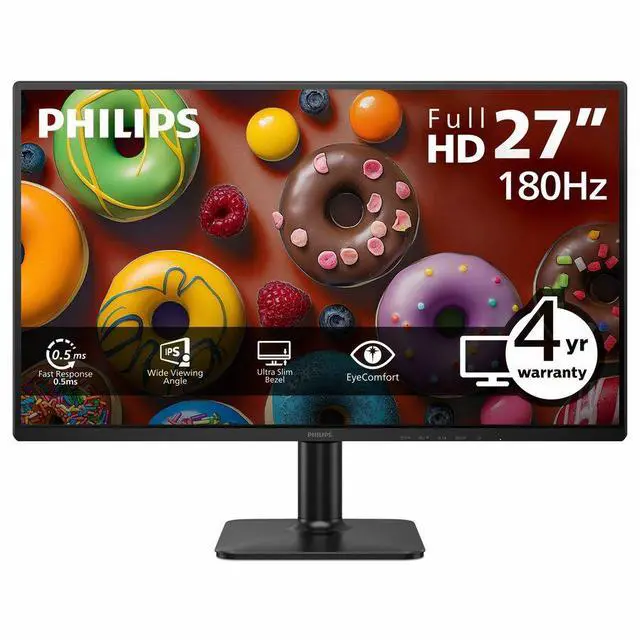
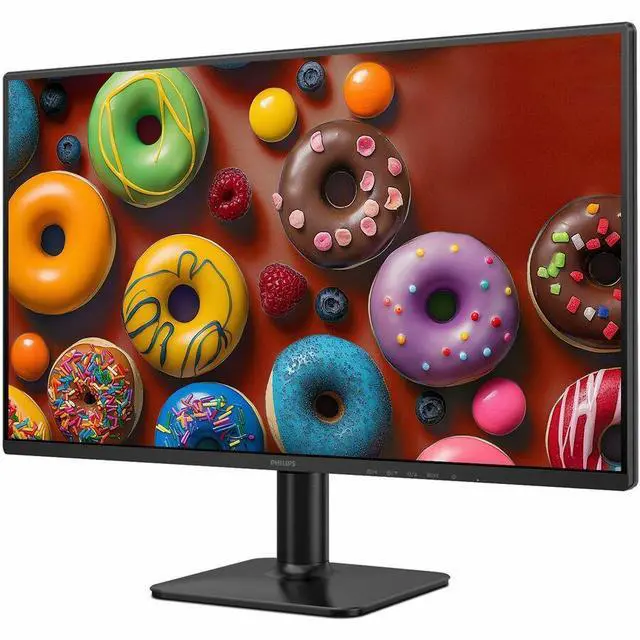
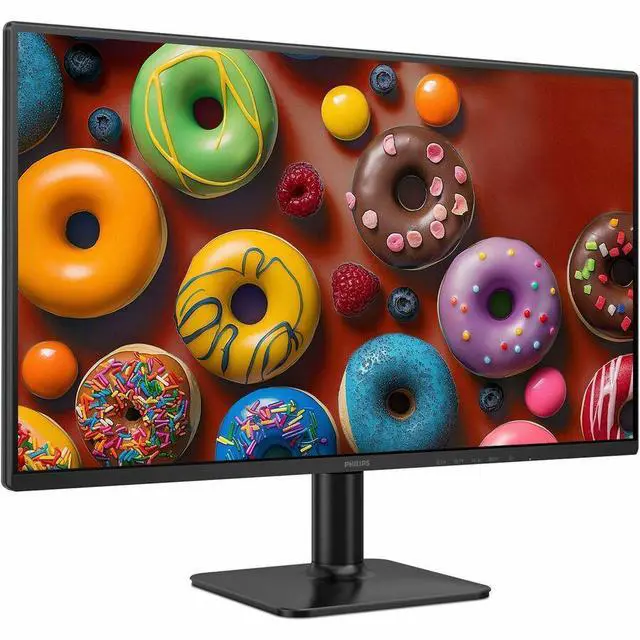
This product does not include manufacturer warranty when purchased or used outside of its designated sales region. By purchasing internationally, you acknowledge that warranty support from the manufacturer will not be available.The Philips 27E2G2201 is a 27-inch Full HD IPS gaming monitor with a 180 Hz refresh rate and Adaptive Sync, suited to PC gamers who prioritize smooth motion and responsive play at 1080p.
| Attribute | Value |
|---|---|
| Best For | Business use and photo/video editing, with a 27-inch Full HD IPS display and 180 Hz refresh rate |
| Panel And Resolution | 27-inch flat IPS display with WLED backlight, 1920 × 1080 Full HD resolution, 16:9 aspect ratio, 178° viewing angles, 81.59 PPI, and 0.3114 mm pixel pitch; anti-glare screen with 16.7 million colors and 78% NTSC color gamut |
| Picture And Color | 300-nit brightness and 1,500:1 contrast ratio, with SmartImage picture-quality enhancement |
| Refresh Rate And Response | 180 Hz refresh rate, 0.50 ms MPRT / 4 ms GTG response time, and Adaptive Sync |
| Ports And Connectivity | One HDMI 2.0 port and DisplayPort; no D-Sub, DVI, Thunderbolt, or USB ports; HDCP support |
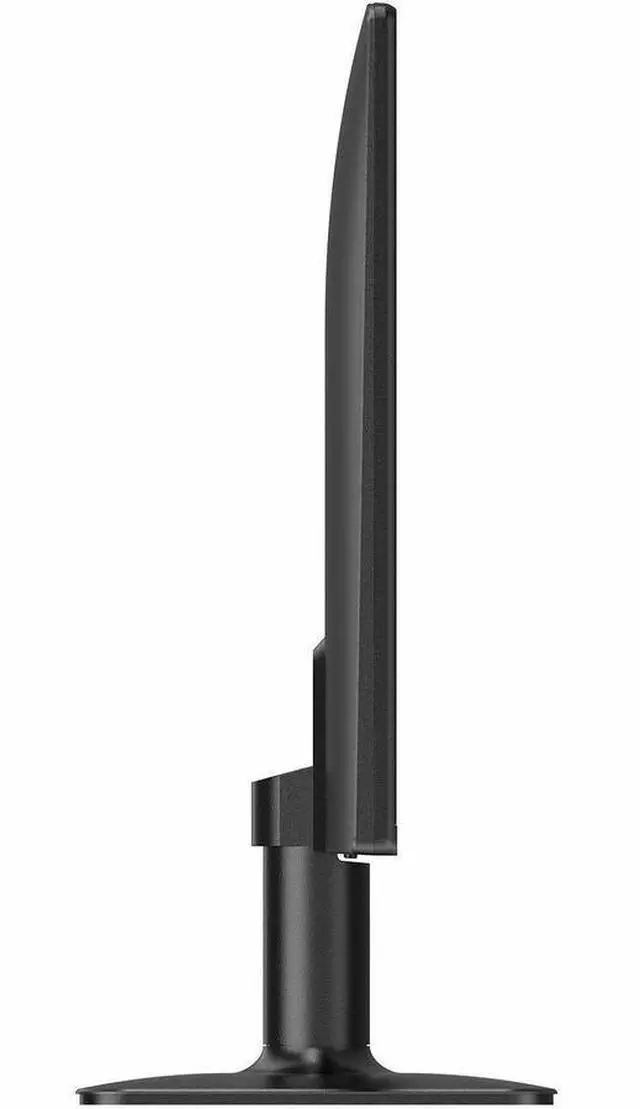
| Stand And Ergonomics | Tilt adjustment, 100 × 100 mm VESA mount compatibility for screens up to 30 lb, plus Eye Care and flicker-free features |
| Dimensions And Weight | 24.25 in wide × 17.87 in high × 7.87 in deep with stand; 24.25 × 14.13 × 1.3 in without stand; item weight 3.24 kg |
| Model Identifiers | Philips 2000 Series, model and part number 27E2G2201 |
Q: Philips 27E2G2201 vs. Philips 27E2N2100: which is better for gaming?
A: Choose the Philips 27E2G2201 if you want a 27-inch Full HD IPS monitor with up to 180 Hz refresh rate and Adaptive Sync. The Philips 27E2N2100 is also a 27-inch Full HD IPS option, rated up to 120 Hz, so the 27E2G2201 is the better fit when a higher refresh rate is a priority.
Q: Philips 27E2G2201 vs. Philips Evnia 27M2N3201A: which should I choose?
A: Choose the 27E2G2201 for a straightforward 27-inch Full HD IPS setup with 180 Hz and Adaptive Sync. Choose the Evnia 27M2N3201A if you also want gaming-focused features such as HDR10, Smart Crosshair, built-in speakers, and a stand with height, swivel, and pivot adjustment; both models support up to 180 Hz.
Q: Philips 27E2G2201 vs. Philips 27E1N1800A: which is better for a 27-inch screen?
A: Choose the 27E2G2201 for Full HD gaming with a listed 180 Hz refresh rate and Adaptive Sync. Choose the Philips 27E1N1800A when 4K UHD resolution (3840 × 2160) is the priority for detailed images, graphics, or spreadsheets.
Q: Is this monitor suitable for fast-paced PC gaming?
A: Yes. Its 180 Hz refresh rate, Adaptive Sync, and IPS panel suit fast-paced gaming, provided your computer and connection can output the desired refresh rate. Its resolution is Full HD (1920 × 1080), not 1440p or 4K.
Q: Is it a good choice for office work, reading, and video meetings?
A: It can work well for everyday office tasks: the 27-inch anti-glare IPS screen offers Full HD resolution and wide viewing angles. The stand only tilts, and the monitor has no built-in webcam or speakers, so plan on separate equipment if you need those features.
Q: Does the monitor have built-in speakers?
A: No. This model does not have built-in speakers, so use headphones or separate speakers for audio.
Q: Can I mount it on a monitor arm or wall mount?
A: Yes. The product specifications list VESA mounting compatibility. The included stand offers tilt adjustment only; it does not provide height adjustment.