

  • ¥18,006
  • Consumption Sales Tax-Inclusive Price
  • Free 30-day Returns
  • ¥11,913 Shipping
Add to PC build list 
Ships from United States.
Sold by Newegg

Shipped by Newegg

Shop it at NeweggBusiness.

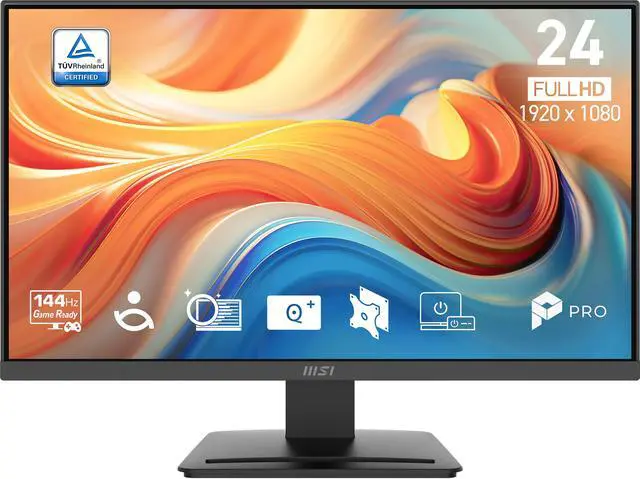
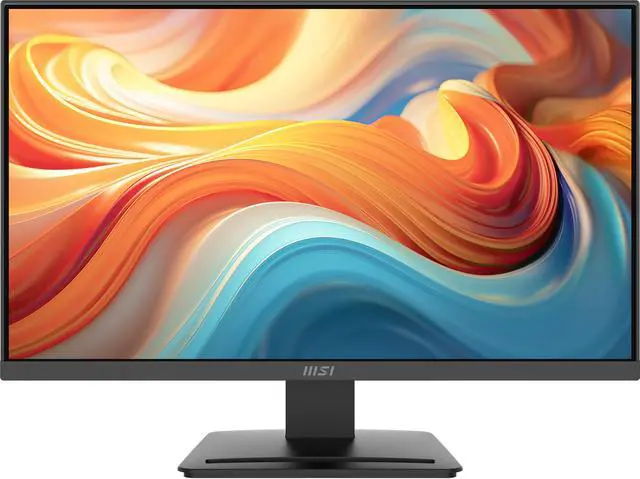
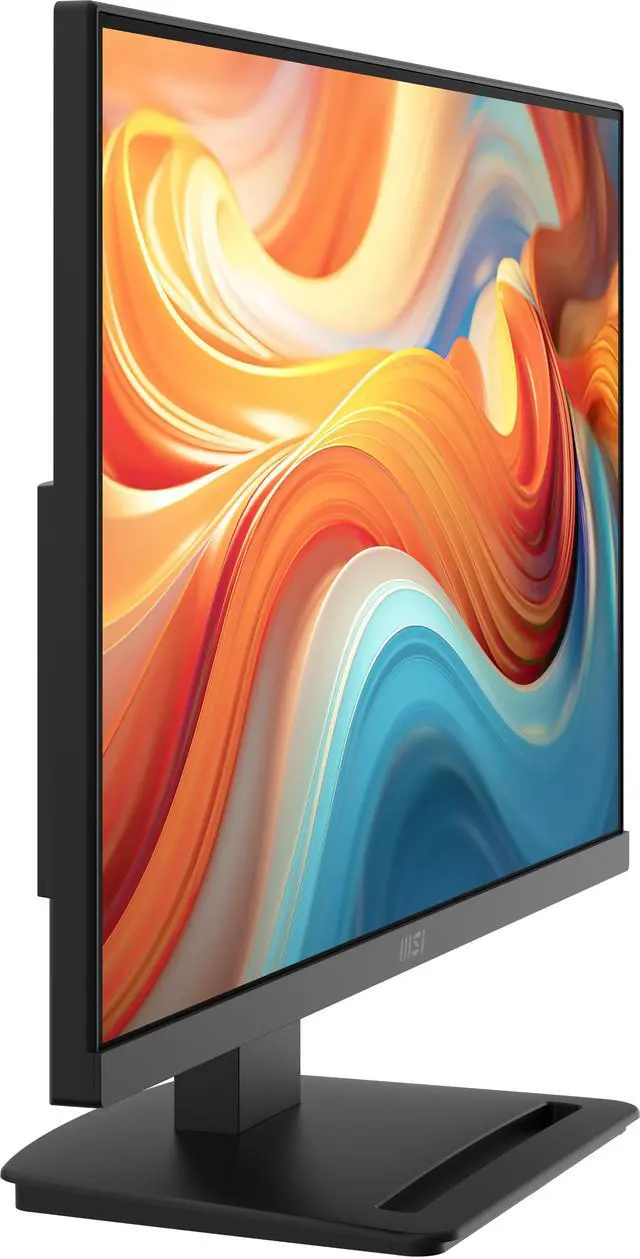
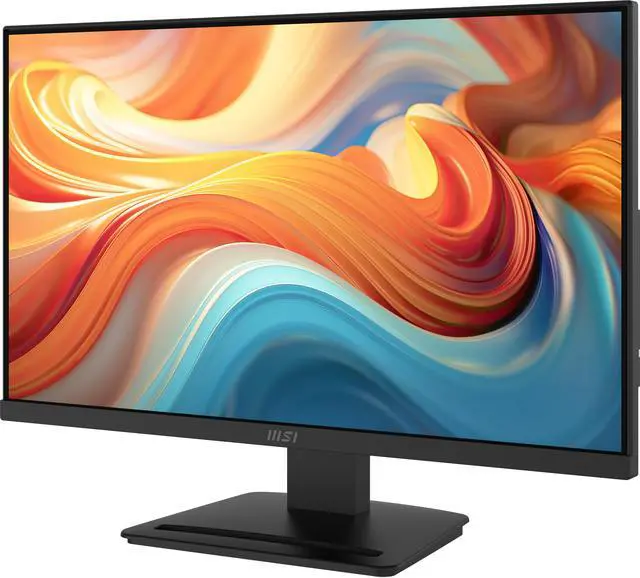
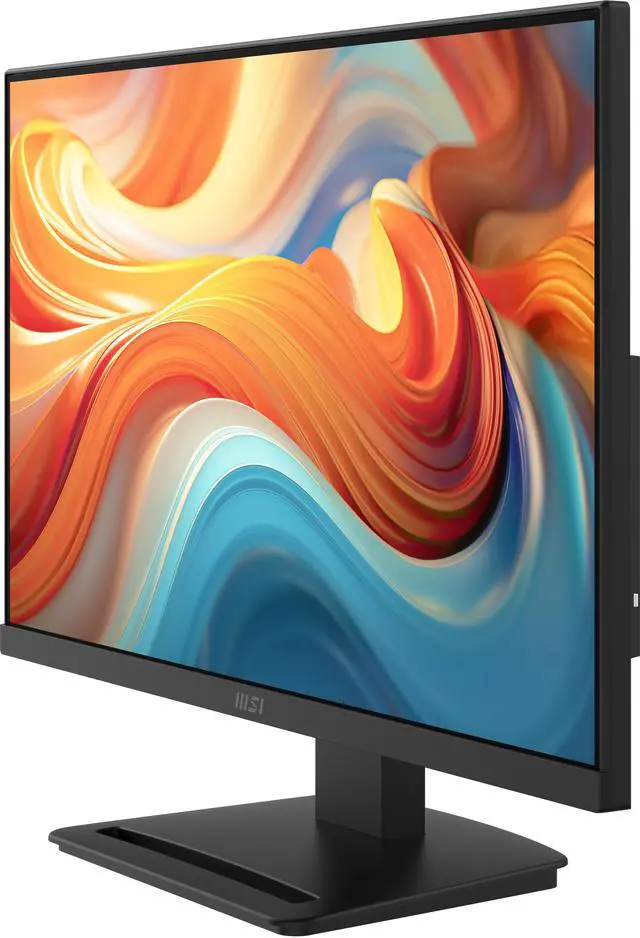
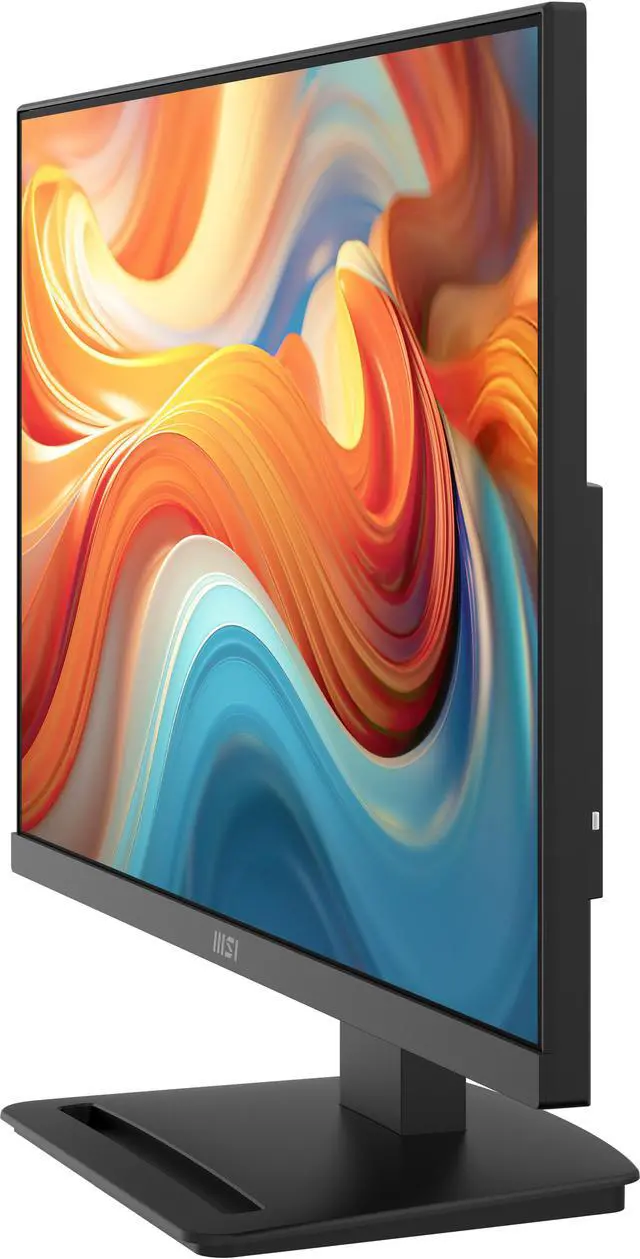
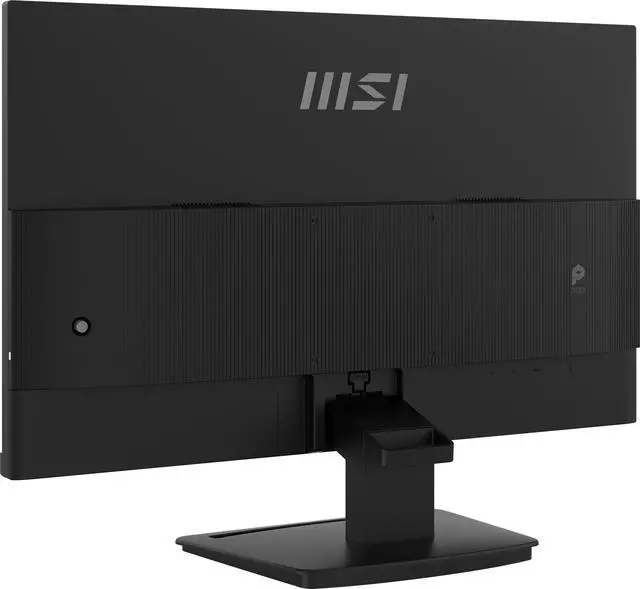
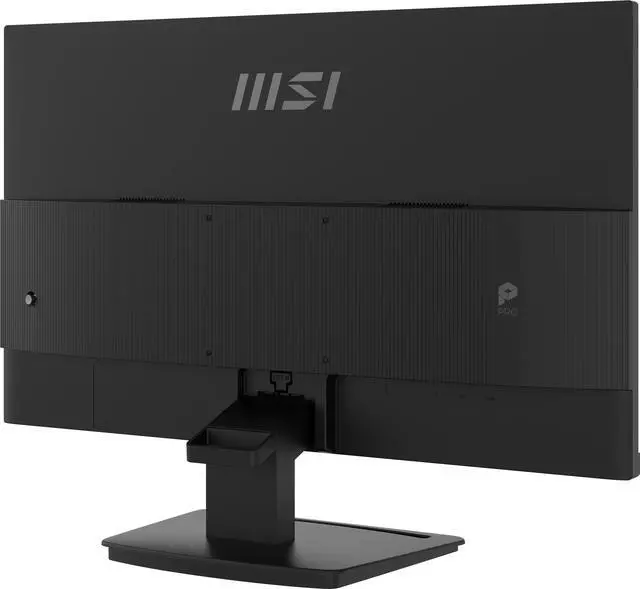
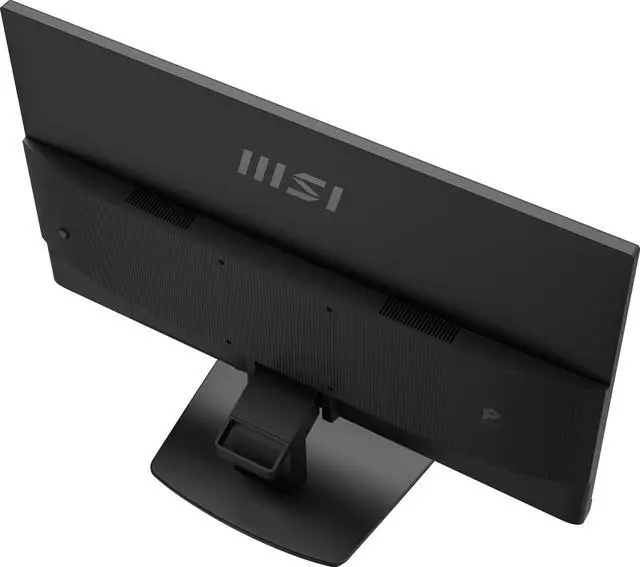
MSI 24 inch Full HD 144Hz IPS AMD FreeSync 1ms FHD Computer Monitor for both work and gaming with phone accessories stand PRO MP241 E14V

  • Enjoy the upgraded canvas in the limited space.
  • 144 Hz refresh rate provides a better viewing experience with flicker-free image.
  • IPS panel with 178° Wide Viewing Angle designed for a premium quality picture
  • TÜV certified display ensures the protection and health of eyesight.
  • MSI Eye-Q Check helps have self-check eyes & reminds to take a rest while using the monitor for a long time.
+
+
Overview
Specs
Reviews (1)
MSI PRO MP241 E14V Computer Monitor banner
MSI PRO MP241 E14V Computer Monitor
The Slim, Sleek and Smooth 144Hz Business Monitor

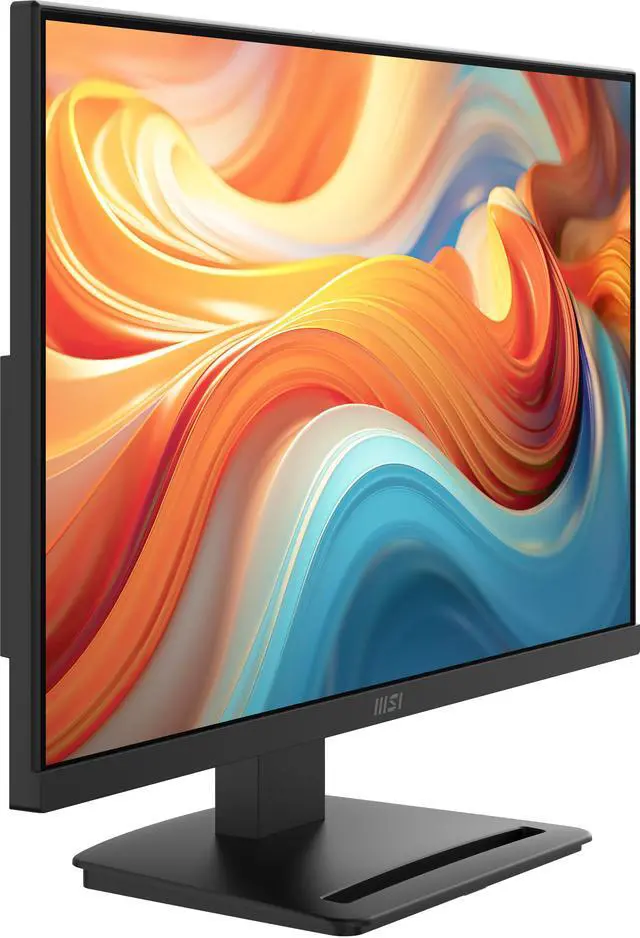
The MSI PRO MP241 E14V PerfectEdge monitor features a frameless design and 144 Hz refresh rate to provide users with a smoother and more immersive viewing experience. Outfitted with a compact base stand, EyesErgo technology, and easy-to-use hardware such as MSI Power link, the PRO MP241 E14V ushers in a new era of workplace monitors optimized for comfort & productivity.

MSI PRO MP241 E14V Computer Monitor
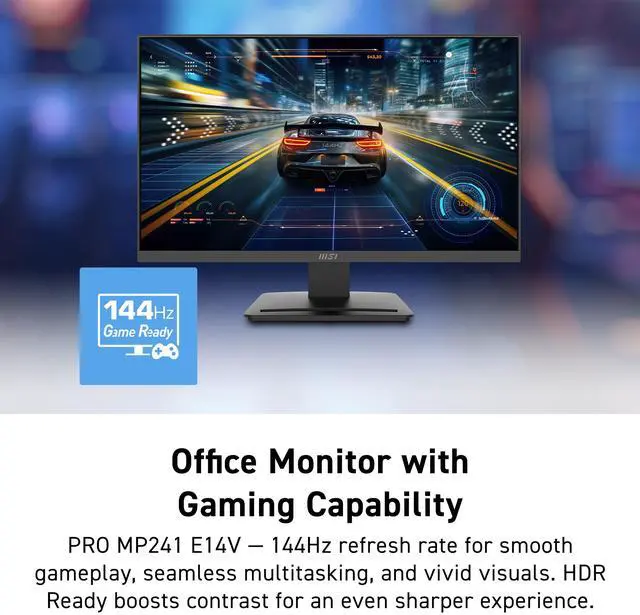
144Hz Game Ready

Experience the full capabilities of a high refresh rate 144 Hz monitor. Enjoy seamless multitasking, ultra-smooth gameplay, and fluid AI-generated visuals. Ideal for creators, gamers, and innovators alike, this level of performance delivers a visual experience that’s both vivid and precise.

HDR Ready can be enabled to provide enhanced contrast.

MSI PRO MP241 E14V Computer Monitor
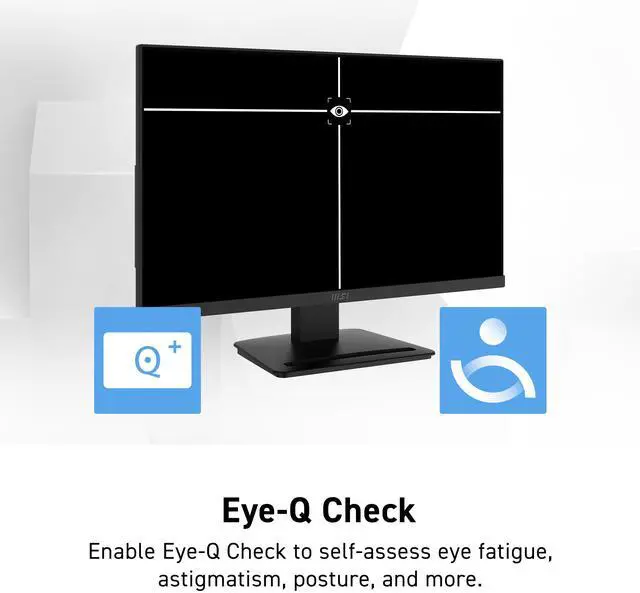
Eye-Q Check

Eye-Q Check software can be enabled to help users self-assess eye fatigue & posture.

  • Astigmatism
  • Amsler Grid
  • Posture Correction
MSI PRO MP241 E14V Computer Monitor
Display Kit App

MSI Display Kit software supports a broad array of additional functionality, including:

  • Direct keyboard & mouse setting adjustments while in the program
  • Preset display profiles that can be assigned to software
  • Split window multitasking on one screen
MSI PRO MP241 E14V Computer Monitor
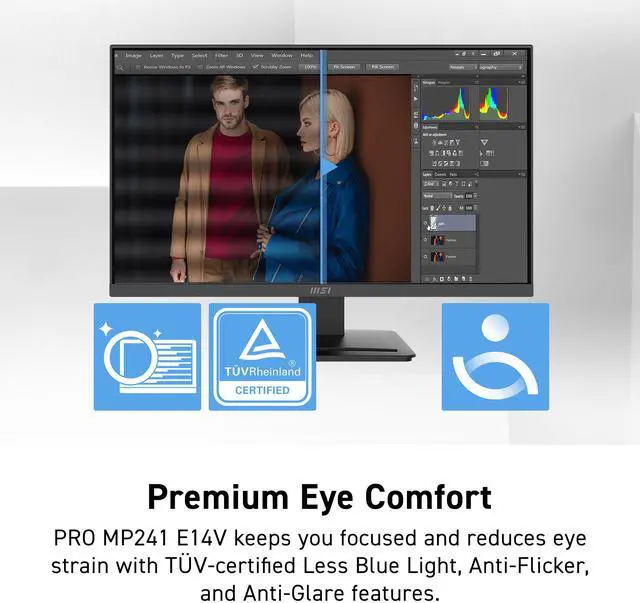
Premium Eye Comfort

Stay focused and reduce eye fatigue with built-in features designed to help improve work productivity:

Less Blue Light employs software-based filter technology, while retaining a vivid colour palate with uncompromising detail.

Less Blue Light technology*

Anti-Flicker Panel**

Anti-Glare Surface

* TÜV Rheinland Low Blue Light (Software solution) Certificate Q 50674927, 2025-04-25 **TÜV Rheinland Flicker Free Certificate Q 50674927, 2025-04-25

MSI PRO MP241 E14V Computer Monitor
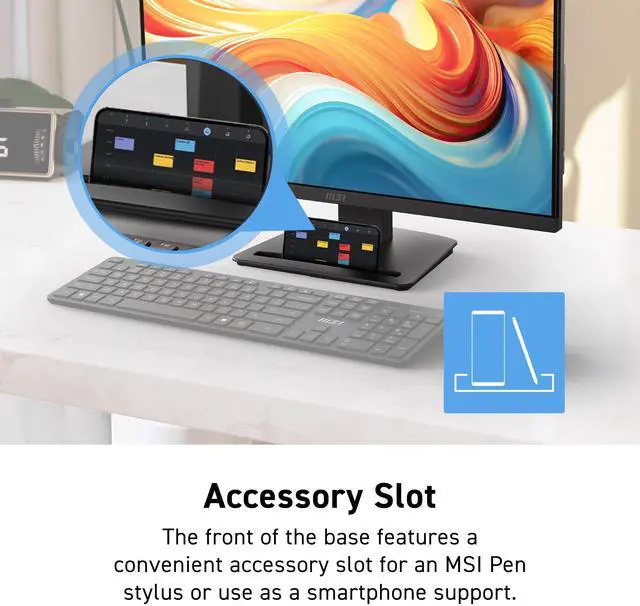
Accessory Slot

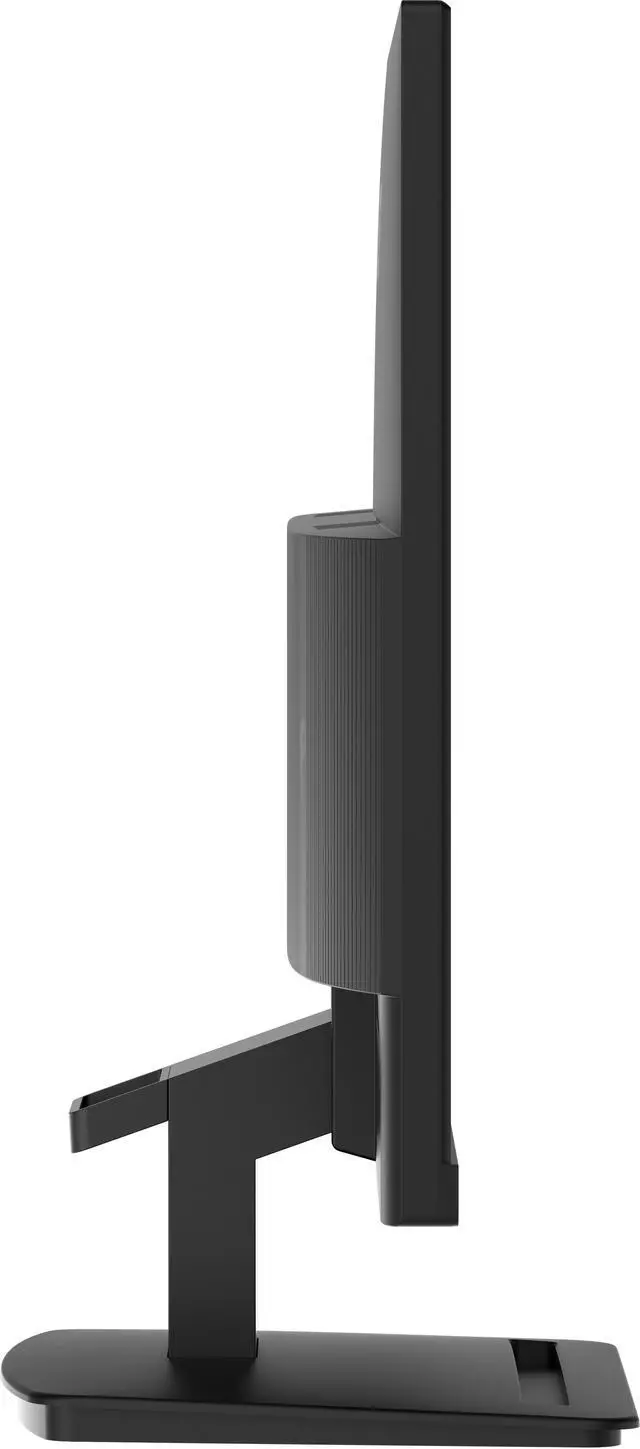
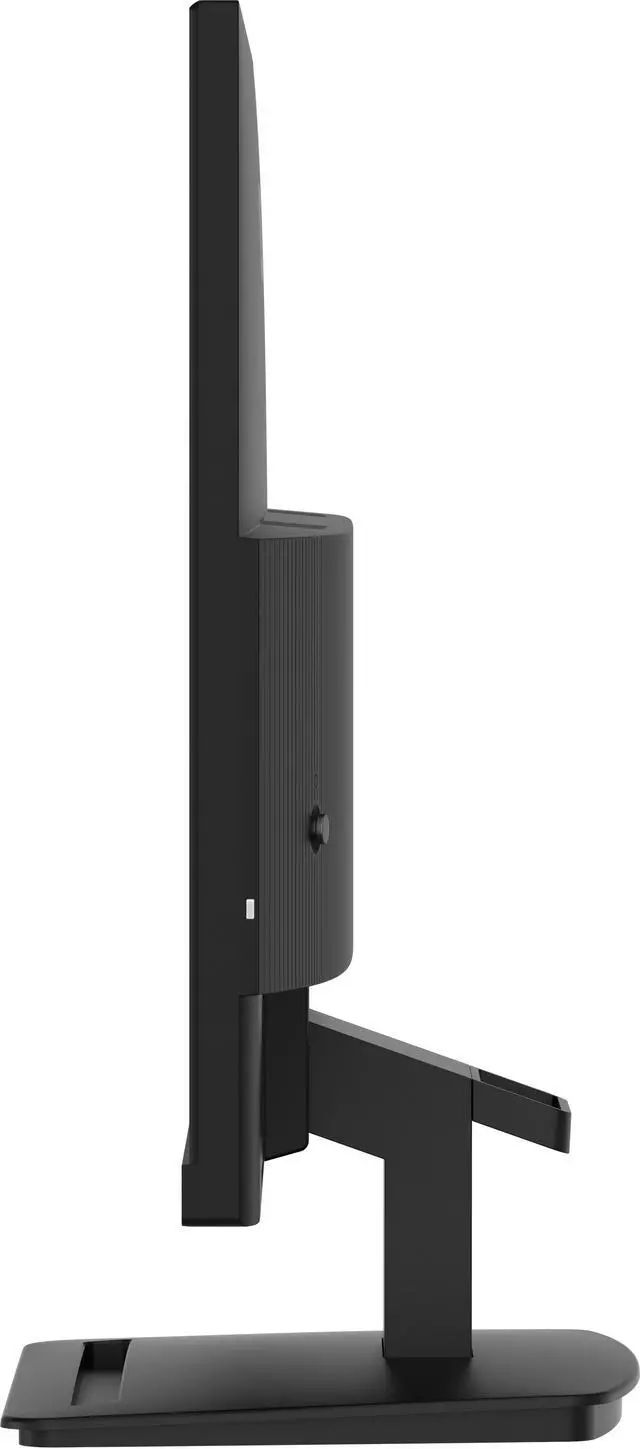
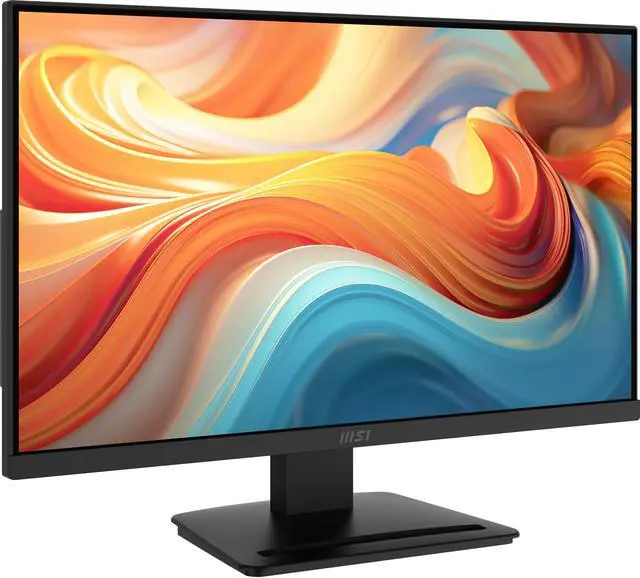
The front of the base features a convenient accessory slot for an MSI Pen stylus or use as a smartphone support.

The stand and panel can be assembled or disassembled easily and in moments thanks to a no-fuss, tool-free design and includes a cable management clip.

The monitor is tilt-adjustable -5°~20° and includes a Kensington lock.

MSI PRO MP241 E14V Computer Monitor
Mini-PC Mountable Design

Mini-PC Mountable stand design makes the monitor compatible with the MSI Cubi Series mini-PC for an invisible desktop setup.

MSI PRO MP241 E14V Computer Monitor
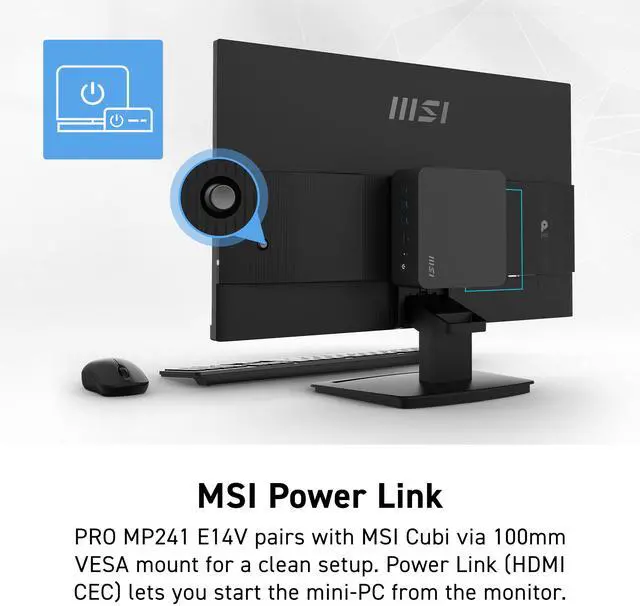
MSI Power Link

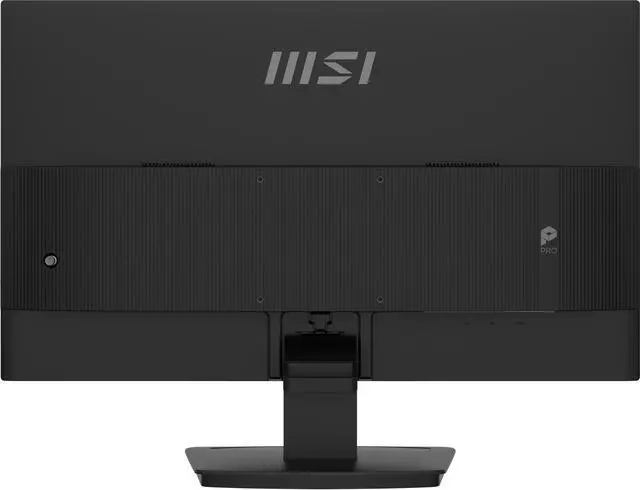
The MSI PRO MP241 E14V supports a standard 100mm VESA mount* and is compatible with the MSI Cubi Series mini-PC for an invisible desktop setup.

MSI Power Link with HDMI CEC lets the MSI mini-PC be powered on by the monitor's button, enhancing efficiency and user experience.

* Enjoy a cleaner desktop and superior Cable Management with the MSI VESA Arm MT81 (not included).

MSI PRO MP241 E14V Computer Monitor
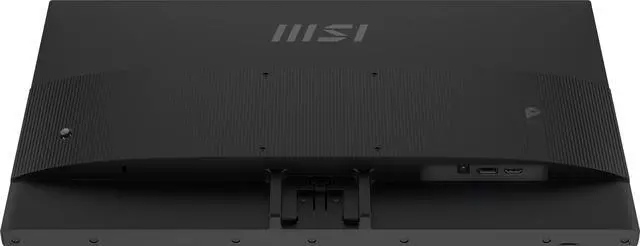
Various I/O Ports

Our professional monitor is designed to keep you connected and enhance your productivity with a variety of input ports. Whether you're working or entertaining, the versatile connectivity options ensure seamless integration with all your devices.

  • HDMI™ 2.0 (1920x1080/144Hz, HDMI-CEC for consoles)
  • DisplayPort 1.2a (1920x1080/144Hz)

Warranty & Returns

Warranty, Returns, And Additional Information

Return Policies*

  • Return for refund within: 30 days
  • Returns are subject to restocking fees and return shipping fees. Please click here to learn more about restocking fees and return shipping fees.
  • This item is covered by Newegg.com's International Order Return Policy.
  • Read full return policy for details.
  • *Subject to applicable law
  • Warranty Notice:

    This product does not include manufacturer warranty when purchased or used outside of its designated sales region. By purchasing internationally, you acknowledge that warranty support from the manufacturer will not be available.
LOADING...
LOADING...

The MSI PRO MP241 E14V is a 23.8-inch Full HD monitor with a 144Hz refresh rate, 1ms response time, and AMD FreeSync, suited to people who want smooth everyday gaming and a screen for work on a compact desk.

Recommended For

  • Desk-based workers who want a compact 23.8-inch Full HD screen for everyday tasks, with a 144Hz refresh rate for smoother scrolling and MSI eye-comfort features for extended sessions.
  • PC or console users who want a 1080p monitor for casual gaming alongside work, and value 144Hz refresh and adaptive sync over a larger or higher-resolution screen.
  • Small-desk or mini-PC setups that benefit from a 100 × 100 mm VESA mount and a monitor designed to accommodate an MSI Cubi mini PC behind the display.
  • Users connecting a desktop or console through HDMI or DisplayPort who do not need USB-C video, a built-in USB hub, or built-in speakers.

Real-World Use Scenarios

  • For everyday office or home-office work—such as writing documents, browsing, and switching between windows—the 23.8-inch Full HD screen provides a dedicated desktop workspace, while its higher refresh rate can make scrolling and on-screen movement appear smoother.
  • For PC gaming, players can use the monitor for smoother motion in compatible games; Adaptive-Sync can help reduce visible tearing when the graphics card’s frame rate varies within the monitor’s supported range.
  • For long stretches of reading or desk work, the anti-glare display and MSI Eye-Q Check features provide glare reduction and on-screen eye-check tools; they do not replace breaks or good desk posture.
  • For a small desk or a simple workstation, the monitor’s VESA mounting option lets users attach it to a compatible arm or wall mount, which can free up space otherwise occupied by the stand.
  • For a mixed work-and-entertainment setup, users can connect a compatible PC or console over HDMI or DisplayPort and switch between work applications, video, and games; the monitor has no built-in speakers, so audio needs a separate solution.

Spec Summary

AttributeValue
Best ForDesktop work and gaming, with a Full HD 144Hz display and FreeSync adaptive sync
Panel And Resolution23.8-inch flat VA LCD panel with 1920 × 1080 resolution, 16:9 aspect ratio, 178° horizontal and vertical viewing angles, and anti-glare finish; supports 16.7 million colors, 98% sRGB, 250 cd/m² brightness, 3500:1 contrast, and HDR Ready
Refresh Rate And Response144Hz refresh rate, 1ms response time, and AMD FreeSync adaptive sync
Ports And Connectivity1 HDMI 2.0 port and 1 DisplayPort 1.2a; no USB or Thunderbolt ports
Stand And ErgonomicsTilt adjustment, 100 × 100mm VESA mounting, Eye-Q technology, flicker-free eye care, Kensington lock, and cable management
Power100–240 VAC, 50/60Hz power supply; 16W power consumption
Physical DetailsBlack cabinet; 21.34 × 15.65 × 7.13 inches with stand and 21.34 × 12.69 × 1.72 inches without stand; weighs 6.48 lb
Model IdentifiersMSI PRO series, model PRO MP241 E14V

Reference Q&A

Q: MSI PRO MP241 E14V or PRO MP2412 for 144Hz gaming?

A: Choose the PRO MP241 E14V if you want a 23.8-inch Full HD MSI monitor with a 144Hz refresh rate and Adaptive-Sync. The PRO MP2412 is also 23.8-inch Full HD with Adaptive-Sync, and its refresh rate is 100Hz; it fits a setup where 100Hz is sufficient.

Q: Should I get the MSI PRO MP241 E14V or the 27-inch PRO MP273 E14A?

A: Choose the PRO MP241 E14V for a 23.8-inch Full HD display in a more compact desk setup. Choose the PRO MP273 E14A for a larger 27-inch Full HD IPS screen. Both models offer a 144Hz refresh rate and Adaptive-Sync.

Q: Is the MSI PRO MP273Q E14 a good upgrade from the PRO MP241 E14V?

A: The PRO MP273Q E14 is an upgrade for shoppers who want a larger 27-inch screen with QHD resolution (2560 × 1440) while keeping a 144Hz refresh rate. The PRO MP241 E14V is the more compact option, with a 23.8-inch Full HD screen and the same 144Hz refresh rate.

Q: MSI PRO MP241 E14V or PRO MP2412C: which has the higher refresh rate?

A: The PRO MP241 E14V has the higher refresh rate at 144Hz, compared with 100Hz on the curved PRO MP2412C. Choose the E14V for a flat screen and higher refresh rate; choose the MP2412C if you prefer a curved 23.6-inch Full HD display.

Q: Is this monitor suitable for both office work and gaming?

A: It can handle everyday office work and gaming: it has a 23.8-inch 1920 × 1080 display, a 144Hz refresh rate, and AMD FreeSync. Its stand adjusts by tilt only, and the monitor has no built-in speakers or webcam, so consider those limitations when planning a desk setup.

Q: Does the monitor have a built-in webcam or speakers for video meetings?

A: No. The product specifications list neither built-in speakers nor a webcam. You will need separate audio and camera equipment for video meetings.

Q: Can I mount it on a monitor arm, and does the stand adjust for height?

A: It supports 100 × 100 mm VESA mounting, so it can be attached to a compatible monitor arm or mount. The included stand offers tilt adjustment only; height adjustment is not listed.

Q: Will it run at 144Hz when connected to my computer?

A: The monitor is rated for up to 144Hz and has HDMI 2.0 and DisplayPort 1.2 inputs. The actual refresh rate depends on the computer’s graphics output, connection, cable, and display settings; check that the connected device supports the desired resolution and refresh rate.

Q: Is the panel IPS or VA?

A: The supplied product information conflicts: the title describes the monitor as IPS, while the specifications list a VA panel. Confirm the panel type with the seller before buying if it matters to your decision.