


 All CategoriesAll CategoriesAll Categories
Shipped by Newegg
 Top Rated




Warranty Notice:
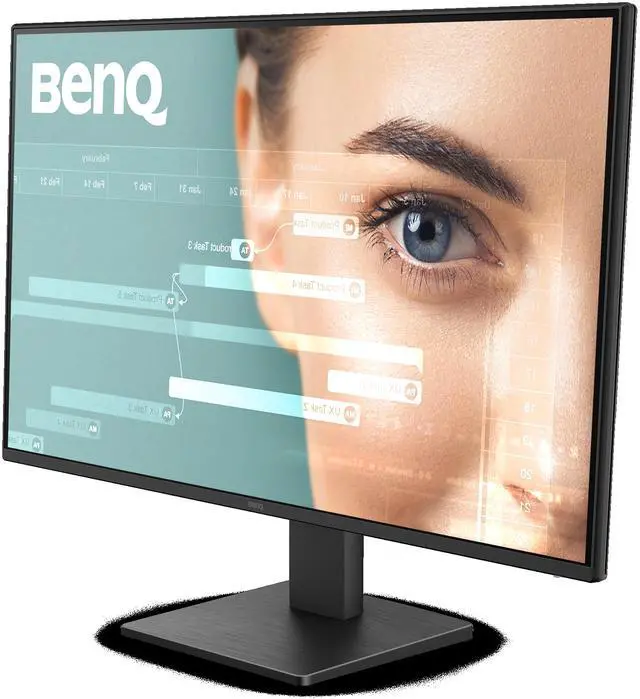
This product does not include manufacturer warranty when purchased or used outside of its designated sales region. By purchasing internationally, you acknowledge that warranty support from the manufacturer will not be available.The BenQ GW2791P is a 27-inch Full HD IPS monitor with a 144 Hz refresh rate, suited to users who want a larger desktop display for everyday computing and smoother casual gaming.
| Attribute | Value |
|---|---|
| Best For | Desktop users seeking a 27-inch Full HD IPS display for everyday viewing and smoother motion |
| Panel And Resolution | 27-inch matte IPS LED panel with 1920 × 1080 (Full HD) resolution, 16:9 aspect ratio, and 99% sRGB coverage |
| Refresh Rate And Response | 120 Hz refresh rate with a 5 ms response time |
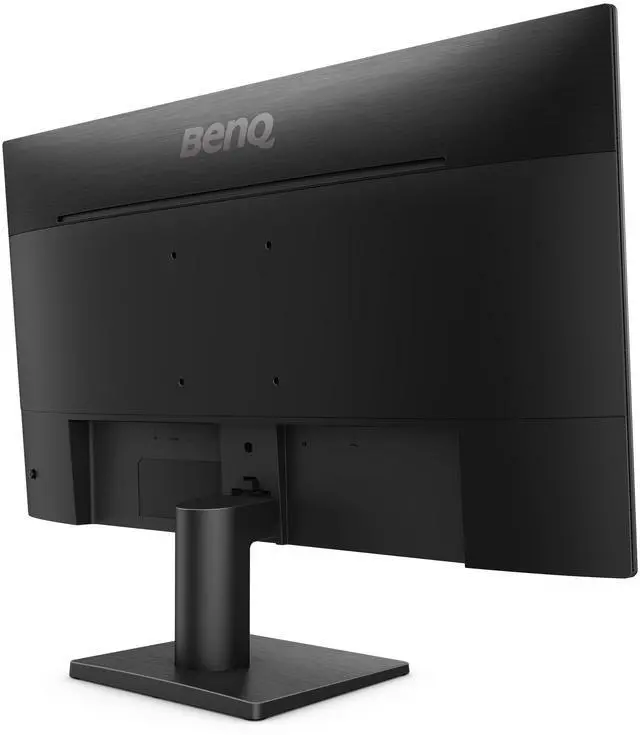
| Ports And Connectivity | HDMI and DisplayPort connectivity; 2 component outputs |
| Physical Dimensions And Weight | Listed item dimensions: 24.3 in front-to-back, 7.2 in side-to-side, and 17.9 in base-to-top; weighs 11.65 lb |
| Model Identifiers | BenQ GW2791P; part and model number GW2791P |
Q: BenQ GW2791P or GW2791—which is the better upgrade?
A: Choose the GW2791P if you want a higher refresh rate for smoother scrolling and motion: BenQ lists it at 120Hz, compared with 100Hz for the GW2791. Both are 27-inch Full HD IPS monitors, making the GW2791P a straightforward step up while keeping the same screen size and resolution.
Q: Should I get the BenQ GW2791P or GW2790QP for sharper detail?
A: Choose the GW2790QP if sharper detail and more screen resolution are the priority: it offers 2560 × 1440 QHD at 144Hz. Choose the GW2791P for a 27-inch Full HD display at 120Hz. Both are BenQ eye-care monitors, so the decision mainly comes down to QHD resolution and higher refresh rate versus the GW2791P’s Full HD configuration.
Q: BenQ GW2791P vs GW2790P: which one fits work and play?
A: Both are 27-inch Full HD BenQ monitors with IPS panels and 120Hz refresh rates. BenQ positions the GW2791P for work and play, while the GW2790P is positioned for professional work and includes Visual Optimizer for adaptive brightness. Choose the GW2791P for a work-and-play-focused model; choose the GW2790P if adaptive brightness is a priority.
Q: Is the BenQ GW2791P suitable for everyday office work and studying?
A: Yes. Its 27-inch Full HD IPS screen is suited to everyday documents, browsing, and study, and BenQ lists low-blue-light and flicker-free features. Full HD provides less workspace and detail than a higher-resolution display at the same size.
Q: Does the GW2791P support 144Hz?
A: BenQ’s product information lists a maximum refresh rate of 120Hz, not 144Hz. This differs from the supplied listing title, so confirm the exact model specifications with the seller before buying if 144Hz is essential.
Q: Does the GW2791P have built-in speakers?
A: No. BenQ’s specifications list a headphone jack but do not list built-in speakers, so plan to use your computer’s audio, headphones, or external speakers for sound.
Q: Can the GW2791P be mounted on a monitor arm?
A: Yes. BenQ lists a 100 × 100 mm VESA mount. Check that the arm supports this mounting pattern and the monitor’s weight before installation.