


 All CategoriesAll CategoriesAll Categories
Shipped by Newegg




Warranty Notice:
This product does not include manufacturer warranty when purchased or used outside of its designated sales region. By purchasing internationally, you acknowledge that warranty support from the manufacturer will not be available.The HP Pro Mini 400 G9 is a compact business desktop with an Intel Core i5-14500T, 16 GB DDR5 memory, a 512 GB NVMe SSD, and Windows 11 Pro, suited to office work and everyday multitasking in space-conscious setups.
| Attribute | Value |
|---|---|
| Best For | Business and work use in a compact mini PC form factor |
| Processor And Cache | Intel Core i5-14500T, 14th Gen, with 24 MB L3 cache and clock speeds of 1.70 GHz base and up to 4.8 GHz turbo |
| Graphics | Integrated Intel UHD Graphics 770 with shared system memory and 0 GB dedicated graphics RAM |
| Memory Configuration | 16 GB DDR5-4800 in 2 × 8 GB configuration; both memory slots are occupied, with support for up to 64 GB |
| Storage | 512 GB PCIe NVMe SSD |
| Networking | Gigabit Ethernet, Wi-Fi 6 (802.11ax), and Bluetooth 5.3 |
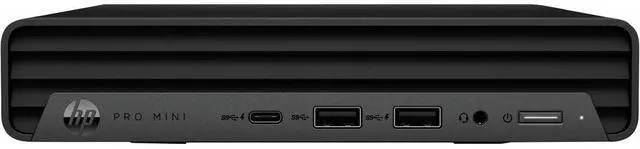
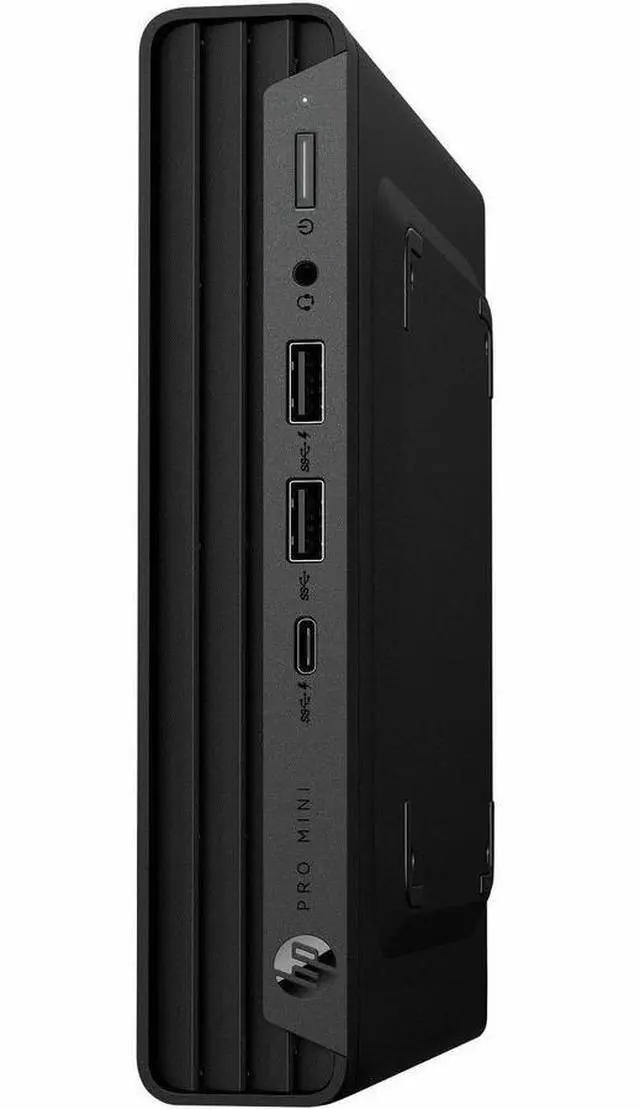
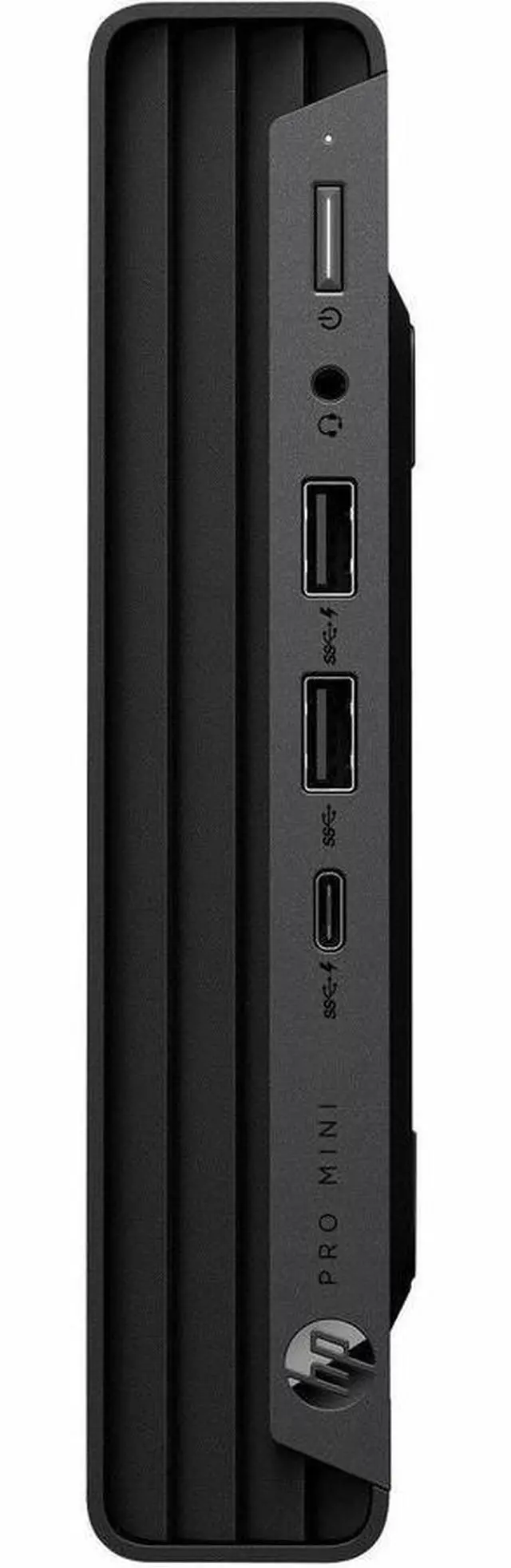
| Ports And Display Outputs | 6 USB ports total, with 3 front and 3 rear; 2 DisplayPort 1.4a outputs and 1 HDMI port |
| Audio | Integrated Realtek ALC3252 audio with an internal speaker |
| Operating System And Software | Windows 11 Pro with HP Wolf Pro Security Edition |
| Power And Cooling | 90 W power supply with air cooling |
| Physical Features And Included Peripherals | Compact 1.3 × 7 × 6.9 in chassis, weighing 3.13 lb; includes a keyboard, USB mouse, and power adapter. Features a security slot and tool-less access |
| Certifications | TCO Certified 9.0 and Energy Star |
| Model Identifiers | HP Pro Mini 400 G9, part number DQ5N8AT#ABA |
Q: HP Pro Mini 400 G9 i5-14500T vs i5-12500T: what does the newer configuration add?
A: Choose this i5-14500T configuration for its 14-core, 20-thread processor and 24 MB L3 cache. The i5-12500T option has 6 cores, 12 threads, and 18 MB L3 cache. Both are available in the Pro Mini 400 G9 family, so the i5-14500T version is the more capable fit for workloads that benefit from more cores and threads.
Q: Should I choose the HP Pro Mini 400 G9 i5-14500T or the i7-14700T version?
A: Choose the i5-14500T version for a business mini PC with a 14-core, 20-thread processor, 16 GB memory, and a 512 GB SSD. The i7-14700T option raises the processor count to 20 cores and 28 threads, making it the HP Pro Mini 400 G9 configuration to consider for heavier parallel workloads.
Q: HP Pro Mini 400 G9 i5-14500T vs HP Elite Mini 800 G9: which is more suited to CPU-heavy work?
A: For CPU-heavy work, the reviewed HP Elite Mini 800 G9 configuration with a Core i5-14500 is the higher-performance choice in Notebookcheck’s Geekbench 5.5 multicore test: it scored 10,543, compared with 9,122 for the reviewed Pro Mini 400 G9 with an i5-14500T. Choose this Pro Mini 400 G9 configuration for its listed 16 GB RAM and 512 GB SSD business setup; choose the reviewed Elite Mini 800 G9 configuration when that measured multicore advantage is the priority.
Q: Is this mini PC suitable for everyday office work and video meetings?
A: Yes. Its Intel Core i5-14500T, 16 GB of memory, 512 GB NVMe SSD, and Windows 11 Pro make it suited to typical office tasks such as documents, spreadsheets, browsing, and video meetings. You’ll need to connect a monitor; a webcam is not listed as included.
Q: Can it run two monitors?
A: The listing specifies two DisplayPort 1.4a video outputs, so it can connect to two DisplayPort monitors. Check that your monitors have compatible inputs or that you have the appropriate adapters.
Q: Does it come with a monitor?
A: No. The product information says a monitor is not included. The package contents list the PC, power adapter, keyboard, and mouse.
Q: Can the memory be upgraded later?
A: The listing states a maximum supported memory of 64 GB and two memory slots, but also lists both slots as occupied by the included 2 × 8 GB configuration. An upgrade may require replacing the existing modules; confirm the exact configuration before buying or servicing it, since component configurations may vary.
Q: Is it a good choice for gaming?
A: It is better suited to business and everyday computing than demanding gaming. It uses integrated Intel UHD Graphics 770 rather than a listed dedicated graphics card, so gaming performance will depend on the title and settings; check each game’s requirements before purchase.
Q: Is this a good fit for office work with several apps open?
A: It is a reasonable fit for typical office multitasking: this configuration has a Core i5-14500T, 16 GB of RAM, a 512 GB SSD, and Windows 11 Pro. A Reddit discussion about a closely related HP Elite Mini with the same processor considered it for multiple documents, spreadsheets, browser tabs, and occasional Photoshop; that discussion also flagged memory configuration as relevant to graphics-heavy work. This listing specifies 16 GB as 2 x 8 GB, but not performance in a particular workload.
Q: Could it work as a Proxmox or home-lab machine?
A: It is a plausible choice for a small home lab or light virtualization: the product has an i5-14500T, 16 GB of RAM, and a 512 GB NVMe SSD. A Reddit owner discussed using an earlier-processor Pro Mini 400 G9 for Proxmox and light services, but that is user experience with a different configuration—not a performance test of this model.
Q: Can I upgrade the memory or storage later?
A: The listed configuration has two memory slots, both occupied by 8 GB modules, and lists support for up to 64 GB; expanding RAM would therefore require replacing one or both modules. HP’s Pro Mini 400 G9 service video shows memory and M.2 SSD removal and replacement. Check the exact unit and warranty terms before making changes.