


 All CategoriesAll CategoriesAll Categories
Shipped by Newegg


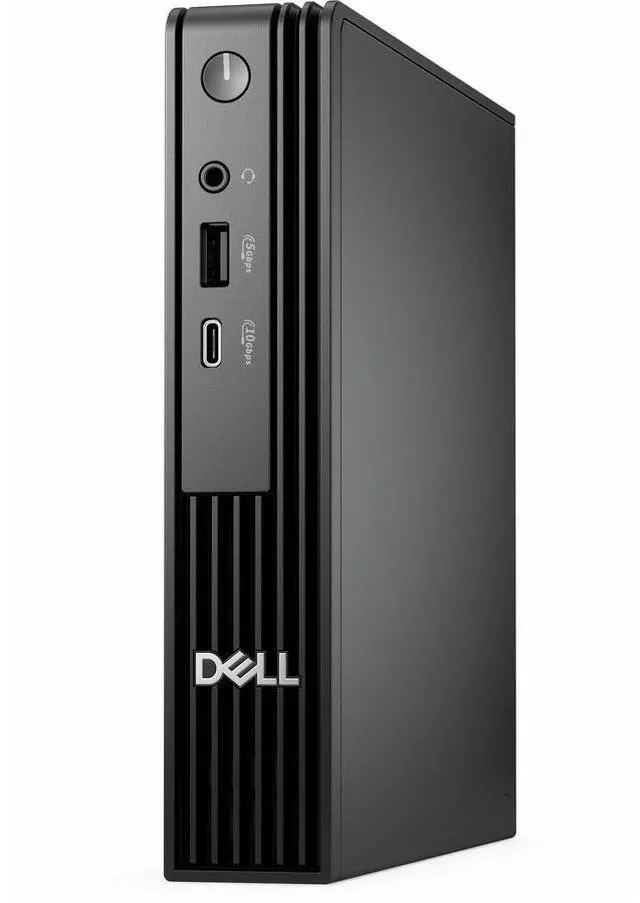
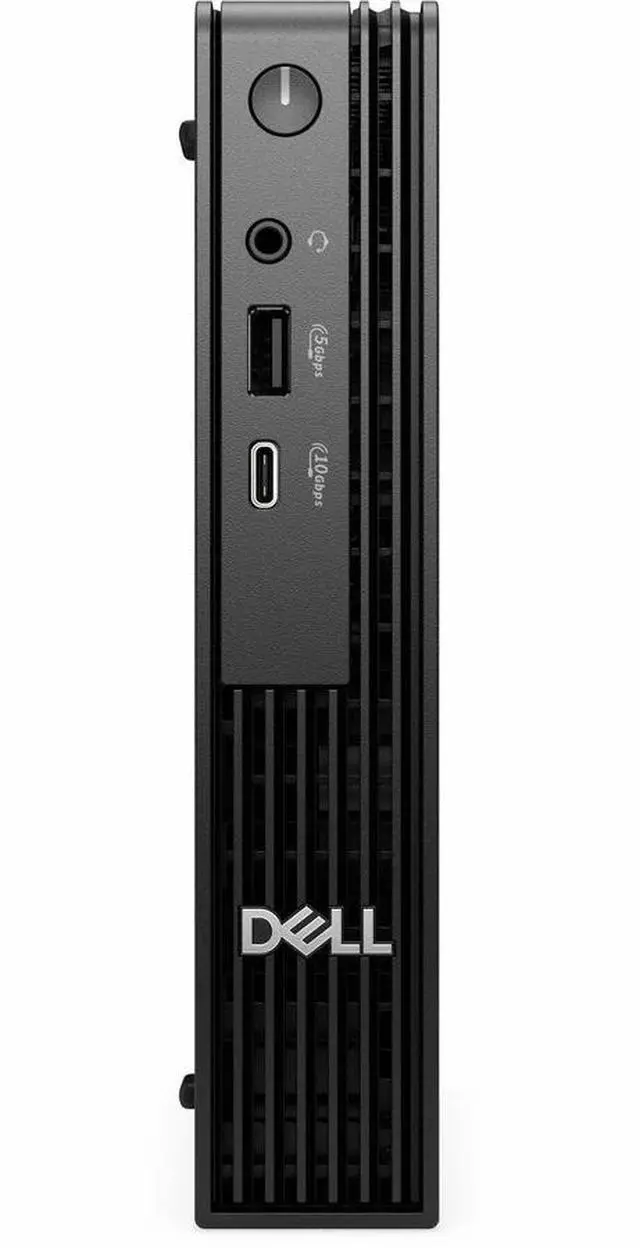
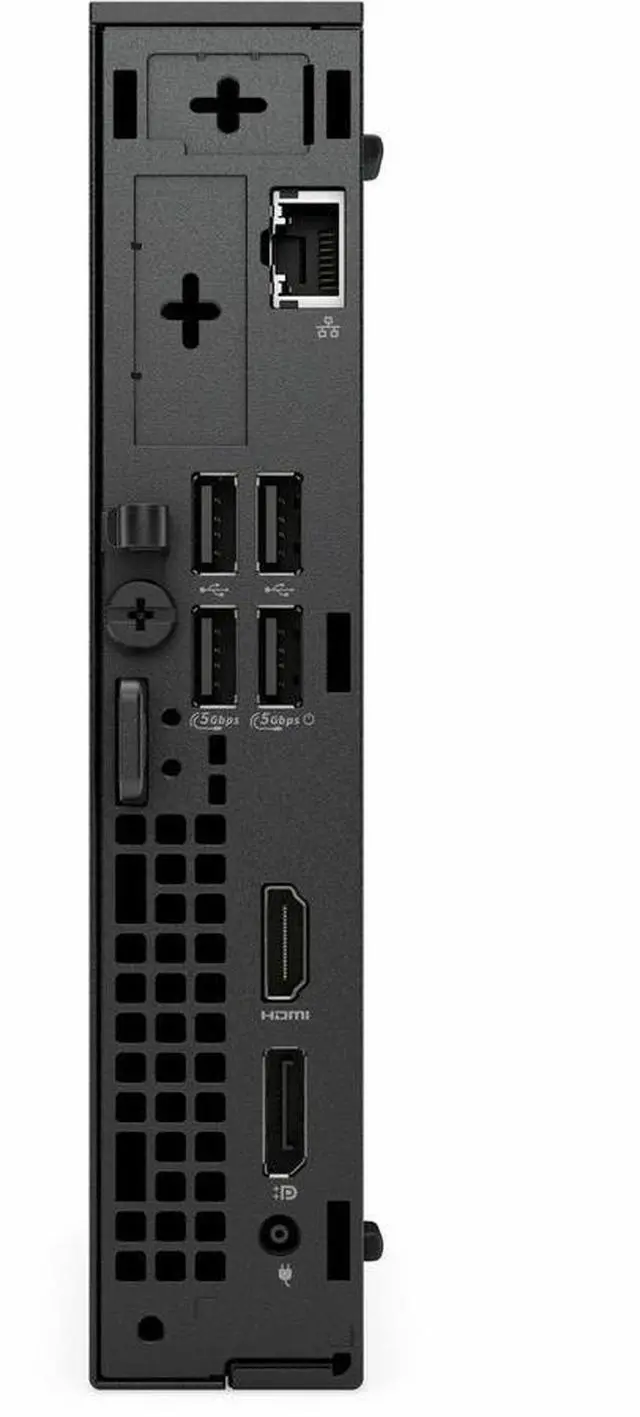
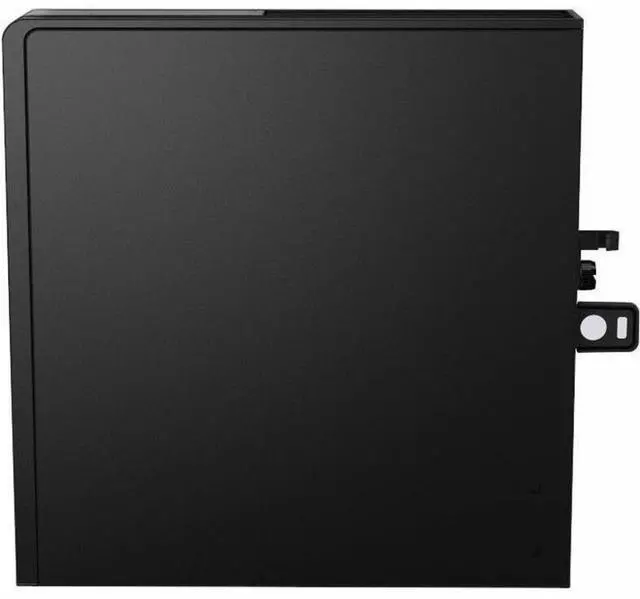
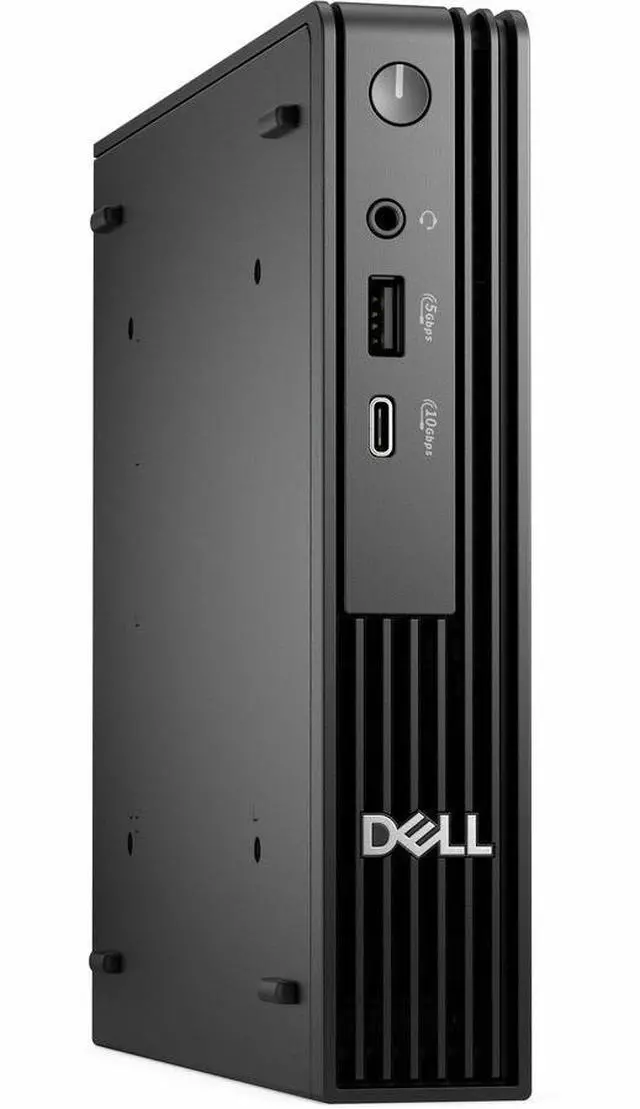
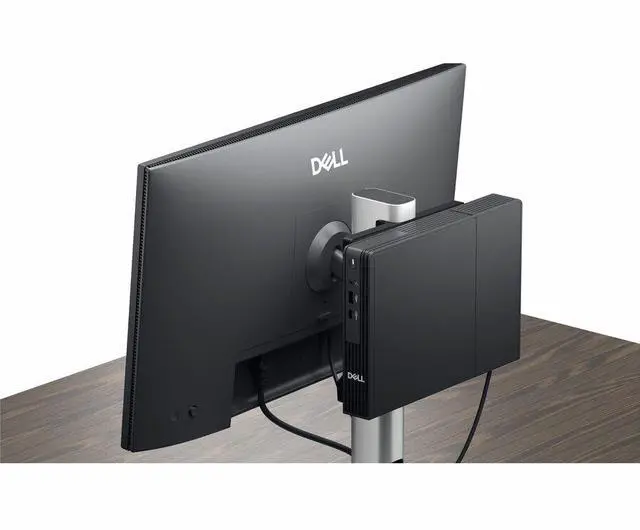


| Brand | DELL |
|---|---|
| Series | Pro Micro |
| Model | Pro Micro QCM1255 |
| Part Number | H26JY |
| Release Year | 2025 |
|---|---|
| Type | Desktop PC |
| Form Factor | Micro Tower |
| Usage | Business / Mainstream / Work / Business |
| AI Features | Ryzen AI |
| Operating System | Windows 11 Pro |
| CPU Type | AMD Ryzen 5 |
|---|---|
| CPU Name | AMD Ryzen 5 8500GE |
| GPU/VGA Type | AMD Radeon 740M |
|---|
| Memory Capacity | 8GB DDR5 |
|---|
| SSD | 256GB NVMe |
|---|
| LAN Speed | Gigabit Ethernet |
|---|---|
| WLAN | 802.11ax Wireless LAN |
| Dimensions (H x W x D) | Height: 7.2" Width: 1.4" Depth: 7" |
|---|---|
| Weight | 2.56 lb |
| Package Contents | Pro Micro QCM1255 Keyboard Mouse Quick Start Guide Power Cord (US) Documentation AC Adapter |
|---|
| First Listed on Newegg | May 21, 2025 |
|---|
Warranty Notice:
This product does not include manufacturer warranty when purchased or used outside of its designated sales region. By purchasing internationally, you acknowledge that warranty support from the manufacturer will not be available.The Dell Pro Micro QCM1255 is a compact business desktop with an AMD Ryzen 5 8500GE, 8GB DDR5 memory, a 256GB NVMe SSD, Radeon 740M graphics, and Windows 11 Pro, suited to everyday office work and business computing.
| Attribute | Value |
|---|---|
| Best For | Business and mainstream work in a compact desktop PC, with a Ryzen 5 processor, 8GB of memory, and 256GB of NVMe storage |
| Processor And Graphics | AMD Ryzen 5 8500GE processor with integrated AMD Radeon 740M graphics |
| Memory And Storage | 8GB DDR5 memory and a 256GB NVMe SSD |
| Operating System And AI | Windows 11 Pro with Ryzen AI features |
| Networking | Gigabit Ethernet and 802.11ax wireless LAN |
| Chassis And Dimensions | Micro Tower form factor; 7.2 × 1.4 × 7 inches (H × W × D), weighing 2.56 lb |
| Included Accessories | Keyboard, mouse, quick start guide, US power cord, documentation, and AC adapter |
| Model Identifiers | Dell Pro Micro QCM1255, part number H26JY; released in 2025 |
Q: Should I choose the Dell Pro Micro QCM1255 with Ryzen 5 8500GE or Ryzen 7 PRO 8700GE?
A: Choose the Ryzen 5 8500GE configuration for a six-core, 12-thread setup with Radeon 740M graphics. Choose the Ryzen 7 PRO 8700GE configuration when you want eight cores, 16 threads, Radeon 780M graphics, and a 16-TOPS NPU. Both are 35 W processor options for the QCM1255.
Q: How does the Dell Pro Micro QCM1255 Ryzen 5 8500GE compare with the Ryzen 3 8300GE version?
A: The Ryzen 5 8500GE configuration has six cores and 12 threads, compared with four cores and eight threads in the Ryzen 3 8300GE configuration. Both use Radeon 740M graphics. Choose the Ryzen 5 version for more CPU cores and threads for multitasking and demanding work; choose the Ryzen 3 version for a four-core configuration.
Q: Is the Dell Pro Micro QCM1255 Ryzen 5 8500GE or Ryzen 5 PRO 8600GE configuration a better fit?
A: Both processor options have six cores and 12 threads. The Ryzen 5 8500GE pairs with Radeon 740M graphics, while the Ryzen 5 PRO 8600GE pairs with Radeon 760M graphics and adds a 16-TOPS NPU. Choose the 8500GE configuration for the listed base setup; choose the 8600GE option if you want the PRO processor, upgraded integrated graphics, and NPU.
Q: Should I get the Dell Pro Micro QCM1255 with 8GB or 16GB of RAM?
A: The listed 8GB configuration suits a basic starting setup. Choose a 16GB configuration for more memory capacity when running several apps or browser tabs at once. Dell lists both 8GB and 16GB memory configurations for the QCM1255 and supports upgrades up to 64GB.
Q: Is this desktop suitable for everyday office work?
A: It is configured for basic office tasks such as documents, email, web browsing, and routine meetings. Its 8GB of RAM may limit heavier multitasking, and the integrated Radeon 740M is not a substitute for a dedicated graphics card for demanding graphics work.
Q: Does it come with a monitor, keyboard, and mouse?
A: The listed package includes a keyboard and mouse, but does not list a monitor. Plan to provide a compatible monitor and the required video cable separately; the product information provided does not specify the video-port configuration.
Q: Is 8GB of memory and a 256GB SSD enough?
A: That configuration is a reasonable starting point for basic work and everyday computing. It offers less room for demanding multitasking and locally stored files than larger-memory or larger-storage configurations. The provided product details do not confirm memory or storage upgrade options, so check the exact unit before planning an upgrade.
Q: Can I use it as a travel work computer?
A: It is compact and weighs 2.56 lb, so it can be transported between locations. However, it is a desktop rather than a laptop: plan to bring its AC adapter and use an external display, and do not expect battery-powered operation.
Q: Can the QCM1255 work as a small Proxmox or home-server node?
A: Reddit listings describe QCM1255 systems as candidates for Proxmox, Home Assistant, and small Kubernetes clusters. Those listings used 16GB RAM configurations; this product has 8GB, so check whether that is enough for your intended workloads or whether you can upgrade it.
Q: Can it be managed remotely without a monitor attached?
A: A Reddit user reported that a remote-control session showed a black screen on a batch of QCM1255 systems when no monitor was connected; HDMI dummy plugs resolved the issue in that setup. Treat this as a possible compatibility or configuration issue, not proof that every remote-management tool requires a dummy plug.