


 All CategoriesAll CategoriesAll Categories
Shipped by Newegg


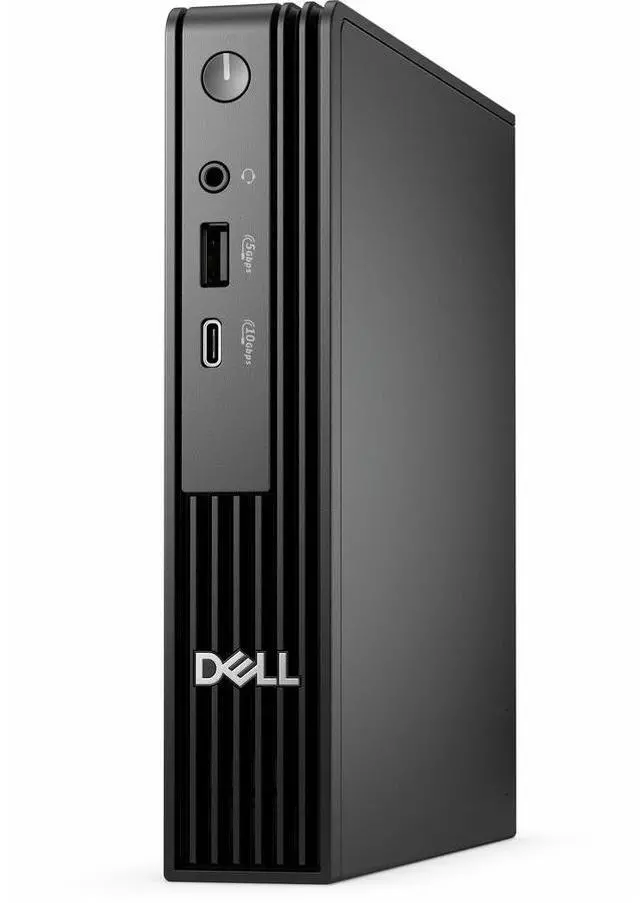
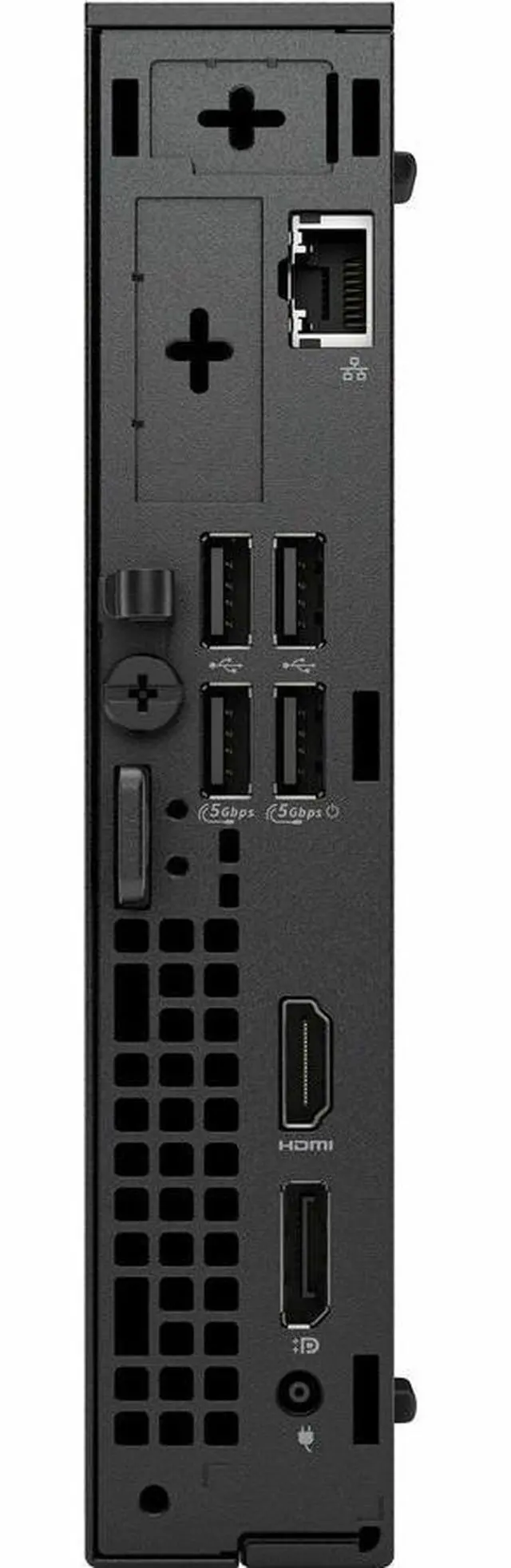
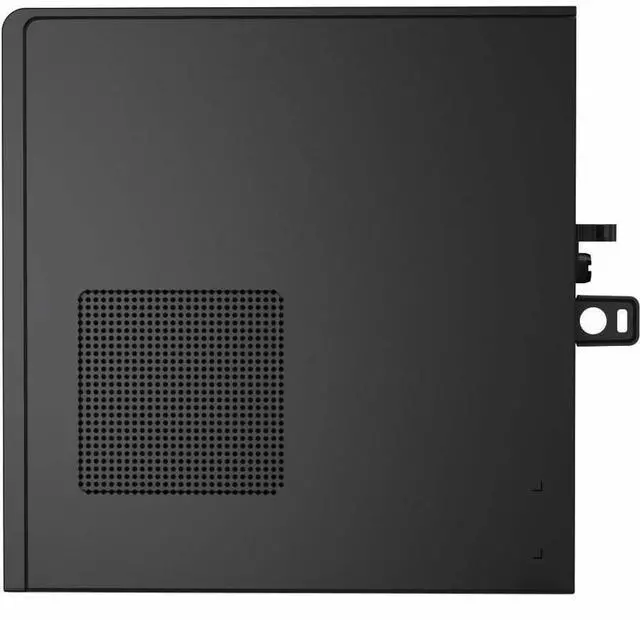
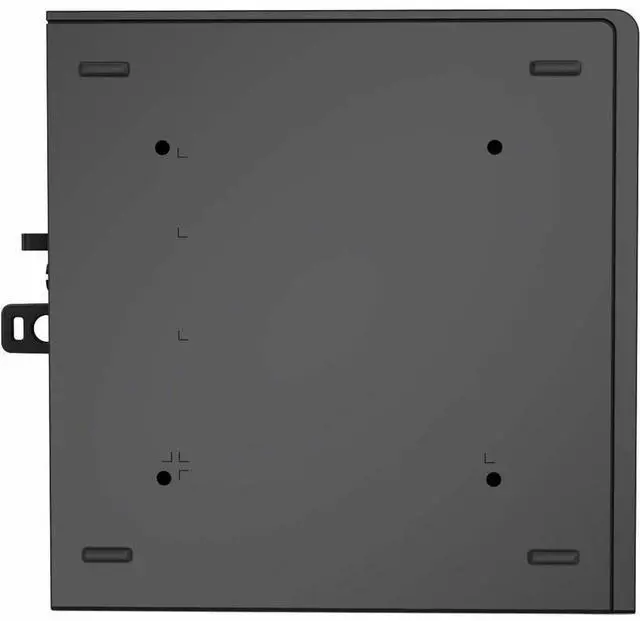
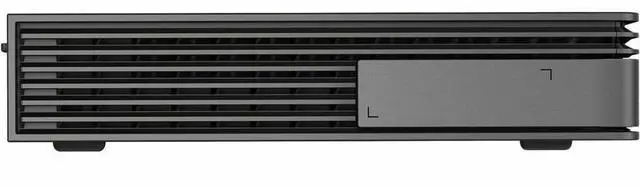


| Brand | DELL |
|---|---|
| Series | Pro |
| Model | QCM1250 |
| Part Number | 3JMH7 |
| Release Year | 2025 |
|---|---|
| Type | Desktop PC |
| Form Factor | Tiny |
| Color | Black |
| Operating System | Windows 11 Pro |
| CPU Type | Intel Core i7 14th Gen |
|---|---|
| CPU Name | Intel Core i7-14700T |
| CPU Base Frequency | 1.30GHz |
| Turbo Frequency | 5 GHz |
| GPU/VGA Type | Intel UHD Graphics 770 |
|---|
| Memory Capacity | 16GB DDR5 |
|---|
| SSD | 512GB |
|---|
| LAN Speed | Gigabit Ethernet |
|---|---|
| WLAN | 802.11ax Wireless LAN |
| Bluetooth | Yes |
| Dimensions (H x W x D) | Height: 7.2" Width: 1.4" Depth: 7" |
|---|---|
| Weight | 3.09 lb |
| Package Contents | Pro Micro QCM1250 AC Adapter |
|---|
| First Listed on Newegg | October 03, 2025 |
|---|
Warranty Notice:
This product does not include manufacturer warranty when purchased or used outside of its designated sales region. By purchasing internationally, you acknowledge that warranty support from the manufacturer will not be available.The Dell Pro Micro QCM1250 is a tiny Windows 11 Pro desktop with an Intel Core i7-14700T, 16GB DDR5 memory, and a 512GB SSD, suited to office users who want capable everyday computing in a space-saving PC.
| Attribute | Value |
|---|---|
| Best For | Business and everyday use in a compact mini desktop |
| Processor | Intel Core i7-14700T, 14th Gen, with a 1.30 GHz base frequency and up to 5 GHz turbo frequency |
| Graphics | Integrated Intel UHD Graphics 770 |
| Memory | 16 GB DDR5 memory at 5600 MHz |
| Storage | 512 GB SSD with a Serial ATA interface |
| Operating System | Windows 11 Pro |
| Ports And Connectivity | Wi-Fi 802.11ax, Bluetooth, and Gigabit Ethernet; 1 HDMI port, 2 USB 2.0 ports, 4 USB 3.0 ports, and DisplayPort and USB 3.2 Gen 2 interfaces |
| Form Factor And Dimensions | Tiny mini PC in black; 7.2 × 1.4 × 7 inches (H × W × D) |
| Weight | 3.09 lb |
| Included Items | Pro Micro QCM1250 and AC adapter |
| Model Identifiers | Dell Pro series, model QCM1250; part number 3JMH7 |
Q: Dell Pro Micro QCM1250 with i7-14700T or i5-14500T: which should I choose?
A: Choose the i7-14700T configuration for workloads that benefit from more CPU cores and threads: it has 20 cores and 28 threads, compared with 14 cores and 20 threads for the i5-14500T. Both are 35 W processor options for the QCM1250; the i5 version is a suitable choice for a lower-core configuration while keeping the same Micro PC platform.
Q: Should I get the QCM1250 with the i7-14700T or Core Ultra 7 265T?
A: Both QCM1250 processor options have 20 cores. The i7-14700T has 28 threads, while the Core Ultra 7 265T has 20 threads and an integrated NPU rated at up to 13 TOPS. Choose the listed i7 configuration when thread count is a priority; choose the Core Ultra 7 configuration when an NPU for supported AI workloads is a priority.
Q: Is 16GB or 32GB RAM a better fit for the Dell Pro Micro QCM1250?
A: The Newegg configuration has 16GB DDR5, a practical baseline for everyday office and business productivity. Consider 32GB if your usual workload involves more simultaneous applications or memory-intensive tasks. Dell lists two SODIMM slots and support for up to 64GB in the QCM1250.
Q: Is this PC suitable for office work and video meetings?
A: Yes. Its Intel Core i7-14700T, 16GB of DDR5 memory, 512GB SSD, and Windows 11 Pro make it suitable for typical office tasks, multitasking, and video-meeting software. A monitor, webcam, microphone, and meeting software are not listed as included, so check what peripherals you already have.
Q: Can I use this as a travel work computer?
A: It is compact and weighs 3.09 lb, so it can be moved between workspaces, but it is a desktop rather than a battery-powered travel computer. You will need access to power and a separate display and input devices; the listed package contents include the PC and AC adapter.
Q: Can it run two monitors?
A: The listing does not specify the video ports or confirm how many displays this configuration supports. Because ports may vary, check the actual unit’s port configuration and confirm it matches your monitors before buying.
Q: Is this a good choice for gaming or graphics-heavy work?
A: It has Intel UHD Graphics 770 integrated graphics, not a listed dedicated graphics card. It is better suited to everyday desktop and office workloads than to demanding gaming or graphics-heavy applications; check the software’s graphics requirements if those tasks are important.
Q: Can the Dell Pro Micro QCM1250 run two 1440p monitors at native resolution?
A: A QCM1250 owner reported that two 1440p displays did not both run at native resolution over HDMI, while one display did. The product data provided here does not specify the exact video ports, so confirm the ports and supported display configuration for this SKU before buying.
Q: Is the QCM1250 suitable for a home lab or networking practice?
A: It may suit a compact home lab: QCM1250 owners have discussed using the model for networking practice and testing, and another unit was tested booting Linux and Proxmox. Those reports concern other QCM1250 configurations, so they do not confirm compatibility for this exact i7-14700T SKU; the listed configuration comes with Windows 11 Pro.
Q: Is the QCM1250 a good choice for sustained, demanding workloads?
A: Treat sustained heavy workloads as a point to investigate rather than an established strength. A Reddit report described high temperatures and shutdowns on a QCM1250 with a different processor while running security-camera software; it does not establish that this i7-14700T configuration has the same issue. Check the return and warranty terms if your workload keeps the CPU busy for long periods.