


 All CategoriesAll CategoriesAll Categories
Shipped by Newegg
 Hot Seller

Make informed decisions with expert advice. Learn More




Warranty Notice:
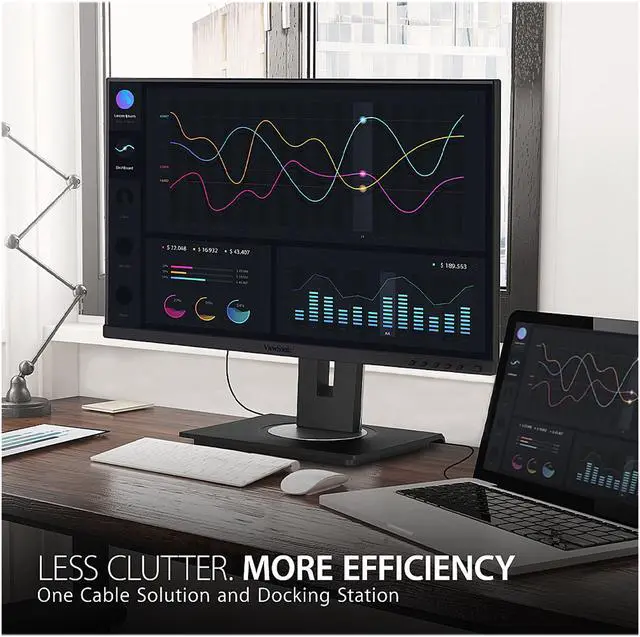
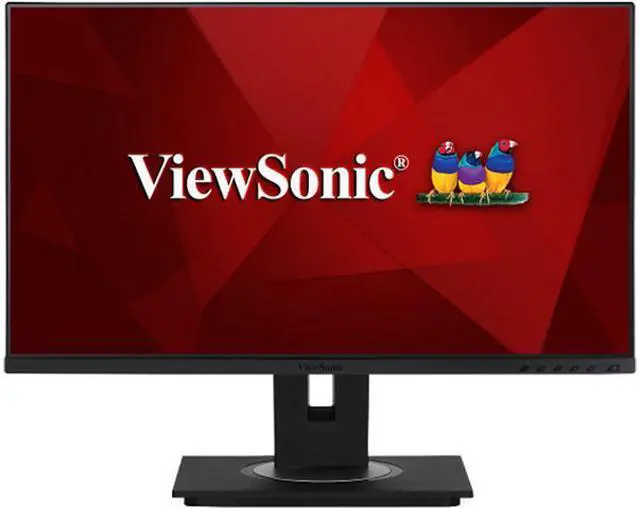
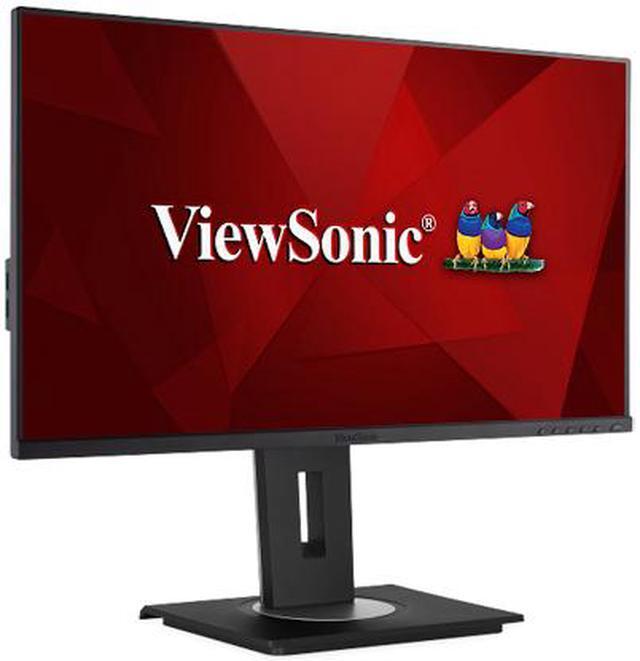
This product does not include manufacturer warranty when purchased or used outside of its designated sales region. By purchasing internationally, you acknowledge that warranty support from the manufacturer will not be available.The ViewSonic VG2456 is a 23.8-inch Full HD IPS docking monitor for home and office users who want a tidy laptop setup, with one USB-C cable for video, data, and up to 60W charging, plus built-in Gigabit Ethernet and USB ports.
| Attribute | Value |
|---|---|
| Best For | Business and personal desktop or laptop setups needing a Full HD display, USB-C docking, wired Ethernet, and adjustable positioning |
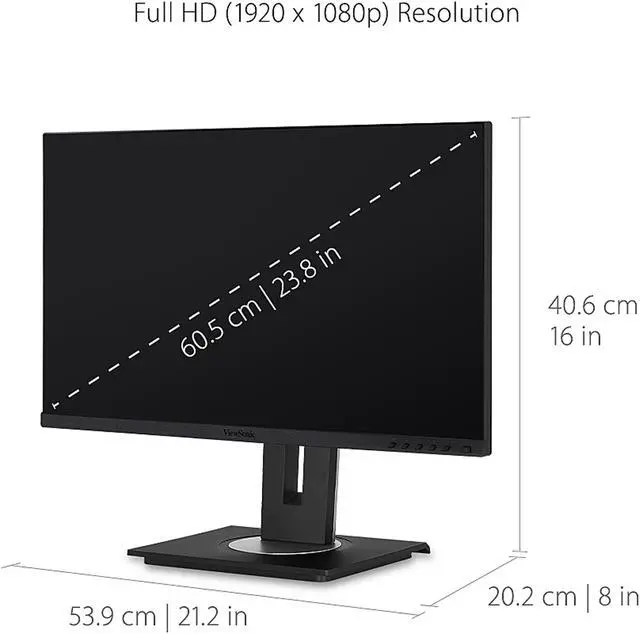
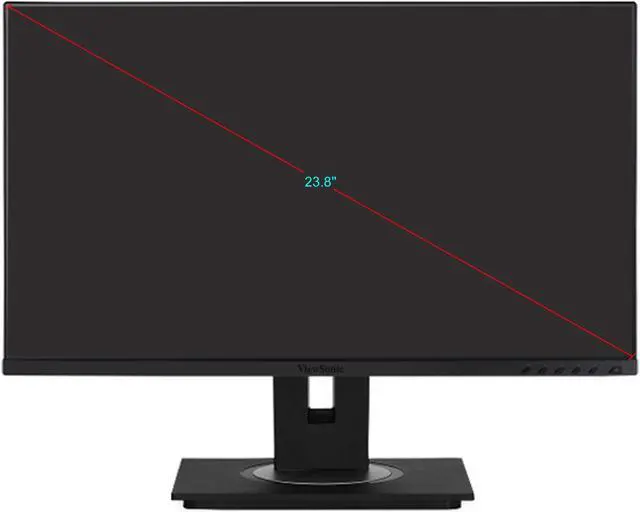
| Panel And Resolution | 24-inch class IPS flat panel (23.8-inch actual) with 1920 × 1080 resolution, 16:9 aspect ratio, 16.7 million colors, 250 cd/m² brightness, 1,000:1 contrast, 178° horizontal and vertical viewing angles, and an anti-glare matte finish |
| Refresh Rate And Response | 60Hz refresh rate with 5ms GTG response time; horizontal frequency 15–82KHz and vertical frequency 50–75Hz |
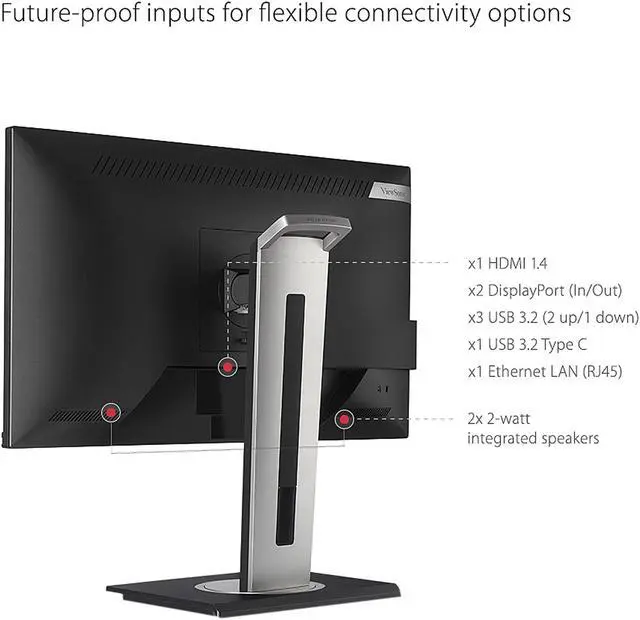
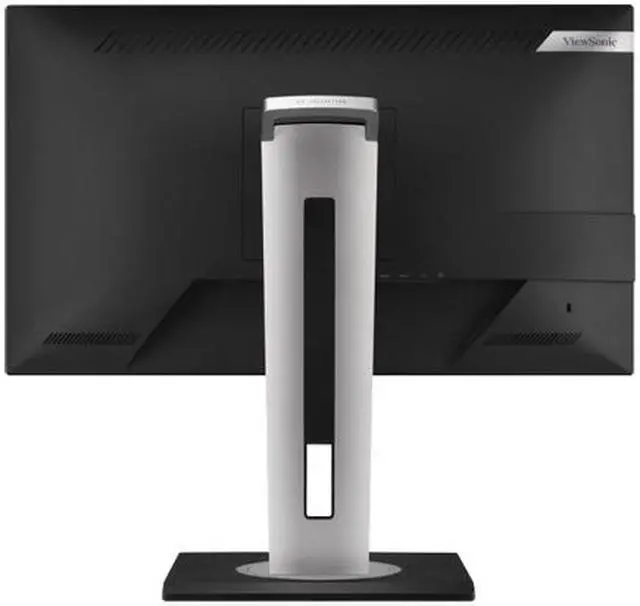
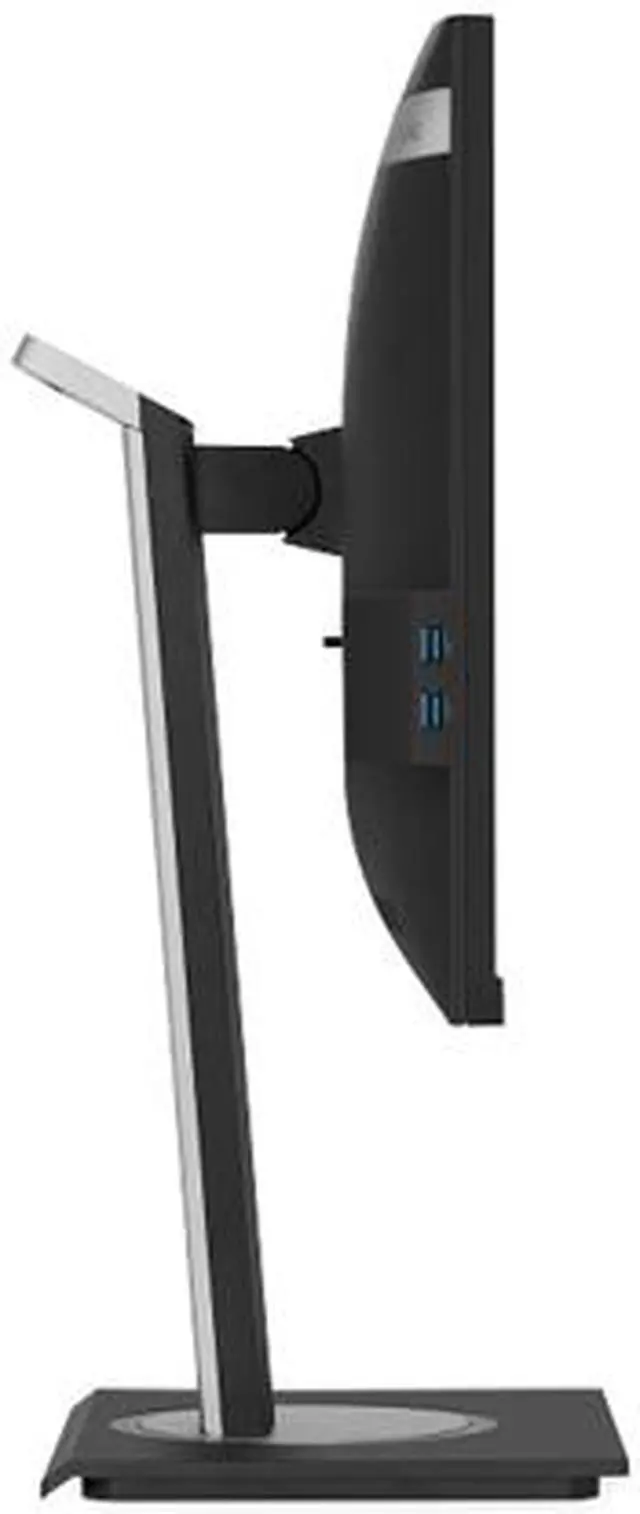
| Ports And Connectivity | HDMI 1.4 input, DisplayPort input and output with daisy-chain support, USB-C, USB-B, two USB-A ports, and Ethernet LAN (RJ45) for docking, peripherals, and wired networking |
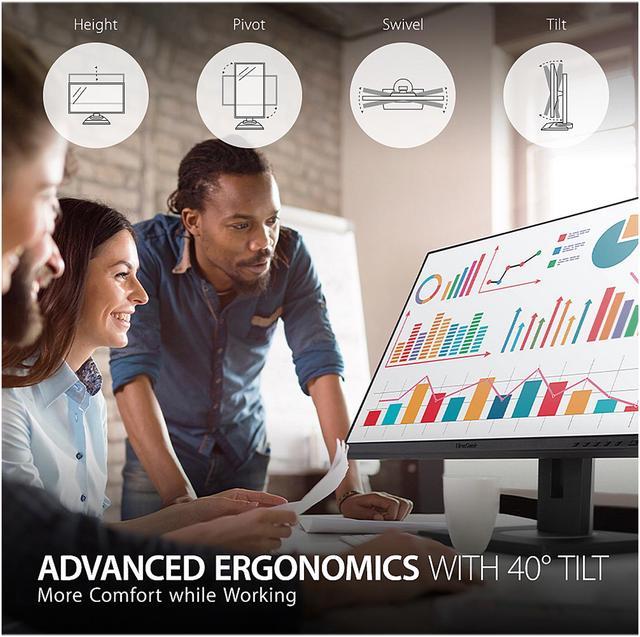
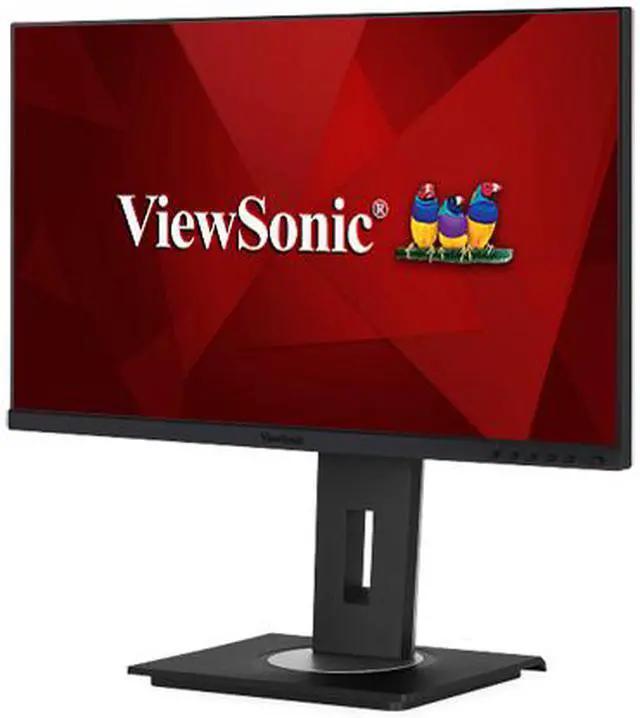
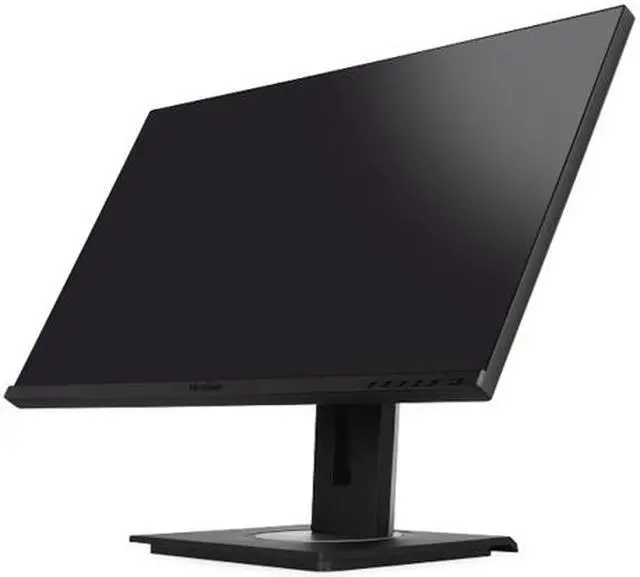
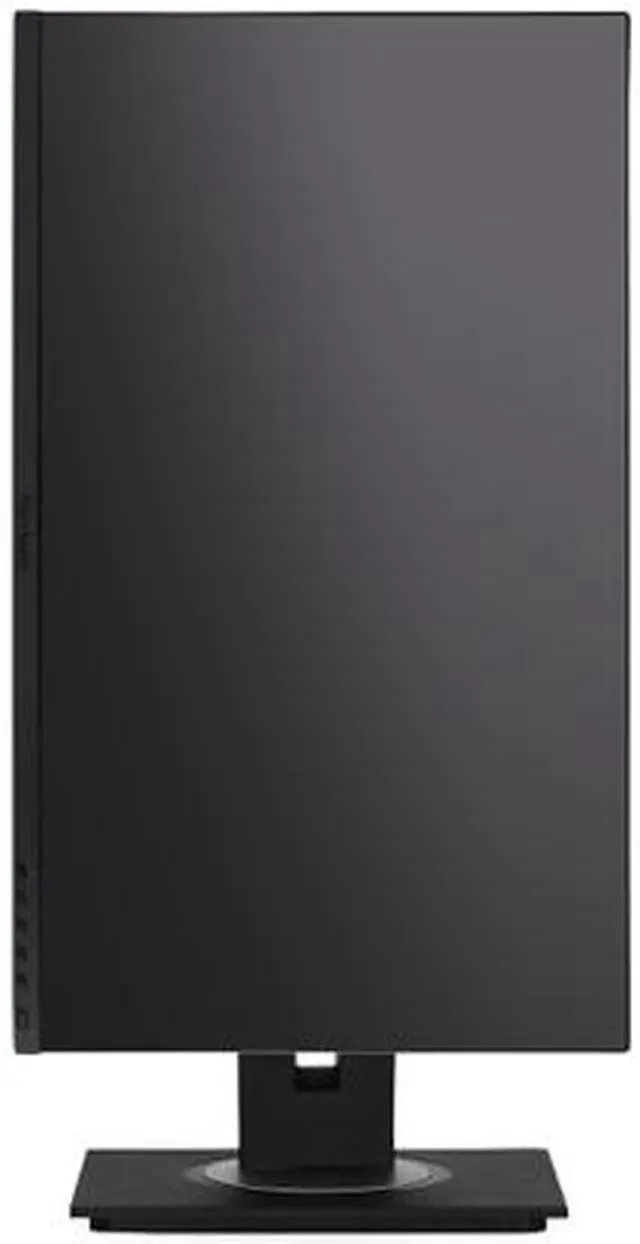
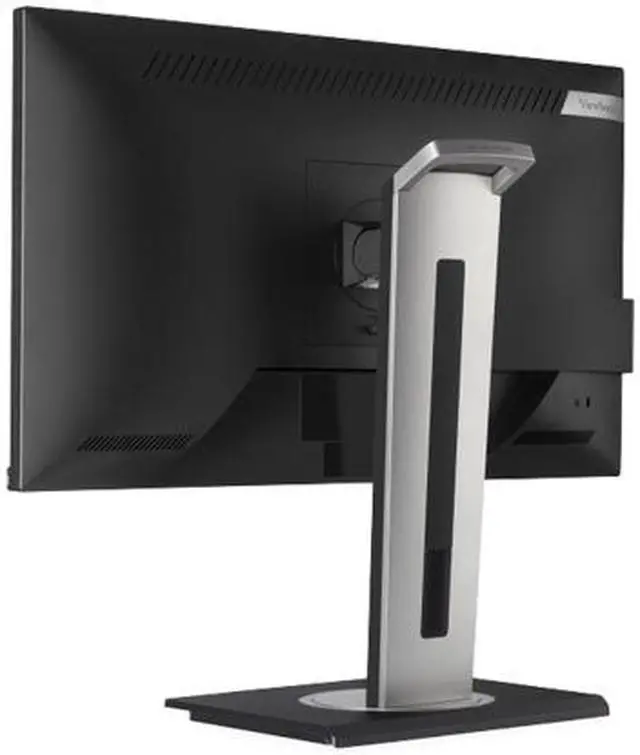
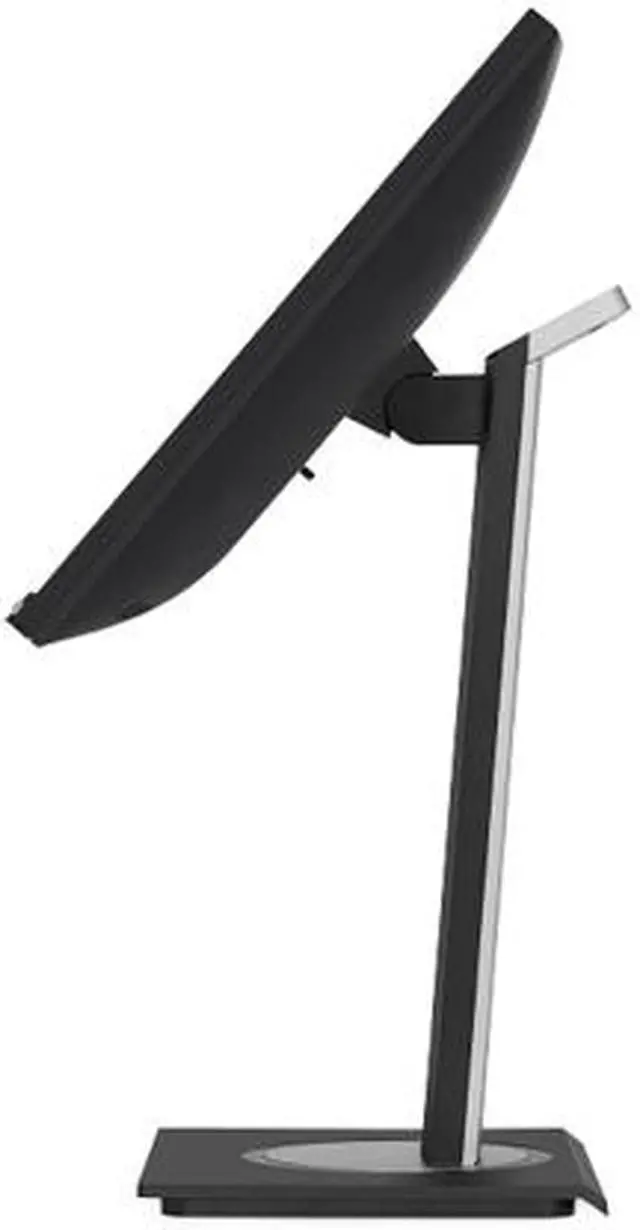
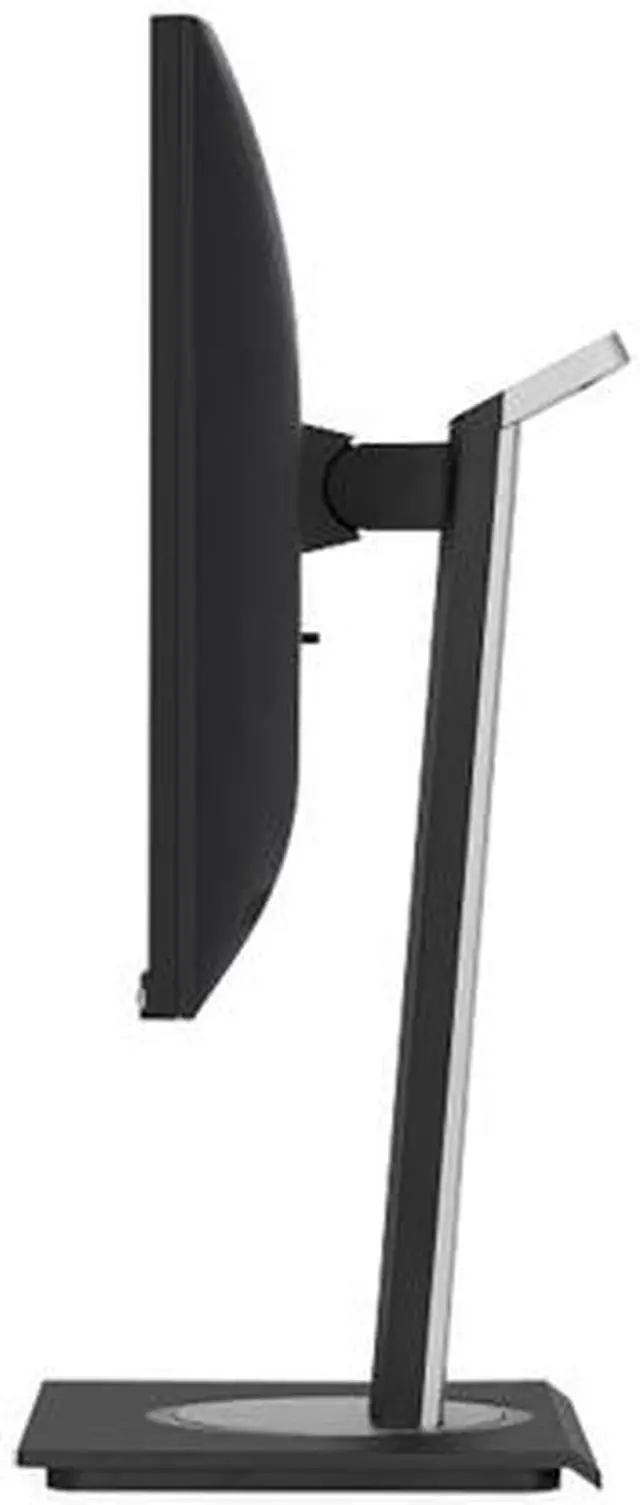
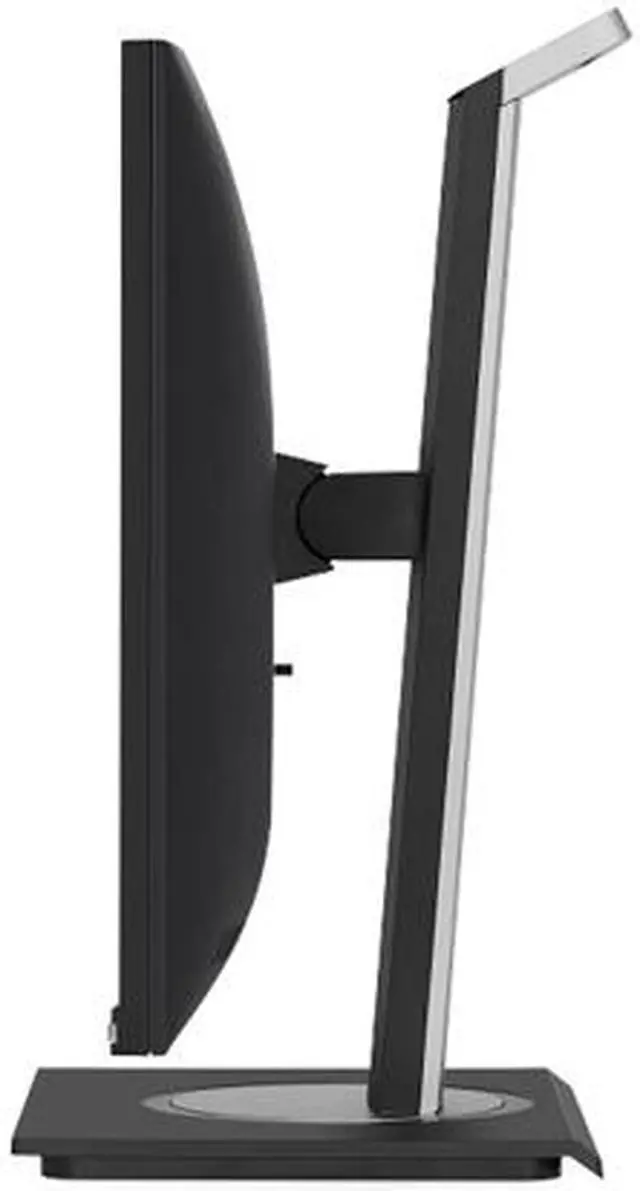
| Stand And Ergonomics | Height adjustment up to 130mm, swivel up to 120°, tilt from -5° to 40°, and 90° pivot in either direction; supports horizontal and vertical orientation |
| Audio And Webcam | Two built-in 2W speakers; no built-in webcam |
| Power And Compliance | 100–240 VAC, 50/60Hz power supply; typical consumption 13.7W and maximum consumption 17.4W; ENERGY STAR compliant |
| Mounting And Physical Dimensions | VESA 100 × 100mm mount; 21.20 × 8.00 inches footprint with stand and 21.20 × 2.00 inches without stand; weighs 14.10 lb with stand and 8.80 lb without stand |
| Model Identifiers | ViewSonic VG2456; external model number VS18086; black cabinet with a three-sided frameless bezel |
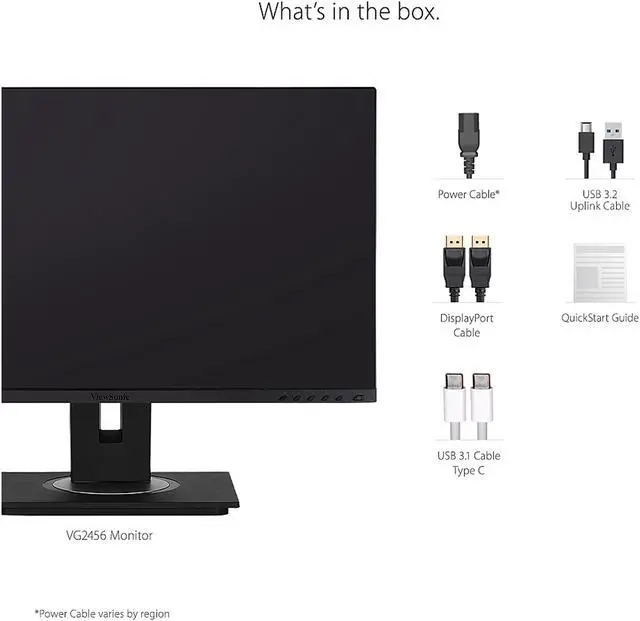
| Included Accessories | Power cable, DisplayPort cable, USB-C cable, USB 3.2 uplink cable, and quick start guide |
Q: ViewSonic VG2456 vs VG2455: which one has the better docking setup?
A: Choose the VG2456 if you want Ethernet built into the monitor or DisplayPort output for daisy-chaining another display. Both are 24-inch Full HD IPS monitors with 60Hz refresh rates, ergonomic stands, and USB-C charging up to 60W; the VG2455 offers a simpler USB-C office setup.
Q: Should I get the ViewSonic VG2456 or VG2456a for a laptop?
A: Choose the VG2456a if your laptop benefits from more USB-C charging power: it supports up to 90W, compared with up to 60W on the VG2456. Both provide a 24-inch Full HD docking display with Ethernet and daisy-chain support, so the VG2456 fits a setup that needs those features with up to 60W charging.
Q: ViewSonic VG2456 vs VG2456V: which is better for video calls?
A: Choose the VG2456V if you want a built-in webcam, microphone, and speakers for video calls, along with USB-C charging up to 90W. The VG2456 is the straightforward choice for a docking monitor with Ethernet, USB-C charging up to 60W, and daisy-chain support, using a separate camera and audio setup if desired.
Q: Is the ViewSonic VG2456 or VG2457V a better fit for a meeting-heavy office?
A: Choose the VG2457V if integrated conferencing features are a priority: it includes a webcam and Windows Hello-compatible IR camera, and supports a 100Hz refresh rate and up to 90W USB-C charging. The VG2456 is a 60Hz docking monitor with Ethernet, daisy-chain support, and up to 60W USB-C charging for general office workflows.
Q: Can I connect my laptop to this monitor with one USB-C cable?
A: Yes, if the laptop’s USB-C port supports video output. One cable can carry video, data, and up to 60W of power; the monitor’s USB hub and Ethernet connection can also help reduce desk cables. Check whether 60W is enough for your laptop, since some laptops may still need their own charger.
Q: Is this monitor suitable for everyday office work?
A: It is suited to general office tasks such as documents, browsing, and spreadsheets, with a 23.8-inch Full HD IPS screen and an adjustable stand. Its 60Hz refresh rate and 1920 × 1080 resolution are aimed at everyday productivity rather than high-refresh gaming or high-resolution content work.
Q: Does it have a webcam for video meetings?
A: No. The VG2456 has built-in speakers but no webcam, so video calls require a separate camera. Its USB hub can connect compatible peripherals.
Q: Can I mount this monitor on a wall or monitor arm?
A: Yes. It supports a 100 × 100 mm VESA mount. A compatible wall mount or monitor arm is required and may be sold separately.
Q: Is the VG2456 a good second monitor for a MacBook Pro?
A: It can suit general work when you want a 24-inch 1080p display and a one-cable USB-C connection with Ethernet. A VG2456 owner described using it for email, video calls, and project management, while keeping the laptop screen for visually intensive tasks. Its 1080p resolution may be a limitation if you want a sharper external display.
Q: Can the VG2456 replace a separate USB-C dock?
A: For a compatible laptop, it can cover common docking needs: USB-C carries video, data, and up to 60W of charging, while the monitor provides Ethernet and USB ports. A Reddit owner specifically noted the convenience of a single USB-C connection with Ethernet. Check that your laptop supports USB-C video output and that 60W is enough for its charging needs.
Q: Is the VG2456 suitable for a two-computer setup that needs peripheral switching?
A: It has USB-C and USB-B upstream connections, but Reddit discussion describes the upstream ports on this monitor family as tied to their corresponding video inputs—a limited, semi-KVM arrangement rather than a full KVM switch. If you need flexible one-button switching of peripherals, verify the exact input-to-USB behavior or use a separate KVM.


