


 All CategoriesAll CategoriesAll Categories




Warranty Notice:
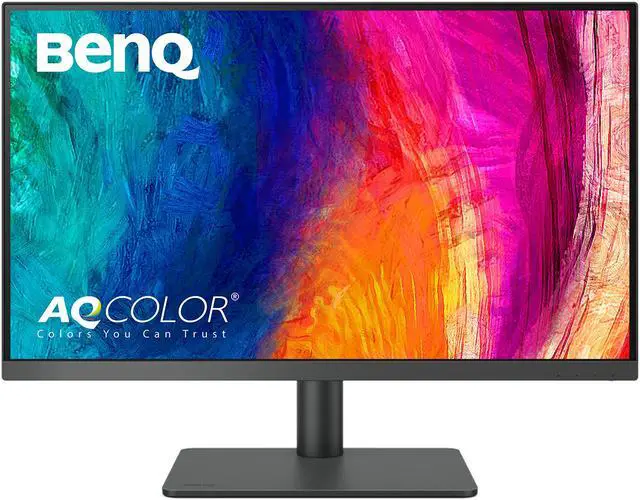
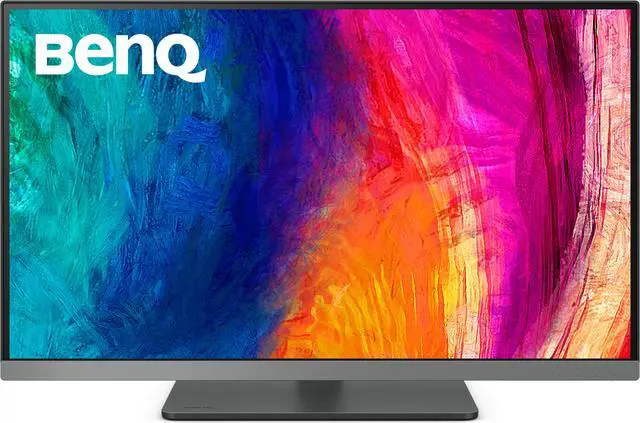
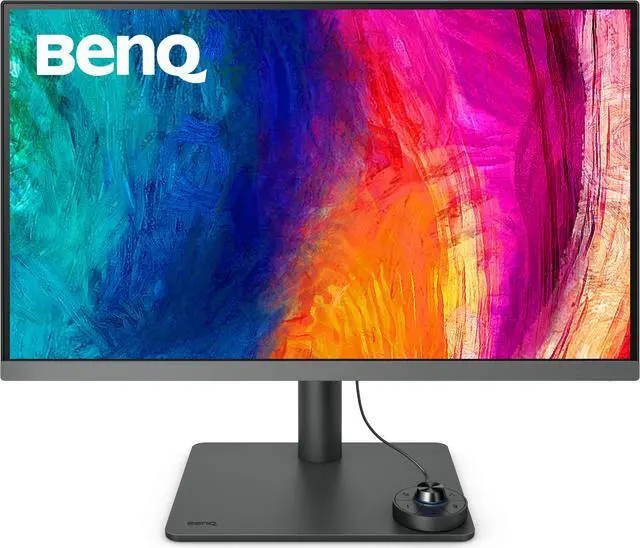
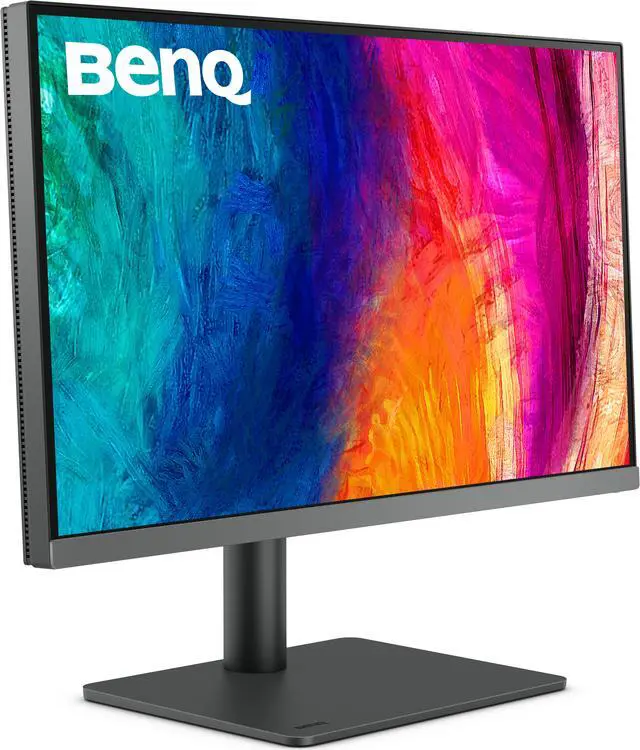
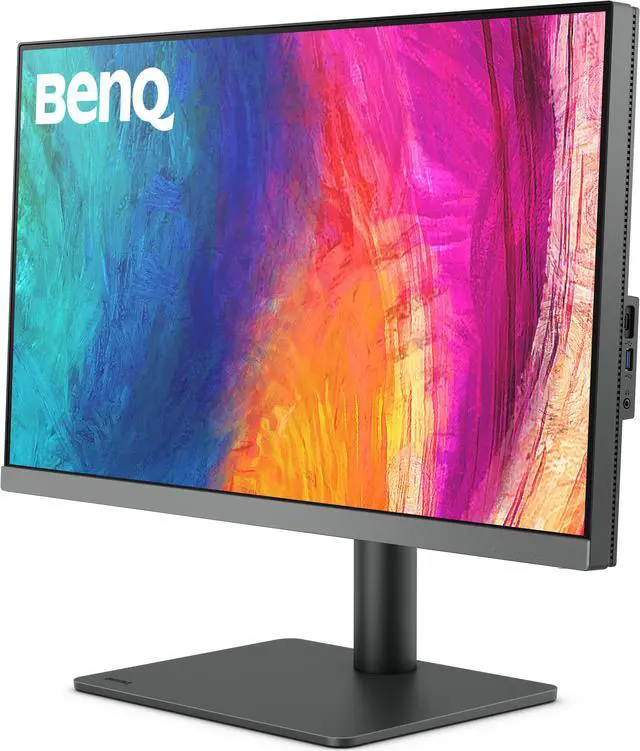
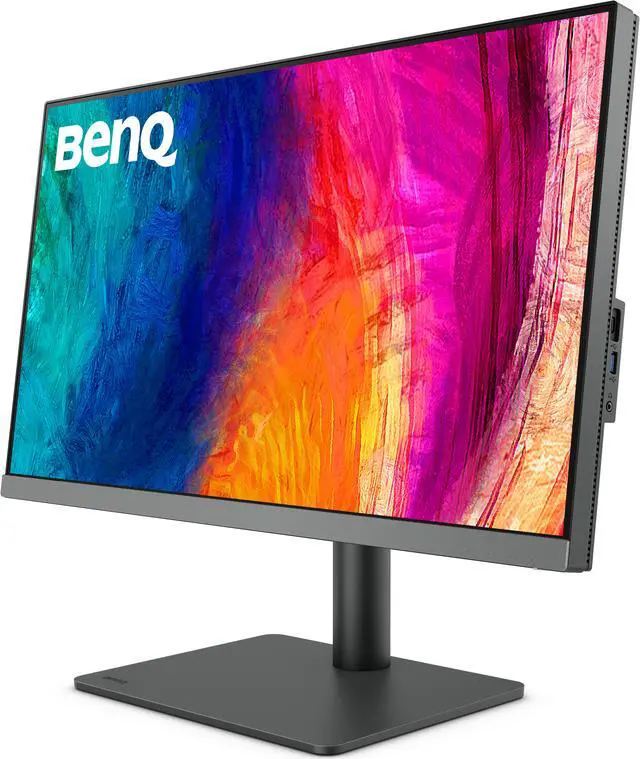
This product does not include manufacturer warranty when purchased or used outside of its designated sales region. By purchasing internationally, you acknowledge that warranty support from the manufacturer will not be available.The BenQ DesignVue PD2706U is a 27-inch 4K IPS monitor with factory-calibrated color, 95% P3 coverage, and 99% sRGB/Rec.709 coverage, making it suitable for designers, photographers, and video creators who need detailed, color-focused work on a flat 60Hz display.
| Attribute | Value |
|---|---|
| Best For | Color-sensitive design and content-creation workflows that benefit from a calibrated 4K display and USB-C connectivity |
| Panel And Resolution | 27-inch flat IPS display with 3840 × 2160 4K resolution, 16:9 aspect ratio, 0.155 pixel pitch, 178° horizontal and vertical viewing angles, and 1.07 billion display colors; matte, anti-glare screen |
| Color And HDR | 95% P3 and 99% sRGB/Rec.709 color gamut, average Delta E ≤3, factory calibration report, HDR10, and VESA DisplayHDR 400 certification; 350-nit typical and 400-nit peak brightness with 1,200:1 contrast |
| Refresh Rate And Response | 60Hz refresh rate and 5ms GtG response time, with G-Sync Compatible and FreeSync listed |
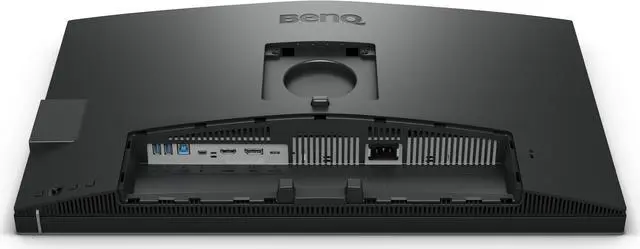
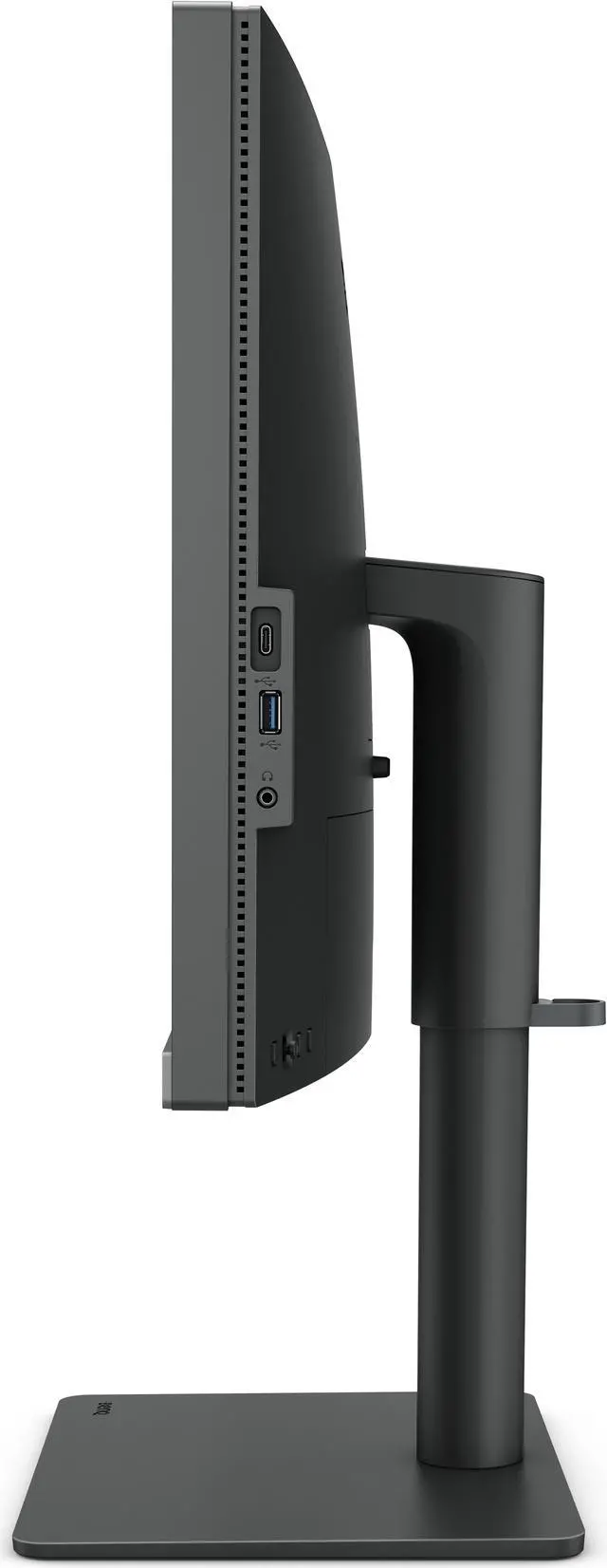
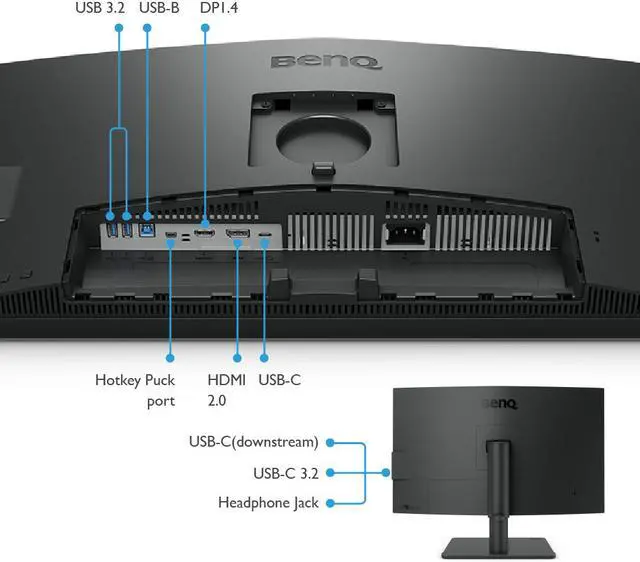
| Ports And Connectivity | HDMI 2.0, DisplayPort 1.4, and USB-C with 90W Power Delivery, DisplayPort Alt Mode, and data; USB-C downstream, USB-B upstream, three USB 3.2 downstream ports, and headphone connection |
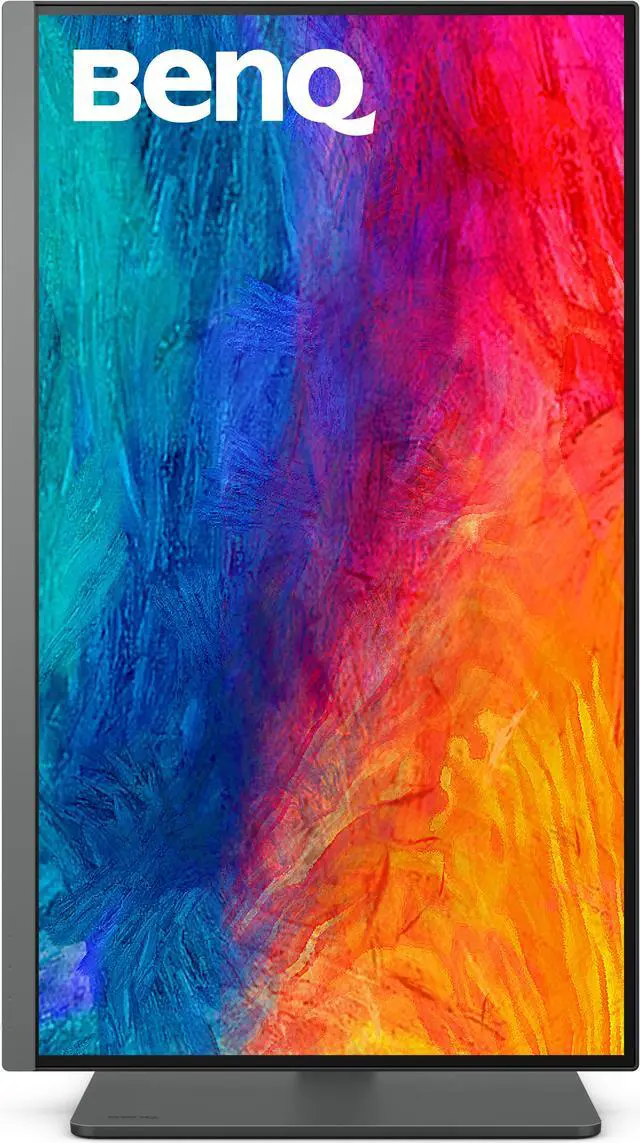
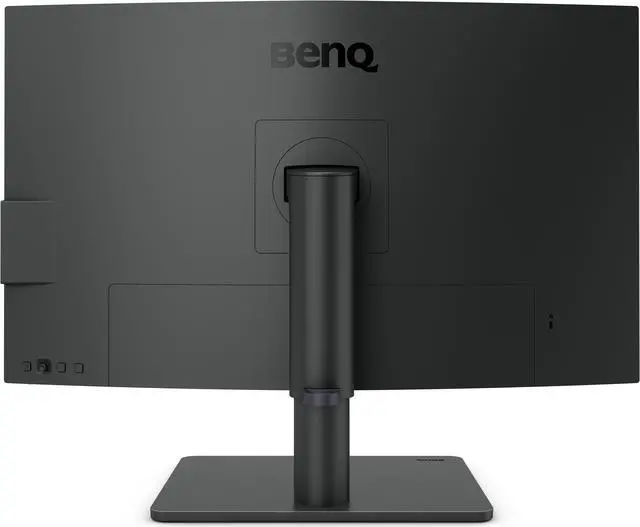
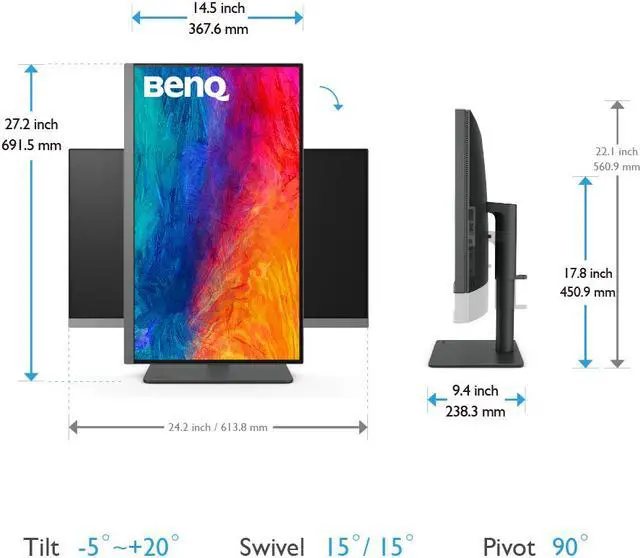
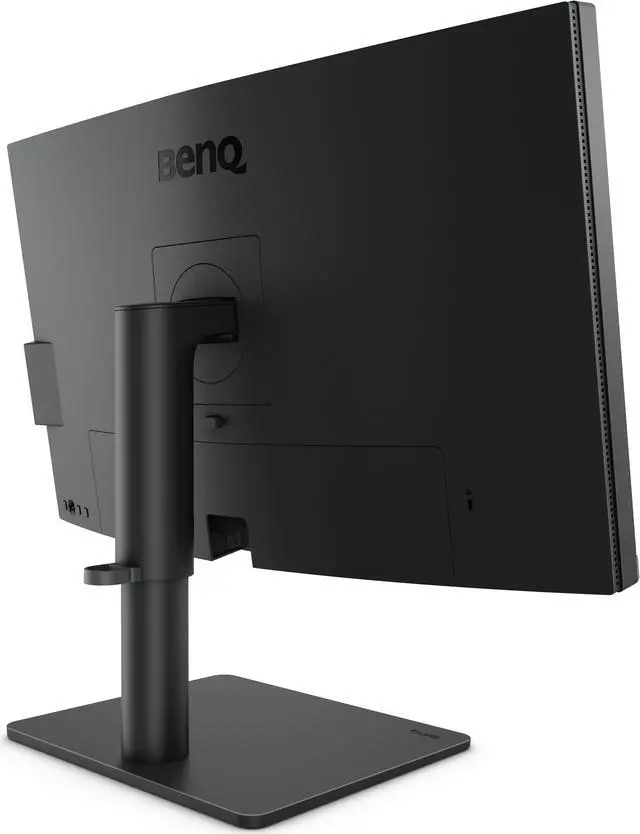
| Stand And Ergonomics | Stand adjusts 110mm in height, tilts −5° to 20°, swivels 15° left and right, and pivots 90°; supports 100 × 100mm VESA mounting |
| Color Workflow And Display Features | Includes Animation, Darkroom, and CAD/CAM modes, DualView, KVM switch, ICCsync, uniformity technology, Auto Pivot, PIP/PBP, ePaper, Flicker-Free, Low Blue Light, and firmware updates by USB; Pantone Validated, Pantone SkinTone Validated, Calman Verified, and TUV certified for Flicker-Free and Low Blue Light |
| Audio | Built-in 2 × 2.5W speakers and headphone connection |
| Power And Energy | 100–240 VAC power supply; 45W typical, 230W maximum, and under 0.5W in sleep mode |
| Physical Design And Mounting | Measures 17.52–22.08 × 24.17 × 9.38 inches with stand and 14.47 × 24.17 × 3.45 inches without; weighs 18.30 lb with stand and 11.68 lb without |
| Model Identifiers | BenQ DesignVue PD2706U |
Q: BenQ PD2706U vs. PD2705U: which is better for a 4K creative setup?
A: Choose the BenQ PD2706U if you want 4K detail with 90W USB-C charging and 95% P3 coverage. The PD2705U is also a 27-inch 4K creative monitor, with 65W USB-C charging and 99% sRGB/Rec.709 coverage. Both offer factory-calibrated color with Delta E ≤3, so the deciding factors are the PD2706U’s higher USB-C power delivery and P3 coverage versus the PD2705U’s stated sRGB/Rec.709 coverage.
Q: BenQ PD2706U vs. PD2725U: which should I choose for a laptop and desktop setup?
A: Choose the PD2706U if 90W USB-C laptop charging and its 350-nit typical brightness are priorities. Choose the PD2725U if you want Thunderbolt 3 connectivity with a Thunderbolt output for daisy-chaining displays. Both are 27-inch 4K IPS monitors with 95% P3 coverage, factory calibration, and a KVM switch; the PD2725U provides 65W power delivery.
Q: BenQ PD2706U vs. PD2706QN: should I choose 4K or QHD?
A: Choose the PD2706U for 4K resolution and detailed image work: it has a 3840 × 2160 display, 95% P3 coverage, and 60Hz refresh rate. Choose the PD2706QN if you prefer a 27-inch QHD display with a 100Hz refresh rate for smoother onscreen motion. Both models are positioned by BenQ for creative work, so choose based on whether 4K detail or the higher refresh rate better fits your workflow.
Q: Is this monitor suitable for photo and video editing?
A: It is suited to creative work that benefits from 4K detail and accurate color: the IPS display covers 95% P3 and 99% sRGB/Rec.709, and the product information lists factory calibration with average Delta E of 3 or less. Check that its color-space coverage and calibration options meet your specific print or color-grading workflow.
Q: Can one USB-C cable connect and charge my laptop?
A: Yes, the monitor’s USB-C port carries video and data and provides up to 90W of power delivery. One-cable use requires a laptop USB-C port that supports DisplayPort Alt Mode, plus a compatible cable; confirm that 90W is sufficient for your laptop.
Q: Can I use one keyboard and mouse with two computers?
A: Yes. The built-in KVM switch is designed to let you control two PC systems with one keyboard and mouse. Connect the computers and USB peripherals using the appropriate monitor ports and cables.
Q: Is this a good monitor for gaming?
A: It can suit casual gaming, but its 60Hz refresh rate and 5ms response time are not aimed at high-refresh competitive gaming. It is better suited to mixed creative and everyday desktop use than to users prioritizing fast-motion gameplay.
Q: Does it have a built-in webcam for meetings?
A: No built-in webcam is listed in the product information. The monitor has built-in speakers, but you will need a separate webcam connected to your computer for video calls.
Q: Is the BenQ PD2706U a good choice for photo, video, or motion-graphics work?
A: It is designed for color-focused creative work: the supplied specifications list 95% P3 and 99% sRGB/Rec.709 coverage, factory calibration with average Delta E ≤3, and a 4K IPS panel. A YouTube review specifically evaluates it for creative work. It is still a 60Hz monitor, so it is less suited to workflows that prioritize high refresh rates.
Q: Is the PD2706U practical for a MacBook setup?
A: It can connect a compatible MacBook through one USB-C cable for video, data, and up to 90W of charging. Check that your MacBook supports video output over USB-C and that 90W meets its power needs. Reddit discussions specifically raise questions about using the monitor’s USB-C connection with a MacBook.
Q: Could the screen seem dim when Uniformity is enabled?
A: Some PD2706U owners on Reddit report reduced brightness or difficulty finding a preferred brightness with Uniformity and DualView settings. Treat those reports as individual experiences, not proof that every unit behaves the same. If brightness is important to your work, check the settings and your unit during the return period.
Q: Is the PD2706U suitable for gaming as well as work?
A: It can handle casual gaming, but it is primarily a work-focused display. Its listed refresh rate is 60Hz, and a Reddit user who uses one for productivity described it as a poor fit for gaming because of input lag and the lack of adaptive sync. Consider a gaming-focused monitor if smooth, high-refresh gameplay is a priority.


